Food Photo
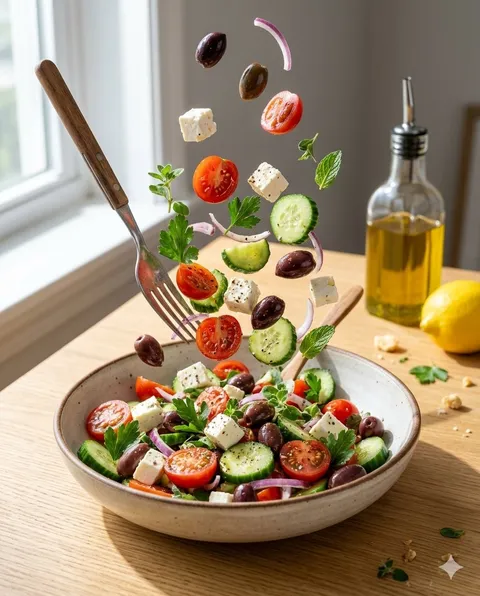
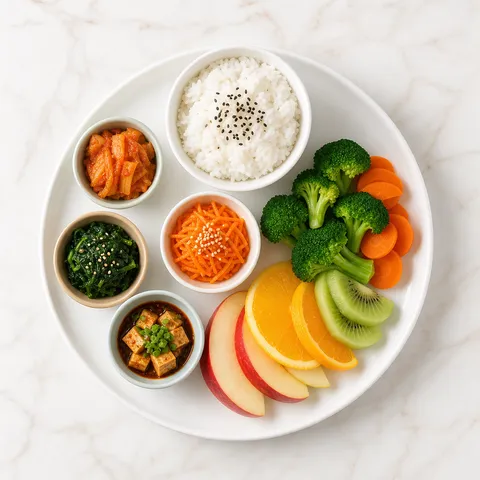
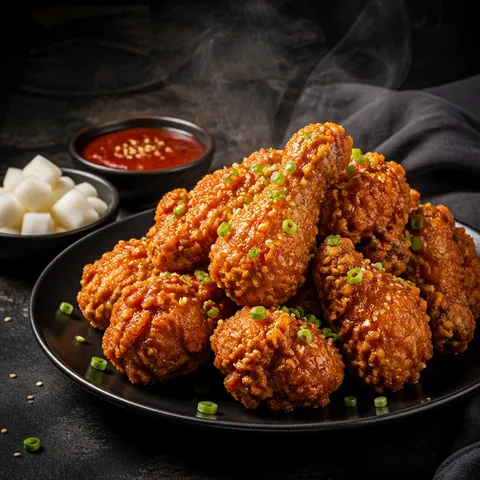
AI food photo prompts you can use right away to create dishes and menu shots. Quickly create dishes, drinks, desserts, and menu images.
2026.05.22
Make “Food Photo” exactly the way you wantCreate your own “Food Photo”
Just ask in plain language — Carat generates optimized images and videos for you.

Start now with 100 free credits daily
Crystal Citrus Cocktail
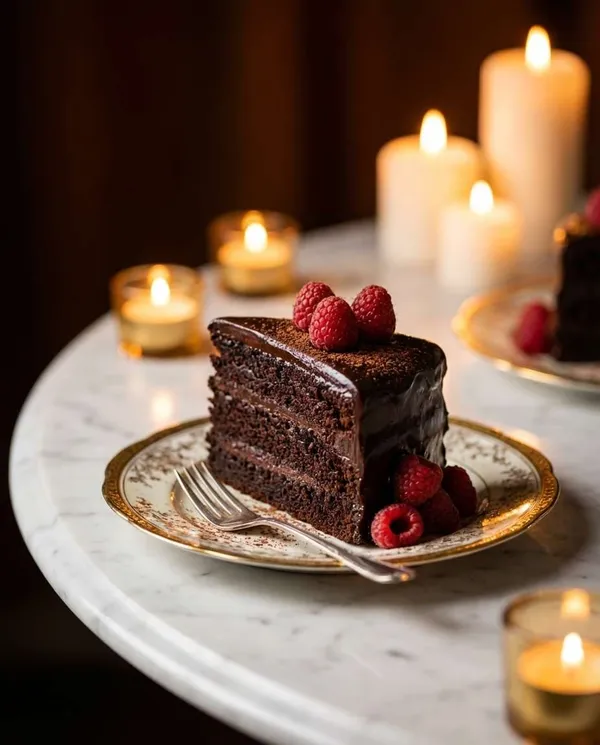
Vintage Chocolate Cake
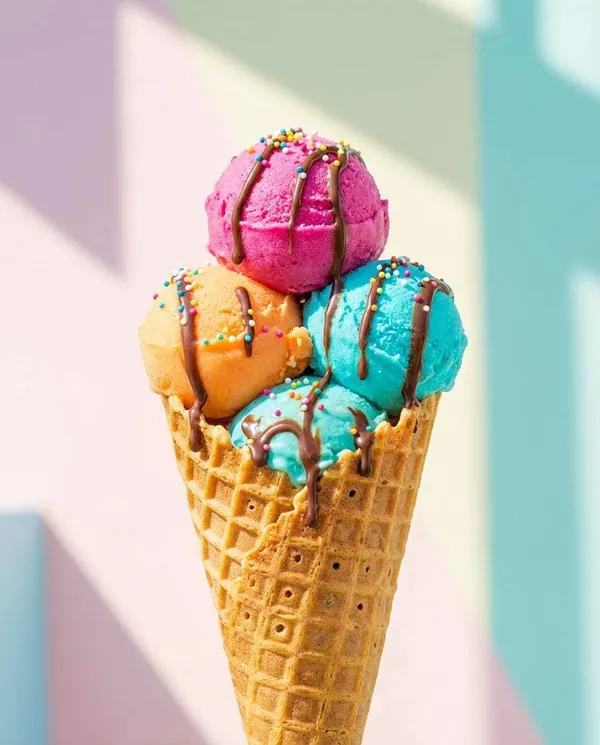
Pastel Gelato Cone
Neon Diner Cheeseburger
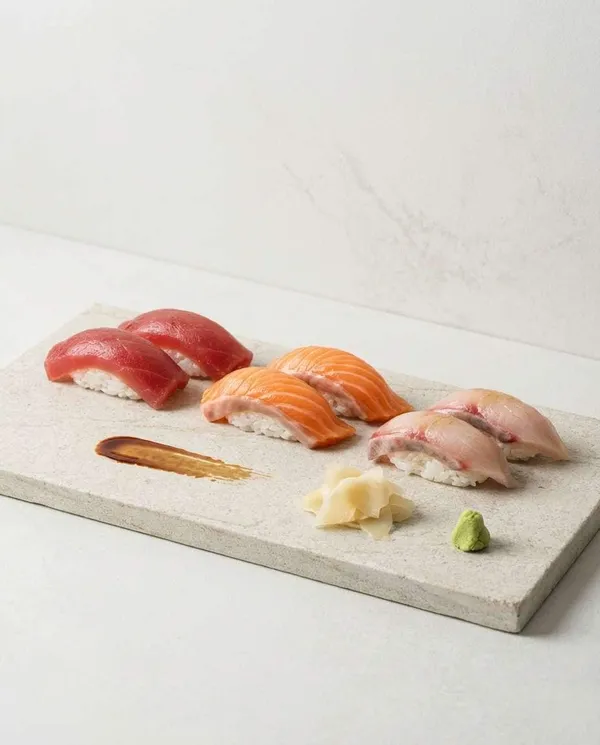
Steaming Ramen Bowl
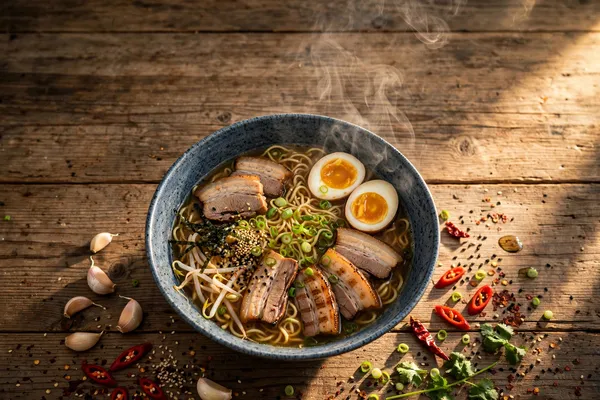
Premium Food Magazine Cover
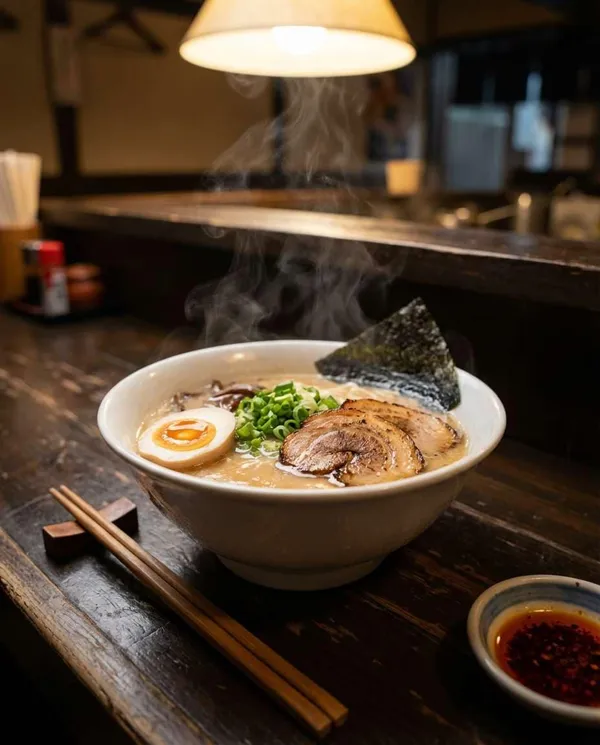
Steaming Tonkotsu Ramen Close-Up
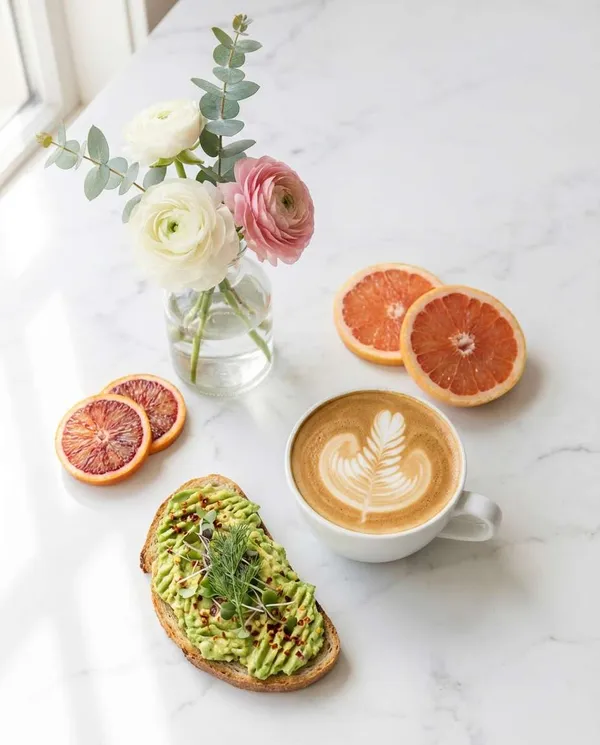
Cinematic Steak Plate
Late-Night Kitchen Animation Scene
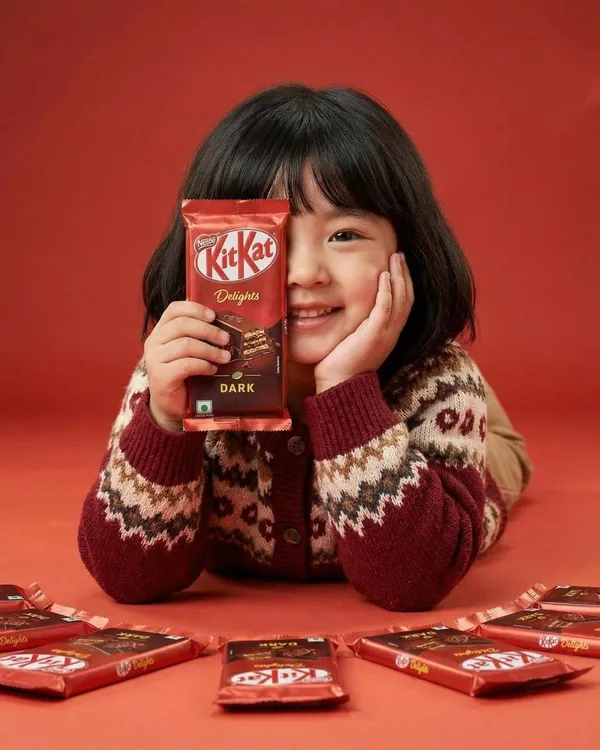
KitKat Food Ad
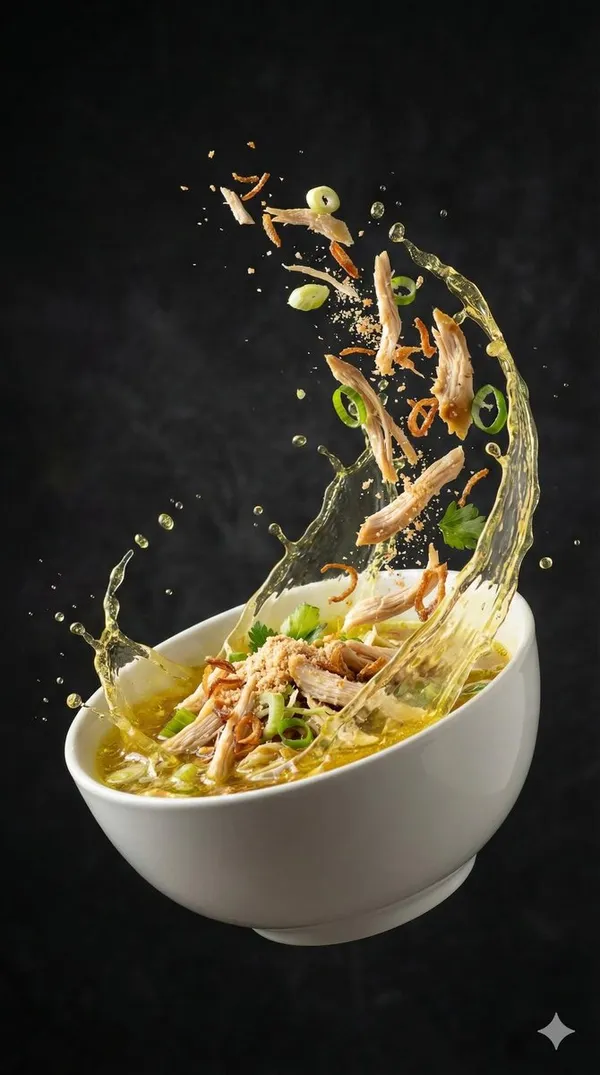
Seblak Food Twirl Motion
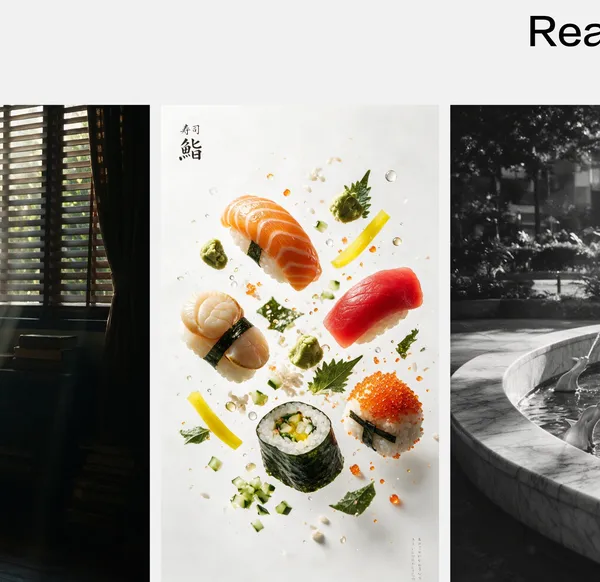
What Are Food Photo AI Prompts?
Food photo prompts are AI prompts for quickly shaping food images like dishes, drinks, and desserts. In Carat, you can generate food photos with models like Nano Banana Pro, then keep going with follow-up work such as editing the result, changing the aspect ratio, removing the background, or upscaling.
Where You'll Use It
- Menu and dish photos
- Café drinks and desserts
- Delivery and takeout menu images
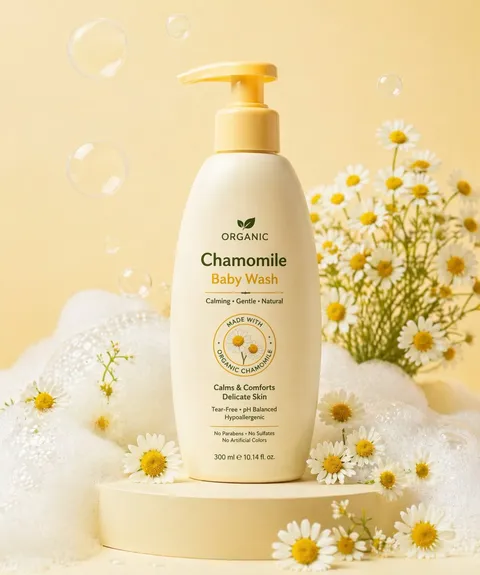
- Food visuals for ads
- Social food content
Why This Tag Is Useful
With food photos, the color, lighting, texture, and composition drive how appetizing the shot looks. Since the styling shifts depending on whether it's for a menu or an ad, starting from an example with a clear purpose and mood helps you find your direction quickly. When choosing a prompt, look first for examples that show the food, lighting, background, and composition together.
Tips for Building Your Prompt
- Decide the type of food, where it'll be used, and the aspect ratio first.
- Spell out the lighting, background, camera composition, and texture in detail.
- If needed, separate out the props, colors, and mood.
- After generating, check the realism of the food and any copyright elements.
In Carat, once you run a prompt you can refine from the result you like, or continue with follow-up work like changing the aspect ratio, removing the background, or upscaling.
Frequently Asked Questions
They're used to create food images like dishes, drinks, and desserts. They suit menu photos, ad visuals, and social food content.
Yes. Enter the prompt to generate an image, then continue refining it by changing the aspect ratio, removing the background, or upscaling.
Yes. Upload your photo and add lighting and background keywords to style it into an ad-ready visual.
Yes. Run an example prompt as-is, then just swap in the food, colors, background, and mood.
It's well suited to menus, delivery-app images, ad visuals, and social content. That said, take care that the image doesn't differ from the actual product.
For food photos where texture and color matter, Nano Banana Pro or GPT Image 2 family models work well.
In Carat you can change the lighting, background, ratio, or colors and regenerate.