Blueprint Sheet
Blueprint sheet AI prompts ready for product and package proposals. Quickly create professional industrial-design sheets with realistic 3D renderings and spec callouts.
2026.06.30
Fais « Blueprint Sheet » exactement comme tu veuxCrée ton propre « Blueprint Sheet »
Demande-le simplement — Carat génère pour toi des images et des vidéos optimisées.

Commence maintenant avec 100 crédits gratuits par jour
Product Technical Blueprint
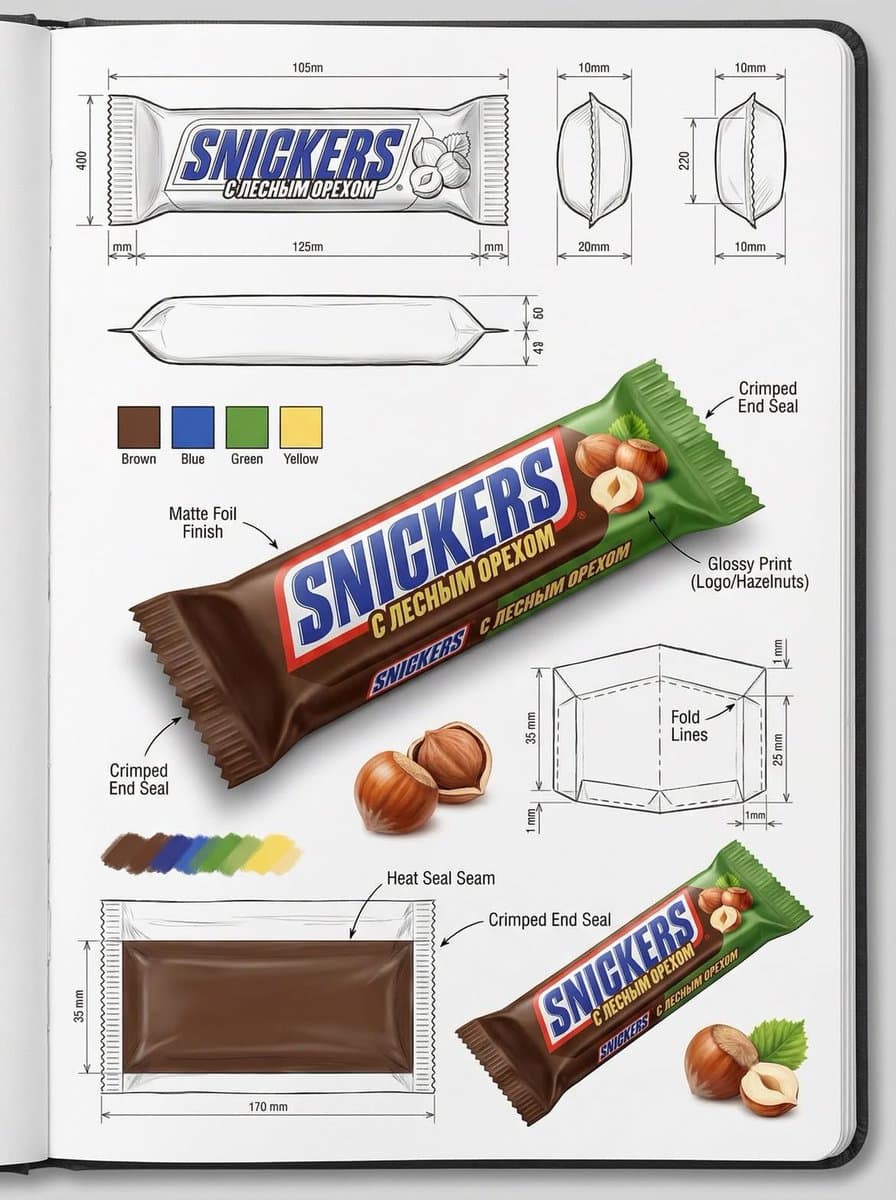
Packaging Design Spec Sheet
What Are Blueprint Sheet AI Prompts?
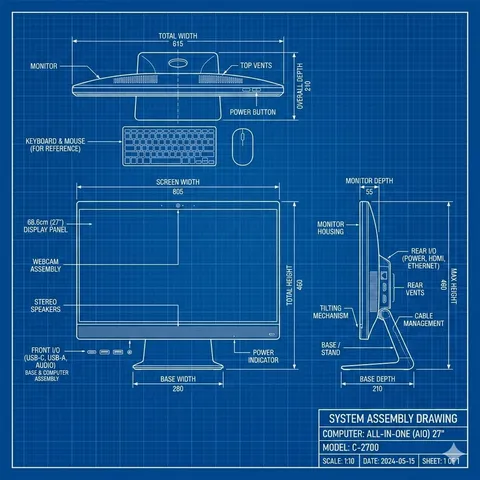
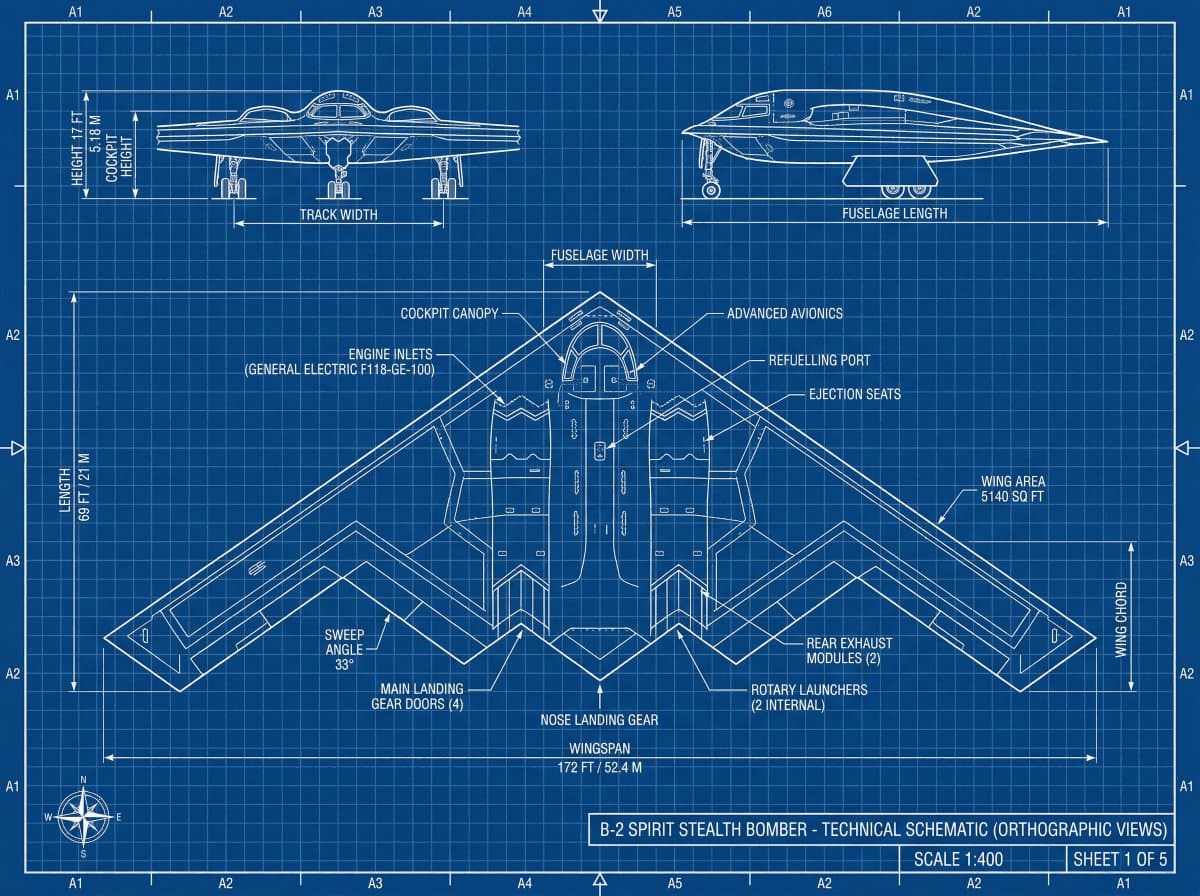
Blueprint sheet AI prompts turn a product or package into a single, polished sheet that looks like a real industrial-design proposal. A large, photoreal 3D rendering with realistic materials sits at the center, surrounded by dimension lines, structural notes, material callouts, and small detail shots — just like an official design-studio spec sheet. Feed a model like GPT Image 2 a reference image and a package type, and you get one cohesive sheet with consistent package shape, labels, and finish textures.
Where You'll Use It
- Design proposal sheets for new package and product pitches
- Industrial-design-style decks for presenting a product concept
- Professional product blueprints for crowdfunding and detail pages
- Package and product design sheet samples for a portfolio
- Spec sheets that present a brand's product lineup cleanly
Why This Tag Is Useful
A blueprint sheet makes a product read as a "properly engineered result" rather than a casual photo, which builds trust. Drawing a real sheet normally takes industrial-design knowledge and rendering tools, but a blueprint sheet prompt produces a professional-grade sheet from just one reference image and a product type. It's especially powerful for package planning, product launches, and funding pages where you need to signal that the product is thoughtfully designed.
More Prompts to Explore
Tips for Building Prompts
- Name the product type clearly. Specifics like "cosmetic tube," "beverage can," or "food box" keep the shape and proportions accurate.
- Separate the central 3D rendering from the surrounding callouts. Specifying "heroic 3D rendering in the center, dimensions and material notes around it" keeps the layout clean.
- Describe materials and finishes. Matte vs. glossy, metallic, or paper texture adds the realism that makes it look like an actual package.
- Use a reference image. Attaching a photo of the product you're designing keeps its shape and colors consistent as it's converted into a blueprint sheet.
Combine these elements and you can quickly produce a sheet that looks expert-made, ready for pitches, funding pages, or a portfolio.
Questions fréquentes
Copying and pasting the prompts is free. Generating the image directly in Carat is available as a paid feature after a free trial.
A model strong with text and fine detail, like GPT Image 2, works well. Adding a reference image keeps the product shape more accurate.
It's not required, but attaching a photo of the product you're designing keeps the shape, colors, and labels consistent and gives much better results.
State the product type clearly in the prompt — such as cosmetic tube, beverage can, or food box — and the sheet is built with matching shape and proportions.
Yes. Request spec elements like dimensions, materials, and structural notes around the central rendering, and it will look like a real industrial-design sheet.
A mockup is a photo-style visual of a finished product in a real setting, while a blueprint sheet is a design-proposal format with spec and structure callouts.
It's effective for product pitches, presentation decks, crowdfunding and detail pages, and design portfolios — anywhere you need to show a product is properly engineered.