Brunch Cafe Photo
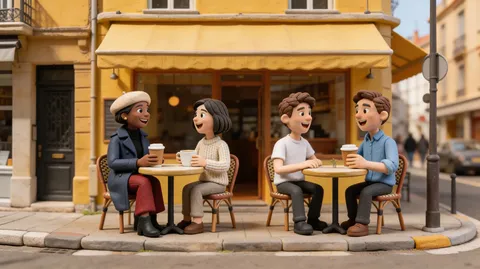
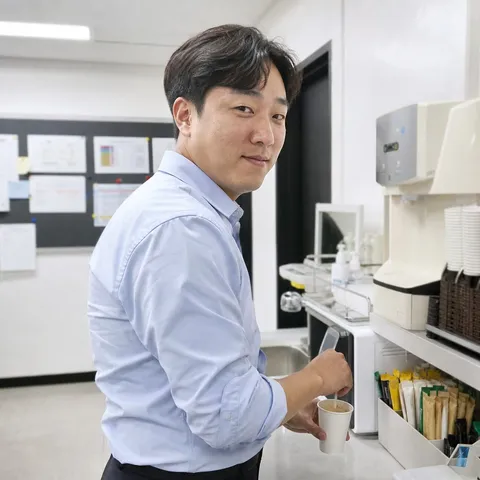
Brunch cafe photo AI prompts for natural, Instagram-ready cafe snapshots. Quickly create candid daylight brunch table shots with friends.
2026.06.30
Fais « Brunch Cafe Photo » exactement comme tu veuxCrée ton propre « Brunch Cafe Photo »
Demande-le simplement — Carat génère pour toi des images et des vidéos optimisées.

Commence maintenant avec 100 crédits gratuits par jour
Brunch Cafe with a Friend
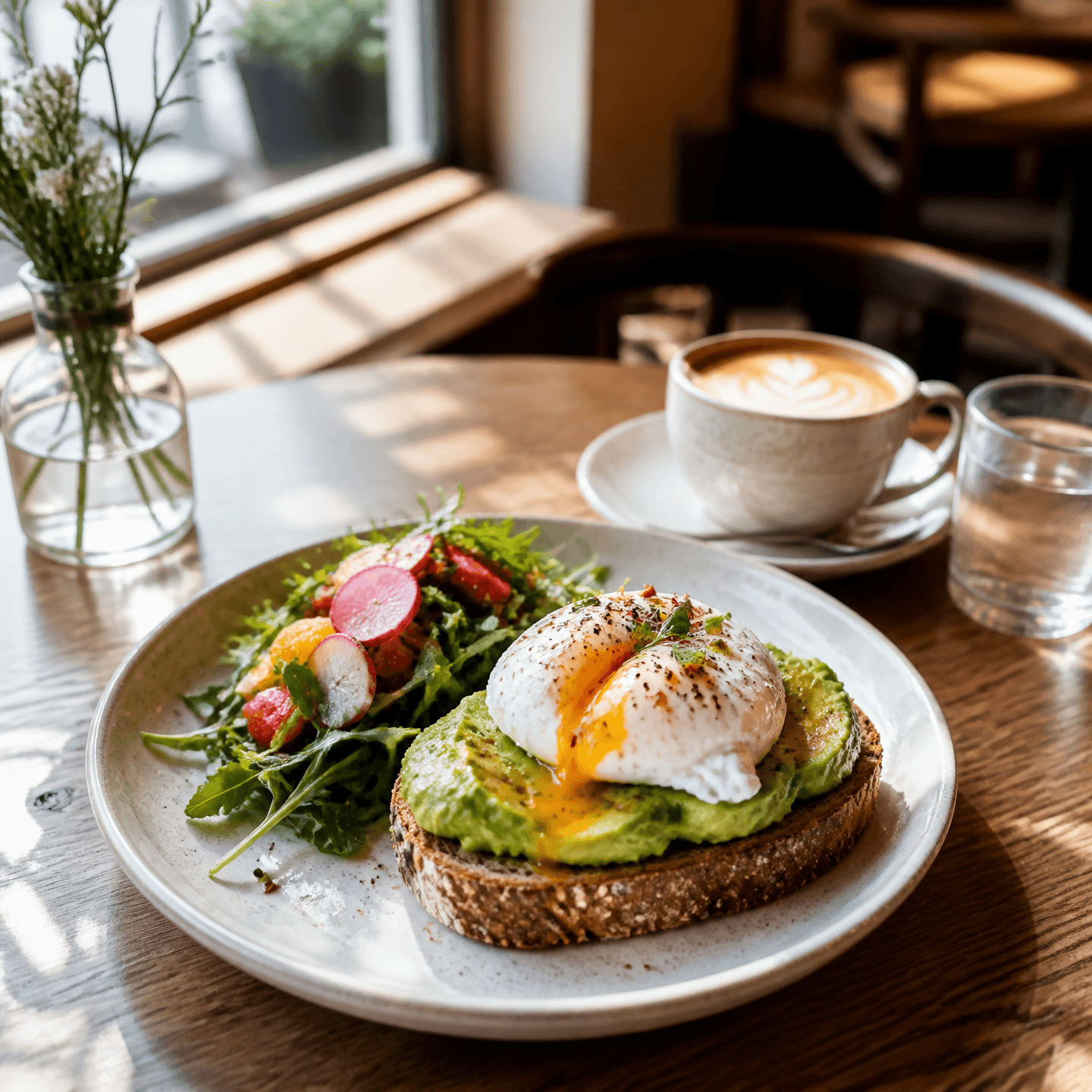
Brunch Cafe Photo
What Are Brunch Cafe Photo AI Prompts?
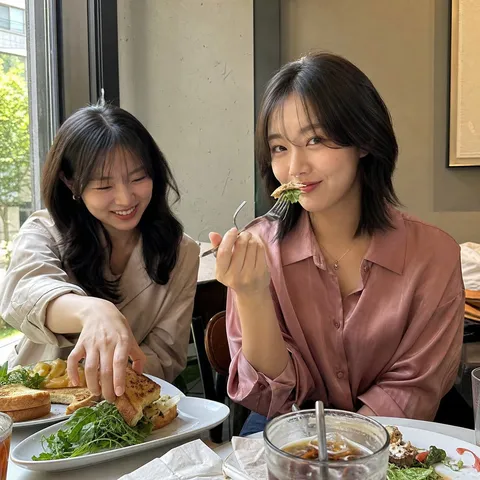
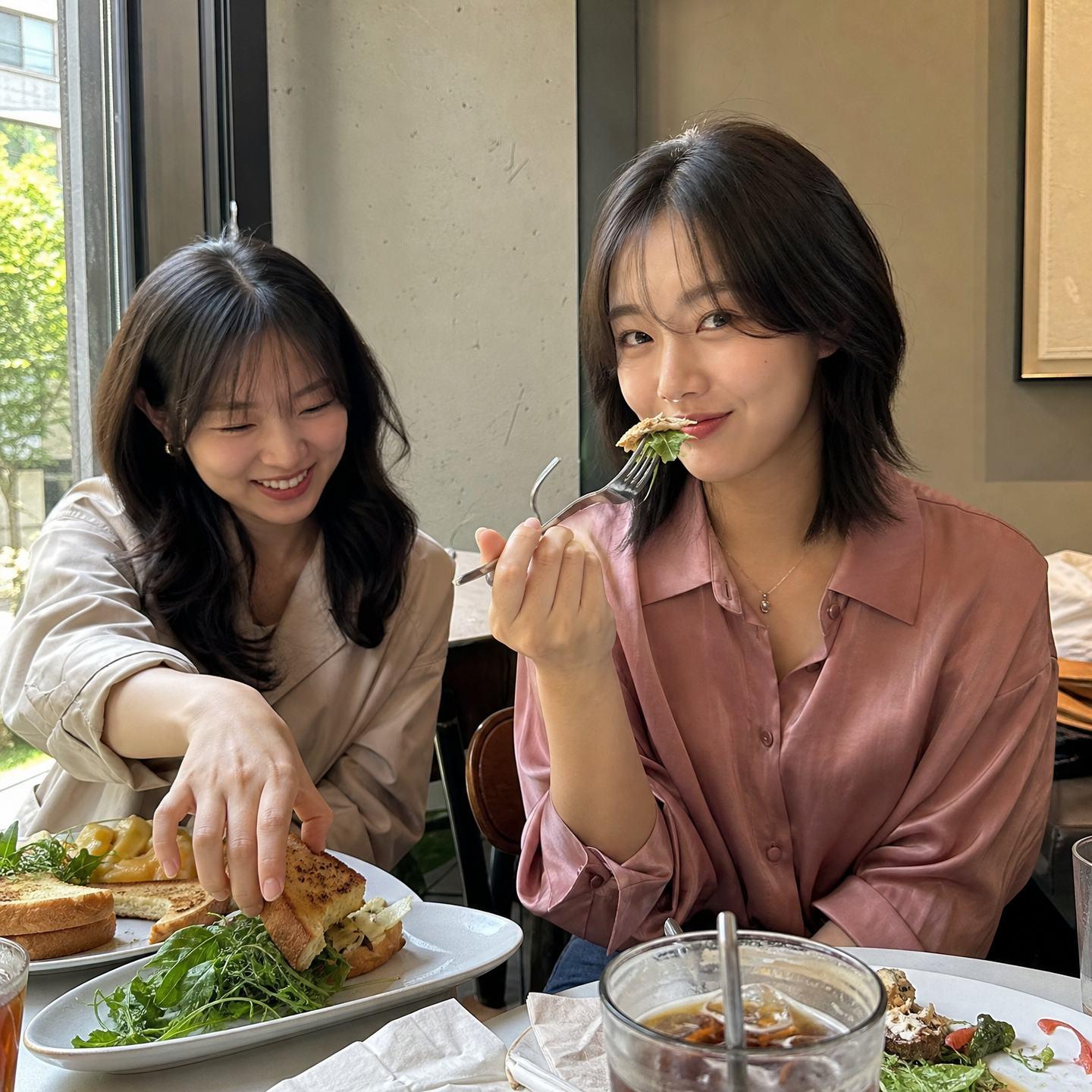
Brunch cafe photo AI prompts turn a sunny cafe table scene into a natural, candid snapshot that looks like it was casually taken on an iPhone. By specifying details such as a square 1:1 ratio, bright but believable cafe daylight, and balanced contrast, you get the everyday feel of a real photo posted to social media. When you provide a person photo as input, you can keep the subject's facial identity while placing them in a brunch cafe setting, so you can get natural shots even from a cafe you've never visited.
Where You'll Use It
- Candid brunch cafe table shots with a friend
- Everyday cafe snaps with soft window daylight
- Food-forward frames featuring coffee and a brunch plate
- Square 1:1 daily photos ready for an Instagram feed
- Casual fashion snaps showing off a date or cafe outfit
Why This Tag Is Useful
Aesthetic cafe photos fall apart when the lighting, framing, or color is even slightly off, and a well-built prompt handles all of those variables at once. Instead of hunting for the right cafe or the perfect photogenic seat, you simply describe the natural daylight tone, table setup, and square frame in text to get a result that feels like a genuine everyday snapshot. Basing it on a person photo lets you keep your own or a friend's face while freely composing the brunch mood you want, which is especially efficient when you need to fill a social feed or refresh a profile photo quickly.
Related Prompts
Prompt Tips
- Set the framing first. Stating the ratio and camera tone, like "square 1:1" and "clean realistic iPhone photo," brings out that everyday snapshot feel.
- Describe the lighting specifically. Phrases like "bright but believable cafe daylight" and "natural color" specify soft daylight and realistic tones to avoid an over-edited look.
- Add scene elements. Props and backgrounds such as a brunch plate, coffee cup, small table, or a window make the cafe atmosphere read clearly.
- Lock the subject's identity. When using a person photo as input, instruct the model to keep the face shape, expression, and hairstyle so the result looks like you.
Combine these elements to easily produce a natural brunch cafe photo that looks like you actually went there. Models like GPT Image 2 are strong at natural light and fine detail, so give them plenty of tone and framing direction.
Questions fréquentes
The prompt text is free to copy and use however you like. Generating images directly in Carat is available on a paid basis after a trial.
Prompts for this tag are based on results made with GPT Image 2, which is strong at natural lighting and fine detail. They can also be adapted to a similar tone on other image models.
Yes. Provide a person photo as input and instruct the model to keep the face shape, expression, and hairstyle to create a cafe shot that preserves your or a friend's identity.
It's because the prompts specify a smartphone everyday tone with phrases like "clean realistic iPhone photo" and "natural color." Using cafe daylight instead of harsh studio lighting is the key.
A square 1:1 ratio sits cleanly in an Instagram feed without cropping. Adding "square 1:1" to the prompt generates the image as a square from the start.
Yes. By writing the number of people and the pose in the prompt, you can freely switch between a solo shot, two friends, a group, and more.
Just write the mood you want directly into the prompt, such as a window seat, terrace, wood interior, or white tone. Adjusting the lighting and color keywords together also lets you convey a seasonal feel.