Company History Infographic
Create a visual company timeline that explains founding, milestones, launches, and growth in a clear brand-led layout.
2026.07.17
Fais « Company History Infographic » exactement comme tu veuxCrée ton propre « Company History Infographic »
Demande-le simplement — Carat génère pour toi des images et des vidéos optimisées.

Commence maintenant avec 100 crédits gratuits par jour
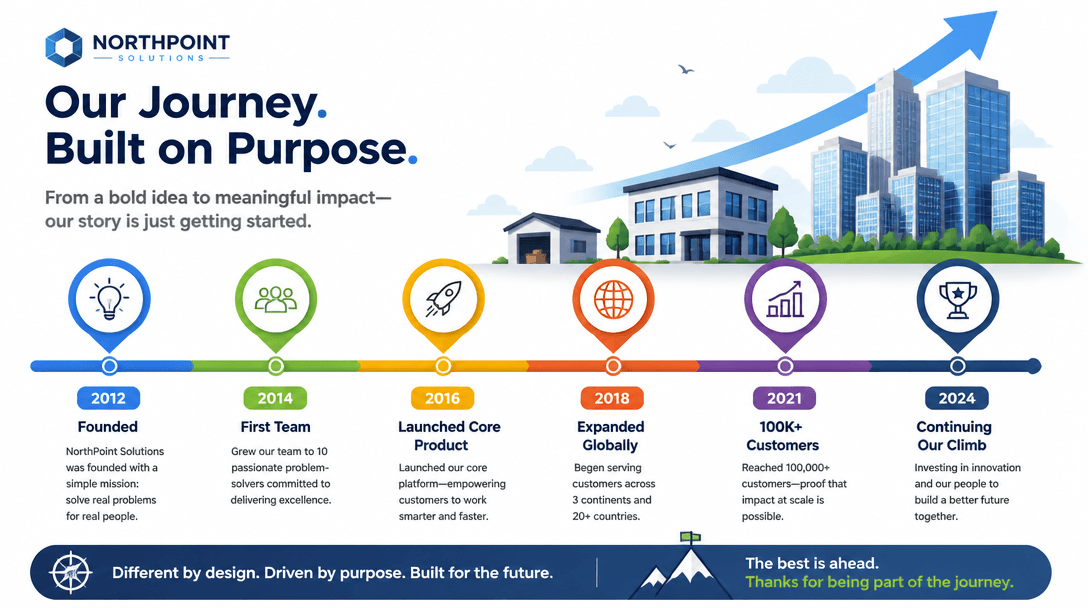
Company History Infographic
What are company history infographic prompts?
Company history infographic prompts turn a long corporate story into a timeline that can be understood at a glance. They can organize founding, product launches, market expansion, funding, awards, acquisitions, or rebranding into dated milestones. Include the industry, brand tone, start year, current year, milestone descriptions, colors, logo guidance, and publishing format. When the timeline represents a real company, provide accurate source facts and review every date and proper noun in the final image before sharing it.
Where to use them
- About pages and brand story sections
- Investor decks and partner proposals
- Recruitment pages that explain organizational growth
- Anniversary and rebranding campaigns
- Booth graphics, brochures, and internal events
Building a readable timeline
A timeline becomes clearer when it focuses on turning points rather than listing every event. Select four to eight milestones, set the full date range, and keep each explanation short. Horizontal timelines fit slides and web banners, while vertical timelines work well for mobile pages and posters. Make years visually prominent, separate different event types with restrained icons or color cues, and leave enough space between markers so labels remain legible.
Related prompts
Prompt tips
- State the founding year and the current reference year.
- List each milestone with a date and a concise event description.
- Define brand colors and whether a logo should be referenced.
- Choose the aspect ratio for slides, web, mobile, or print.
- Compare dates, names, and figures with official records after generation.
Trust matters more than decoration in a corporate timeline. Keep confidential investment terms and personal data out of prompts, and maintain separate internal and public versions of the content.
Questions fréquentes
Include turning points such as founding, product launches, expansion, funding, awards, and rebranding that explain the company’s growth.
Four to eight milestones usually provide a readable narrative. Prioritize events that explain strategic growth rather than every minor update.
You can copy and adapt the prompts. Actual image generation follows the credit policy of the service you use.
Horizontal layouts suit slides and banners, while vertical layouts are convenient for mobile pages and posters.
If the image system accepts references, you can provide the logo as a guide. Review the result against brand guidelines afterward.
Compare the generated timeline with an official history document and separately check every year, name, and number.
Only use information approved for the destination. Remove confidential terms, personal data, and non-public agreements before using an external image service.