Dessert Photo
AI prompts that turn cakes, ice cream, and pancakes into polished dessert photos ready for your menu and social feed.
2026.07.01
Fais « Dessert Photo » exactement comme tu veuxCrée ton propre « Dessert Photo »
Demande-le simplement — Carat génère pour toi des images et des vidéos optimisées.

Commence maintenant avec 100 crédits gratuits par jour
Crystal Citrus Cocktail
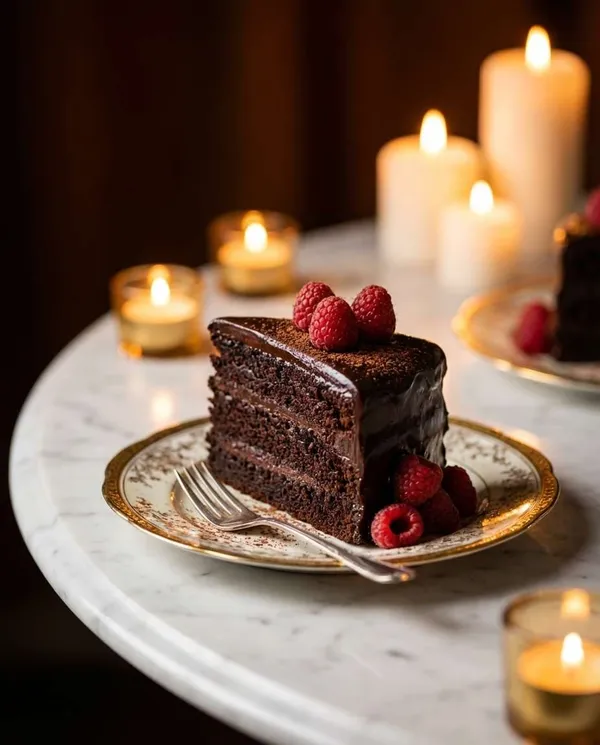
Vintage Chocolate Cake
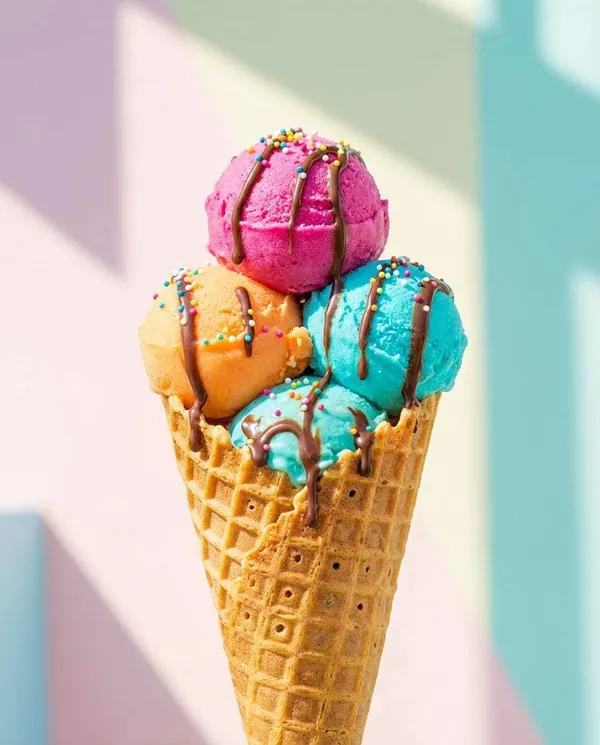
Pastel Gelato Cone
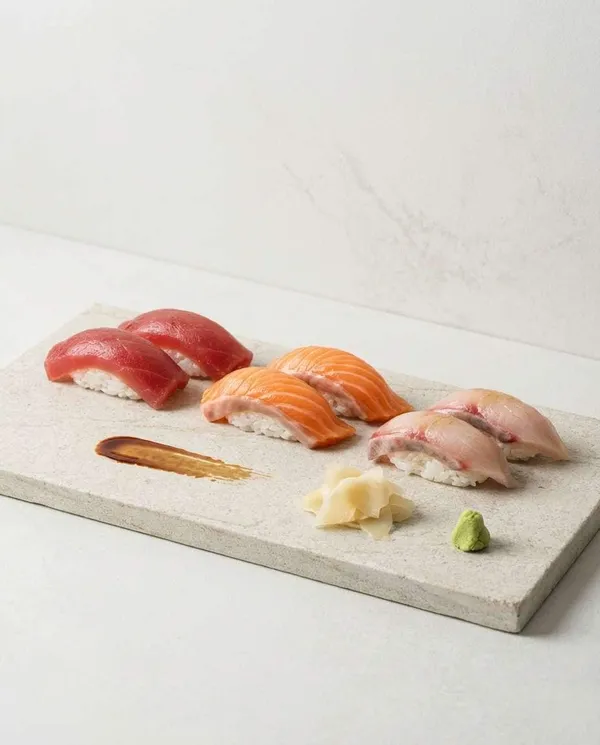
Neon Diner Cheeseburger
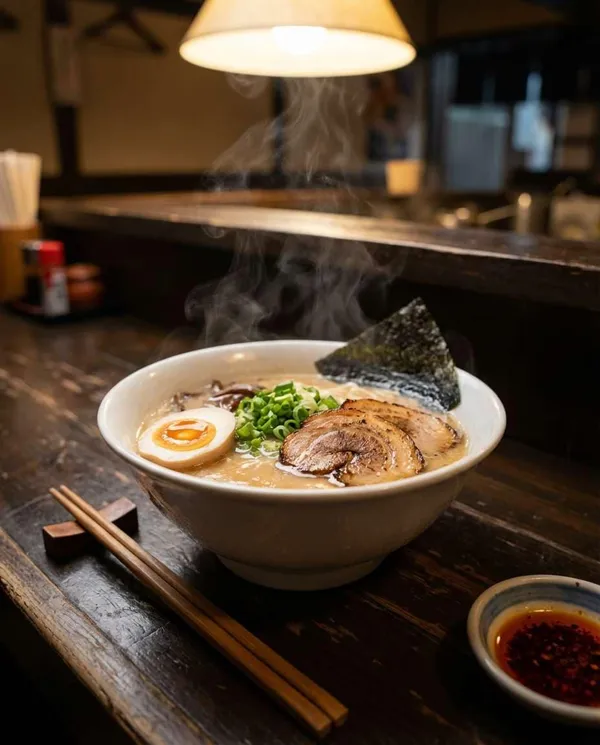
Steaming Ramen Bowl
Steaming Tonkotsu Ramen Close-Up
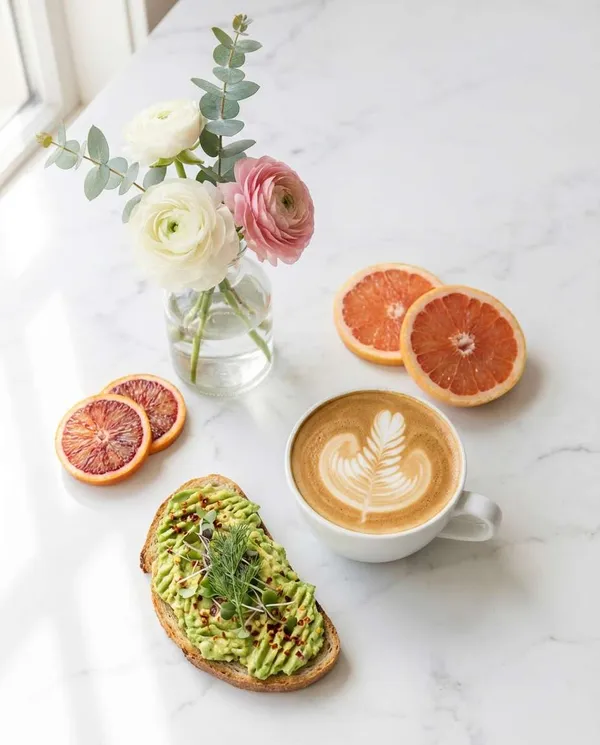
Cinematic Steak Plate
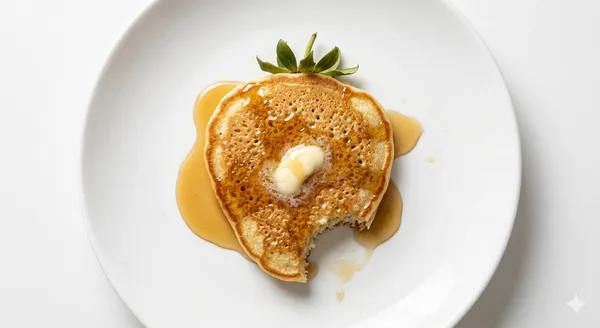
Strawberry-Shaped Pancake Food Photography
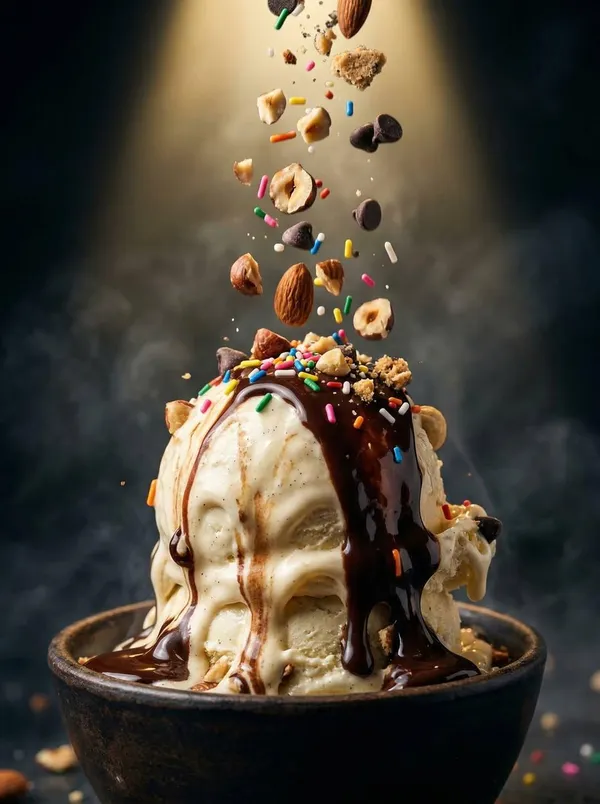
Ice Cream Food Photography
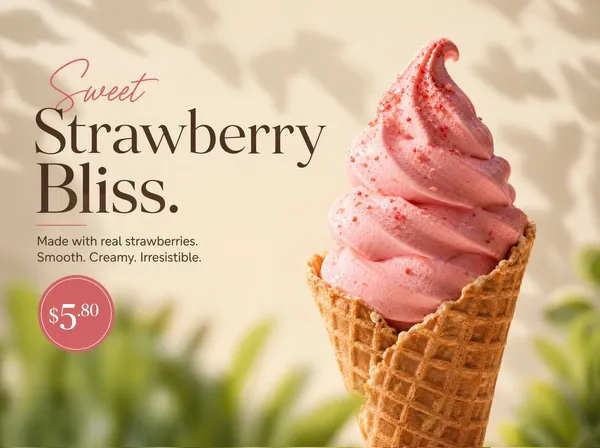
Ultra-realistic Product Photography of a Rich Strawberry Soft-serve Ice Cream in a Crispy
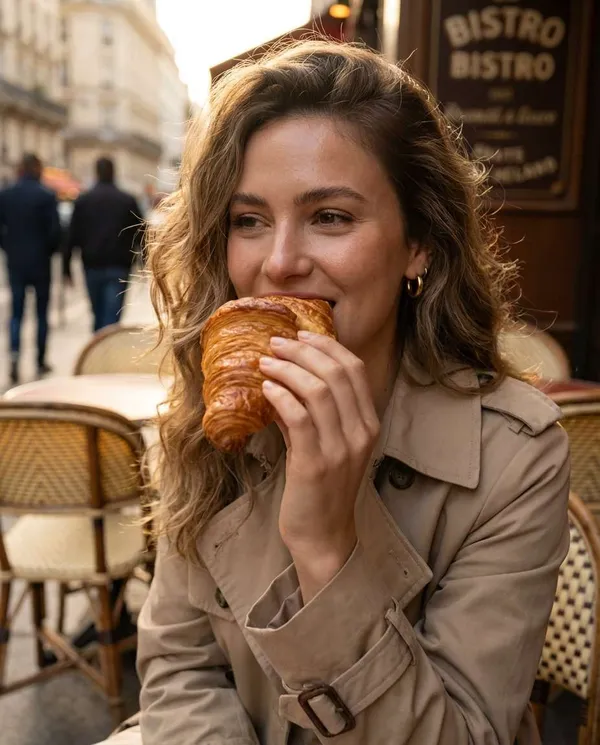
Butter Croissant Bite Close-Up
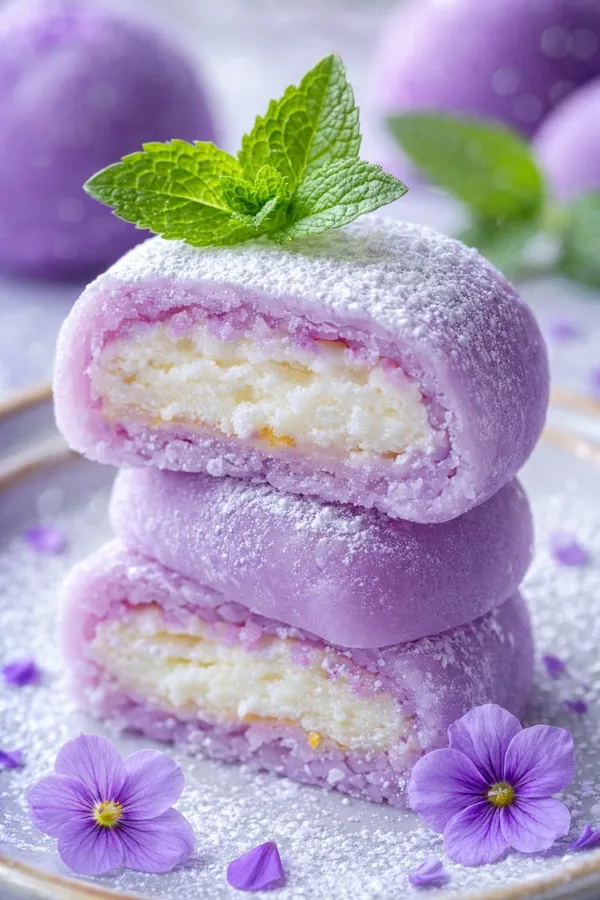
Matcha Cheesecake Food Photo
What Are Dessert Photo AI Prompts?
Dessert photo AI prompts are instructions that turn cakes, ice cream, pancakes, and cheesecakes into high-quality food photography that looks studio-shot. By describing the lighting, background, composition, and texture in plain text, models like GPT Image 2, Nano Banana Pro, and Nano Banana 2 render the gloss of cream, the crumb of a freshly baked surface, and dripping chocolate sauce with photorealistic detail. Cafe and bakery owners can quickly produce images for menus, Instagram feeds, and online stores without camera gear or a studio.
Where You'll Use It
- Dessert photos for cafe and bakery Instagram and social feeds
- Hero dessert images for print and digital menus
- Product images for delivery apps and online stores
- Promotional visuals for new-menu launches and seasonal campaigns
- Mood-board and ad-ready food shots for your brand
Why This Tag Is Useful
Desserts are all about fleeting details -- the smoothness of cream, the layered cross-section of a cake, the moment ice cream begins to melt -- and capturing them in a real shoot is both difficult and expensive. The prompts in this tag recreate studio lighting, shallow depth of field, pastel backgrounds, and clean styling through text alone, so you get ad-quality dessert shots without pricey equipment or a professional photographer. You can generate results for specific menu items like strawberry soft-serve, matcha cheesecake, or pancakes, which fits the demand from cafe and bakery social feeds and menus perfectly.
See Related Prompts
Prompt Building Tips
- Name the dessert clearly first. Specifying the exact item, such as "strawberry soft-serve" or "matcha cheesecake," gets you closer to the result you want.
- Describe texture and state. Cues like glossy cream, air bubbles on a freshly baked surface, and dripping sauce dramatically boost realism.
- Set the lighting and background. Soft natural light with a pastel background reads as cozy cafe style, while dark studio lighting suits a premium, moody look.
- Add a composition that fits the use. For menu and product images, keep the item centered with a front or top-down angle, and state that no text or watermark should appear for a clean result.
The more specific you are about the mood and menu item, the more usable your dessert photo will be. Combine the tips above to craft a prompt that matches your shop's aesthetic.
Questions fréquentes
Copying and pasting the prompts is free. Credits from the AI model are only used when you actually generate an image from the copied prompt.
GPT Image 2, Nano Banana Pro, and Nano Banana 2 all work well for dessert food photos. Choose Nano Banana Pro when fine textures like glossy cream or dripping sauce matter most, and Nano Banana 2 when you want fast, clean results.
Yes. Keep the item centered with a front or top-down angle and specify a clean background, and the image works right away as a hero shot for menus, delivery apps, and online stores.
Yes. Attach your photo and ask the model to keep the color and shape while changing only the background, lighting, and styling. It builds a more polished product shot from your real dessert.
Yes. Fleeting details like a cake's layered cross-section, dripping chocolate sauce, or toppings frozen mid-air are reproduced realistically when you describe them in the prompt.
Soft natural light with a pastel background gives a bright, charming cafe feel, while dark studio lighting and a rich background suit a premium brand mood. Pick the one that matches your shop's tone.
If you add "no text or watermark" to the prompt, you get a clean image without lettering. We recommend including this line for product and menu images.