Picket Sign Design
Generate picket sign design prompts with AI. Create protest signs, cheering placards, and campaign banners for rallies, events, and content creation.
2026.07.09
Fai «Picket Sign Design» esattamente come lo vuoiCrea il tuo «Picket Sign Design»
Chiedilo con parole tue: Carat genera per te immagini e video ottimizzati.

Inizia subito con 100 crediti gratis al giorno
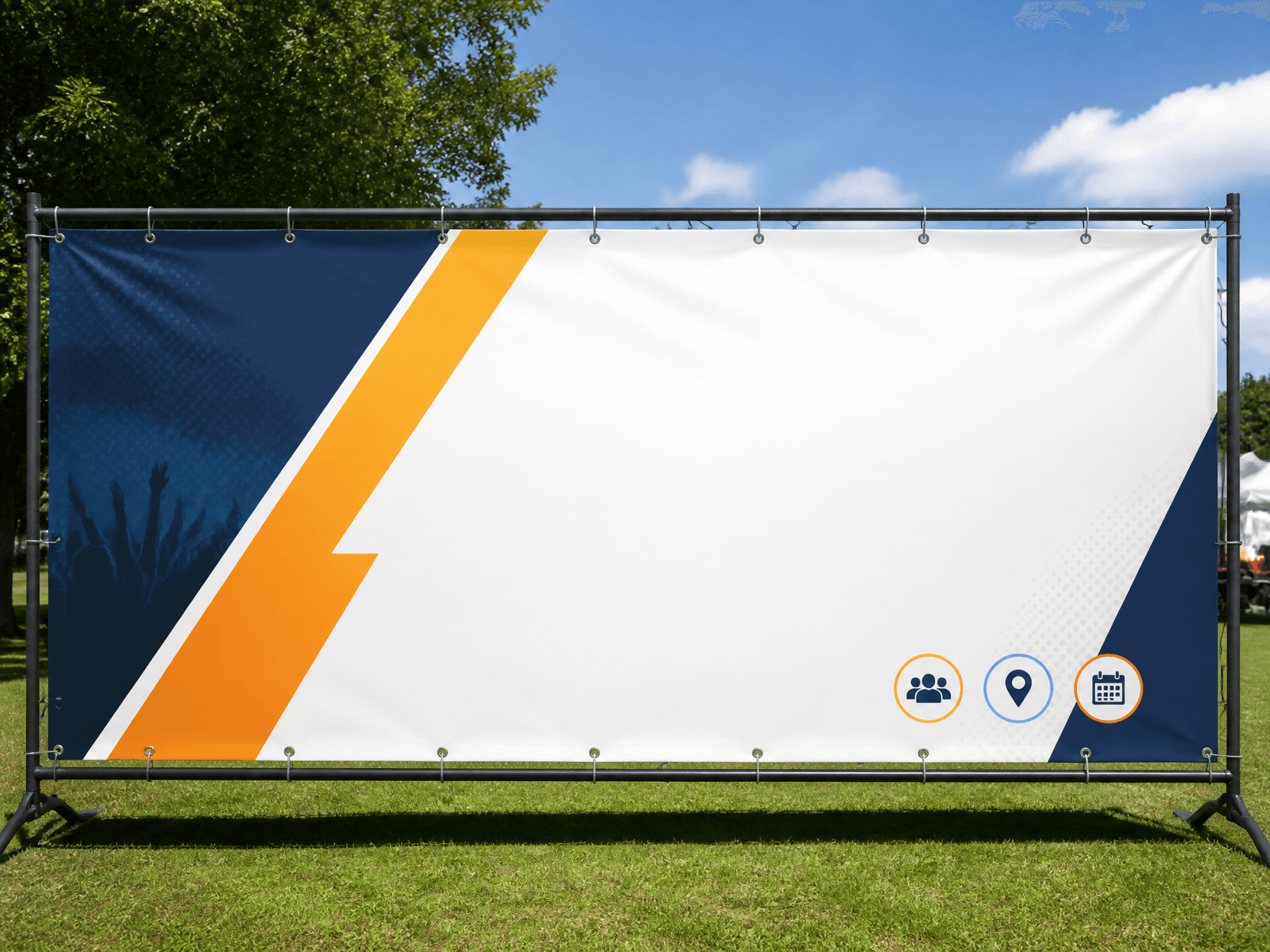
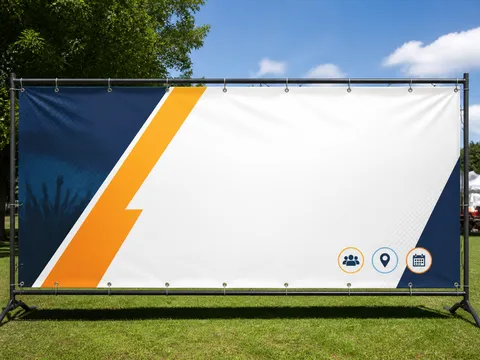
Banner Design Example 3
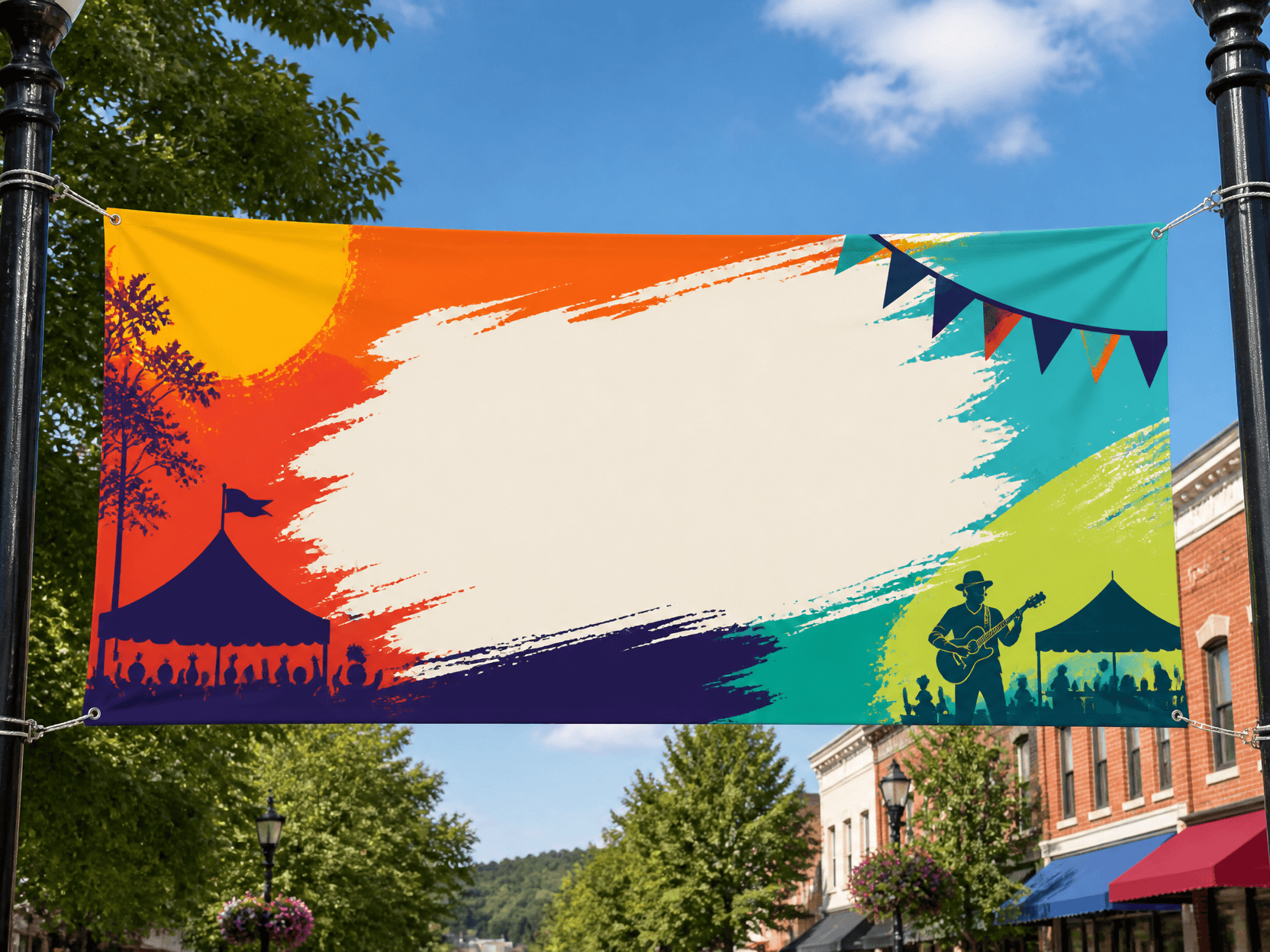
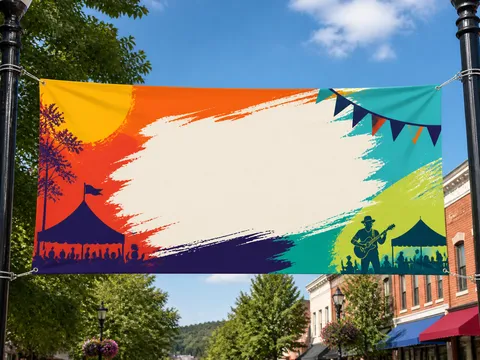
Banner Design Example 1
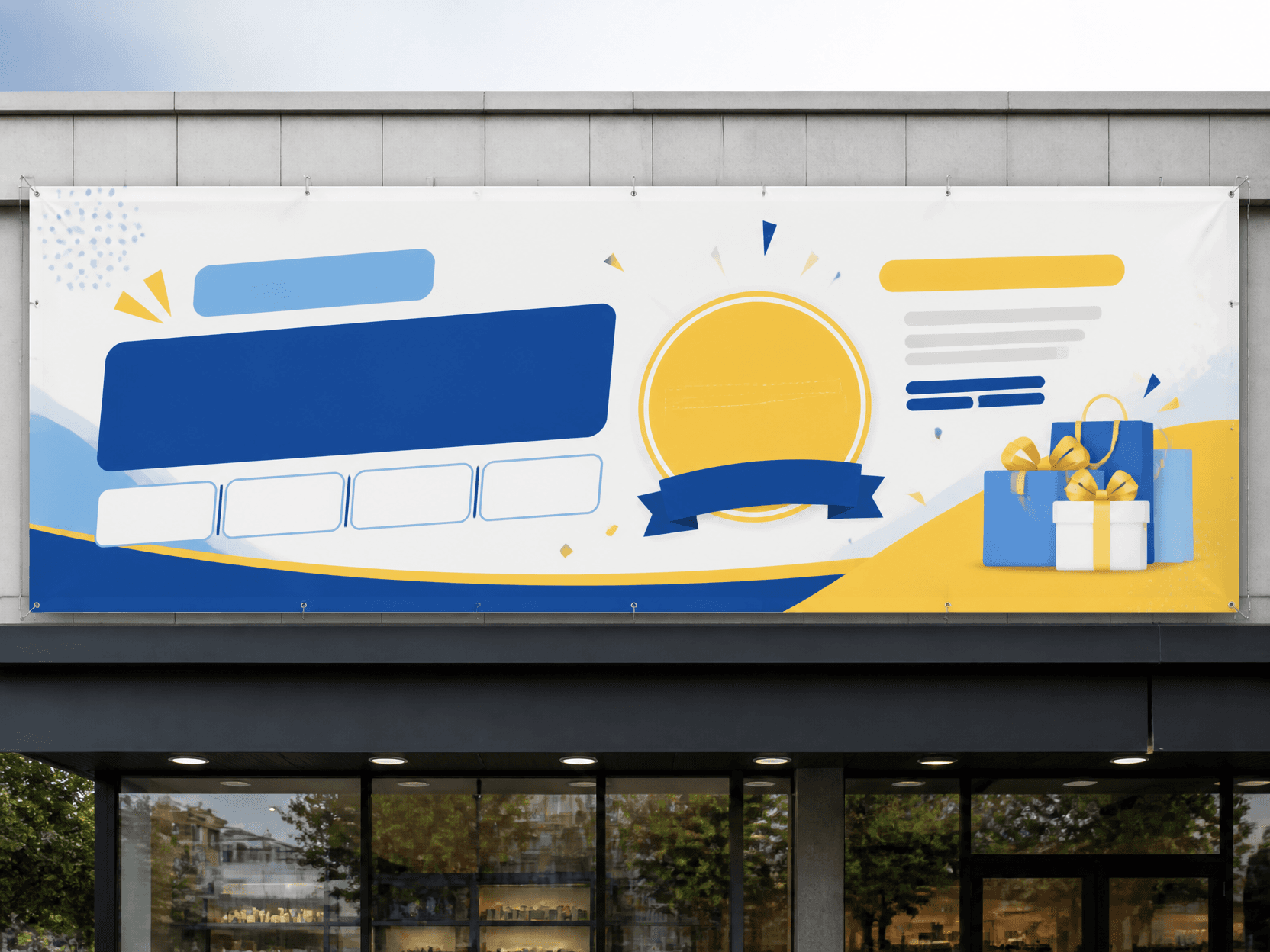
Banner Design Example 2
What is a Picket Sign Design?
A picket sign design is a hand-held banner design used in protests, rallies, cheering events, and campaigns. Known by various names such as picket, placard, and protest sign, it serves to deliver messages and capture attention. With AI generation, you can quickly produce picket designs in various styles, making them widely useful for protest organizers, campaign planners, and content creators.
Main Use Cases
- Protest and rally banner design
- Cheering and support picket creation
- Campaign and movement promotional materials
- Social media and content creation materials
- Event and festival picket design
Why This Tag Is Useful
Picket signs are the most direct tool for visually delivering messages. In protests and campaigns, eye-catching pickets directly impact message delivery and virality. AI generation lets you quickly test various styles (handwriting, typography, illustration), making it extremely useful in the early concept phase. Without a designer, you can create impactful picket designs, saving significant cost and time.
Related Prompts
Prompt Writing Tips
- Specify the picket style. Handwriting, typography, or illustration reproduces the accurate atmosphere.
- Define the message. Cheering, protest, or campaign slogans create purpose-driven pickets.
- Set the colors. Vivid colors, pastel tones, or monochrome produce the desired impact.
- Specify the background for a scene ready to use in your content.
Getting started is easy. Browse the curated prompts on this page, select one that matches your project, and customize the style, message, and colors. Generate at the aspect ratio you need, whether square for social media or vertical for event displays. You can iterate quickly, testing different styles until the picket design captures the right level of impact and message clarity. Many campaign planners generate multiple variations to find the ideal balance of style, message, and visual impact. The best approach is to start with a clear message concept, be specific about the style and color palette, and refine based on the results. For a cohesive campaign series, maintain visual consistency by using the same style and color palette across all picket signs. This creates a unified visual language that strengthens your message and engages your audience across all platforms and viewing contexts, from protest rallies and campaign events to social media posts and promotional content.