carat

프롬프트 갤러리

/

블로그

로그인
회원가입

블로그

블로그 프롬프트. 캐럿에서 제공하는 블로그 이미지 생성 프롬프트를 복사해 바로 사용해보세요.

2026.08.13

·
GPT 이미지 2로 생성한 앱 브랜딩 그라데이션 일러스트

앱 브랜딩 그라데이션 일러스트

GPT 이미지 2· 이미지
Soft gradient illustration of [SUBJECT], smooth geometric forms, muted color palette, white minimal background, modern app branding style, premium digital art aesthetic.
@aleenaamiir
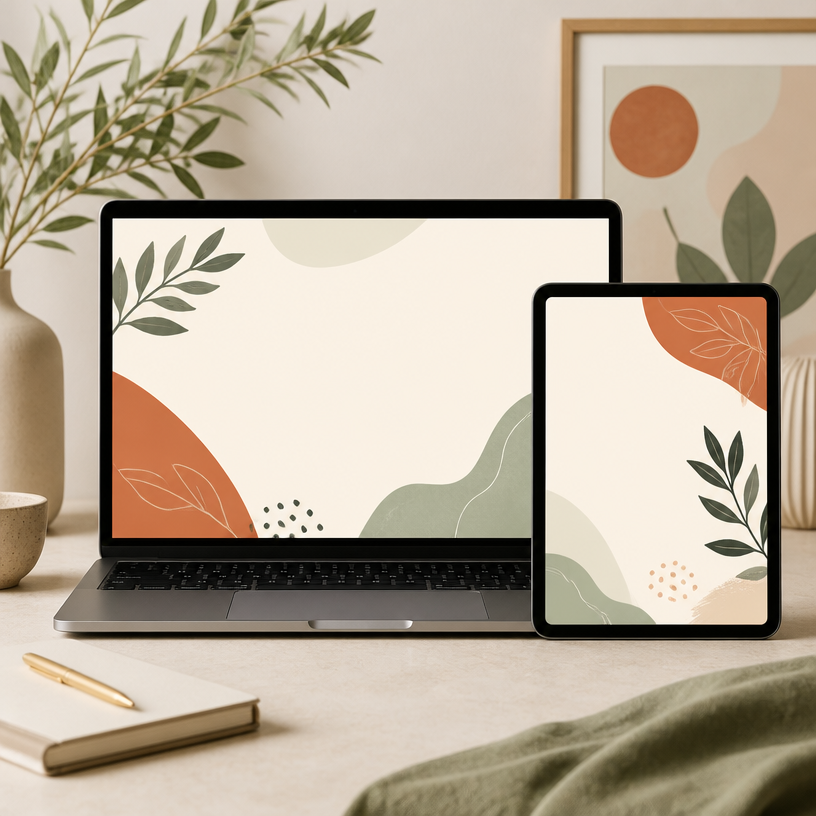
GPT 이미지 2로 생성한 블로그 커버

블로그 커버

GPT 이미지 2· 이미지
Square editorial mockup of a modern blog cover image on a laptop and tablet, clean lifestyle content layout with abstract botanical shapes, warm cream, sage and terracotta palette, generous blank space for a headline, polished content marketing aesthetic, no readable text, no logos, no watermark.
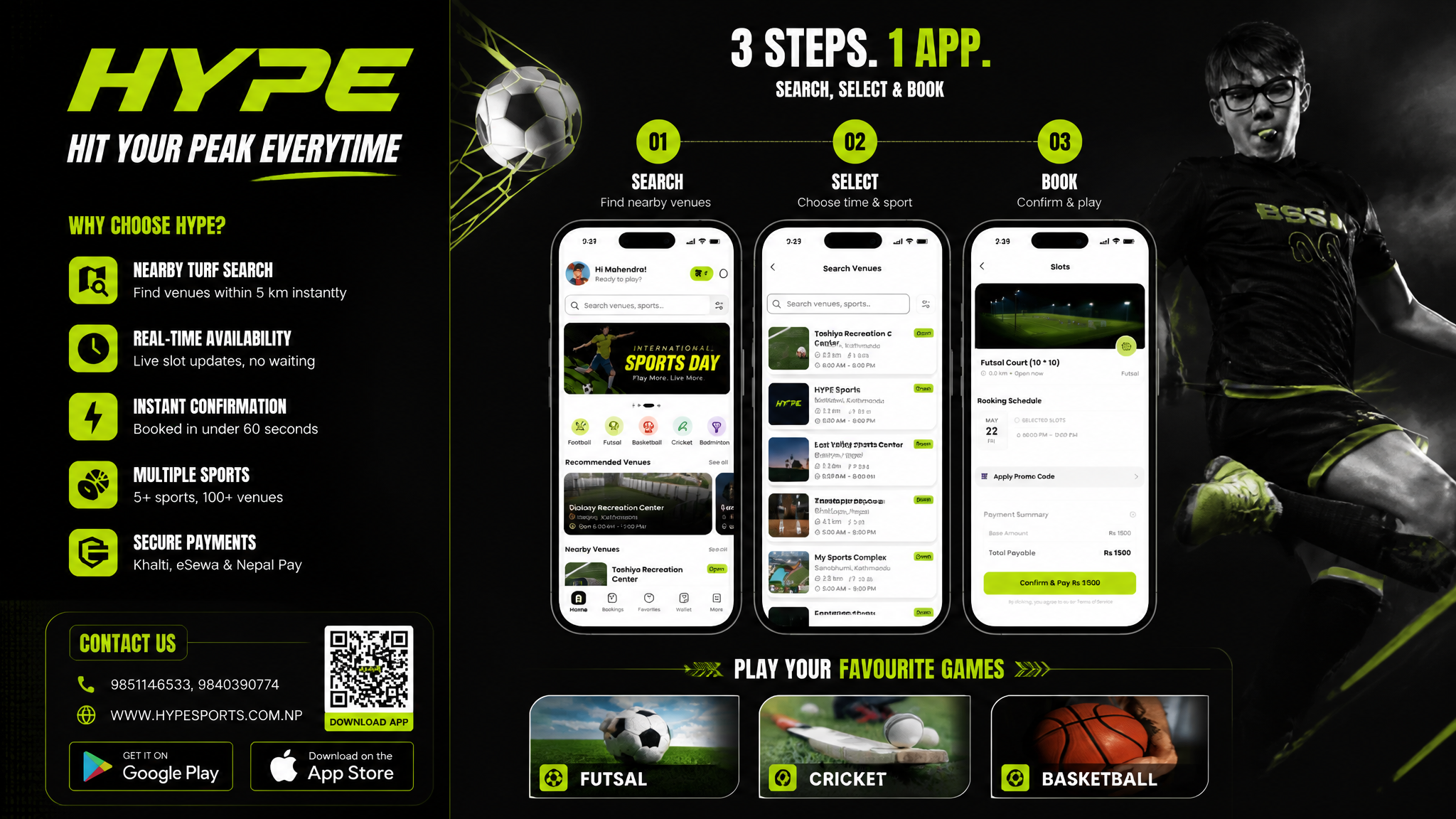
GPT 이미지 2로 생성한 스포츠 예약앱 플렉스 배너

스포츠 예약앱 플렉스 배너

GPT 이미지 2· 이미지
Based on the given layout Recommended Layout Structure (3ft × 5ft) horizontal flex banner. Overall Grid Use a 2-column layout:Left Column → Branding + Benefits + ContactRight Column → App Flow + Sports Icons Visual Hierarchy LEFT SIDE (40%)Logo Area Top-left large rectangle.Height: ~28%Keep lots of whitespaceUse bold premium typographyAdd tagline if needed Example:HYPE Book Your Sport Instantly Benefits Box Middle-left large box. Use 3–5 short benefit points:✓ Easy Booking ✓ Nearby Turf Search ✓ Instant Confirmation ✓ Multiple Sports Use icons beside each point. 3. Contact Strip Bottom-left horizontal strip. Include:PhoneWebsiteQR code (optional) Example:Call: +91 XXXXX XXXXX www.hypeplay.com RIGHT SIDE (60%) Mobile Screens Section Instead of plain rectangles, show actual mobile mockups. Use 3 phone cards: Screen 1 — SearchTurf listingMapSearch bar Screen 2 — SelectVenue detailsTime slots Screen 3 — BookPayment successConfirmation UI Sports Circles Section Instead of empty circles: Use:FootballCricketBadmintonBasketballTennis Add:Sport icon/photoSmall label below Example arrangement: ⚽ 🏀 🏏 Make circles slightly overlapping for modern look. Better Composition Your current sketch feels very boxed. Modern flex banners use:Consistent paddingLarger imageryFewer bordersStrong contrast Instead of outlines everywhere:Use background color blocksSoft shadowsMinimal separators mportant Design Improvements Avoid: Too many borders Centered italic text Uneven spacing Different box sizes without alignment Use: 24px consistent spacing Alignment grid Real app screenshots High contrast headings Best Layout Ratio Section Width Left Info Panel 35–40% Right Visual Panel 60–65% This creates better balance. Printing Tips For a 3ft × 5ft flex: Design in: 150 DPI minimum CMYK colors Keep text inside safe margin Avoid very thin fonts Extra Premium Touch Add: QR code → “Download App” App Store / Play Store badges Small stadium texture background Dynamic diagonal shapes behind screenshots That will make it feel like a real startup campaign banner instead of a simple poster. Logo colors: #c9fb07 , #0a0a0a
DIVINE MAHENDRA
GPT 이미지 2로 생성한 건강정보 블로그 썸네일

건강정보 블로그 썸네일

GPT 이미지 2· 이미지
A clean medical blog thumbnail design. Soft blue gradient background with subtle medical pattern. Large title text '건강 정보' in Korean with a modern stethoscope icon on the left. Minimalist style with professional medical aesthetic, horizontal banner format. Clean sans-serif typography designed for blog thumbnail use, high contrast and readable at small sizes.
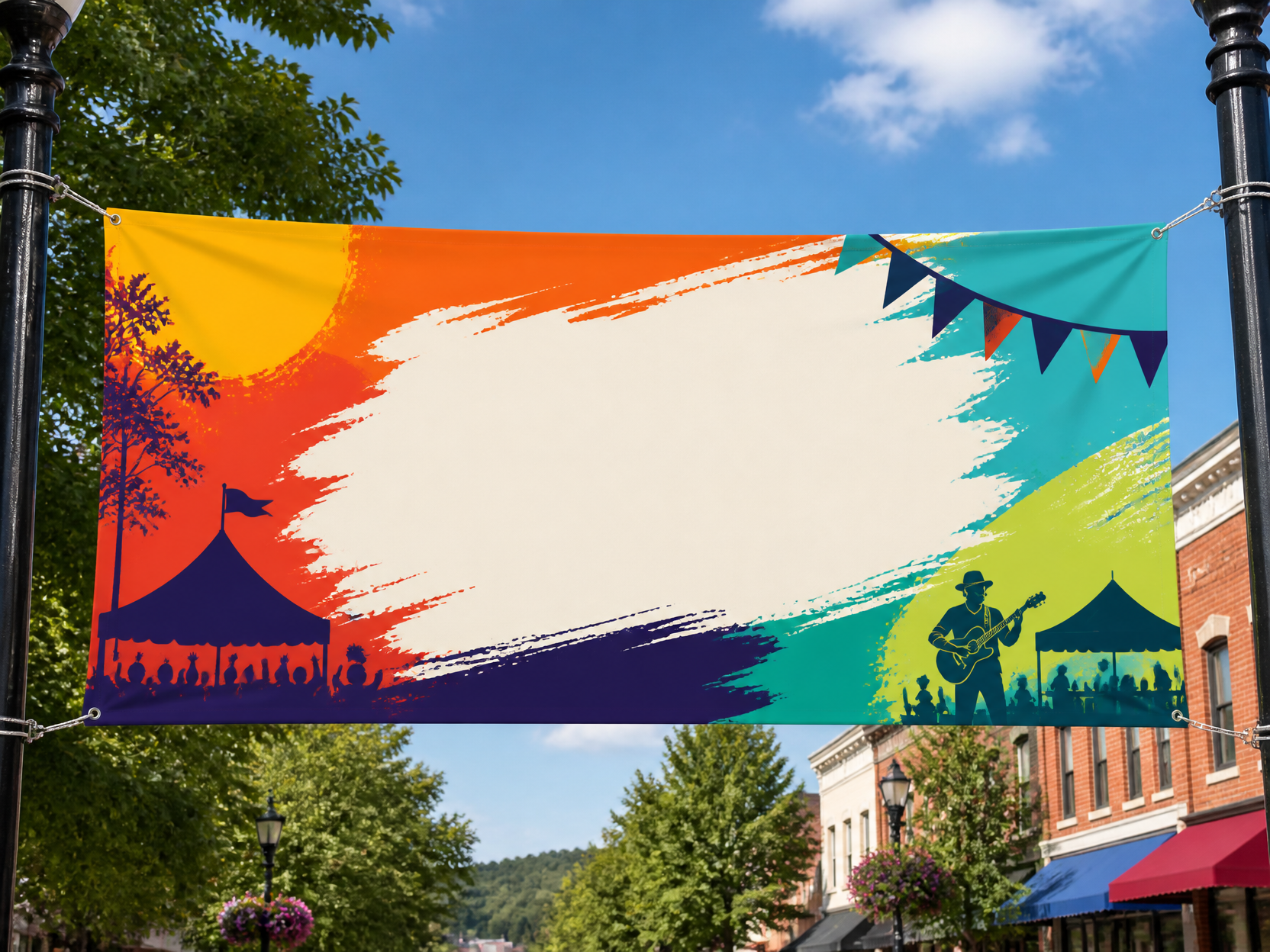
GPT 이미지 2로 생성한 현수막 디자인 예시 1

현수막 디자인 예시 1

GPT 이미지 2· 이미지
Outdoor hanging banner design mockup for a local festival, wide horizontal fabric banner, bold color blocks, large placeholder title area, street display context, no readable text.
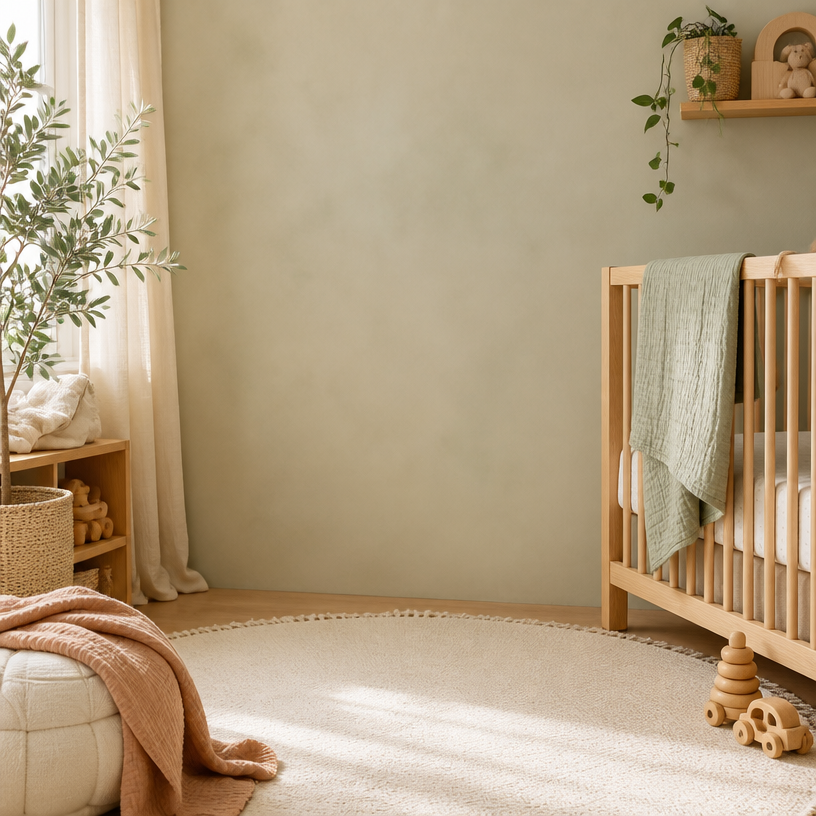
GPT 이미지 2로 생성한 육아 블로그 배경

육아 블로그 배경

GPT 이미지 2· 이미지
Square warm parenting blog background with a softly lit nursery, oak crib, muslin blankets, wooden toys and a plant, muted neutral palette and spacious center. No people, no readable text, no logo, no watermark.
GPT 이미지 2로 생성한 건강검진 완벽 가이드 블로그 썸네일

건강검진 완벽 가이드 블로그 썸네일

GPT 이미지 2· 이미지
A health checkup guide blog thumbnail design. Clean medical blue background with a subtle medical cross watermark pattern. Large title text '건강검진 완벽 가이드' in Korean with a clipboard with checkmark icon on the right side. Professional medical blog design with clean typography, horizontal banner format, trustworthy and informative aesthetic.
GPT 이미지 2로 생성한 계절 질환 예방 블로그 썸네일

계절 질환 예방 블로그 썸네일

GPT 이미지 2· 이미지
A seasonal illness prevention blog thumbnail design. Gradient background transitioning from warm orange to cool blue representing seasonal change. Title text '계절성 질환 예방' in Korean. Simple flat icons of a face mask, thermometer, and vitamin pill arranged horizontally. Clean medical blog thumbnail style with professional typography, horizontal banner format.
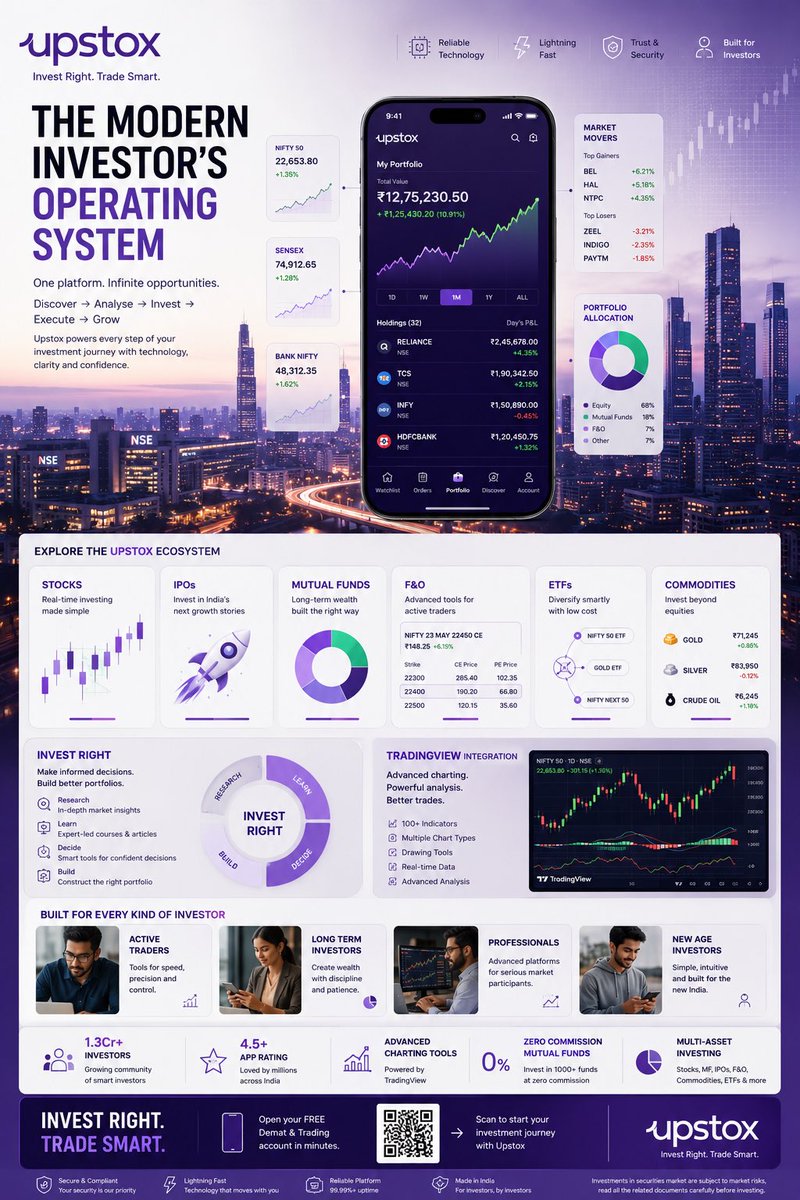
GPT 이미지 2로 생성한 핀테크 투자 인포그래픽 포스터

핀테크 투자 인포그래픽 포스터

GPT 이미지 2· 이미지
TOPIC: UPSTOX Create an ultra-premium vertical SMM infographic poster for Upstox, designed as a next-generation fintech editorial infographic focused on high-performance investing, intelligent execution, and modern wealth creation. The final design should feel like a fusion of: - Apple Pro Display aesthetics - TradingView interface design - Bloomberg editorial systems - Formula 1 telemetry dashboards - modern Indian investing culture - premium startup branding The design should visually communicate: "INVEST RIGHT. TRADE SMART." CORE CONCEPT: "THE MODERN INVESTOR'S OPERATING SYSTEM" The entire composition should visualize Upstox as the central financial platform powering every stage of investing. The visual narrative should show: DISCOVERY → ANALYSIS → INVESTMENT → EXECUTION → GROWTH Instead of showing random charts and holograms, show a highly structured financial workflow. Everything should feel: - fast - clean - capable - intelligent - efficient - trustworthy NOT chaotic. LAYOUT STYLE: Create a premium modular fintech editorial layout. Use: - floating investment modules - elegant information architecture - structured dashboard systems - large whitespace - asymmetrical composition - premium visual hierarchy The layout should resemble: a luxury financial operating system expanded into a collectible infographic poster. HERO VISUAL: Large central Upstox mobile ecosystem. NOT just a phone mockup. Instead: Create a layered financial command center. At center: large Upstox mobile interface surrounded by: - portfolio systems - investment cards - watchlists - market movers - growth indicators Everything connected through: clean directional pathways representing: the investing journey. BACKGROUND ENVIRONMENT: Beautiful Mumbai financial district atmosphere. Blue-hour cityscape. Subtle references to: - BKC - NSE energy - Indian capital markets Use: soft financial grid overlays thin trajectory lines minimal market architecture NO hologram overload. UPSTOX ECOSYSTEM MODULES: Create premium information cards: STOCKS Real-time investing Visual: clean chart interface IPOs Invest in India's next growth stories Visual: launch trajectory card MUTUAL FUNDS Long-term wealth building Visual: circular diversified portfolio system F&O Advanced trading Visual: structured options matrix ETFs Smart passive investing Visual: connected allocation system COMMODITIES Gold, energy, multi-asset exposure Visual: minimal commodity dashboard THE INVEST RIGHT SYSTEM Large premium section: INVEST RIGHT Visualize: - research - education - decision-making - portfolio building Show: investment clarity NOT gambling energy. TRADINGVIEW POWER MODULE Premium feature card: TradingView Integration Visual: - advanced charting - indicators - drawing tools - market analysis Use sophisticated chart aesthetics. MODERN INVESTOR SECTION Show: young Indian professionals builders creators investors market participants Use: realistic premium lifestyle photography NOT smiling stock-photo energy. The people should feel: ambitious, focused, future-oriented. QUICK STATS SYSTEM Elegant floating metric cards: 1.3Cr+ Investors 4.5+ App Rating Advanced Charting Tools Zero Commission Mutual Funds Multi-Asset Investing Present as: Apple-style information modules NOT corporate blocks. VISUAL KNOWLEDGE ELEMENTS Include: - portfolio allocation wheels - watchlists - market heatmaps - clean candlestick systems - growth trajectories - SIP growth curves - investment timelines - execution indicators Everything should feel: premium, minimal, professional. TYPOGRAPHY SYSTEM Use: large editorial sans-serif strong hierarchy minimal labels clean spacing Typography should resemble: Apple TradingView Stripe Bloomberg Weekend Avoid: techno fonts startup clichés crypto aesthetics COLOR SYSTEM Use actual Upstox-inspired identity: Primary: Deep Upstox Purple
@Diplomeme
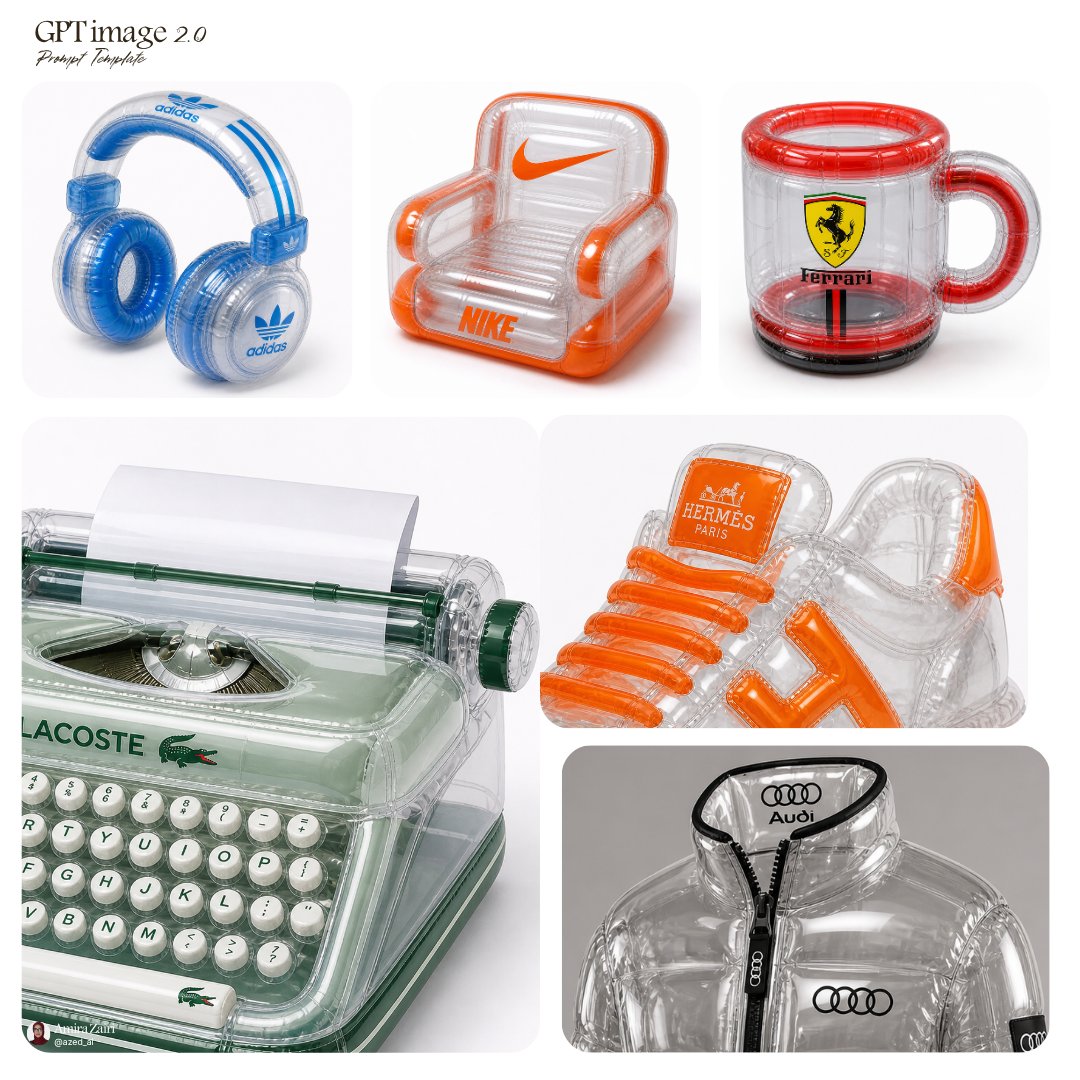
GPT 이미지 2로 생성한 인플레이터블 제품 광고

인플레이터블 제품 광고

GPT 이미지 2· 이미지
inflatable [product], transparent plastic material, high-gloss reflective surface, visible seams, air chambers, soft inflated structure, bold [brand] logo placement, vibrant accent colors, retro-futuristic aesthetic, clean product photography, studio lighting, sharp focus, white background, 1:1 aspect ratio
@azed_ai
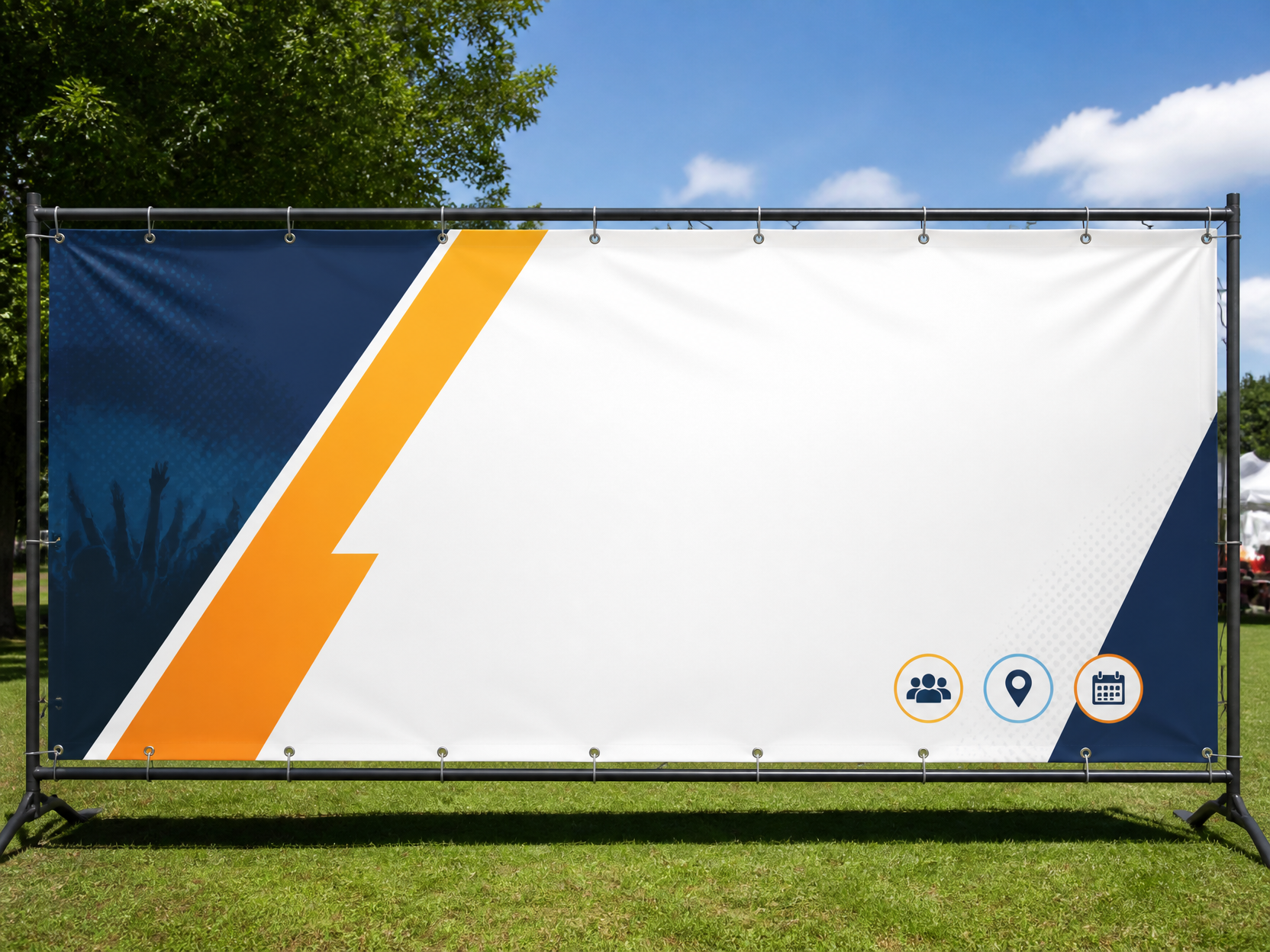
GPT 이미지 2로 생성한 현수막 디자인 예시 3

현수막 디자인 예시 3

GPT 이미지 2· 이미지
Event outdoor banner template, wide panoramic ratio, grommet details, simple icons and big blank copy zones, realistic print mockup, no readable text.
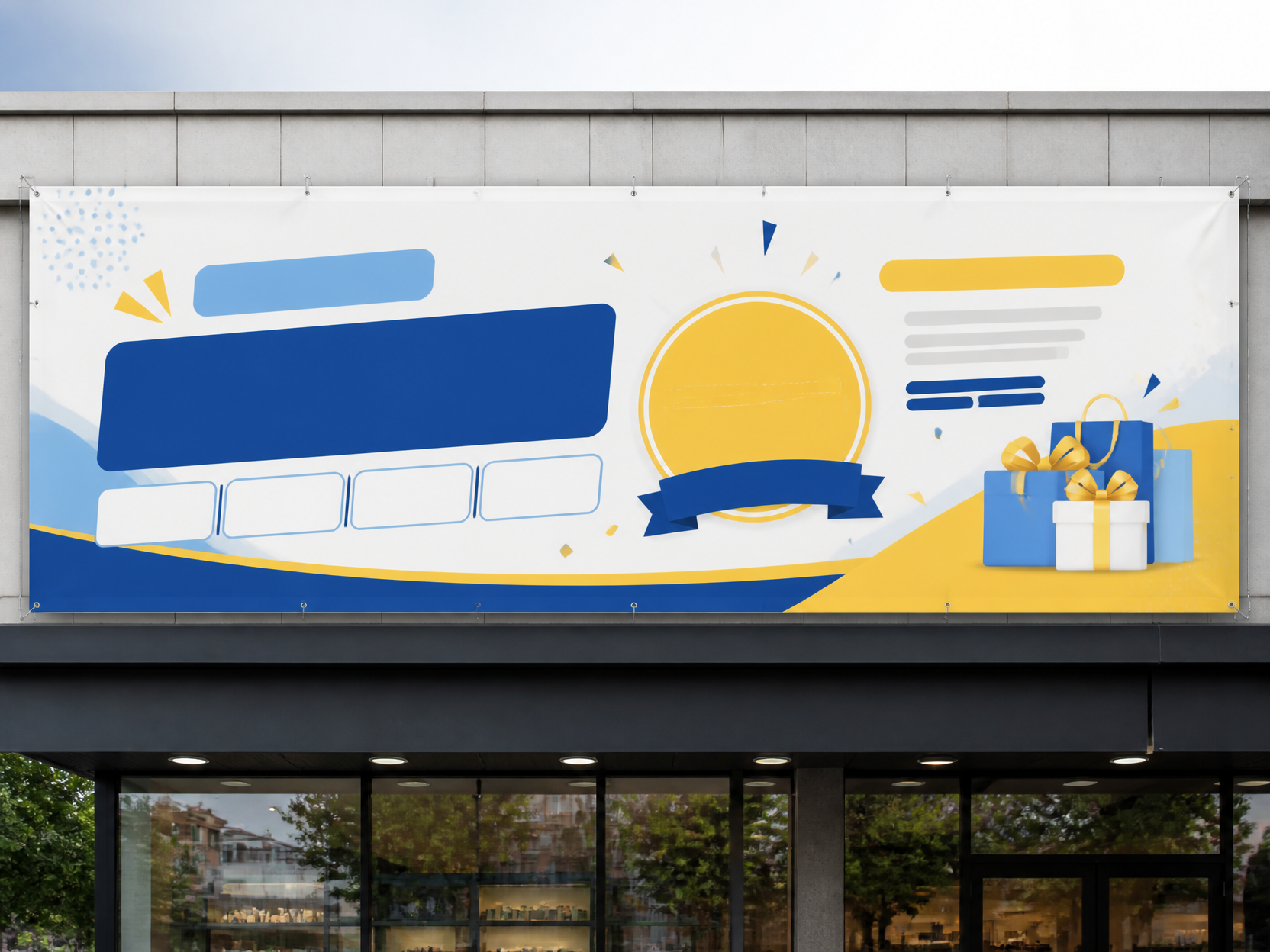
GPT 이미지 2로 생성한 현수막 디자인 예시 2

현수막 디자인 예시 2

GPT 이미지 2· 이미지
Korean storefront outdoor banner design, long horizontal vinyl banner on building facade, clean promotional layout, bright but balanced colors, placeholder text blocks only, no readable text.

블로그 프롬프트란?

블로그 이미지를 생성하기 위한 AI 프롬프트 모음입니다. 캐럿에서 제공하는 블로그 프롬프트를 복사하여 AI 이미지 생성 도구에 붙여넣으면 전문가 수준의 결과물을 얻을 수 있습니다.

블로그 프롬프트 활용 방법

  1. 원하는 프롬프트를 선택하여 복사합니다.
  2. 캐럿 에이전트에 붙여넣습니다.
  3. 필요에 따라 색상, 스타일, 구도를 수정합니다.
  4. 생성된 이미지를 다운로드하여 활용합니다.

블로그 프롬프트 작성 팁

조명(Lighting), 질감(Texture), 구도(Composition), 렌즈(Lens) 정보를 구체적으로 명시하면 더 정밀한 결과를 얻을 수 있습니다. "No text, no watermark"를 추가하면 불필요한 텍스트를 방지할 수 있습니다.

블로그 프롬프트 적용 사례

블로그 프롬프트는 콘텐츠 제작, 마케팅, 디자인, 교육 자료 등 다양한 분야에서 활용됩니다. AI 이미지를 활용하면 제작 시간을 단축하면서도 전문적인 퀄리티를 유지할 수 있습니다.

블로그 프롬프트 최적화 가이드

이미지 비율은 용도에 맞게 선택하세요. SNS용은 세로형(9:16), 웹 배너는 가로형(16:9), 제품 이미지는 정사각형(1:1)이 적합합니다.

자주 묻는 질문

관련 프롬프트

블로그 배너

블로그 배너

프롬프트 44개

깃발 디자인

깃발 디자인

프롬프트 46개

깃발 일러스트

깃발 일러스트

프롬프트 46개

로고

로고

프롬프트 59개

캐럿 프롬프트 갤러리

지금 유행하는 AI 프롬프트를 바로 만들 수 있어요

프롬프트

  • 로고
  • PPT 디자인
  • 썸네일
  • 포스터
  • 웹소설 표지
  • 증명사진
  • 캐리커처
  • 상세페이지
  • 배너

모델

  • GPT 이미지 2
  • 씨댄스 2.0
  • 나노바나나 프로
  • 나노바나나 2

캐럿

  • 시작하기
  • 서비스 소개
  • 블로그
  • 채용
  • 문의
  • 파트너십
  • 이용약관
  • 개인정보 처리방침

© 2026 Paradot.Inc All rights reserved.