carat

Prompt Gallery

/

Family Info Sheet

Login
Sign Up

Family Info Sheet

Family Info Sheet prompts. Copy and use Family Info Sheet image generation prompts from Carat right away.

2026.08.17
·
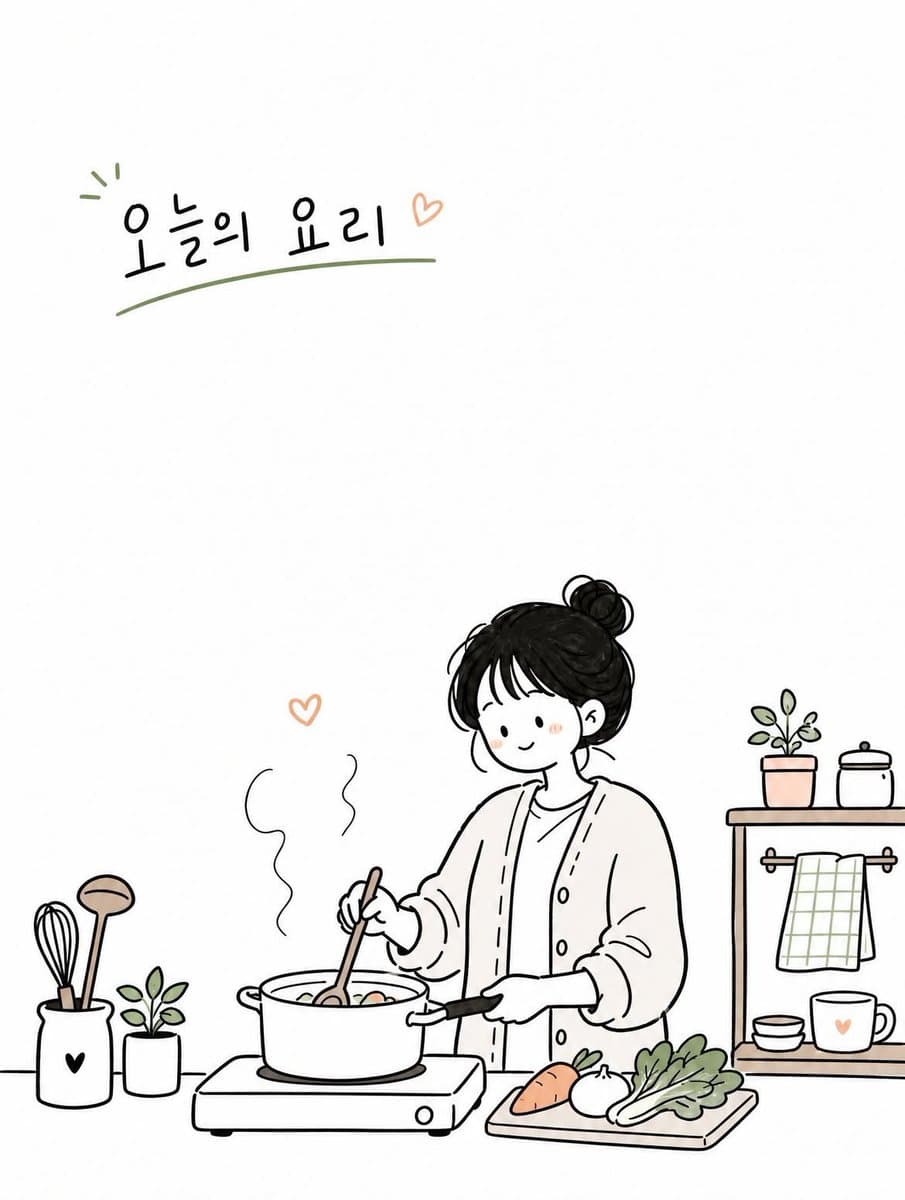
AI-generated Cute Korean Doodle Illustration made with GPT Image 2

Cute Korean Doodle Illustration

GPT Image 2· Image
Create a simple and cute Korean doodled editorial illustration based on [TOPIC]. Style: hand-drawn doodle cartoon, minimal editorial infographic illustration, clean black ink outlines, slightly imperfect sketchy lines, flat 2D composition, minimal line art, large clean white negative space, soft warm pastel accent colors only. Scene: design a cozy everyday moment around [TOPIC] featuring one young Korean woman. Use a simple background with only essential objects and props related to the topic. Character: cute simplified proportions, minimal facial features, small relaxed smile, natural pose, simple casual outfit, restrained doodle character style. Composition: vertical 3:4 ratio, eye-level view, main subject placed on one side or lower area, large empty space on the opposite side, sparse and airy layout. Objects: minimal doodle-style props such as books, coffee cups, plants, umbrellas, signs, clouds, hearts, notes, windows, etc. Typography: add small English handwritten text in the empty space. Mood: calm, cozy, warm, quiet, cute. Avoid: watercolor painting, anime style, realistic lighting, cinematic rendering, complex perspective, high detail, dense composition, luxury poster mood, painterly textures, over-rendered characters.
@Sairah_0
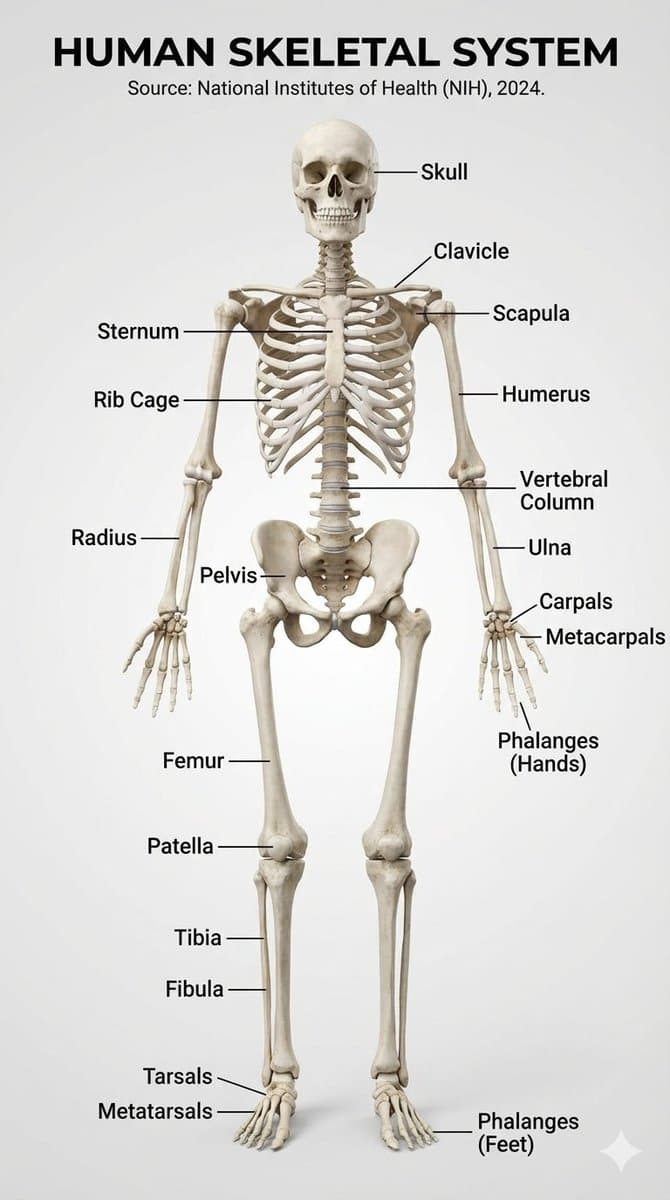
Example image of Human Skeletal System Infographic generated with Nano Banana Pro

Human Skeletal System Infographic

Nano Banana Pro· Image
Make a realistic infographic of the human skeletal system with labels
@HBCoop_
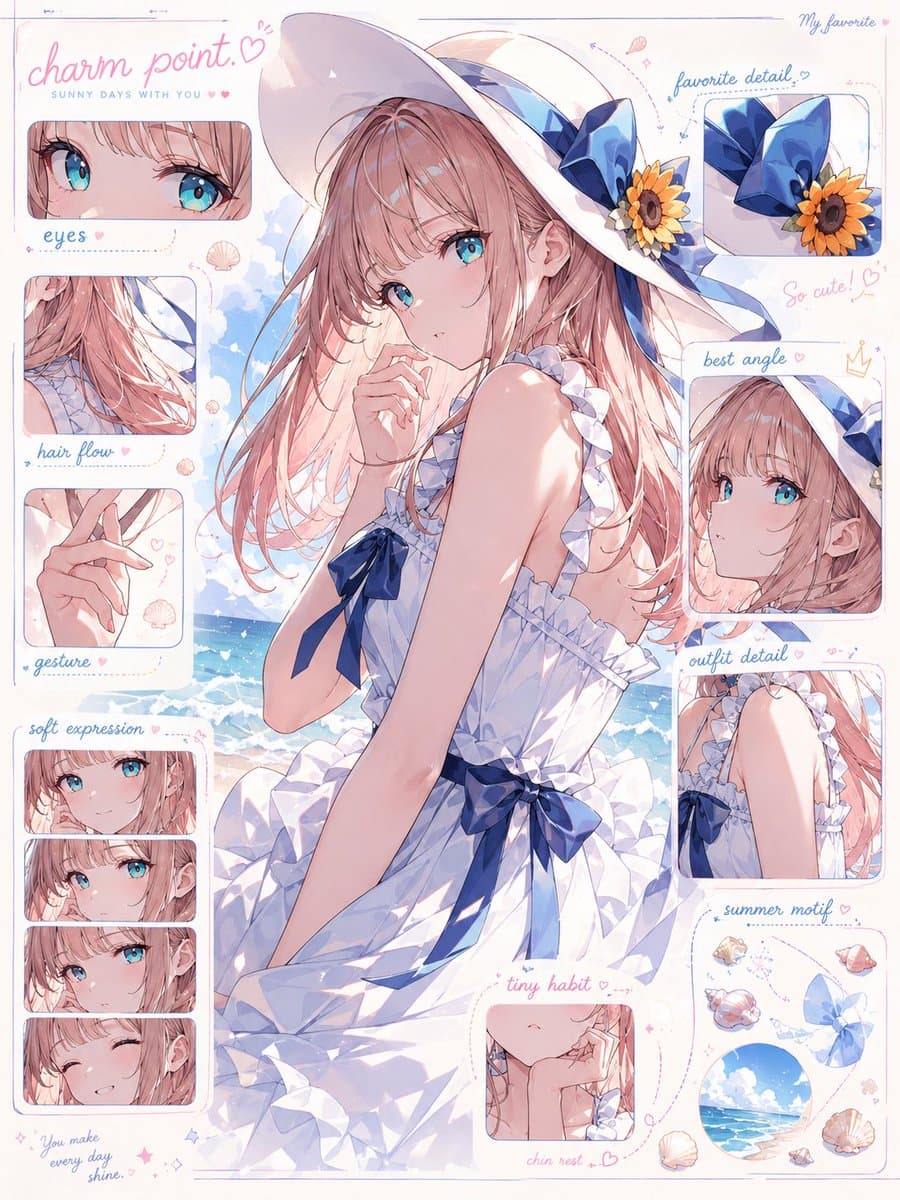
AI-generated Character Charm Anatomy Board made with GPT Image 2

Character Charm Anatomy Board

GPT Image 2· Image
入力されたキャラクター画像をもとに、 そのキャラクターの「魅力解剖図」を1枚のビジュアルとして作成してください。 これは通常のキャラクター設定資料、三面図、プロフィールシートではありません。 目的は、キャラクターの情報を説明することではなく、 「この子のどこが可愛いのか」「なぜ目を惹かれるのか」「どの部分に好きになる理由があるのか」を、 デザイン的・感情的に分解して見せることです。 入力画像からキャラクターの以下の魅力要素を丁寧に読み取ってください。 ・目の形、瞳の色、目線の印象 ・髪の流れ、前髪、毛先、シルエットの可愛さ ・表情のクセ、微笑み方、照れ、無表情の中の感情 ・手の仕草、指先、袖口との関係 ・衣装の好きポイント、リボン、フリル、装飾、小物 ・首元、肩、袖、スカート、靴などの見せ場 ・そのキャラクターが一番かわいく見える角度 ・全体から感じる性格、雰囲気、守りたくなるポイント、惹かれる理由 中央にはキャラクターを大きく配置してください。 キャラクターはただ立たせるのではなく、 その子の魅力が最も伝わる角度、ポーズ、表情で描いてください。 正面すぎる証明写真のような構図は禁止。 少し振り向く、手を口元に添える、袖をつまむ、髪を軽く押さえる、視線を少し外すなど、 “好きになる瞬間”を切り取ったような自然で魅力的なポーズにしてください。 周囲には、キャラクターの魅力ポイントを分解した小さなクローズアップパネルを配置してください。 ただし機械的な設定資料のように並べるのではなく、 雑誌の特集ページ、デザイン解剖図、ファンが作った愛のある分析ボードのように、 美しく、可愛く、少し偏愛を感じるレイアウトにしてください。 配置するパネル例: ・瞳のアップ:この子らしさが宿る目元 ・髪の流れ:シルエットを決める毛束 ・手元:仕草に出る性格 ・表情差分:微笑み、照れ、少し不機嫌、無防備な顔 ・衣装の推しポイント:リボン、袖、襟、装飾、素材感 ・一番かわいい角度:顔の向き、視線、首の傾き ・小物やモチーフ:その子の世界観を象徴する要素 各パネルは、キャラクターの魅力を強調するための拡大カットとして描いてください。 パーツだけを無機質に切り抜くのではなく、 「ここが好き」と思わせるような温度感のある見せ方にしてください。 画面内には短い注釈風のラベルを入れてもよいですが、 長文説明ではなく、短い見出しや記号的なデザインにしてください。 例: “eyes” “hair flow” “gesture” “best angle” “favorite detail” “charm point” “soft expression” “tiny habit” 文字は主役にしすぎず、あくまでデザイン要素として扱ってください。 読ませる資料ではなく、見た瞬間に「この子、可愛い」と伝わるビジュアルにしてください。 デザイン全体は、可愛い研究ノート、キャラクター愛の解剖図、ファッション誌の分析ページ、公式アートブックの特集ページを合わせたような雰囲気。 背景はシンプルで清潔感があり、キャラクターの色に合わせた淡いグラデーション、紙面風の余白、細い罫線、半透明のパネル、手書き風の丸囲み、矢印、ハート、小さな装飾を使ってください。 重要: キャラクターを単に説明しないこと。 身長、年齢、能力、所属、武器説明などの設定資料的な情報は不要です。 描くべきなのはスペックではなく、 “好きになる理由”です。 キャラクター本人の魅力が最優先。 パネルや注釈が多すぎて主役が埋もれないようにしてください。 中央のキャラクターは必ず最も可愛く、最も完成度高く描いてください。 全体の印象: cute character charm analysis sheet, visual breakdown of cuteness, not a character profile, not a model sheet, aesthetic design board, fan-favorite details, emotional attraction map, soft editorial layout, official artbook style, clean anime illustration, beautiful eyes, expressive hands, flowing hair, adorable pose, best angle, lovable expression, fashion detail close-ups, delicate annotations, soft pastel panels, refined graphic design, high-quality anime illustration, commercial-level finish.
@kiAI_stable
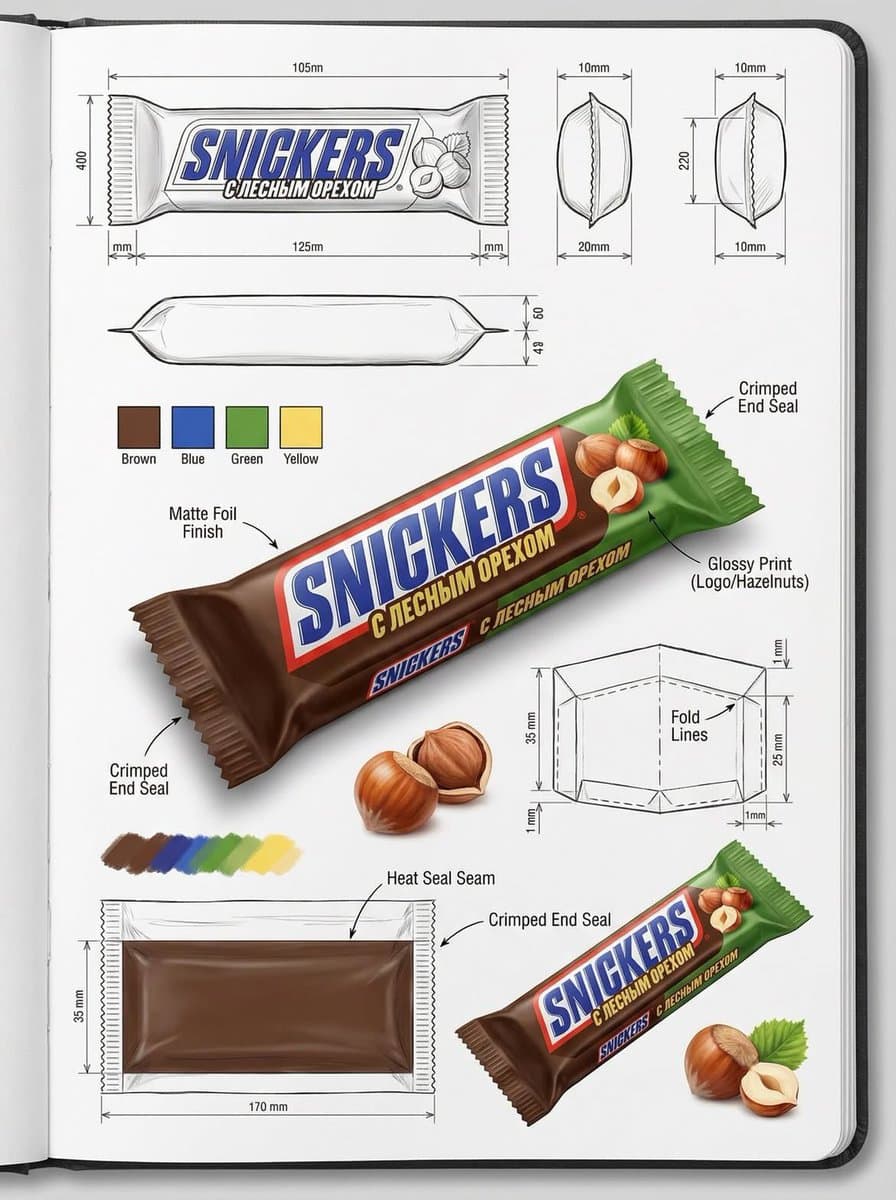
AI-generated Packaging Design Spec Sheet made with Nano Banana Pro

Packaging Design Spec Sheet

Nano Banana Pro· Image
Using the attached image, create an illustration sheet of professional industrial design packaging for the package (PACKAGE TYPE). A centered heroic 3D rendering with realistic materials, soft studio lighting and commercial quality finishes. Surrounded by technical views: front, side, top, bottom, oblique perspective and flat position. Include sketches of the frame structure, crease lines, seam details, and size arrows in millimeters. Show materials and finishes (matte, glossy print, plastic, paper, glass, etc.) in handwritten annotations. Add color swatches, realistic product illustrations, and subtle shadows. Clean sketchbook background, realistic rendering + pencil sketch style, modern design design, ultra-detailed, portfolio ready.
@gudanglifehack
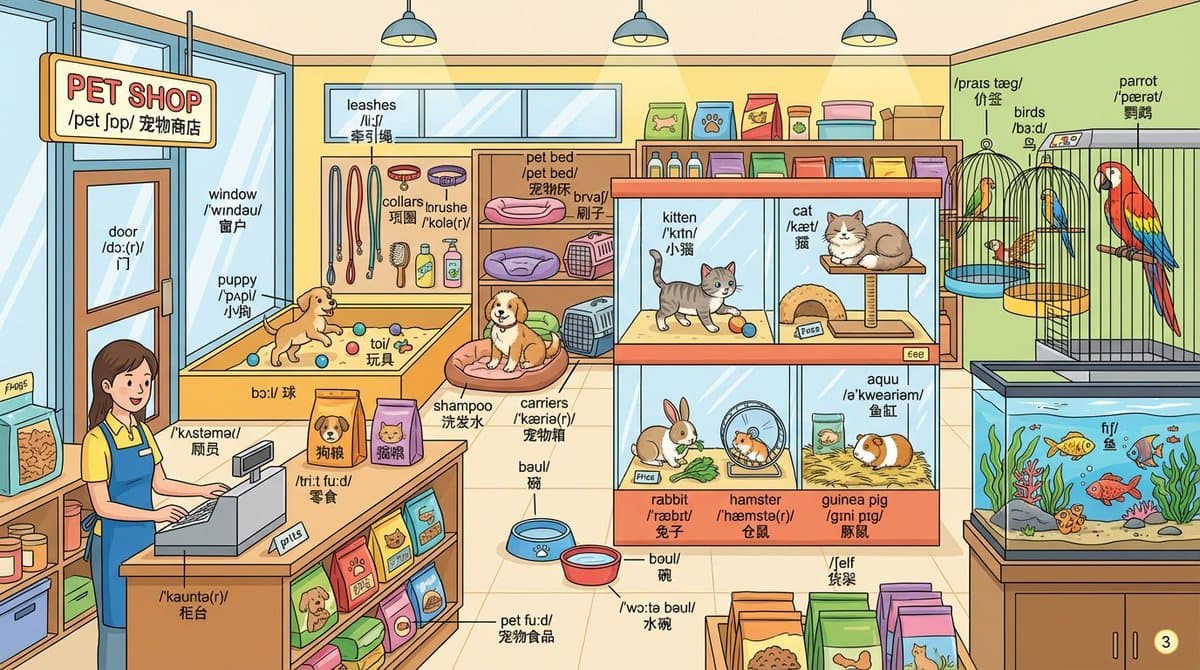
Example image of Pet Shop Vocabulary Label Sheet generated with Nano Banana Pro

Pet Shop Vocabulary Label Sheet

Nano Banana Pro· Image
Draw a detailed {{pet shop}} scene and label every object with English words.Label format: - First line: English word - Second line: IPA pronunciation - Third line: {Chinese} translation
@crystalsssup

What are Family Info Sheet Prompts?

A collection of AI prompts for generating family info sheet images. Copy the Family Info Sheet prompts provided by Carat and paste them into an AI image generation tool to get professional-grade results.

How to Use Family Info Sheet Prompts

  1. Select and copy your desired prompt.
  2. Paste it into the Carat agent.
  3. Modify colors, styles, and composition as needed.
  4. Download the generated image and use it in your project.

Tips for Writing Family Info Sheet Prompts

Specify lighting, texture, composition, and lens information in detail for more precise results. Add "No text, no watermark" to prevent unwanted text overlays.

Family Info Sheet Prompt Applications

Family Info Sheet prompts are used across content creation, marketing, design, and educational resources. AI-generated images dramatically reduce production time while maintaining professional quality.

Family Info Sheet Prompt Optimization Guide

Choose the aspect ratio based on your use case: vertical (9:16) for social media, horizontal (16:9) for web banners, and square (1:1) for product images.
Frequently Asked Questions

Related Prompts

Artisan Info Sheet

Artisan Info Sheet

5 prompts

Campus Info Sheet

Campus Info Sheet

5 prompts

Market Info Sheet

Market Info Sheet

5 prompts

Public Info Sheet

Public Info Sheet

5 prompts

Carat Prompt Gallery

Create trending AI prompts instantly

Prompts

  • Logo
  • PPT Design
  • Thumbnail
  • Poster
  • Web Novel Cover
  • ID Photo
  • Caricature
  • Product Detail Page
  • Banner

Models

  • GPT Image 2
  • Seedance 2.0
  • NanoBanana Pro
  • NanoBanana 2

Carat

  • Get started
  • About
  • Blog
  • Careers
  • Contact
  • Partnership
  • Terms
  • Privacy

© 2026 Paradot.Inc All rights reserved.