Panorama Image
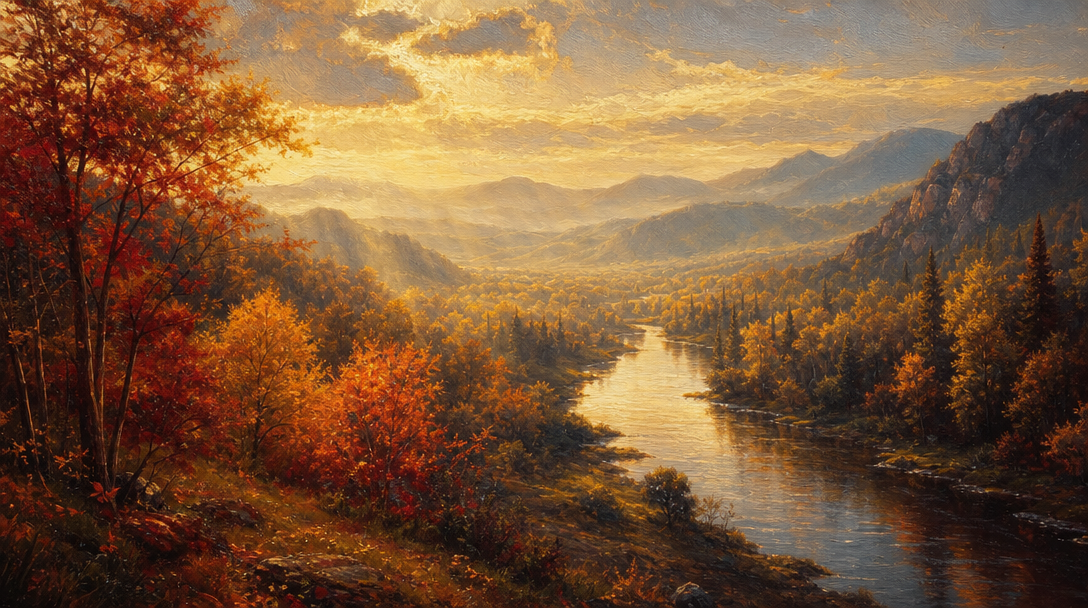
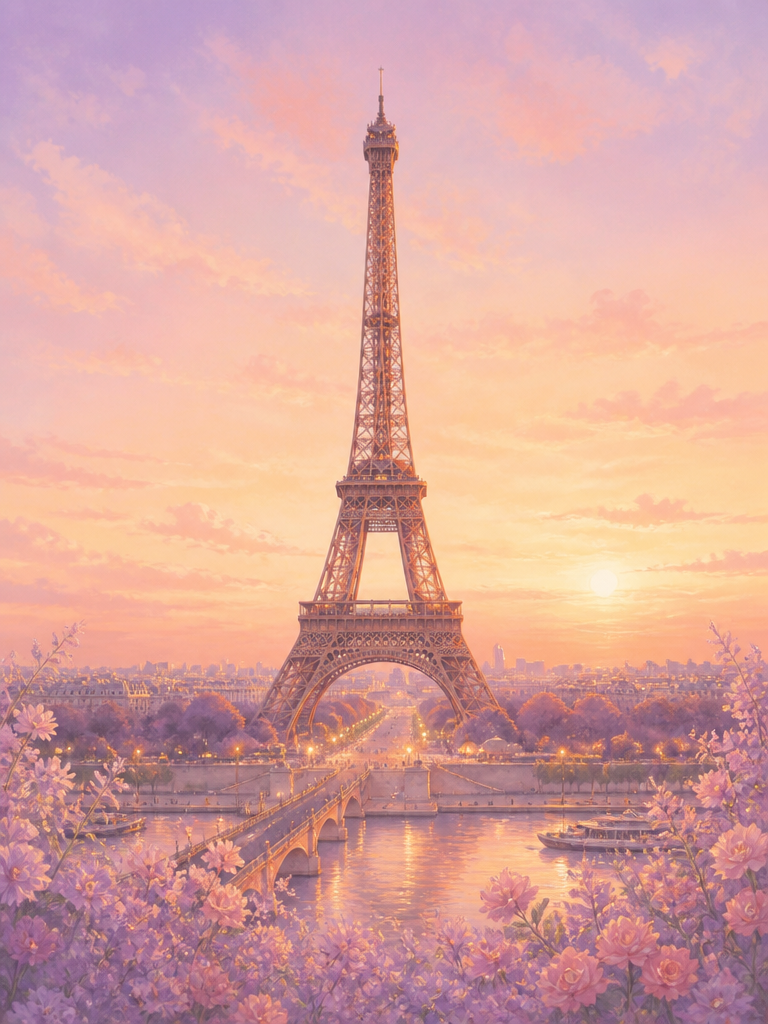
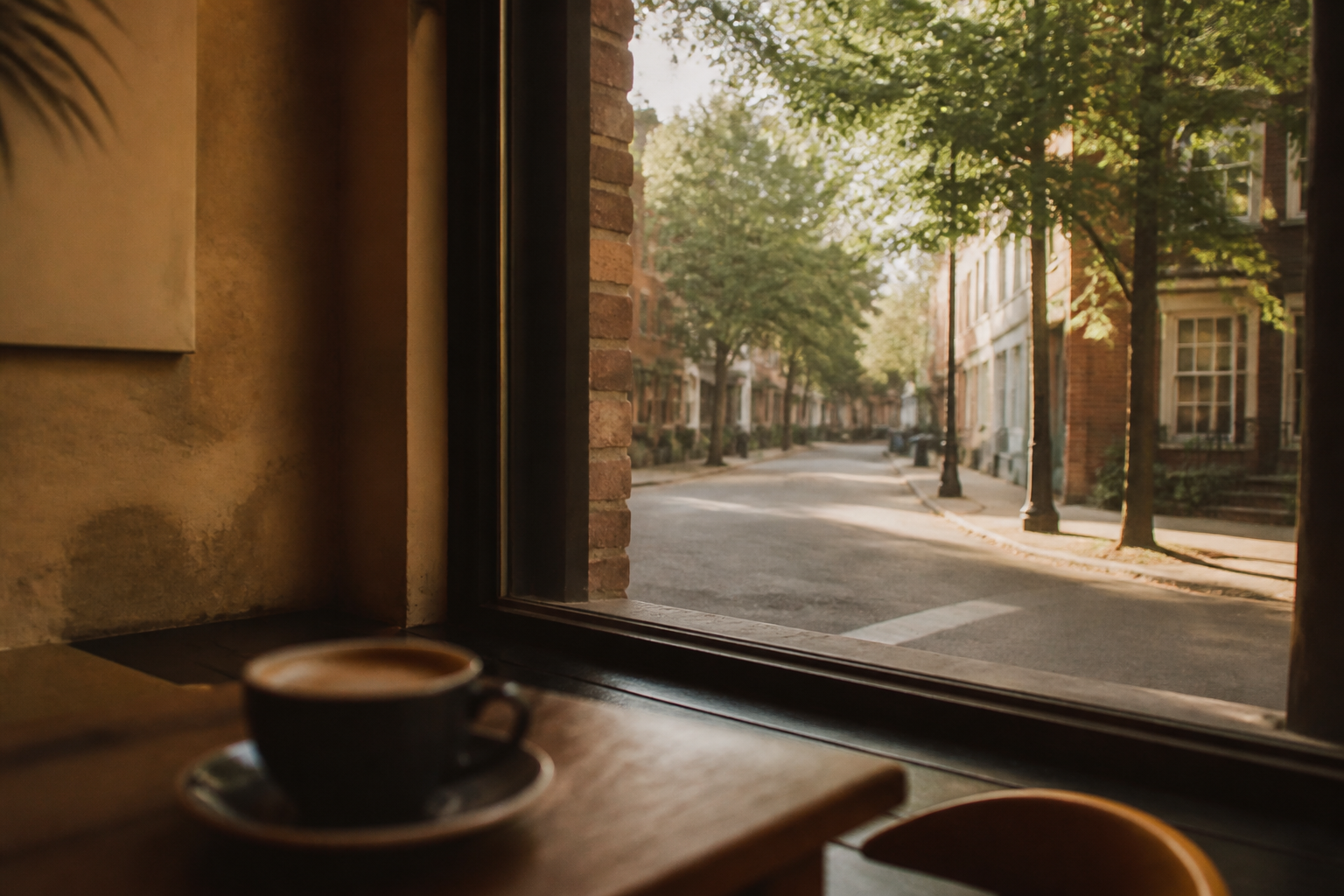
Panorama Image prompts help produce wide immersive visuals for travel, city, and scenic storytelling.
2026.07.03
Mach „Panorama Image“ genau so, wie du es willstErstell dein eigenes „Panorama Image“
Sag es einfach in deinen Worten – Carat generiert passende Bilder und Videos für dich.

Starte jetzt mit 100 kostenlosen Credits pro Tag
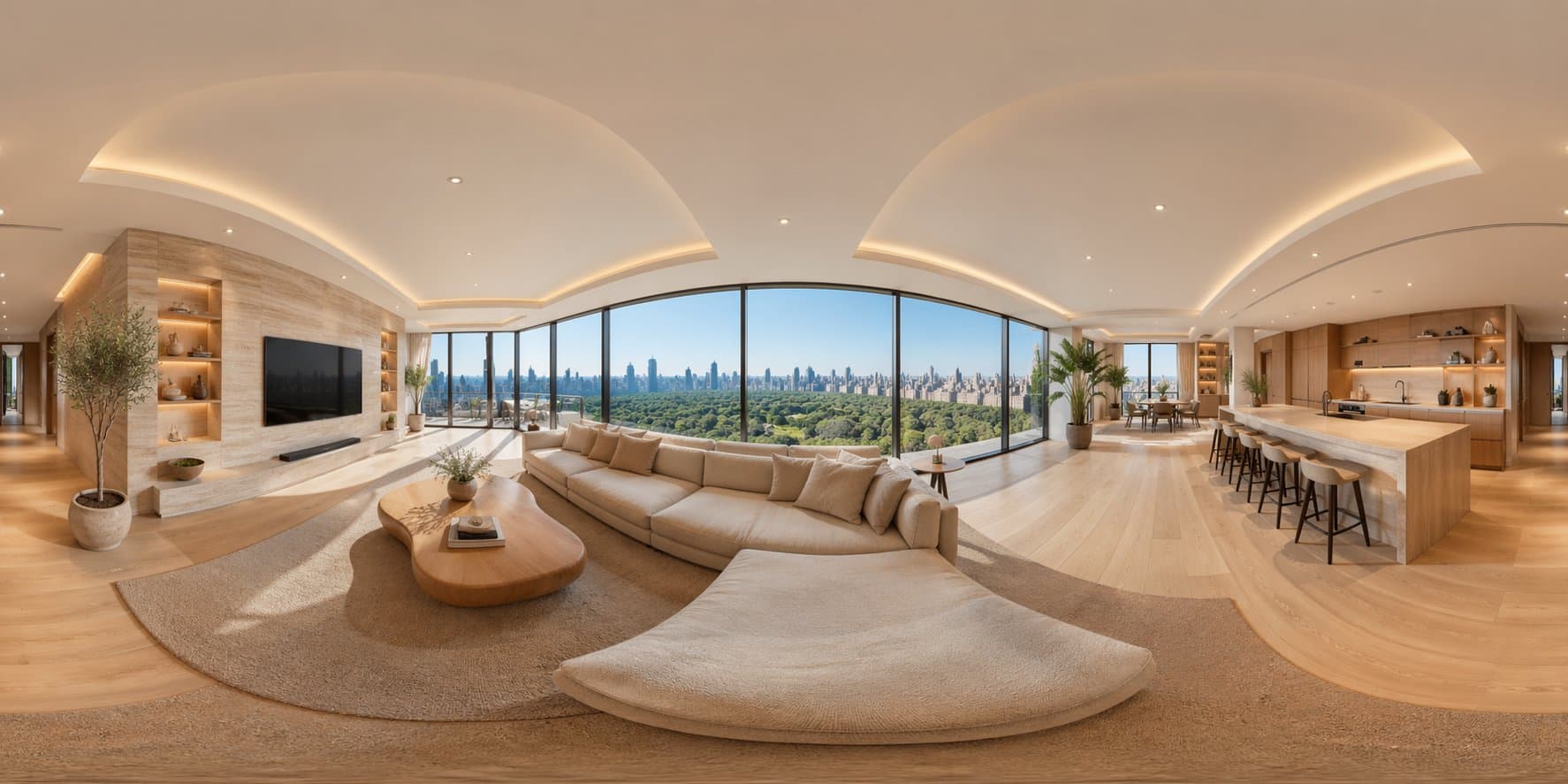
360-Degree Panoramic Image
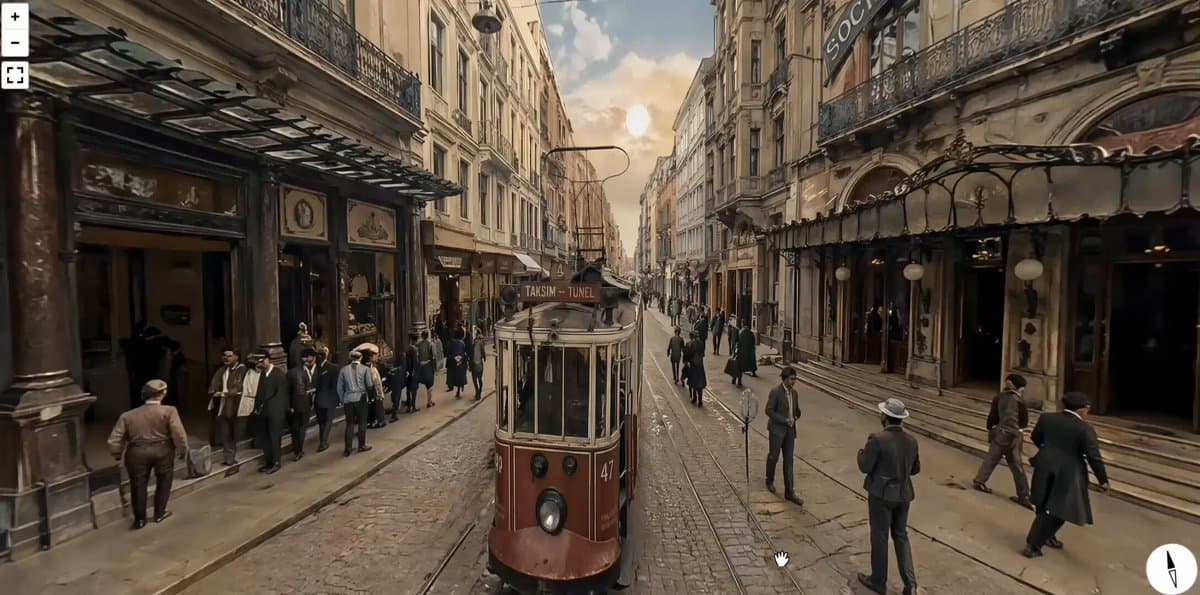
Equirectangular Image of Istiklal Street, Istanbul in

Cheese Arch Bridge Wedding Pavilion
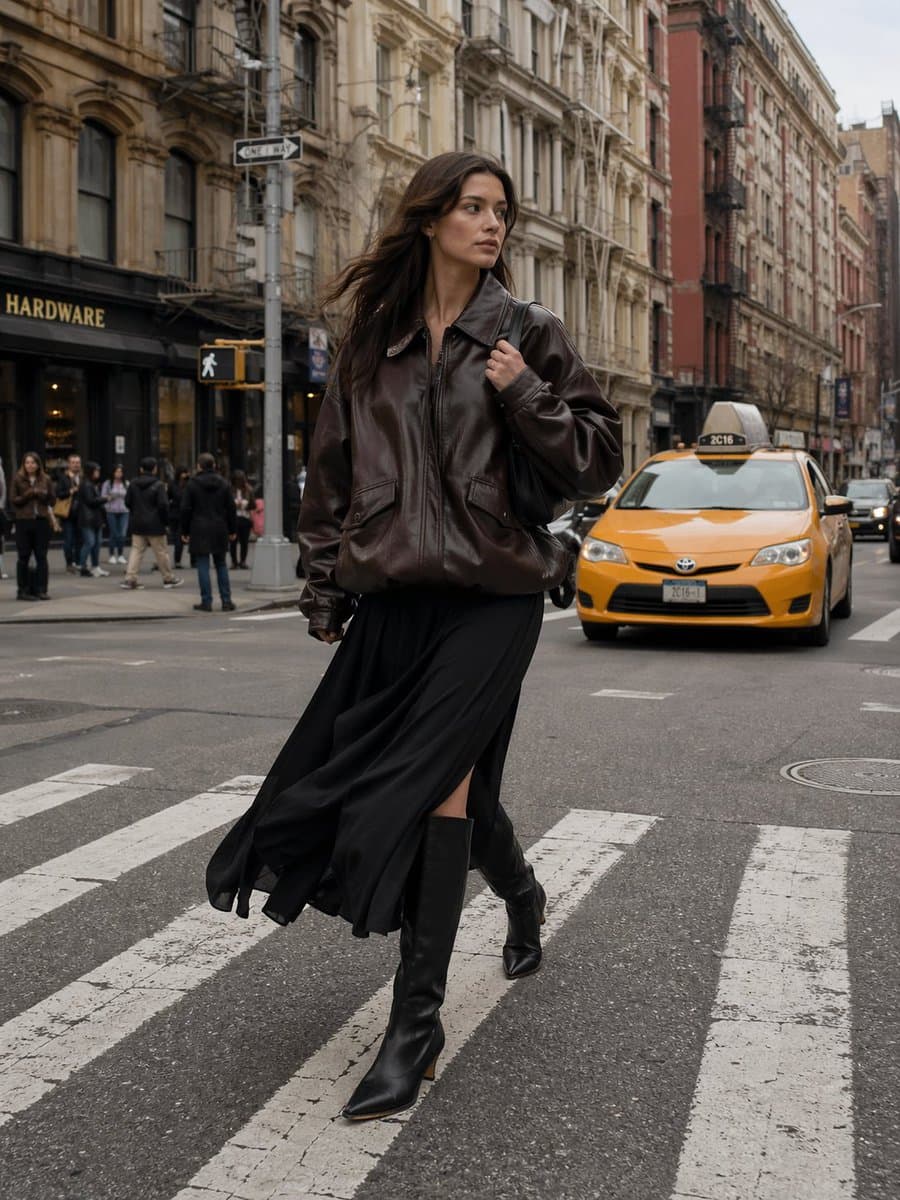
Tang Dynasty Chang'an City Lantern Festival Panorama
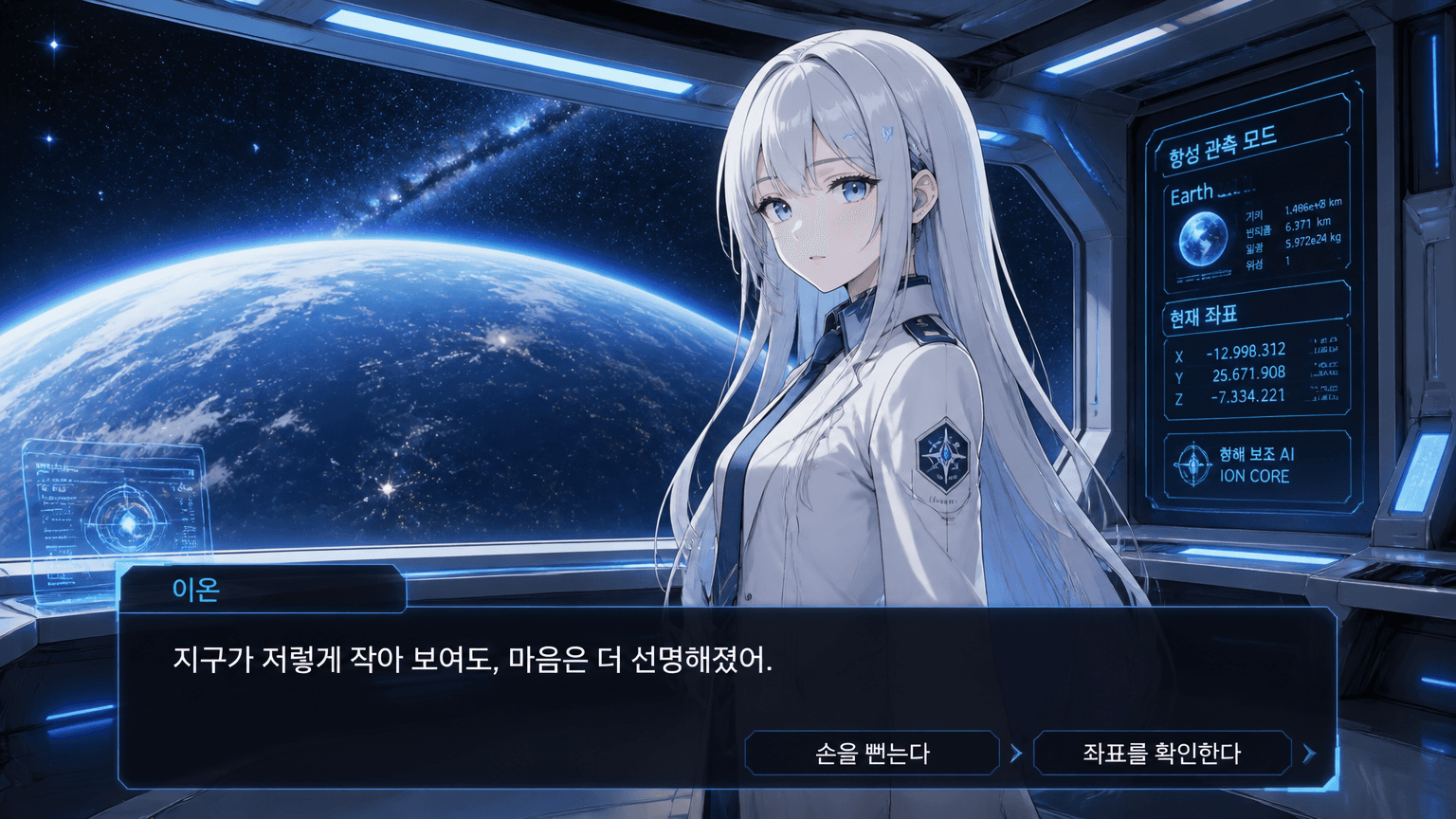
Sci-fi Romance Visual Novel Screen
What Are Panorama Image AI Prompts?
Panorama Image AI prompts are designed for composing wide visual scenes with continuity across the frame. Unlike standard single-frame outputs, panorama prompts must balance two opposing goals at the same time: a broad spatial sense and a readable center composition. This tag helps creators build scenes where long roads, festival streets, historic corridors, and open city structures feel like one connected environment.
Best Use Cases
- 360 style promotional shots for travel destinations
- Urban skyline and cityscape storytelling with continuous perspective
- Event posters showing crowd scale and location atmosphere
- Background plates for presentation slides that need immersive context
- Landscape headers for campaign pages and social covers
When creating wide scenes, it is useful to define what is the main narrative anchor before describing distant textures. Viewers should immediately notice a clear entry point and a clear ending point in the same frame. If not, the image can read as stitched fragments rather than one scene.
Why This Tag Works
Panorama generation is sensitive to spatial control. Small prompt choices on focal depth, horizon placement, and crowd density can have a large impact on realism. This tag gives practical levers to tune those choices in a structured order: scale, perspective, weather feel, and subject density.
Because the field of view is wide, the difference between a usable and unusable result is often determined by how edge zones are treated. This tag supports robust edges by suggesting central composition and edge stability constraints. If left unconstrained, buildings and people may stretch toward frame ends. With this tag, the model keeps the scene coherent while preserving a cinematic scale.
This tag is practical for both high-end editorial sets and practical marketing output. Travel agencies can use it for campaign mood scenes, content teams can use it for presentation backgrounds, and creators can repurpose results into posters or short descriptive slides without repeating the core prompt from scratch.
Explore Related Prompts
Prompt Building Tips
Create a one line geometry rule before any style adjectives. For example, "wide rectangular frame, historic district street, late evening ambient light, slight crowd". This gives the model a stable foundation. Then layer in texture words such as cobblestone, banners, lights, or canopy shadows.
Keep edge handling explicit by adding constraints like "no distorted edges" and "balanced horizon". Do not overload all variables at once. A practical workflow is two passes: first draft the composition and depth, then refine density and atmospheric detail.
For multiple outputs from one concept, freeze architecture and camera path, and only change season, weather, and crowd count for each batch. This makes results easier to compare for campaign A/B testing and keeps continuity across thumbnails and landing visuals.
Also, watch text placement early. If you plan on adding overlays later, reserve space in top, bottom, or side zones in the first prompt. This prevents late rework and protects the main scene integrity.
A useful trick for panorama quality is to limit texture instructions to three groups: road or ground, sky and weather, and human movement. Beyond that, instructions often conflict and create patchy detail. When you need stronger historical feeling, specify one anchor element like a tower, bridge, or plaza and keep the rest soft.