carat

Prompt Gallery

/

Ring Design

Login
Sign Up

Ring Design

Generate exquisite wedding ring illustrations and diamond ring 3D renders with high-fidelity AI prompts.

2026.07.04

·
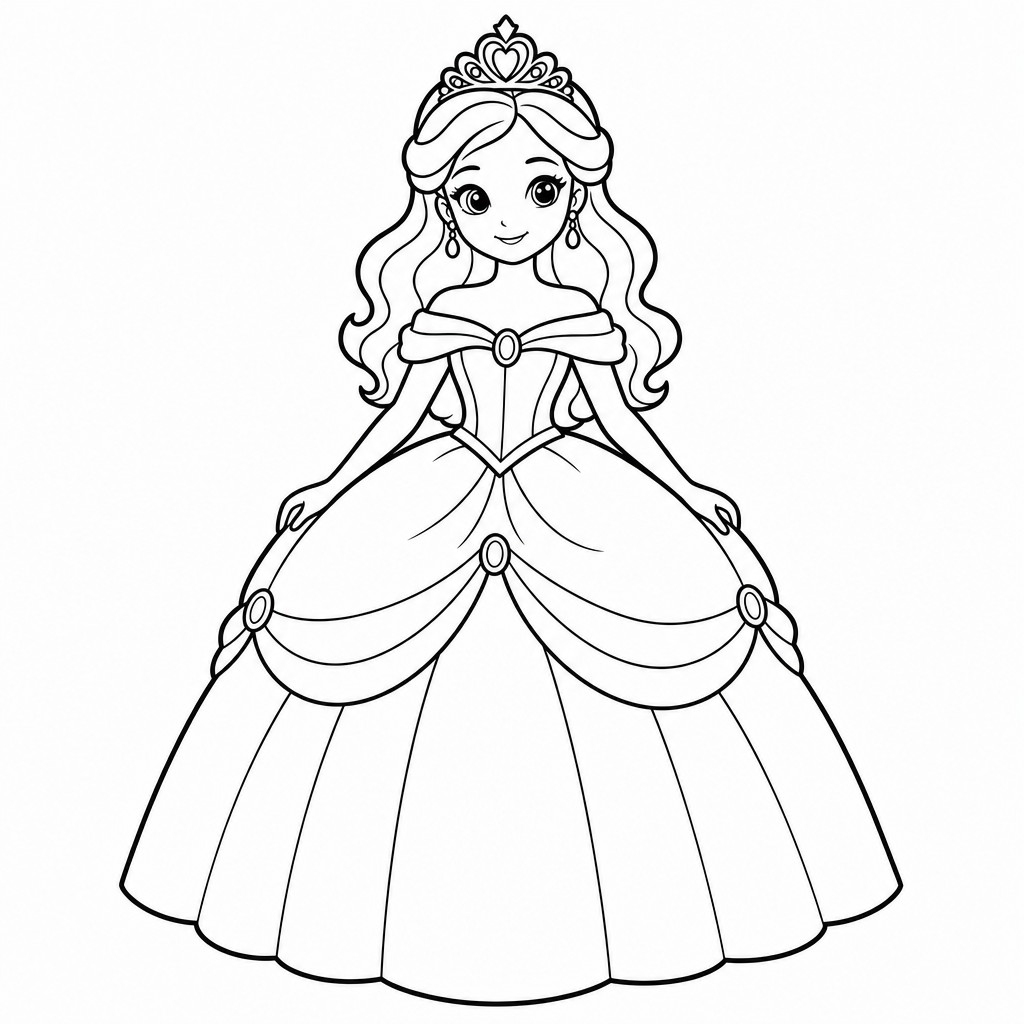
GPT 이미지 2로 생성한 공주 색칠 도안

공주 색칠 도안

GPT Image 2· Image
Clean vector sticker illustration of a princess coloring page, line art of princess in ball gown with tiara, no text.
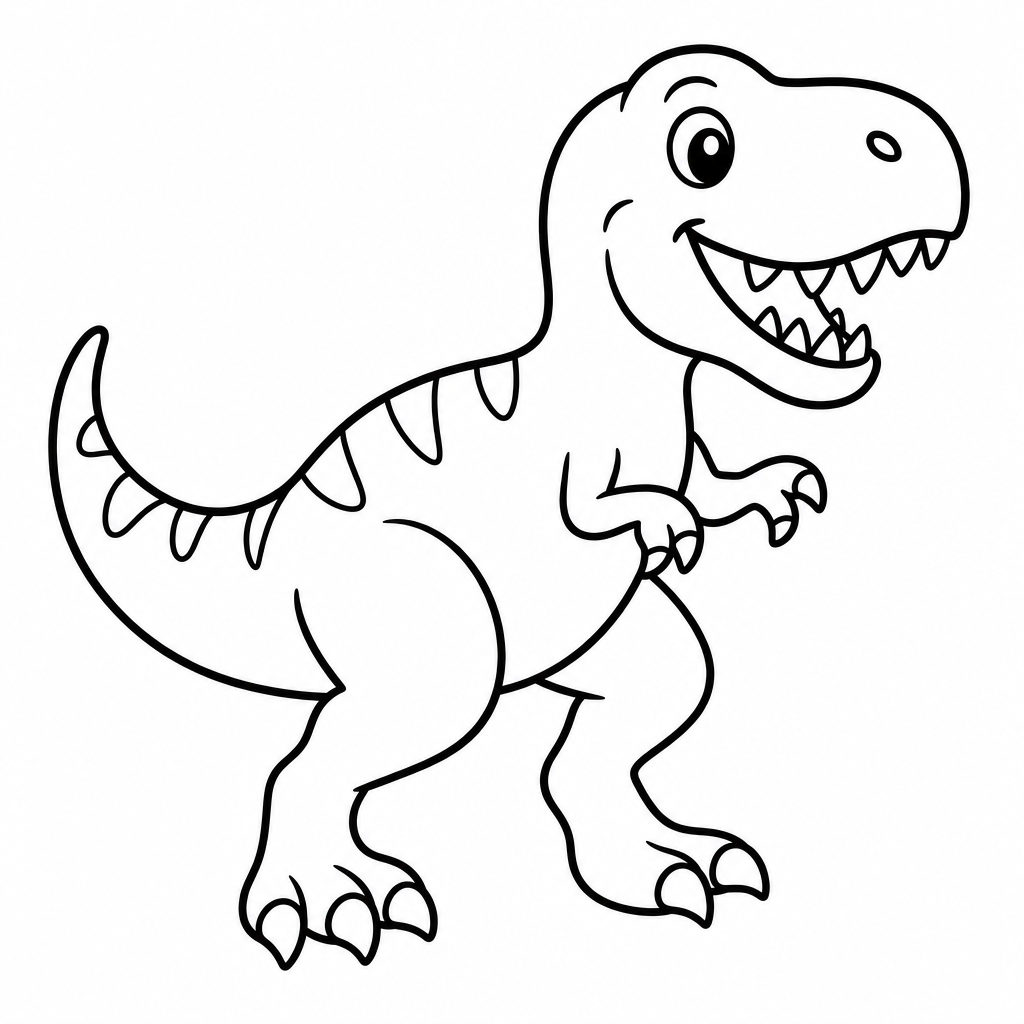
GPT 이미지 2로 생성한 공룡 색칠공부 도안

공룡 색칠공부 도안

GPT Image 2· Image
Clean vector coloring page of a dinosaur, bold black line art, no fill, no text.
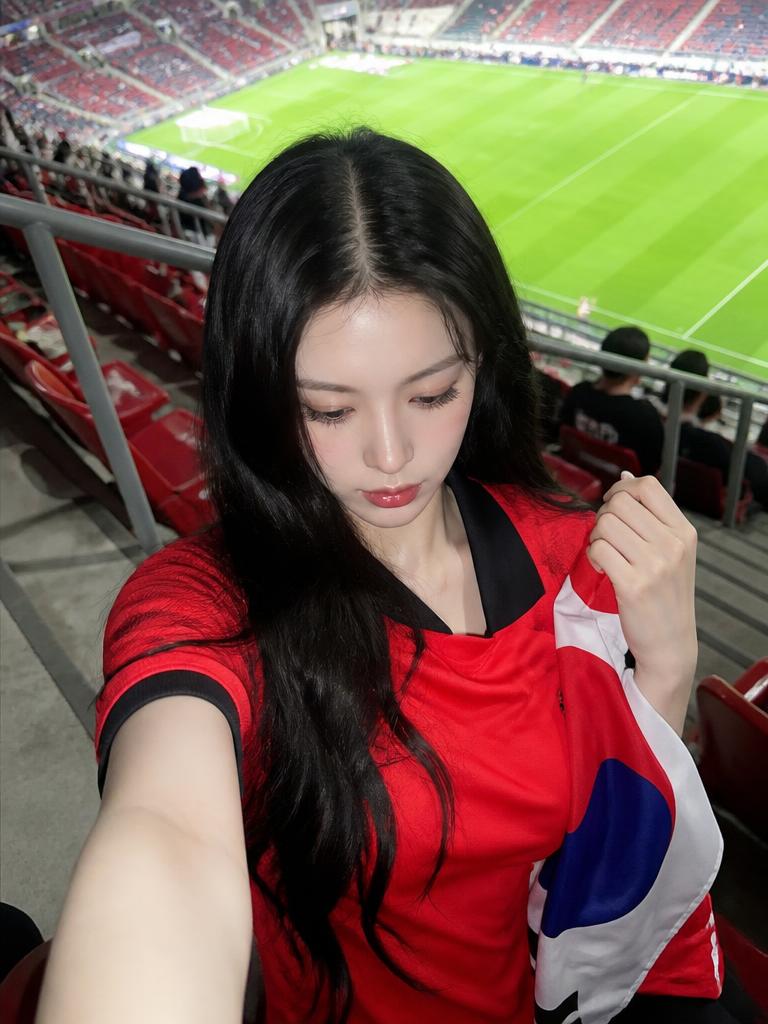
AI-generated Stadium Seat Cheering Selfie made with GPT Image 2

Stadium Seat Cheering Selfie

GPT Image 2· Image
Use the uploaded person photo as the only identity anchor. Preserve the person's recognizable face shape, eyes, nose, lips, skin tone relationship, hairstyle impression, and natural expression. Transform the photo into a realistic K-World-Cup match-day stadium fan snapshot using these elements: real stadium seats, green pitch visible behind, red football jersey styling, Korean cheering props, casual 인증샷 feeling, smartphone/friend-shot realism. Keep the person as the clear main subject. Do not use external reference images as input. No readable logos, no official emblems, no text, no watermark, no extra people, no distorted hands or extra fingers. Style rules: not a studio editorial, not trophy fantasy, not generic global football poster. It should feel like someone actually visited a stadium during World Cup season. Use red jersey or red fan outfit, white/blue accent props, Taegeukgi-inspired flag colors without readable symbols, stadium seating rows, railings, concrete steps, green pitch, daylight or stadium floodlights, candid phone-photo framing, natural skin/fur texture, shallow but believable depth of field, high-quality Instagram carousel look. Stadium seat selfie. Waist-up close portrait from a slightly high smartphone angle, the person sits in real stadium seats wearing a red football jersey. Green pitch and rows of seats are visible behind. One hand lightly holds a small flag or red cheering towel near the shoulder. Natural excited smile, match-day 인증샷 mood, realistic daylight, vertical 4:5.
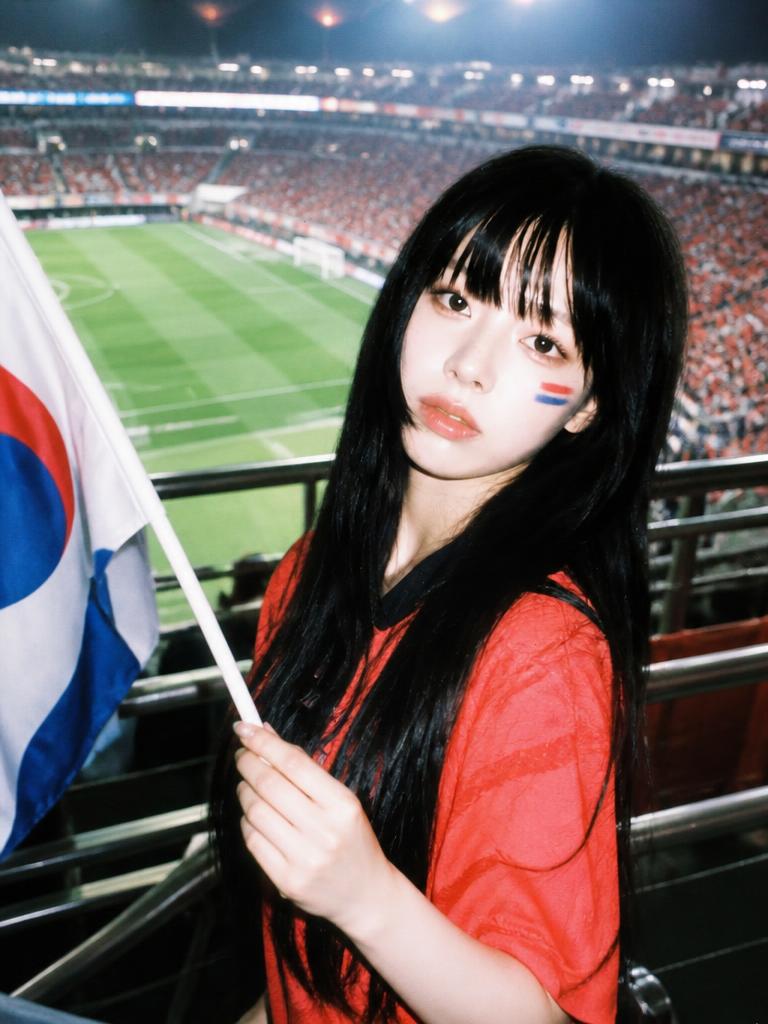
AI-generated Upper-Body Cheering Portrait made with GPT Image 2

Upper-Body Cheering Portrait

GPT Image 2· Image
Use the uploaded person photo as the only identity anchor. Preserve the person's recognizable face shape, eyes, nose, lips, skin tone relationship, hairstyle impression, and natural expression. Transform the photo into a realistic K-World-Cup match-day stadium fan snapshot using these elements: real stadium seats, green pitch visible behind, red football jersey styling, Korean cheering props, casual 인증샷 feeling, smartphone/friend-shot realism. Keep the person as the clear main subject. Do not use external reference images as input. No readable logos, no official emblems, no text, no watermark, no extra people, no distorted hands or extra fingers. Style rules: not a studio editorial, not trophy fantasy, not generic global football poster. It should feel like someone actually visited a stadium during World Cup season. Use red jersey or red fan outfit, white/blue accent props, Taegeukgi-inspired flag colors without readable symbols, stadium seating rows, railings, concrete steps, green pitch, daylight or stadium floodlights, candid phone-photo framing, natural skin/fur texture, shallow but believable depth of field, high-quality Instagram carousel look. Upper-body cheering pose. Tight upper-body portrait near the stadium railing, red jersey, subtle red-blue face-paint stripes on cheek, small flag or cheering sticks in hand. Stadium floodlights and green pitch blur in the background, energetic but natural expression, phone-flash or stadium-light highlights, authentic K-football fan photo, vertical portrait.
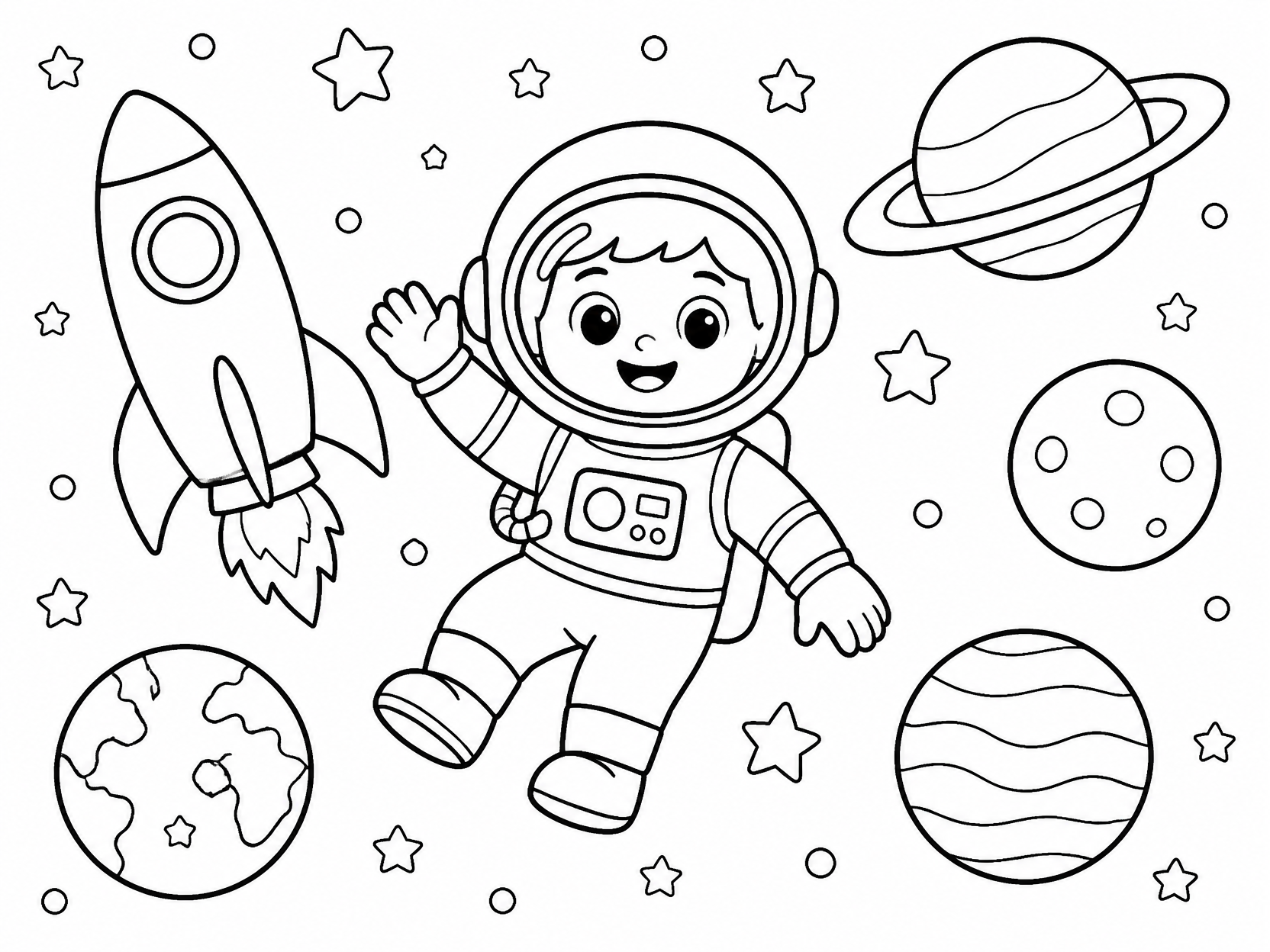
GPT 이미지 2로 생성한 우주 색칠공부 도안

우주 색칠공부 도안

GPT Image 2· Image
Black-and-white coloring page of a smiling astronaut, rocket, planets, stars, simple child-friendly line art, thick outlines, no text, A4 portrait.
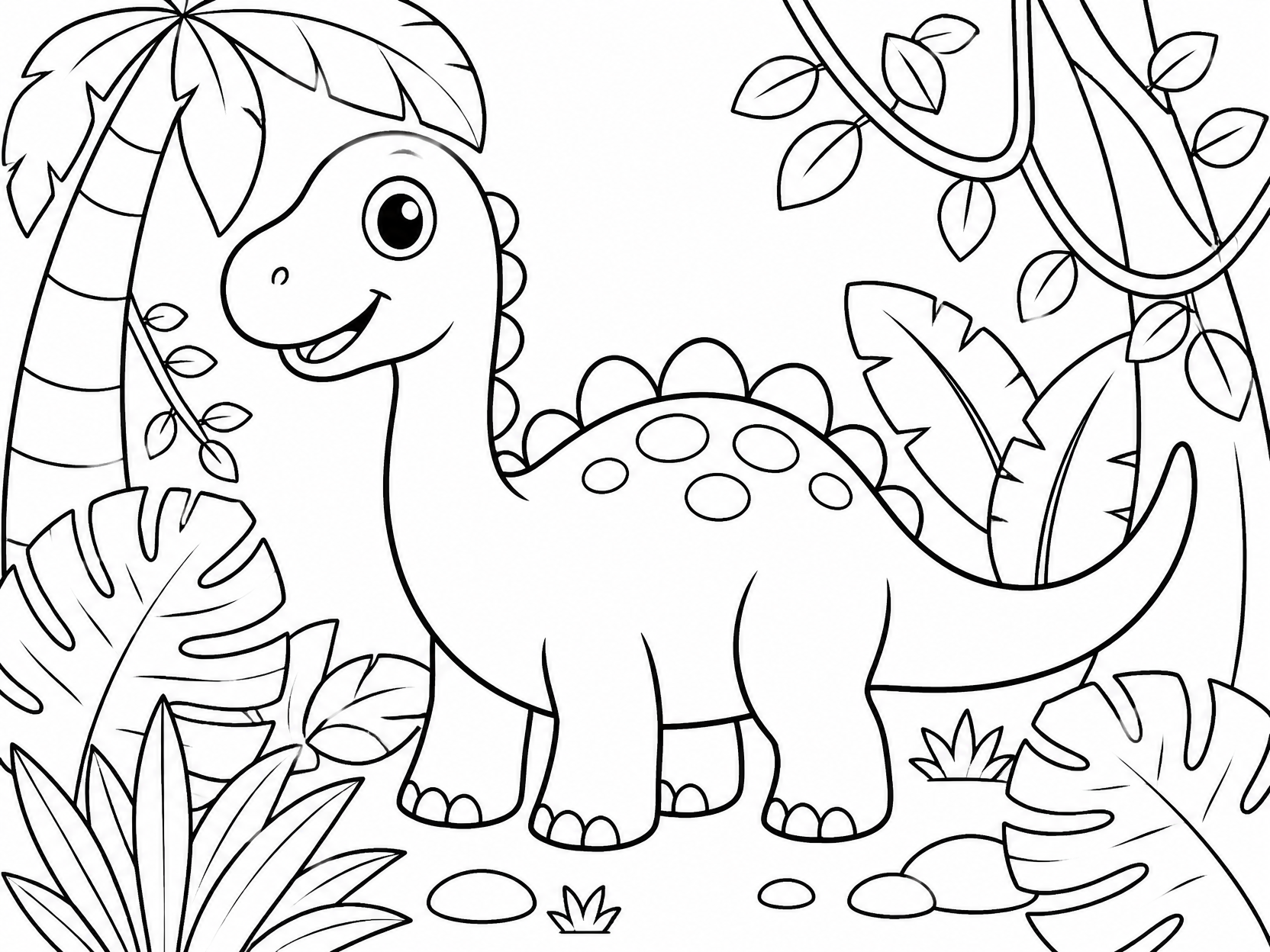
GPT 이미지 2로 생성한 공룡 색칠공부 도안

공룡 색칠공부 도안

GPT Image 2· Image
Black-and-white printable coloring page for children: friendly dinosaur in a jungle with large simple leaves, thick clean outlines, no shading, no grey, no text, A4 portrait.
AI-generated Ring Macro Product Photo made with GPT Image 2

Ring Macro Product Photo

GPT Image 2· Image
첨부된 반지 제품 사진을 참고해서 럭셔리 주얼리 상품 사진으로 만들어줘. 반지의 형태와 금속 질감, 보석 디테일은 유지하고, 따뜻한 베이지 실크 패브릭 위 매크로 클로즈업 구도, 부드러운 스튜디오 조명, 선명한 금속 반사, 얕은 심도를 적용해줘. 텍스트와 워터마크는 넣지 마.
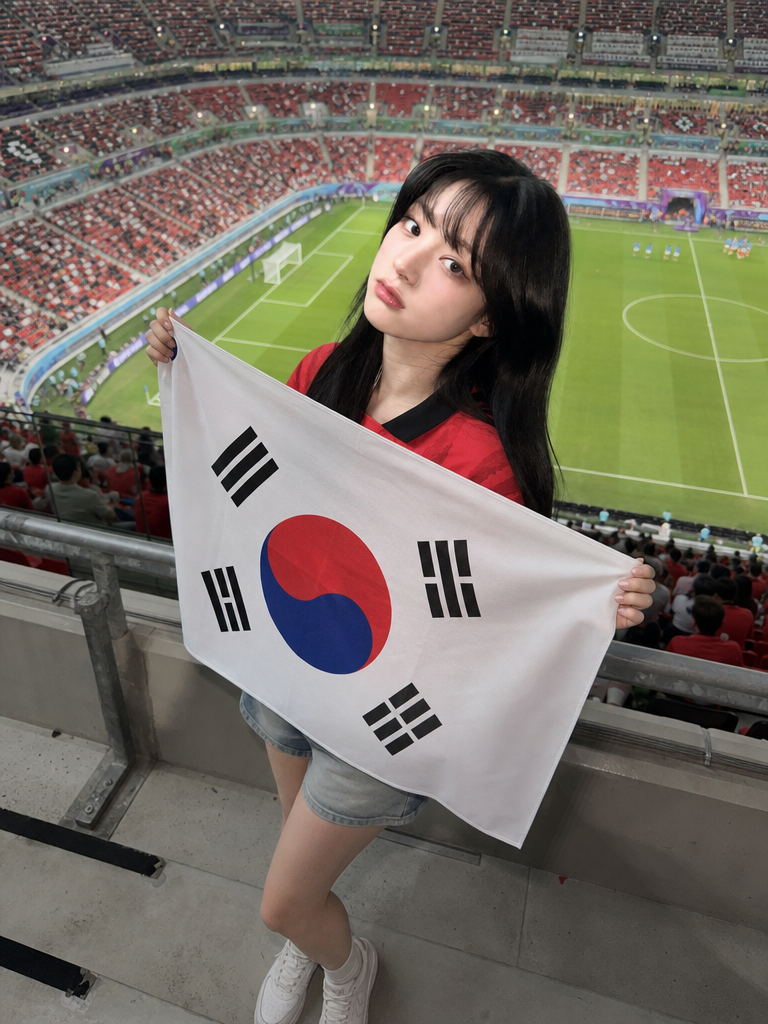
AI-generated Full-Body Flag Cheering Shot made with GPT Image 2

Full-Body Flag Cheering Shot

GPT Image 2· Image
Use the uploaded person photo as the only identity anchor. Preserve the person's recognizable face shape, eyes, nose, lips, skin tone relationship, hairstyle impression, natural expression, and believable body proportions. Transform the photo into an authentic K-World Cup match-day stadium fan photo using these elements: real stadium seat rows, a green football pitch visible in the distance, metal railings, concrete stadium steps, red football jersey styling, Korean cheering props, casual 인증샷 mood, and realistic smartphone friend-shot photography. Keep the person as the clear main subject. Do not use any external reference images as input. The person should stand between actual stadium seat rows or near a railing, framed as a full-body or three-quarter-body vertical portrait. Style them in a red football jersey with casual shorts, skirt, or denim. The person is holding a clearly visible, highly accurate South Korean national flag: white rectangular field, central red-over-blue Taegeuk circle, and four correct black trigrams placed in the four corners. The flag must look like a real fabric flag with natural folds, but the Taegeuk circle and four trigrams should remain recognizable and correctly arranged. The South Korean flag is allowed; avoid all other readable symbols, brand marks, official tournament emblems, sponsor logos, or text. Style rules: not a studio editorial, not a trophy fantasy, and not a generic football poster. The image should feel like someone actually visited a real stadium during World Cup season before kickoff. Use natural daylight or stadium floodlights, candid phone-photo framing, realistic skin texture, realistic hands, shallow but believable depth of field, and a polished social-media finish. Preserve the person's identity strongly and do not redesign the face. No watermark, no extra people, no distorted hands, no extra fingers, no unreadable fake lettering.
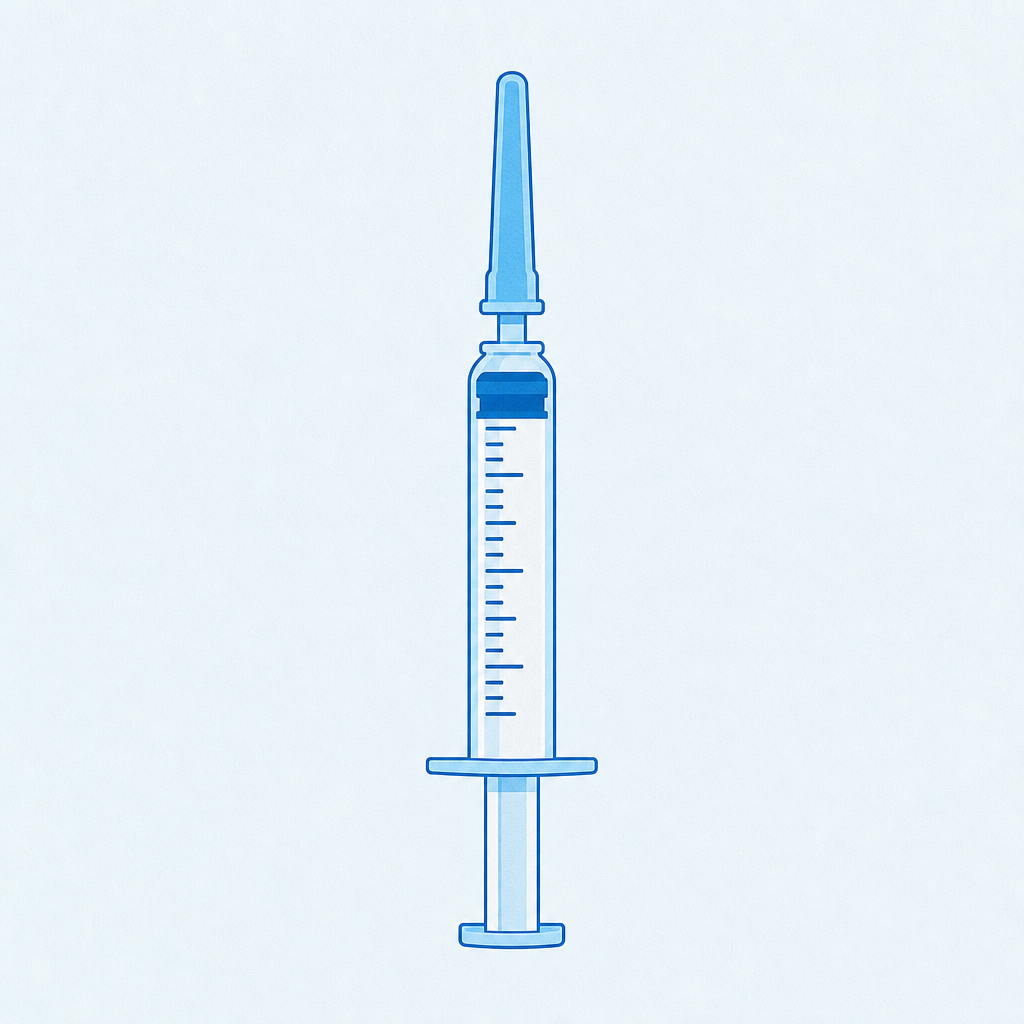
GPT 이미지 2로 생성한 주사기 일러스트

주사기 일러스트

GPT Image 2· Image
Clean vector sticker illustration of a medical syringe in safe healthcare icon style, no readable text.
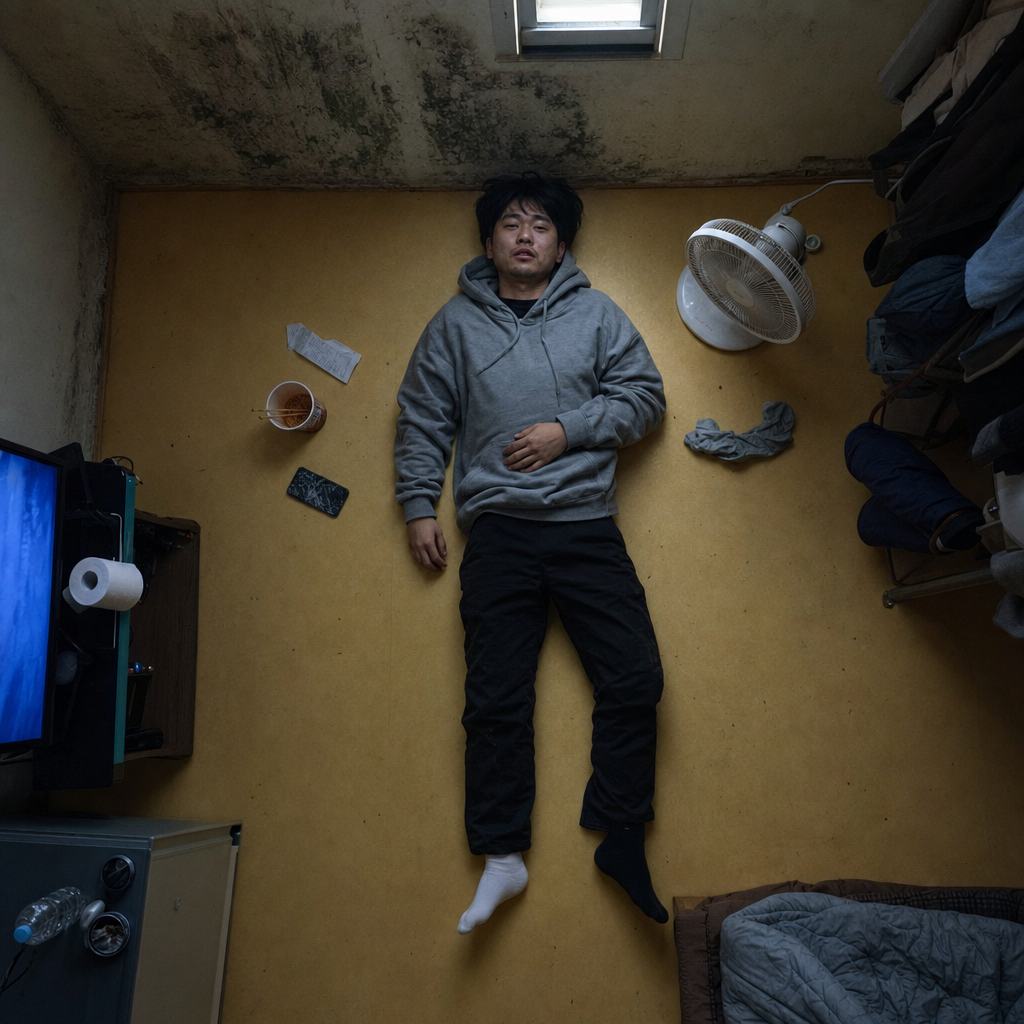
AI-generated Semi-Basement Overhead made with GPT Image 2

Semi-Basement Overhead

GPT Image 2· Image
photograph, square 1:1, top-shot Korean cinema still, overhead view with emotional geometry. A Korean man in his late 20s lies fully clothed on the warm ondol floor of a tiny semi-basement room, seen directly from ceiling height. Around him: a cracked phone, instant ramen cup, folded convenience-store receipt, damp socks, a small fan pointed nowhere. 35mm lens equivalent from overhead, f/5.6, almost diagrammatic composition but natural mess. His face is turned slightly toward the camera: uneven eyelid creases, faint beard shadow, visible pores around nose, dry lower lip, ordinary tired expression, no model styling. Outfit: washed gray hoodie, black slacks with dust at knees, mismatched socks. Light comes from a small high window rectangle plus blue TV glow outside frame. Palette: linoleum yellow, mold green corner, TV blue, tired skin warmth. Fine grain, no text, no watermark, no 3D render, no staged depression cliché, no plastic skin.
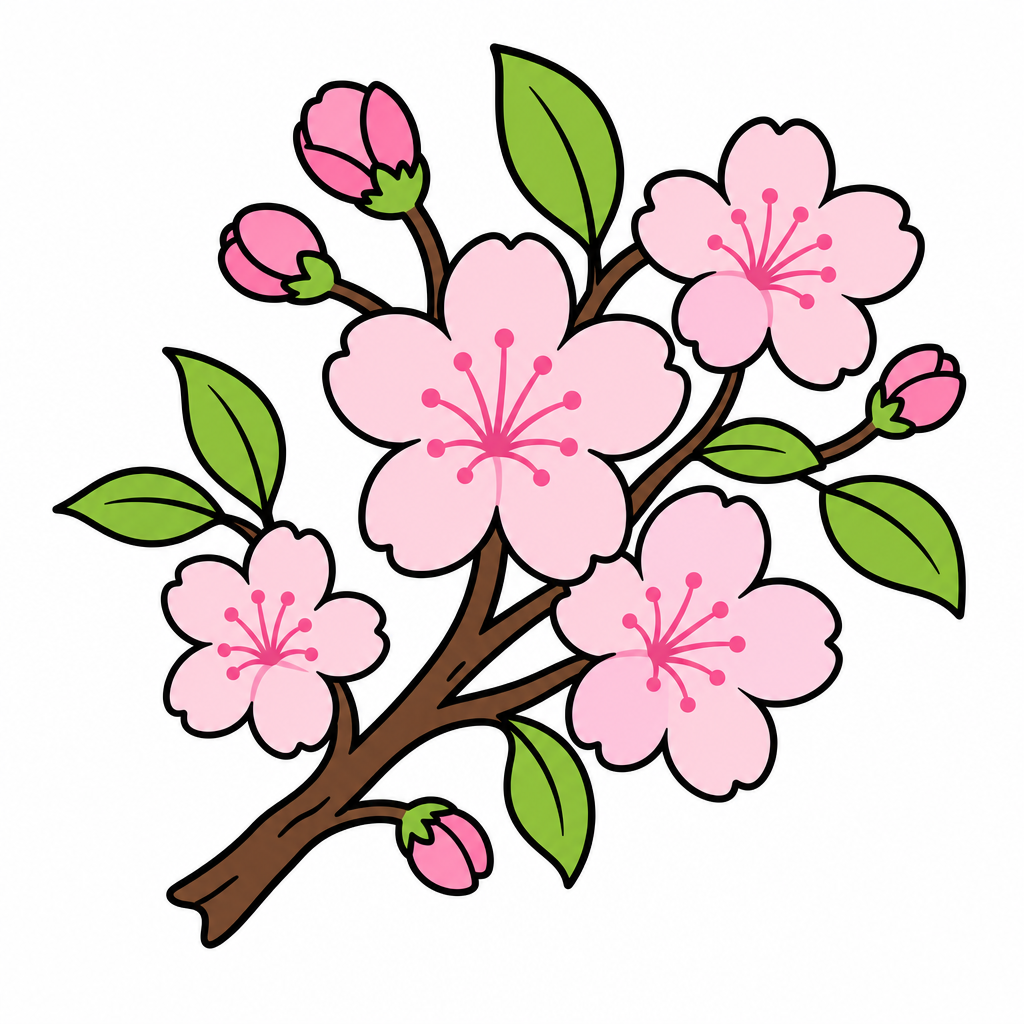
GPT 이미지 2로 생성한 봄꽃 일러스트

봄꽃 일러스트

GPT Image 2· Image
Clean vector sticker illustration of spring flowers, cherry blossom branch with pink blooms, pink and green palette, no text.
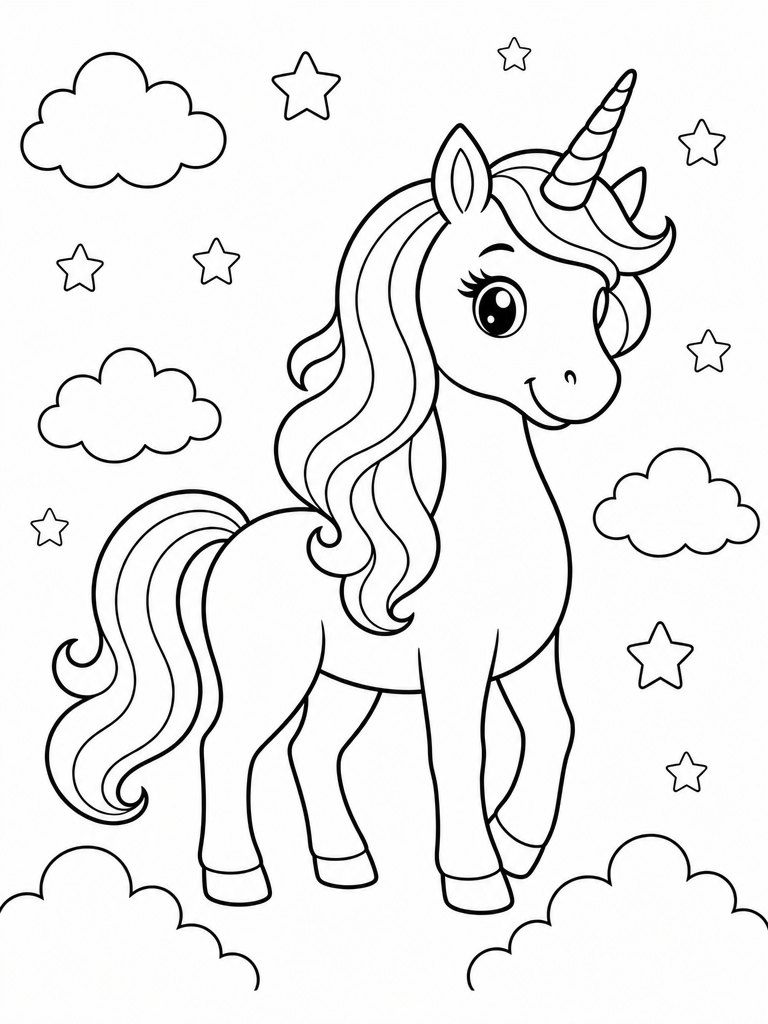
GPT 이미지 2로 생성한 유니콘 색칠공부

유니콘 색칠공부

GPT Image 2· Image
Printable unicorn coloring page, black and white line art only, cute unicorn full body with mane and horn, stars and clouds, clean thick outlines, white background, no text.

What Are Ring Design AI Prompts?

Ring Design AI Prompts are meticulously crafted text instructions aimed at guiding AI models to generate high-resolution, photorealistic, or artistically stylized images of rings. These prompts focus on the intricate details that define fine jewelry: the luster of precious metals like platinum, rose gold, and yellow gold; the complex geometry of gemstone cuts such as pear, marquise, or round brilliant; and the sophisticated play of light known as fire and scintillation. By utilizing these prompts, users can create everything from delicate wedding ring illustrations to powerful 3D renders of engagement rings that look as if they were shot in a professional photography studio. The logic behind these prompts involves heavy emphasis on macro photography settings, ray-tracing quality light effects, and material science keywords, ensuring the output captures the luxury and precision required for jewelry design and presentation. Whether for professional portfolio building or personal creative exploration, these prompts serve as a gateway to high-end jewelry visualization.

Best Use Cases

The application of Ring Design AI prompts spans several industries and creative pursuits. In the jewelry industry, designers use these prompts for rapid prototyping and trend exploration. Instead of spending hours on manual sketches or complex CAD modeling in the initial stages, they can generate dozens of variations of a design concept in minutes. For marketing professionals, these prompts are a godsend for creating high-impact visual content for social media, digital catalogs, and advertising banners without the overhead costs of physical product shoots. On the personal side, individuals planning their weddings or anniversaries use these prompts to visualize their dream rings, creating reference images that they can then take to a jeweler for custom creation. Additionally, these prompts are widely used in the entertainment industry-concept artists for films and video games use them to design ornate, magical, or futuristic rings that characters might wear, ensuring every detail fits the world's lore.

Why This Tag Works

The "Ring Design" tag is a powerful tool because it addresses the specific technical challenges of rendering small, highly reflective, and refractive objects. Unlike broader jewelry tags, it is calibrated to handle the specific proportions and focal points of a ring. It understands the "shimmer" and "sparkle" that users expect, integrating keywords that trigger advanced light behavior in AI models. This tag ensures that the band's curvature looks natural and that the prongs holding the center stone are rendered with structural integrity. Furthermore, it leverages the contrast between the hard surfaces of the ring and various luxury backgrounds, such as velvet, silk, or polished stone, to enhance the overall aesthetic appeal. By focusing on the "Ring" specifically, the AI can better allocate its computational power to the micro-details of the setting and the clarity of the gemstones, resulting in images that are not only beautiful but also technically impressive from a design perspective.

Explore Related Prompts

  • Illustration
  • Character
  • Poster
  • Card News Template
  • Wedding Card
  • Anniversary Card
  • Cinematic Video

Prompt Building Tips

To achieve a truly premium look in your ring designs, you must be specific about the environment and the lens. Start by defining the ring's material: "14k rose gold band with a brushed finish" provides much more direction than just "gold ring." For the gemstone, describe its interaction with light: "Central blue sapphire with deep saturation, surrounded by a halo of micro-pave diamonds, reflecting soft studio lights." The choice of camera settings in the prompt is also vital; use terms like "Macro photography," "Depth of field," "f/2.8," and "Soft bokeh background" to create that professional, high-end catalog feel. If you want a more artistic approach, you can mix in styles like "Art Nouveau style" or "Minimalist modern aesthetic." Lastly, specifying the lighting direction, such as "Side lighting to highlight the metal's texture" or "Top-down lighting for maximum diamond brilliance," can dramatically change the mood and quality of the final image.
Frequently Asked Questions

Related Prompts

Diamond Illustration

Diamond Illustration

21 prompts

Jewelry Photo

Jewelry Photo

21 prompts

Ring Illustration

Ring Illustration

14 prompts

Coloring Page

Coloring Page

6 prompts

Carat Prompt Gallery

Create trending AI prompts instantly

Prompts

  • Logo
  • PPT Design
  • Thumbnail
  • Poster
  • Web Novel Cover
  • ID Photo
  • Caricature
  • Product Detail Page
  • Banner

Models

  • GPT Image 2
  • Seedance 2.0
  • NanoBanana Pro
  • NanoBanana 2

Carat

  • Get started
  • About
  • Blog
  • Careers
  • Contact
  • Partnership
  • Terms
  • Privacy

© 2026 Paradot.Inc All rights reserved.