Seating Chart
Create a practical seating chart with precise structure, usability checks, and editable AI prompts.
2026.07.16
Faça “Seating Chart” exatamente do jeito que você querCrie o seu próprio “Seating Chart”
É só pedir com suas palavras — a Carat gera imagens e vídeos otimizados para você.

Comece agora com 100 créditos grátis por dia
Seating Chart
Seating Chart
Measure the room before assigning seats
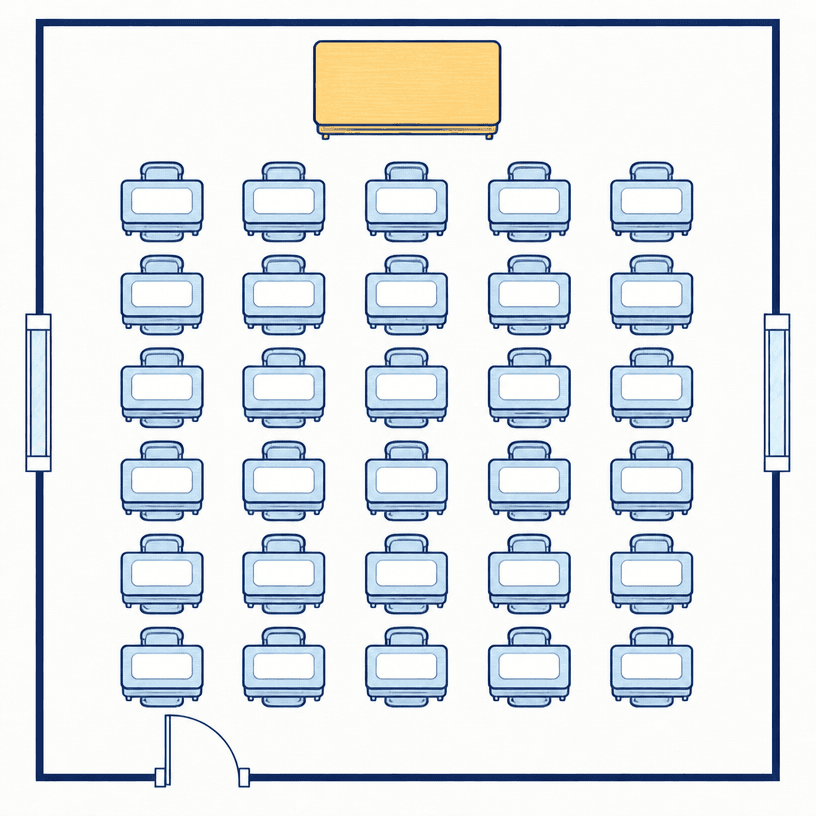
A seating chart should begin with accurate room dimensions and the locations of doors, windows, the teacher desk, and fixed equipment. Confirm student count and desk size together so the layout fits the real room while supporting instruction and safe movement.
Verify seat count and circulation
Verify the seat total by multiplying rows and columns, then keep desk gaps and main aisle widths consistent. Leave door swings, exits, and storage access clear, and provide a circulation path that lets the teacher reach every student without squeezing between furniture.
Choose a layout for the teaching method
A forward-facing grid supports direct instruction, grouped tables support collaboration, and a semicircle supports discussion or presentations. Treat the layout as adjustable, recording when and why it changes according to activity, sightlines, and noise.
Review access, safety, and privacy
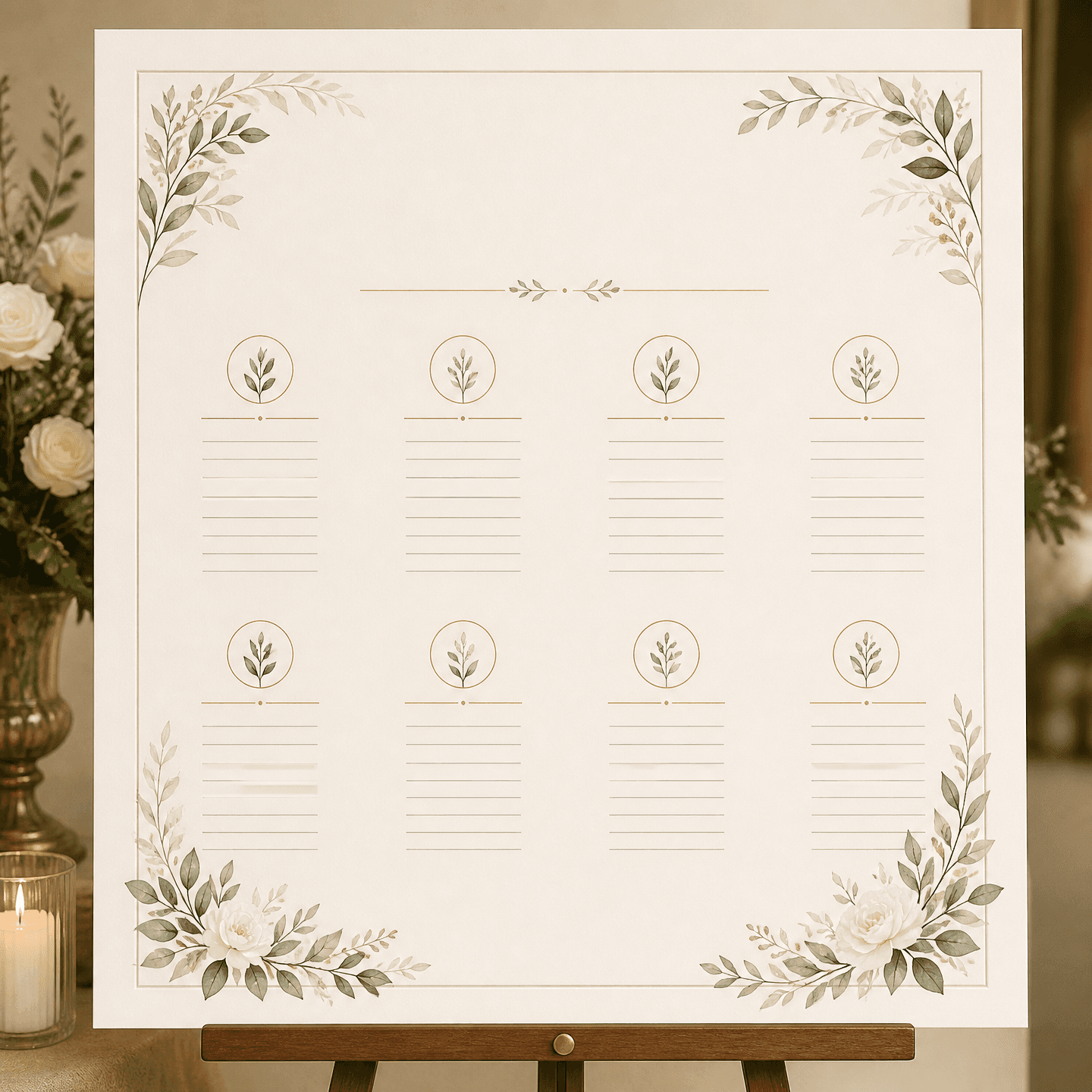
Check wheelchair clearance, views for students who need visual or audio support, glare, and heating or cooling zones. A public chart containing student names may expose personal information, so shared versions should use blank fields or neutral seat codes.
Generate and validate a blank seating chart
Specify exact rows, columns, student-desk count, teacher desk, doors, windows, and an orthographic top-down view. Prohibit generated names and numbers, then count every desk and inspect aisles before adding real information in an editing tool.