carat

Prompt Gallery

/

Education Design

Login
Sign Up

Education Design

Discover inspiring AI prompts for educational materials, learning infographics, and creative teaching aids.

2026.07.04

·
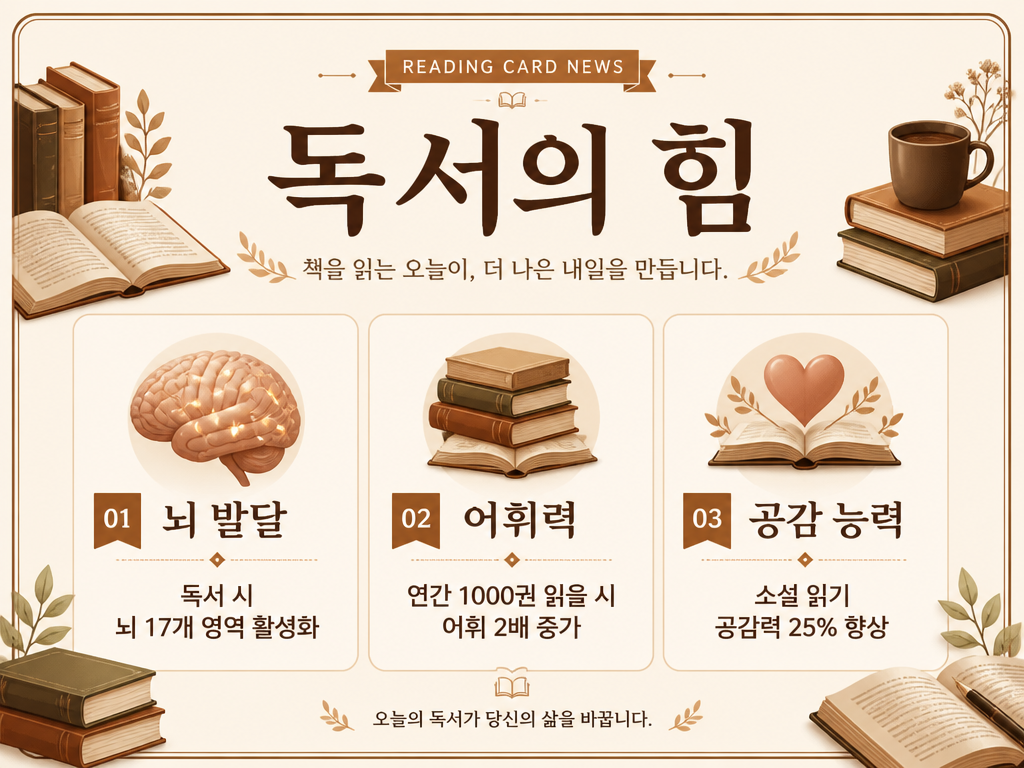
GPT 이미지 2로 생성한 독서 교육 카드뉴스

독서 교육 카드뉴스

GPT Image 2· Image
A reading education card news design. Warm cream background with brown book illustrations. Title text '독서의 힘' in Korean. Three sections: 뇌 발달 (독서 시 뇌 17개 영역 활성화), 어휘력 (연간 1,000권 읽을 시 어휘 2배 증가), 공감 능력 (소설 읽기 공감력 25% 향상). Each section has a book or brain icon. Clean education card news style with warm book-themed aesthetic.
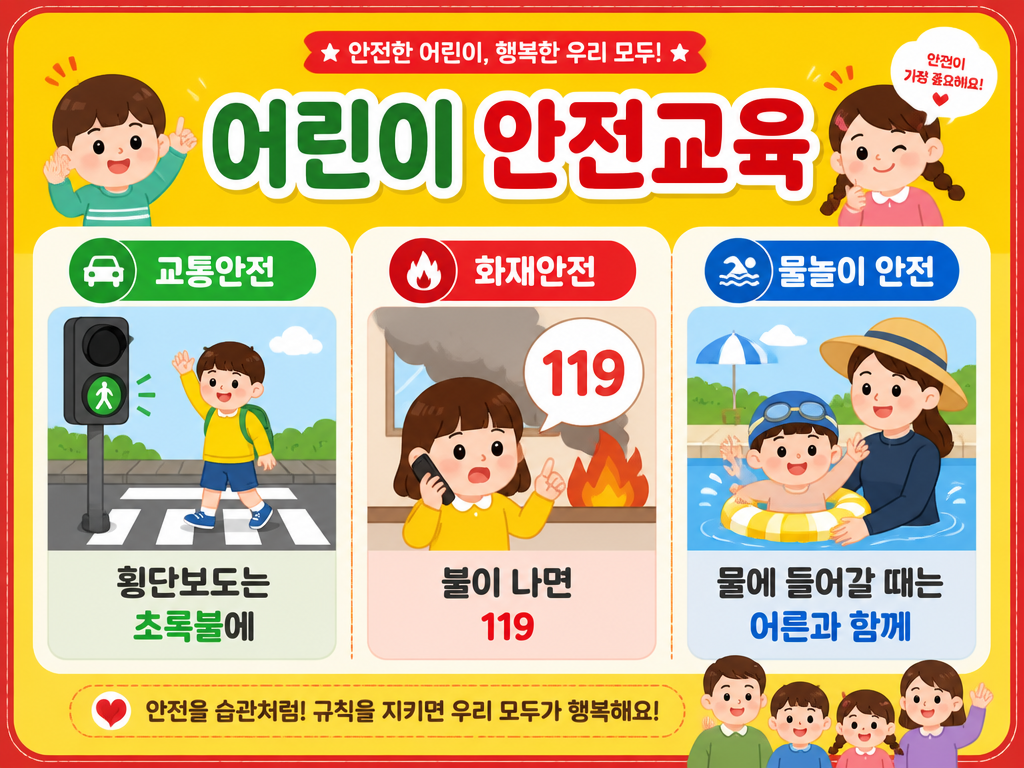
GPT 이미지 2로 생성한 안전교육 카드뉴스

안전교육 카드뉴스

GPT Image 2· Image
A children's safety education card news design. Bright yellow background with red accent borders. Title text '어린이 안전교육' in Korean. Three sections: 교통안전 (횡단보도는 초록불에), 화재안전 (불이 나면 119), 물놀이 안전 (물에 들어갈 때는 어른과 함께). Each section has a simple caution icon. Clean and friendly safety education card news style for children and parents.
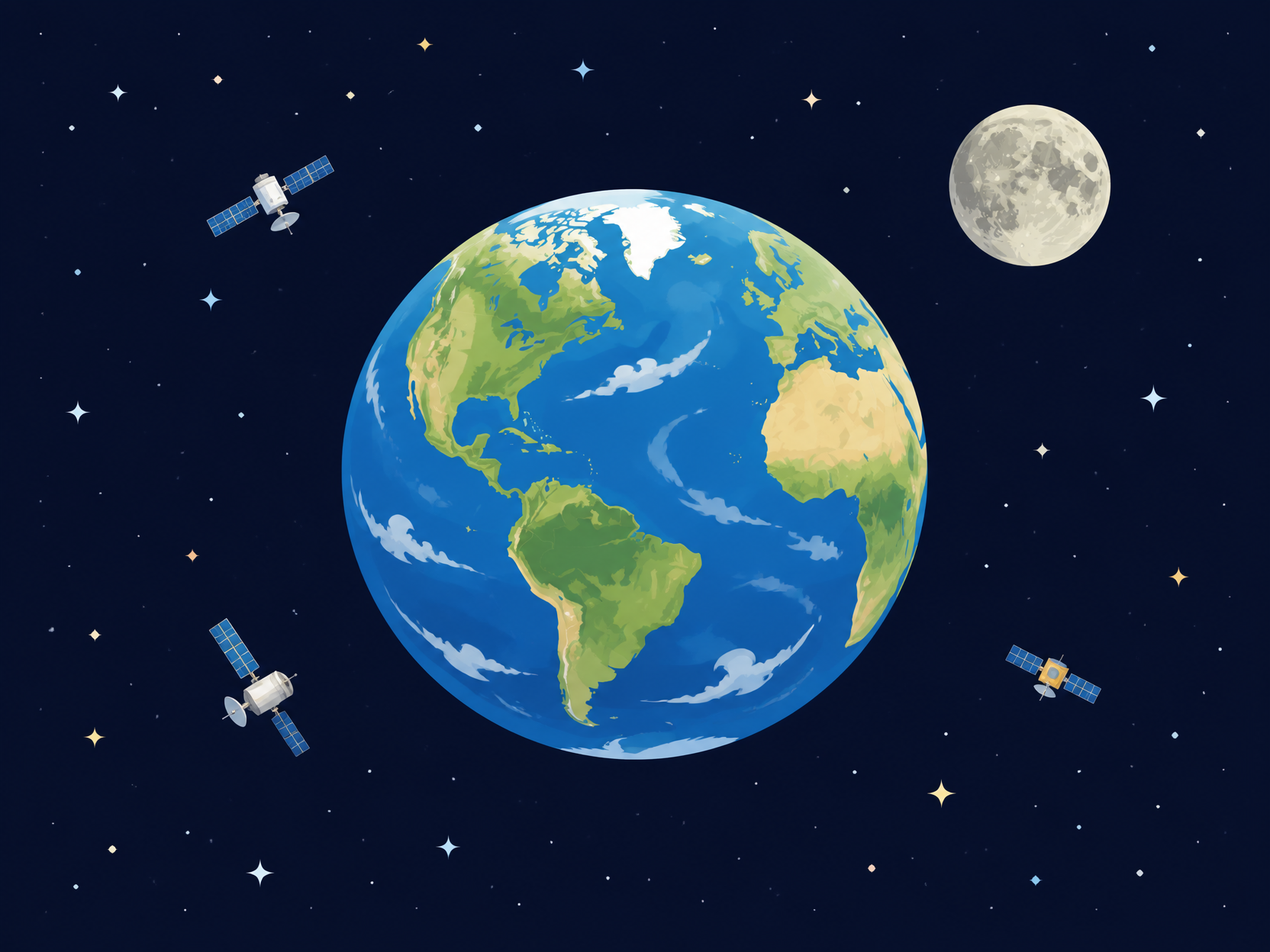
GPT 이미지 2로 생성한 우주 속 지구 일러스트

우주 속 지구 일러스트

GPT Image 2· Image
Beautiful flat illustration of Earth floating in space with moon, small satellites, stars, deep navy background, polished educational style, no text.
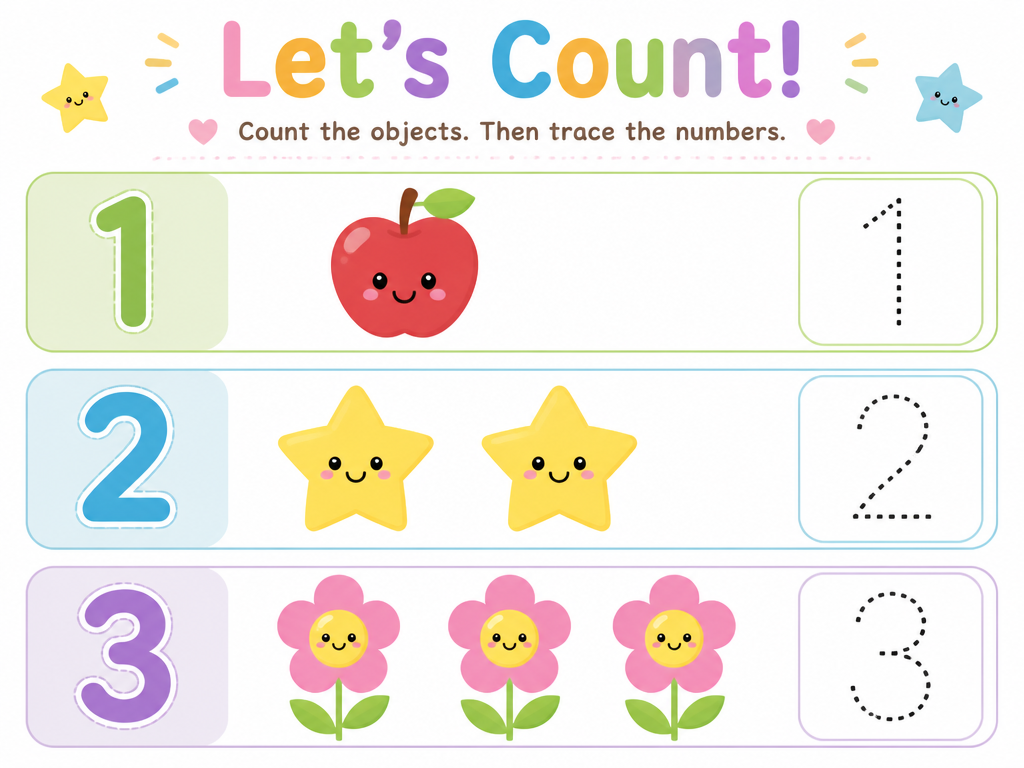
GPT 이미지 2로 생성한 숫자 학습지 일러스트

숫자 학습지 일러스트

GPT Image 2· Image
A children's number counting worksheet illustration. Clean white background. Show numbers 1, 2, 3 with corresponding countable objects (1 apple, 2 stars, 3 flowers) in cute colorful illustrations. Dotted traceable numbers for writing practice. Light pastel color palette with rounded friendly shapes. Children's educational worksheet style. No photographic elements.
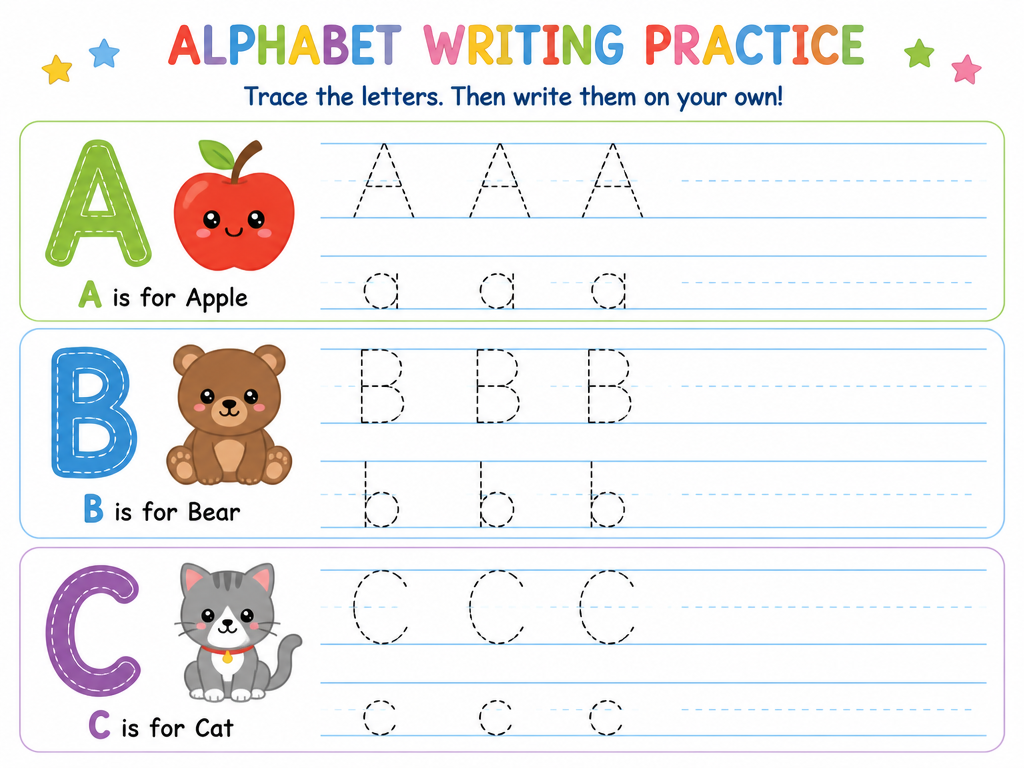
GPT 이미지 2로 생성한 알파벳 쓰기 워크시트

알파벳 쓰기 워크시트

GPT Image 2· Image
A children's alphabet writing practice worksheet illustration. Clean white background with light blue dotted line guides. Show uppercase and lowercase letters A, B, C with traceable dashed outline letters and cute animal illustrations matching each letter (A for Apple with apple illustration, B for Bear with bear illustration, C for Cat with cat illustration). Colorful and friendly children's educational worksheet style. No photographic elements.
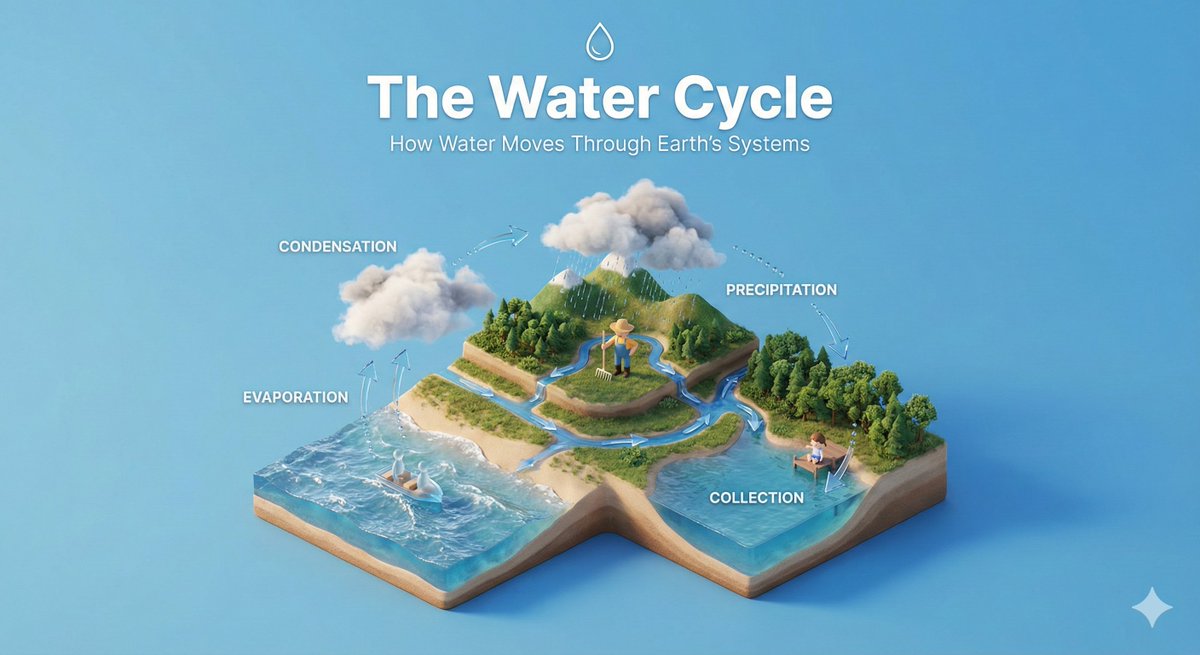
AI-generated Isometric Educational Diorama made with Nano Banana Pro

Isometric Educational Diorama

NanoBanana Pro· Image
Create a clear, 45° top-down isometric miniature 3D educational diorama explaining [PROCESS / CONCEPT]. Use soft refined textures, realistic PBR materials, and gentle lifelike lighting. Build a stepped or layered diorama base showing each stage of the process with subtle arrows or paths. Include tiny stylized figures interacting with each stage (no facial details). Use a clean solid [BACKGROUND COLOR] background. At the top-center, display [PROCESS NAME] in large bold text, directly beneath it show a short explanation subtitle, and place a minimal symbolic icon below. All text must automatically match the background contrast (white or black).
@aleenaamiir
GPT 이미지 2로 생성한 어린이집 환경판 디자인

어린이집 환경판 디자인

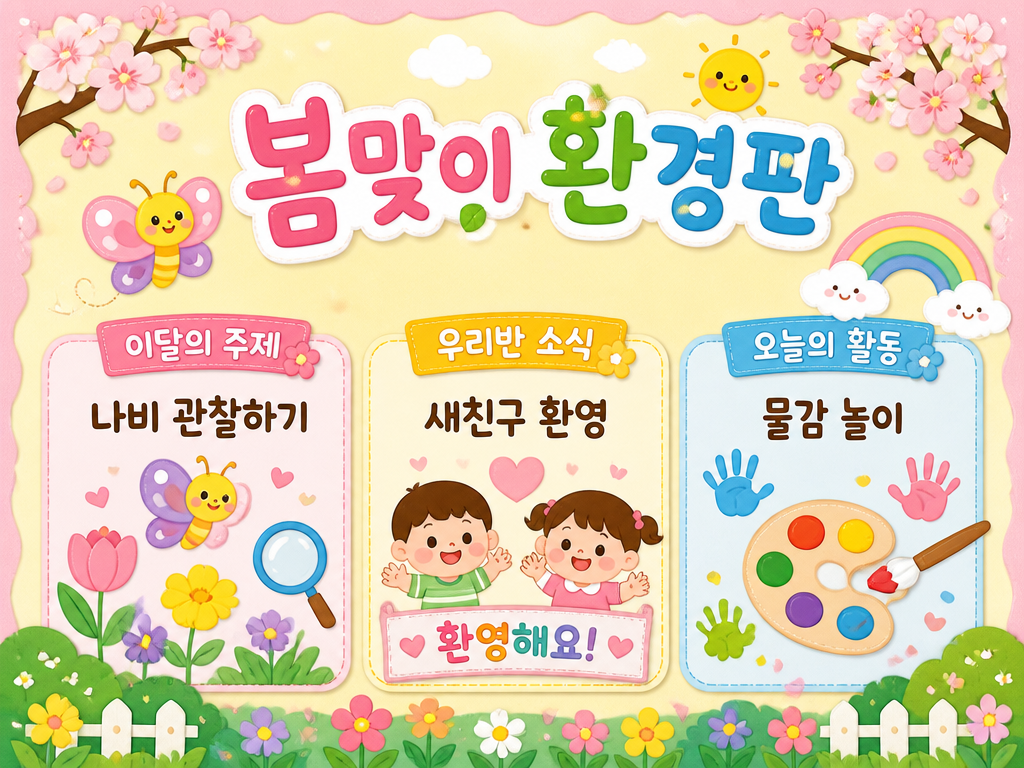
GPT Image 2· Image
A colorful daycare environment board design for spring season. Soft pastel background with cherry blossom decorations. Title text '봄맞이 환경판' in Korean. Sections showing: 이달의主题活动 (나비 관찰하기), 우리반 소식 (새친구 환영), 오늘의 활동 (물감 놀이). Cute cartoon butterfly, flower, and rainbow illustrations. Warm and cheerful daycare bulletin board style for toddlers.
AI-generated Online Class Illustration made with GPT Image 2

Online Class Illustration

GPT Image 2· Image
온라인 강의 플랫폼에 어울리는 교육 일러스트를 만들어줘. 노트북 강의를 보는 학생, 떠 있는 강의 카드, 헤드폰, 노트, 학습 진행률 요소를 포함해줘. 소프트 블루와 라벤더 톤, 밝고 집중되는 학습 분위기, 에듀테크 브랜드에 어울리는 모던 플랫 일러스트 스타일. 텍스트와 워터마크는 넣지 마.
AI-generated Educational Presentation Slide made with GPT Image 2

Educational Presentation Slide

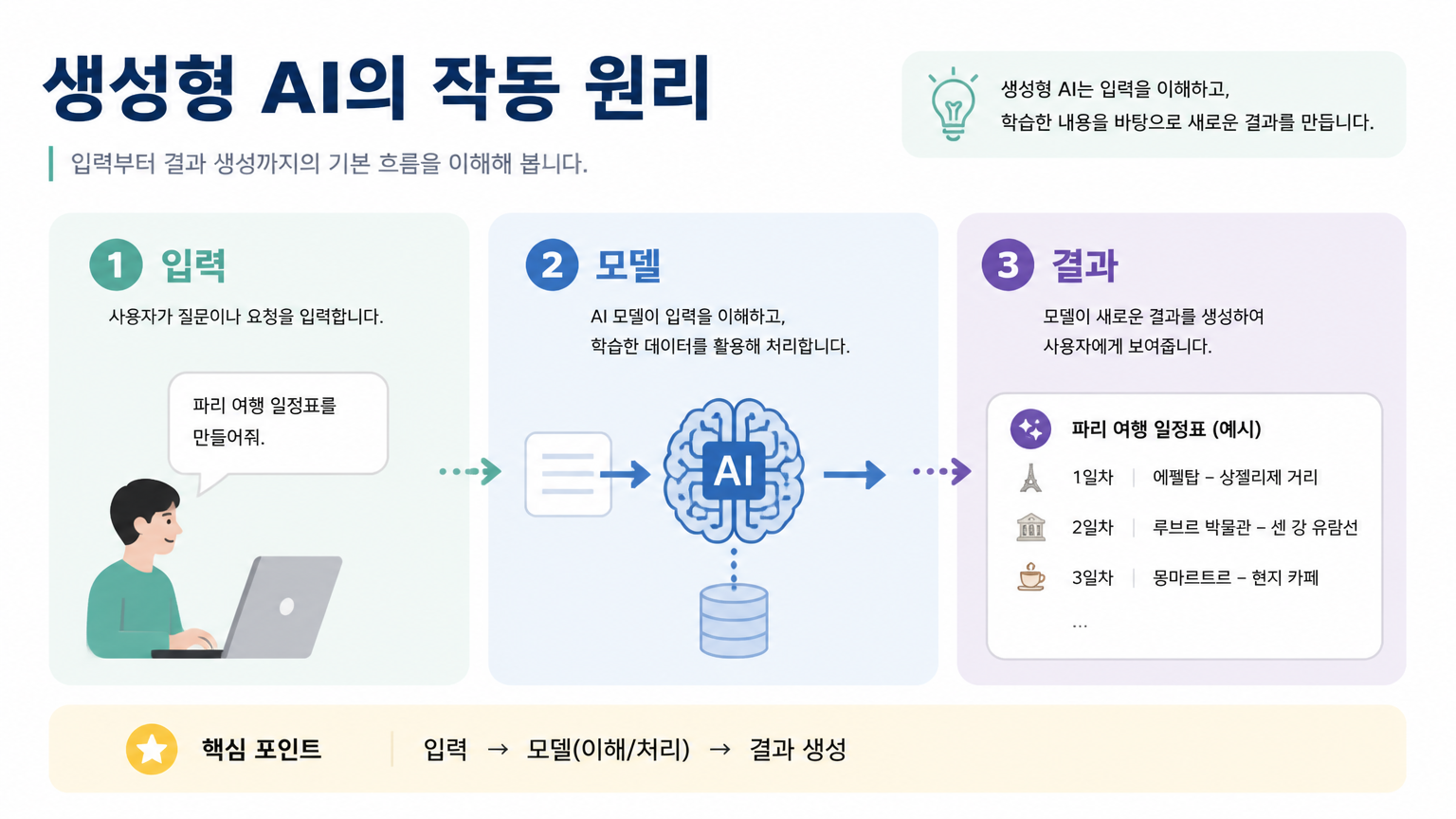
GPT Image 2· Image
Design a 16:9 educational presentation slide in Korean. Title: '생성형 AI의 작동 원리'. Create a simple visual explanation with three steps: 입력, 모델, 결과. Use friendly flat icons, soft pastel blocks, and clear numbered sections. The slide should be easy to understand for beginners, with clean Korean labels and a teacher-friendly layout. Avoid childish style, avoid excessive text.
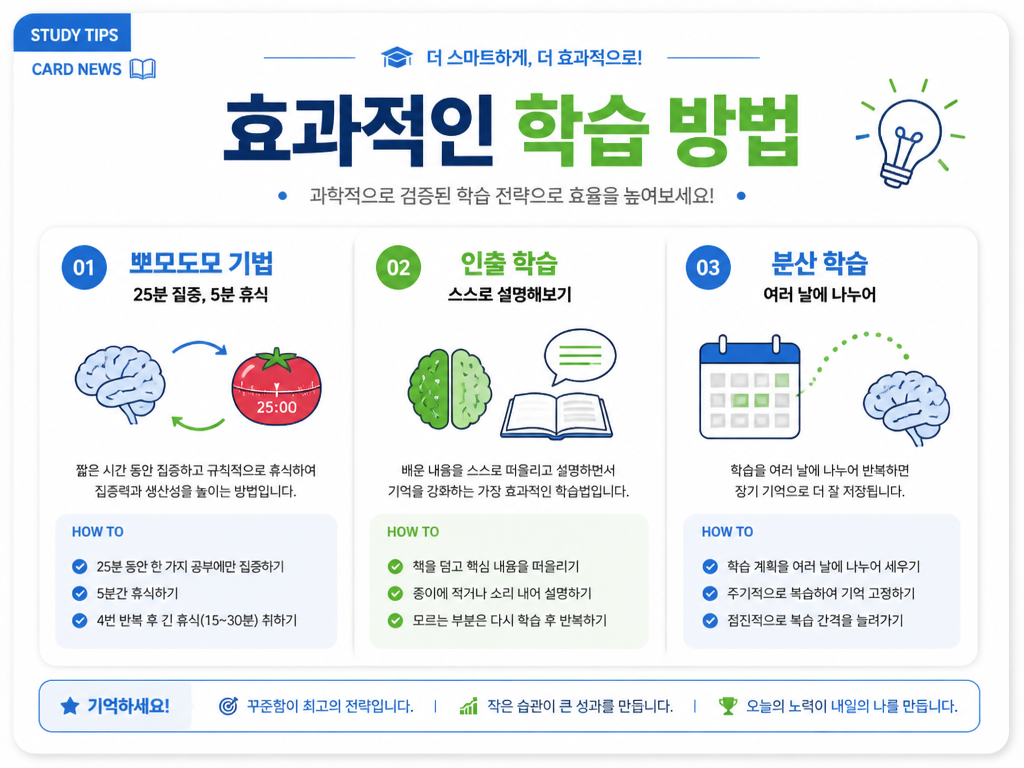
GPT 이미지 2로 생성한 학습 팁 카드뉴스

학습 팁 카드뉴스

GPT Image 2· Image
An education study tips card news design. Clean white background with blue and green accent colors. Title text '효과적인 학습 방법' in Korean. Three sections: 뽀모도로 기법 (25분 집중, 5분 휴식), 인출 학습 (스스로 설명해보기), 분산 학습 (여러 날에 나누어). Each section has a simple brain or book icon. Professional education card news design with clean typography and data visualization style.
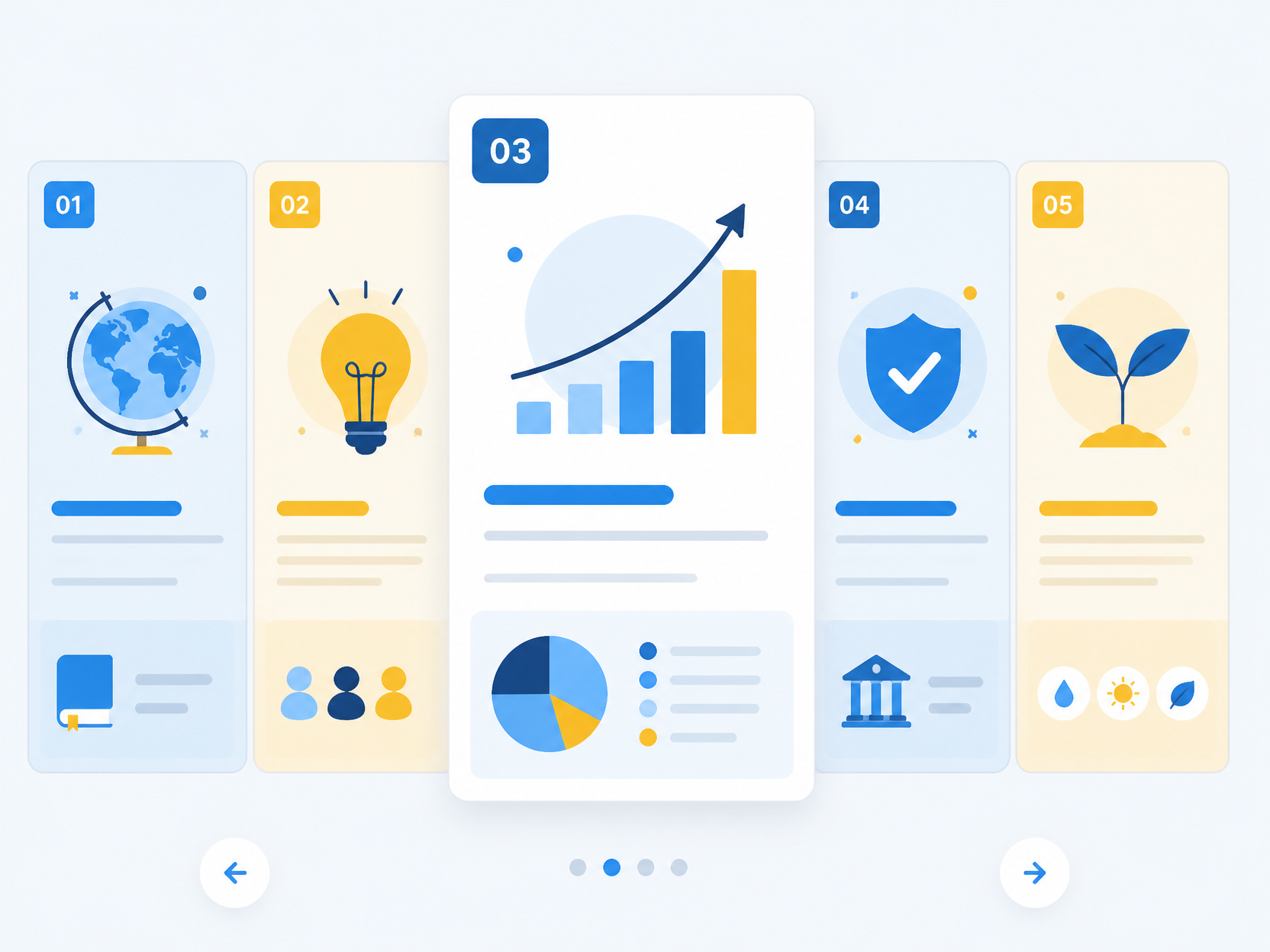
GPT 이미지 2로 생성한 교육용 카드뉴스 예시

교육용 카드뉴스 예시

GPT Image 2· Image
educational card news carousel example, modern grid layout with numbered sections, pastel blue and yellow palette, simple icons and charts, no readable text

What Are Education Design AI Prompts?

Education design AI prompts are specialized sets of visual instructions tailored to create imagery and layouts that facilitate learning and knowledge retention. These prompts are more than just artistic descriptions; they are built upon instructional design principles to ensure that the resulting visuals are clear, engaging, and pedagogically sound. By utilizing these prompts on Carat, educators, instructional designers, and content creators can generate everything from whimsical storybook illustrations for early childhood education to sophisticated technical schematics for higher learning. These prompts translate abstract educational concepts into a visual language that can explain complex ideas-such as the laws of physics, historical events, or biological processes-in a way that is easily digestible for students of all ages. They empower teachers to become visual storytellers, providing them with a high-fidelity library of custom images that would otherwise require hours of manual searching or expensive custom commissions.

Best Use Cases

The applications for education design prompts are diverse and impact every level of the learning journey. A very popular use case is the creation of "educational card news" for social media or school newsletters, where key learning points are shared in a swipeable, engaging format. These prompts are also perfect for designing custom "lesson slide backgrounds" that keep students focused and visually stimulated during presentations. For science educators, AI prompts can generate realistic "scientific illustrations" of cell structures, outer space, or geological formations that are hard to photograph. In literacy programs, they are used to create "character sheets" or "scene backgrounds" that bring stories to life. Additionally, they are excellent for making "classroom posters" that communicate rules, inspirational quotes, or fundamental formulas. Educational publishers use these prompts to prototype "textbook layouts" and "workbook icons," ensuring a consistent and modern aesthetic throughout their materials. Whether you are building an online course or a physical learning aid, these prompts provide the visual building blocks for success.

Why This Tag Works

The "Education Design" tag on Carat is highly effective because it understands the need for "visual clarity" and "emotional resonance" in learning environments. It works by prioritizing styles that are known to improve cognitive processing-such as clean flat vectors, soft watercolors, and balanced compositions. Unlike generic art tags, this category filters for results that are "informative" and "distraction-free," ensuring that the core educational message isn't lost in excessive detail. It also addresses the critical need for "customization"; an educator can specify the age of the audience, the complexity of the topic, and the cultural context of the imagery, resulting in highly relevant materials. This tag acts as a productivity multiplier for teachers who are often strapped for time, allowing them to produce professional-grade visuals in seconds. It bridges the gap between high-quality educational theory and high-impact visual design, making every lesson more memorable and effective.

Explore Related Prompts

Enhance your teaching and learning resources by exploring these specialized educational categories:

  • Education Card News
  • Education Materials
  • Card News Template
  • Infographic
  • Children Book
  • Timeline Diagram
  • Illustration

Prompt Building Tips

Creating impactful educational visuals requires a balance of creativity and clarity. Here are expert tips for building better education design prompts. First, always define the "educational context" and "target age group"-this dictates the level of detail and the color palette (e.g., "for preschool children" vs. "for medical professionals"). Second, use "action-oriented" keywords like "demonstrating," "explaining," or "mapping out" to guide the AI's composition toward informative layouts. Third, control the "visual style" using terms like "educational flat vector," "diagrammatic illustration," or "clean academic aesthetic." Fourth, be specific about the "subject matter" and its components; for example, if you are illustrating "cell division," name the stages you want to see. Fifth, request a "clutter-free environment" with phrases like "minimalist background," "clearly defined borders," and "no unnecessary details" to keep the focus on the learning objective. Sixth, use "analogous color schemes" for a professional look or "vibrant primary colors" for younger audiences. Finally, don't forget the "format"-specifying "educational infographic layout" or "worksheet border design" helps the AI understand the functional requirement of the image. By following these guidelines, you can produce tailored educational assets that truly inspire learning.

Frequently Asked Questions

Related Prompts

Education Card News

Education Card News

6 prompts

Education Illustration

Education Illustration

11 prompts

Card Game Illustration

Card Game Illustration

42 prompts

Card Illustration

Card Illustration

107 prompts

Carat Prompt Gallery

Create trending AI prompts instantly

Prompts

  • Logo
  • PPT Design
  • Thumbnail
  • Poster
  • Web Novel Cover
  • ID Photo
  • Caricature
  • Product Detail Page
  • Banner

Models

  • GPT Image 2
  • Seedance 2.0
  • NanoBanana Pro
  • NanoBanana 2

Carat

  • Get started
  • About
  • Blog
  • Careers
  • Contact
  • Partnership
  • Terms
  • Privacy

© 2026 Paradot.Inc All rights reserved.