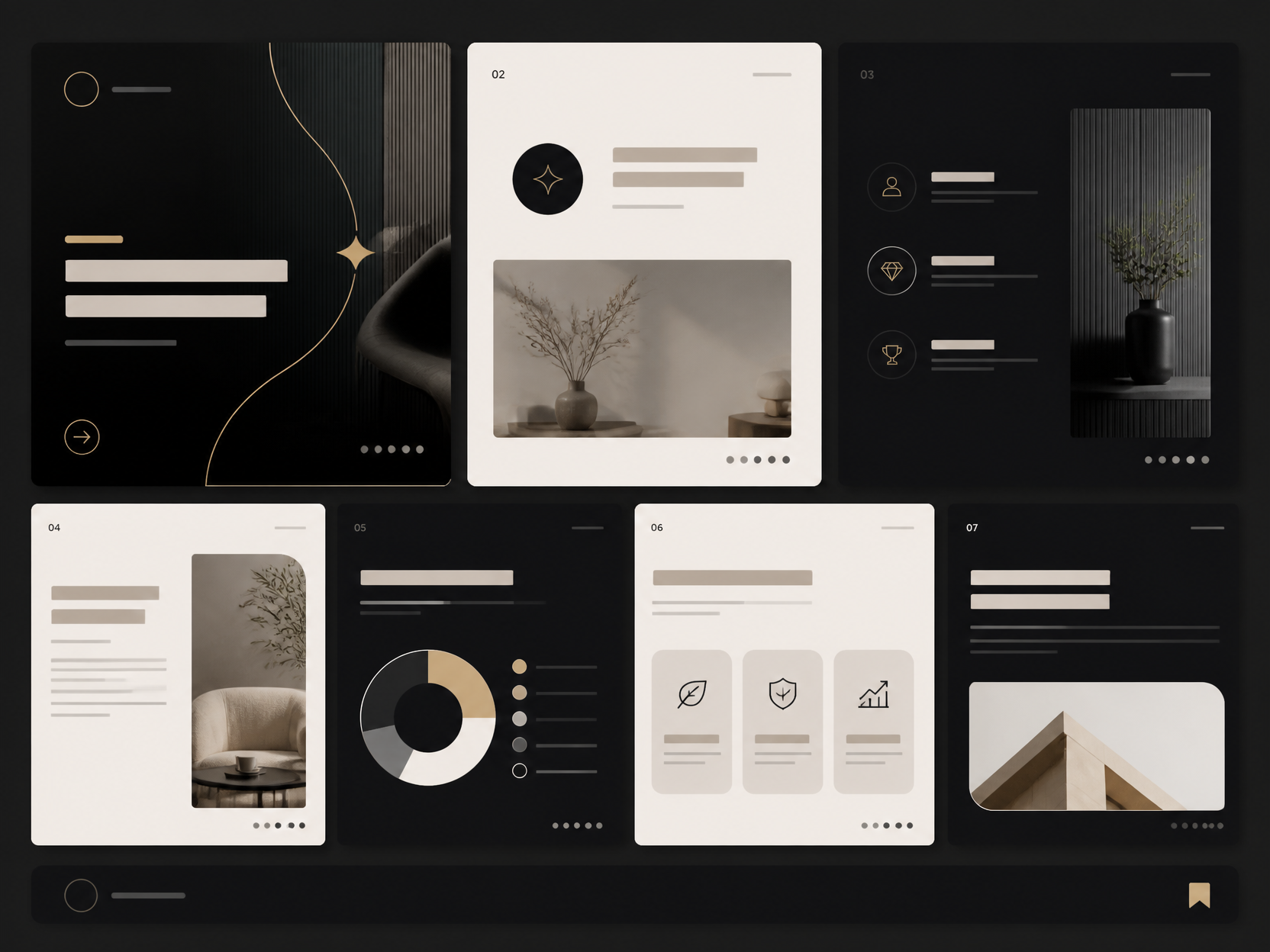
Online Course Thumbnail
Create online course thumbnails and e-learning platform images with AI prompt templates.
2026.07.08
Make “Online Course Thumbnail” exactly the way you wantCreate your own “Online Course Thumbnail”
Just ask in plain language — Carat generates optimized images and videos for you.

Start now with 100 free credits daily

독서 교육 카드뉴스

교육용 카드뉴스 예시

Online Class Illustration

유튜브 썸네일 템플릿

안전교육 카드뉴스

Bold Korean YouTube Thumbnail About AI Model Competition 2025, 16:9
What Is an Online Course Thumbnail?
An online course thumbnail is a preview image that represents educational content on online learning platforms, serving as the primary visual element that potential students see when browsing course catalogs on e-learning platforms such as Class101, FastCampus, Inflearn, Udemy, Coursera, and Skillshare. Thumbnails are the single most critical factor in course discovery and enrollment decisions, directly influencing click-through rates, course page visits, and ultimately, student registration and revenue for course creators. A well-designed course thumbnail must communicate the course topic, instructor presence, difficulty level, and target audience at a glance, combining compelling typography, relevant visual elements, and professional aesthetics that convey educational value and credibility. The design of online course thumbnails varies significantly by subject matter and platform conventions, with business courses favoring clean, professional layouts with corporate aesthetics, creative courses embracing bold, artistic designs with vibrant visuals, technical courses using diagram elements and code imagery, and lifestyle courses adopting warm, approachable aesthetics. With AI image generation tools, course creators and educational content marketers can now produce professional-quality thumbnails without graphic design skills, making it possible to create compelling course preview images that drive enrollment quickly and cost-effectively for online education businesses.
How to Write AI Online Course Thumbnail Prompts
When generating an online course thumbnail with AI, specify the course topic, target audience, visual style, typography direction, and attention-grabbing elements as key design parameters. Include prompt phrases like "course," "thumbnail," "education," "online course," and "e-learning" to define the educational context. Online course thumbnails must maximize click-through rates, so emphasize attention-grabbing compositions, bold visual hierarchy, and clear messaging that immediately communicates the course value proposition to browsing students. Specify visual elements relevant to the course subject matter, such as laptops for tech courses, art supplies for creative courses, or financial charts for business courses, to create thumbnails that instantly convey the topic and attract the right audience. Style specifications, such as card news format, infographic style, illustration, or photographic, define the overall visual approach, with each style offering different advantages for different course types and platform contexts. The educational context should be emphasized throughout, with professional, credible aesthetics that convey expertise and educational value while maintaining the visual appeal necessary to attract clicks and drive enrollment.
Online Course Thumbnail Prompt Examples
A YouTube thumbnail prompt generates attention-grabbing thumbnails optimized for YouTube educational channels, with bold typography, expressive imagery, and high-contrast compositions that maximize click-through rates in YouTube recommendation feeds. A YouTube thumbnail template prompt creates consistent thumbnail templates with unified branding elements, enabling course creators to maintain visual coherence across a series of educational videos. A card news template prompt generates card news format thumbnails suitable for educational content, with the structured, information-rich layout characteristic of social media card news designs. An educational card news prompt creates card news designs specifically tailored for educational content, with visual elements, icons, and typography that communicate learning concepts and course topics effectively. A business card news prompt generates card news suitable for business courses, with the clean, professional aesthetics and corporate visual language appropriate for business education content. A beauty card news prompt creates card news with the warm, aesthetic styling suitable for beauty and lifestyle courses, combining educational content with the visual appeal characteristic of beauty and fashion social media content.
Tips for Using AI Online Course Thumbnails
Generated online course thumbnails can be used for e-learning platform course listings, YouTube educational channels, social media educational content, e-learning marketing campaigns, webinar promotions, and online education advertising across diverse digital platforms. Maintain attention-grabbing compositions and clear messaging while emphasizing the course topic and value proposition to create thumbnails that drive clicks and enrollment effectively. Experiment with different visual styles, such as card news, infographic, illustration, or photographic, to find the approach that best fits the course subject, platform conventions, and target audience expectations. AI tools enable rapid production of diverse thumbnail concepts without professional design skills, making it possible to test multiple design directions, typography styles, and visual elements to find the most effective thumbnail for driving course enrollment. For course creators and educational content marketers, generating a collection of thumbnails with different styles, topics, and compositions provides versatile assets for course launches, seasonal promotions, and ongoing content marketing across multiple platforms. Always specify both the educational elements, such as course topic and audience, and the design elements, such as style and typography, to achieve online course thumbnails that effectively communicate educational value while maximizing visual appeal and click-through rates.
Frequently Asked Questions About Online Course Thumbnail Prompts
Common questions include whether AI can create course thumbnails, whether thumbnails can be used for YouTube, whether card news styles can be achieved, whether thumbnails can be tailored to educational fields, and whether designs can improve click-through rates. With precise prompting, AI tools produce professional, attention-grabbing thumbnails with full control over topic, style, and visual hierarchy. The key is specifying the course topic, visual style, and attention-grabbing elements to create thumbnails that effectively attract students and drive course enrollment.