carat

Prompt Gallery

/

템플릿 Call Sheet Template

Login
Sign Up

템플릿 Call Sheet Template

템플릿 Call Sheet Template prompts. Copy and use 템플릿 Call Sheet Template image generation prompts from Carat right away.

2026.08.15

·
GPT 이미지 2로 생성한 그림일기

그림일기

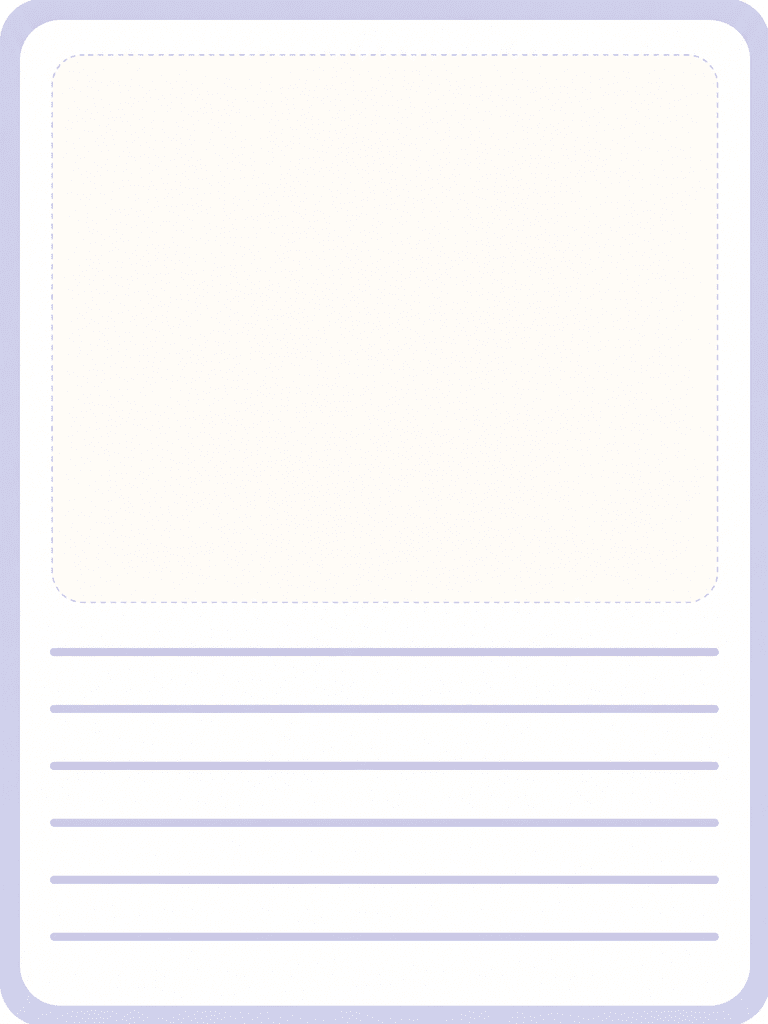
GPT Image 2· Image
A picture diary template illustration for children learning materials: clean worksheet-style page with a large blank drawing area and simple diary lines suggested as visual blocks, soft pastel frame, no readable text, no logo, no watermark.
AI-generated Sunglasses Octopus Studio Photo made with GPT Image 2

Sunglasses Octopus Studio Photo

GPT Image 2· Image
Hyperrealistic studio photograph of a majestic octopus with iridescent blue-grey mottled skin, wearing sleek minimal black sunglasses, positioned confidently on a glossy black obsidian pedestal in a seated, executive-like pose. Four tentacles each perform a distinct task simultaneously: one typing on a matte-black MacBook laptop, one holding a glowing smartphone displaying an upward revenue graph, one gripping a translucent holographic globe with pulsing connection nodes, one balancing a small stack of gold coins mid-transfer. Behind the octopus, five ultra-thin curved monitor screens arc in a 180-degree semi-circle, displaying SaaS dashboard interfaces, analytics charts, and a world map with glowing user-activity dots. Pure matte black studio background, no clutter, no extra props. Octopus skin rendered with ultra-fine photorealistic texture, subtle wet sheen on the suction cups. Shot on ARRI ALEXA 65 with a 50mm prime lens, shallow depth of field with the subject tack-sharp and the background screens falling into soft bokeh, dramatic single-source cool blue-white rim light from upper left, subtle warm red accent bounce light from lower right (hex ee4650), high-contrast chiaroscuro, glossy obsidian surface reflecting faint screen glow, ultra-detailed, 8k, commercial advertising photography --ar 4:5 --v 6.1 --style raw
2fd8674802b8a6aa04be8392eaa488d2
AI-generated Fantasy Creature Card Illustration made with GPT Image 2

Fantasy Creature Card Illustration

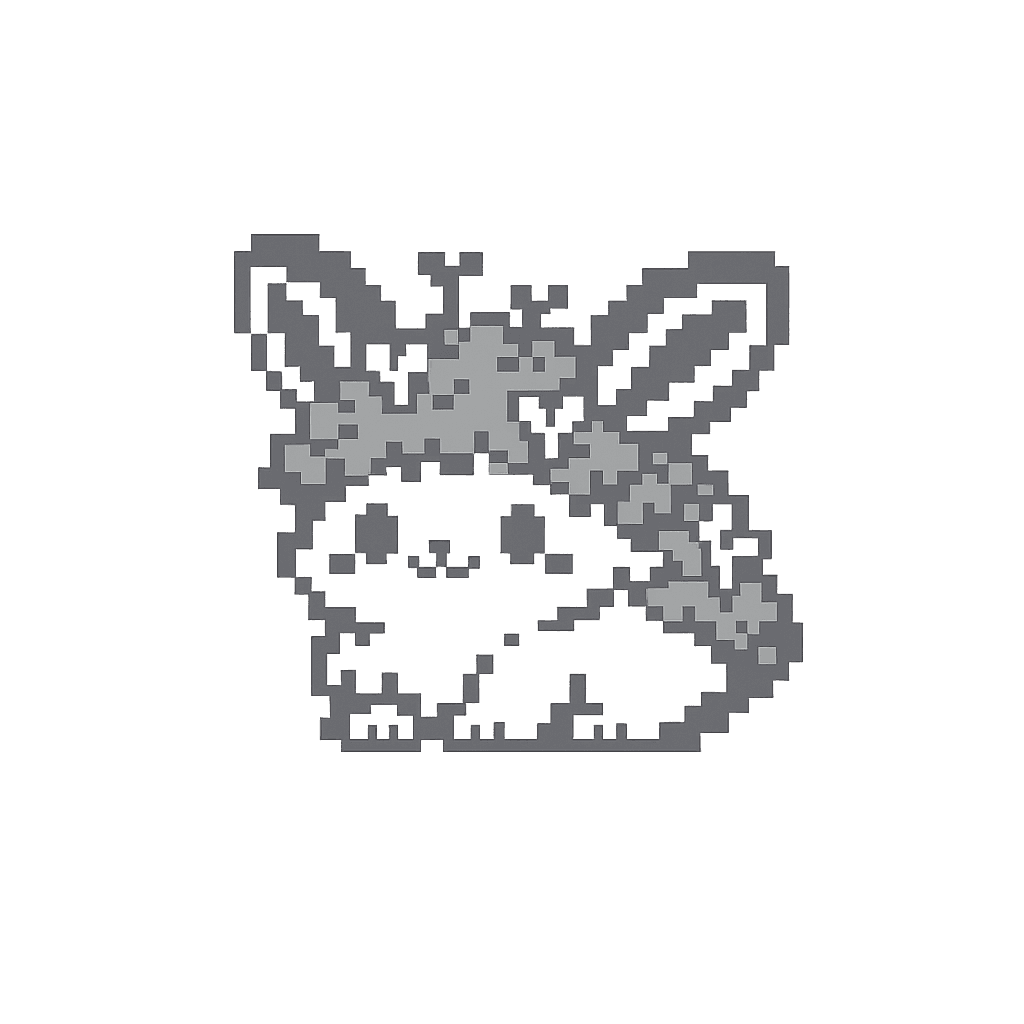
GPT Image 2· Image
Create a single original cute fantasy creature for a cozy collectible card game. Creature number: 1. Creature name: Mossbun. Style: pixel art sprite, retro handheld game aesthetic, crisp pixel edges, no anti-aliasing, no gradients, no soft shading, no smooth painterly rendering. Use exactly two visible colors only: #ffffff and #8a8a8a. Transparent background is allowed. No black, no colored pixels, no additional gray shades, no highlights in other colors. Full body, centered, small magical pet-like creature, cute and collectible, clean readable silhouette, charming expression. The creature should be unique and recognizable with a few distinctive fantasy details, but simple enough to read clearly at small size. No environment, no scenery, no frame, no card border, no text, no logo, no watermark, no UI elements. Output: square pixel art sprite, transparent background, designed for 128x128 pixels.
9936745fd486c037d9304599cfe37a9c
AI-generated Futuristic AI App Marketing Banner made with GPT Image 2

Futuristic AI App Marketing Banner

GPT Image 2· Image
Create a clean, futuristic marketing banner in a premium 3D commercial style, designed for an AI app, mobile platform, or startup landing page. Use a soft white-to-light-blue gradient background with a subtle airy glow, lots of negative space, and a polished minimal tech aesthetic. On the left side, place a tall modern smartphone in a slight three-quarter view, with a glossy black frame, realistic screen reflections, and a visible app interface that resembles a social media profile.In front of the phone, position a sleek humanoid robot with a glossy white armored body, black joints, illuminated cyan-blue accents, and a large smooth visor-style face with glowing blue eyes. The robot should be in an energetic forward-running pose, as if stepping out of the phone into the real world, one leg lifted and arms bent dynamically. Give it a friendly but powerful AI assistant look, with detailed mechanical seams, polished surfaces, and high-end sci-fi realism. The robot should feel advanced, helpful, and ready to power a smart app experience.On the right side of the composition, place large bold headline text in a modern rounded sans-serif font, colored deep blue or indigo, aligned left and stacked in three lines: “AI SOCIAL MEDIA AUTOMATION EXPERT” and 'Content • Posting • Full Management'. The typography should be crisp, oversized, and highly legible, with a strong hierarchy and clean spacing. The overall layout should feel balanced and professional, with the robot and phone acting as the visual anchor and the headline as the main message.Use soft studio lighting, realistic shadows under the robot, subtle ambient reflections on the phone, and a light futuristic glow around the subject. Keep the image polished, modern, and app-focused, with a strong sense of innovation, automation, and intelligent digital transformation. The final result should look like a premium AI product ad, startup banner, or SaaS hero image with a sleek, trustworthy, high-conversion visual style.Negative prompt:No clutter, no extra robots, no extra phones, no dark background, no heavy shadows, no neon overload, no chaotic UI, no low-resolution details, no cartoon look, no text distortions, no spelling mistakes, no extra limbs, no broken anatomy, no watermark, no frame, no grain, no messy composition. 16:9 aspect ratio
611501fcbfd00cc0b925fe59020c1ae5

What are 템플릿 Call Sheet Template Prompts?

A collection of AI prompts for generating 템플릿 call sheet template images. Copy the 템플릿 Call Sheet Template prompts provided by Carat and paste them into an AI image generation tool to get professional-grade results.

How to Use 템플릿 Call Sheet Template Prompts

  1. Select and copy your desired prompt.
  2. Paste it into the Carat agent.
  3. Modify colors, styles, and composition as needed.
  4. Download the generated image and use it in your project.

Tips for Writing 템플릿 Call Sheet Template Prompts

Specify lighting, texture, composition, and lens information in detail for more precise results. Add "No text, no watermark" to prevent unwanted text overlays.

템플릿 Call Sheet Template Prompt Applications

템플릿 Call Sheet Template prompts are used across content creation, marketing, design, and educational resources. AI-generated images dramatically reduce production time while maintaining professional quality.

템플릿 Call Sheet Template Prompt Optimization Guide

Choose the aspect ratio based on your use case: vertical (9:16) for social media, horizontal (16:9) for web banners, and square (1:1) for product images.

Frequently Asked Questions

Related Prompts

포스터 Baking Class Poster

포스터 Baking Class Poster

5 prompts

포스터 Calligraphy Class Poster

포스터 Calligraphy Class Poster

9 prompts

Car Advertisement

Car Advertisement

12 prompts

Car Sharing Advertisement

Car Sharing Advertisement

12 prompts

Carat Prompt Gallery

Create trending AI prompts instantly

Prompts

  • Logo
  • PPT Design
  • Thumbnail
  • Poster
  • Web Novel Cover
  • ID Photo
  • Caricature
  • Product Detail Page
  • Banner

Models

  • GPT Image 2
  • Seedance 2.0
  • NanoBanana Pro
  • NanoBanana 2

Carat

  • Get started
  • About
  • Blog
  • Careers
  • Contact
  • Partnership
  • Terms
  • Privacy

© 2026 Paradot.Inc All rights reserved.