Caricature
Copy-ready AI prompts for creating humorous caricatures with exaggerated features and comic styles.
2026.07.08
Make “Caricature” exactly the way you wantCreate your own “Caricature”
Just ask in plain language — Carat generates optimized images and videos for you.

Start now with 100 free credits daily
Haaland FIFA Edit
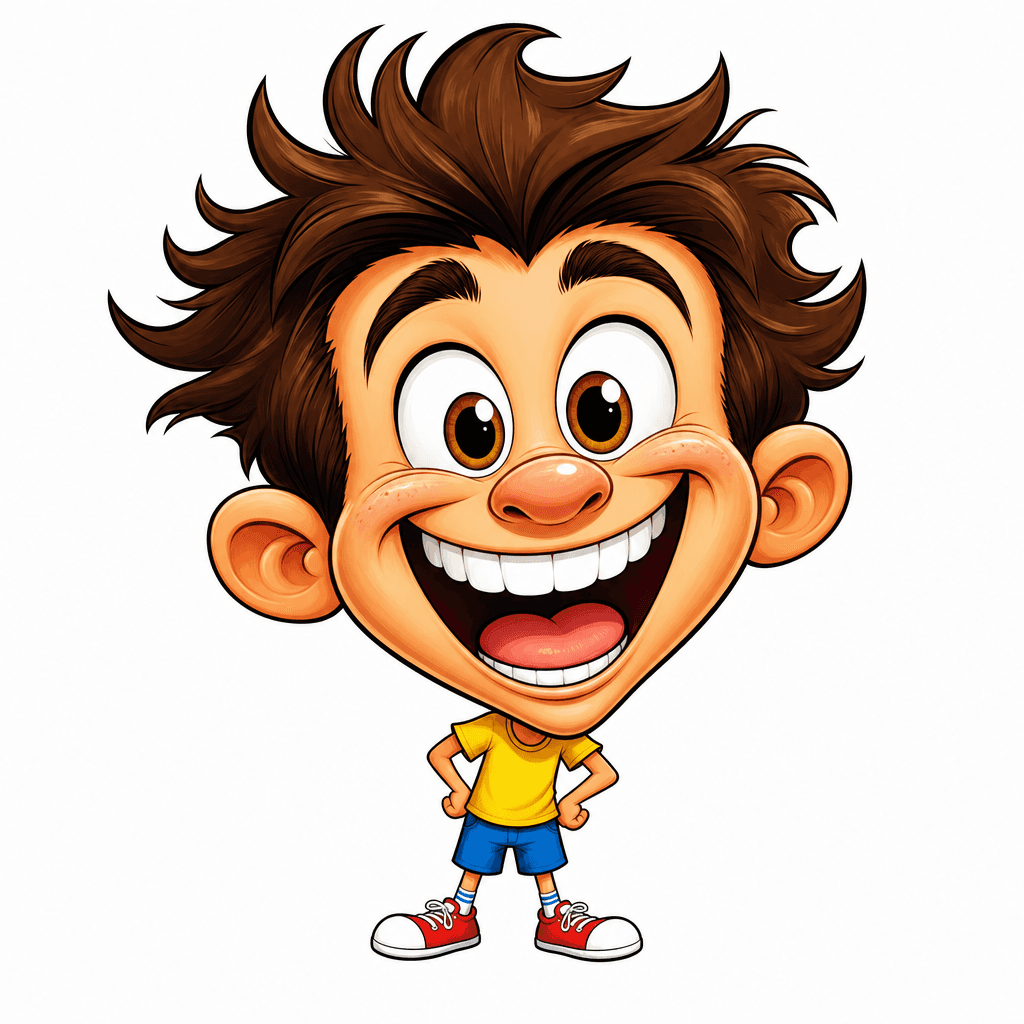
AI 캐리커처

Creator Caricature
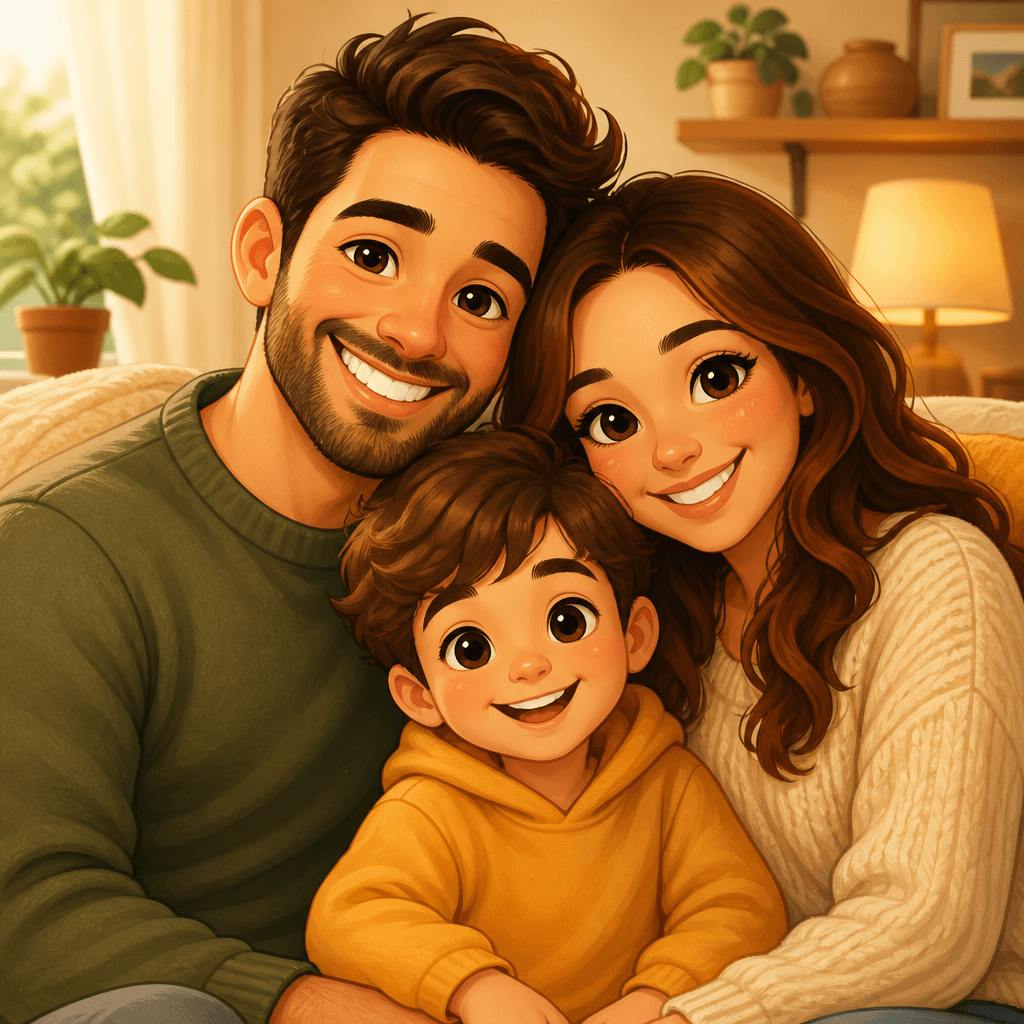
Family Caricature
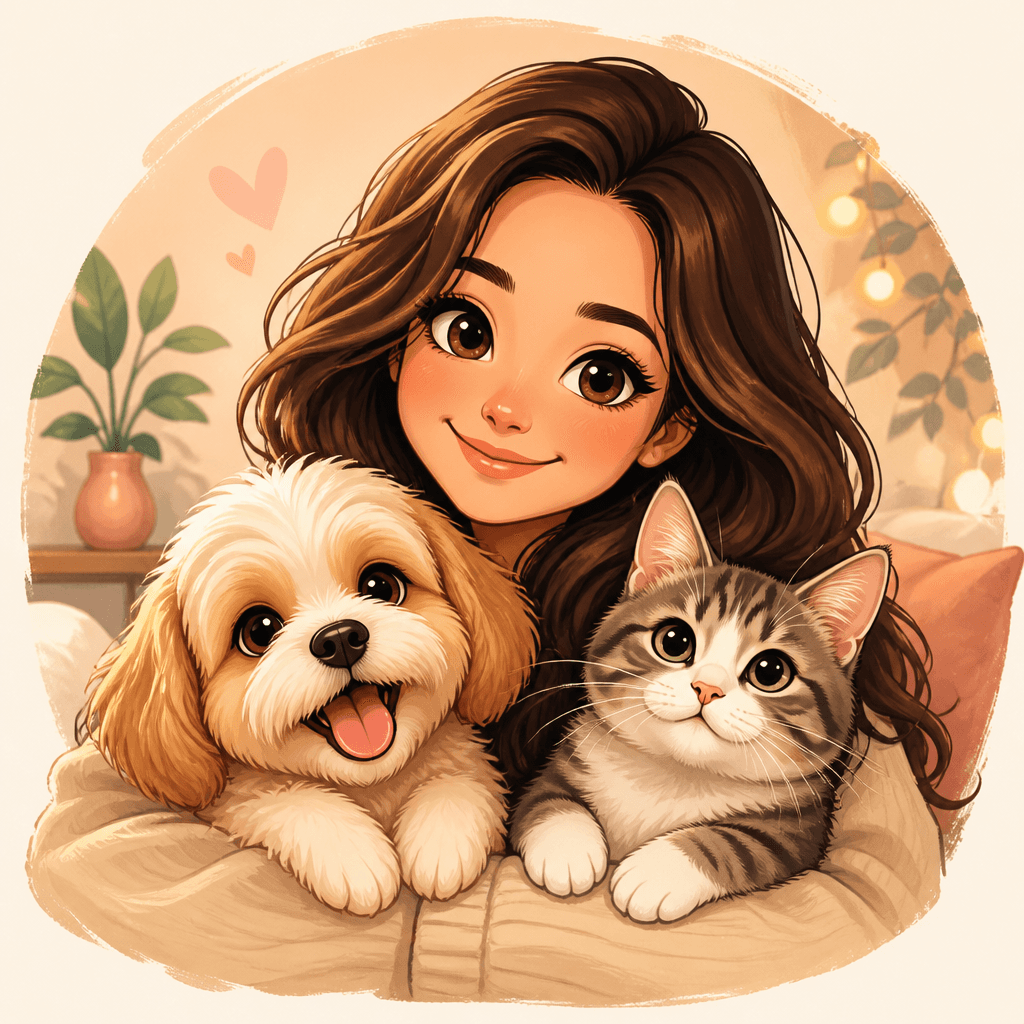
Pet Owner Caricature
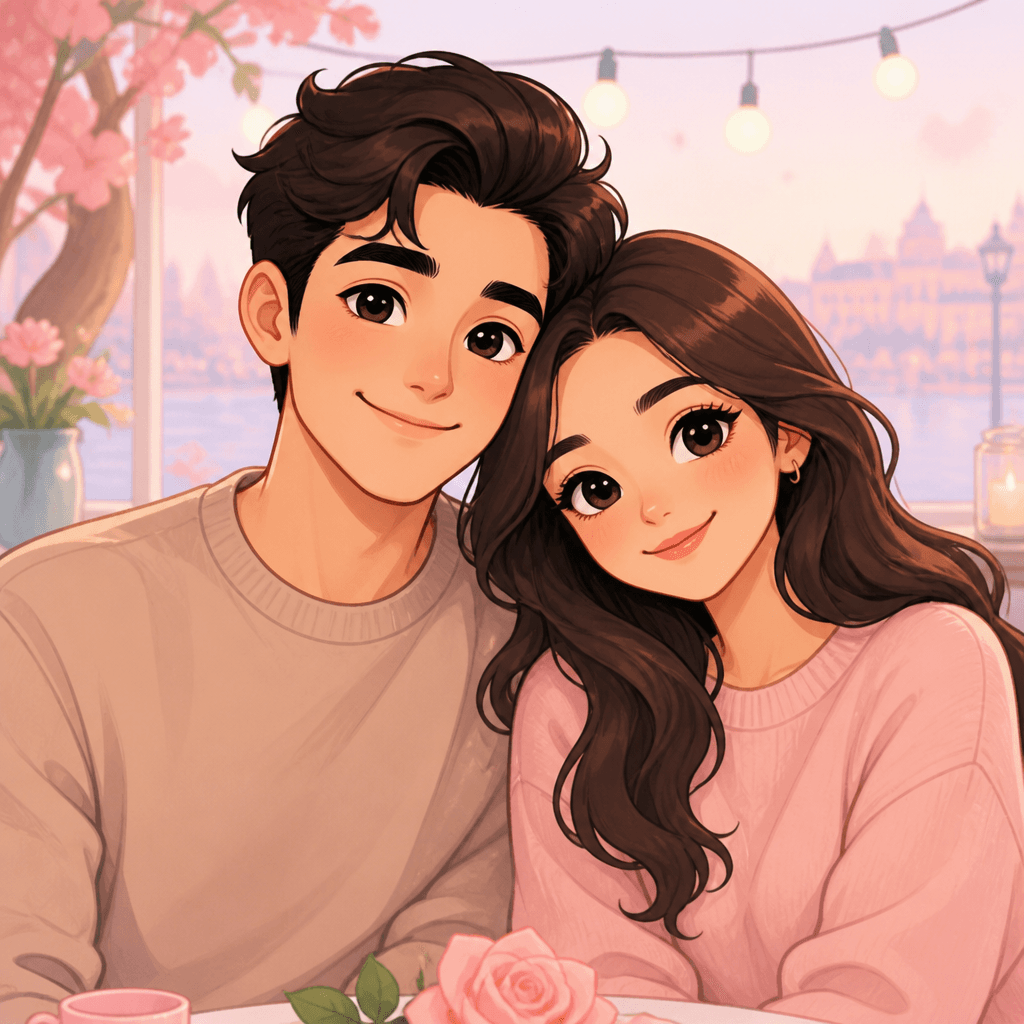
Couple Caricature
What Are Caricature Prompts?
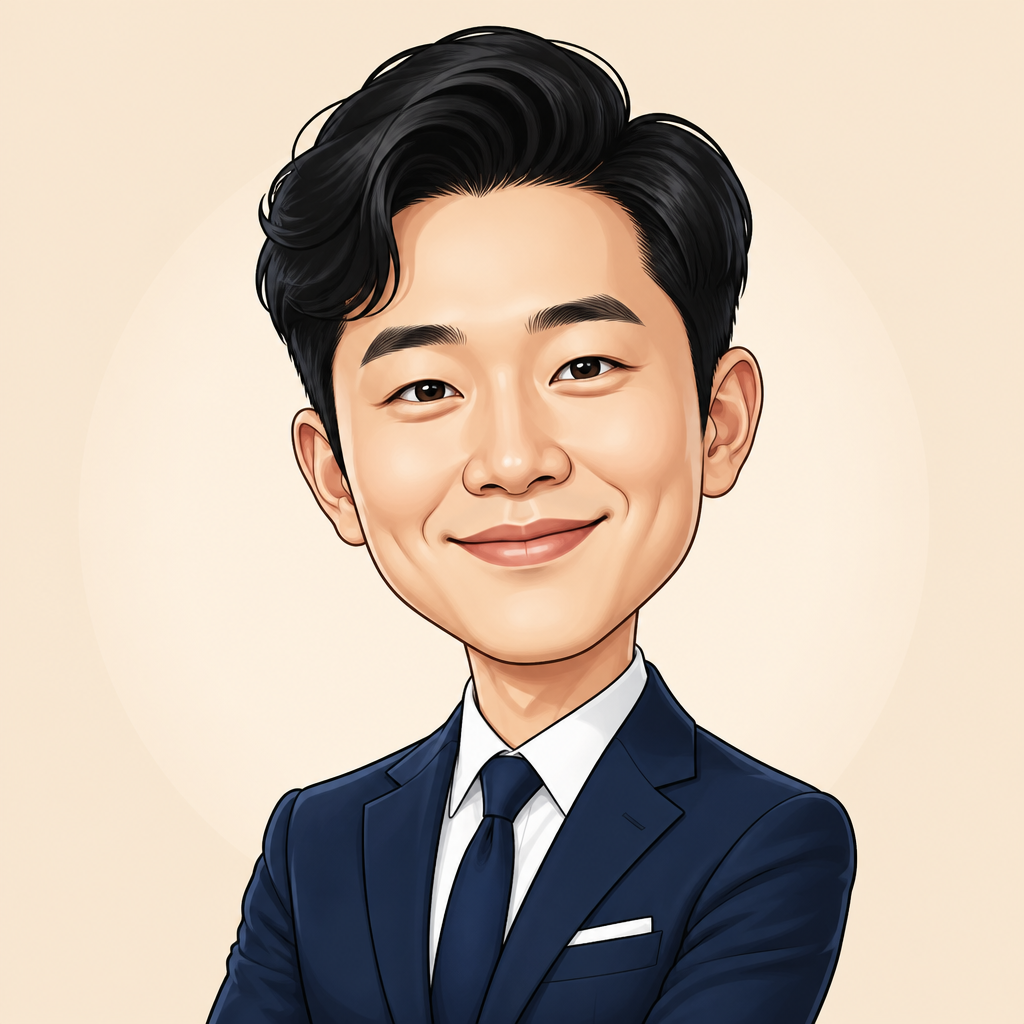
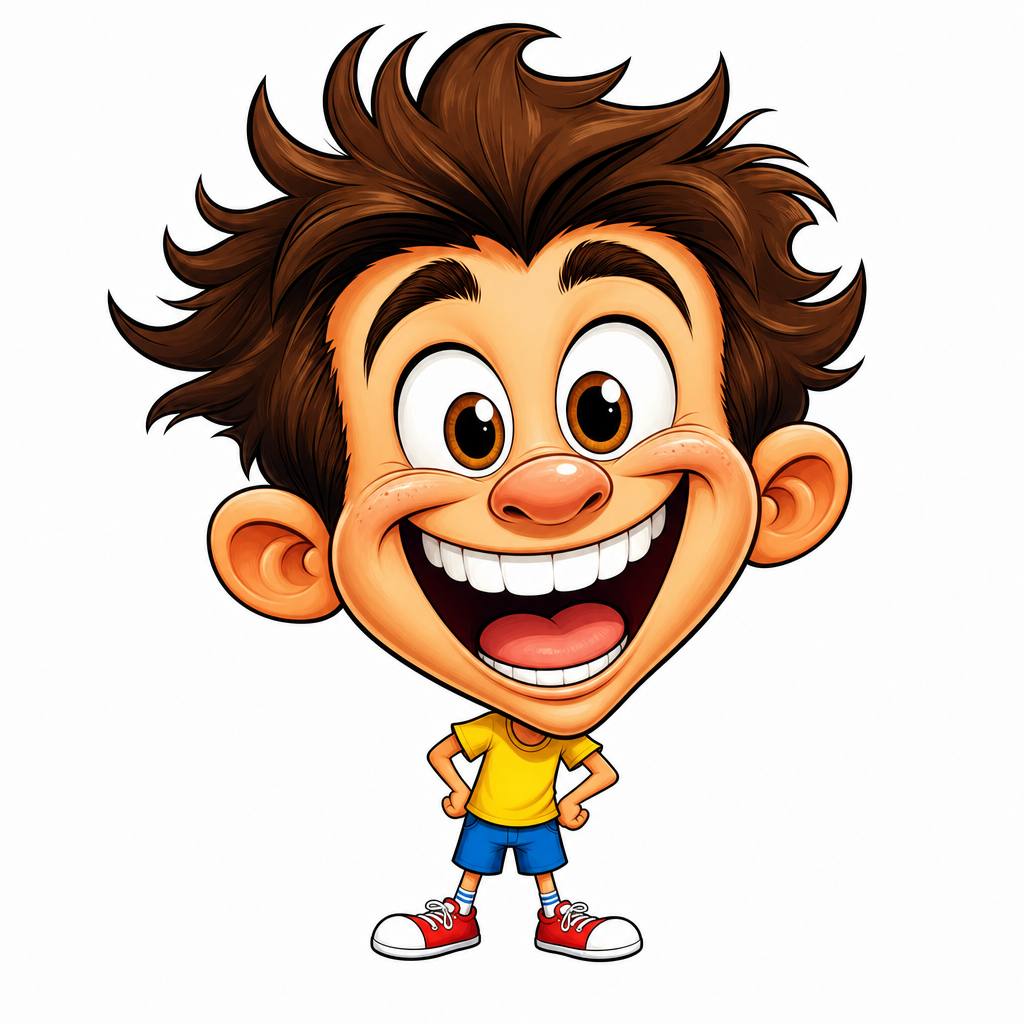
Caricature is an art form that exaggerates and distorts a person's distinctive features for humorous effect. Creating caricatures with AI image generators requires a different approach than standard portrait prompts. The key is to intentionally break facial proportions, maximize expressions, and specify a distinctive line style.
How to Write Caricature Prompts
First, identify the subject's 2-3 most prominent features and exaggerate them. Large eyes, wide forehead, thick lips - state these explicitly in your prompt. Second, distort proportions. Use phrases like "big head, small body" or "exaggerated facial features" to induce the signature caricature distortion. Third, specify a line art style. "Bold outline, comic style" or "loose brush strokes, editorial cartoon" will give your result that authentic caricature feel.
Caricature Prompt Examples by Style
For a comic-style caricature, use: "bold black outlines, flat colors, exaggerated head-to-body ratio, comic book style." For an editorial cartoon style, try: "editorial cartoon, ink pen, cross-hatching, exaggerated facial expression, satirical tone." For a 3D caricature, go with: "3D render, clay-like texture, oversized head, simplified features, soft lighting."
Tips for Better Caricature Results
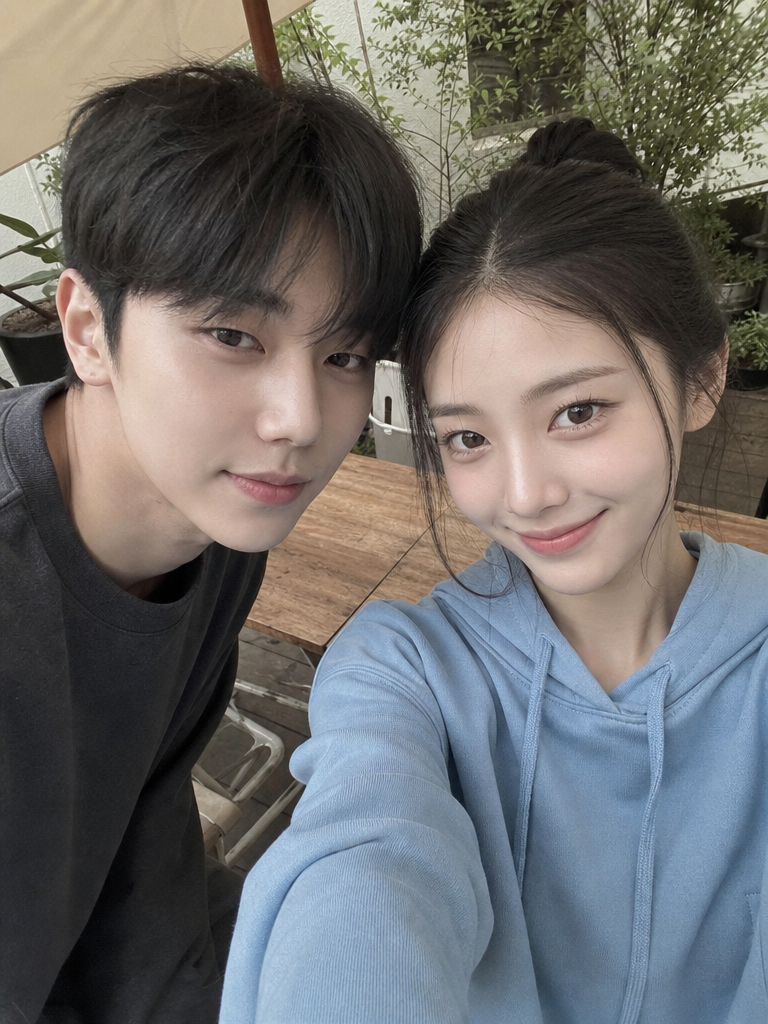
To make the result resemble a real person, upload a reference photo and use the prompt "caricature of this person, exaggerated features, comic style." Minimize the background - "plain white background" or "simple gradient background" keeps focus on the subject. When drawing multiple people, describe each person's features individually for best results.
Frequently Asked Questions
Q: Can I create caricatures that look like real people? A: Yes, upload a reference image and the AI will exaggerate that person's features. Q: Is commercial use allowed? A: The license follows the AI model's policy. Q: What's the difference between caricature and cartoon? A: Caricature exaggerates real people's features while cartoons are original creations.