Commission Letter
Commission Letter prompts. Copy and use Commission Letter image generation prompts from Carat right away.
2026.07.16
Make “Commission Letter” exactly the way you wantCreate your own “Commission Letter”
Just ask in plain language — Carat generates optimized images and videos for you.

Start now with 100 free credits daily
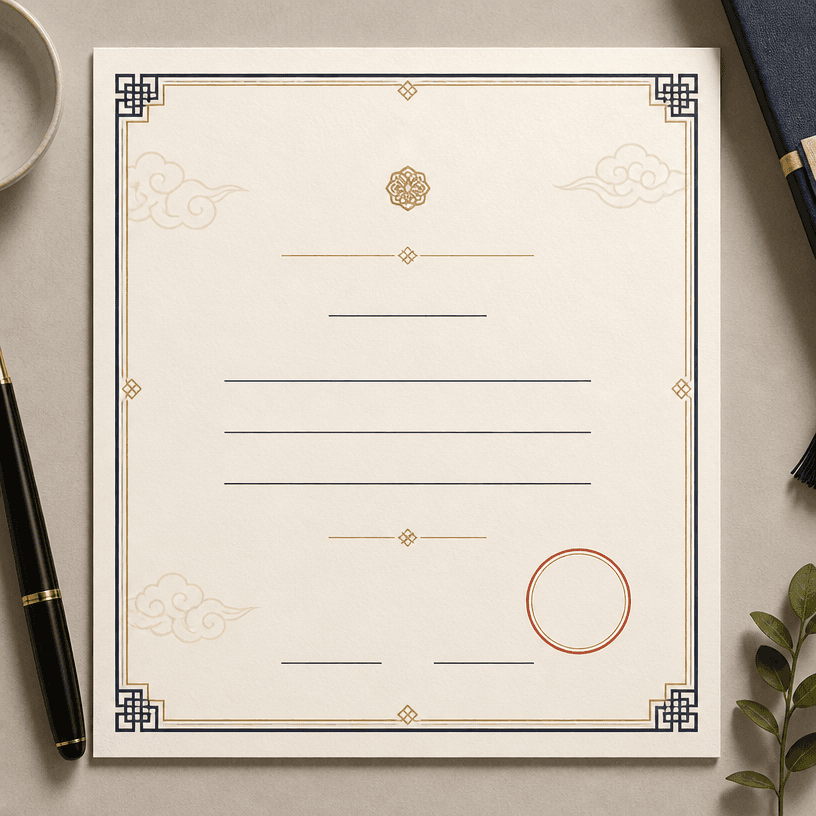
Commission Appointment Certificate
What are Commission Letter Prompts?
A collection of AI prompts for generating commission letter images. Copy the Commission Letter prompts provided by Carat and paste them into an AI image generation tool to get professional-grade results.
How to Use Commission Letter Prompts
- Select and copy your desired prompt.
- Paste it into the Carat agent.
- Modify colors, styles, and composition as needed.
- Download the generated image and use it in your project.
Tips for Writing Commission Letter Prompts
Specify lighting, texture, composition, and lens information in detail for more precise results. Add "No text, no watermark" to prevent unwanted text overlays.
Commission Letter Prompt Applications
Commission Letter prompts are used across content creation, marketing, design, and educational resources. AI-generated images dramatically reduce production time while maintaining professional quality.
Commission Letter Prompt Optimization Guide
Choose the aspect ratio based on your use case: vertical (9:16) for social media, horizontal (16:9) for web banners, and square (1:1) for product images.
Frequently Asked Questions
Prompt text is free to copy. Image generation consumes credits.
Yes, images generated through Carat can be freely used commercially.
Yes, you can customize colors, lighting, composition, and other keywords.
GPT Image 2 is the default model.
Images are generated at 1024x1024 or higher.
Each run generates one image. Run separately for multiple images.
Unless specified, no text is generated.