carat

Prompt Gallery

/

Crayon Drawing Style

Login
Sign Up

Crayon Drawing Style

Crayon Drawing Style prompts. Copy and use Crayon Drawing Style image generation prompts from Carat right away.

2026.08.12

·
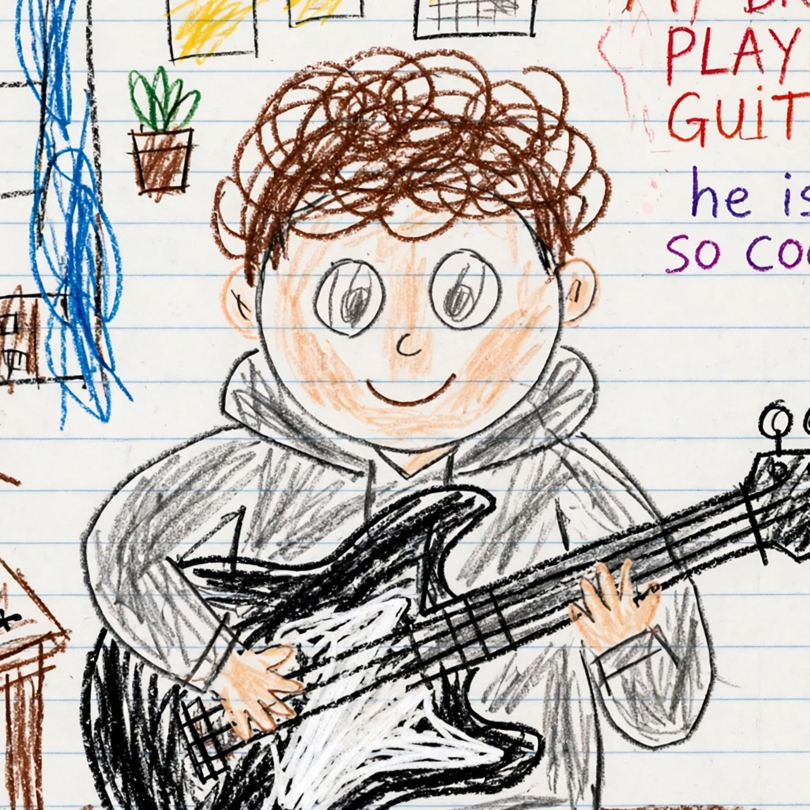
AI-generated Five-Year-Old Crayon Redraw

Five-Year-Old Crayon Redraw

GPT Image 2· Image
5살 아이가 수학 시간에 수업을 듣지 않고 크레용으로 그린 것처럼 첨부된 이미지를 다시 그려주세요. 배경은 흰색으로 해주세요. 비율은 우스꽝스러울 정도로 엉망이어야 하며, 색은 선 밖으로 삐져나오고, 얼굴은 사람보다는 감자에 가깝게 그려주세요. 부모님이 자랑스럽게 냉장고에 붙여둘 법한 그런 그림으로요. 사실, 그냥 대충 낙서하듯이 그려주세요.
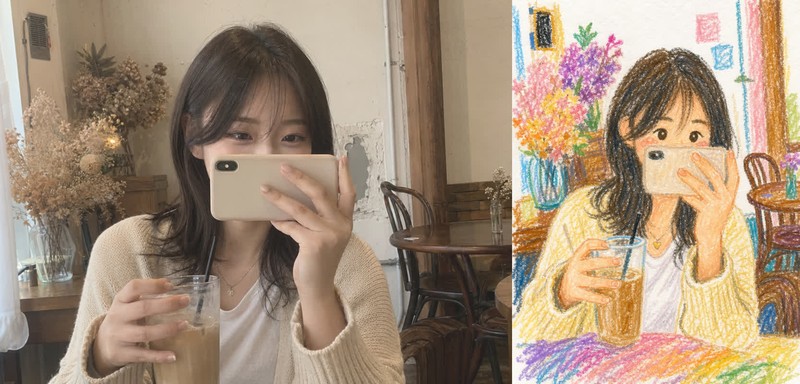
AI-generated Childlike Crayon Drawing

Childlike Crayon Drawing

GPT Image 2· Image
업로드한 사진을 기반으로 이미지를 재구성하되, 전체 인물과 포즈, 구도는 원본을 유지하면서 그림 스타일을 크레파스(오일 파스텔)로 그린 어린이 그림 느낌으로 변환해줘. 그림 스타일: 10살 아이가 그린 것처럼 단순하고 귀엽게. 디테일: 얼굴과 요소들은 단순화, 둥글고 부드럽게 표현. 질감: 크레파스 특유의 거친 질감과 색 번짐 표현. 색상: 밝고 랜덤한 파스텔톤 색상으로 재해석. 배경: 전체적으로 하얀 종이 위에 그린 느낌 유지.
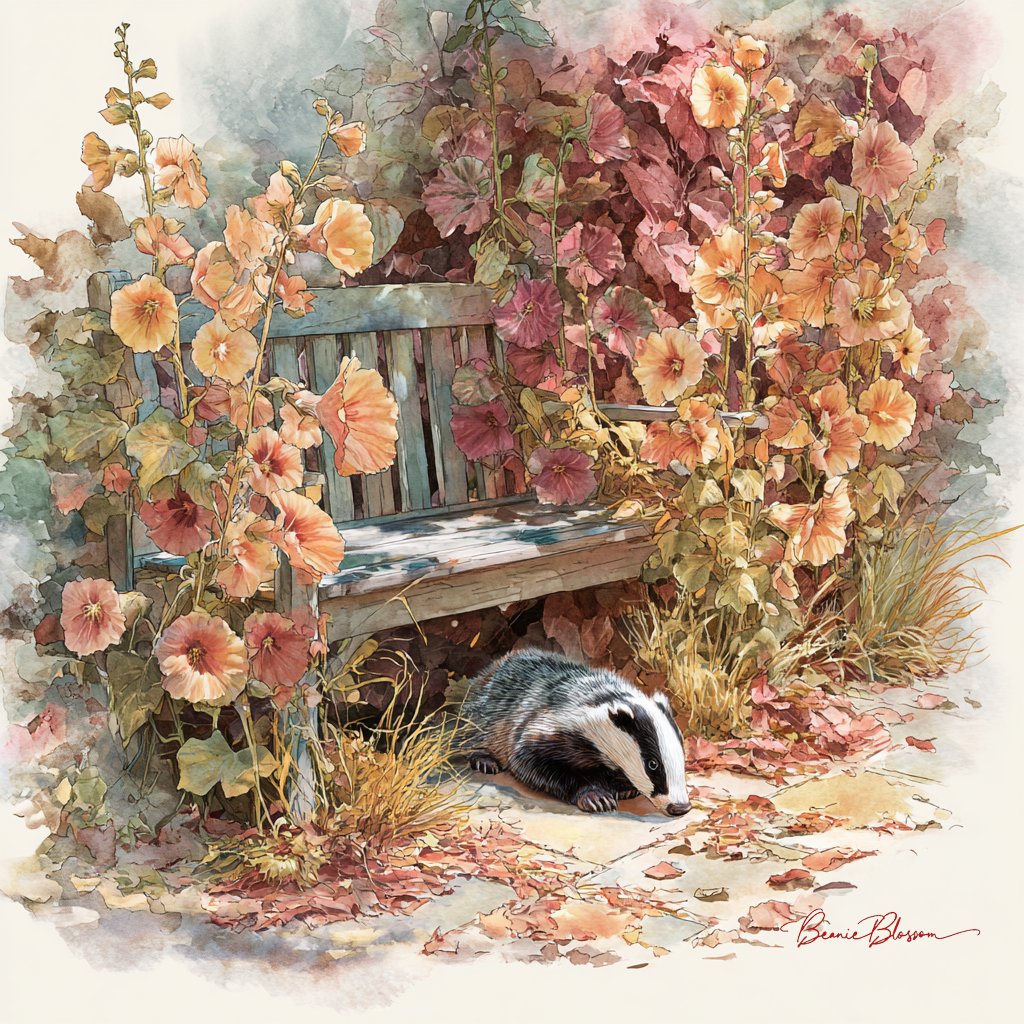
Example image of Autumn Garden Badger Watercolor generated with Nano Banana Pro

Autumn Garden Badger Watercolor

Nano Banana Pro· Image
A small garden bench nestled among tall, rust-colored hollyhocks and fallen leaves. A curious badger sniffs around the base of the bench, while warm afternoon light filters through the golden foliage. Rendered in soft watercolor style with rich autumn tones, gentle textures, and a calm, heartwarming mood.
@BeanieBlossom
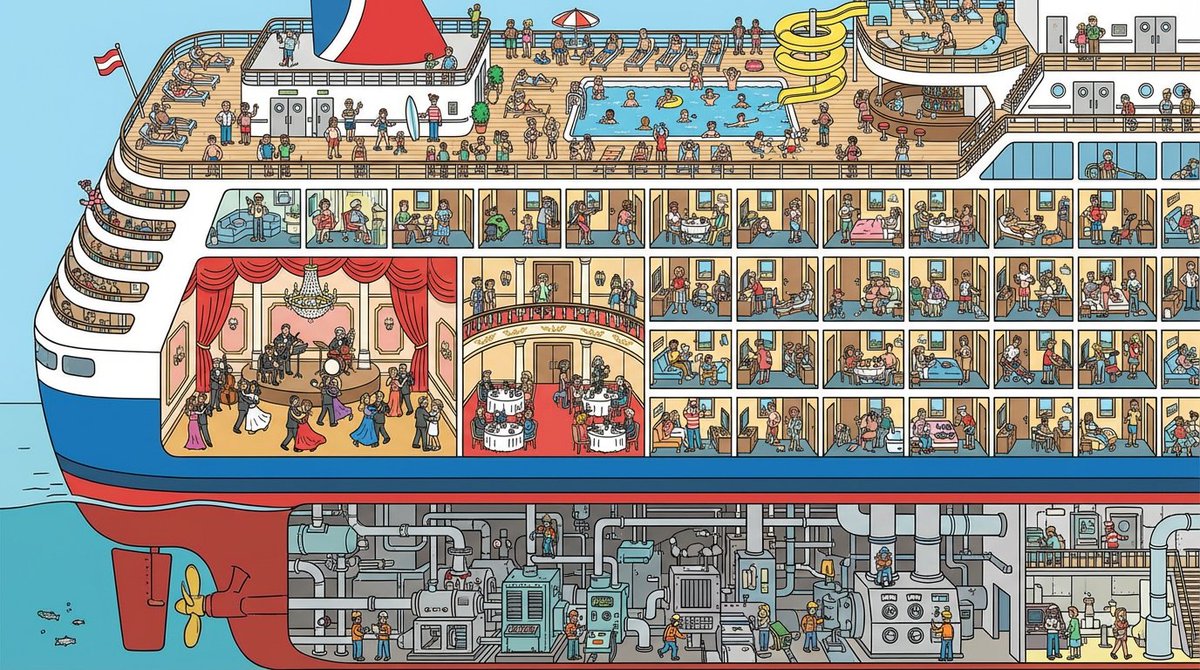
Example image of Cruise Ship Cutaway Illustration generated with Nano Banana Pro

Cruise Ship Cutaway Illustration

Nano Banana Pro· Image
A cutaway illustration of a cruise ship. We see the engine room, the ballroom, the pool deck, the cabins. Tiny people doing different things in each room. 'Where's Waldo' level of detail. Vector art style.
@gokayfem
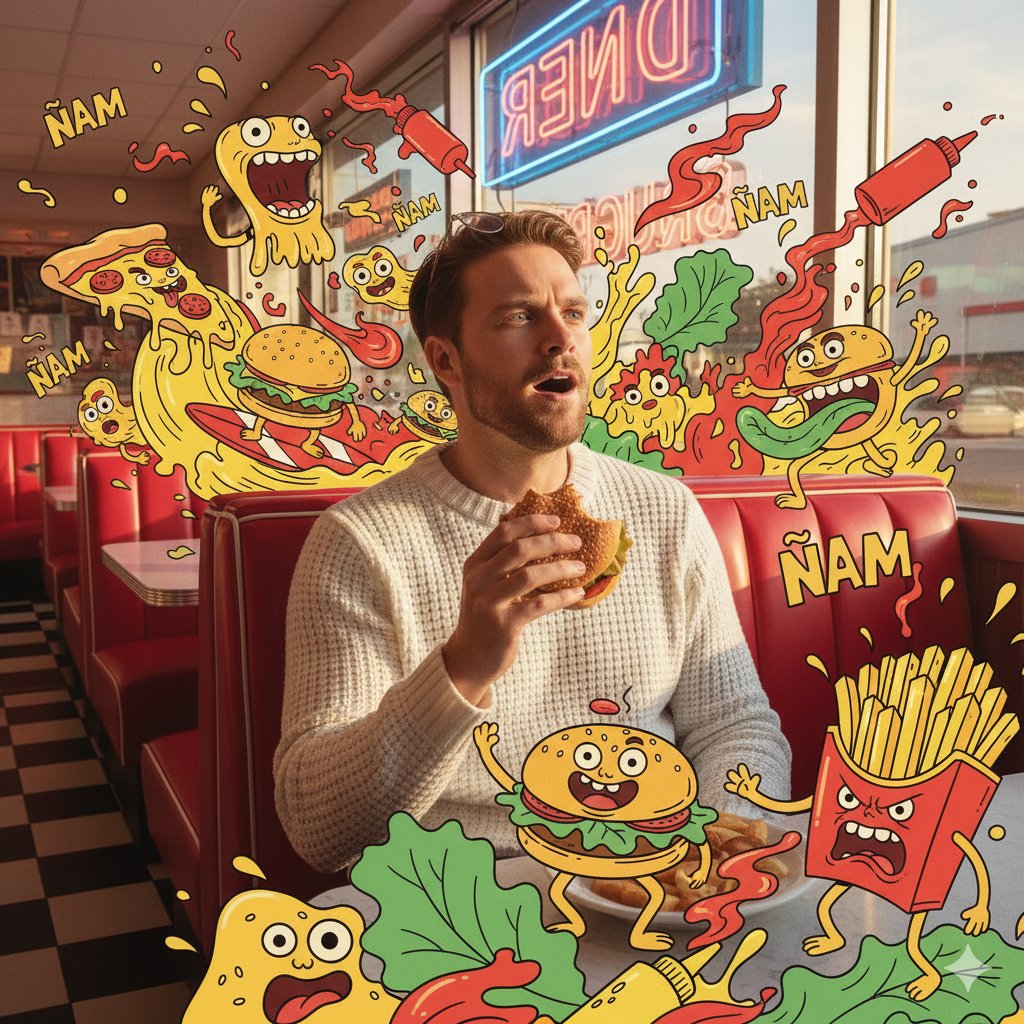
Example image of Diner Fast Food Monster Scene generated with Nano Banana Pro

Diner Fast Food Monster Scene

Nano Banana Pro· Image
{"scene_description":"A vibrant, mixed-media masterpiece featuring a photorealistic version of the person from the reference photo eating at a diner, surrounded by a chaotic swarm of maximalist fast-food monsters.","subject":{"type":"The person from the reference photo","attire":"Same clothing style as in the reference, adapted naturally to the diner setting","position":"Sitting in a red leather diner booth, holding a burger","expression":"Shocked but amused, looking at a floating doodle pizza","consistency_note":"Face, hairstyle and proportions must perfectly match the reference photo"},"action":{"primary":"Eating lunch","effect":"Their food is coming to life in 2D form"},"illustration_layer":{"style":"Thick-line Pop Art cartoons","creatures":["Pizza slices surfing on cheese waves","Burger beasts with lettuce tongues","Angry French fry box","Flying ketchup bottles."],"graphics":"Mustard splashes, sesame seeds, heat lines, 'ÑAM' text bursts","colors":"Ketchup Red, Mustard Yellow, Lettuce Green"},"environment":{"setting":"Retro American Diner","background_elements":["Checkerboard floor","Neon sign in window"]},"lighting":{"style":"Warm Diner Glow","key_light":{"type":"Window light","color":"Warm afternoon sun"}},"style":{"medium":"Mixed Media Photography","aesthetic":"Retro-pop, savory, chaotic","quality":"Ultra-detailed textures vs flat cartoons"}}
@ecommartinez
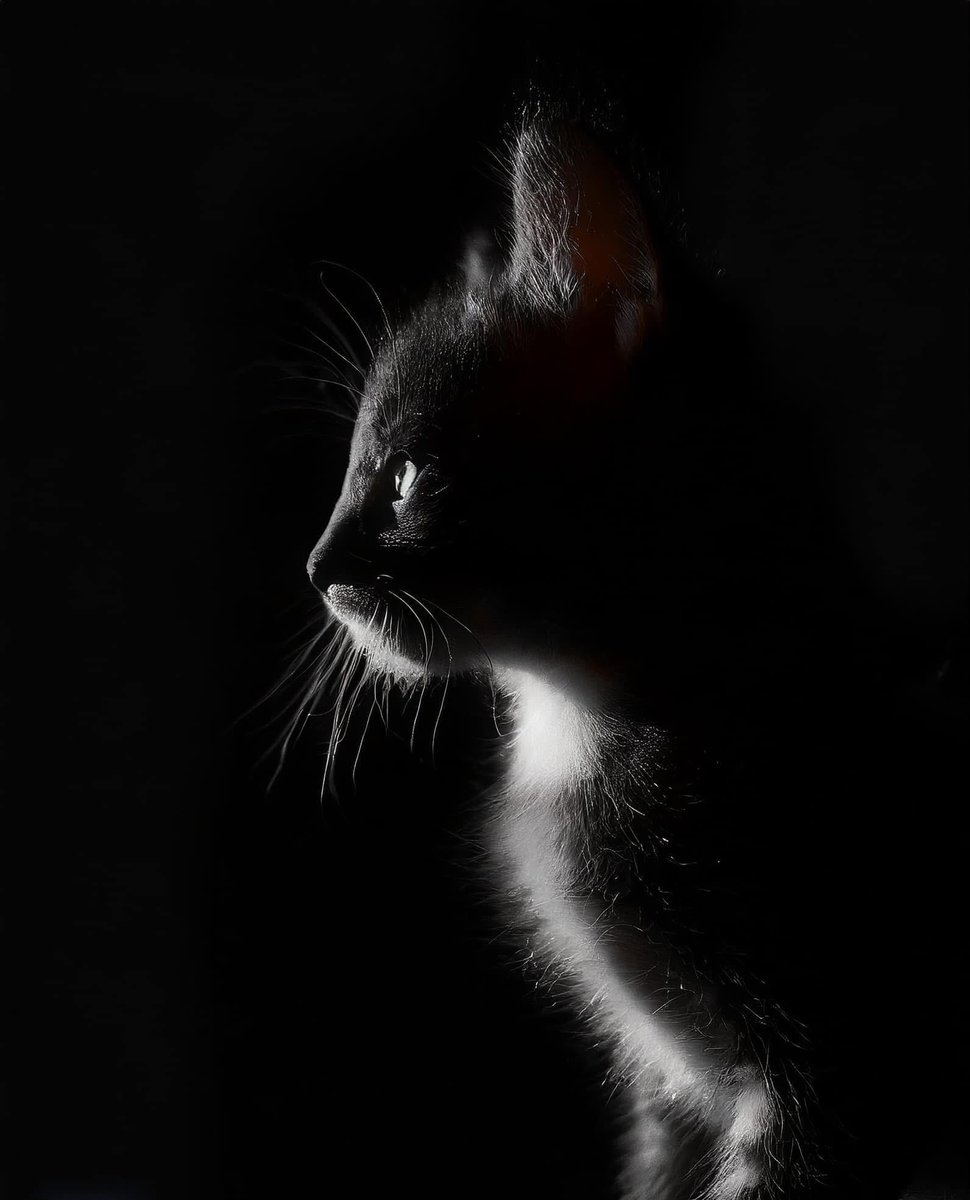
Example image of Chiaroscuro Cat Silhouette generated with Nano Banana Pro

Chiaroscuro Cat Silhouette

Nano Banana Pro· Image
Chiaroscuro is an artistic technique using strong light-dark contrasts to create depth and volume in two-dimensional works. The Italian term means “light-dark.” While used throughout art history, it became especially prominent during the Renaissance and Baroque periods in works by Caravaggio, Rembrandt, and Leonardo da Vinci, who employed it for dramatic effect and atmosphere.
@icreatelife
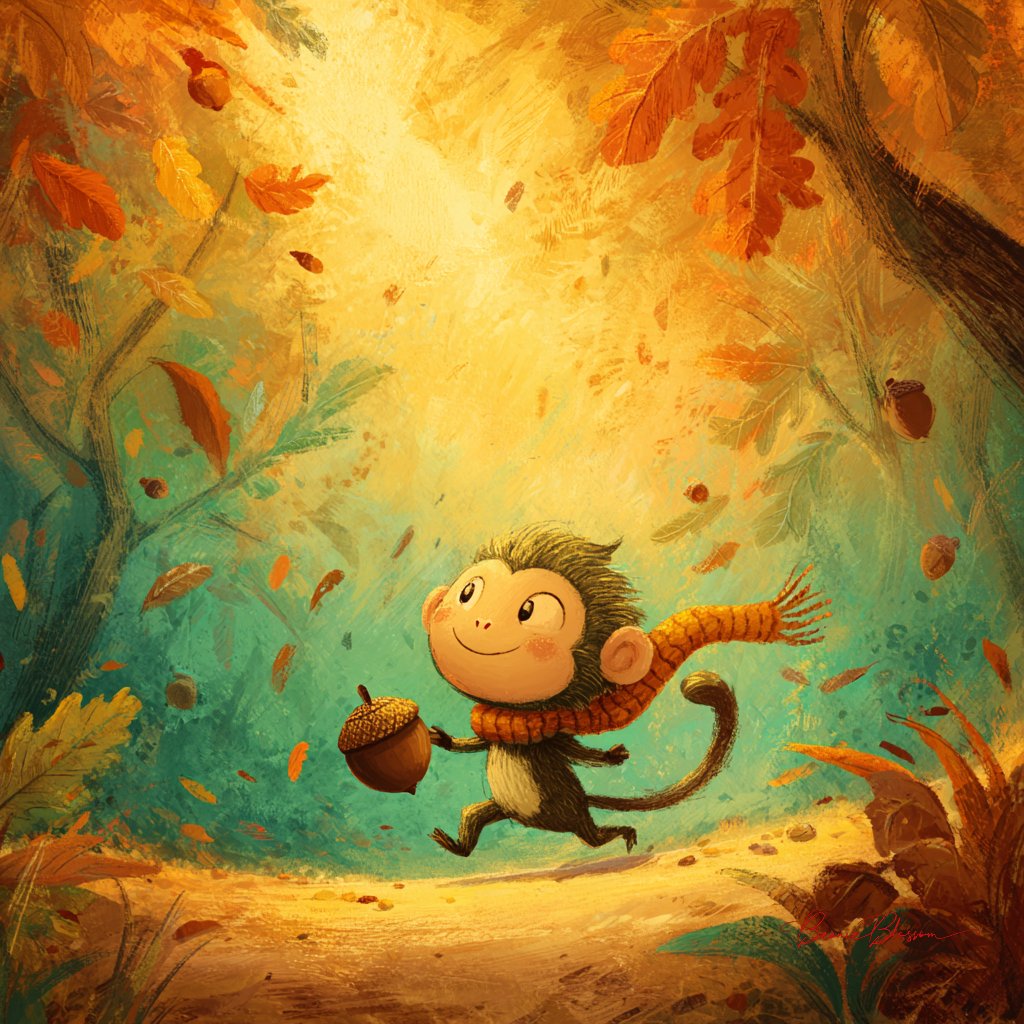
Example image of Tiny Monkey Rolling Acorn Storybook Illustration generated with Nano Banana Pro
Tiny Monkey Rolling Acorn Storybook Illustration

Nano Banana Pro· Image
A tiny monkey wearing a knitted scarf rolls a giant acorn down a forest path, leaves swirling around in a burst of autumn color. Rendered in soft storybook illustration style with warm hues, gentle textures, and a joyful, mischievous mood.
@BeanieBlossom
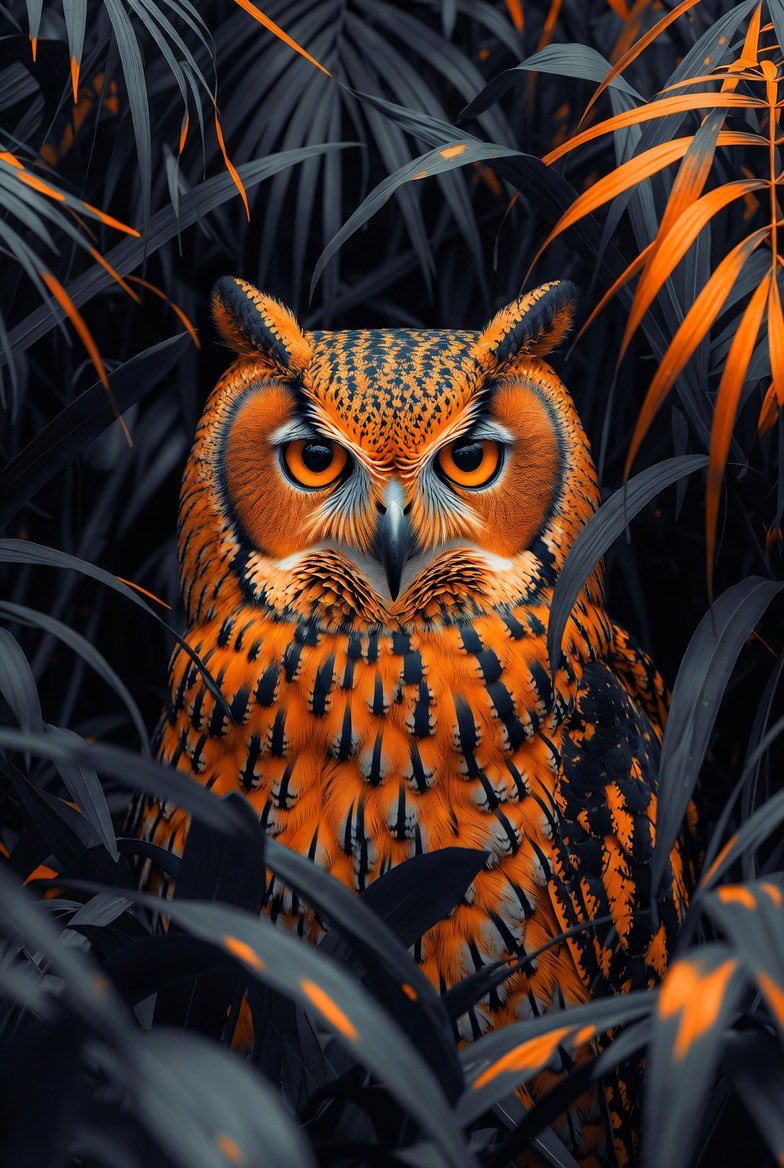
Example image of High Contrast Jungle Owl Illustration generated with Nano Banana Pro

High Contrast Jungle Owl Illustration

Nano Banana Pro· Image
Hyper-detailed, ultra-realistic illustration of an owl emerging from dense jungle foliage. The owl has glowing amber eyes, sharp intricate feather textures, and an intense forward gaze. Surrounding leaves are stylized in deep blacks and greys with bright orange accents that create a dramatic contrast. Close-up composition with the owl partially hidden between the foliage. Cinematic lighting, high contrast shadows, surreal orange–black color palette, moody atmosphere, fantasy wildlife art, extremely sharp details, 8K quality.
@MrDasOnX
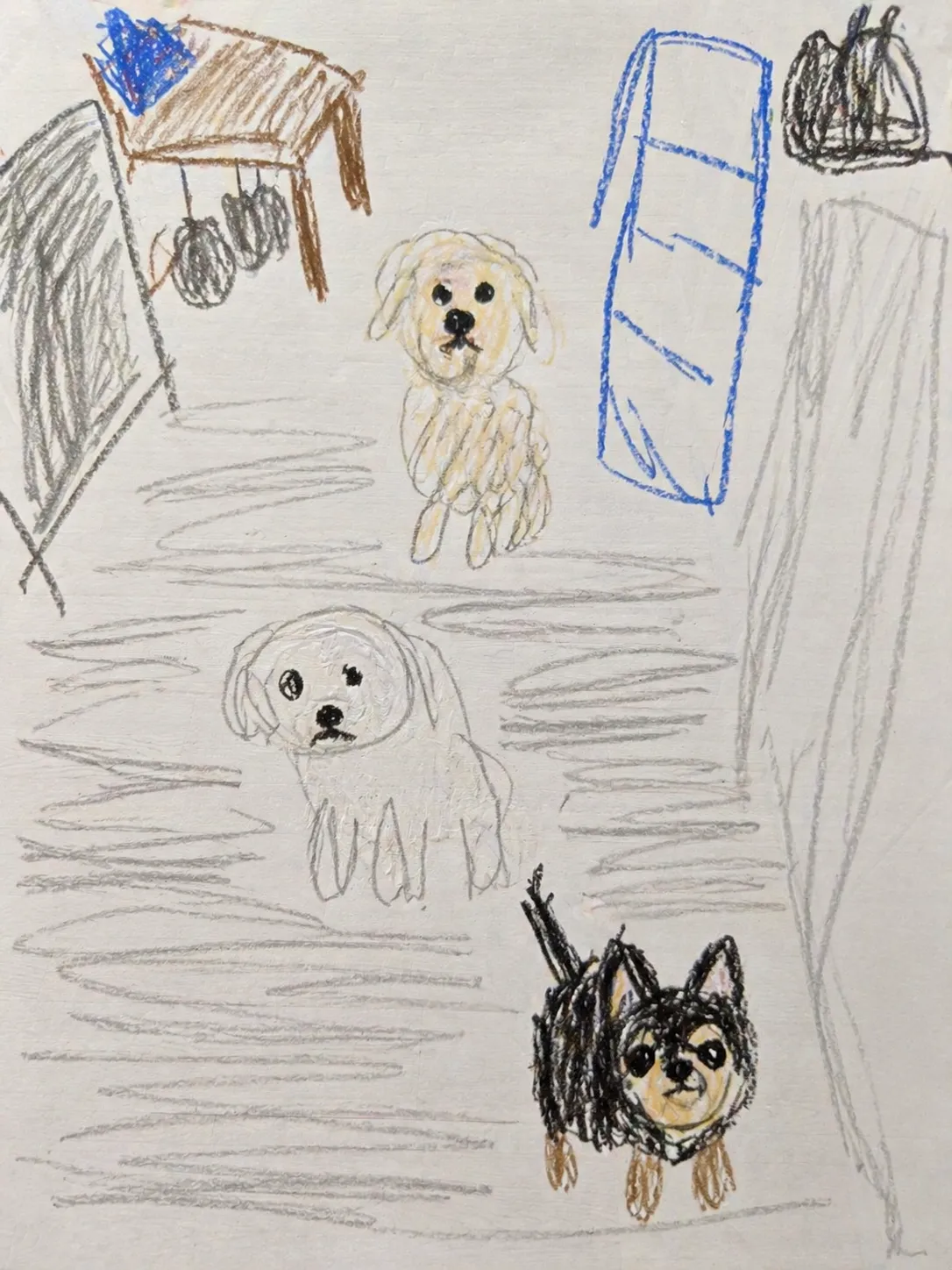
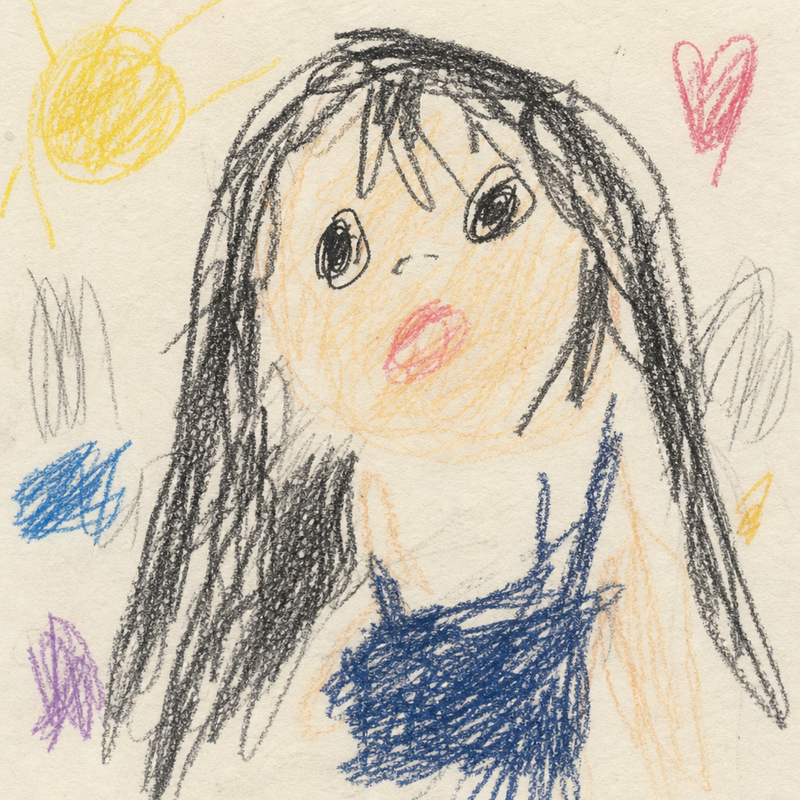
AI-generated Toddler's clumsy crayon drawing made with GPT Image 2

Toddler's clumsy crayon drawing

GPT Image 2· Image
내가 첨부한 이미지를 이제 갓 세네살 된 아기가 크레파스로 뭘 그리려고 한건지 알듯모를듯 하게 못그리고 엉망인 그림체로 그린 그림으로 바꿔줘. 묘사와 구도가 너무 어른스러우면 안되고 아이가 인식하듯 엉뚱하면 좋겠어.
@hochcori
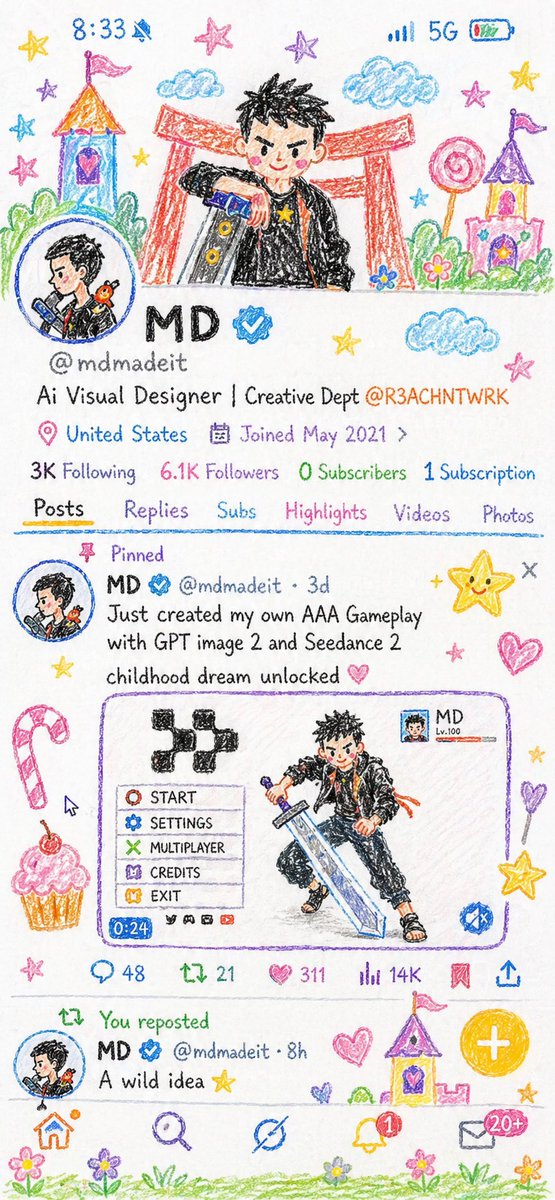
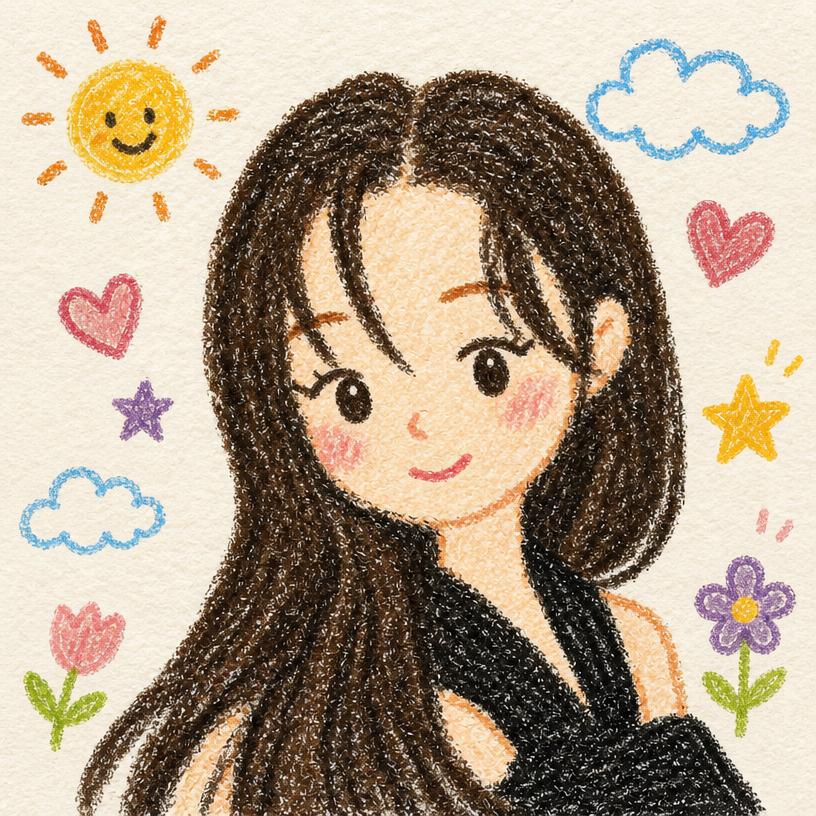
AI-generated Crayon Style Illustration Profile Picture
Crayon Style Illustration Profile Picture

GPT Image 2· Image
Rework the given image into a crayon-style illustration, transforming the entire scene into something that feels hand-drawn by a 10-year-old. Keep the forms simple and slightly imperfect, like a child’s drawing. Avoid using the original color palette—replace it with bright, playful crayon colors on a clean white paper background. Aim for a soft, cute, and innocent aesthetic. Incorporate fun, childlike details such as castles or towers, candy, stars, clouds, and other whimsical decorations to amplify the playful vibe. The final result should feel charming, colorful, and full of childlike imagination.
@mdmadeit
AI-generated Toddler Crayon Scribble Drawing

Toddler Crayon Scribble Drawing

GPT Image 2· Image
내가 첨부한 이미지를 이제 갓 세네살 된 아기가 크레파스로 뭘 그리려고 한건지 알듯모를듯 하게 못그리고 엉망인 그림체로 그린 그림으로 바꿔줘. 묘사와 구도가 너무 어른스러우면 안되고 아이가 인식하듯 엉뚱하면 좋겠어.

What are Crayon Drawing Style Prompts?

A collection of AI prompts for generating crayon drawing style images. Copy the Crayon Drawing Style prompts provided by Carat and paste them into an AI image generation tool to get professional-grade results.

How to Use Crayon Drawing Style Prompts

  1. Select and copy your desired prompt.
  2. Paste it into the Carat agent.
  3. Modify colors, styles, and composition as needed.
  4. Download the generated image and use it in your project.

Tips for Writing Crayon Drawing Style Prompts

Specify lighting, texture, composition, and lens information in detail for more precise results. Add "No text, no watermark" to prevent unwanted text overlays.

Crayon Drawing Style Prompt Applications

Crayon Drawing Style prompts are used across content creation, marketing, design, and educational resources. AI-generated images dramatically reduce production time while maintaining professional quality.

Crayon Drawing Style Prompt Optimization Guide

Choose the aspect ratio based on your use case: vertical (9:16) for social media, horizontal (16:9) for web banners, and square (1:1) for product images.
Frequently Asked Questions

Related Prompts

Crayon Drawing

Crayon Drawing

13 prompts

Feather Illustration

Feather Illustration

15 prompts

Wing Illustration

Wing Illustration

16 prompts

Blueprint Illustration

Blueprint Illustration

30 prompts

Carat Prompt Gallery

Create trending AI prompts instantly

Prompts

  • Logo
  • PPT Design
  • Thumbnail
  • Poster
  • Web Novel Cover
  • ID Photo
  • Caricature
  • Product Detail Page
  • Banner

Models

  • GPT Image 2
  • Seedance 2.0
  • NanoBanana Pro
  • NanoBanana 2

Carat

  • Get started
  • About
  • Blog
  • Careers
  • Contact
  • Partnership
  • Terms
  • Privacy

© 2026 Paradot.Inc All rights reserved.