carat

Prompt Gallery

/

Blueprint Illustration

Login
Sign Up

Blueprint Illustration

Generate professional architectural plans, technical drawings, and blueprint-style illustrations with expert AI prompts.

2026.07.04

·
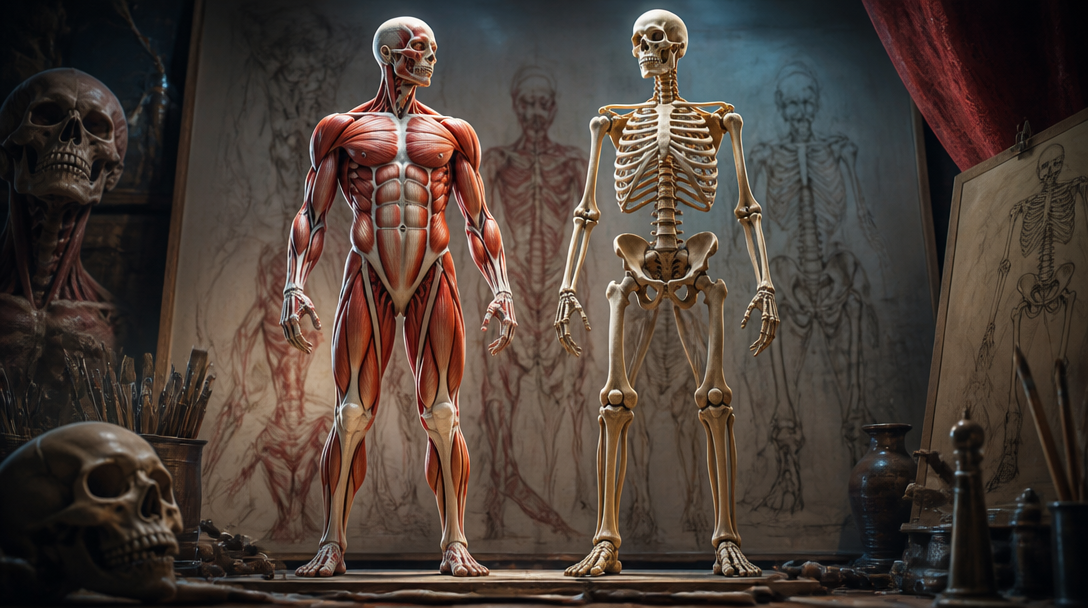
GPT 이미지 2로 생성한 인체 드로잉

인체 드로잉

GPT Image 2· Image
An anatomical human body drawing showing muscle structure and skeleton reference. Sketch-style pencil drawing with labels, academic art study format.., High-detail 3D render, Octane-style, dramatic volumetric lighting with rim light, epic, polished, slightly fantastical mood, rich contrast, deep shadows with vibrant accent colors, dynamic angle (low or high), atmospheric depth, No text, no watermark.
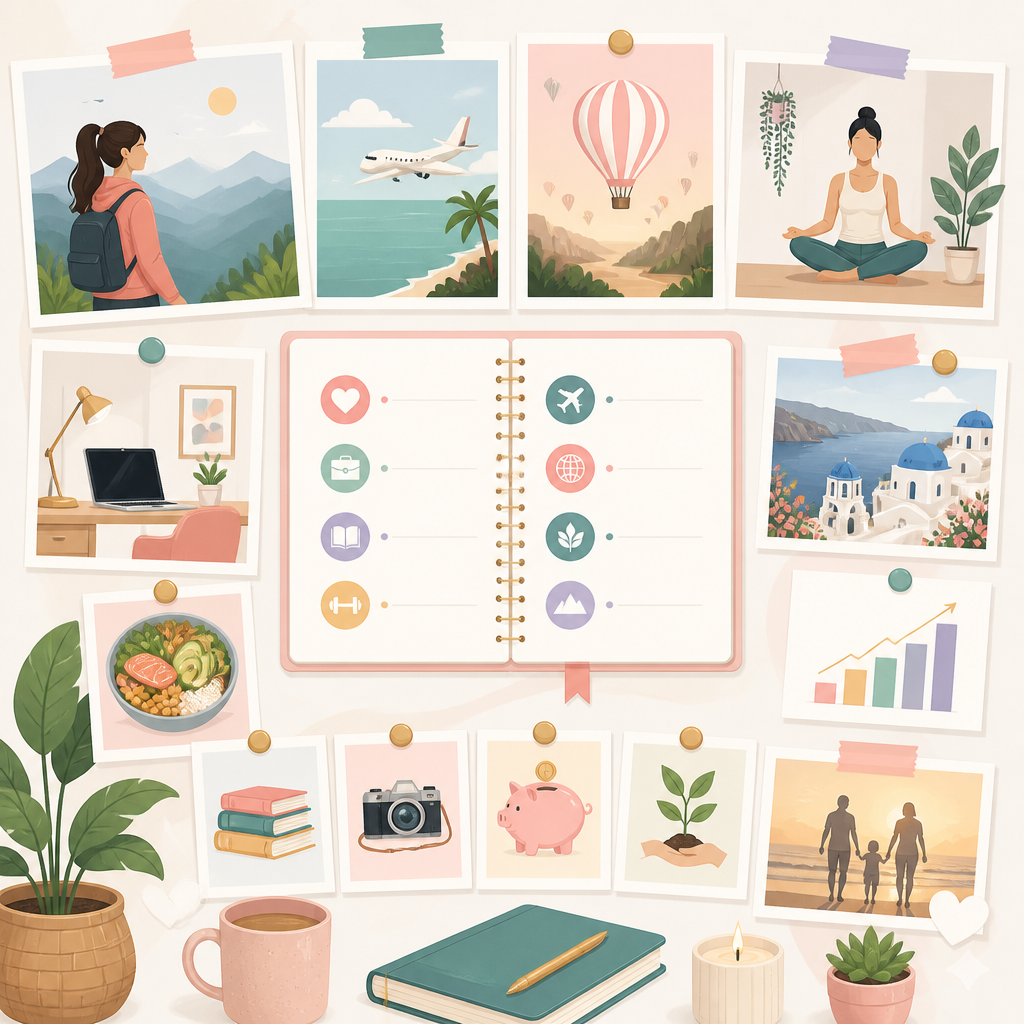
GPT 이미지 2로 생성한 인생 설계 비전 보드

인생 설계 비전 보드

GPT Image 2· Image
인생 설계 비전 보드 무드의 일러스트, 깔끔한 플랫 디자인, 목표와 커리어 여행 성장을 상징하는 아이콘들, 파스텔 톤, 정돈된 플래너 구성, 동기부여가 되는 밝은 분위기, 인포그래픽 스타일, 고해상도
GPT 이미지 2로 생성한 스케치 그림

스케치 그림

GPT Image 2· Image
A pencil sketch of a fictional landscape with mountains and a lake, detailed graphite lines on textured paper, cross-hatching shading, traditional hand-drawn sketch style, monochrome, artistic composition
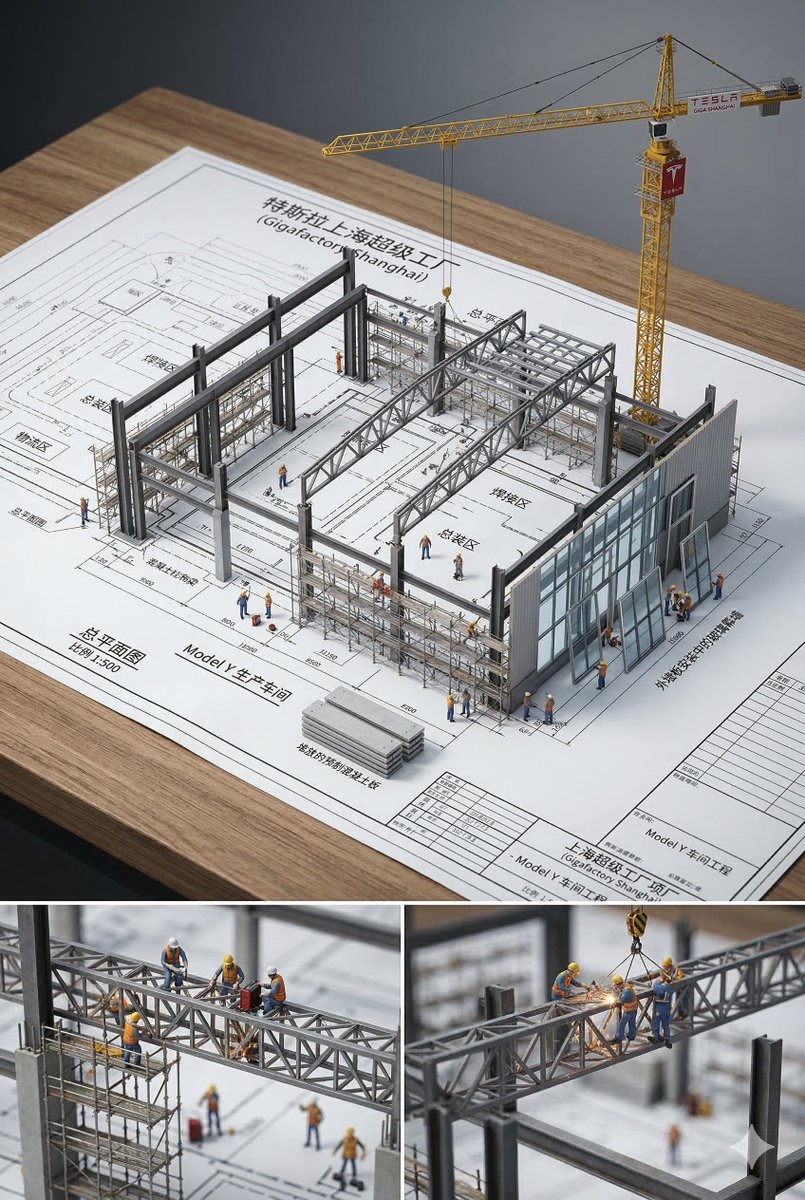
Example image of Architectural Blueprint Miniature generated with Nano Banana 2

Architectural Blueprint Miniature

Nano Banana 2· Image
An architectural blueprint of {BUILDING_NAME} placed on a {SURFACE}, with a photorealistic miniature under-construction version of {BUILDING_NAME} emerging from it — {STRUCTURAL_ELEMENT_1}, {STRUCTURAL_ELEMENT_2}, {STRUCTURAL_ELEMENT_3}, {CONSTRUCTION_DETAIL}, {WORKER_SCENE}, {MATERIAL_ELEMENT}, and {EXTRA_DETAIL}. All elements grow from the blueprint like a 3D architectural diorama, steel beams rising from the drawn lines, scaffolding threading through the paper. Studio soft lighting, cinematic depth, 2:3
@0x00_Krypt
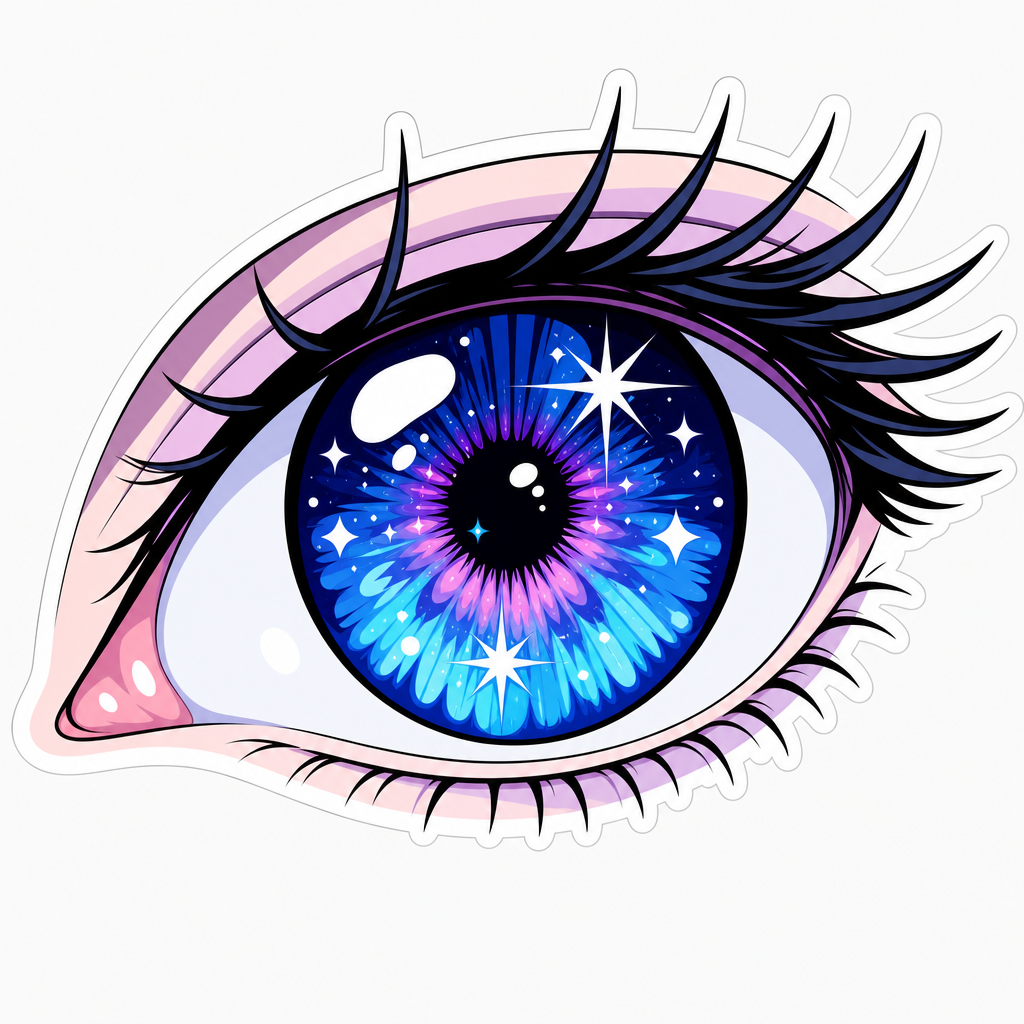
GPT 이미지 2로 생성한 애니메이션 눈 그리기

애니메이션 눈 그리기

GPT Image 2· Image
Clean vector sticker illustration of a large anime-style eye, detailed iris, sparkle highlights, long eyelashes, manga eye, blue and purple palette, no text.
AI-generated Five-Year-Old Crayon Redraw

Five-Year-Old Crayon Redraw

GPT Image 2· Image
5살 아이가 수학 시간에 수업을 듣지 않고 크레용으로 그린 것처럼 첨부된 이미지를 다시 그려주세요. 배경은 흰색으로 해주세요. 비율은 우스꽝스러울 정도로 엉망이어야 하며, 색은 선 밖으로 삐져나오고, 얼굴은 사람보다는 감자에 가깝게 그려주세요. 부모님이 자랑스럽게 냉장고에 붙여둘 법한 그런 그림으로요. 사실, 그냥 대충 낙서하듯이 그려주세요.
AI-generated (Subject) in the Style of Super Bad Child Drawing made with GPT Image 2
(Subject) in the Style of Super Bad Child Drawing

GPT Image 2· Image
(Subject) in the style of super bad child drawing, toddler art, scribbles, messy crayon lines on white background, completely lack of technique, terrible composition, chaotic colors, barely recognizable shapes, very raw, honest art, pure naivety, unrefined style, 4:3. Negative: good drawing, nice lines, clear shapes, neat, pretty, smooth, realistic, talented art, coherent composition, artistic style, professional, skilled, masterpiece, beautiful, detailed.
@akakageAI
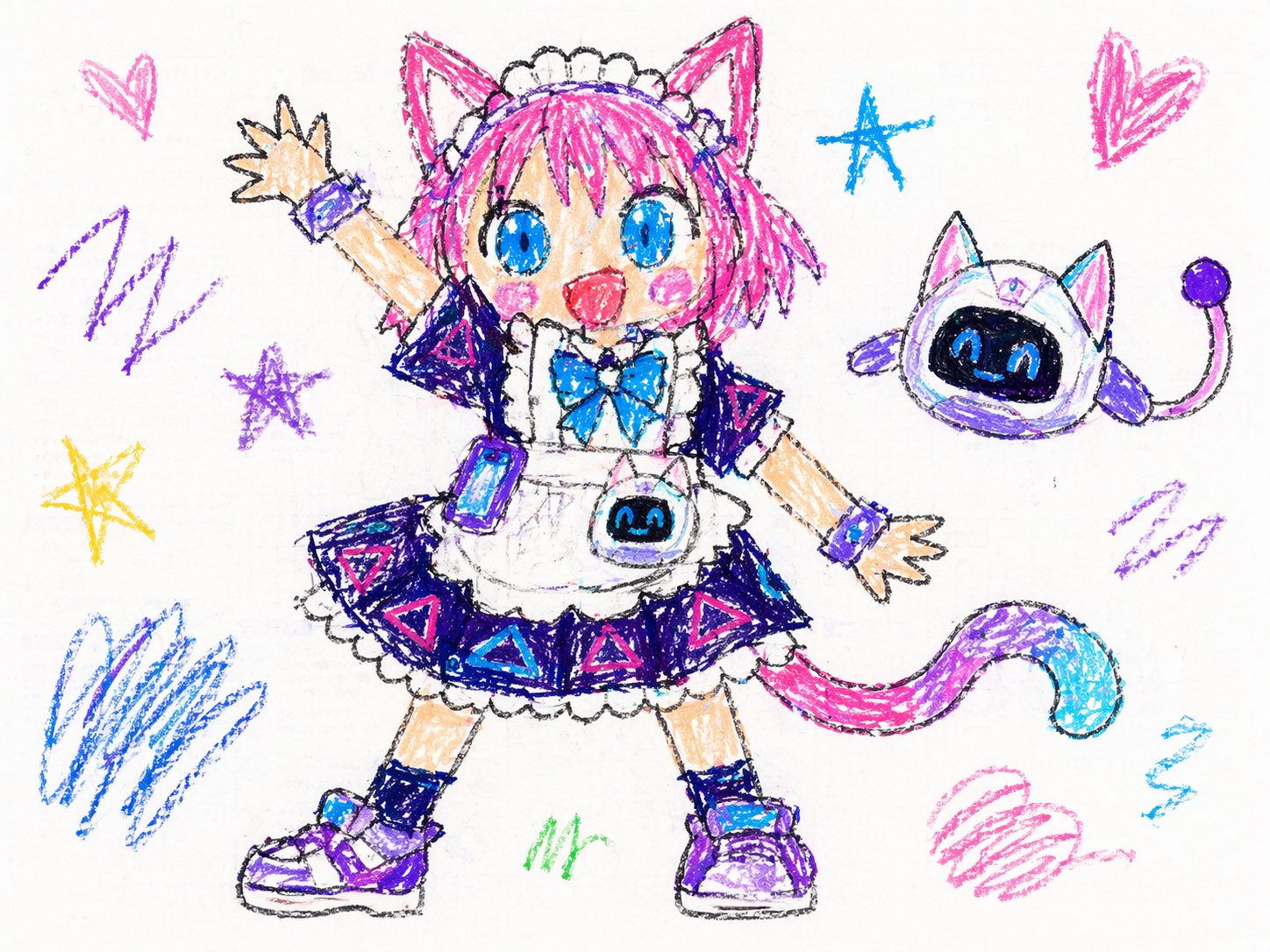
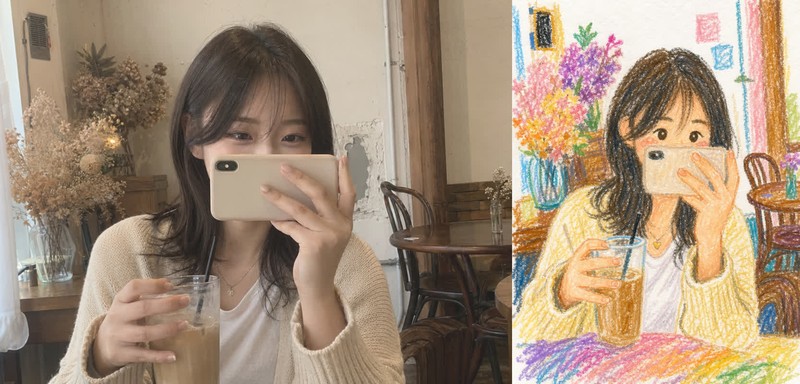
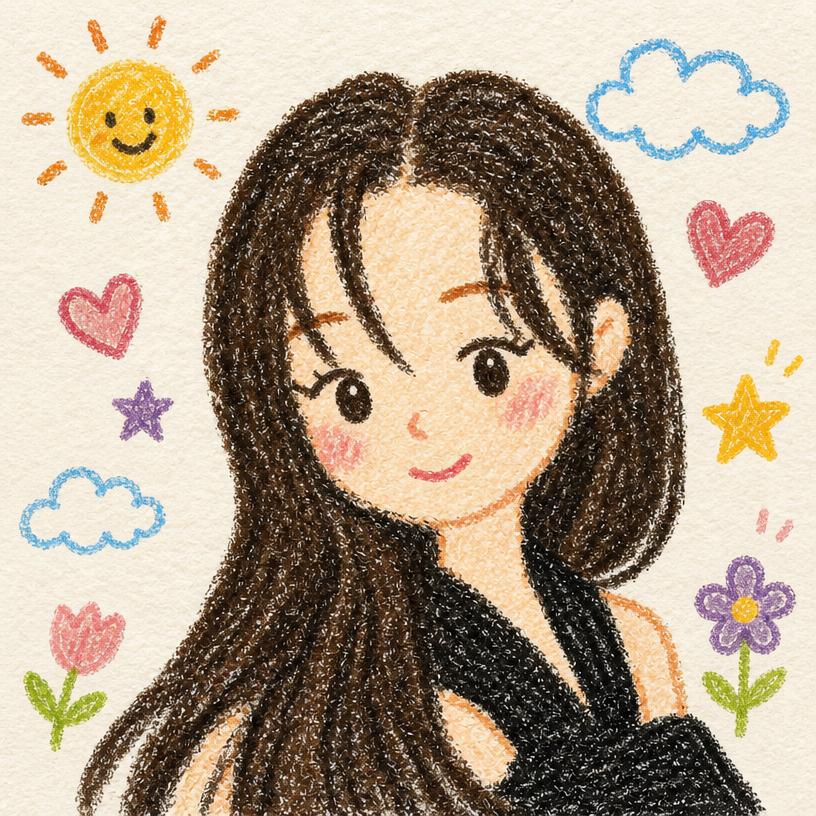
AI-generated Childlike Crayon Drawing

Childlike Crayon Drawing

GPT Image 2· Image
업로드한 사진을 기반으로 이미지를 재구성하되, 전체 인물과 포즈, 구도는 원본을 유지하면서 그림 스타일을 크레파스(오일 파스텔)로 그린 어린이 그림 느낌으로 변환해줘. 그림 스타일: 10살 아이가 그린 것처럼 단순하고 귀엽게. 디테일: 얼굴과 요소들은 단순화, 둥글고 부드럽게 표현. 질감: 크레파스 특유의 거친 질감과 색 번짐 표현. 색상: 밝고 랜덤한 파스텔톤 색상으로 재해석. 배경: 전체적으로 하얀 종이 위에 그린 느낌 유지.
GPT 이미지 2로 생성한 인체 드로잉 예시 1

인체 드로잉 예시 1

GPT Image 2· Image
A respectful educational figure drawing study: simplified full-body mannequin structure, balanced proportions, visible gesture lines, neutral studio background, pencil sketch texture, clean anatomy reference style, no readable text, no logo, no watermark.
GPT 이미지 2로 생성한 비행기 일러스트 예시 1

비행기 일러스트 예시 1

GPT Image 2· Image
A clean friendly airplane illustration for posters and educational materials: centered passenger airplane in the sky, soft clouds, simple rounded shapes, crisp outlines, light paper texture, cheerful blue palette, no readable text, no logo, no watermark.
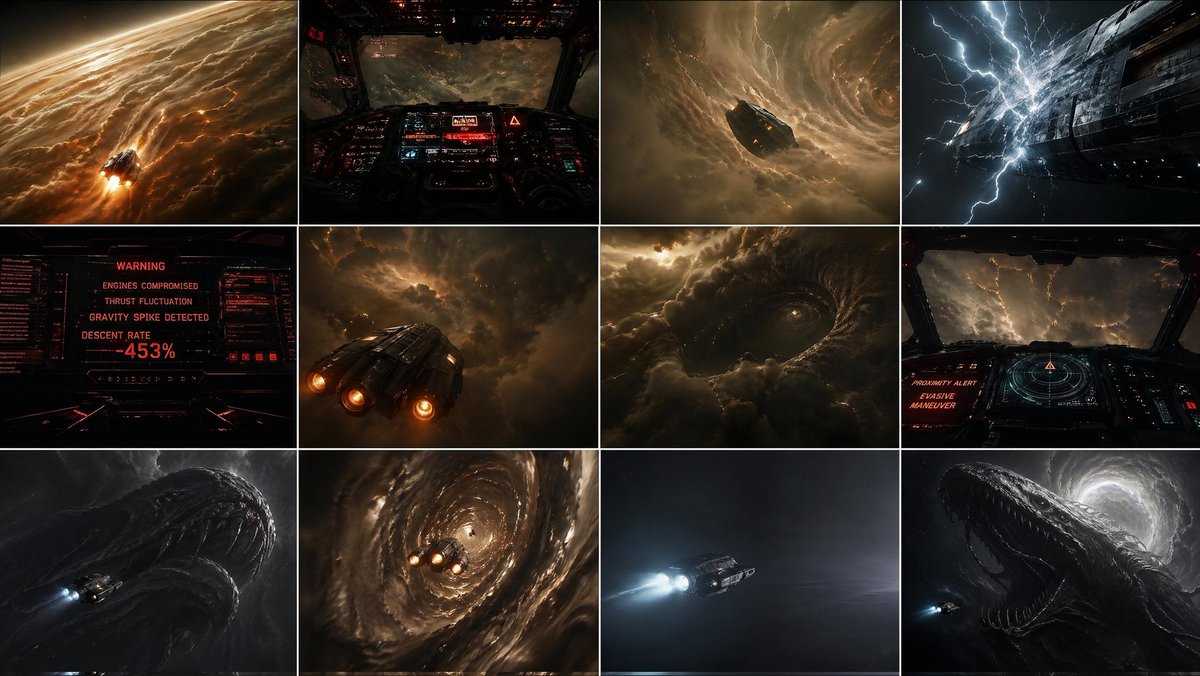
AI-generated {"type":"cinematic Sci-fi Storyboard Contact Sheet" made with GPT Image 2
{"type":"cinematic Sci-fi Storyboard Contact Sheet"

GPT Image 2· Image
{"type":"cinematic sci-fi storyboard contact sheet","subject":{"primary":"a small futuristic spacecraft descending into a massive gas giant storm system","secondary":"an enormous leviathan-like silhouette hidden within the clouds","mood":"oppressive, catastrophic, awe-struck, high tension, cosmic dread","style":"photorealistic cinematic concept art with dark sci-fi realism, volumetric storm clouds, strong contrast, amber and black palette with occasional cold blue lightning","aspect_ratio":"16:9"},"vehicle":{"design":"compact armored deep-atmosphere ship with 3 bright rear engines, angular industrial hull, worn metallic panels","scale":"tiny compared to the planet and creature"},"layout":{"grid":{"rows":3,"columns":4,"count":12},"sections":[{"position":"row 1 col 1","description":"wide exterior shot of the ship entering the upper atmosphere of a colossal gas giant at extreme speed, glowing clouds streaked with fire and friction around the vessel, curved planetary horizon visible"},{"position":"row 1 col 2","description":"cockpit POV, dark interior filled with red and cyan holographic instruments, forward visibility collapsing into turbulent storm layers and electrical haze"},{"position":"row 1 col 3","description":"exterior mid-wide shot of the ship diving into a gigantic rotating cloud funnel, surrounded by violent spiraling storm structure"},{"position":"row 1 col 4","description":"extreme close exterior of the ship hull as bright lightning strikes dangerously close, white electric energy crawling across the metal surface"},{"position":"row 2 col 1","description":"dashboard warning screen in red, showing a critical systems failure interface with the exact visible text count of 4 warning lines and 1 large percentage readout: ['WARNING','ENGINES COMPROMISED','THRUST FLUCTUATION','GRAVITY SPIKE DETECTED','DESCENT RATE -453%']"},{"position":"row 2 col 2","description":"rear three-quarter exterior of the ship fighting turbulence inside dense storm clouds, engines burning hard while the craft barely holds course"},{"position":"row 2 col 3","description":"massive circular disturbance forming in the clouds like an eye or maw, entire storm systems displaced by something huge moving beneath"},{"position":"row 2 col 4","description":"second cockpit view with radar-like navigation display and red alert text, pilot making a blind evasive maneuver through lightning-filled darkness"},{"position":"row 3 col 1","description":"first reveal of the colossal creature shape rising near the ship, black organic surface and immense curved anatomy emerging from darkness, ship tiny at lower left"},{"position":"row 3 col 2","description":"spiral descent shot, ship caught inside a vortex tunnel of clouds, spinning downward with engines flaring as it struggles to recover"},{"position":"row 3 col 3","description":"sudden breakthrough into a calm void, minimal composition, ship flying in eerie silence through dark open space with soft mist and no visible storm around it"},{"position":"row 3 col 4","description":"final reveal, gigantic leviathan fully emerging behind or beside the ship in cleared space, backlit by a pale circular storm opening, enormous open maw-like silhouette dwarfing the craft"}],"continuity":"all 12 panels depict one continuous descent sequence from atmospheric entry to final creature reveal"},"lighting":{"primary":"glowing amber storm light","secondary":"red cockpit interface glow","accents":"blue-white lightning and engine exhaust"},"environment":{"location":"inside the upper and middle storm layers of a gigantic gas giant","weather":"violent turbulence, electrical storms, vortex funnels, cloud walls, pressure chaos","threat":"no safe zone, repeated near-failure, unknown colossal presence driving the storm"}}
@xRahultripathi
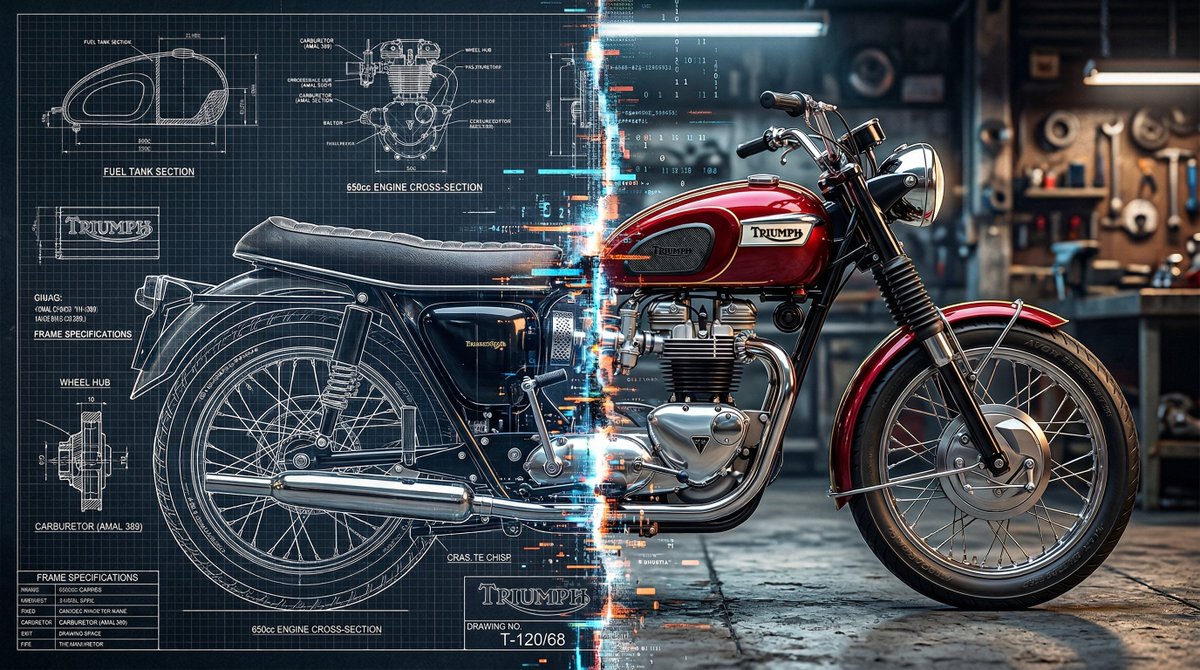
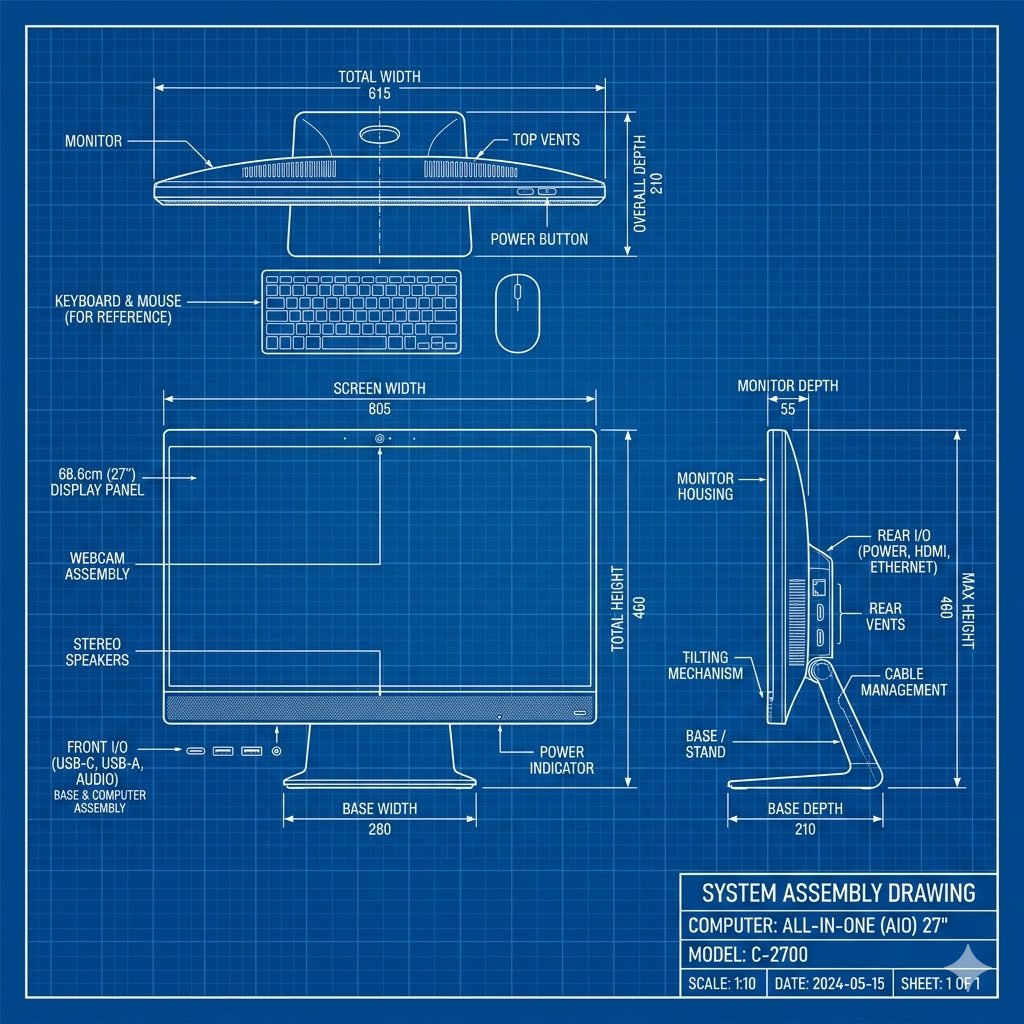
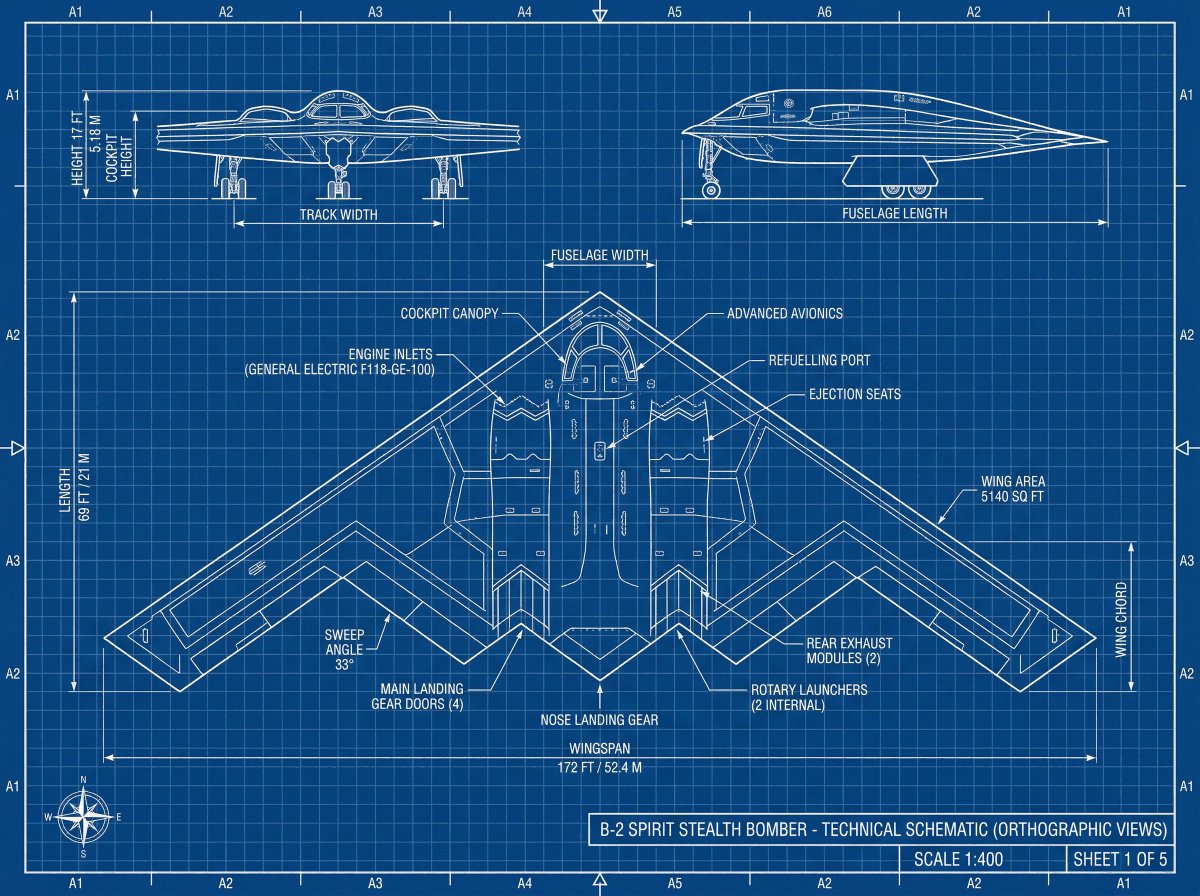
AI-generated Product Technical Blueprint made with Nano Banana 2

Product Technical Blueprint

Nano Banana 2· Image
[Add your product], technical blueprint drawing, orthographic view, front view + side view + top view, white vector line art, thin construction lines, precise measurements, annotation labels, dimension arrows, grid background, deep blue background, minimal design, engineering schematic style, high data
@Ankit_patel211

What Are Blueprint Illustration AI Prompts?

Blueprint Illustration AI Prompts are specialized instructional sequences designed to command artificial intelligence to create visuals that mimic professional engineering, architectural, or technical drawings. These prompts focus on the distinct aesthetic of drafts, characterized by precise lines, grid patterns, dimension callouts, and often the iconic deep blue background associated with traditional cyanotype printing. Unlike general artistic prompts, these are engineered to emphasize structure, logic, and technical accuracy. They allow creators to visualize complex machinery, floor plans, or abstract technological concepts with a level of sophistication that suggests expert craftsmanship. By using these prompts on the Carat platform, you can produce high-quality imagery that serves as an intellectual and visual foundation for various projects, blending the boundaries between art and science. The ability to specify 'plan views', 'elevations', and 'sections' through these prompts makes them a powerful tool for conceptualizing physical spaces and products before they are built.

Best Use Cases

The versatility of blueprint-style illustrations makes them indispensable across numerous industries. In the startup and tech world, they are frequently used in pitch decks and whitepapers to symbolize a 'plan for the future' or to explain the underlying architecture of a new software or hardware product. Architects and interior designers use them to create mood boards or stylized representations of their concepts for client presentations and marketing materials. From an educational perspective, these illustrations can simplify complex topics in textbooks or online courses by providing clear, schematic visuals. Additionally, they have high aesthetic value in graphic design; vintage blueprint posters are popular interior decor items, and technical drawing elements are often integrated into clothing or product packaging to convey a sense of reliability and innovation. Using a blueprint aesthetic immediately signals 'planning', 'engineering excellence', and 'attention to detail' to your audience.

Why This Tag Works

The Blueprint Illustration tag works because it targets the specific linguistic markers that AI models need to switch from 'painterly' mode to 'technical' mode. Generating clean, straight lines and organized layouts is a specific challenge for AI, and these prompts provide the necessary constraints to ensure the output remains legible and professional. This tag organizes various sub-styles-ranging from 18th-century hand-drawn patents to modern computer-aided design (CAD) renders-under one umbrella, making it easy for users to find the exact aesthetic they need. It empowers users who may not have professional drafting skills to generate high-level technical art, significantly lowering the barrier to entry for high-quality conceptual visualization. The focus on 'schematic' layouts ensures that the AI doesn't add unnecessary artistic flourishes that might distract from the technical theme.

Explore Related Prompts

  • Illustration
  • Poster
  • Card News Template
  • Character
  • Oil Painting Style
  • Watercolor Style
  • Infographic

Prompt Building Tips

To achieve a convincing blueprint effect, always specify the 'medium' and 'color palette' early in your prompt. Use terms like 'Cyanotype print' for the classic blue look or 'Drafting paper with graphite lines' for a more traditional hand-drawn feel. Keywords like 'orthographic view', 'isometric projection', and 'exploded view' are essential for controlling the perspective and showing different angles of an object. To increase the perceived complexity, add details such as 'intricate labels', 'numerical measurements', or 'patent drawing style'. Lighting should usually be flat or even, so using 'uniform lighting' or 'no shadows' can help keep the lines crisp. Finally, mention the subject clearly-whether it is a 'futuristic spacecraft', 'modernist villa', or 'vintage clockwork'-to give the AI a solid base to apply the technical style to. Combining these layers of information will lead to a professional result that looks like it came straight from a designer's drafting table. You can even experiment with 'weathered paper' or 'coffee stains' to give the blueprint a historical, 'found-in-the-archives' feel.
Frequently Asked Questions

Related Prompts

Wing Illustration

Wing Illustration

16 prompts

Feather Illustration

Feather Illustration

15 prompts

Crayon Drawing

Crayon Drawing

13 prompts

Crayon Drawing Style

Crayon Drawing Style

11 prompts

Carat Prompt Gallery

Create trending AI prompts instantly

Prompts

  • Logo
  • PPT Design
  • Thumbnail
  • Poster
  • Web Novel Cover
  • ID Photo
  • Caricature
  • Product Detail Page
  • Banner

Models

  • GPT Image 2
  • Seedance 2.0
  • NanoBanana Pro
  • NanoBanana 2

Carat

  • Get started
  • About
  • Blog
  • Careers
  • Contact
  • Partnership
  • Terms
  • Privacy

© 2026 Paradot.Inc All rights reserved.