Digital Artwork
Design composition, lighting, palette, and texture with practical digital artwork prompts.
2026.07.15
Make “Digital Artwork” exactly the way you wantCreate your own “Digital Artwork”
Just ask in plain language — Carat generates optimized images and videos for you.

Start now with 100 free credits daily

팬 아트

Neon Gradient Haze
사주 캐릭터
What are digital artwork prompts?
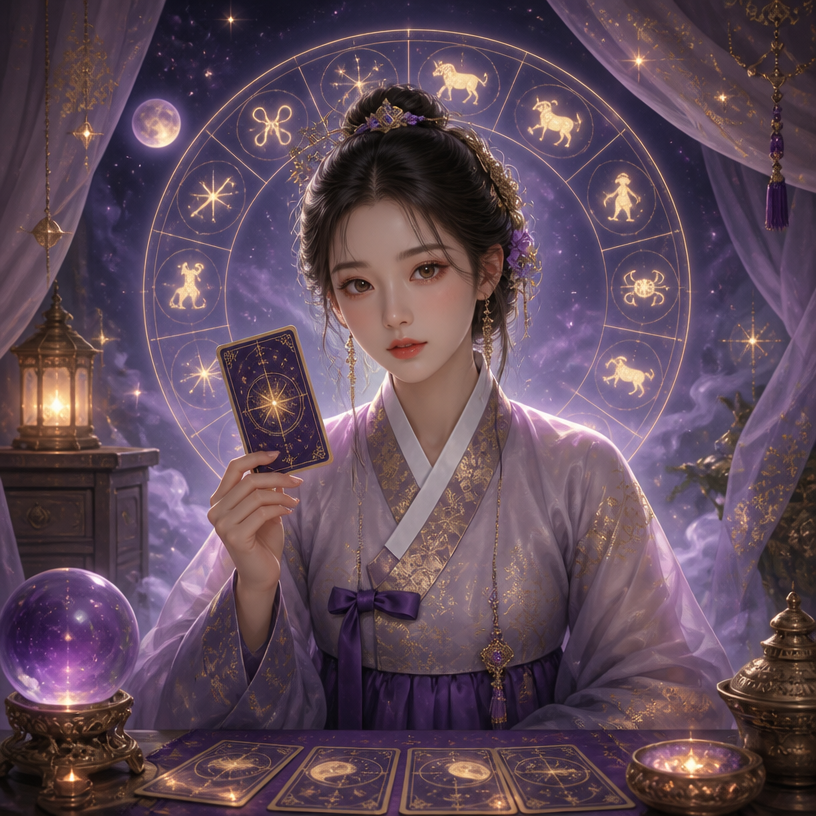
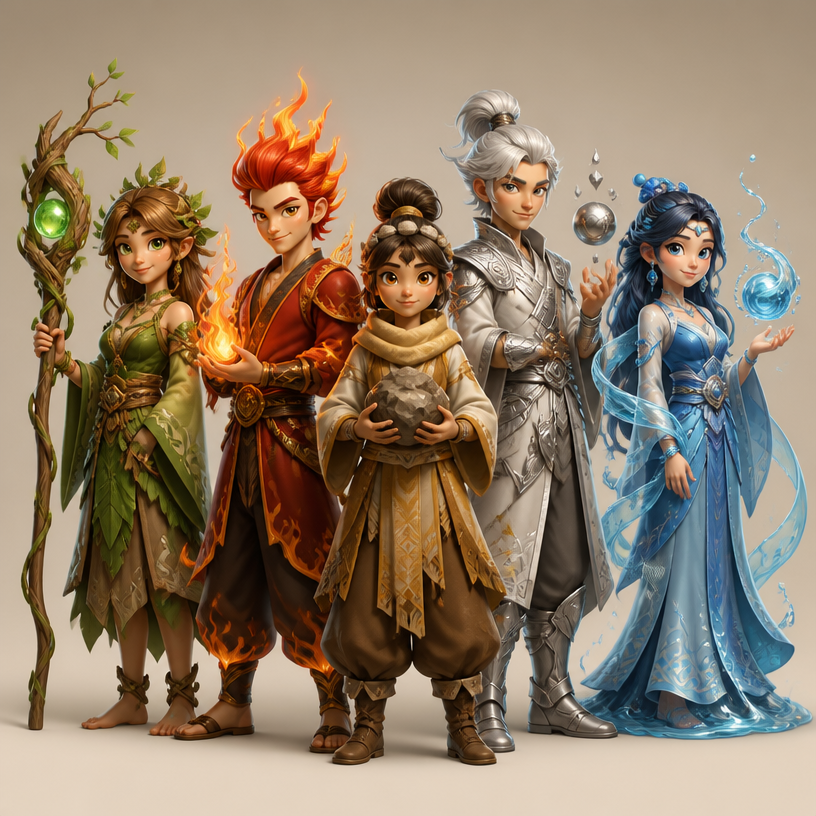
Digital Artwork prompts are structured instructions for creating purposeful visual assets rather than generic decorative pictures. They define subject, viewpoint, lighting, palette, surface texture, and intended output. A clear prompt makes composition and style choices repeatable, which is useful when several variations must belong to one project.
Practical uses
Use these prompts for concept art, character key visuals, environments, posters, album covers, and campaign images. Keeping the central composition fixed while changing palette, lighting, or rendering treatment helps teams compare directions without losing the original idea. The approach also supports study sheets and portfolio experiments.
Building a reliable structure
State the subject and action first, then specify camera direction, layout, lighting, and rendering. Define foreground, middle ground, and background; separate dominant and accent colors; reserve space for typography when needed. Give every important element enough space and describe which feature should attract attention first. Concrete visual instructions are more useful than broad praise words.
Prompt refinement tips
Set the output purpose and aspect ratio before adding style. Ask for a strong silhouette for thumbnails and controlled detail for larger artwork. Review anatomy, edges, text, and repeated objects at full size. When something fails, correct one variable at a time so the next result reveals whether the change worked.
Related prompts
Avoid copying a living artist or an existing image. Describe period, medium, line behavior, texture, and color relationships instead. Save successful structure separately from changeable subject details so it can be reused across a coherent series without producing identical images.