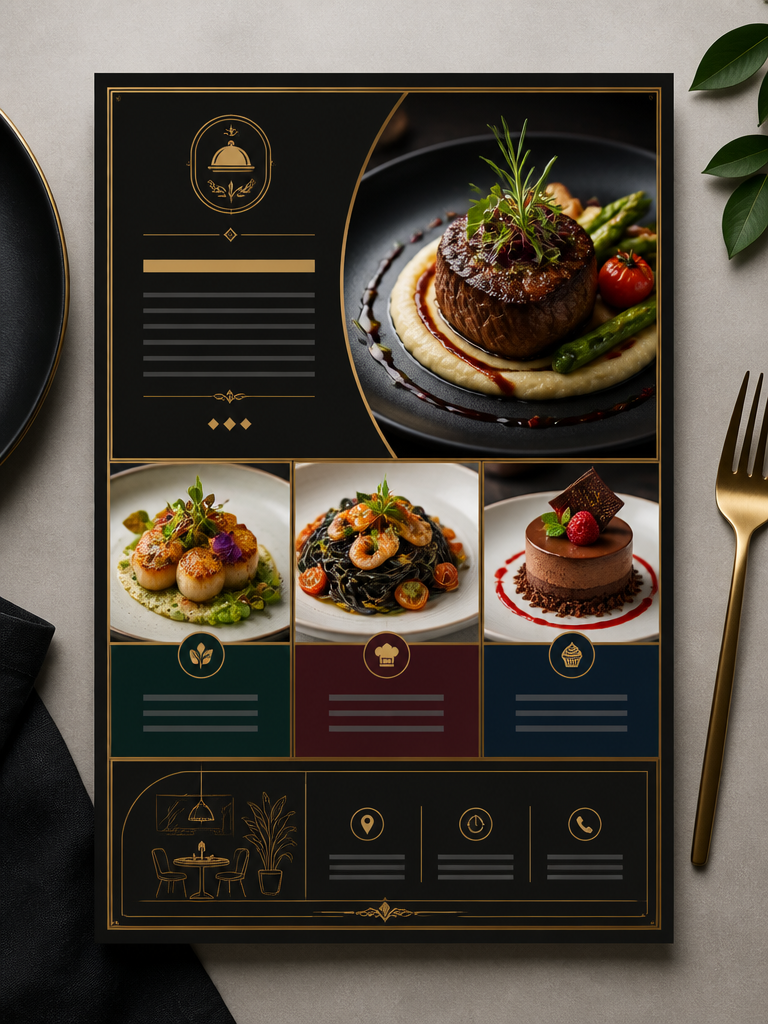
Flyer Design
Discover high impact AI prompt formulas and layout configurations optimized for rendering clear restaurant flyers and professional promotional leaflets.
2026.07.22
Make “Flyer Design” exactly the way you wantCreate your own “Flyer Design”
Just ask in plain language — Carat generates optimized images and videos for you.

Start now with 100 free credits daily
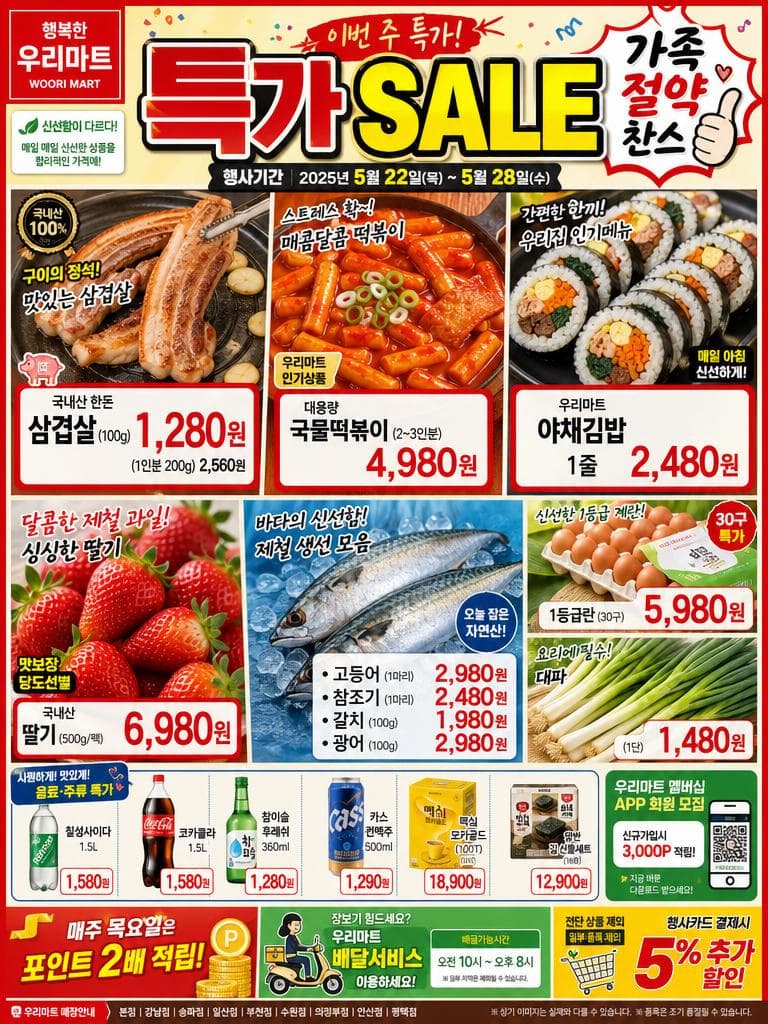
Lively Korean Supermarket Weekly Sale Flyer
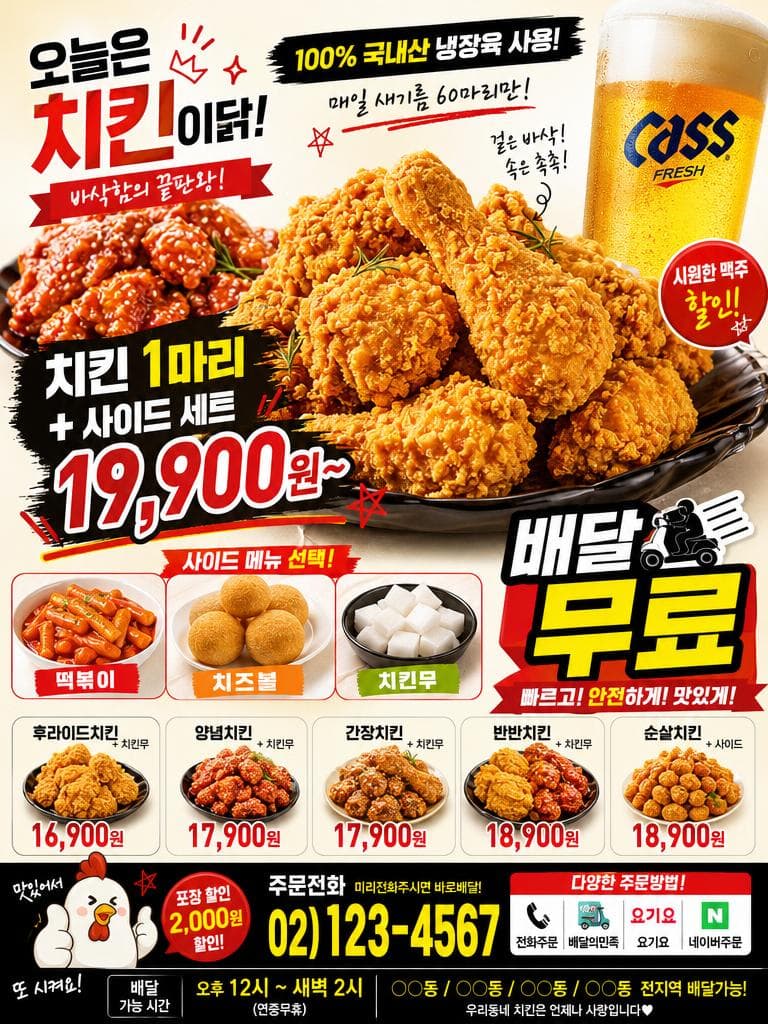
Lively Korean Fried Chicken Restaurant Delivery Flyer for Mailbox Posting
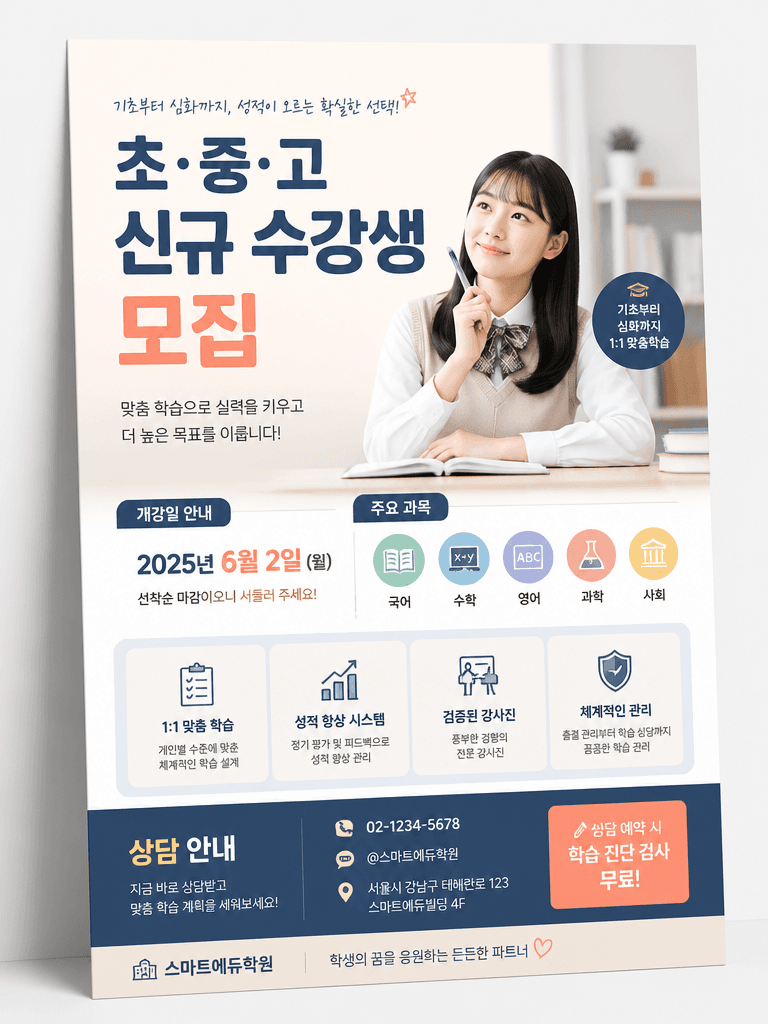
학원 전단지

오픈 전단지
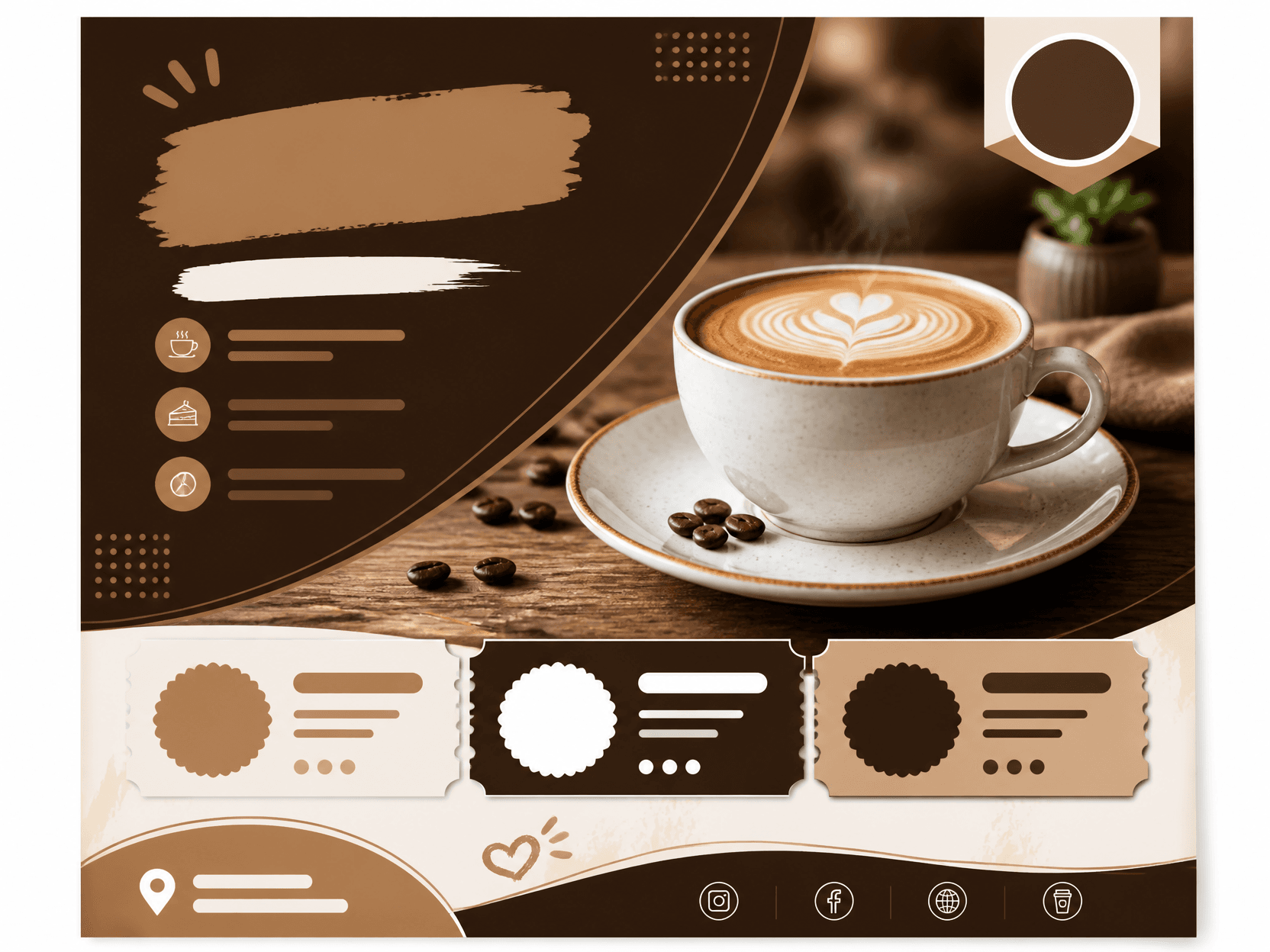
전단지 예시 1
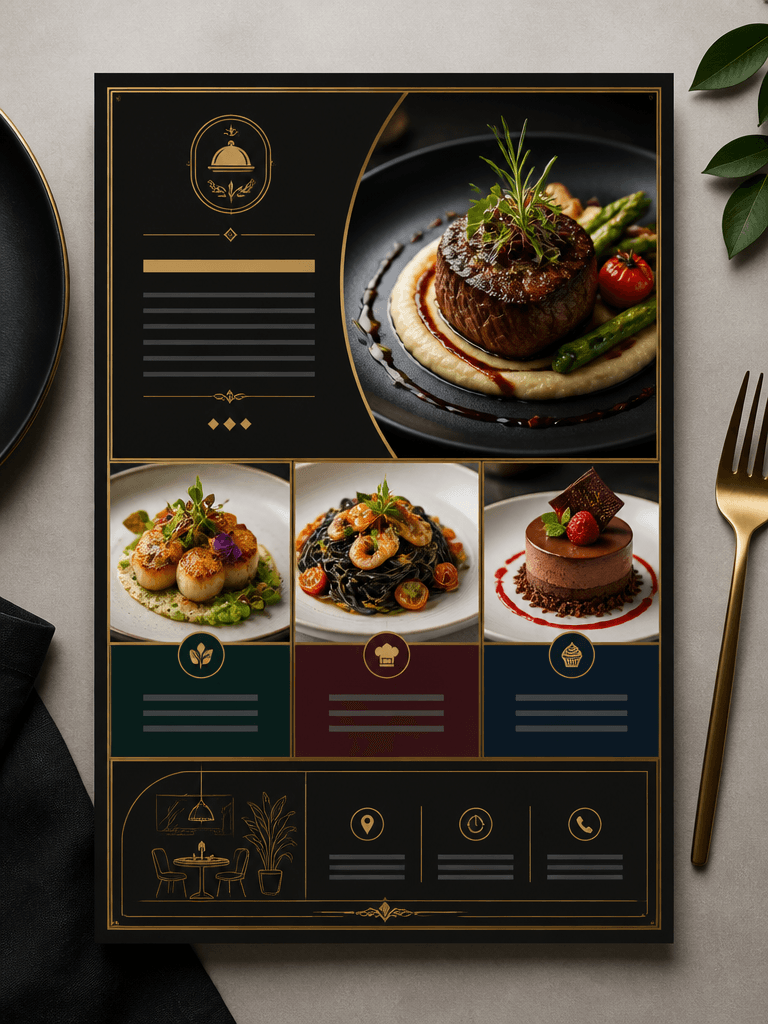
식당 전단지
Maximizing Store Traffic and Event conversion with Eye Catching Flyers
In the physical domain of offline customer acquisition, a well-distributed Flyer Design must grasp undivided viewer attention and communicate its core value proposition in under 3 seconds. Coupling advanced generative AI systems with bold advertising layout structures allows local business managers, designers, and promoters to create high-contrast marketing flyers with immediate clarity. This streamlines the visual mockup production pipeline, providing print-ready commercial resources in mere minutes.
Dividing Layout Space into the Symmetrical 3-Tier Visual Hierarchy
Securing exceptional flyer conversion relies on guiding the prospective customer's eye cleanly down the page. Organizing layout instructions to request a bold dominant headline in the upper tier, an appetizing food or crisp product centerpiece photography in the middle grid, and a highly visible call-to-action area with contact address in the lower footer locks in natural flow. This strategic setup eliminates chaotic visual noise, presenting clear information.
Coordinating High Contrast pop Palettes for Vibrant Outlines
To make your advertisement stand out among competitive fliers posted across noticeboards, coordinate bold primary values with solid white grids. Incorporating vibrant yellow pop-color accents or energizing orange-red highlights directly inside food delivery flyers boosts psychological interest, sparking hunger and curiosity. To adapt matching stationery handouts, you can incorporate flat layout tricks from related lists like our wedding card files.
Safeguarding High Contrast Contours of Realistic Matte Paper Outputs
Preventing the final ink layers from bleeding or fading under physical industrial print runs dictates specifying richCMYK-look outputs. request a flat design on realistic printing paper stock with razor-sharp high-contrast contours to preserve extreme edge fidelity during plate separation. This meticulous visual guarantee ensures text boundaries stay sharp, providing high-performing collateral perfect for direct-mail box stuffing.
Securing Grid Symmetrical Grids and Border Layout Distortion Blocks
To eliminate jagged margins, weird characters, or structural warping along paper boundaries during generation, deploy strict directional constraints. Requiring parallel margins and straight horizontal dividers prevents layout panels from twisting. These methodological constraints act as automated quality control gates, providing clean flyer templates ready for immediate production-level deployment.