carat

Prompt Gallery

/

Food Illustration

Login
Sign Up

Food Illustration

Create food illustration visuals with practical AI prompt examples, style tips, and use cases.

2026.07.03

·
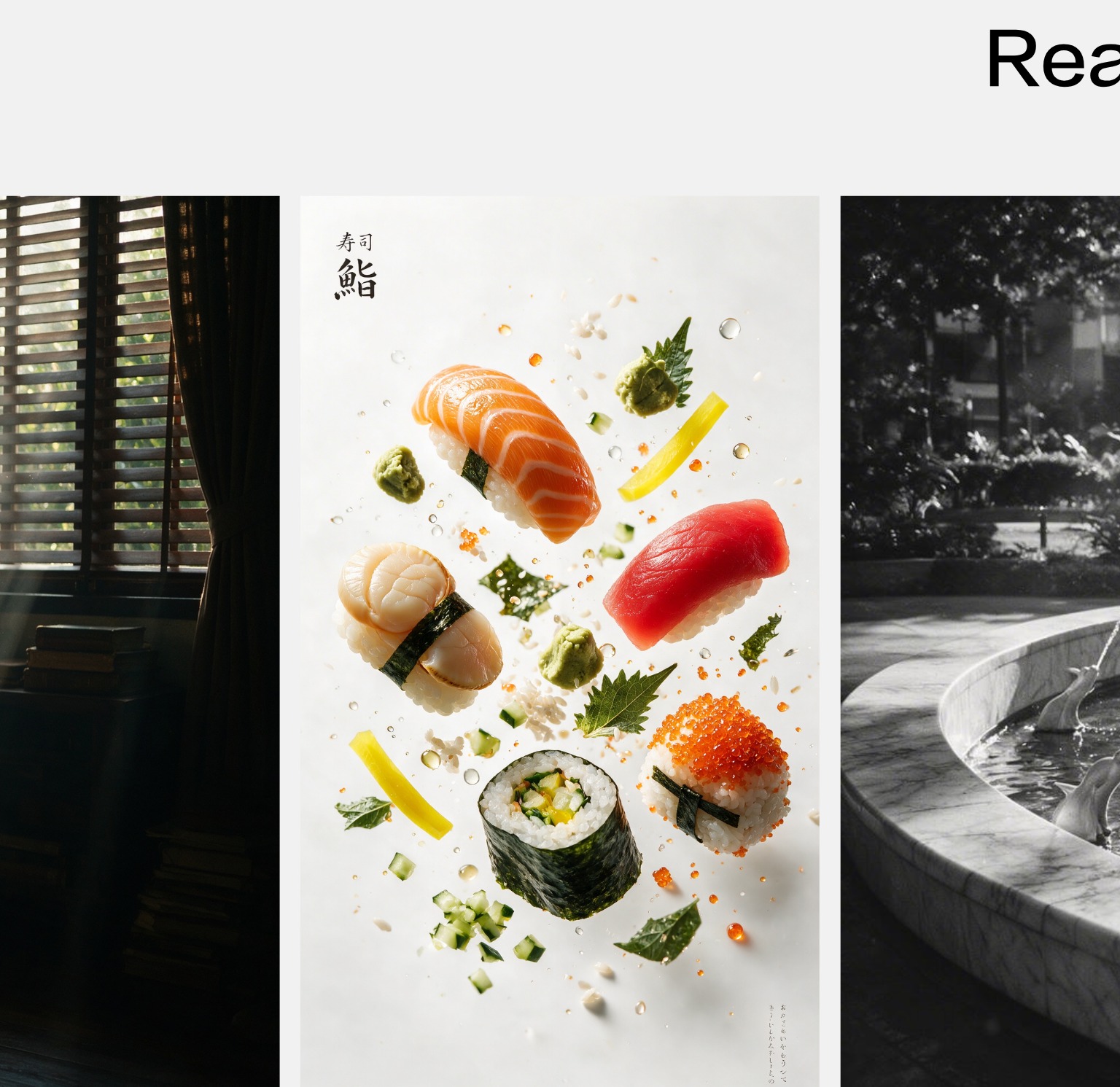
AI-generated Floating Sushi Photo made with Seedream 5.0 Pro

Floating Sushi Photo

Seedream 5.0 Pro· Image
Floating premium sushi.
ByteDance Seed
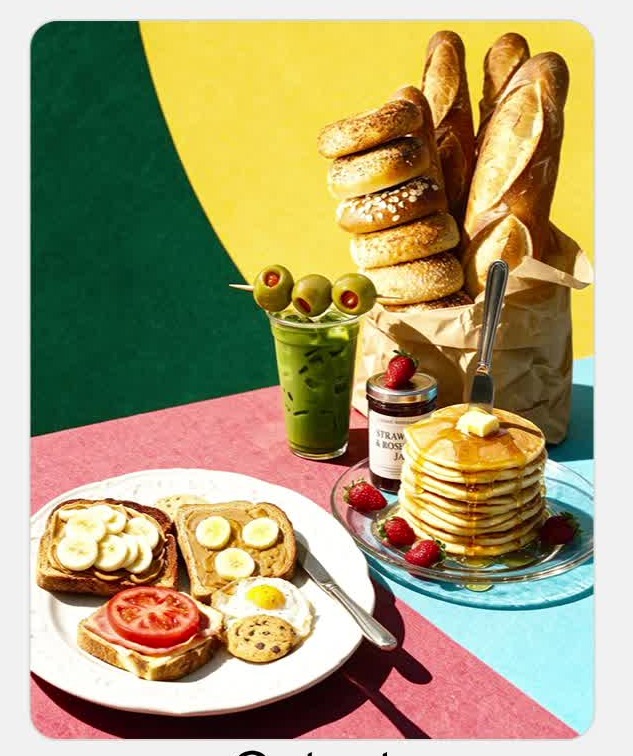
AI-generated Multi-Reference Food Composition Edit made with Seedream 5.0 Pro
Multi-Reference Food Composition Edit

Seedream 5.0 Pro· Image
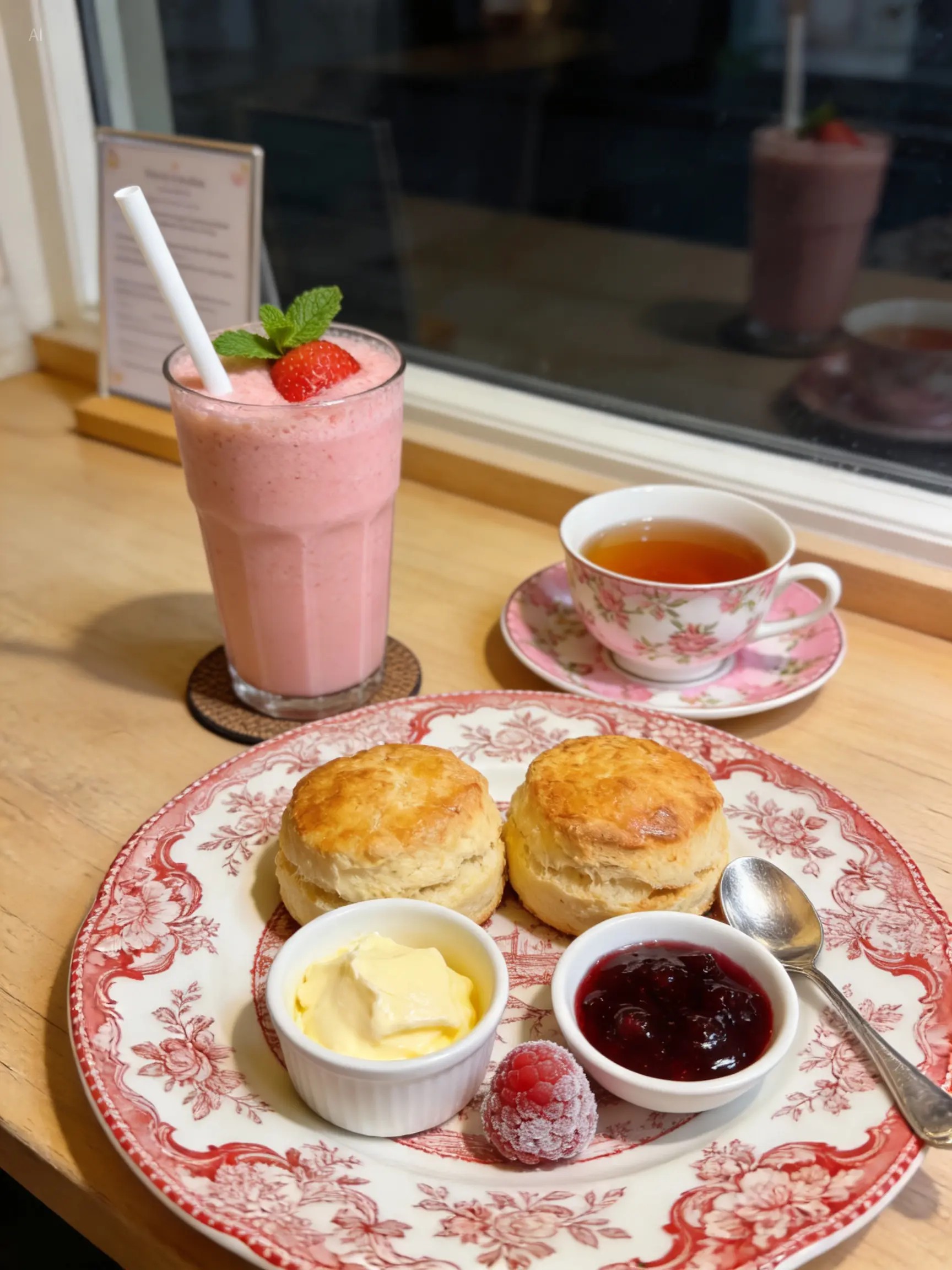
Merge these food reference images into my assembled composition, and generate a lifelike sunlit scene featuring one European-style porcelain plate and one clear glass plate.
ByteDance Seed
AI-generated Food Styling Edit with Exact Color Codes made with Seedream 5.0 Pro
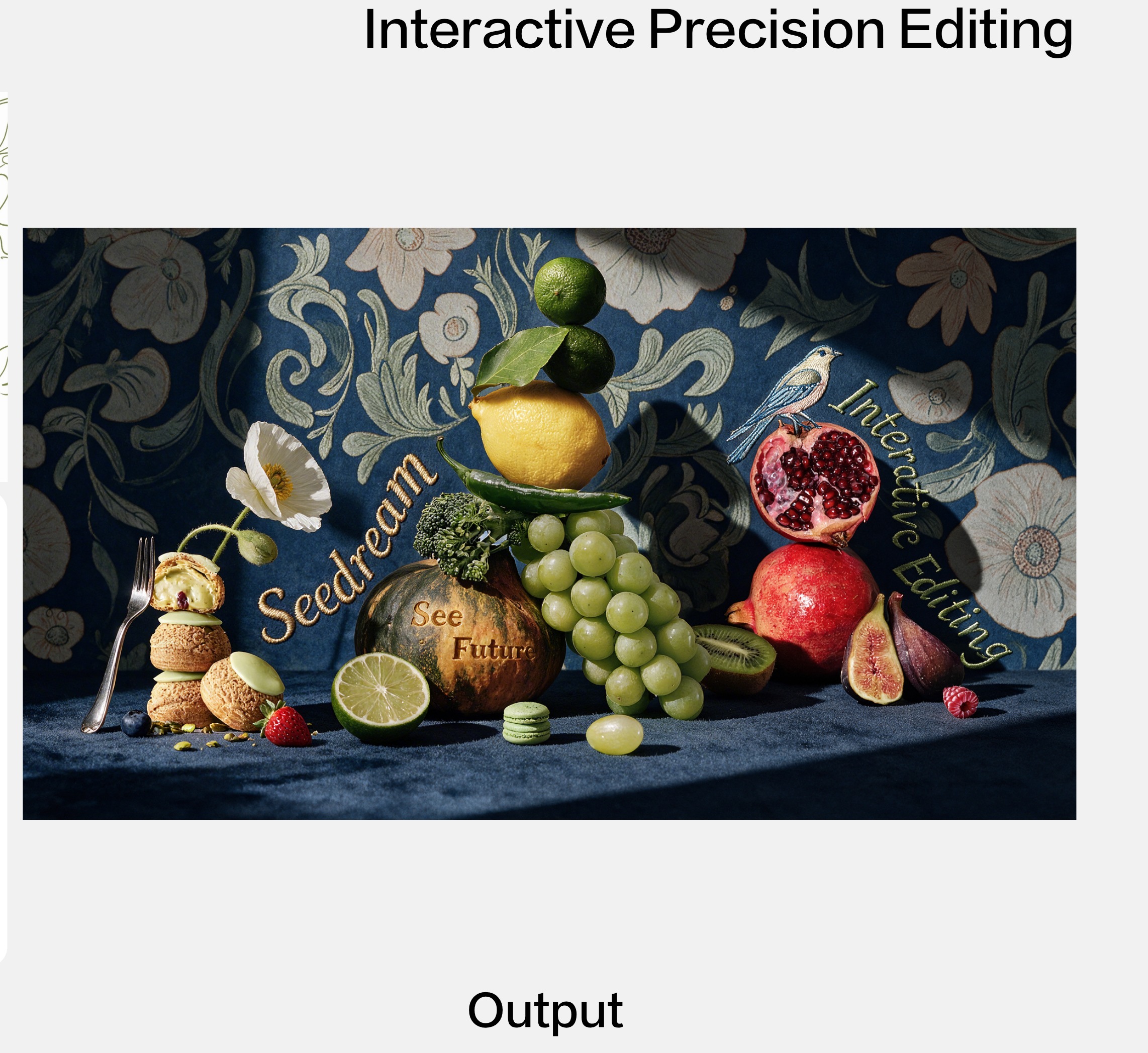
Food Styling Edit with Exact Color Codes

Seedream 5.0 Pro· Image
Food shot per sketch and color palette, deep navy tone. Vintage dark blue botanical wallpaper, embroidered serif texts: "Seedream" (#937F61), "Interactive Editing" (#6F8D69). Two-tone pumpkin (#3E4A2E dark green + #DB973E turmeric) carved with "See Future". Remove the decorative half lime; keep only the plain green halved lemon. Bird as embroidery motif. Fuzzy dark blue tabletop, elegant vintage vibe.
ByteDance Seed
AI-generated Food Photo Calorie Annotation Edit made with Seedream 5.0 Lite

Food Photo Calorie Annotation Edit

Seedream 5.0 Lite· Image
Identify the calorie content of the food in the image and annotate the information on the picture.
ByteDance Seed
GPT 이미지 2로 생성한 음식 일러스트 예시 1

음식 일러스트 예시 1

GPT Image 2· Image
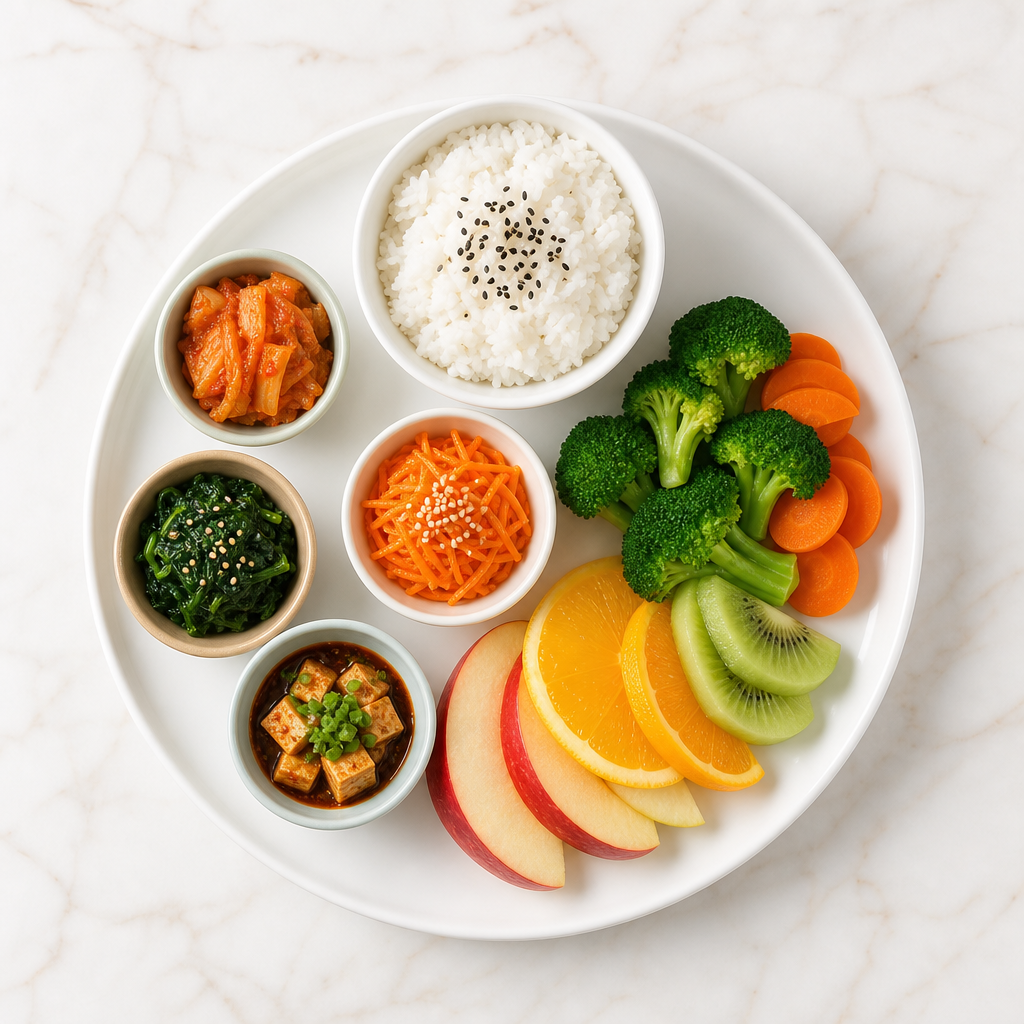
A colorful food illustration set arranged on a clean plate: rice bowl, vegetables, fruit, and small side dishes, flat editorial style, appetizing warm palette, tidy composition for menu or poster use, no readable text, no logo, no watermark.
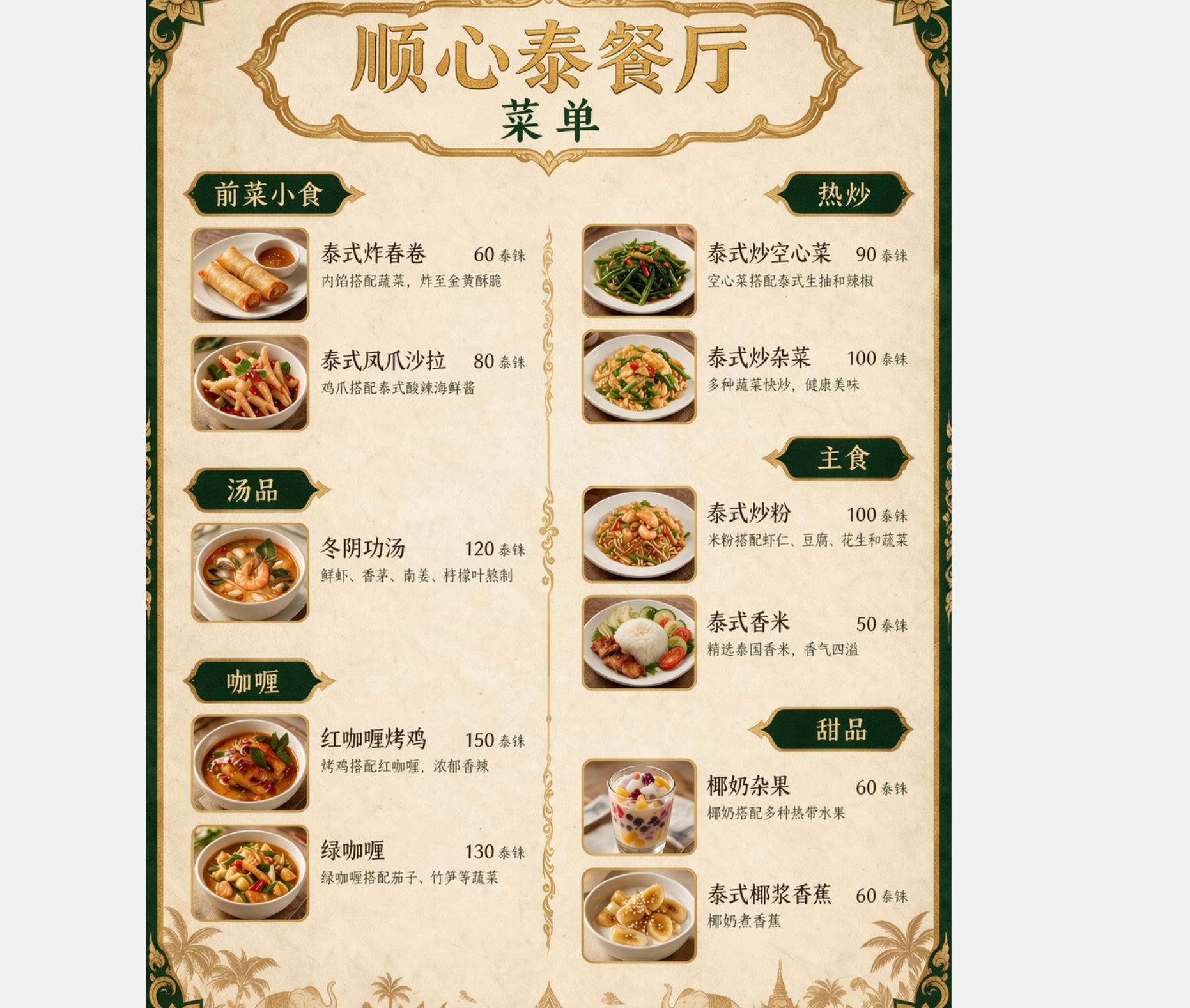
AI-generated Thai Restaurant Menu Translation made with Seedream 5.0 Pro

Thai Restaurant Menu Translation

Seedream 5.0 Pro· Image
Translate this restaurant menu into Chinese, keeping the exact same layout, colors, borders, and decorative design. Only the text changes.
ByteDance Seed
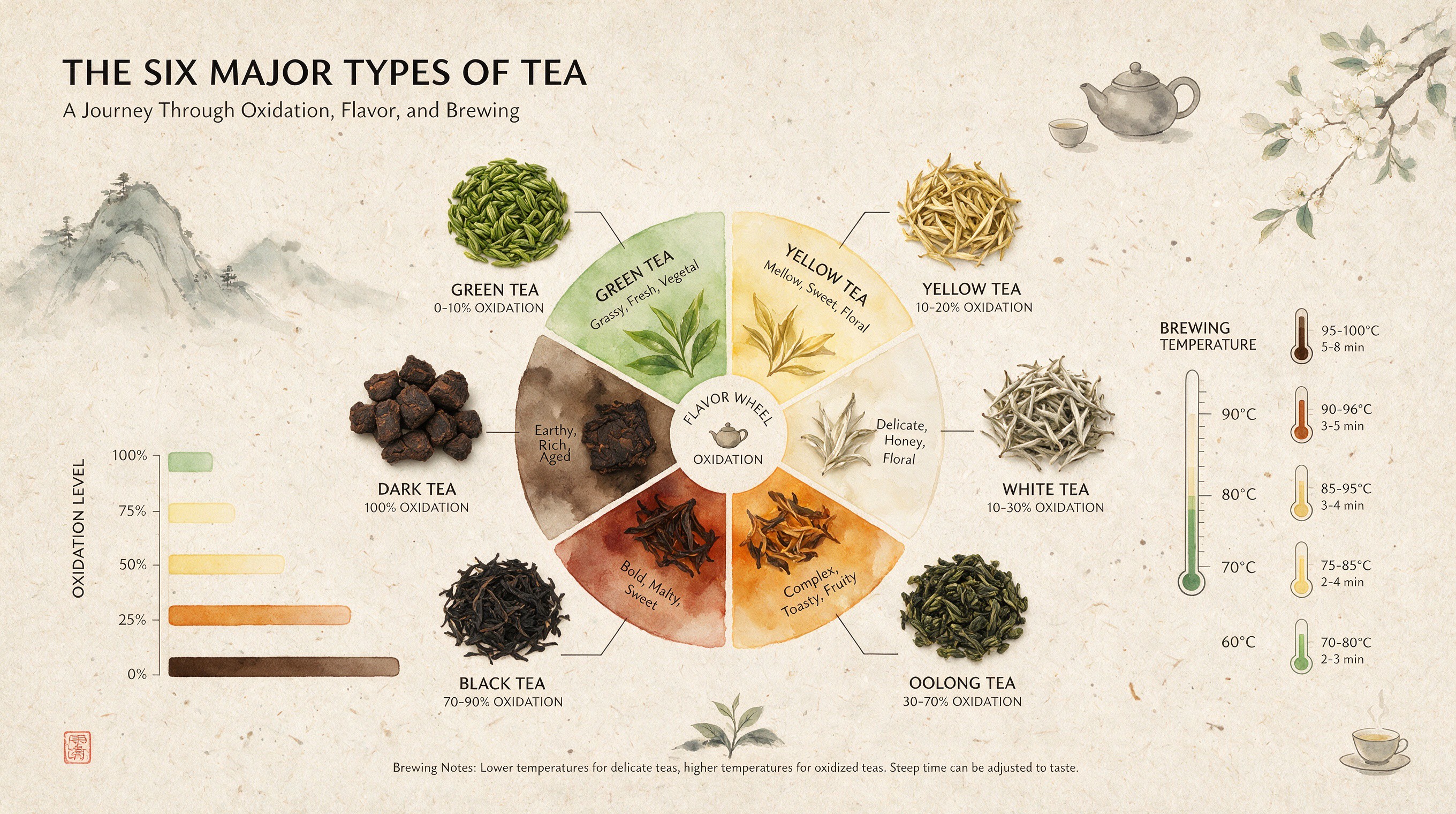
AI-generated Six Major Types of Tea Infographic made with Seedream 5.0 Pro

Six Major Types of Tea Infographic

Seedream 5.0 Pro· Image
Infographic of six major teas, central delicate watercolor gradient flavor wheel. Surrounding top-down tea leaf shots show varying oxidation, connected to oxidation bars & brew temp thermometers. Textured handmade rice paper backdrop, minimalist zen refined balanced layout.
ByteDance Seed

What are Food Illustration AI prompts?

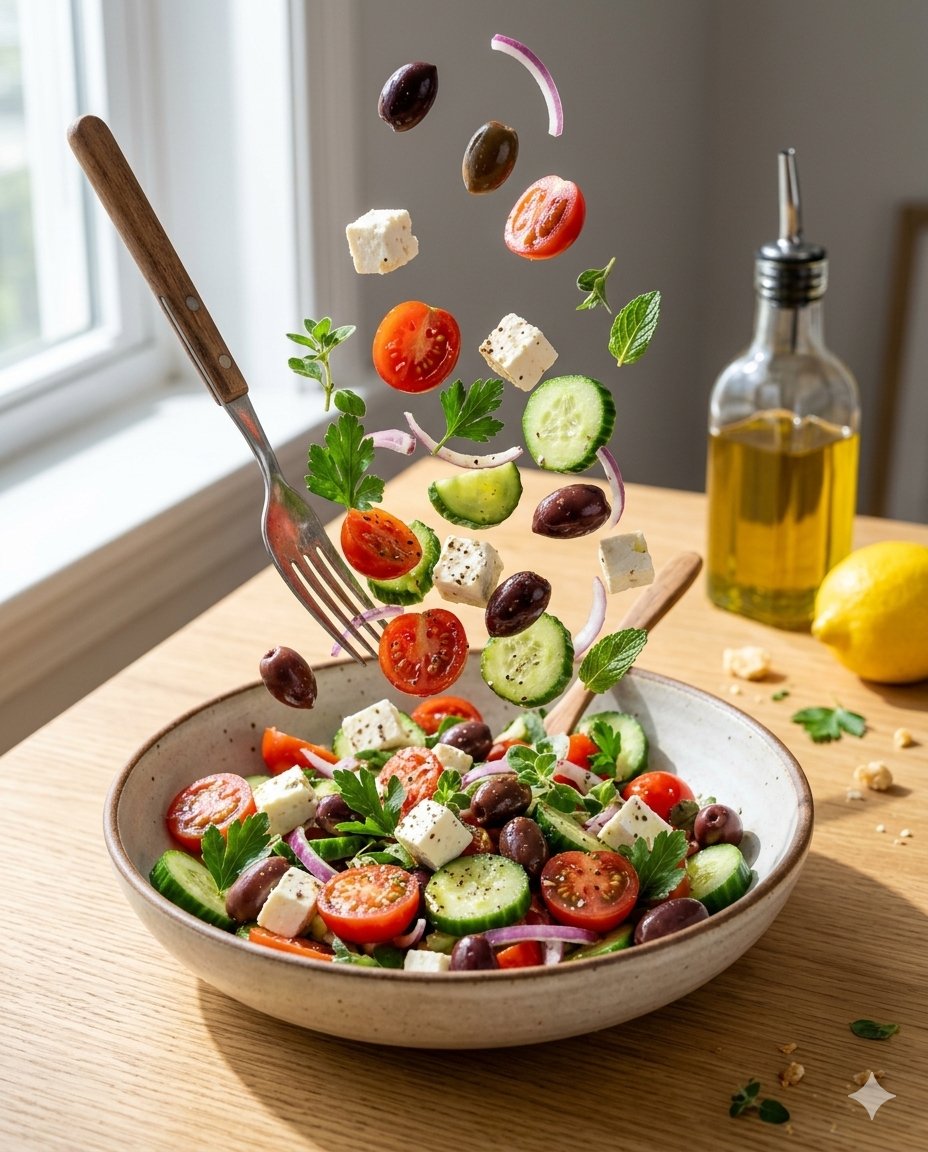
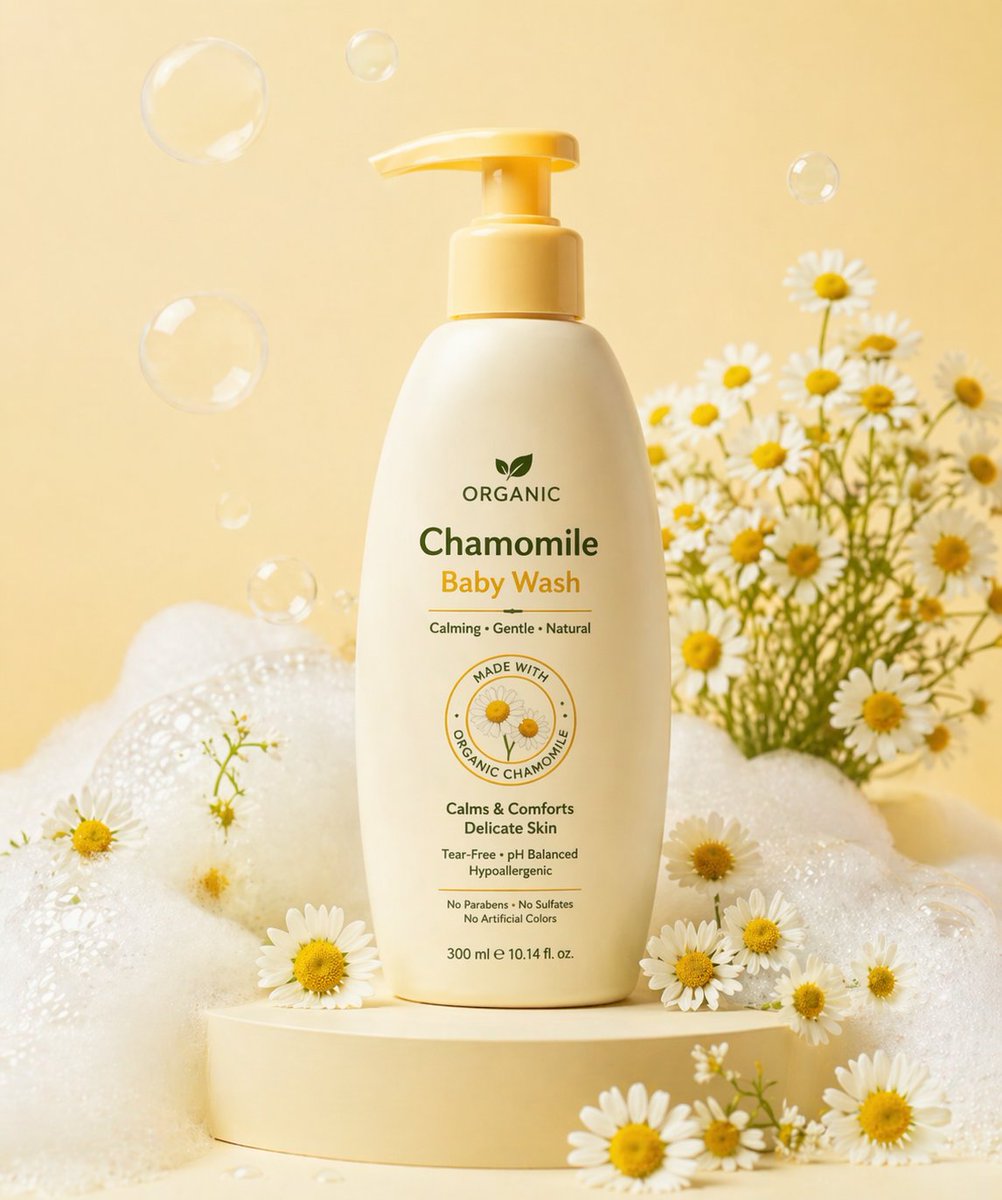
Food Illustration prompts help you describe a specific illustration target for AI image generation. A strong prompt does more than name the subject. It defines the composition, palette, texture, level of detail, background, and final use case. This makes the result more useful for real projects such as posters, stickers, educational materials, social graphics, product pages, and campaign visuals. The examples on this page are designed to be easy to copy, adapt, and combine with other Carat prompt tags.

Main use cases

  • 메뉴판
  • 식당 SNS
  • 레시피 카드
  • 배달 배너
  • 푸드 포스터

Why this tag is useful

A clear illustration prompt reduces ambiguity before generation starts. Instead of asking for a broad image, you can specify the subject shape, line style, color mood, background density, and production constraints. Phrases such as flat editorial style, centered composition, light paper texture, soft shadow, no readable text, no logo, and no watermark help create assets that are easier to reuse in design tools. This tag is especially useful when you need a clean visual that can work across cards, posters, learning materials, thumbnails, and stickers.

Related prompts to explore

Useful related tags include illustration, flat-illustration, character-illustration, poster, sticker-design, children-illustration, and educational-poster. Combine this tag with poster for campaign-style visuals, with sticker-design for clean cutout assets, or with educational-poster when the image needs to feel informative and classroom-ready.

Prompt writing tips

  1. Start with the intended output format, such as card, poster, sticker, worksheet, or thumbnail.
  2. Add concrete visual details such as centered layout, rounded shapes, crisp outlines, paper texture, pastel palette, or warm lighting.
  3. Keep production constraints explicit: no readable text, no logo, no watermark, and clean background.
  4. Generate a few variations by changing only palette, background, or detail level, then choose the most reusable version.
Frequently Asked Questions

Related Prompts

Food Photo

Food Photo

100 prompts

Product Ad Image

Product Ad Image

515 prompts

Prompt Illustration

Prompt Illustration

11 prompts

Menu Photo

Menu Photo

34 prompts

Carat Prompt Gallery

Create trending AI prompts instantly

Prompts

  • Logo
  • PPT Design
  • Thumbnail
  • Poster
  • Web Novel Cover
  • ID Photo
  • Caricature
  • Product Detail Page
  • Banner

Models

  • GPT Image 2
  • Seedance 2.0
  • NanoBanana Pro
  • NanoBanana 2

Carat

  • Get started
  • About
  • Blog
  • Careers
  • Contact
  • Partnership
  • Terms
  • Privacy

© 2026 Paradot.Inc All rights reserved.