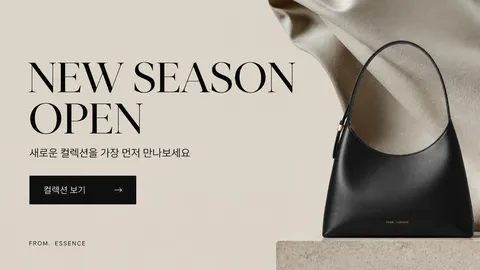
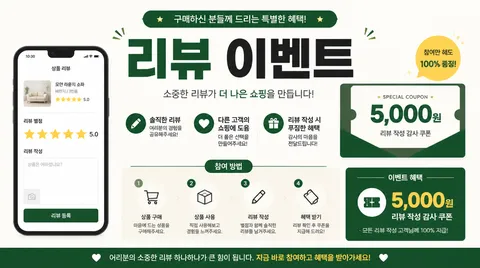
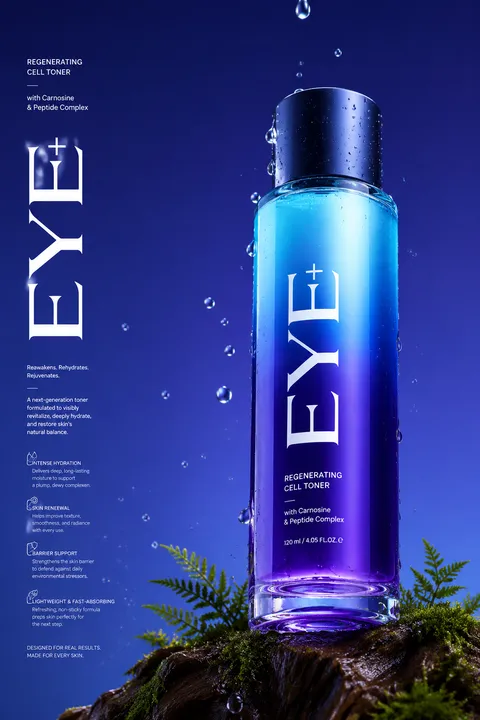
Design clear free gift promotion banners for ecommerce, retail, and social campaigns with AI prompts that organize the offer, conditions, and visual hierarchy.
2026.07.16
Make “Free Gift Promotion Banner” exactly the way you wantCreate your own “Free Gift Promotion Banner”
Just ask in plain language — Carat generates optimized images and videos for you.

Start now with 100 free credits daily

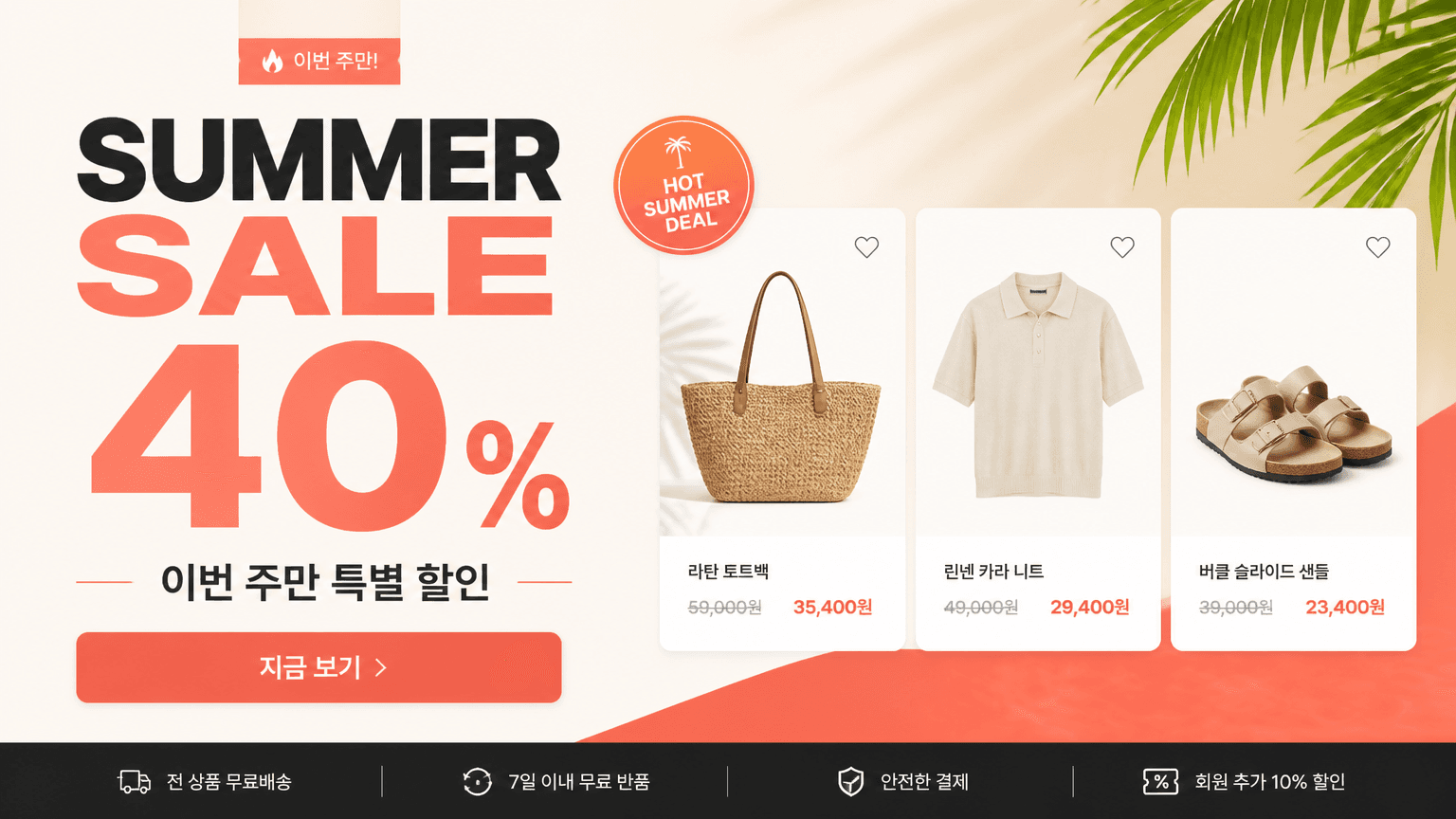
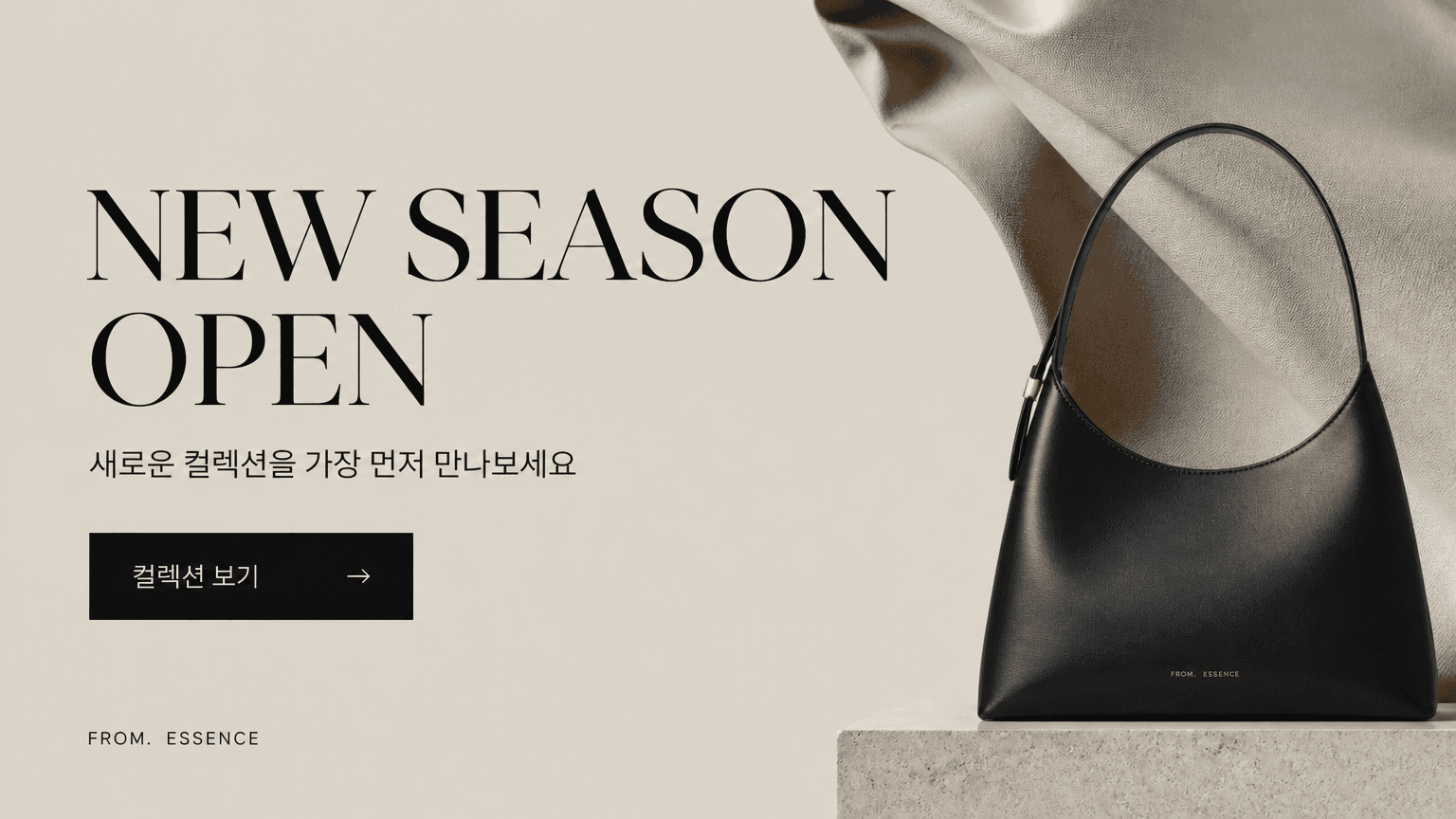
A free gift promotion banner AI prompt is a structured instruction for visualizing a purchase incentive and its conditions in one clear marketing image. It helps ecommerce sellers, retail stores, and campaign teams show what customers receive, what they must buy, and when the offer ends. A useful prompt specifies the business category, featured product, exact gift, minimum purchase condition, campaign dates, brand colors, and output ratio. This prevents the model from producing a decorative image that fails to explain the offer. The goal is immediate comprehension, not visual noise.
Start with a short benefit headline, then place the gift as the primary visual subject. Separate qualifying products, spending thresholds, dates, and while-supplies-last language into a secondary information block. Describe the actual gift rather than relying on a generic ribbon box, especially when material, color, or size affects customer expectations. Reserve a high-contrast badge for the purchase condition and leave intentional space for a button or destination link. On mobile layouts, the gift and main requirement should remain legible before the viewer scrolls or zooms.
Use a horizontal hero banner for a storefront, a vertical module for product detail pages, and square or portrait compositions for social feeds. Premium gifts often benefit from restrained color, controlled reflections, and generous negative space. Seasonal or family-oriented promotions can use brighter palettes and rounded graphic elements. Do not simply crop one master design into every ratio. Reposition the focal object and rebuild the information blocks so the hierarchy survives each placement. A checkout counter sign may need larger conditions than an online banner because viewers see it from farther away.
Open the prompt with the business type and campaign purpose. Define the gift, camera angle or illustration style, headline area, condition badge, dates, color system, and aspect ratio in that order. After generation, inspect Korean or English spelling, numbers, dates, gift quantity, and disclaimer text at full size. Compare every claim against the real campaign before publishing. If the banner feels crowded, remove decorative confetti before shrinking legal information. Finally, test the design at thumbnail size and ask whether a viewer can identify both the gift and qualifying action within two seconds.