Create a concise promotional popup banner for a limited-time offer, product launch, or store event.
2026.07.21
Make “Popup Banner” exactly the way you wantCreate your own “Popup Banner”
Just ask in plain language — Carat generates optimized images and videos for you.

Start now with 100 free credits daily
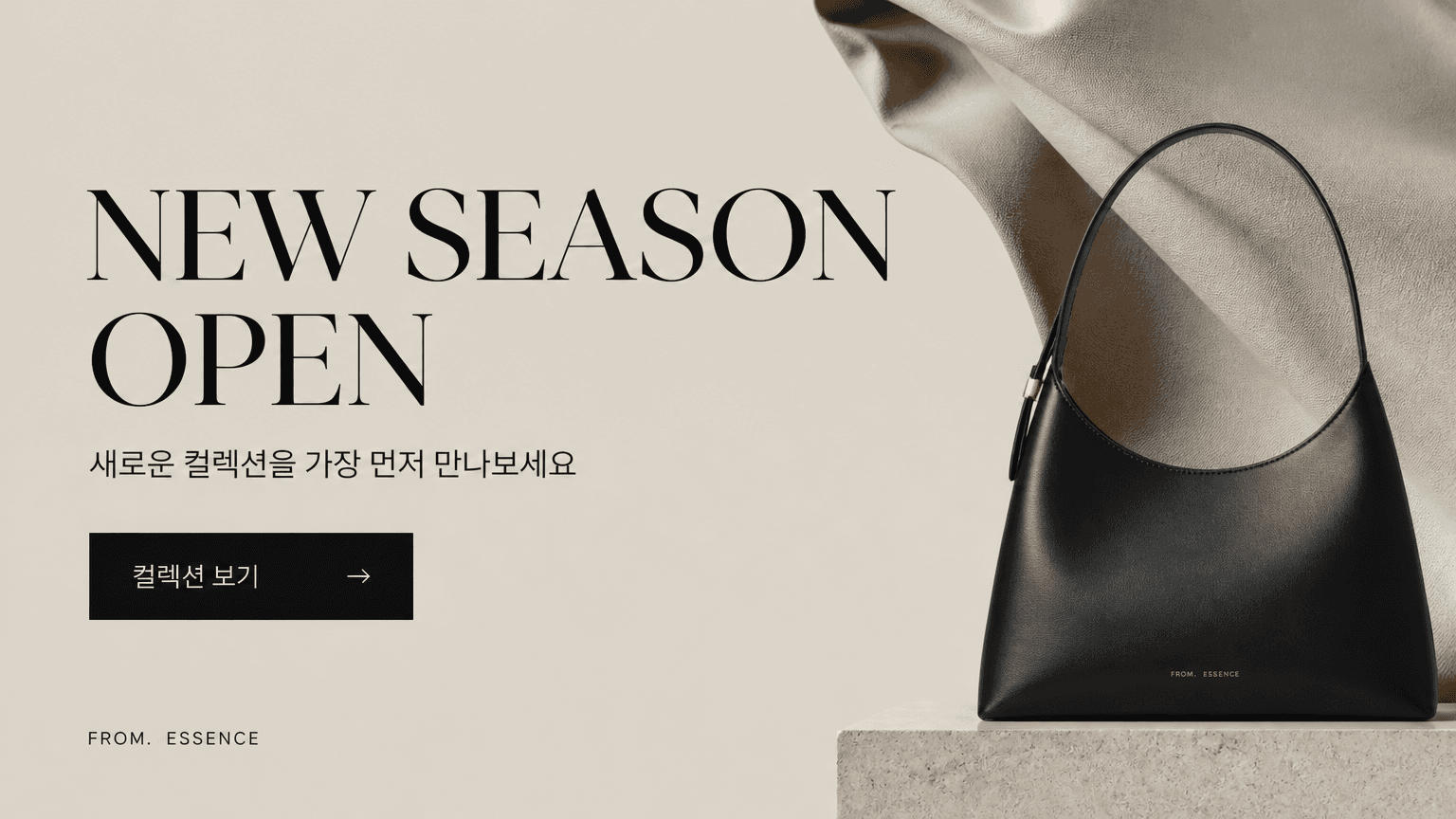
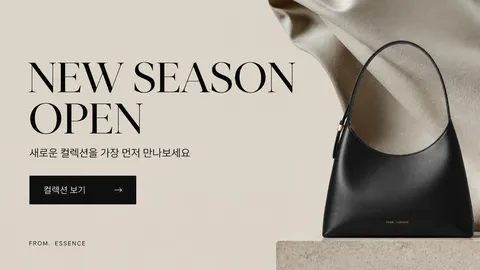
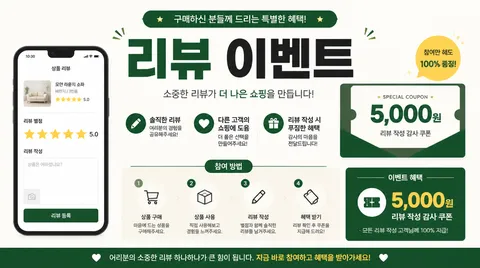
Popup banner prompts are instructions for designing a graphic that stops attention and explains an offer quickly across a website, store, social feed, or pop-up shop. They define the event name, benefit, dates, audience, product focus, call to action, palette, and display format instead of asking for a generic sale image. GPT Image 2 can turn that brief into a useful first concept for a launch, gift promotion, seasonal sale, review event, or reopening notice.
Use the format for online coupons, new-member benefits, review campaigns, brand promotions, pop-up store openings, and restock alerts. If the goal is product discovery, give one hero product the strongest position. If the goal is participation, make the benefit and action button visually dominant. Mobile layouts need especially short copy because small supporting text can disappear on a compact screen.
Choose the event name and strongest benefit first. Add the dates, eligible products, restrictions, and CTA in descending order of importance. Specify a brand color plus a contrasting accent so the banner remains visible within the page. One visual device, such as a product, ribbon, shopping bag, or geometric burst, is usually enough. Leave a deliberate area for text rather than filling every corner with decoration.
Decide where the banner will appear before writing the prompt: a wide website popup, a mobile story, a square social card, or a printed notice. Always verify prices, dates, coupon codes, and logos because generated text can contain mistakes. Keep one main action instead of several competing buttons. If the design feels crowded, reduce the number of products and lower the background contrast.
Describe the event purpose, audience, hero product, offer, dates, brand palette, aspect ratio, and CTA in that order. For a summer launch, request a cool palette, a clear product zone, a large benefit line, a visible date range, and one redeem-coupon button. See event banner, promotion banner, and pop-up store poster for related directions.