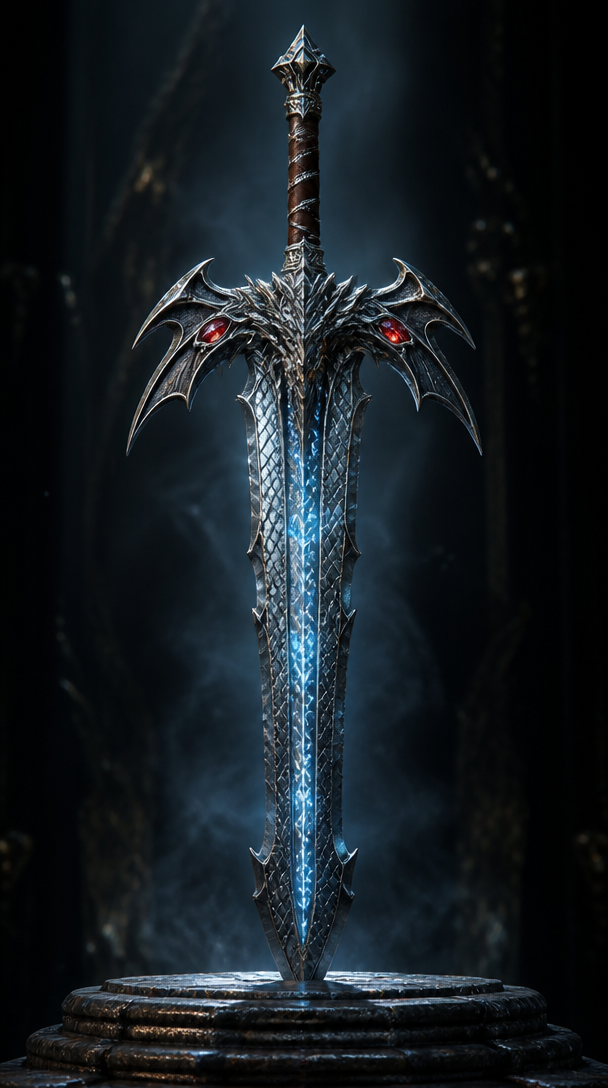
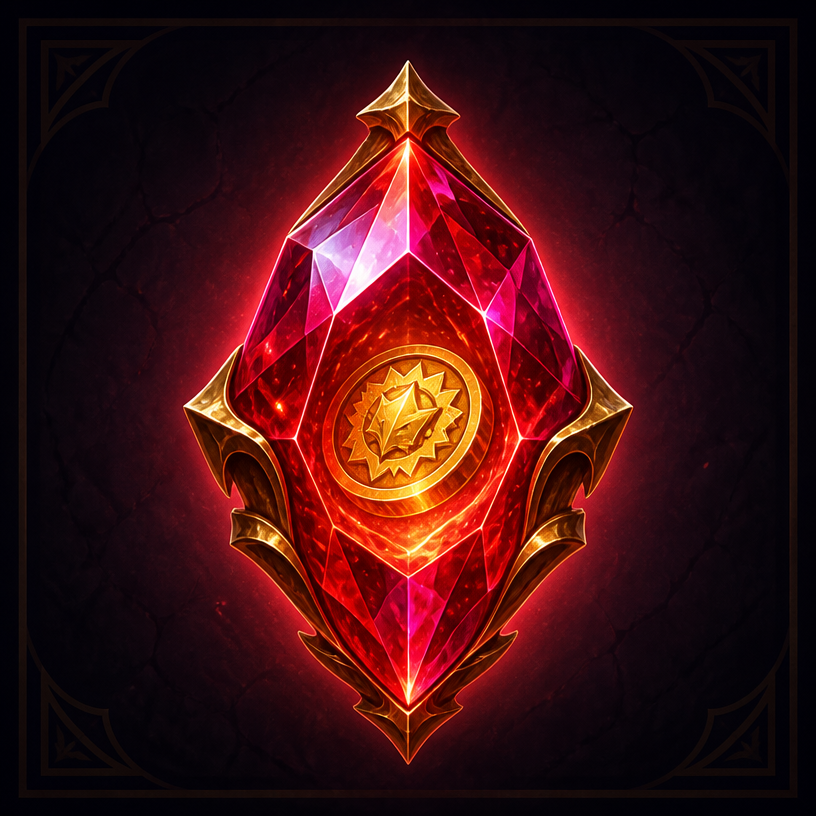
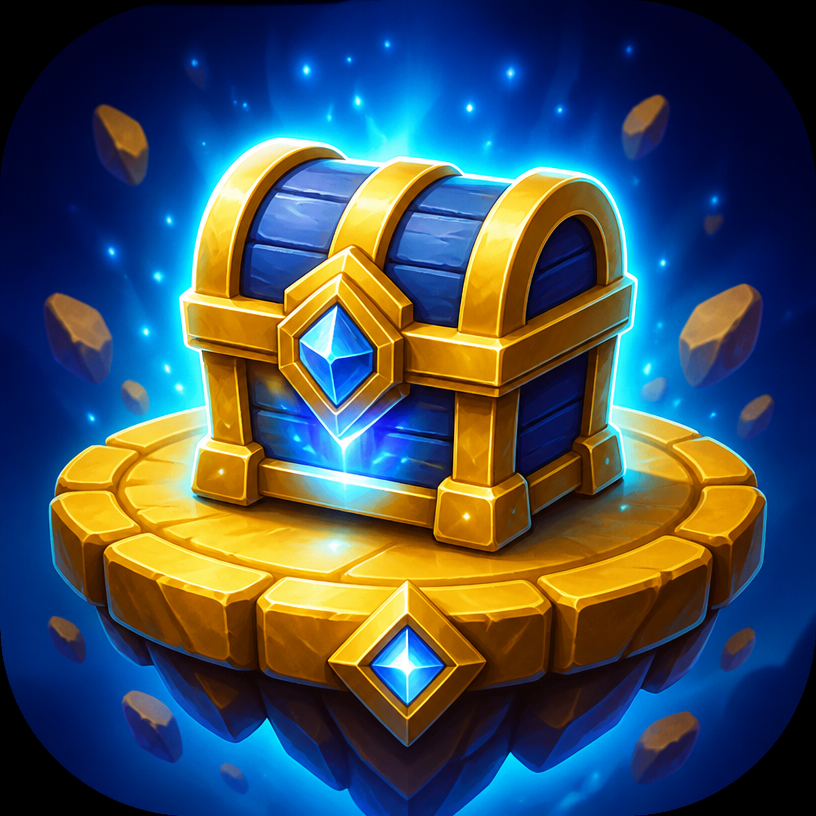
Game Weapon
Prompts for fantasy game weapon design. Copy and use Game Weapon prompts from Carat right away.
2026.07.09
Make “Game Weapon” exactly the way you wantCreate your own “Game Weapon”
Just ask in plain language — Carat generates optimized images and videos for you.

Start now with 100 free credits daily
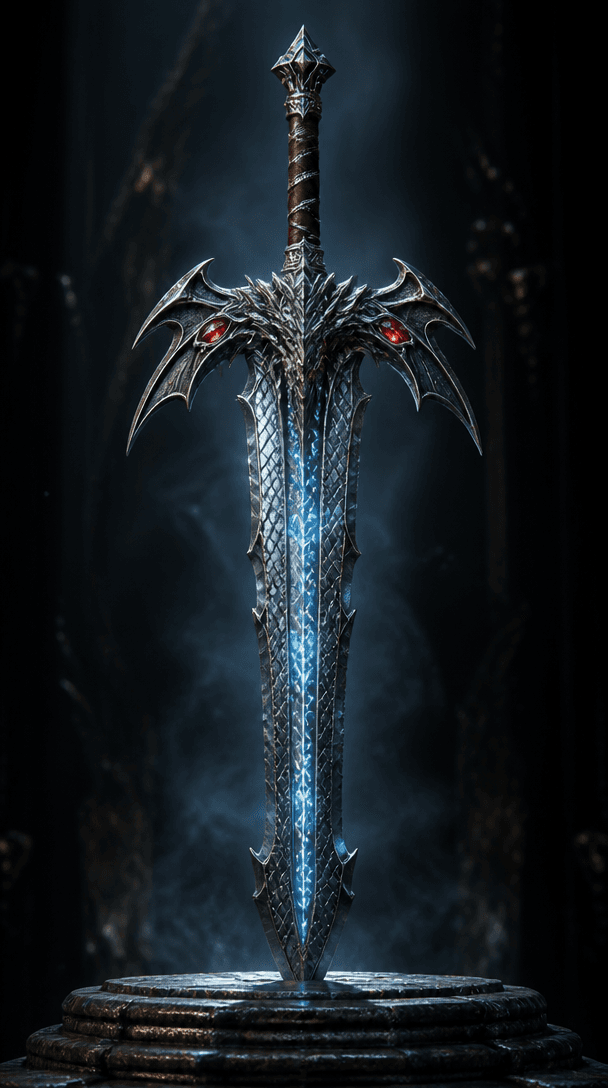
판타지 게임 무기
What are Game Weapon Prompts?
Prompts for fantasy game weapon design. Copy the Game Weapon prompts provided by Carat and paste them into an AI image generation tool to get professional-grade results. Each prompt includes detailed visual descriptions that game developers, illustrators, marketers, and designers can use immediately.
How to Use Game Weapon Prompts
- Select and copy your desired prompt.
- Paste it into the Carat agent or any GPT Image 2 compatible tool.
- Modify keywords such as colors, styles, and composition as needed.
- Download the generated image and use it in your project.
Tips for Writing Game Weapon Prompts
For best results, specify lighting, texture, composition, and lens information in detail. Technical terms like "Rembrandt lighting," "85mm f/1.8 lens," and "macroscopic texture" yield more precise results. Describe observable, concrete characteristics rather than abstract expressions.
Game Weapon Prompt Applications
Game Weapon prompts are used across game development, content creation, marketing materials, educational resources, and product page design. AI-generated images dramatically reduce production time while maintaining professional quality, making them especially valuable for startups, indie developers, and solo creators.
Game Weapon Prompt Optimization Guide
Add "No text, no watermark" at the end of your prompt to prevent unwanted text overlays. Choose the aspect ratio based on your use case: vertical (9:16) for social media, horizontal (16:9) for web banners, and square (1:1) for product images. Experiment with combining multiple styles for unique results.