GoodNotes Sticker
Generate GoodNotes sticker prompts with AI. Create digital diary stickers, planner decor stickers, and transparent PNG stickers for GoodNotes and Notability.
2026.07.09
Make “GoodNotes Sticker” exactly the way you wantCreate your own “GoodNotes Sticker”
Just ask in plain language — Carat generates optimized images and videos for you.

Start now with 100 free credits daily
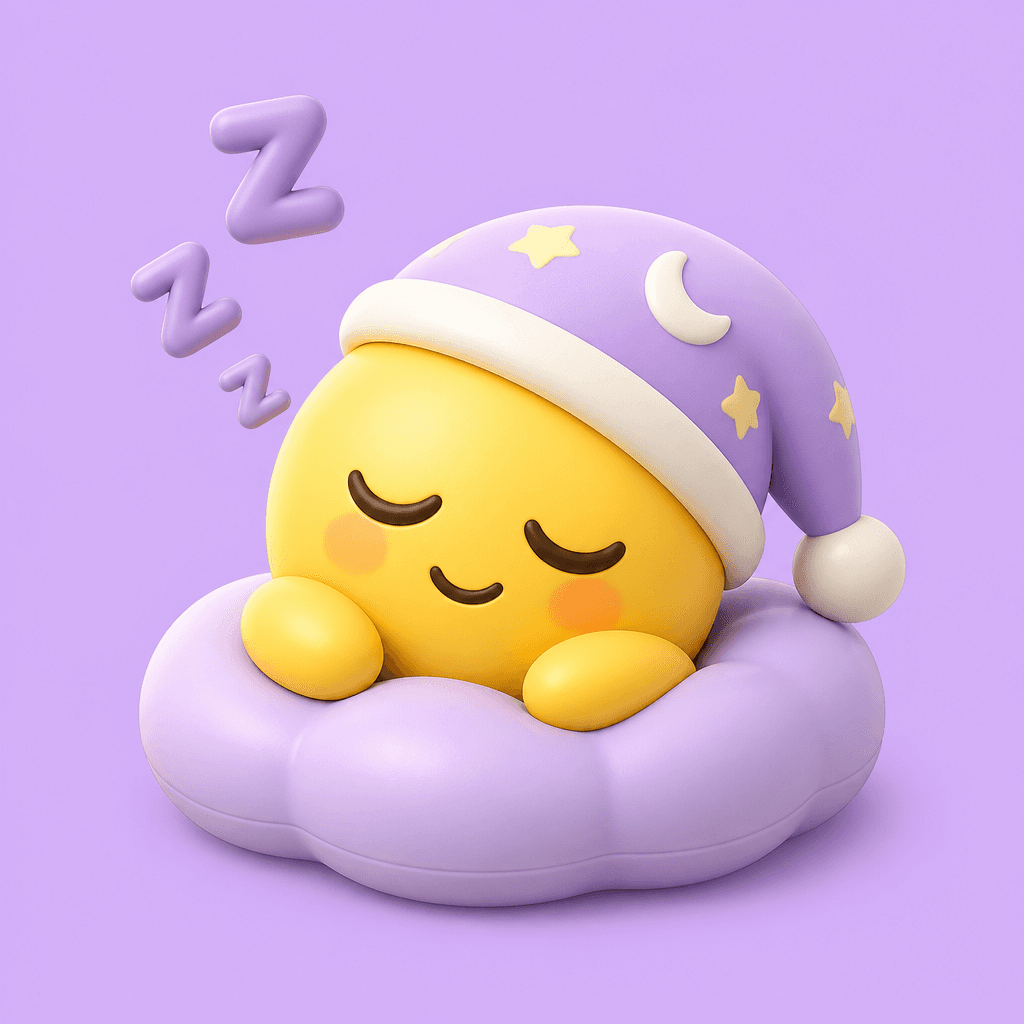
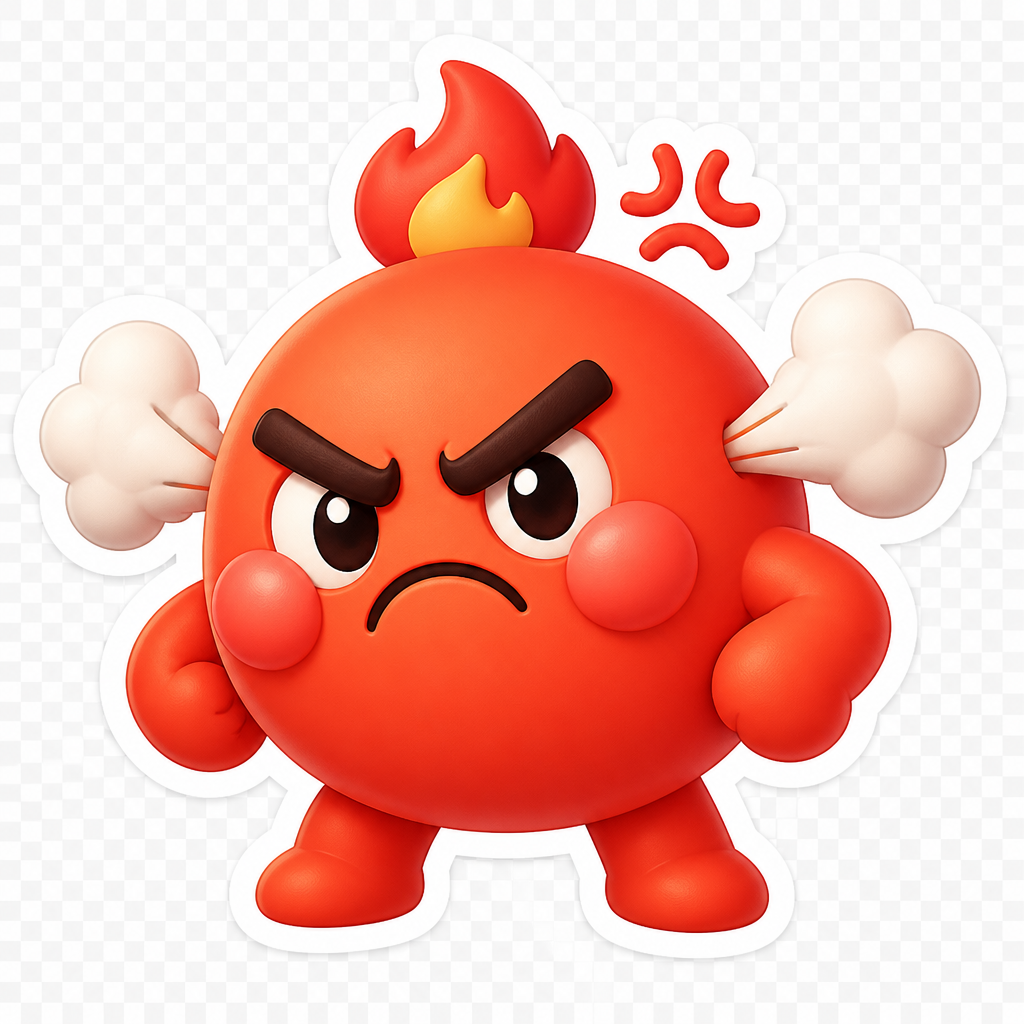
잠자는 이모지
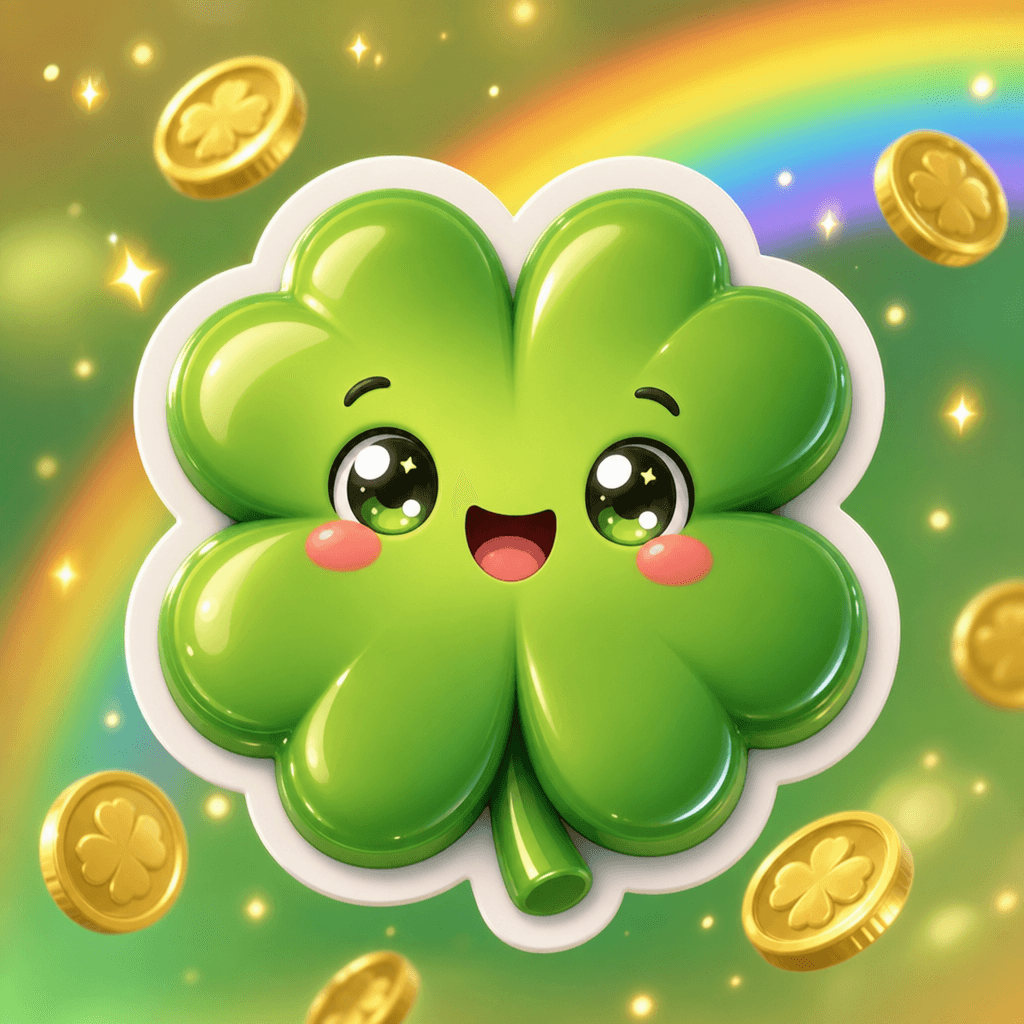
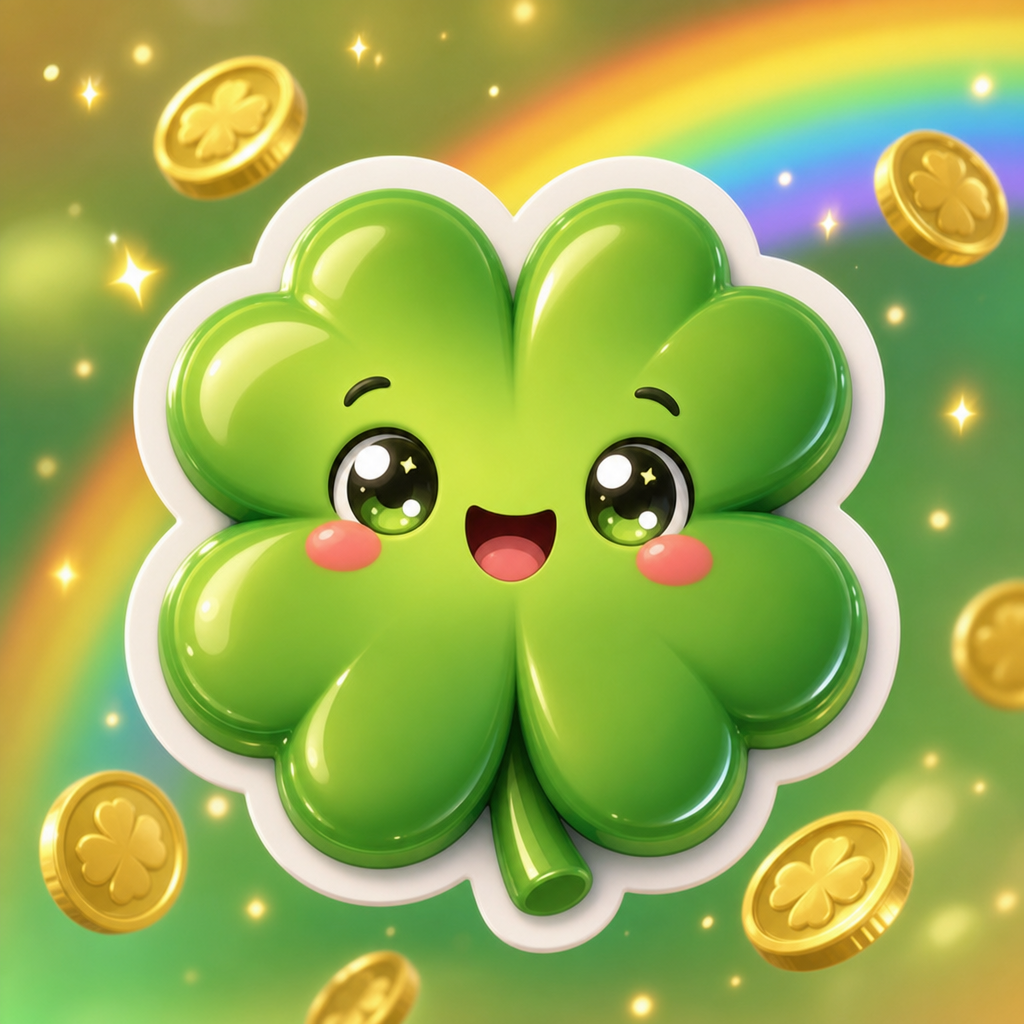
네잎클로버 이모지
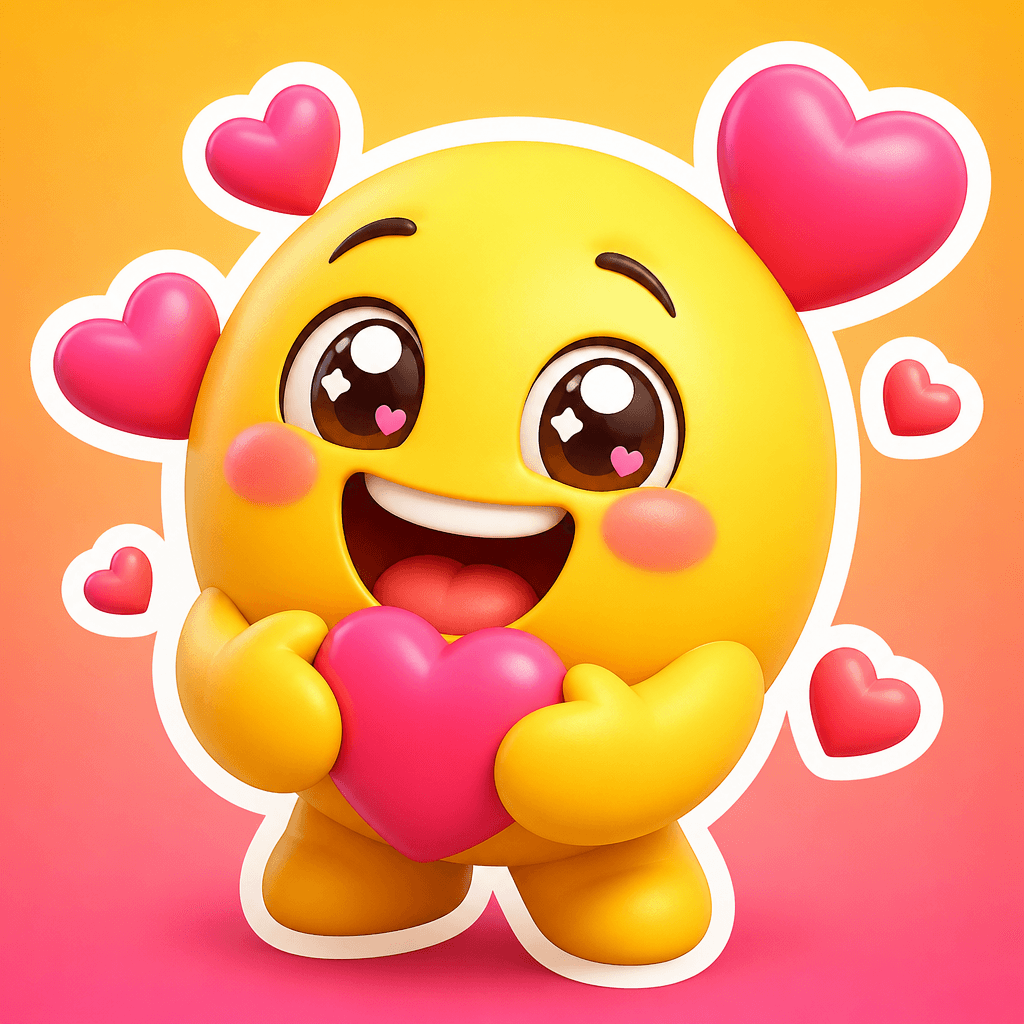
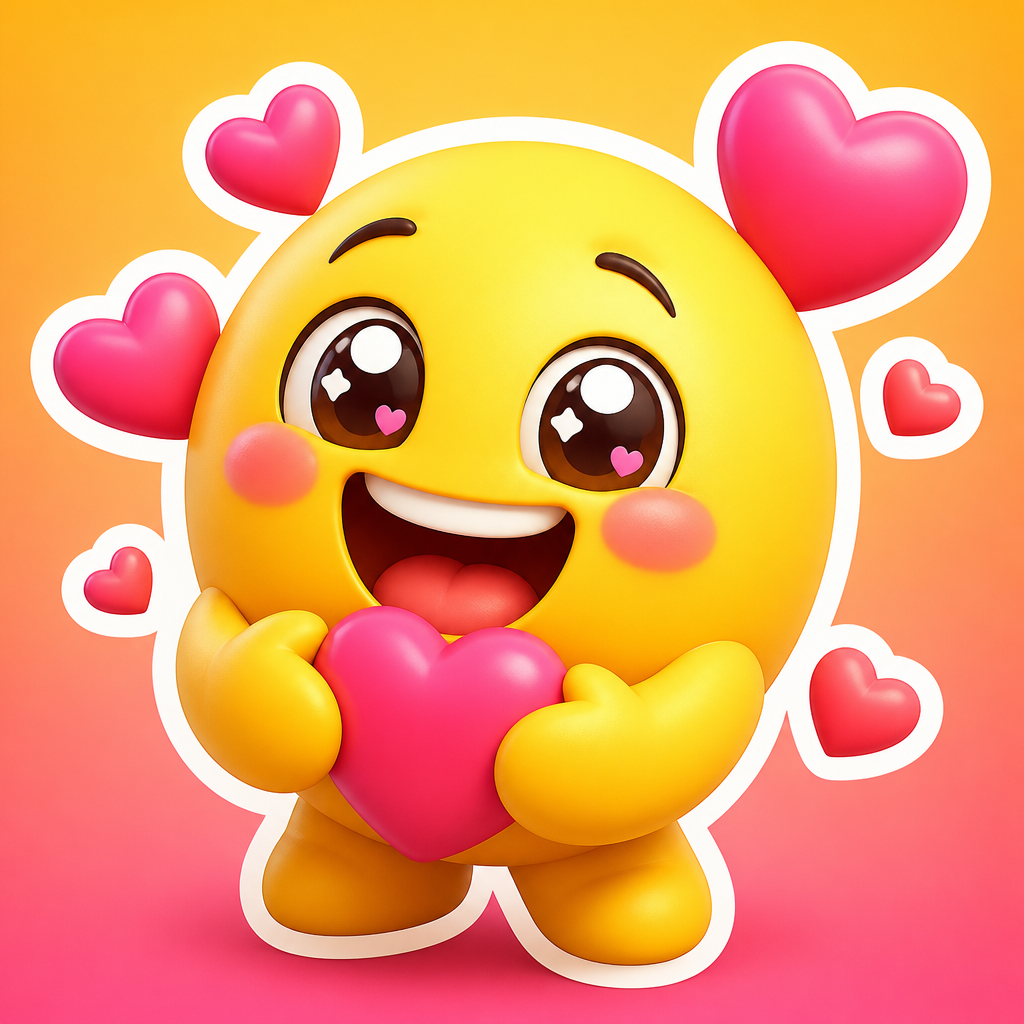
행복한 이모지
What is a GoodNotes Sticker?
A GoodNotes sticker is a digital sticker designed for use in note-taking apps like GoodNotes and Notability. Just like pasting stickers in a paper diary, they are used to decorate digital diaries and planners. They are created as transparent-background PNGs in various themes including weather, emotions, checklists, plants, and characters. With AI generation, you can quickly produce GoodNotes stickers tailored to your preferred theme and style, making them popular among digital diary users and planner creators.
Main Use Cases
- GoodNotes and Notability digital diary decoration
- Tablet planner and digital journal decor
- Checklist and to-do stickers
- Weather, mood, and feeling tracking stickers
- Digital calendar monthly decoration
Why This Tag Is Useful
Digital diaries, unlike paper ones, make it cumbersome to draw and paste manually, but stickers make decoration effortless. GoodNotes in particular is the most widely used digital note app globally, creating extremely high sticker demand. AI generation lets you instantly create stickers on any theme (characters, plants, weather, emotions), eliminating the need to purchase pre-made sticker sets. Transparent backgrounds, consistent styles, and set creation are all possible with a single prompt, making it extremely useful for digital diary users.
Related Prompts
Prompt Writing Tips
- Specify the sticker theme. Weather, emotions, plants, checklists, or characters creates accurate stickers for your needs.
- Set a transparent background. 'Transparent background, PNG sticker' produces stickers ready for direct use in GoodNotes.
- Define the style. Flat, hand-drawn, watercolor, or cartoon creates stickers matching your diary tone.
- When creating a set, apply the same style and color palette across all stickers for visual consistency.
Getting started is simple. Browse the curated prompts on this page, choose one that matches your theme, and customize the subject, style, and background. Generate at a square aspect ratio for optimal sticker composition. You can iterate quickly, adjusting the prompt until each sticker perfectly captures the desired theme with clarity and charm. Many digital planner creators generate multiple variations to find the ideal style and color palette for their journal aesthetic. The best approach is to start with a clear sticker concept, be specific about the style and transparent background, and refine based on the results. For a cohesive sticker set, maintain strict visual consistency by using identical line weight, color palette, and composition rules across all stickers. This creates a professional, unified sticker collection that enhances any digital diary or planner, whether you are creating a monthly weather tracker set, designing a full academic year planner kit, developing themed seasonal sticker packs, or building a complete digital journaling system with matching functional and decorative elements for your personal productivity workflow and creative expression needs throughout the year.