Hair Model
Hair model AI prompts ready for salon consultations and styling portfolios. Quickly create hairstyle catalogs, cut and color comparisons, and salon-style editorial shots.
2026.06.30
Make “Hair Model” exactly the way you wantCreate your own “Hair Model”
Just ask in plain language — Carat generates optimized images and videos for you.

Start now with 100 free credits daily
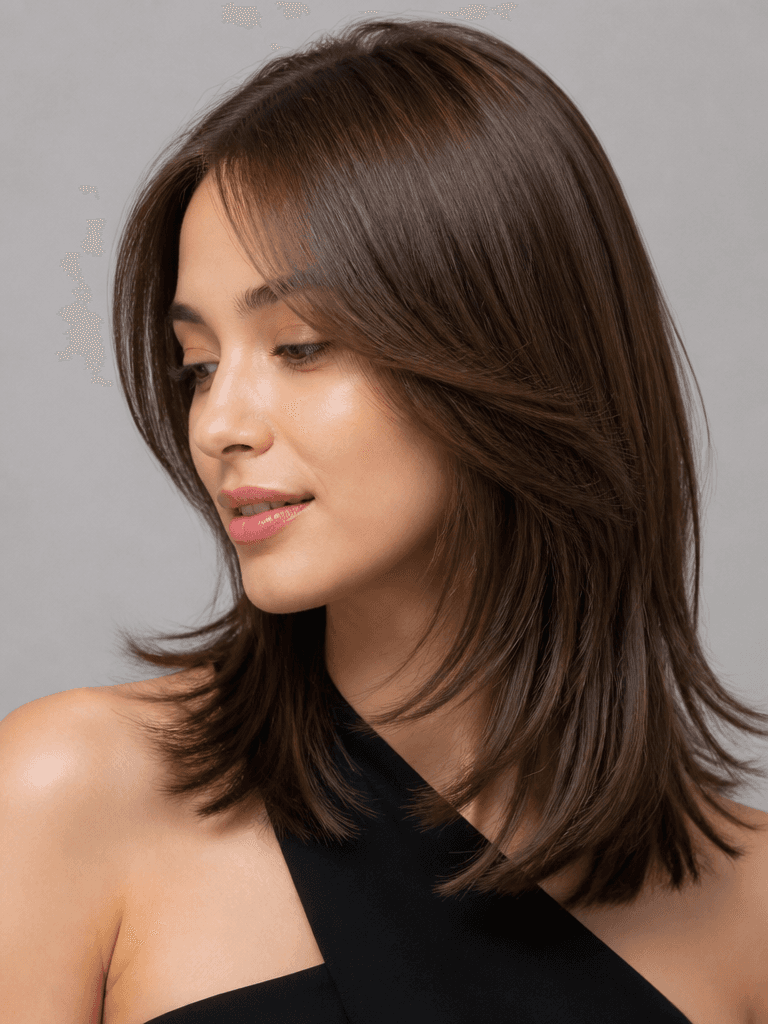
헤어 살롱 화보 모델
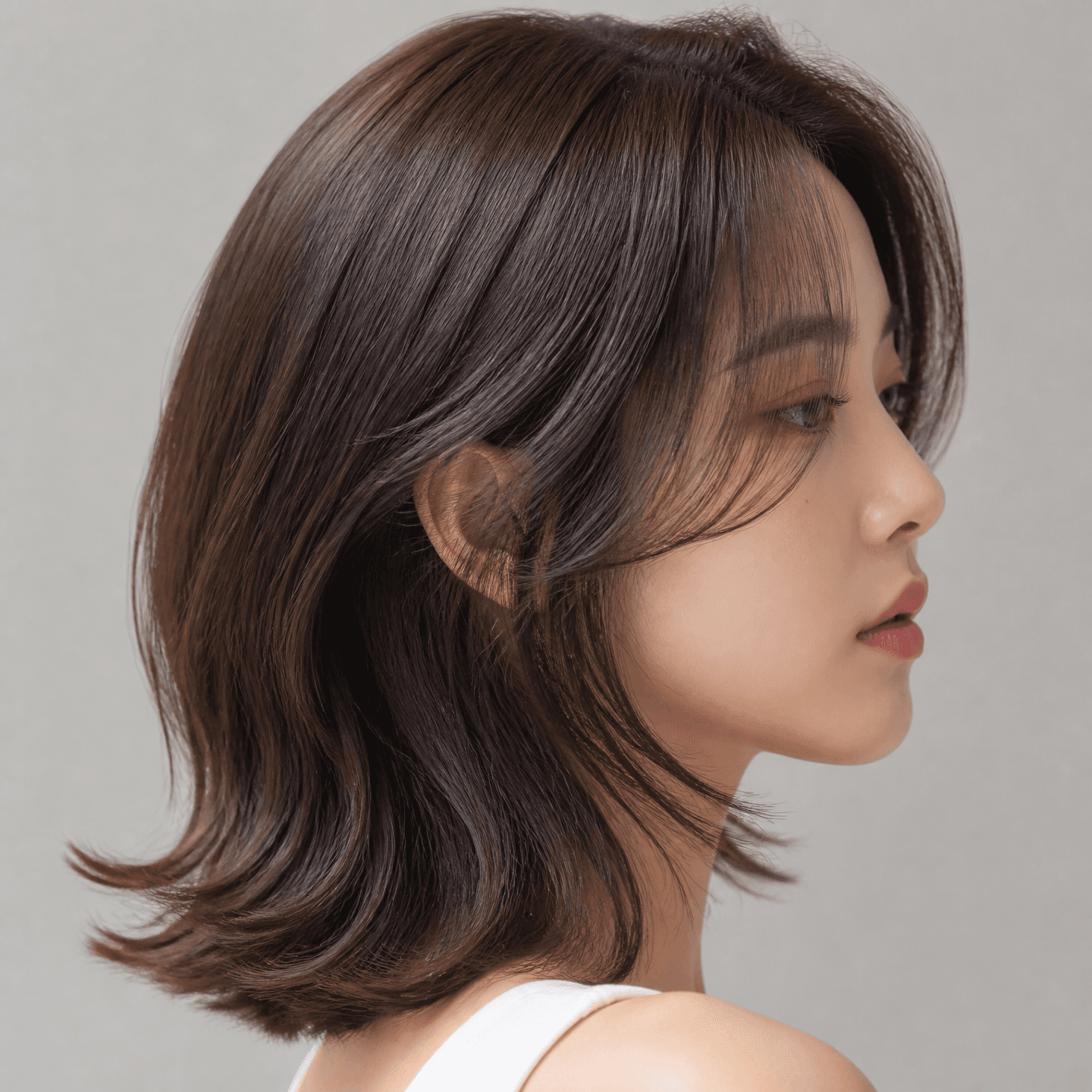
헤어 모델
What Are Hair Model AI Prompts?
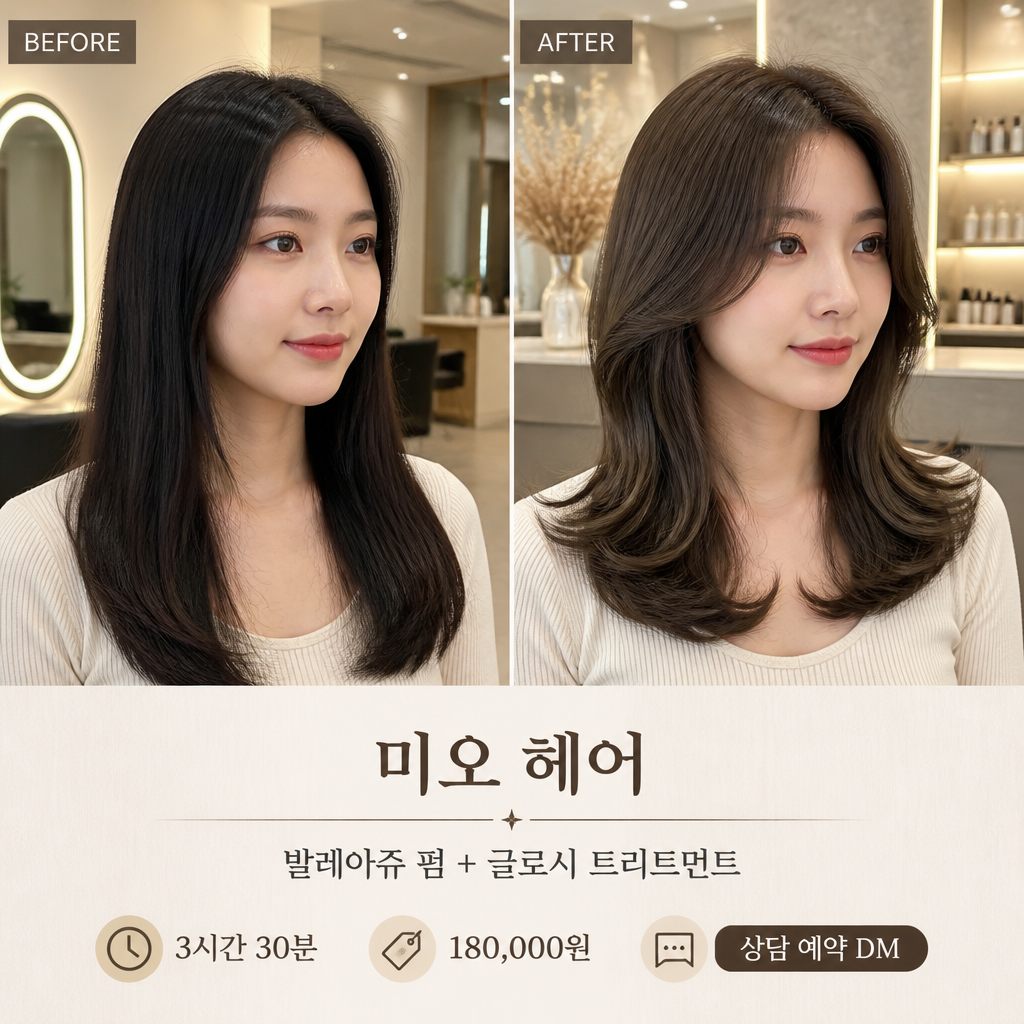
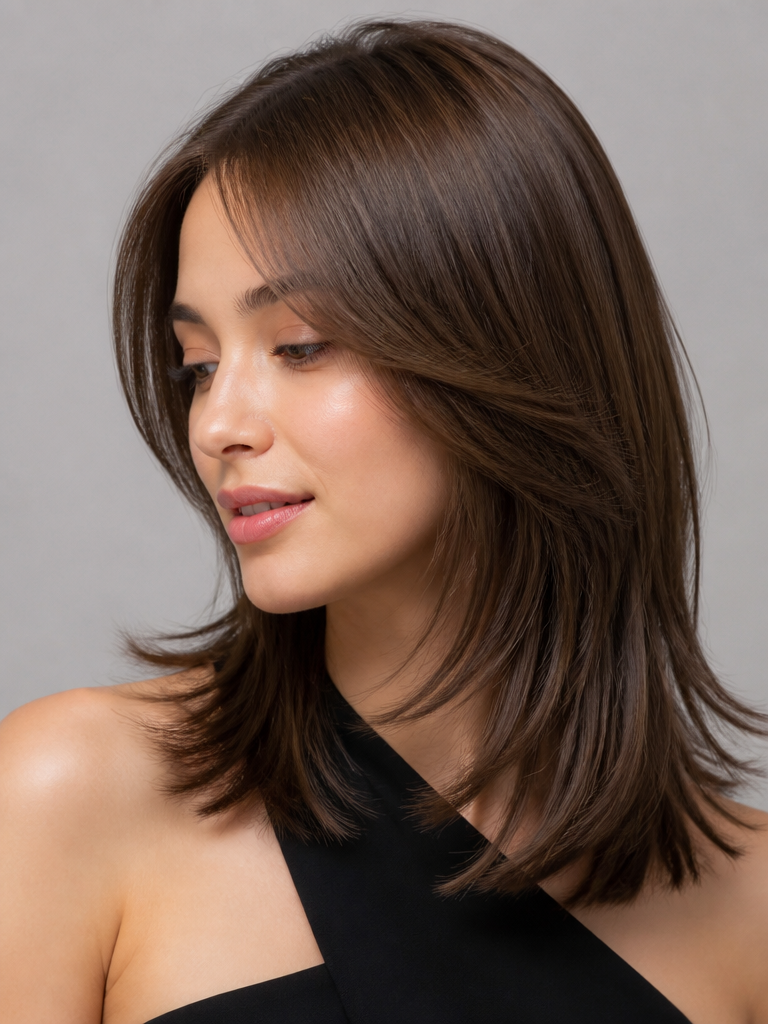
Hair model AI prompts are instructions that generate portrait images designed to show off a specific hairstyle at its best. Whether it's a bob cut, layered perm, short crop, or a fresh color, the prompt renders the look as if worn by a model, giving you results you can drop straight into a salon consultation catalog or a hair designer's portfolio. Unlike a regular portrait, the lighting and angle are set so the hair texture, cut lines, and color become the main subject. Paste a prompt into an image model like GPT Image 2 or Nano Banana Pro and you get a salon-quality shot in seconds.
Where You'll Use It
- Hairstyle preview catalogs to show clients during salon consultations
- Treatment portfolios and social media promos for hair designers and stylists
- Style-by-style comparison shots for bob, layered, perm, and wolf cuts
- Color chart images that preview dye and bleach tones in advance
- Before-and-after hair transformation content for Instagram and TikTok
Why This Tag Is Useful
A single image communicates a hairstyle that is hard to describe in words. With hair model prompts you can produce editorial-style results in your chosen cut and color without booking a model or a separate photo shoot, so even a small salon or a solo hair designer can build consultation materials and promo content with ease. Because you can swap the cut and color like variables and generate several shots in the same composition, comparisons become simple and clients decide faster.
See More Related Prompts
Prompt Building Tips
- Specify the hairstyle in detail. Writing the cut and color separately, like "layered short cut" and "ash brown color," makes the model reflect the exact style you intend.
- Set the angle so the hair is the star. Requesting front, side, and back views together helps the hairline and volume show clearly.
- Keep the lighting and background simple. A bright studio backdrop with even light renders hair texture and color most realistically.
- For comparisons, request several shots with the same model and composition while changing only the style. Lining them up like a catalog makes client consultations easy.
Combine these four points and you'll reliably get hair model images ready for everything from salon consultations to social media promotion.