Instagram Carousel
Unlock modern AI prompt systems and design frameworks for creating highly engaging Instagram carousel slides with seamless horizontal continuity.
2026.07.22
Make “Instagram Carousel” exactly the way you wantCreate your own “Instagram Carousel”
Just ask in plain language — Carat generates optimized images and videos for you.

Start now with 100 free credits daily
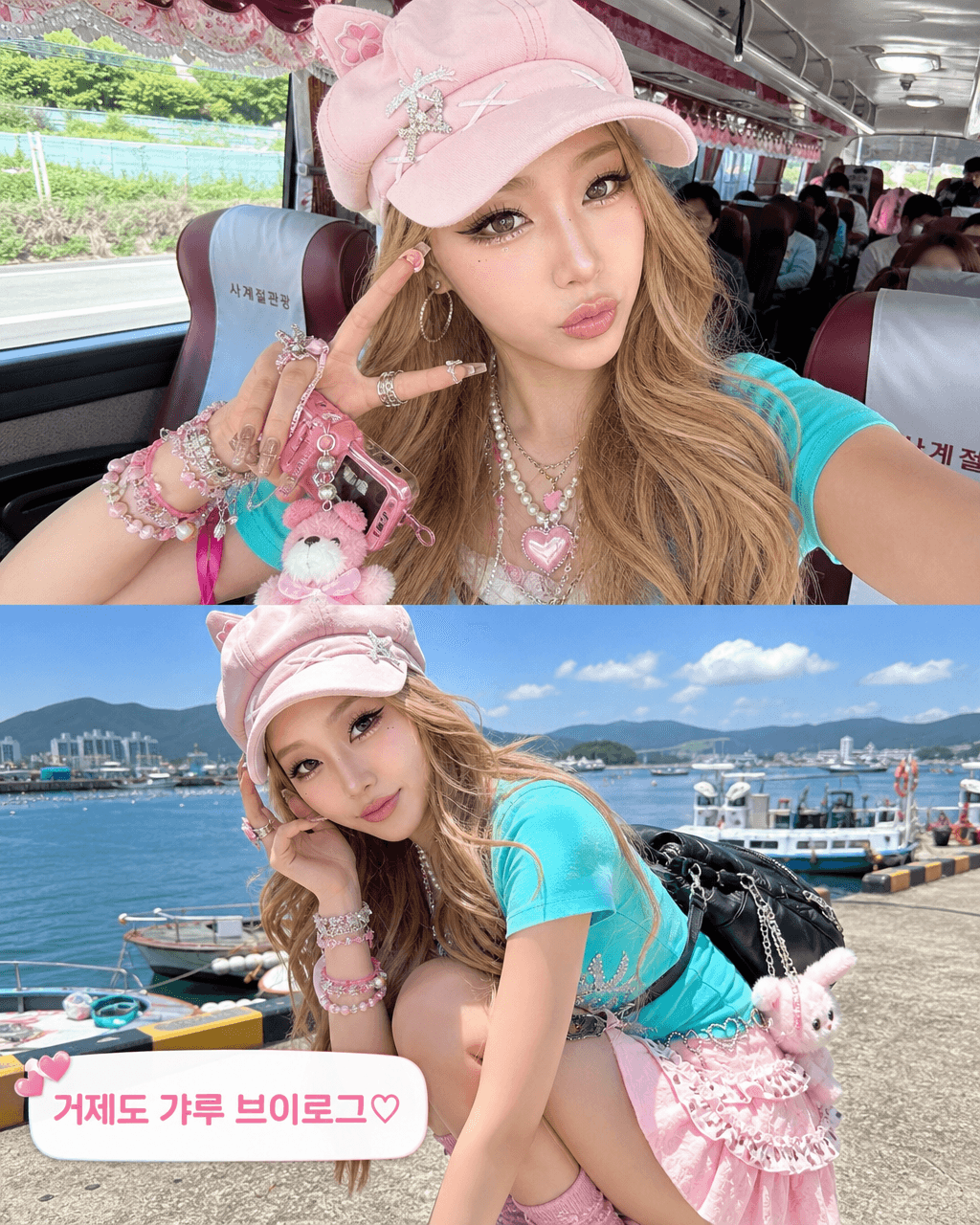
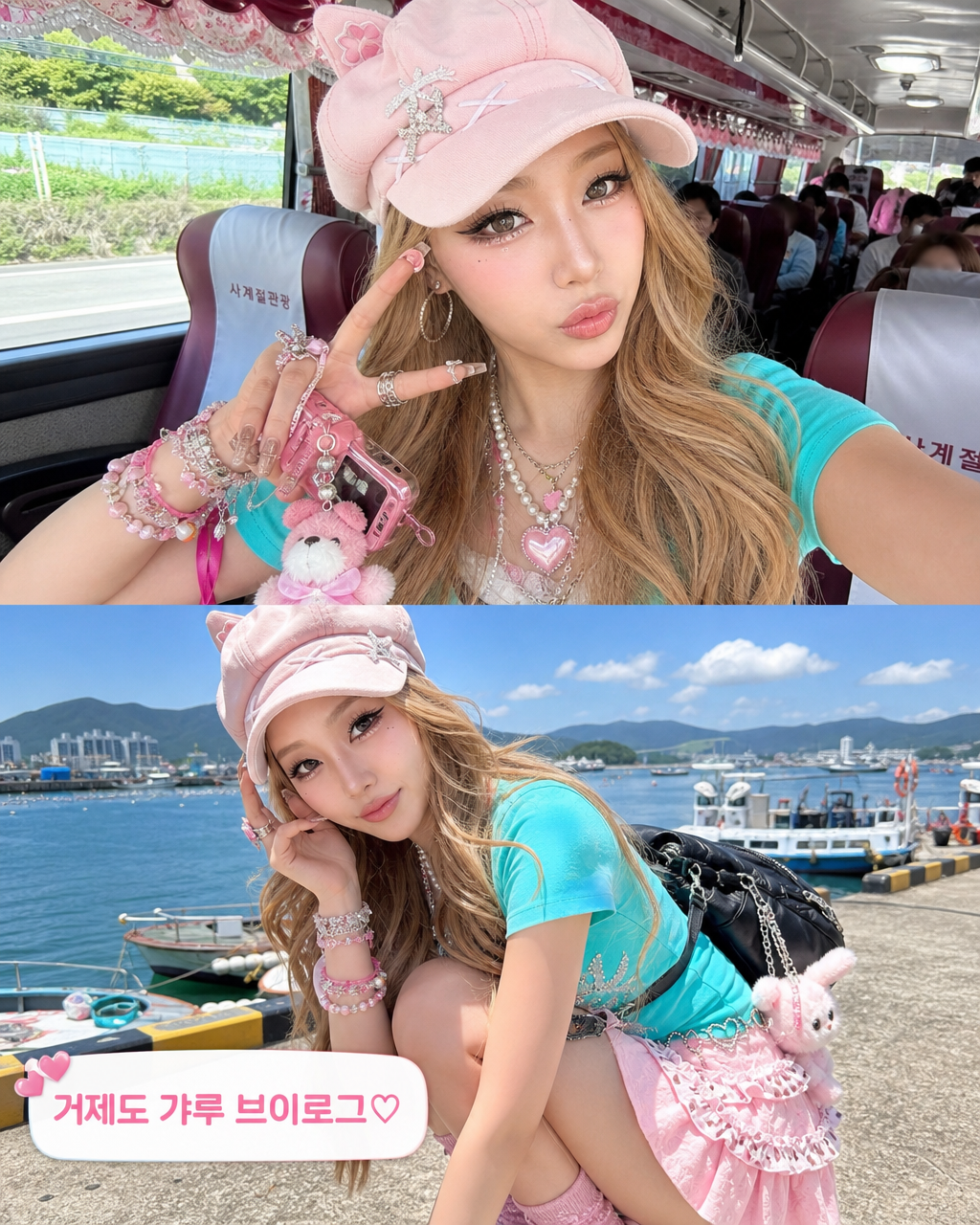
Geoje Gyaru Vlog Screenshot

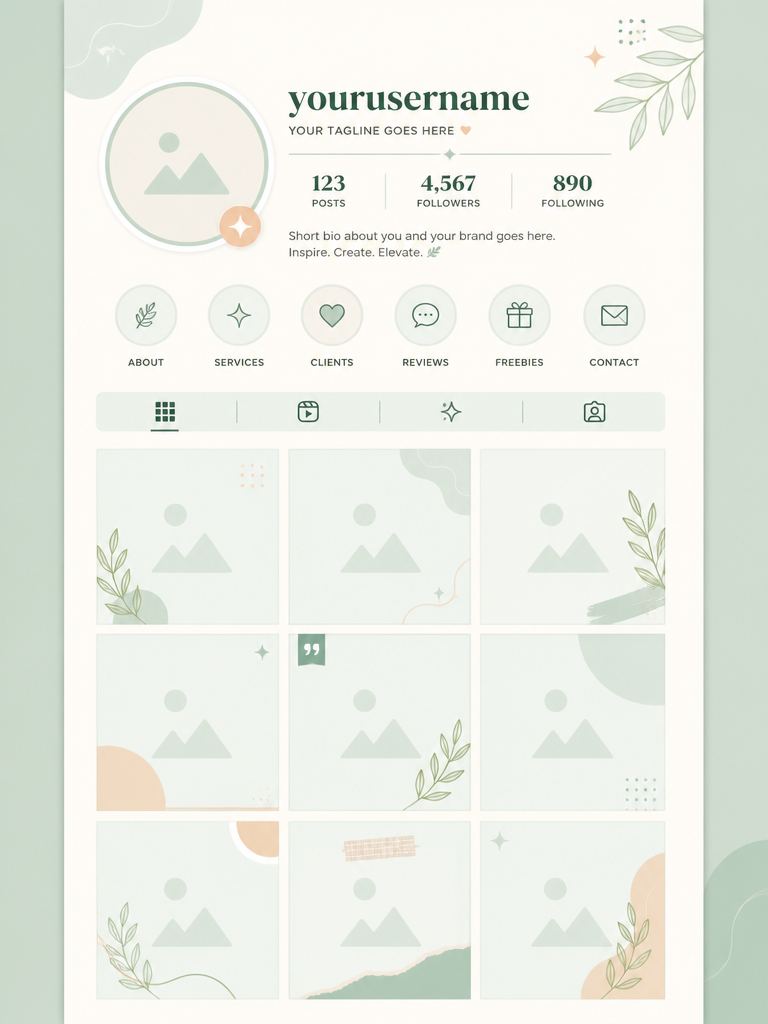
Nine Image Product Instagram Feed
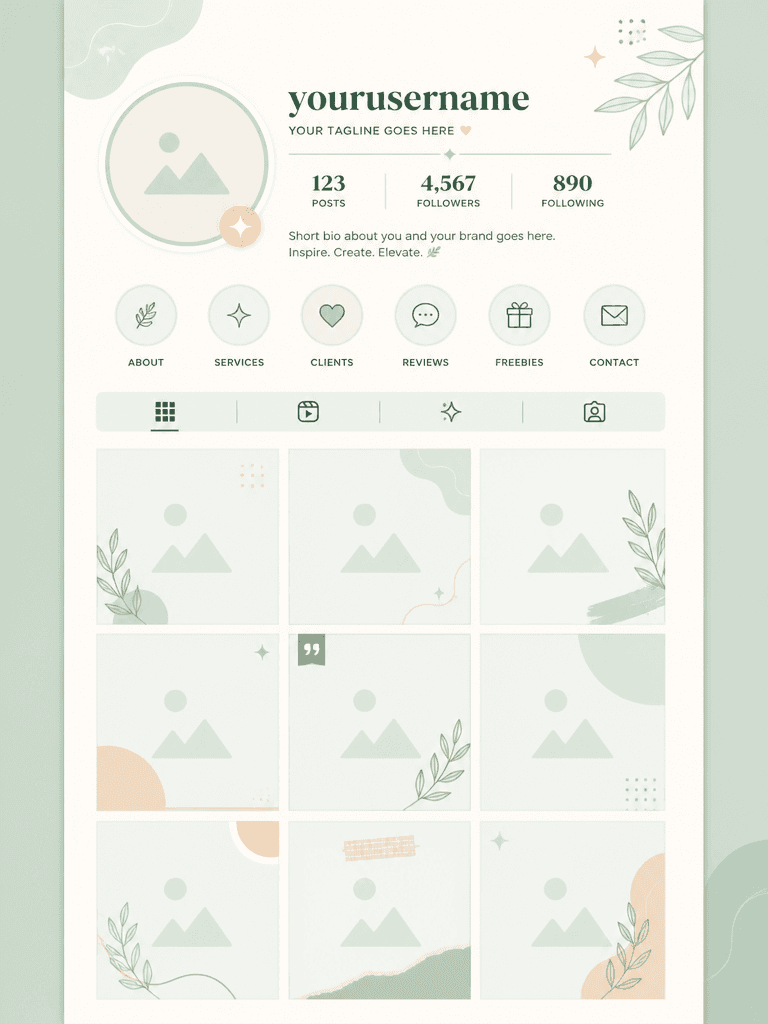
인스타그램 피드 템플릿
Maximizing Social Reach with Continuous Card Formats
Instagram carousels hold immense marketing power, designed to multiply user dwell time and significantly push engagement reach on social feeds. Unlike isolated static pictures, carousels present a structured sequential narrative that guides users smoothly through multi-slide guides. Utilizing trained AI prompt frameworks allows social media content directors to construct unified slide layouts with perfect graphic harmony.
Engineering Seamless Horizontal Transitions
The ultimate criteria for carousel design is establishing flawless edge-to-edge continuity. Elements such as shapes, dynamic lines, or glowing spotlights positioned on the right edge of page one must align precisely with the left starting edge of page two. Directing the model to utilize horizontal panoramic splitting or symmetric grids prevents disjointed block changes, making sliding action feel exceptionally fluid.
Styling Guidelines for Diverse Niches
Mapping appropriate visual styles to targeted business demographics determines template performance. Highly fashionable cosmetic campaigns benefit from moody retro textures, analog light leaks, and polaroid grain, capturing youthful luxury. Conversely, digital marketing guides or informational tech portfolios thrive on minimalist vector shapes, isometric structures, and clean geometric frames that prioritize bold typeface.
Protecting Typographic Visibility from Background Noise
Readability acts as the core conversion driver in multi-part carousel templates. To secure dedicated zones for marketing copy within any multi-image layout, specify structured backdrop blocks inside the generation prompt. Integrating minimal framing borders and plain geometric empty spaces guarantees that central keywords remain crisp and readable, preventing text distortion from busy details.
Stopping Feeds and Directing User Action
To prompt immediate visual lock, the cover card must showcase strong contrast and scale. Specifying a dominant central subject coupled with balanced asymmetrical lettering draws instant focus. Softly blending subtle arrows or minimalist slide indicators towards the right edge guides viewers naturally, assuring they execute the full swipe journey rather than bouncing early.