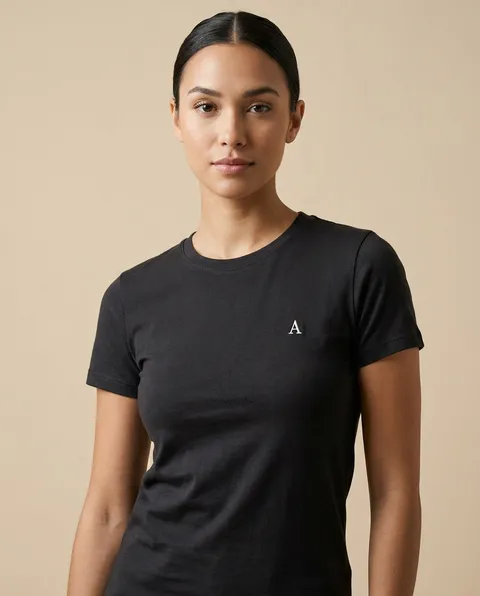
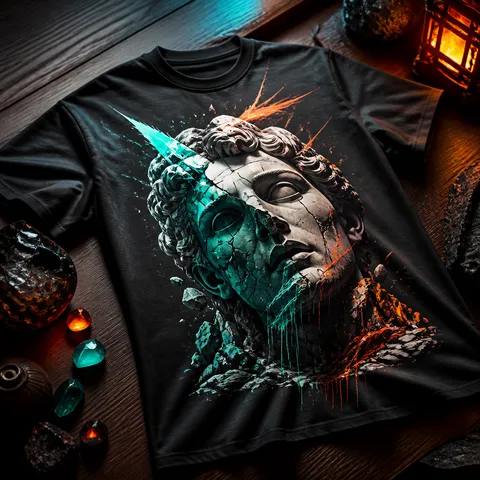
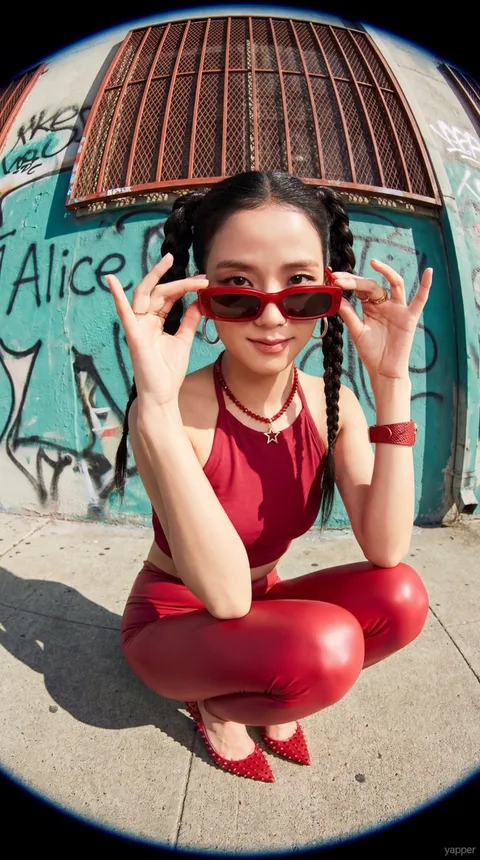
Explore Instagram mockup prompts for presenting feed posts, product visuals, and campaign designs inside a realistic mobile screen.
2026.07.21
Make “Instagram Mockup” exactly the way you wantCreate your own “Instagram Mockup”
Just ask in plain language — Carat generates optimized images and videos for you.

Start now with 100 free credits daily
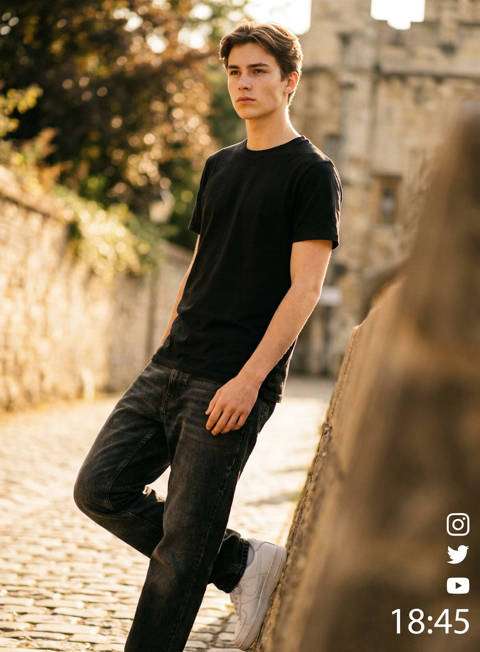
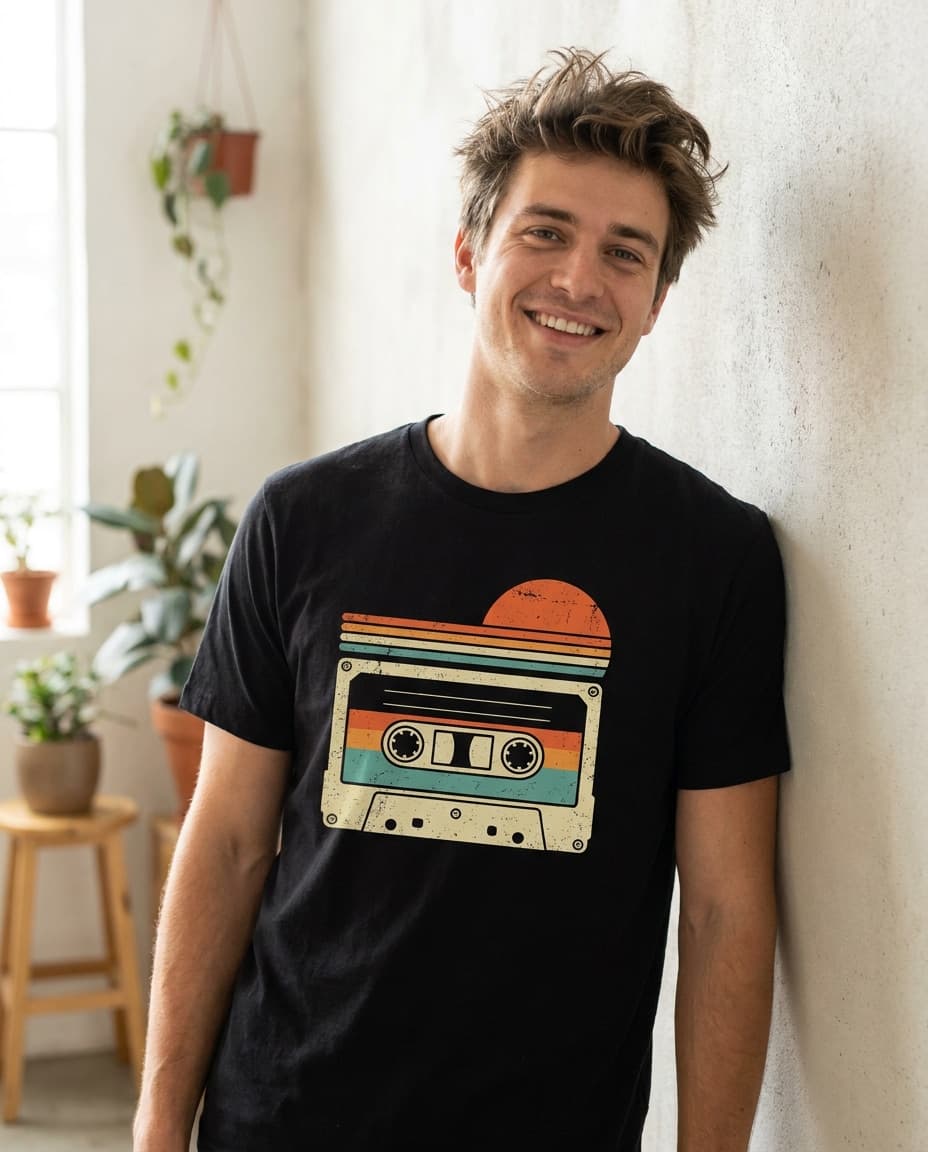
An Instagram mockup places a post, feed layout, or campaign visual inside a realistic phone or social media frame. It helps designers present work before publishing and gives clients a clearer view of how a composition may appear in context. Mockups are useful for brand proposals, portfolio pages, product launches, and social campaign planning. A convincing result depends on more than inserting an image into a device. The frame angle, screen ratio, reflections, shadows, and surrounding environment all affect how believable the presentation feels.
Start by choosing the content type: a square feed post, a vertical post, a profile grid, or a full-screen story. Each format has different safe areas and visual priorities. Then specify the device orientation, frame material, camera viewpoint, and distance from the subject. A straight-on view keeps the artwork readable, while a gentle perspective can make a portfolio presentation feel more tactile.
Instagram mockups can show how multiple posts work together as a feed. Arrange related visuals to review color balance, image rhythm, typography placement, and repeated campaign elements. For fashion, beauty, food, and product brands, a hand-held phone or desk scene can add context without distracting from the screen. Keep the environment simple enough that the actual design remains the focus.
Mention the device, screen direction, post placement, lighting, background material, and presentation purpose. If the design includes text, request clean empty areas or short label-like elements rather than long readable copy. Describe the camera view with terms such as front-facing, three-quarter angle, or top-down. You can also state whether the mockup should feel editorial, minimal, commercial, or casual.
Check that the screen is not warped, the artwork is not cropped unexpectedly, and reflections do not hide important details. Compare the mockup ratio with the actual social post and confirm that the top and bottom interface areas leave enough breathing room. When reviewing variations, keep the design-to-frame contrast consistent so the decision is based on presentation quality rather than unrelated background changes.
Carat prompts can help you explore different Instagram mockup compositions quickly. Adjust the device color, background, lighting, and content placement to match a campaign direction. Use the resulting image as a proposal visual, portfolio cover, or internal review asset, while keeping the original artwork as the file for actual social publishing.