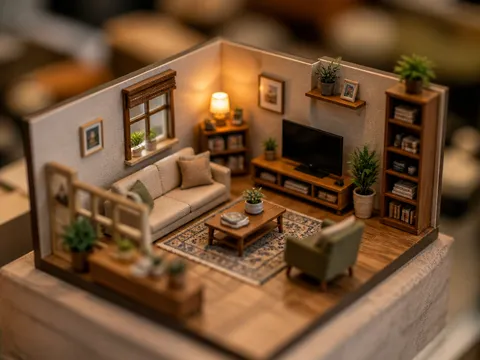
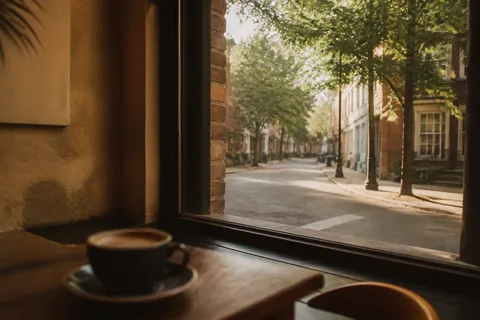
Interior
AI interior design prompts to instantly create styled space images. Make living room, dining, and study interior concepts in an editorial magazine look, fast.
2026.05.22
Make “Interior” exactly the way you wantCreate your own “Interior”
Just ask in plain language — Carat generates optimized images and videos for you.

Start now with 100 free credits daily
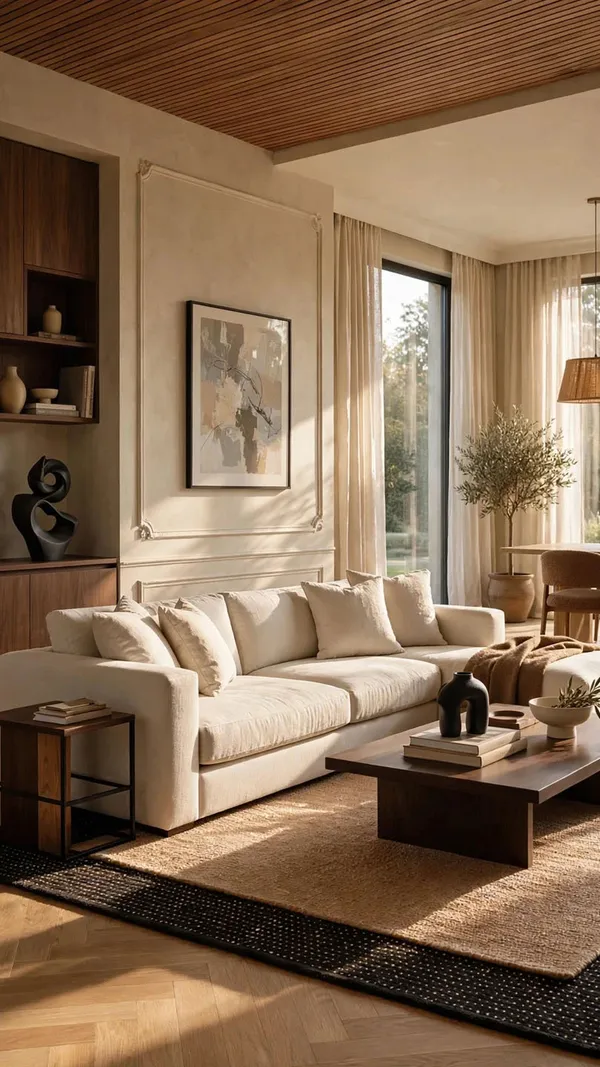
Warm Minimalist Interior
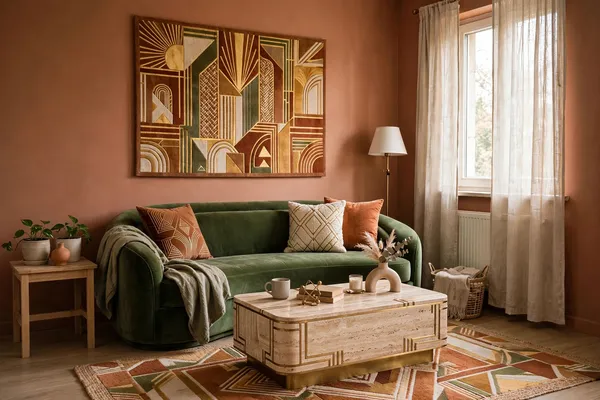
Room Redesigned in Trending Styles

Y2K Disposable Camera Date
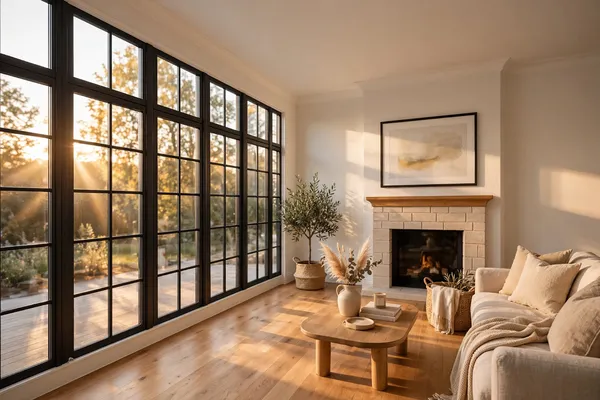
Photorealistic Scandinavian Interior
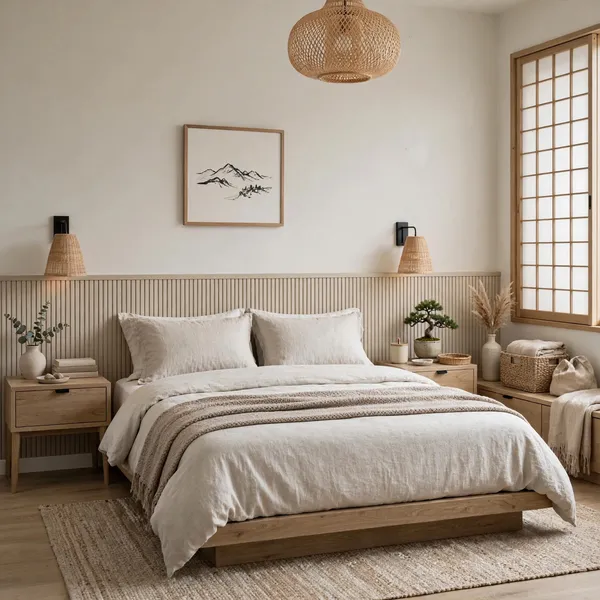
Japandi Room Restyle
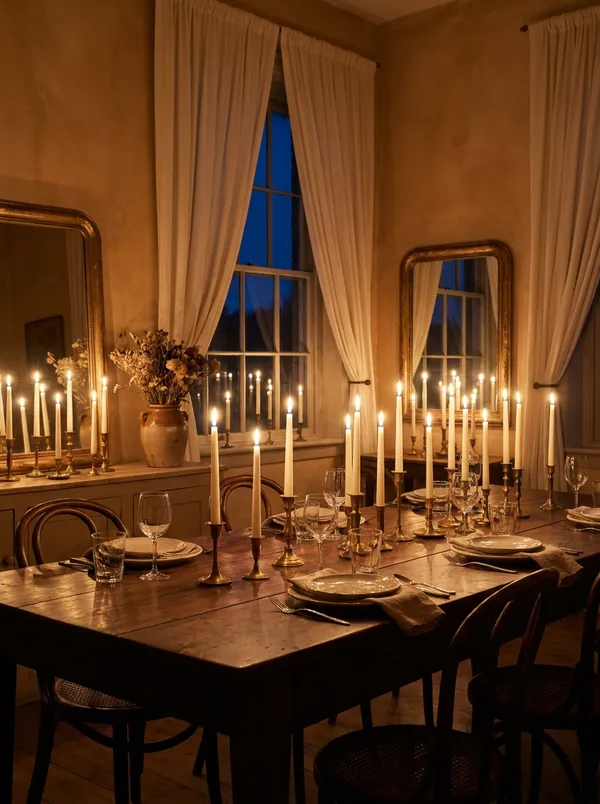
Candlelit Dining Atelier
Architectural Blueprint to Reality
Luxury Furniture Storyboard Animation
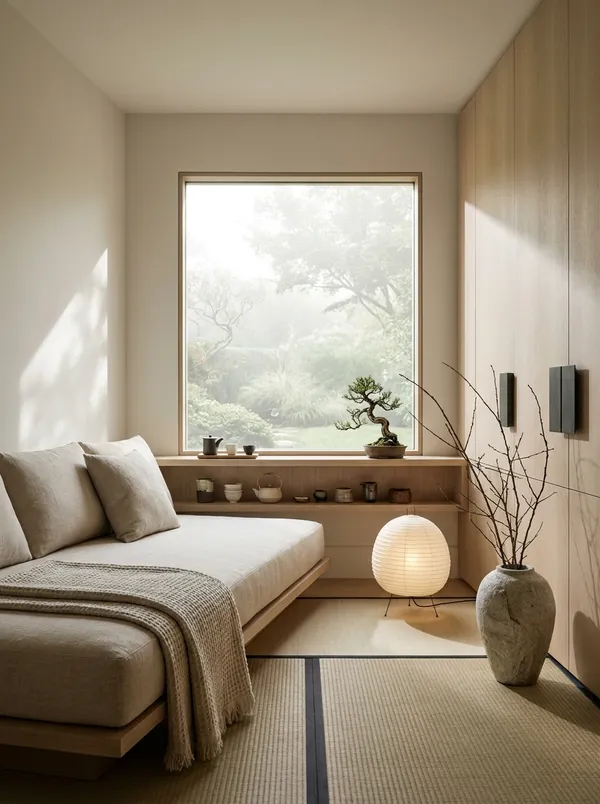
Zen-Style Window Retreat
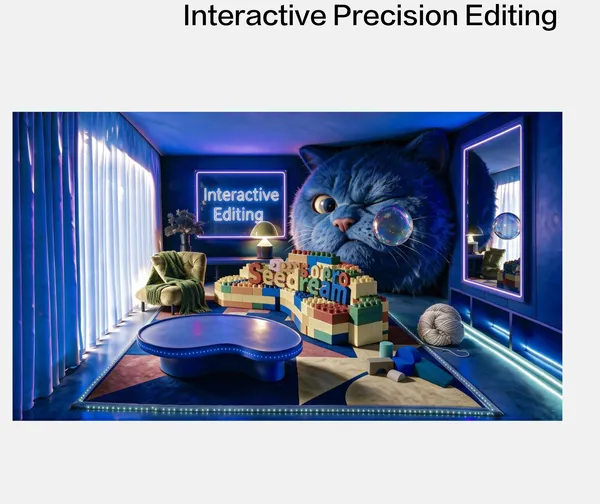
Color-Frame Region Editing
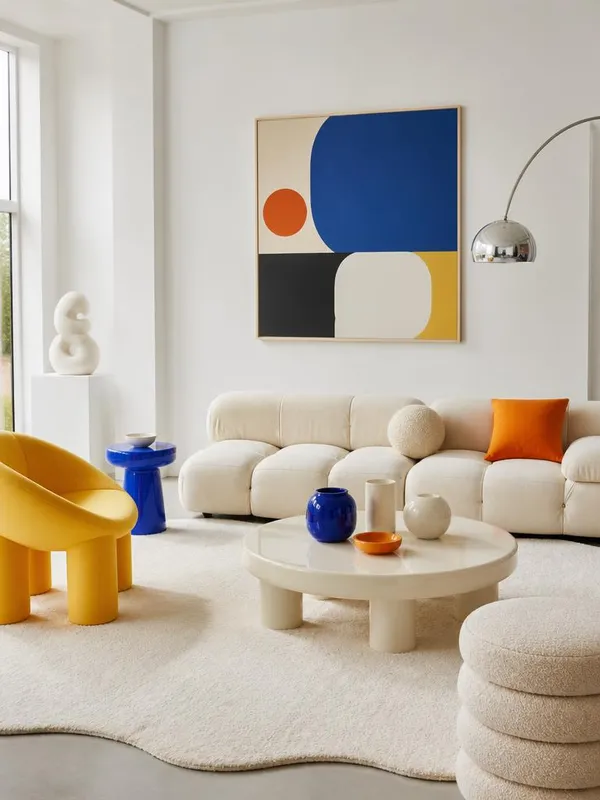
Pop Minimalist Living Room
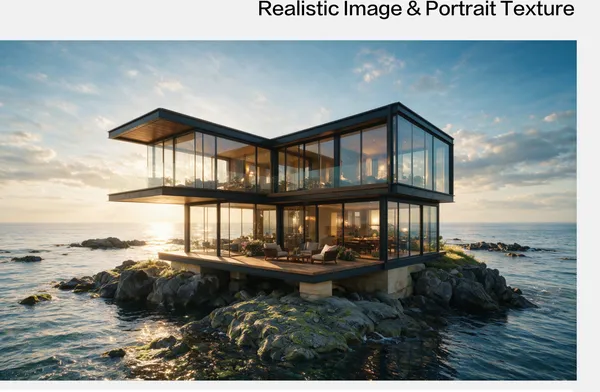
Coastal Cliff Glass Villa Render
What Are Interior AI Prompts?
Interior prompts are AI prompts for quickly making styled images of spaces like living rooms, dining rooms, and studies. Unlike virtual-staging tools that restyle an uploaded photo, you describe the mood, materials, and furniture you want to make a concept draft. In Carat, you can create with models like Nano Banana Pro, then refine with aspect-ratio changes, background removal, or upscaling.
Where You'll Use It
- Living room and dining room style drafts
- Study and workspace moods
- Cafe and shop interior concepts
- Mood boards and style references
- Space background images
Why This Tag Is Useful
Interior images live or die by color, materials, light, and furniture layout. Locking a clear style-botanical, zen, vintage, pop minimalist-first helps you narrow the direction fast. Adjust the detail depending on whether it's a concept or a working draft. Check the style and spatial composition in the examples first.
Tips for Building Your Prompt
- Decide the space type (living room, dining, etc.) and the style first.
- Spell out the color palette, key materials, and furniture.
- Specify the light mood, like natural daylight or time of day.
- Ask for the viewpoint (front, 3/4 angle) and the ratio.
After generating, check the spatial proportions and realism, then refine the ratio and quality in Carat.
Frequently Asked Questions
They suit styled space images and concept drafts. They're useful for living room, dining, and study moods, and cafe or shop interior concepts.
No. Carat generates a new interior image from a prompt. Restyling your own room photo (virtual staging) is a separate kind of tool; Carat is for concept and mood drafts.
Yes. Lock the color palette, materials, and style to keep living room, dining, and study in a consistent mood.
It's great for concept, mood reference, and design proposals. Actual dimensions, structure, and construction need separate checks.
Yes. Run an example prompt, then change the space type, style, and colors.
It's well suited to design proposals, mood boards, and social content. Real products and brand materials need separate checks.
In Carat you can change the style, colors, furniture, or viewpoint and regenerate.