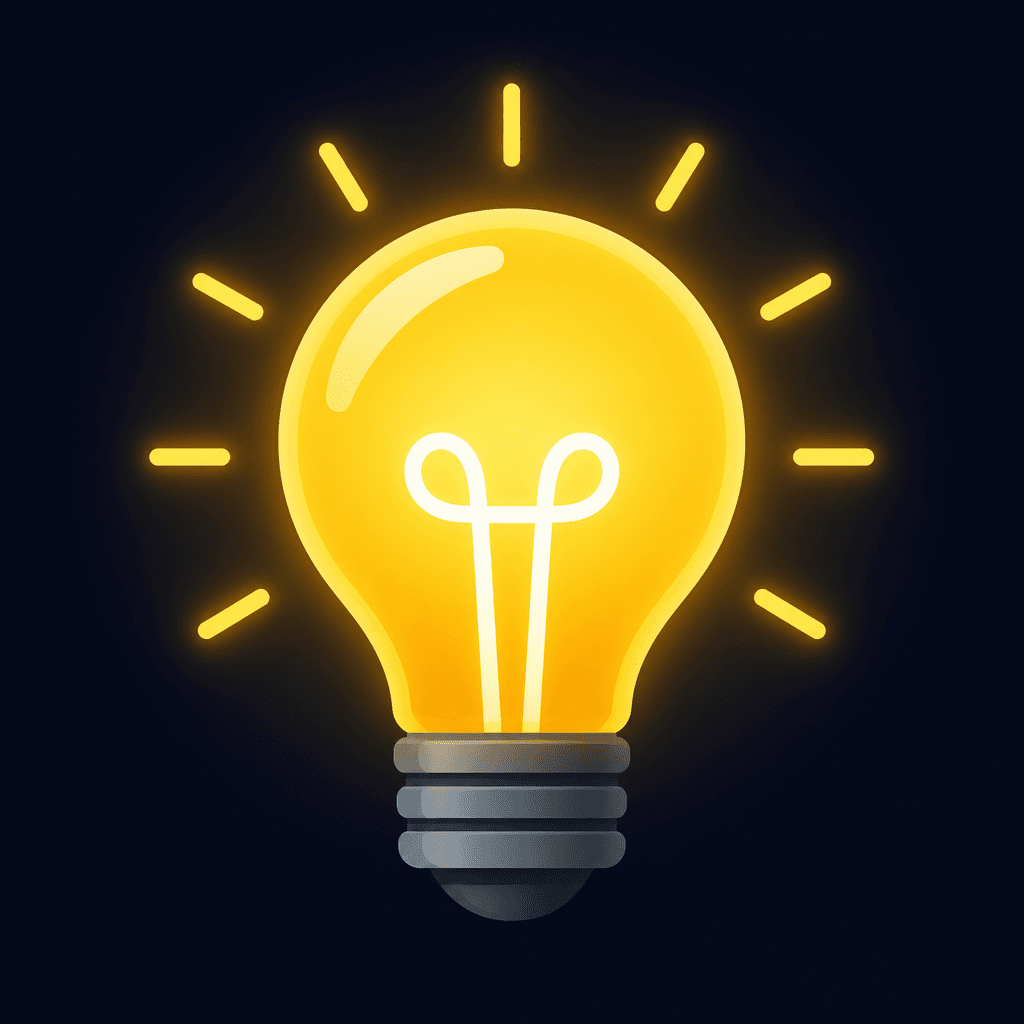
Lightbulb Icon
AI prompts for generating lightbulb icons that symbolize ideas, inspiration, and innovation.
2026.07.07
Make “Lightbulb Icon” exactly the way you wantCreate your own “Lightbulb Icon”
Just ask in plain language — Carat generates optimized images and videos for you.

Start now with 100 free credits daily
전구 아이콘
What Are Lightbulb Icon Prompts?
Lightbulb icon prompts help you generate visual representations of ideas, inspiration, and innovation using AI image generation. The lightbulb is a timeless visual metaphor that appears everywhere from presentation slides and tutorial guides to app interfaces and blog thumbnails. With GPT Image 2, you can specify the glow intensity, filament design, metallic base texture, and light ray direction in a single sentence to produce a lightbulb icon tailored to your project's tone and purpose.
Where to Use Lightbulb Icons
- Presentation slides marking idea, tip, or insight sections
- Educational materials and tutorials as guidance markers
- App and web empty-state illustrations
- Blog and newsletter thumbnail meta images
- Social media posts about startups, creativity, or innovation
Why This Tag Is Useful
The lightbulb is the most universally recognized symbol for ideas, which means it communicates instantly in any context. However, downloading from free icon libraries often means your graphic looks identical to thousands of others. Drawing a custom lightbulb requires illustration skills and software training. AI prompts let you fine-tune color temperature, glow direction, and icon weight on the spot, producing a lightbulb icon that matches your brand palette and stands apart from stock assets.
Related Prompts
Tips for Writing Lightbulb Icon Prompts
- Start with the overall style. Specify whether you want minimalist vector, 3D render, neon sign, or hand-drawn sketch to set the visual tone.
- Define the light color temperature. Warm yellow, cool white, or bold neon orange each convey a different mood and energy.
- Specify the background. A dark background with a glowing bulb feels dramatic, while a flat icon on white suits clean UI contexts.
- Decide on light rays. Radiating beams add dynamism, while a clean bulb without rays feels more refined and minimal.
- Include a short English word inside the bulb if you want a labeled icon for presentations or marketing collateral.