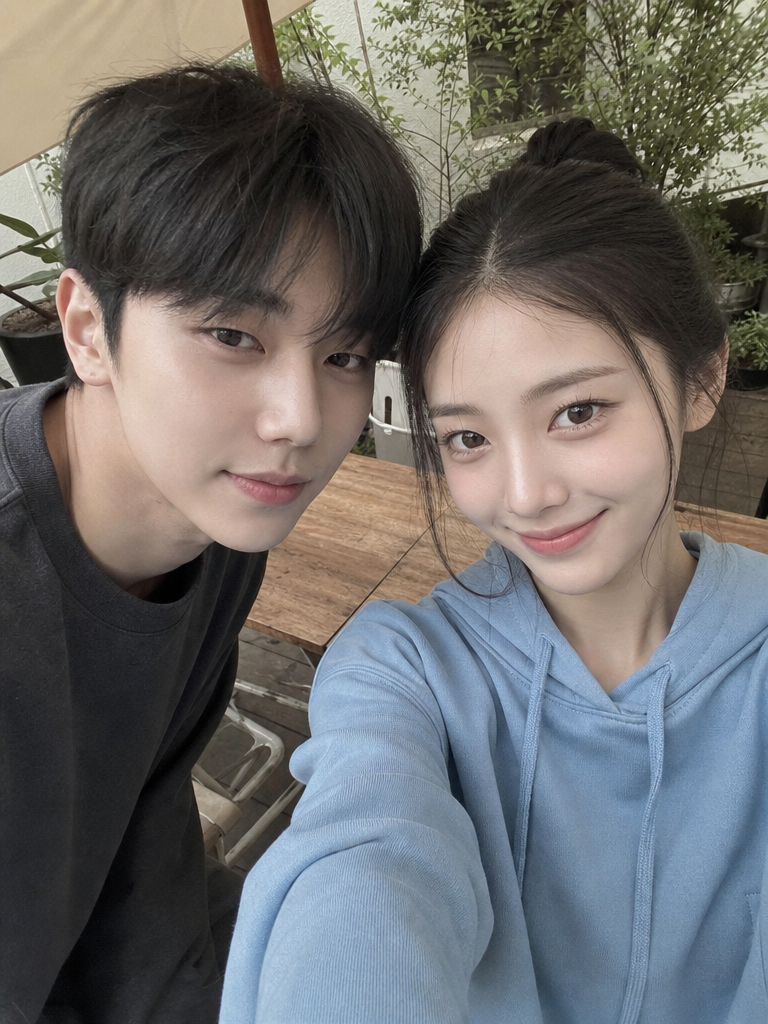
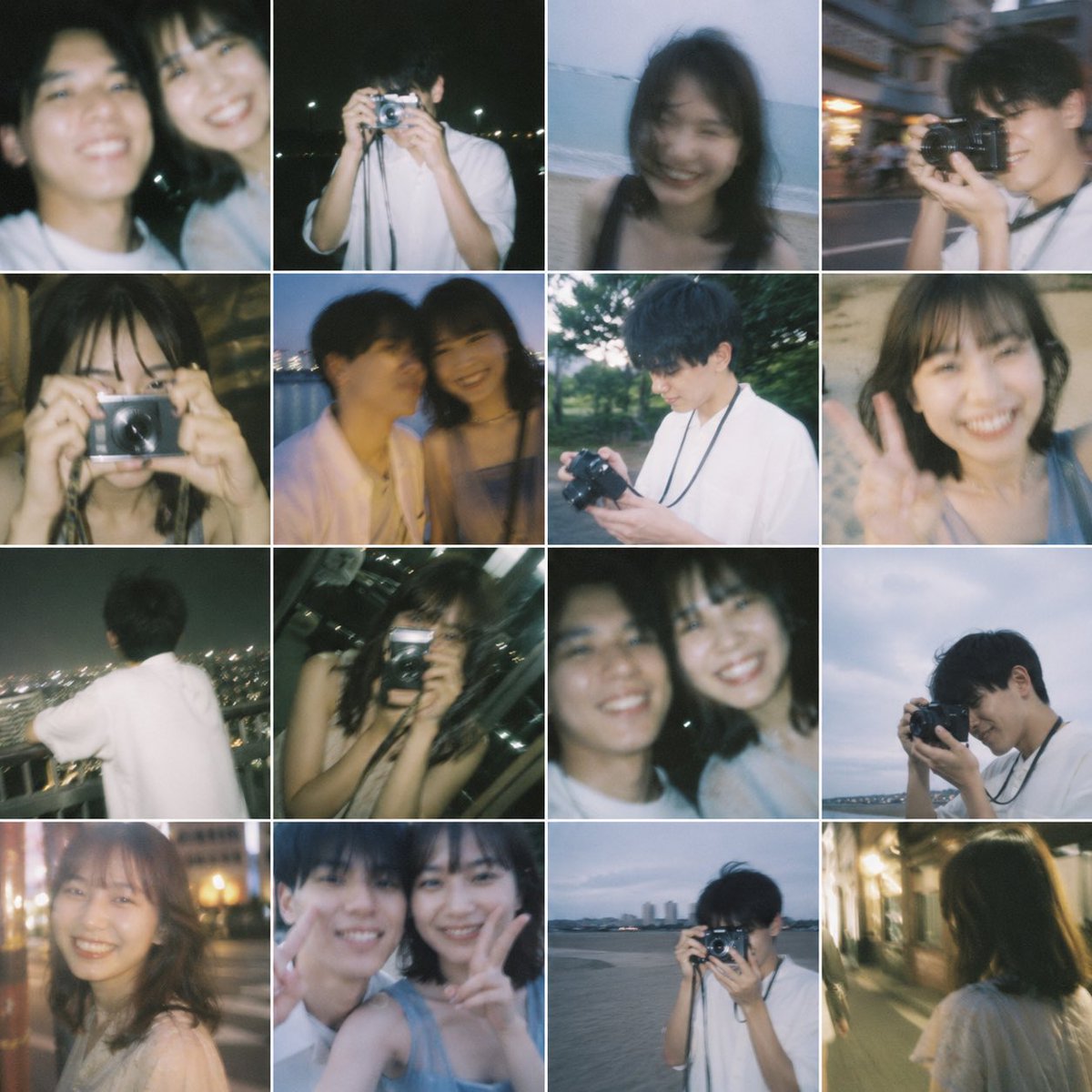
Mirror Photo
Find the best AI prompts for creating Mirror Photo and boost your creative workflow.
2026.07.04
Make “Mirror Photo” exactly the way you wantCreate your own “Mirror Photo”
Just ask in plain language — Carat generates optimized images and videos for you.

Start now with 100 free credits daily
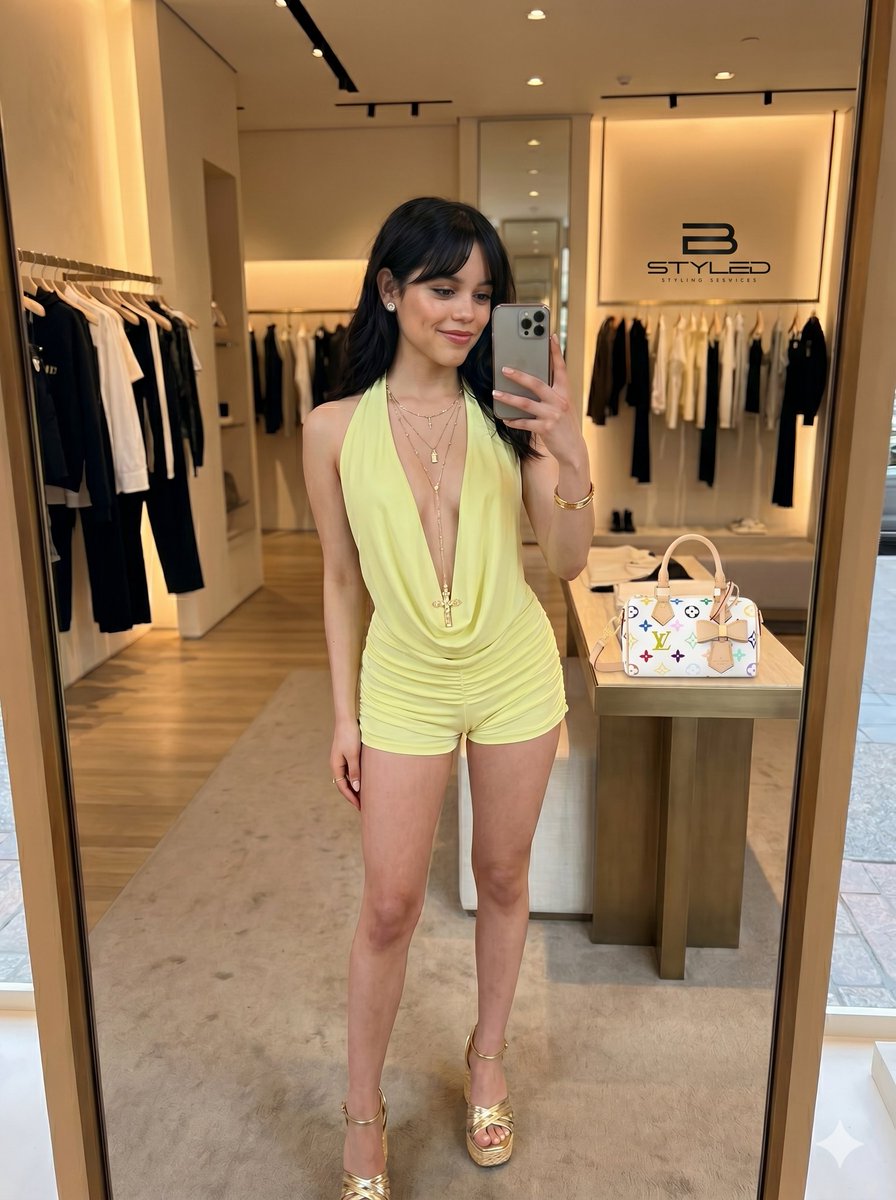
Ultra-Realistic Boutique Mirror Selfie
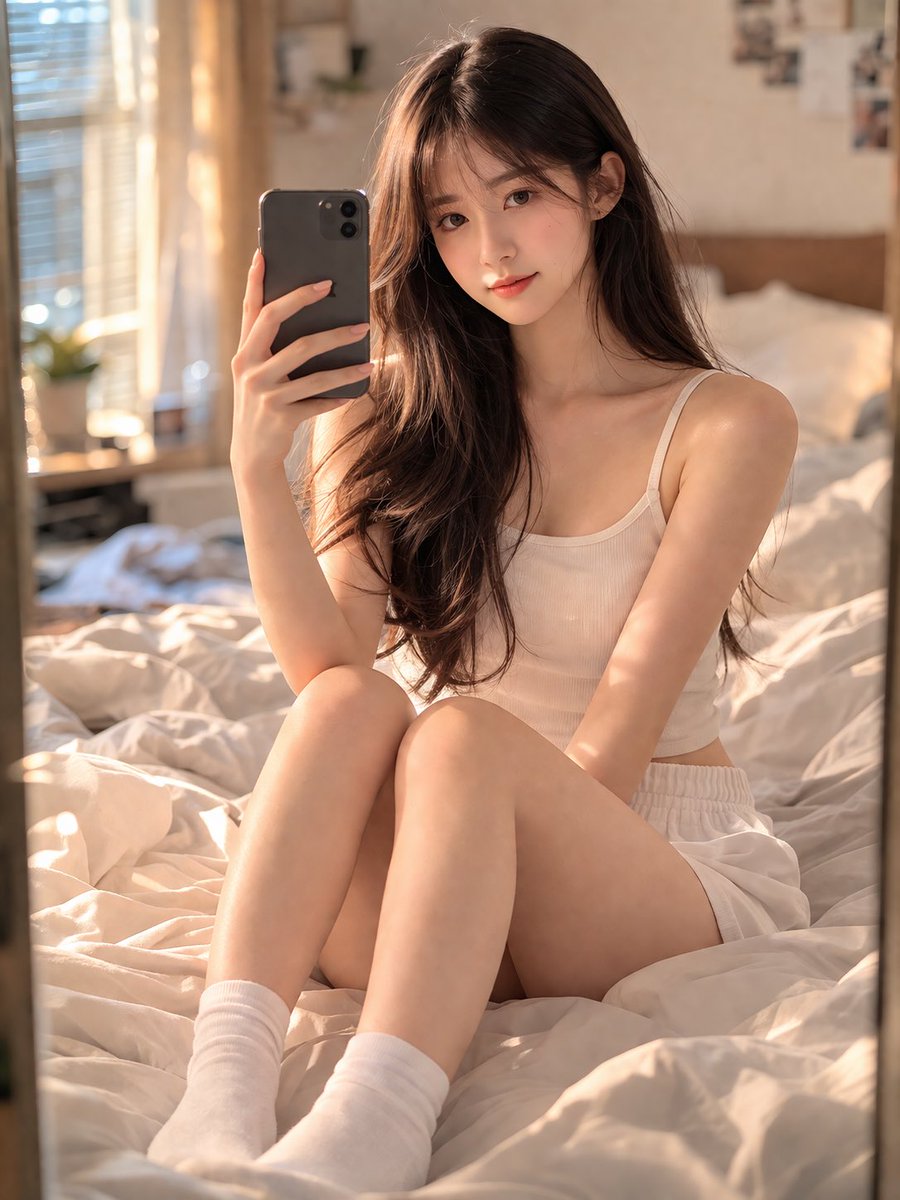
Stunning 18-year-old Chinese Girl
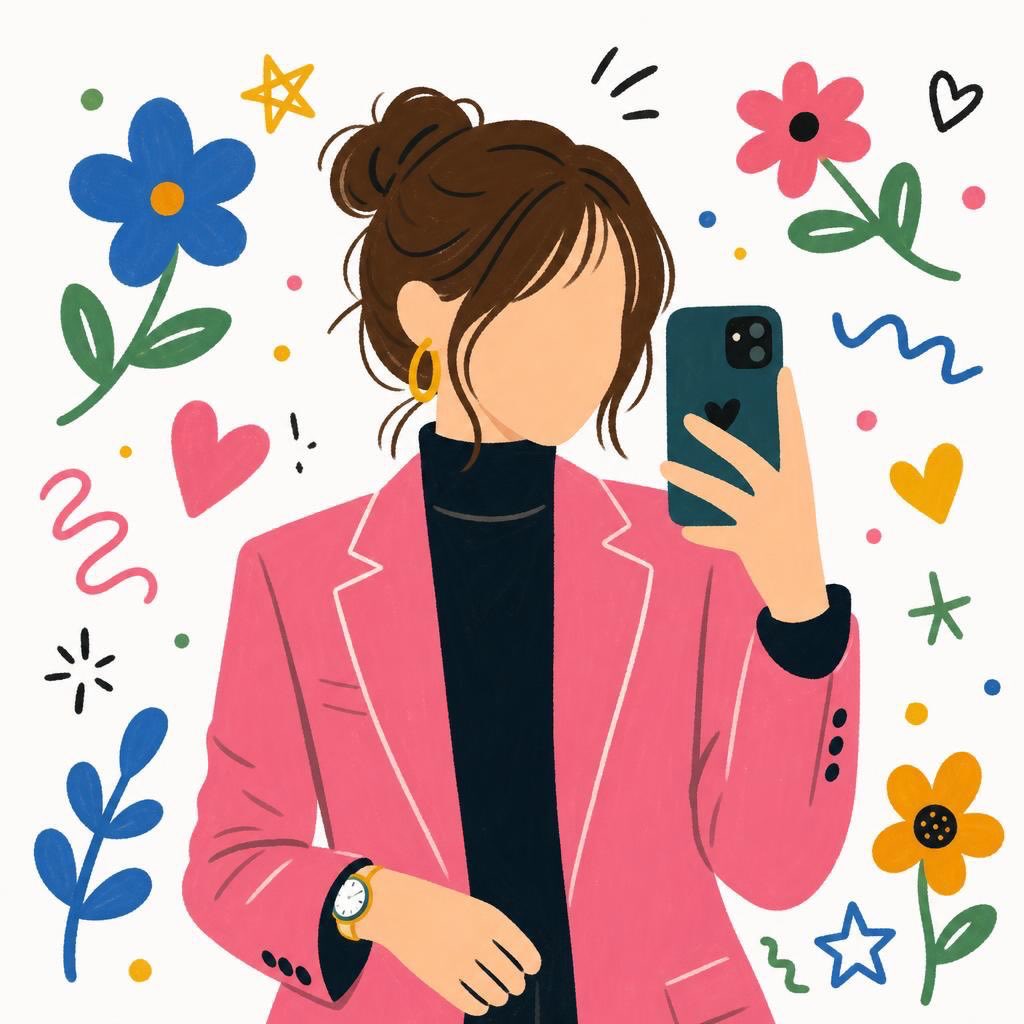
Flat Cartoon Selfie Girl Illustration
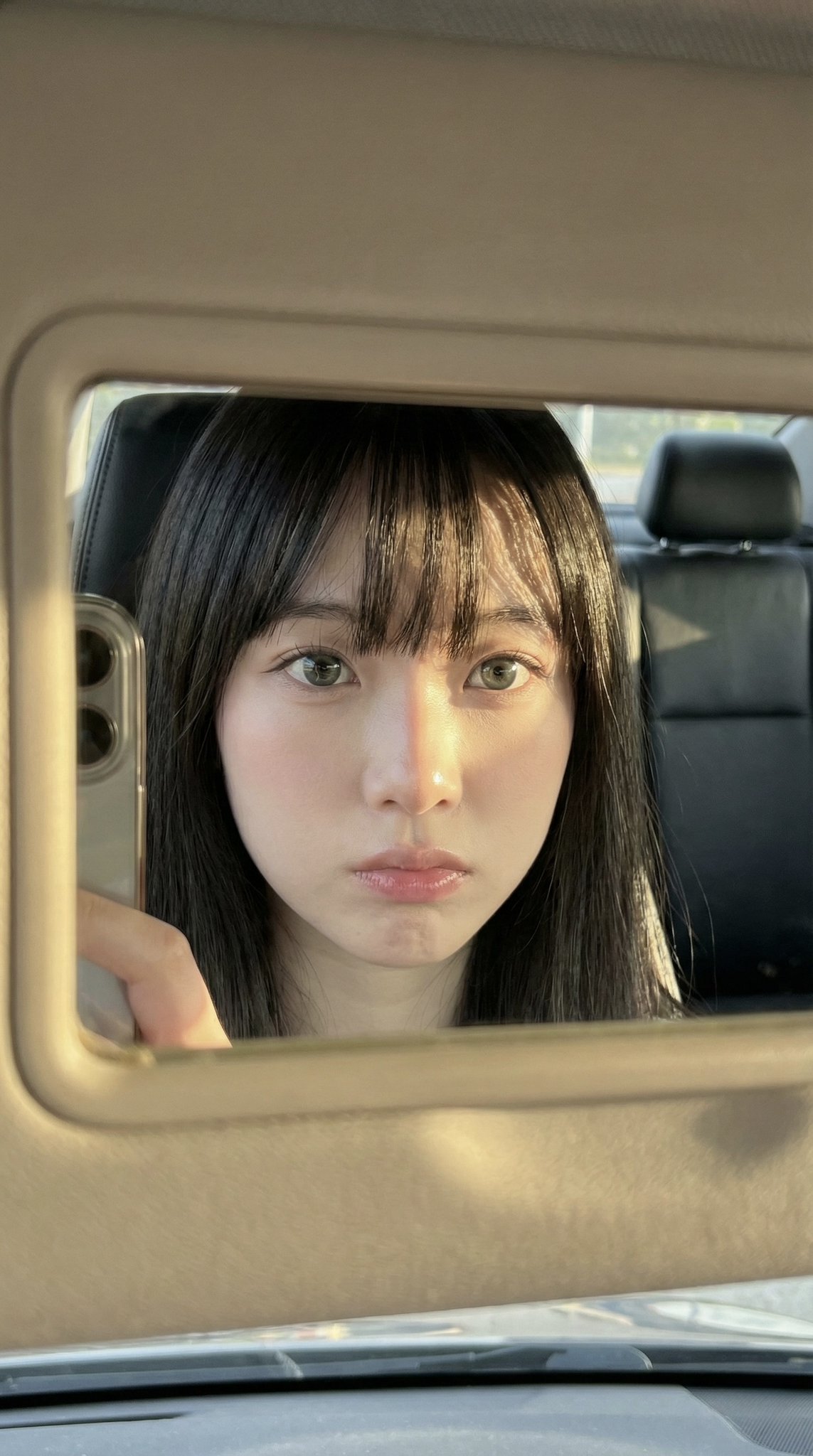
Car Mirror iPhone Selfie
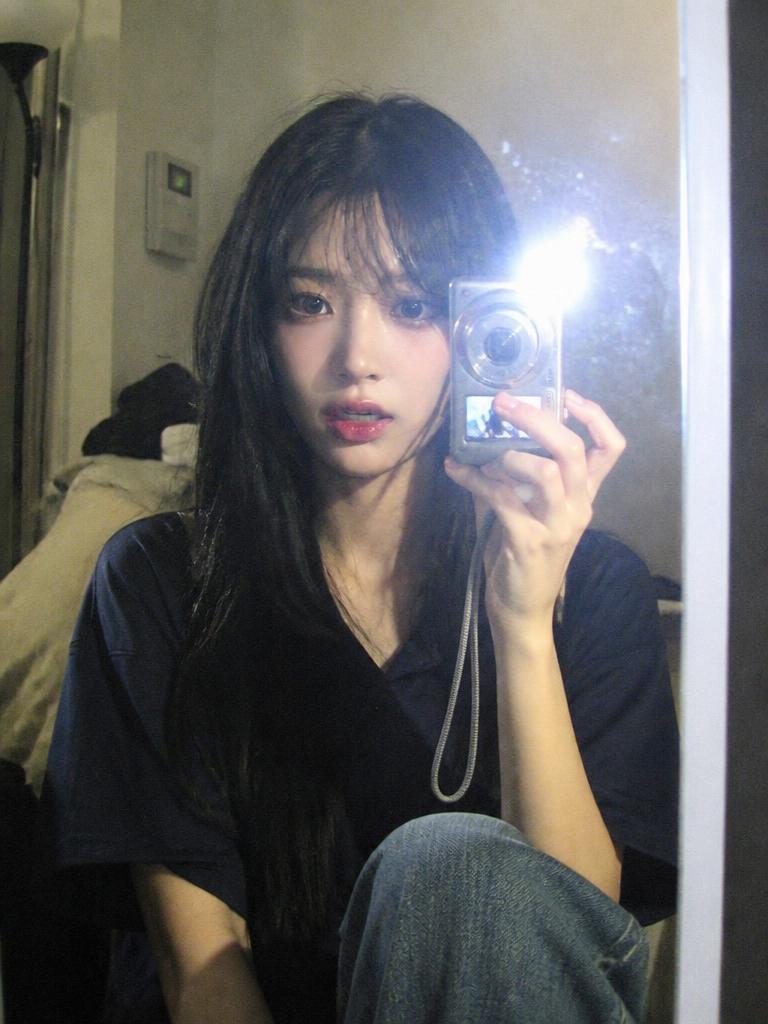
Digital Camera Mirror Selfie
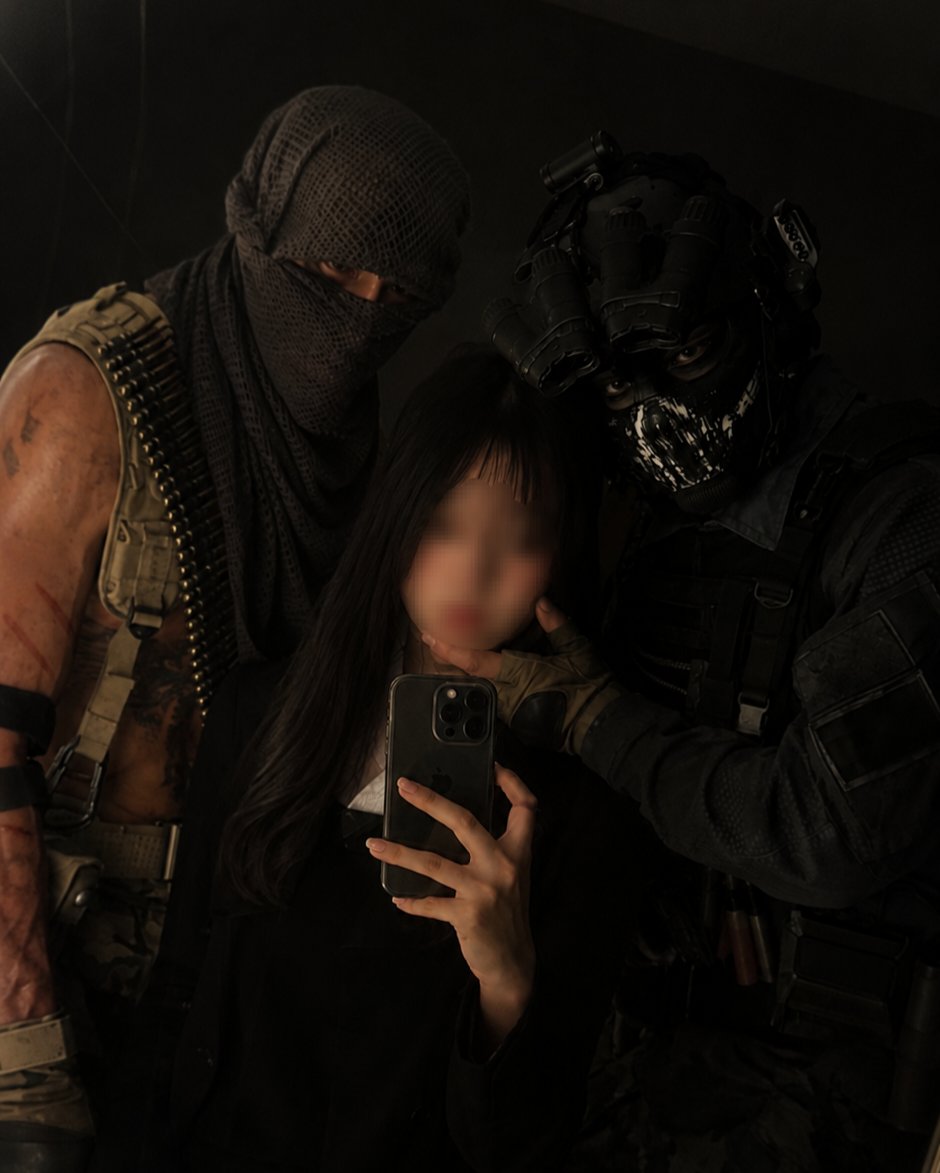
Mirror Selfie with Your Favorite Character
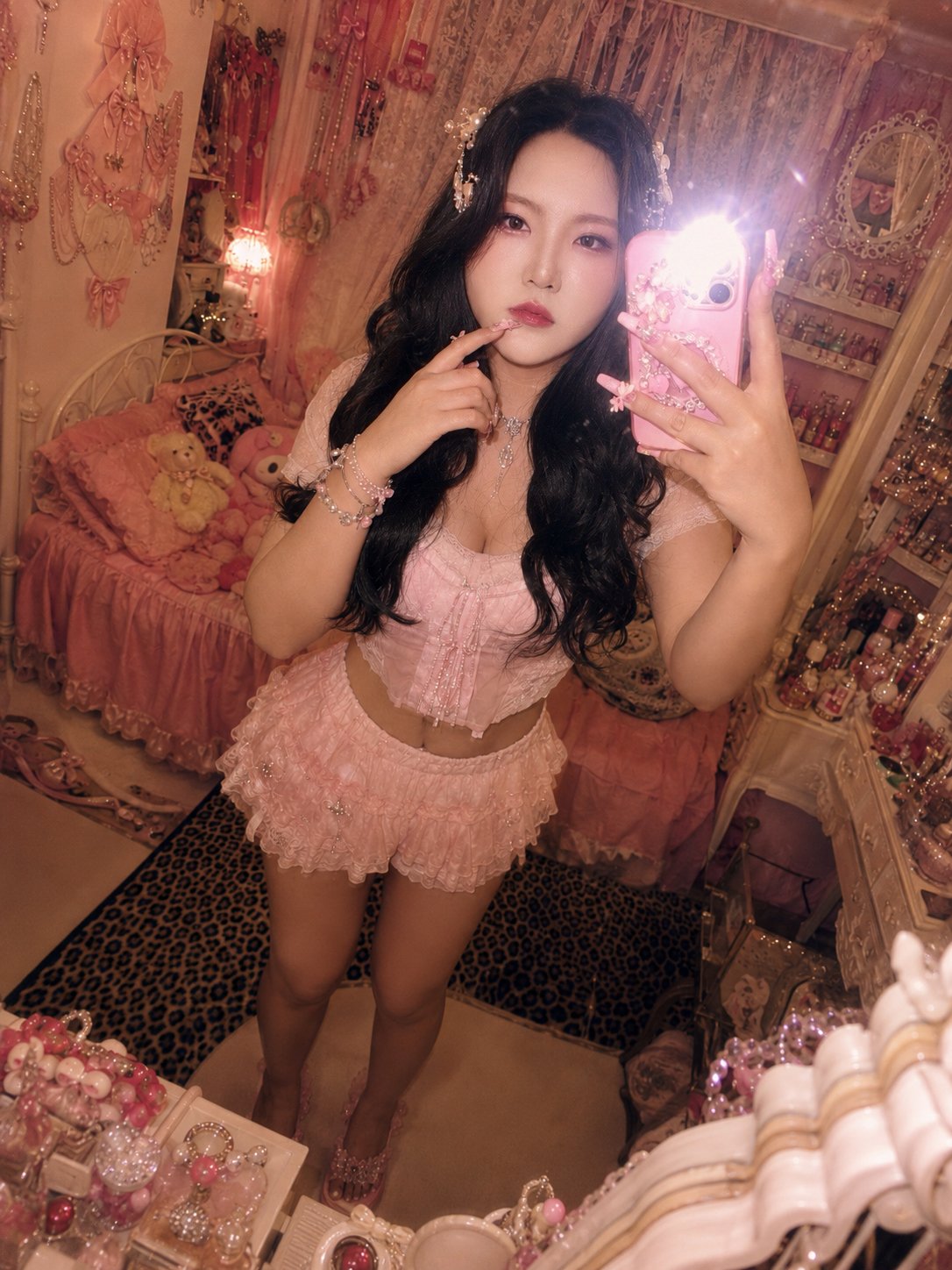
Himegyaru Mirror Selfie
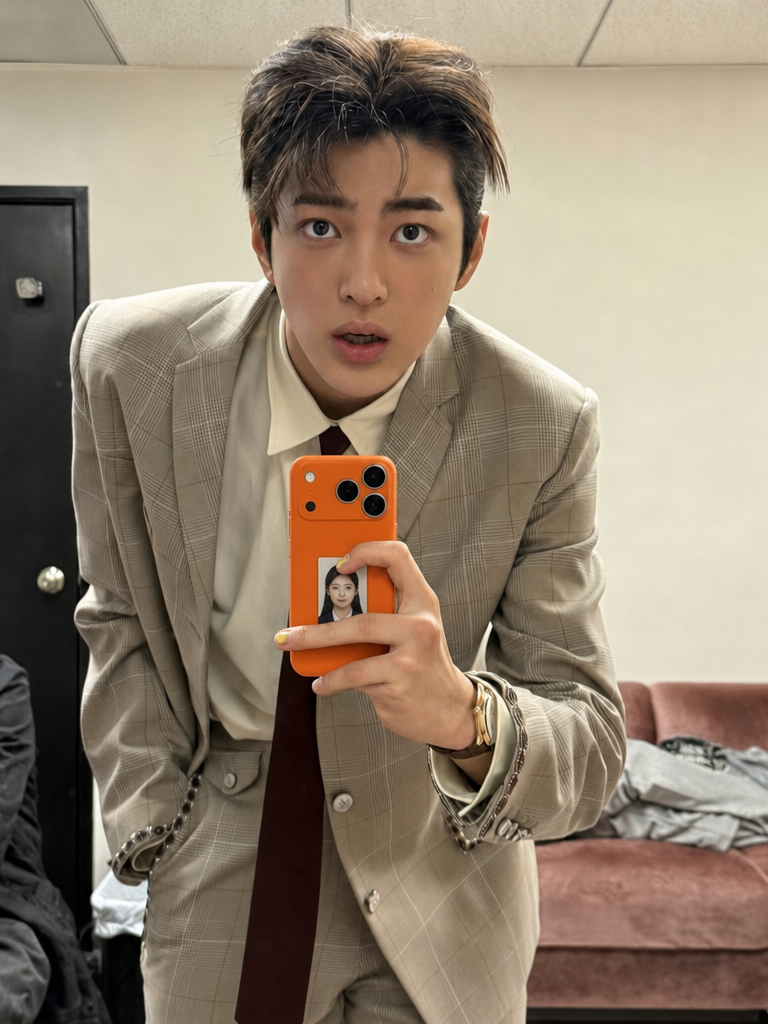
ID Photo in Transparent Phone Case Composite Prompt
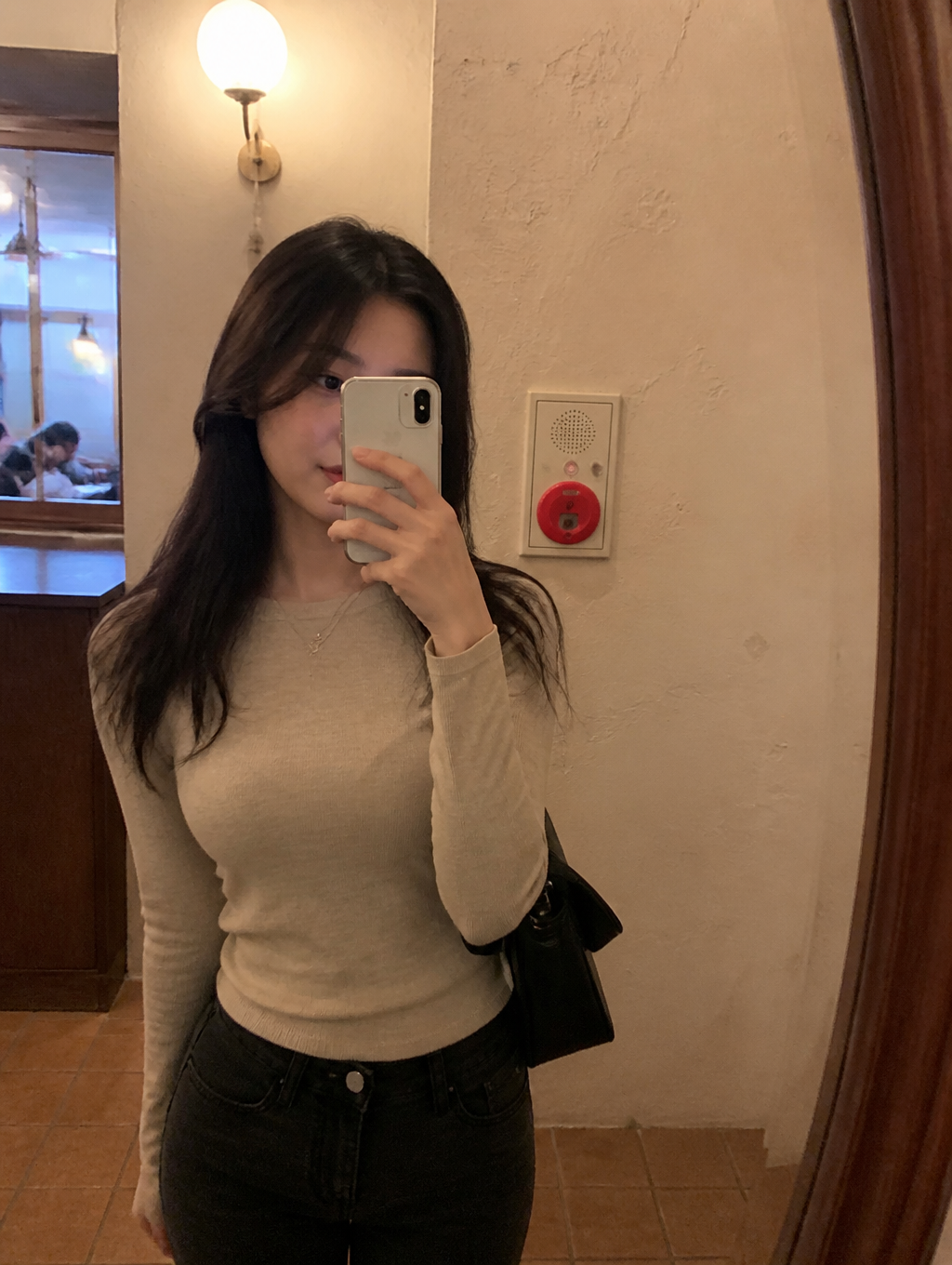
Cafe Mirror Selfie
What Are Mirror Photo AI Prompts?
Mirror Photo AI prompts are specialized sets of descriptive instructions designed to guide artificial intelligence models in generating high-quality visual content focused on Mirror Photo. In the rapidly evolving landscape of generative AI, these prompts serve as the bridge between human creativity and machine execution. By leveraging carefully curated keywords, users can define every aspect of an image-from artistic style and color palette to complex lighting and composition-without needing traditional design software expertise. At Carat, we provide optimized prompts that have been rigorously tested to ensure they deliver stunning results consistently. Whether you are looking to create minimalist icons or hyper-realistic portraits, understanding how to structure these prompts is the key to unlocking the full potential of AI art tools. This process democratizes high-end design, allowing anyone with a vision to translate their ideas into professional-grade assets in seconds.
Best Use Cases
The versatility of Mirror Photo AI prompts makes them indispensable across various digital platforms. One of the most popular use cases is for social media marketing, where eye-catching visuals are essential for driving engagement on platforms like Instagram, TikTok, and Pinterest. Content creators use these prompts to develop unique brand identities and recurring visual themes. Another significant application is in the field of e-commerce and web design. Small business owners can generate high-quality product backgrounds or atmospheric lifestyle shots without the cost of a physical photo shoot. Furthermore, these prompts are excellent for personal creative projects, such as creating custom digital stationery, personalized gifts, or character designs for storytelling. In an educational or corporate setting, they can be used to spice up presentations with tailor-made infographics and thematic illustrations that perfectly match the spoken content.
Why This Tag Works
The Mirror Photo tag on Carat stands out because it categorizes prompts that share a specific aesthetic DNA, ensuring stylistic consistency across different outputs. This is particularly useful for projects that require a "collection" feel, such as a series of posters or a coherent social media feed. Each prompt in this category is engineered to handle edge cases effectively, minimizing the risk of visual artifacts or unintended distortions. By using these tags, users can bypass the steep learning curve of prompt engineering. Instead of guessing which adjectives might work, you can rely on a library of proven terminology that has been benchmarked against the latest AI models. The focus here is on reliability and aesthetic appeal, providing a solid foundation for both experimentation and production-ready art.
Explore Related Prompts
If you find the Mirror Photo style compelling, you might also want to investigate complementary categories available in the Carat library. For instance, pairing Mirror Photo with specific lighting tags like "Golden Hour" or "Neon Vibes" can drastically shift the emotional impact of your creations. If your focus is on layout, explore our "Card News" or "Template" categories to see how these generated images can be integrated into functional designs. We also offer style-specific tags such as "Studio Ghibli Style," "Cyberpunk," or "Minimalist Line Art" that can be layered with your current search to create a hybrid look. Our interconnected tag system is designed to inspire serendipity, leading you to discover new artistic directions you might not have initially considered.
Prompt Building Tips
Creating a masterful Mirror Photo prompt requires a balance of specificity and artistic breathing room for the AI. Start with the "Subject"-be as detailed as possible about what is happening in the scene. Next, define the "Medium" (e.g., oil painting, 4k digital photography, 3D render) to set the baseline texture. Use "Lighting" descriptors like "volumetric fog" or "rim lighting" to add depth and drama. "Composition" is also crucial; specifying "top-down view" or "low angle" can change the entire perspective of the piece. Don't forget to include "Negative Prompts" if your tool supports them to exclude unwanted elements like "blurry" or "deformed." Lastly, experiment with "Style Anchors"-referencing specific artists or historical art movements can help the AI narrow down the exact aesthetic you are aiming for. Small tweaks in word order can lead to vastly different results, so don't be afraid to iterate and refine your text based on the initial outputs you receive.
Related links: Mirror Selfie, Selfie, Profile Photo, Fashion Photo, Street Snap, Illustration, Cinematic Video