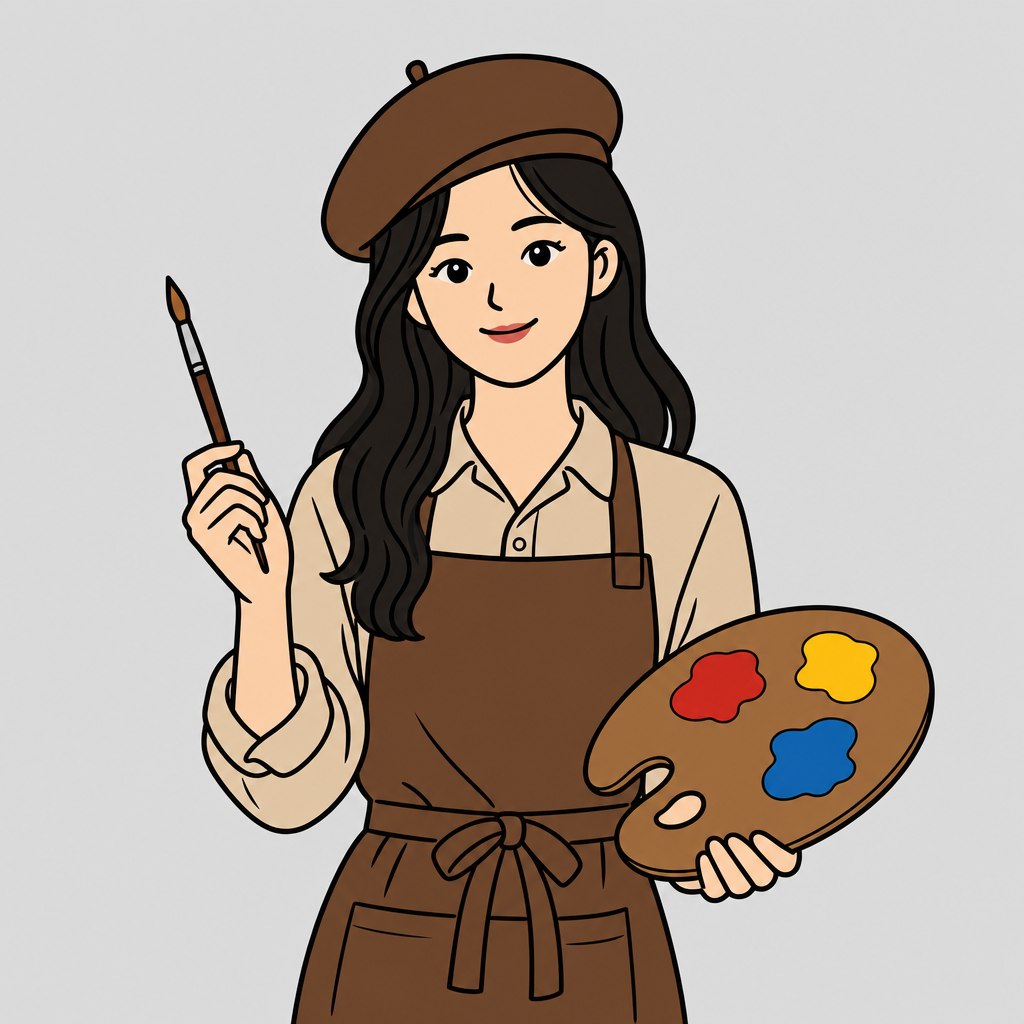
MS Paint Style
Create consistent ms paint style images with focused prompts for composition, lighting, texture, and mood.
2026.07.03
Make “MS Paint Style” exactly the way you wantCreate your own “MS Paint Style”
Just ask in plain language — Carat generates optimized images and videos for you.

Start now with 100 free credits daily
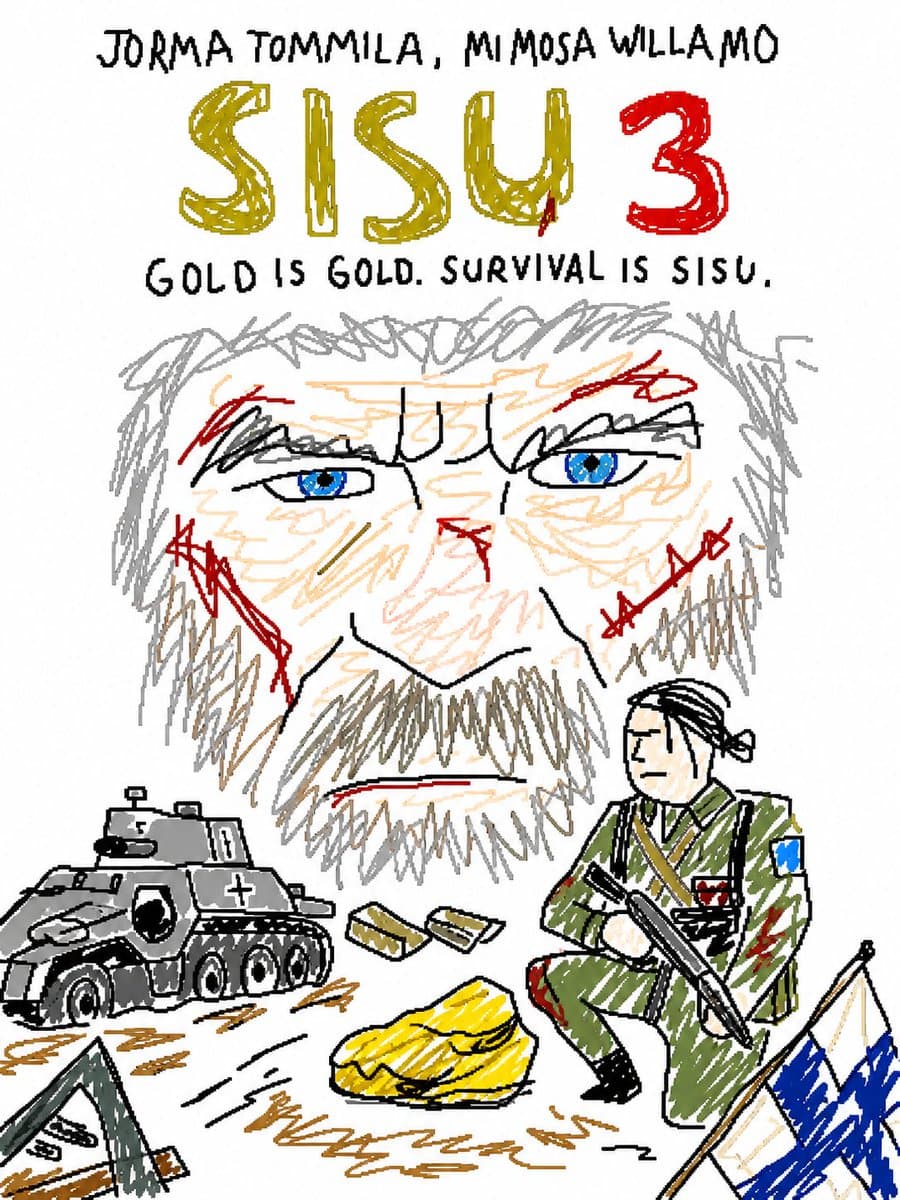
MS Paint Style Redraw
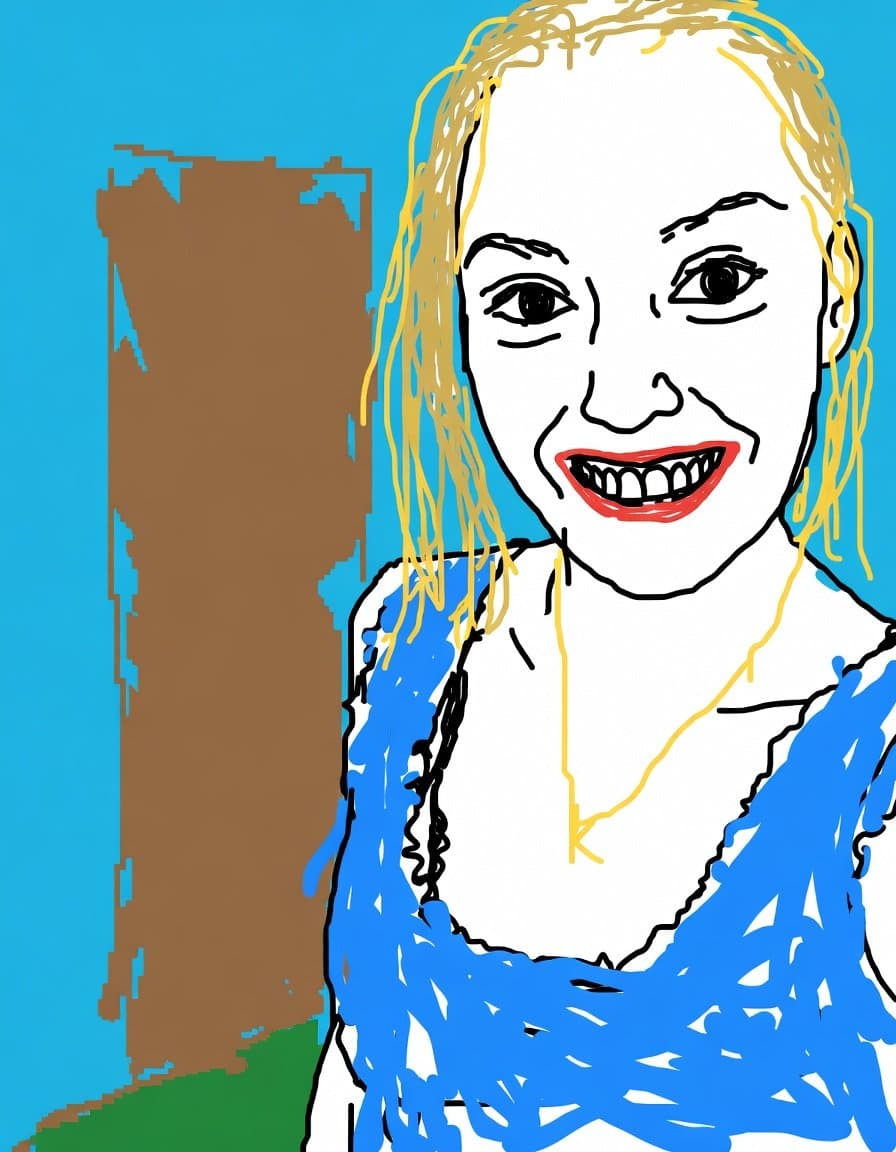
Intentionally Low Quality MS Paint Style
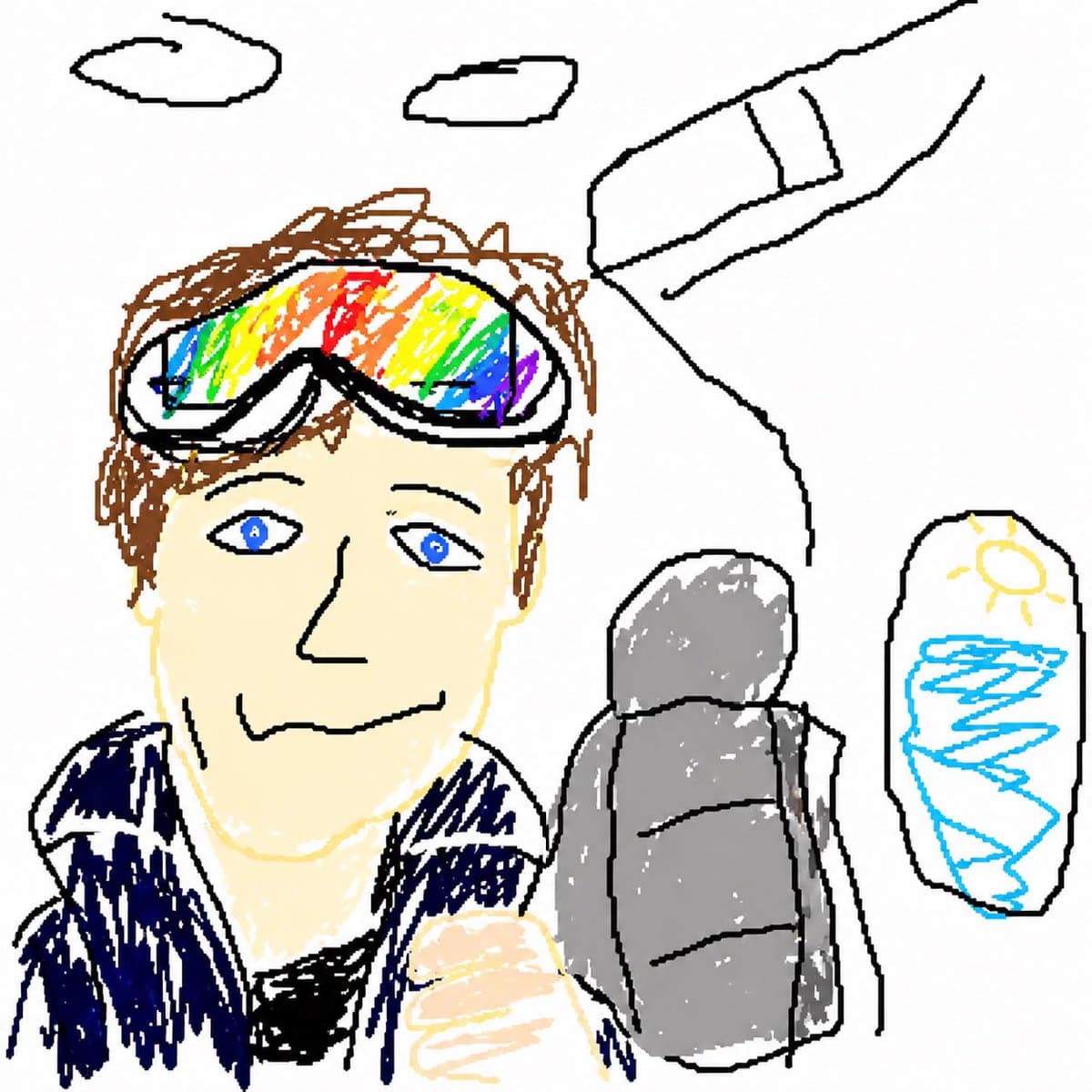
GPT Image 2 MS Paint Drawing
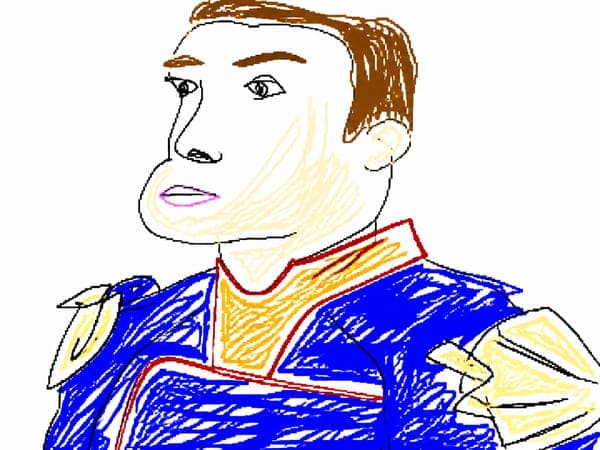
Clumsy MS Paint Redraw
What Are MS Paint Style AI Prompts?
MS Paint Style AI prompts are designed for creators who want a clear visual direction before generating an image. Instead of describing only the subject, they define the atmosphere, camera angle, lighting behavior, surface texture, composition, and finishing style. This makes the output easier to control and much more useful for social covers, concept boards, advertising tests, profile visuals, and design references. The tag works especially well when you want a recognizable look that can be repeated across several images without losing the core mood.
Best Use Cases
- Social media thumbnails, carousel covers, short-form video covers, and profile visuals
- Campaign mockups, posters, lookbook images, editorial tests, and brand moodboards
- Character design, scene exploration, style transfer tests, and reference image creation
- E-commerce visuals, landing page assets, and early creative direction for ads
- Fast comparison of lighting, pose, background density, color palette, and texture choices
Why This Tag Works
The strength of MS Paint Style prompts is that they connect a searchable theme with concrete visual instructions. A vague prompt may produce a generic result, but a prompt that specifies lens distance, light source, background detail, color harmony, and the emotional tone gives the model a stronger path to follow. For example, you can ask for a close portrait, a dramatic low viewpoint, a rough retro drawing surface, or a direct flash snapshot, and each condition changes the final image in a visible way.
This tag is also useful for building series. When you keep the same visual grammar across several prompts, the generated images feel like they belong to the same campaign or gallery page. You can keep a fixed palette, repeat the same camera treatment, and vary only the subject, outfit, prop, or location. That makes the workflow faster and helps users compare prompt ideas without starting from zero every time.
For best results, treat the prompt as a production brief. Define what the viewer should notice first, what should stay in the background, and what kind of texture or imperfection makes the image believable. The more observable your words are, the easier it becomes to refine the result after the first generation.
Explore Related Prompts
Prompt Building Tips
- Start with the subject and the exact scene type, then add the visual role of each important element.
- Specify the camera angle, distance, lens feel, and crop so the composition does not drift.
- Add lighting terms such as direct flash, soft window light, neon glow, rim light, or overcast daylight.
- Finish with texture, palette, background density, and post-processing notes to create a recognizable style.
A good MS Paint Style prompt does not need to be complicated, but it should be specific. Use short, observable phrases and build them in layers. After you find a strong result, reuse the same structure and swap only the subject, color, season, or location to create a consistent set of images.