Practical AI prompts and layout guidance for creating a newsletter template.
2026.07.16
Make “Newsletter Template” exactly the way you wantCreate your own “Newsletter Template”
Just ask in plain language — Carat generates optimized images and videos for you.

Start now with 100 free credits daily
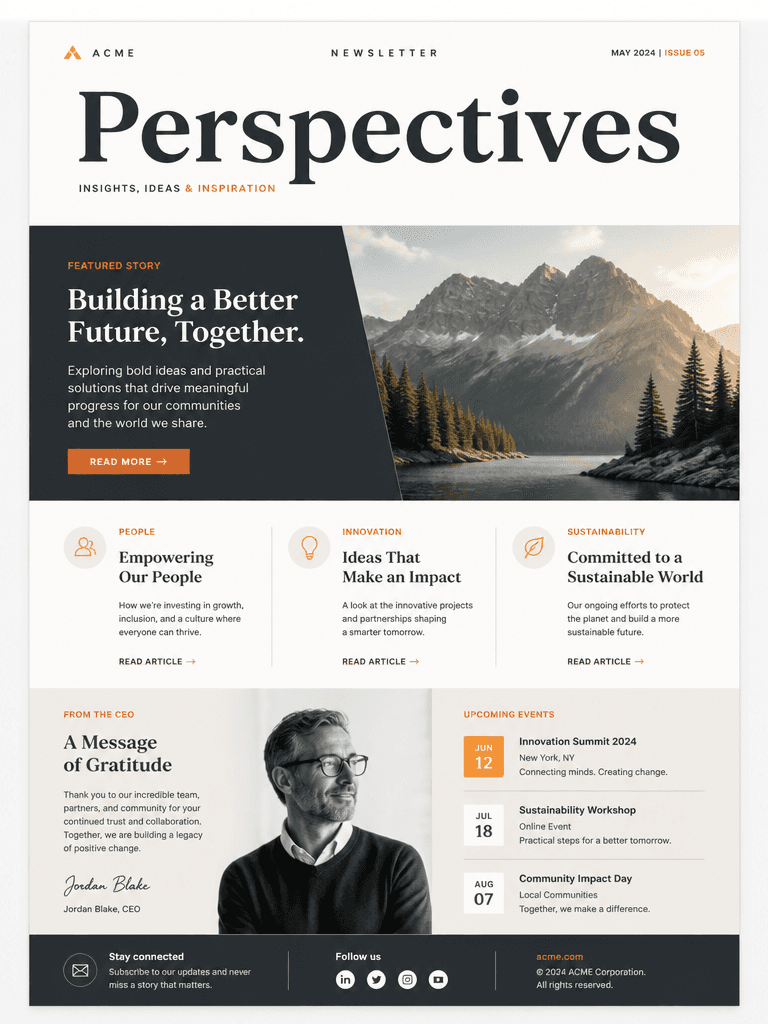
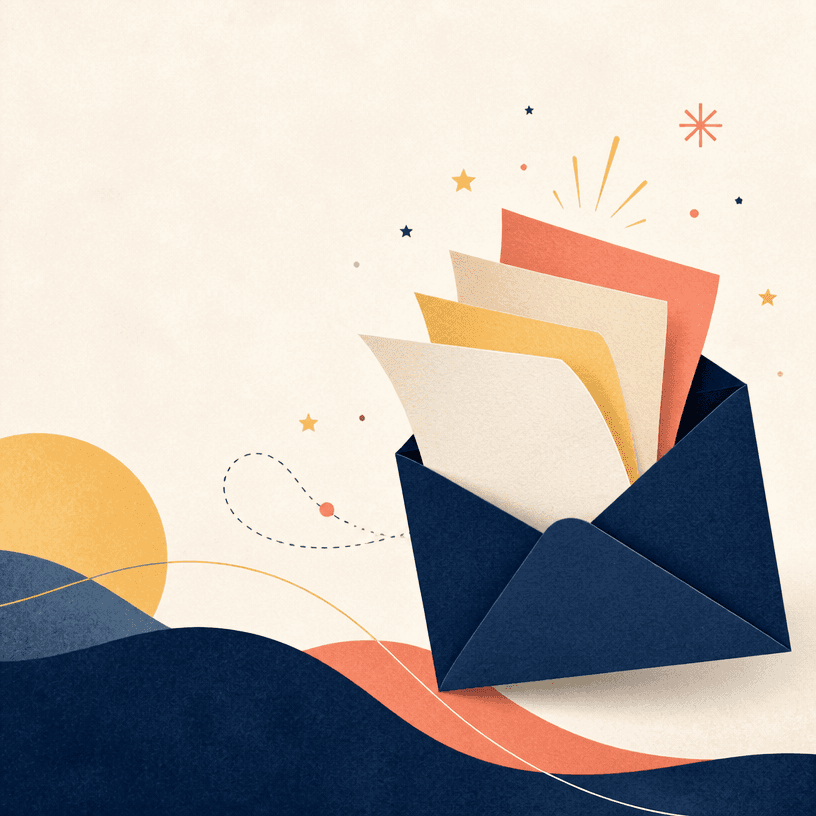
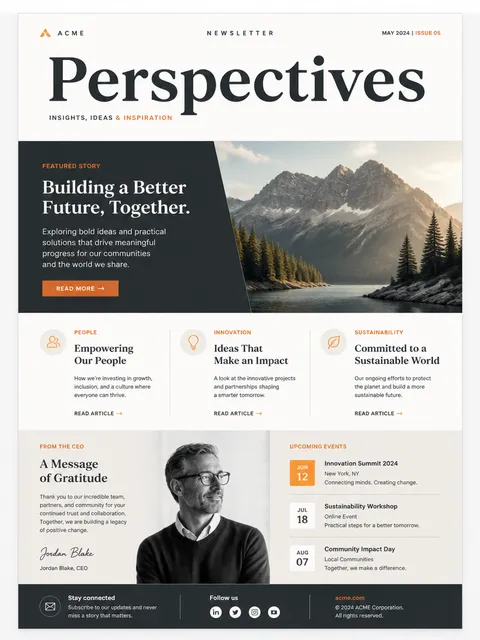
A newsletter template is the reusable structure that keeps changing content inside one brand experience. It helps readers find the publication name, lead story, secondary items, and call to action quickly in every issue.
Place the masthead and lead story first, followed by supporting articles and short updates. Do not give every block equal weight; make the most important story of the issue visually dominant.
Keep the logo, colors, and button treatment consistent while maintaining strong text contrast. Prepare a natural one-column mobile layout, generous tap targets, and alt text so the message still works without images.
Specify the masthead, featured story, card count, update strip, signup button, and footer. Request blank text areas for titles and dates, then enter accurate copy in the email editor.
Check the subject, preheader, links, unsubscribe path, and image alt text. Review desktop and mobile previews, then send a test to confirm line breaks and buttons across major clients.