Optical Illusion Art
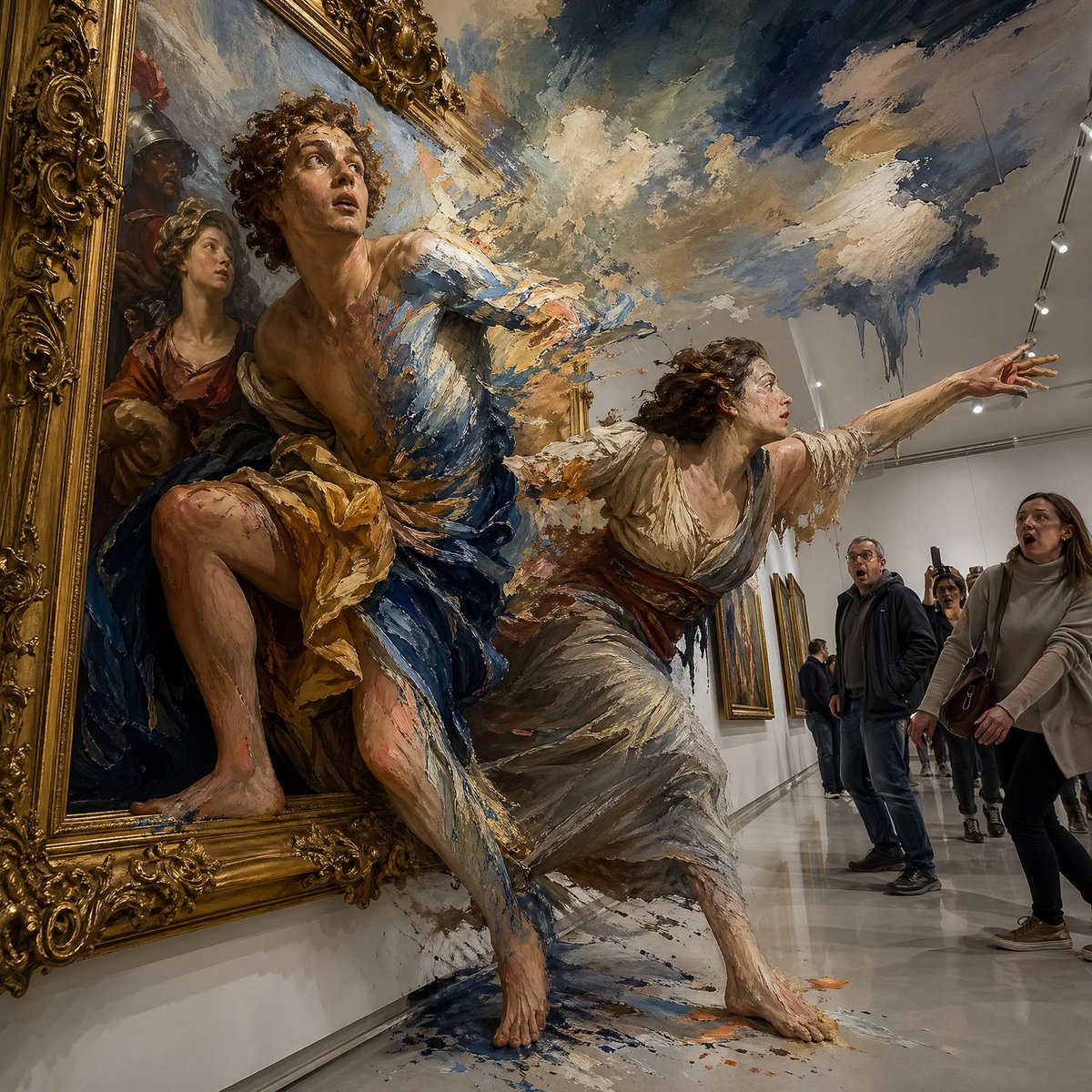
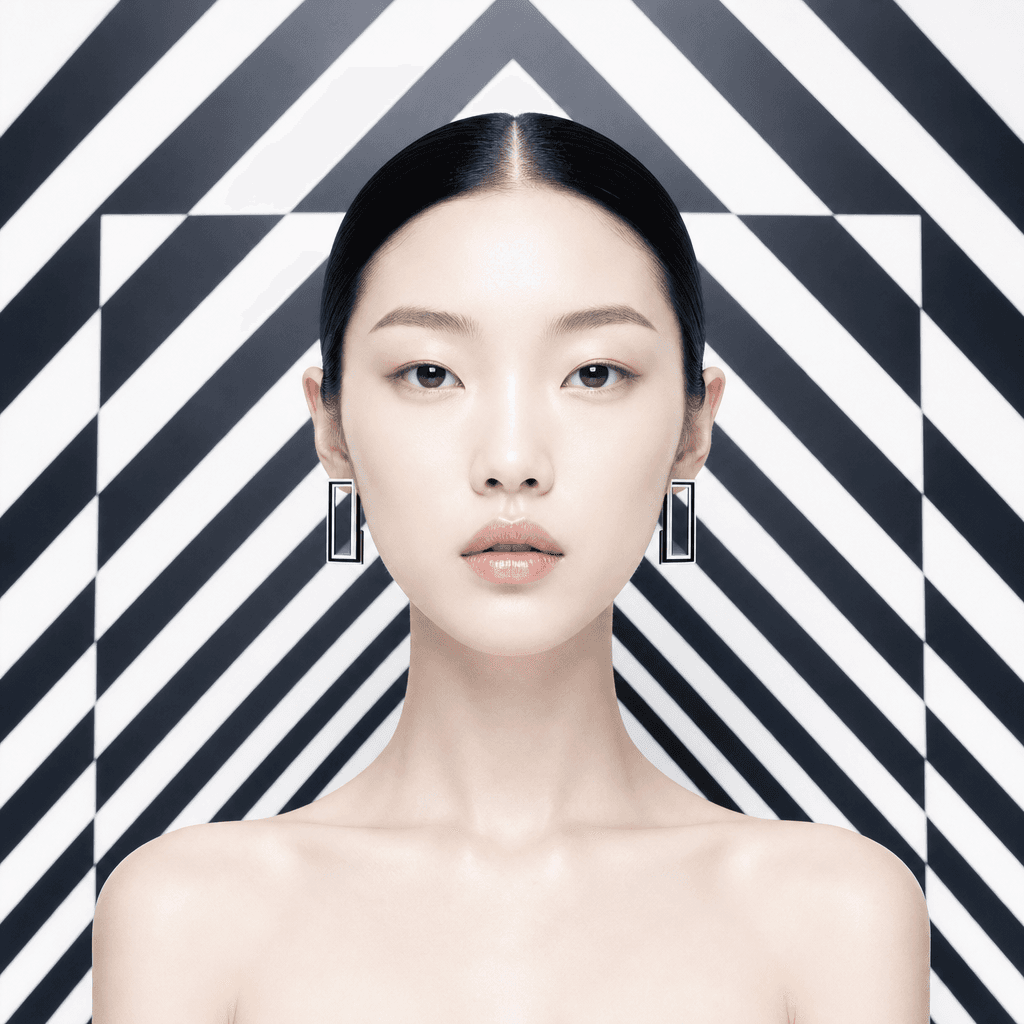
Create optical illusion art visuals with practical AI prompt examples, style tips, and use cases.
2026.07.03
Make “Optical Illusion Art” exactly the way you wantCreate your own “Optical Illusion Art”
Just ask in plain language — Carat generates optimized images and videos for you.

Start now with 100 free credits daily
착시 그림
What are Optical Illusion Art AI prompts?
Optical Illusion Art prompts describe a clear visual target for AI image generation. A strong prompt does more than name the subject. It defines the composition, color palette, texture, level of detail, background density, and practical use case. This helps create images that are easier to reuse in posters, stickers, educational materials, social posts, product pages, thumbnails, packaging drafts, and campaign visuals. The examples on this page are designed to be copied, adapted, and combined with other Carat prompt tags.
Main use cases
- 디자인 참고자료
- 추상 포스터
- 시각 놀이 카드
- 교육 콘텐츠
- 패턴 그래픽
Why this tag is useful
A clear visual prompt reduces ambiguity before generation starts. Instead of asking for a broad image, you can specify the subject shape, pose, line style, palette, background, and production constraints. Phrases such as clean centered composition, soft paper texture, flat editorial style, soft shadow, no readable text, no logo, and no watermark help produce assets that are easier to edit and publish. This tag is useful when you need a clean visual that can work across learning materials, cards, stickers, posters, thumbnails, or brand drafts.
Related prompts to explore
Useful related tags include illustration, flat-illustration, sticker-design, children-illustration, educational-poster, poster, and card-news. Combine this tag with poster for campaign-style layouts, with sticker-design for cutout assets, or with educational-poster when the visual needs to feel informative and classroom-ready.
Prompt writing tips
- Start with the intended format, such as card, poster, sticker, worksheet, icon, or thumbnail.
- Add concrete details such as centered layout, rounded shapes, crisp outlines, warm lighting, paper texture, or pastel palette.
- Keep production constraints explicit: no readable text, no logo, no watermark, and a clean background.
- Generate variations by changing only palette, background, or detail level, then choose the most reusable result.