Skip to main content

Naver TV Content Screenshot, Topic: , IPhone Size
GPT Image 2· Image
1. Naver TV content screenshot, topic: '중년 부모님, 결혼 강요 그만하세요', iPhone size.
2. KakaoTalk channel screenshot, topic: 'AI 물결 — 9,900원으로 시작하기', iPhone size.
3. Korean Instagram screenshot, topic: '명품 언니 뒤에는 할부의 늪', iPhone size.
4. YouTube Shorts screenshot, topic: '라이브: 이혼 예고편 공개', iPhone size.
Related Prompts
Korean Celebrity YouTube Live Screenshot
GPT Image 2· Image
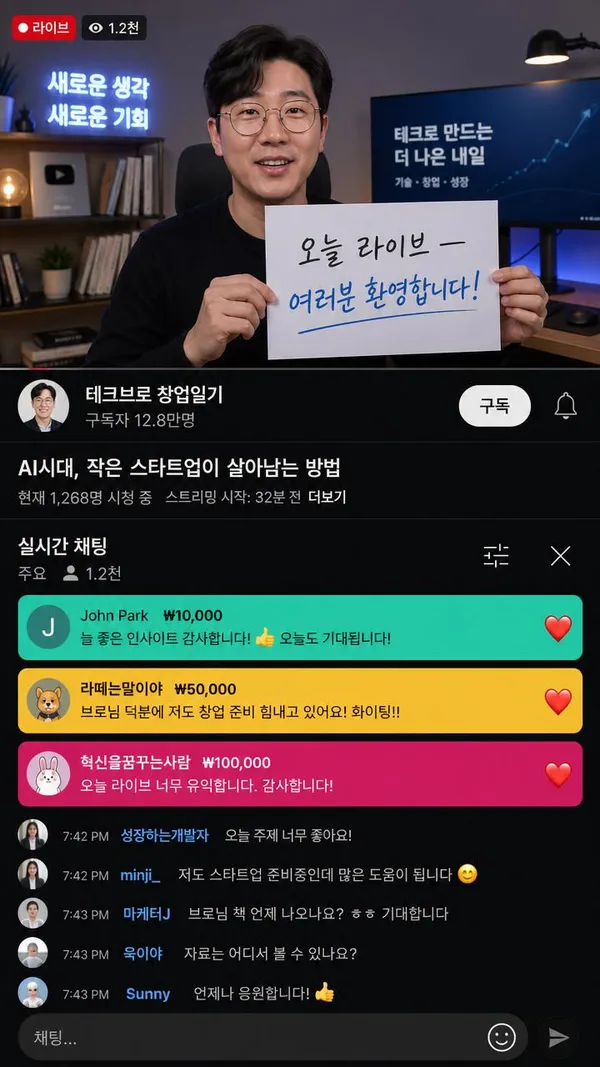
9:16 Korean YouTube Live stream screenshot. Korean male tech entrepreneur doing a live broadcast. He holds a sign: '오늘 라이브 — 여러분 환영합니다!' YouTube live UI in Korean: 구독자 수, live chat bubbles in Korean, Super Chat notifications, Korean channel name.
Screenshots from a AAA Video Game Based Off What the Sims Castaways Sequel Could Look Like
GPT Image 2· Image
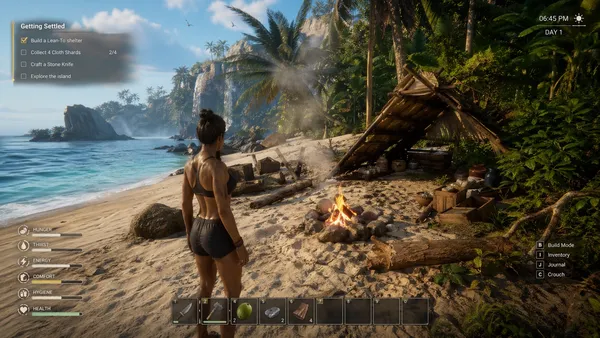
generate screenshots from a AAA video game based off what The Sims Castaways sequel could look like. https://t.co/aL7hMdUYvj
Minecraft Screenshot Image of Exploring a Mysterious Pre-war Japanese Research Laboratory
GPT Image 2· Image
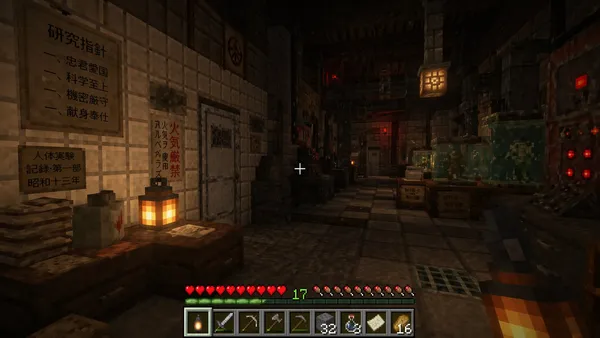
Create a Minecraft screenshot image of exploring a mysterious pre-war Japanese research laboratory.
Precise, Realistic Actual Gameplay Screenshot of Among Us
GPT Image 2· Image
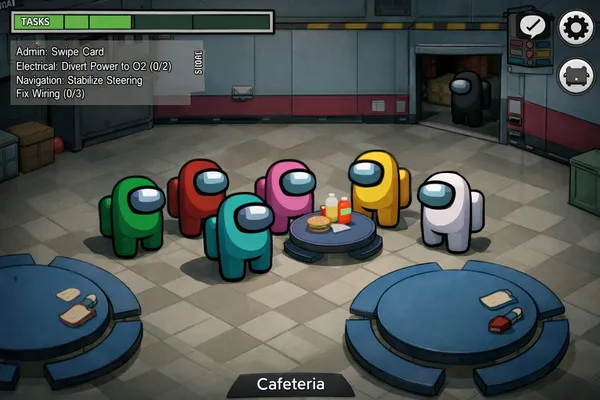
Generate a precise, realistic actual gameplay screenshot of Among Us.
Counter Strike in Game Screenshot, Mixed with Terraria
GPT Image 2· Image
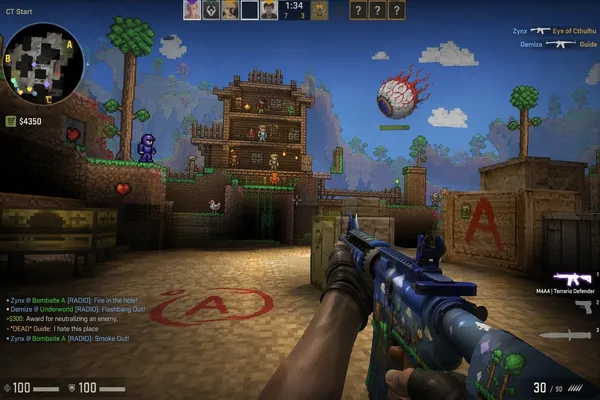
counter strike in game screenshot, mixed with Terraria
Korean Idol Group Fan Count Battle in a Naver Now Live Stream Screenshot
GPT Image 2· Image
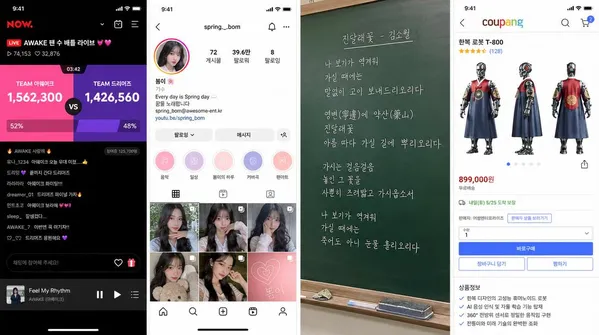
1. Korean idol group fan count battle in a Naver Now live stream screenshot.
2. Korean Instagram profile screenshot for fictional K-pop idol '봄이'.
3. Kim Sowol's poem '진달래꽃' handwritten on Korean school chalkboard, realistic chalk style, iPhone shot.
4. Coupang product detail page for fictional 'Hanbok Robot T-800' with front/side/back views, Korean price, Korean features.
Social Dating App Match Success Screen UI Illustration
GPT Image 2· Image
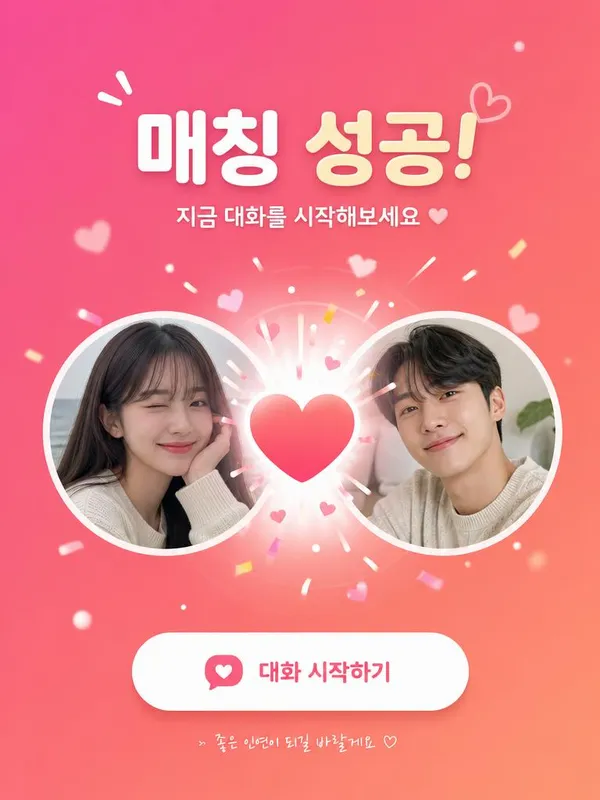
Social dating app match success screen UI illustration. Two circular profile photo cards slide together with a heart burst animation effect in the center. Korean text: '매칭 성공! 지금 대화를 시작해보세요'. Pink and coral gradient background, playful Korean app UI design.
Korean Influencer Instagram Live Screenshot
GPT Image 2· Image
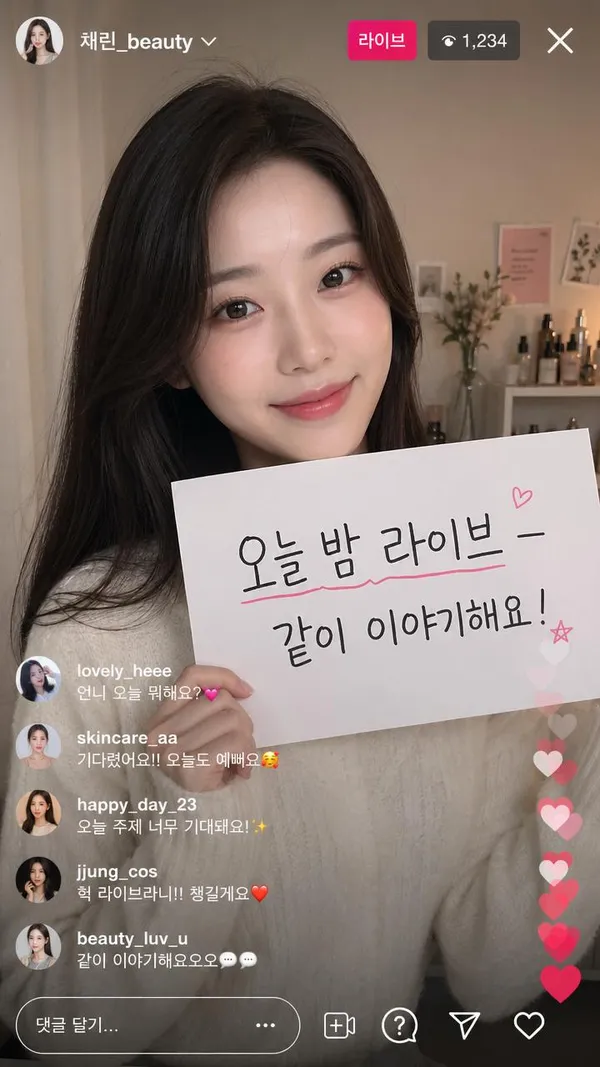
9:16 Korean Instagram live stream screenshot. Korean female beauty influencer doing a live broadcast. She holds a sign: '오늘 밤 라이브 — 같이 이야기해요!' Korean Instagram live UI — viewer count, heart reactions, Korean username, Korean comment bubbles visible.
BMW Performance Social Poster
GPT Image 2· Image
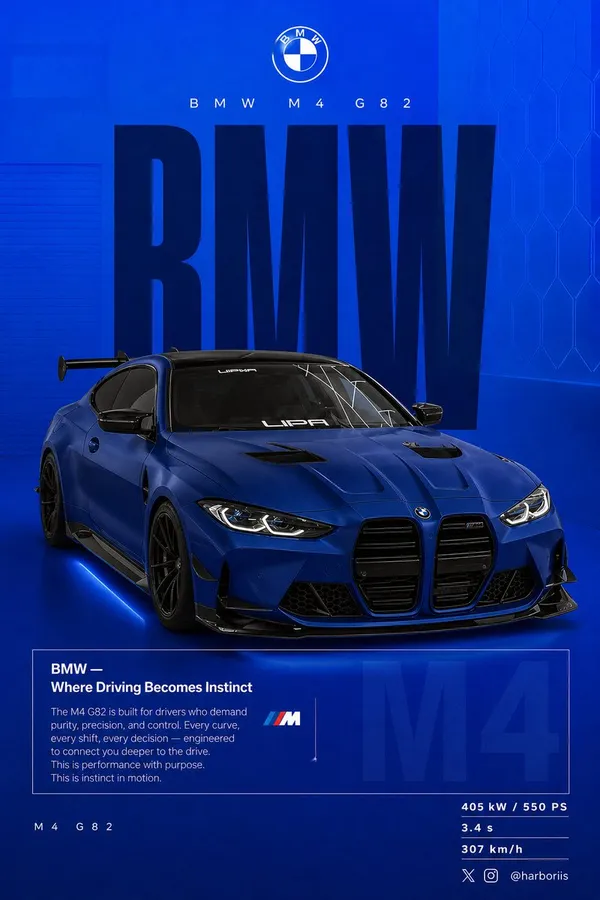
Create a 4:5 vertical social poster in ultra high resolution, 8K print quality sharpness. Use the {argument name="car model" default="BMW car"} from the reference image as the main subject and use the background structure/composition from the reference image, but transform it into a BMW themed design. Replace all black tones with a flat {argument name="background color" default="high-saturation BMW blue"} background. Keep the same layout, spacing, visual balance, and poster composition from the reference image. Background should use a smooth gradient from slightly lighter electric blue at the top to deep navy blue at the bottom. Add subtle grain texture (2 to 3%) and faint rectangular overlays (2 to 4% opacity). Keep it clean, graphic, premium, and non-realistic. Add a soft contact shadow under the car. Use the same BMW from the reference image, changing only the {argument name="paint finish" default="matte frozen blue"} or deep metallic navy. Keep the original body shape, wheels, stance, and design details from the reference image. Show the car in a rear 3/4 perspective matching the reference image angle exactly. Use a slightly elevated camera angle. Position the car slightly right of center. Include visible carbon roof, aggressive rear diffuser, sharp controlled reflections, and subtle brake details. Keep composition identical to the reference image: Top: branding Middle: giant type Center: car overlapping text Bottom: editorial block and specs Typography: Primary text: “BMW” Ultra condensed bold sans serif, tall vertical scaling like the reference poster. Color deep navy or near black. Static text with no distortion. Acts as structural backdrop. Secondary header: “BMW M4 G82” Thin font with wide tracking. Logo area: BMW roundel centered above. Editorial block: Headline: “BMW — Where Driving Becomes Instinct” Body copy focused on: driver connection control performance precision Use the same boxed editorial layout as the reference image. Background faded text: “M4” large scale with 3 to 5% opacity behind the box. Bottom left: “ M4 G82” Bottom right specs: 405 kW / 550 PS 3.4 s 307 km/h Lighting should be clean studio lighting with sharp but controlled highlights. Color grading should use deep blues, high contrast, clean blacks. Camera lens: 50mm, slightly elevated rear 3/4 angle. Mood: Performance. Precision. Driver focus. Add Bottom-right watermark: harboriis , with small x and Instagram logo
Shape morphing through UI states
Claude Opus 5.5· Video
<inputs>
Ask me for: 8 to 12 UI states I want the shape to become (e.g. button, loader, player, slider, toggle, tabs, chart, command palette, toast), pure black and white or one accent color, and a royalty-free song around 120 BPM (e.g. Mixkit, free for commercial use).
</inputs>
<direction>
Dribbble-level UI motion. One shape, never cut: every state is the same element morphing its size, radius and color while its content swaps with a short blur. A cursor drives every change with real clicks and drags. Light warm-gray canvas, black and white components, one clean UI font (Geist). Springs everywhere, a tiny overshoot at most. The camera zooms so each state fills the frame. The last frame is the first frame, so it loops.
Banned: bouncy easing, particle bursts, glows, gradients on UI chrome, mismatched icon strokes, dead time, anything that looks like a template.
</direction>
<structure>
120 BPM, 7 bars, something happens on every beat.
Button → loader → check → dynamic island → music player with a play/pause morph → scrub the progress bar → it becomes a volume slider that stretches when dragged past max → a toggle flips on the beat → the knob becomes a liquid tab indicator → the tabs open into a chart that draws itself, with a tooltip on hover → it collapses into ⌘K → type to filter → enter → toast → back to the button.
</structure>
<build>
1. One HTML file, square 1440x1440. Every style is computed from time inside seek(t): no CSS transitions, no timers, no state carried between frames.
2. Springs are closed-form step responses. A value that changes target many times is the sum of one spring per change, so it stays a pure function of time.
3. The tab indicator's two edges ride different springs, so the leading edge stretches ahead of the trailing one. Same trick for the toggle knob.
4. Drags are direct manipulation: while the cursor is held, the value is computed from its position. On release it springs back from wherever it was.
5. Analyze the song with numpy for the beat grid and start on a downbeat. Place every UI sound by its measured peak.
6. Render with Playwright: 4 subframes per frame, blended with ffmpeg tmix for motion blur at 60fps.
7. Render one frame per beat before the full render. Fix anything off the grid, cramped or hard to read.
</build>
<gotchas>
Never put will-change on anything the camera scales or the text renders blurry. Text that swaps inside a morphing container needs its own enter and exit timing or it overlaps. Make the last frame identical to the first, cursor position and speed included, or the loop stutters.
</gotchas>
<start>
Ask me for the inputs, then show me the state list on the beat grid before you write any code.
</start>
Korean Mobile RPG Game Screenshot Featuring a Korean Webtoon-style Character
GPT Image 2· Image
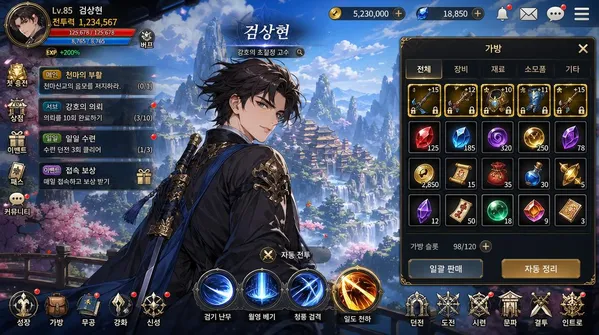
Korean mobile RPG game screenshot featuring a Korean webtoon-style character. Korean game UI: HP bar, 스킬 버튼, 퀘스트 알림, inventory panel. Korean fantasy landscape background. Character name in Korean Hangul at top. Korean mobile game aesthetic — vibrant colors, clean UI, Korean text throughout. 16:9.