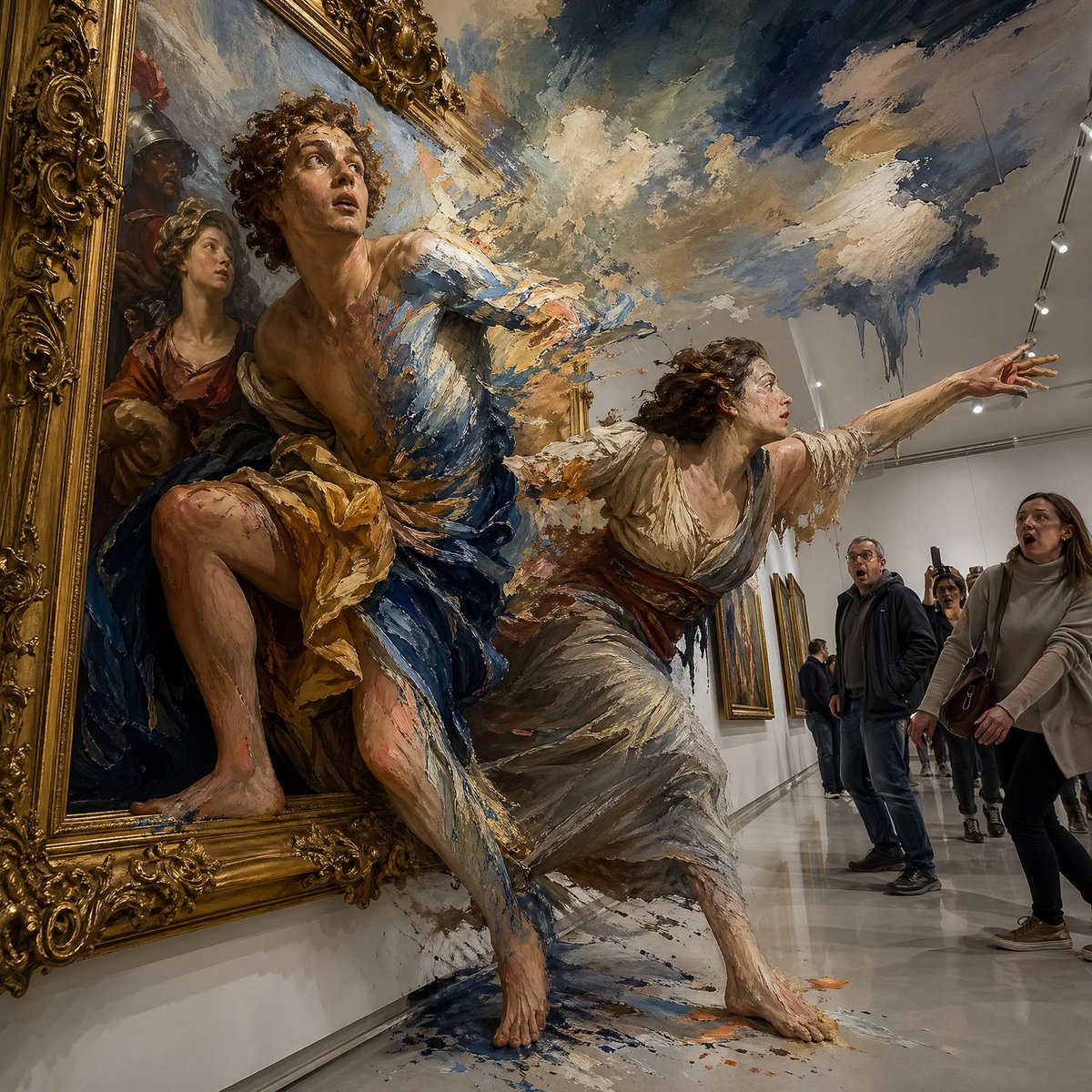
Perspective Photo
Create perspective photo visuals with editable AI image prompts and practical customization tips.
2026.07.02
Make “Perspective Photo” exactly the way you wantCreate your own “Perspective Photo”
Just ask in plain language — Carat generates optimized images and videos for you.

Start now with 100 free credits daily
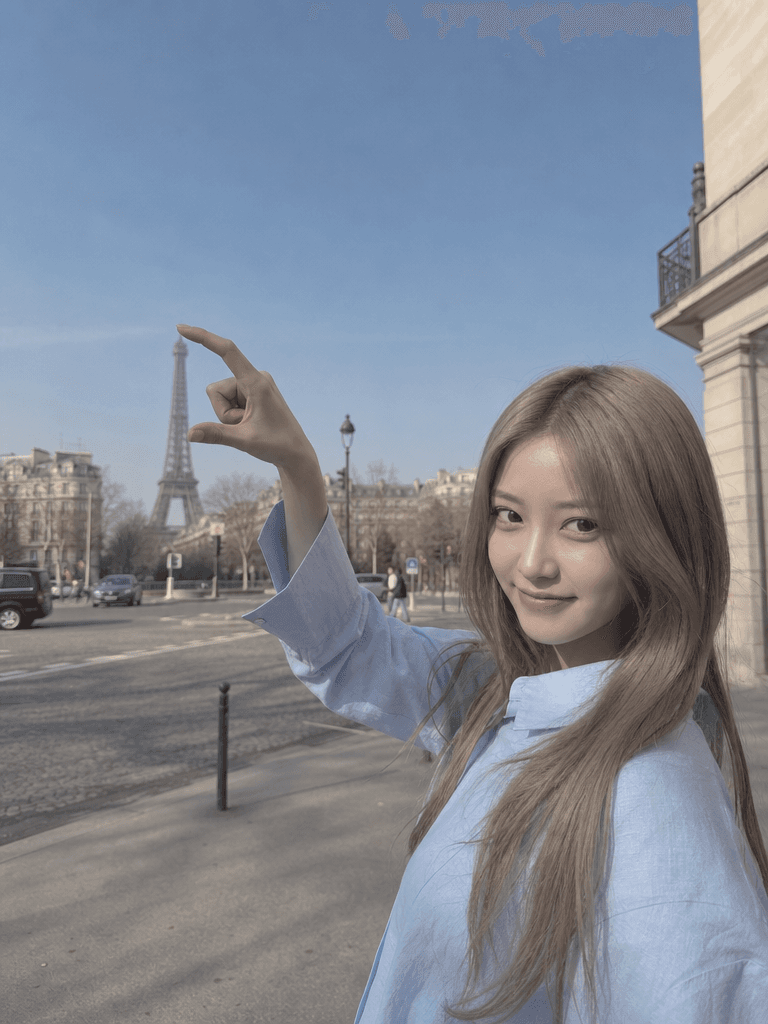
원근법 사진
Perspective Photo Prompt Guide
Perspective Photo is a useful image generation topic when you want a clear visual direction instead of searching for a nearly matching stock image. In Carat, you can copy a prompt, adjust the mood or composition, and create visuals for social posts, blog images, ecommerce pages, moodboards, card news, and presentation drafts. This page focuses on 착시와 깊이감을 활용한 재미있는 강제 원근법 사진.
What You Can Create
A strong prompt defines the subject, scene, lighting, camera distance, texture, and empty space together. For Perspective Photo, details such as natural window light, studio lighting, vintage film texture, travel photography, editorial layout, or reference sheet composition can strongly influence the final result. For people-related images, keep the subject fully fictional and avoid celebrity resemblance or real identity cues.
How to Customize
Start with the channel. Square or 4:5 layouts work for feeds, 9:16 works for short form covers, and 16:9 works for blogs, banners, and landing pages. Then adjust background density, palette, props, facial expression, camera distance, and visual spacing. If the final asset needs copy, leave blank areas and add text later in a design tool.
Quality Tips
Do not rely on keywords alone. Connect the topic, mood, lighting, setting, finish, and constraints in a single clear direction. Adding no readable text, no logo, no celebrity resemblance, and fictional subject helps create flexible prompt gallery examples that are easier to reuse.
Best Use Cases
Perspective Photo prompts are useful for marketing drafts, profile references, educational content, small business visuals, and personal creative projects. Use the examples as a base, then change the season, outfit, location, camera angle, or color palette to make the result more specific.