Photo to Painting
Convert photos to oil painting, watercolor, or digital art with AI. Transform landscapes, portraits, and city scenes into artistic painting styles.
2026.07.01
Make “Photo to Painting” exactly the way you wantCreate your own “Photo to Painting”
Just ask in plain language — Carat generates optimized images and videos for you.

Start now with 100 free credits daily
·
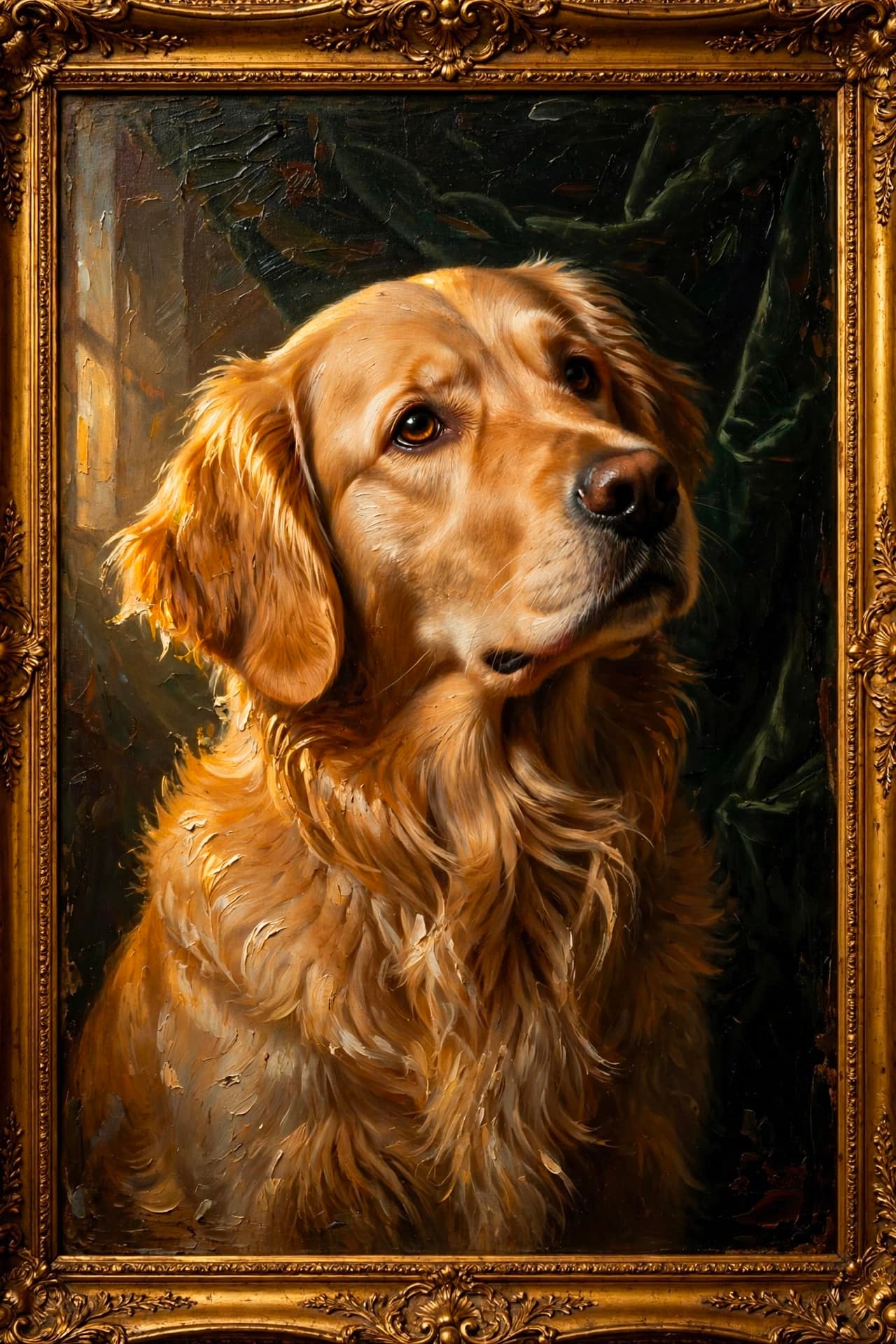
Classical Oil Painting of a Dog
Meta Muse Image· Image
Repaint this pet photo as a classical oil painting. Thick impasto brushstrokes, dramatic directional lighting from one side, rich chiaroscuro contrast, velvet backdrop, ornate gold frame look, soulful expression, timeless museum feel.
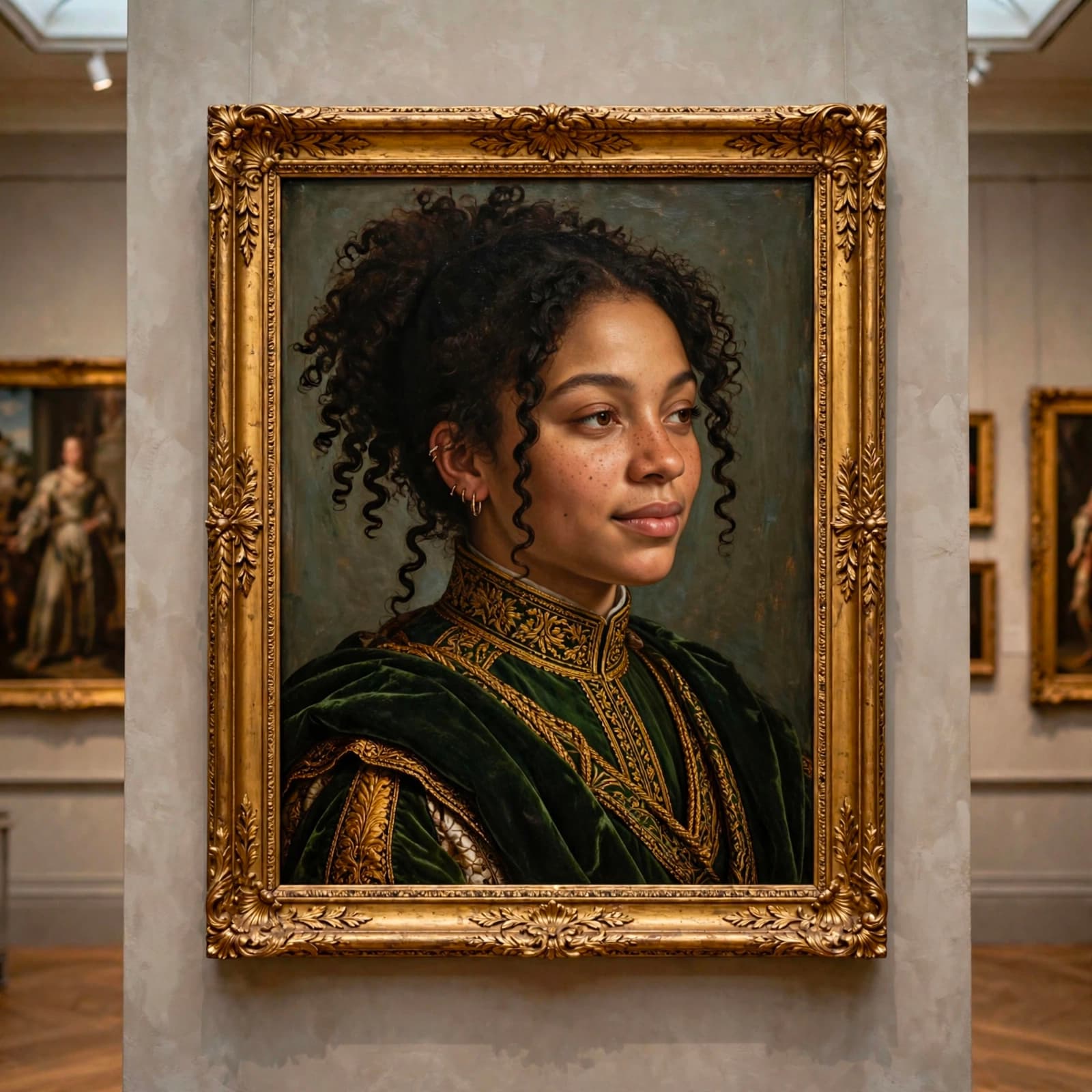
Renaissance Portrait Painting
Meta Muse Image· Image
While preserving the subject's likeness and features, illustrate a classical Renaissance portrait painting of the exact subject (faithful to the original source image) in regal, layered Renaissance garments: heavy velvet cloaks, high-collared tunics, flowing draped robes. Keep the subject's hairstyle and distinct accessories. They are facing right in a classical portrait pose. Hang the painting framed on a wall in an art gallery.
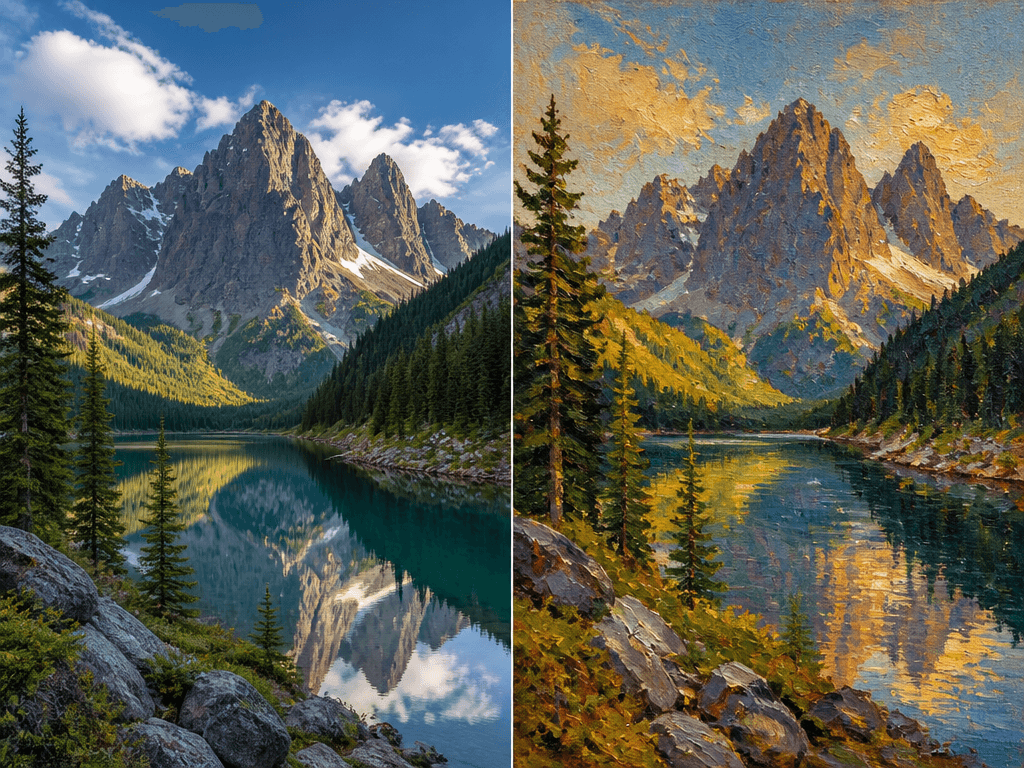
사진을 그림으로 변환
GPT Image 2· Image
A side-by-side comparison showing a photo-to-painting conversion. Left side: a realistic photograph of a mountain landscape with lake. Right side: the same scene converted to an oil painting style with visible brush strokes, warm tones, and textured canvas feel. Impressionist painting style with thick brushwork and vivid colors.
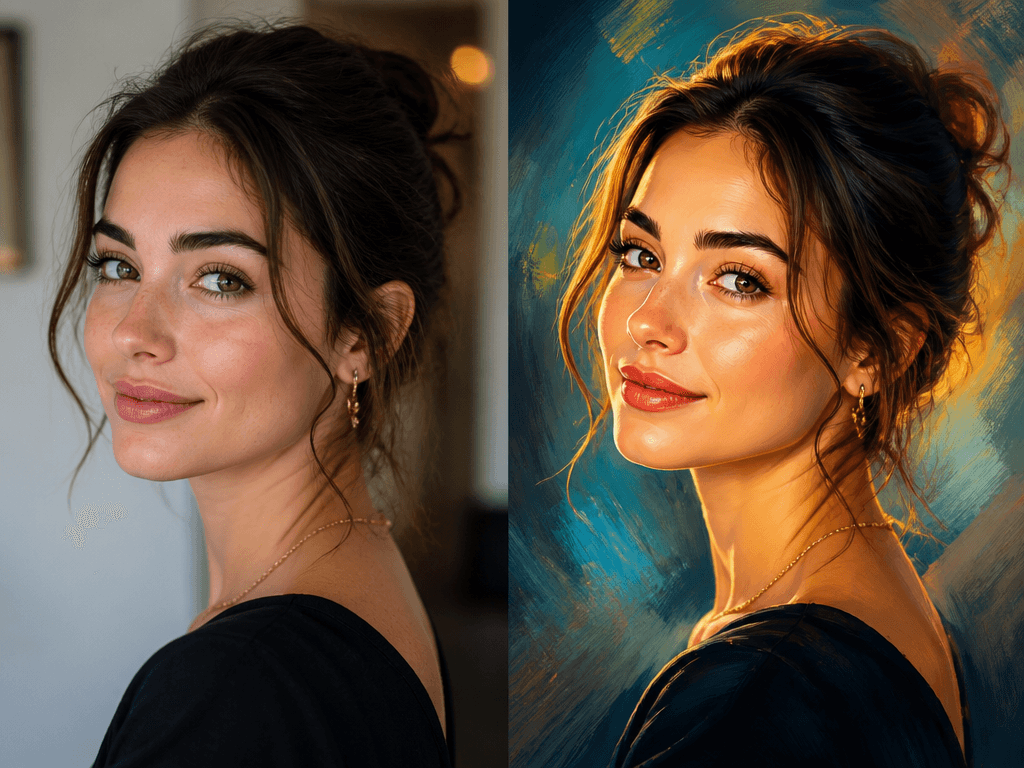
사진을 디지털 아트로 변환
GPT Image 2· Image
A side-by-side comparison showing a photo-to-digital-art conversion. Left side: a realistic photograph of a woman portrait. Right side: the same portrait converted to a stylized digital painting with smooth gradients, dramatic lighting, and painterly texture. Contemporary digital art style with vibrant enhanced colors.
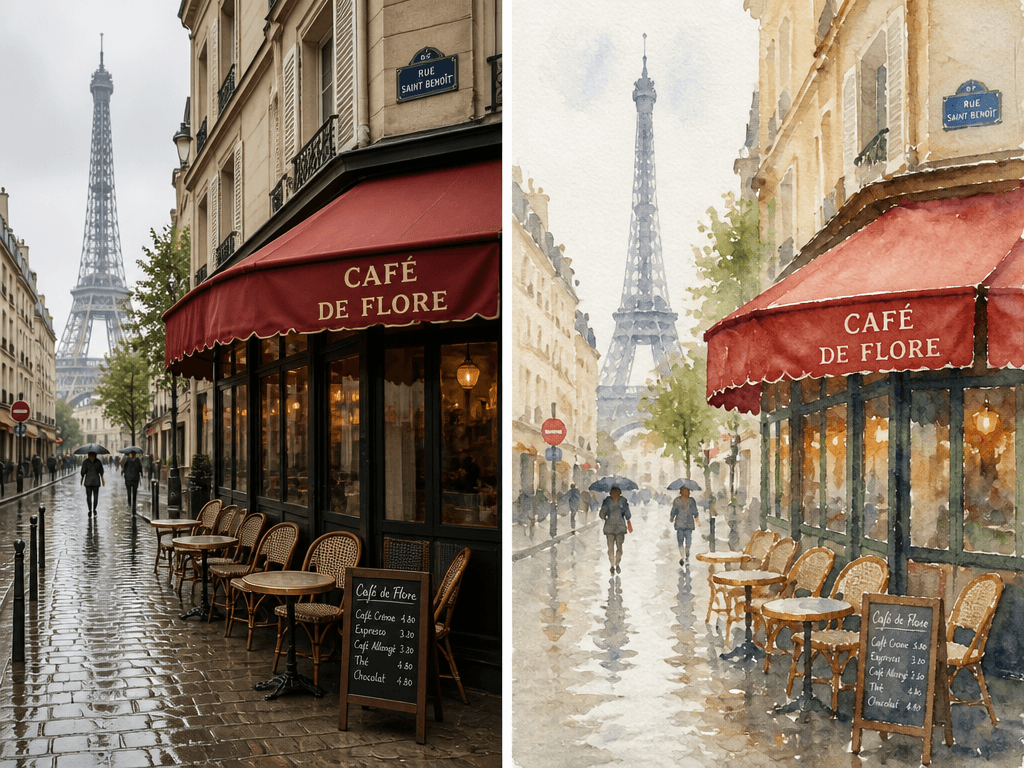
사진을 수채화로 변환
GPT Image 2· Image
A side-by-side comparison showing a photo-to-watercolor conversion. Left side: a realistic photograph of a Paris street scene with cafe. Right side: the same scene converted to a soft watercolor painting with flowing colors, wet-on-wet technique, and paper texture visible. Delicate and dreamy watercolor aesthetic.
Photo to Painting — Transform Photos into Art with AI
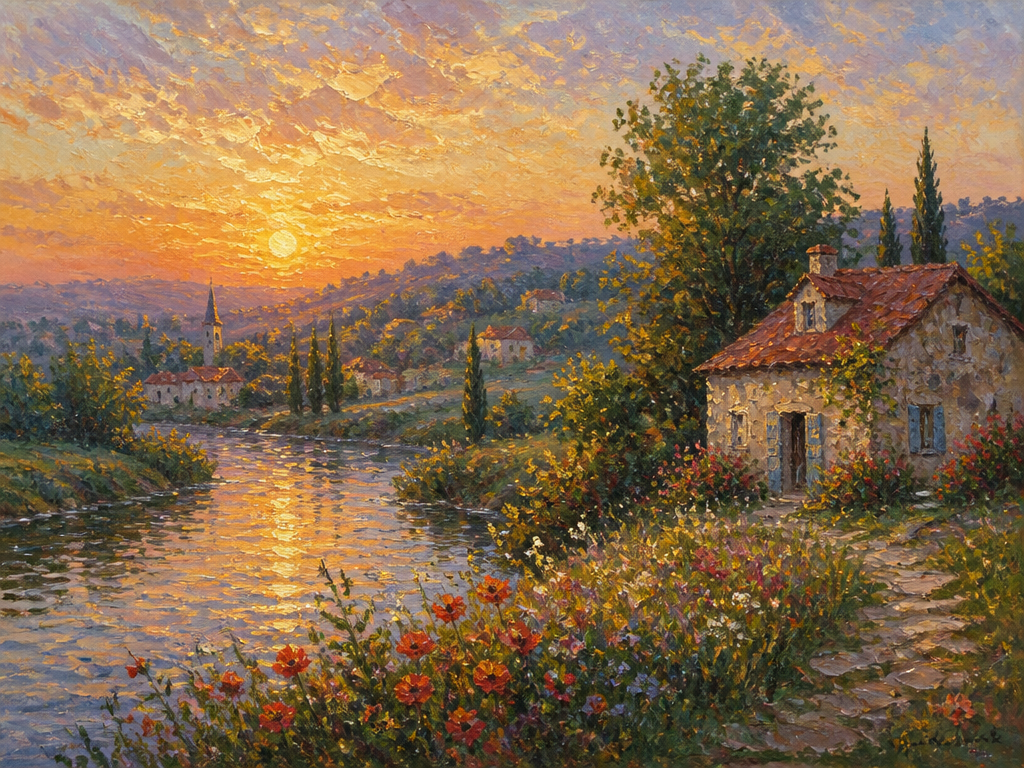
Photo-to-painting conversion uses AI to turn photos into artworks. Carat's AI photo-to-painting converter transforms landscapes, portraits, and city scenes into oil, watercolor, and digital art styles.
Types of Photo-to-Painting Conversions
- Photo to Oil: Visible brush strokes, impasto technique
- Photo to Watercolor: Soft watercolor, flowing colors
- Photo to Digital Art: Contemporary digital painting, dramatic lighting
- Photo to Impressionism: Monet/Renoir-style impressionist painting
Photo-to-Painting Tips
Try: 'Convert photo to oil painting, visible brush strokes, impasto, warm tones' or 'photo to watercolor, wet paper, flowing colors, delicate.'