Robot Icon
Create Robot Icon images with practical AI prompts for composition, linework, color, and consistent visual direction.
2026.07.14
Make “Robot Icon” exactly the way you wantCreate your own “Robot Icon”
Just ask in plain language — Carat generates optimized images and videos for you.

Start now with 100 free credits daily
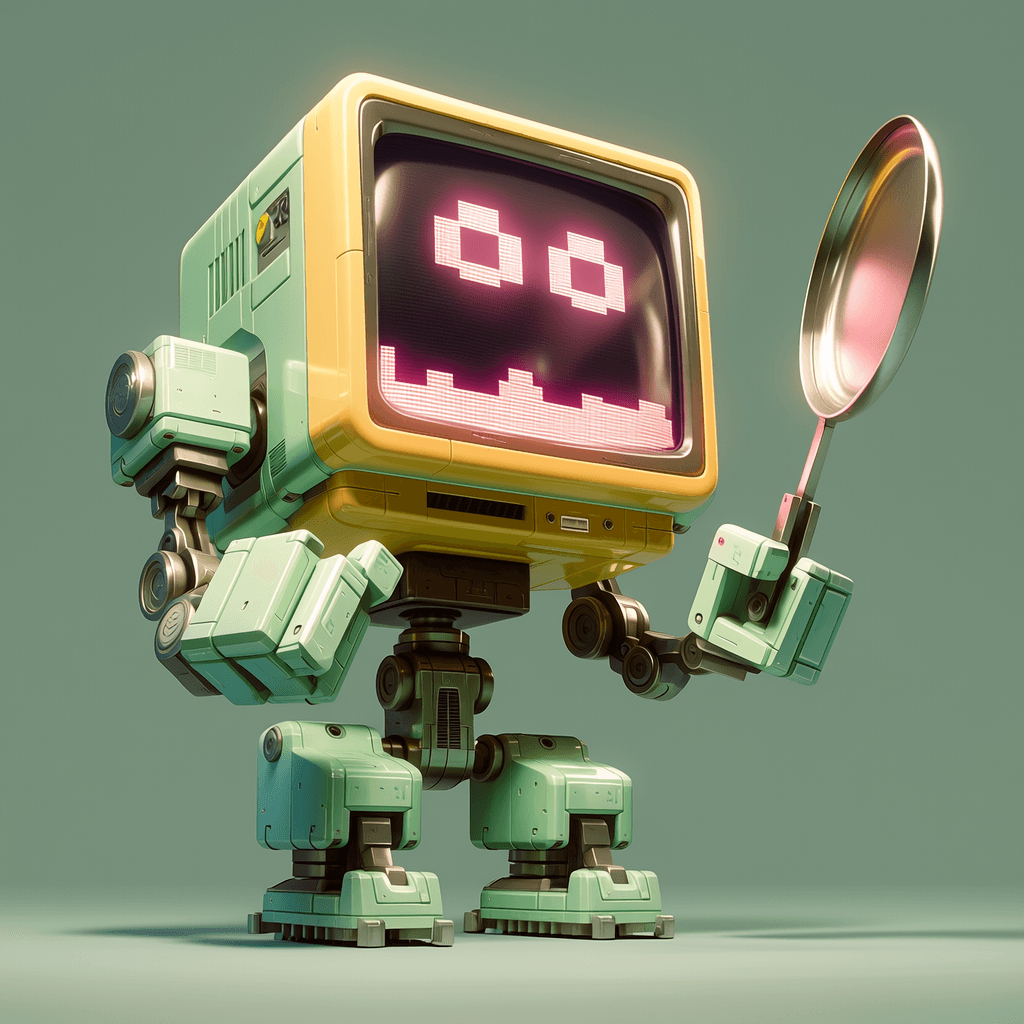
Retro Futuristic Robot Design
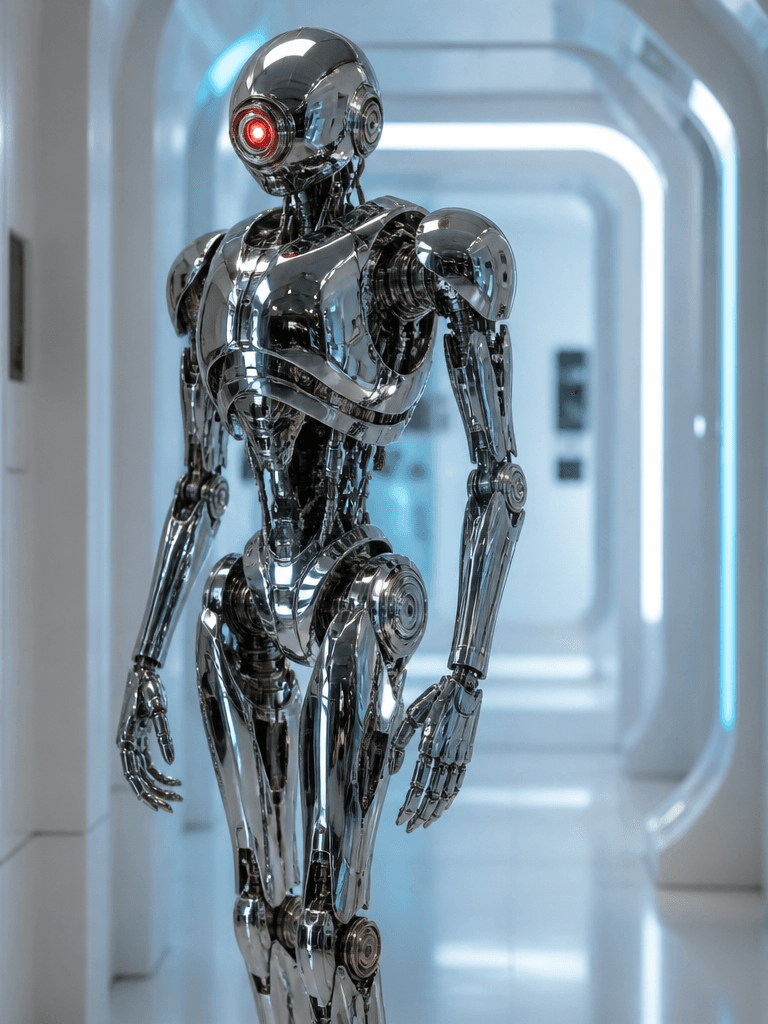
미래형 로봇 센티넬
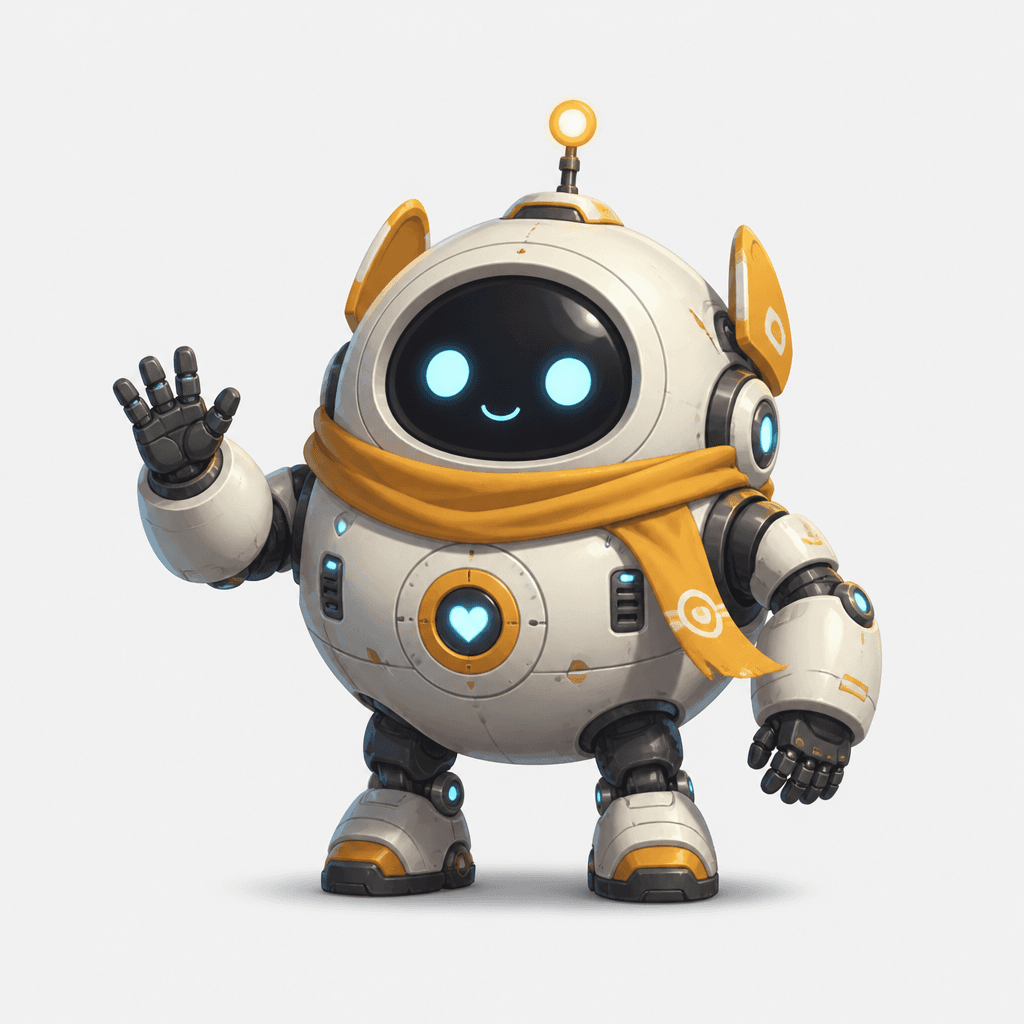
로봇 캐릭터
What are Robot Icon prompts?
Robot Icon prompts are production instructions that help an image model preserve a recognizable silhouette, expression, palette, stroke system, and intended use. Naming the subject alone is rarely enough. State how much of the canvas it should occupy, whether the view is frontal or three-quarter, how dense the background may be, and where the finished asset will appear. Icons and compact illustrations must survive reduction, so generous padding, decisive contours, and a restricted color system should be established early. Copying a gallery example and changing only one symbol, color, or expression makes comparisons more useful.
What can you create?
Simplify the round head, sensor eyes, antenna, and joints so the machine reads at a small size. Keep stroke weight and corner radius consistent for app menus, chatbots, automation features, and educational cards. Square layouts suit apps, profiles, and thumbnail libraries, while vertical space supports instructional cards and posters. Keep the defining form fixed and vary expression, props, or seasonal color to build a connected family. Mention whether the asset is intended for a luminous screen or printed material so contrast and surface treatment can be adjusted deliberately.
How to structure the prompt
Open with the subject and use case, then describe defining geometry, viewpoint, palette, lighting, and background in that order. Replace vague praise with visible constraints such as front-facing centered placement, rounded heavy contours, a three-color palette, and twenty percent outer padding. For human figures, specify framing so hands and the face remain complete. If typography is not central, keep random lettering and logo-like marks away from the focal shape. Avoid combining several contradictory media or rendering styles in the same request.
Practical refinement tips
Judge silhouette and framing in the first result, then adjust expression, surface, and environmental density. If meaning disappears at thumbnail size, remove decoration and increase value contrast between subject and background. When identity drifts across a set, repeat the non-negotiable eyes, ears, clothing, or symbolic attributes in exactly the same opening language. Before publication, inspect edges, anatomy, repeated motifs, accidental lettering, and watermark-like artifacts at full resolution.
Related prompts
Comparing related pages shows how one subject can move between character art, flat iconography, and narrative illustration. Change palette, viewpoint, or stroke weight one variable at a time. This makes it easier to identify the instruction that improved the output and carry that decision into later generations.