carat

Prompt Gallery

/

RPG Quest Background

Login
Sign Up

RPG Quest Background

RPG Quest Background prompts. Copy and use RPG Quest Background image generation prompts from Carat right away.

2026.07.12

·
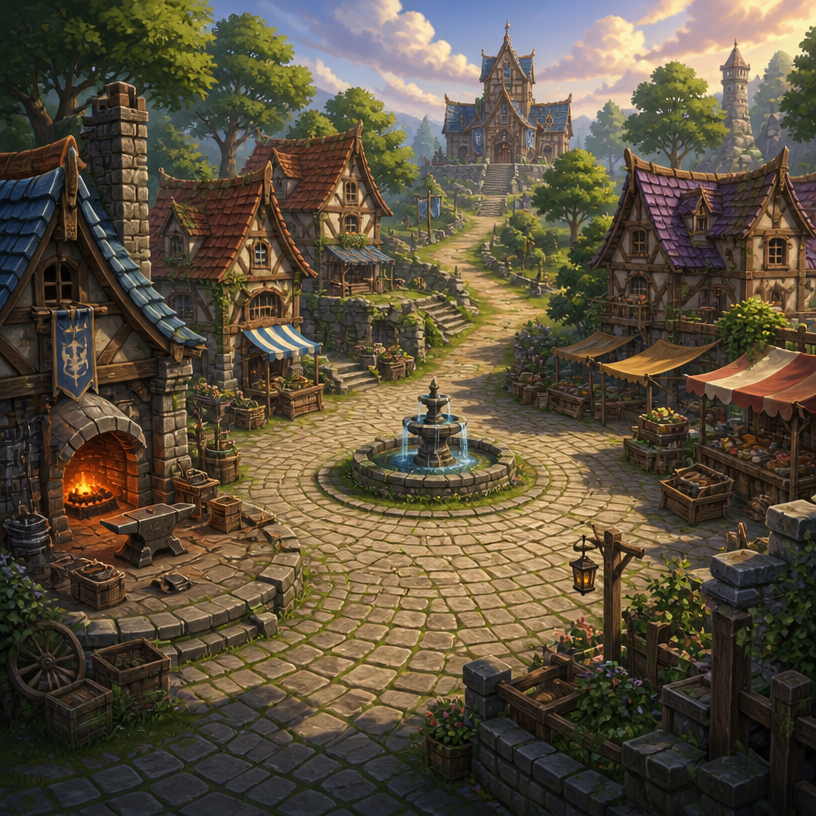
GPT 이미지 2로 생성한 RPG 마을 배경

RPG 마을 배경

GPT Image 2· Image
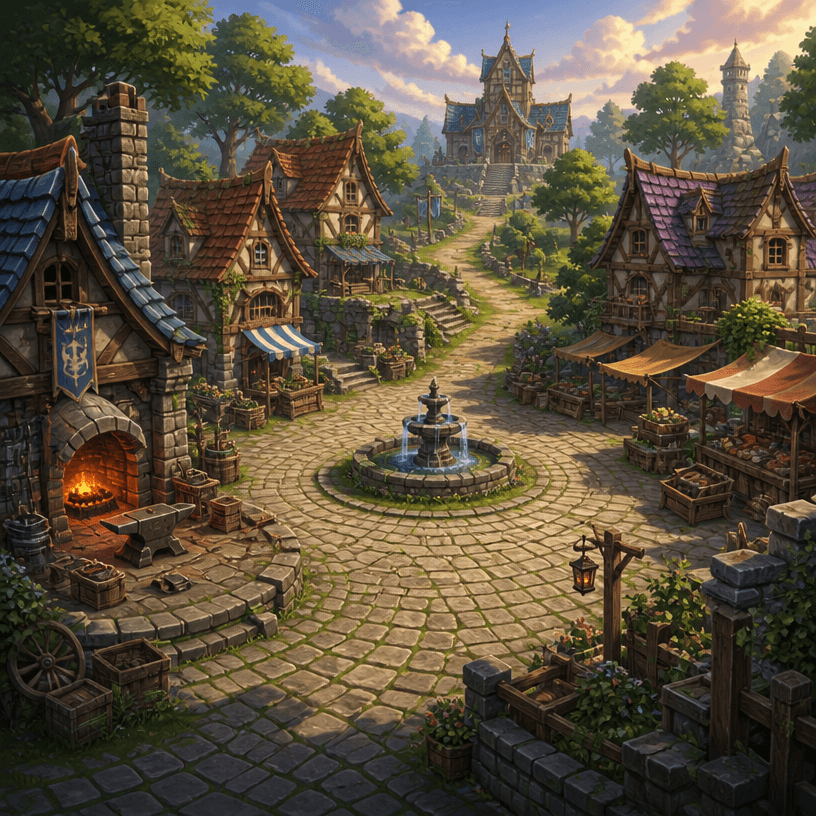
Square fantasy RPG village environment concept art with cobblestone plaza, timber cottages, blacksmith, market stalls and guild hall, warm light, navigable level layout. No text, no interface, no watermark.
GPT 이미지 2로 생성한 스토리 배경

스토리 배경

GPT Image 2· Image
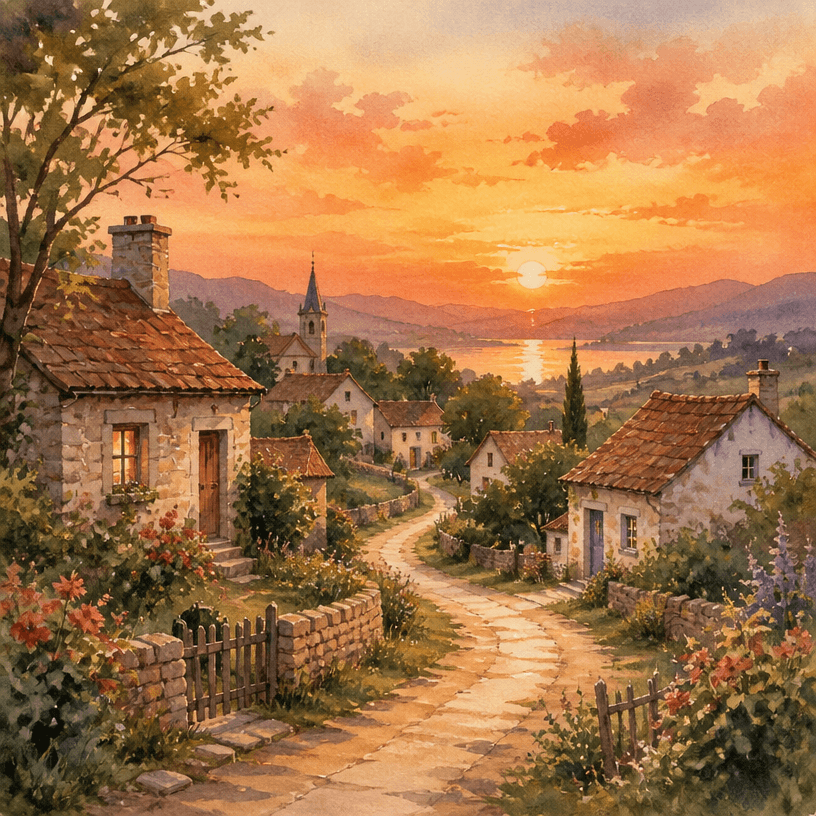
A serene village landscape at sunset with small houses, winding path, and soft warm colors, watercolor illustration style, peaceful atmosphere. No text, no watermark.
AI-generated RPG Map to Anime Event Scene made with GPT Image 2

RPG Map to Anime Event Scene

GPT Image 2· Image
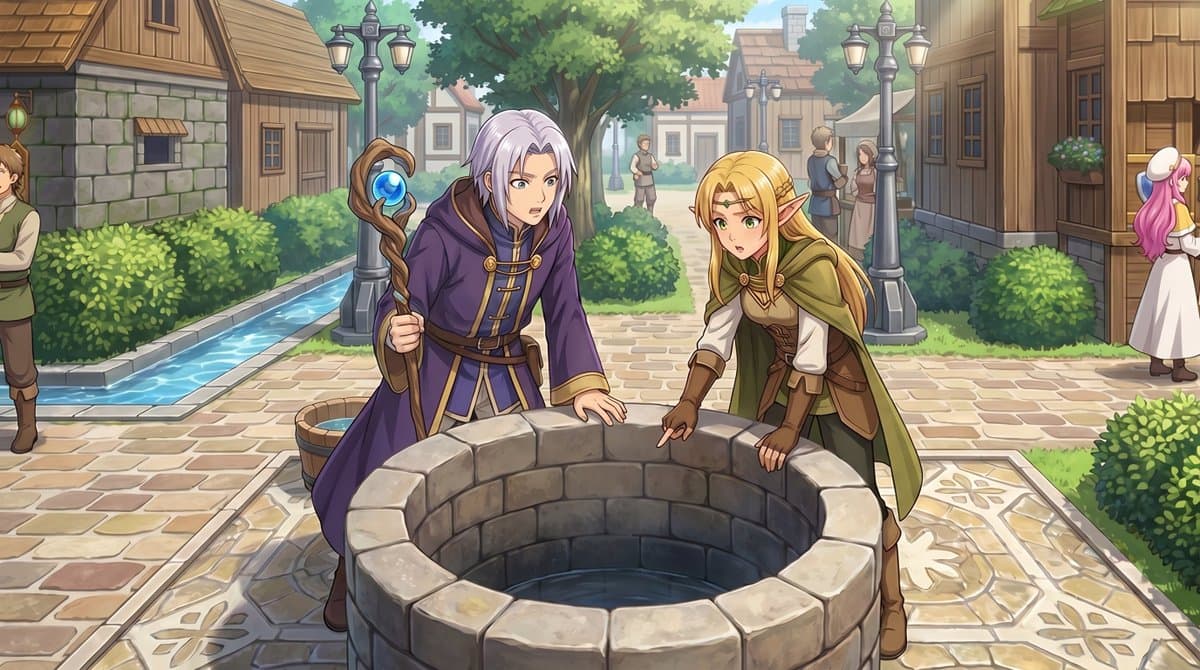
Using the provided reference image, transform the top-down RPG town map into a polished anime-style event illustration from a human eye-level perspective. Keep the same village location and layout cues: the central stone well, the path network, the hedges, the wooden houses, and the narrow water canal on the left. Convert the 2 small sprite characters by the well into 2 full-size fantasy characters in the foreground: a silver-haired mage in a purple robe holding a staff, and a blonde elf in green-and-brown adventurer clothing, both leaning over and looking into the well. Add a cinematic JRPG feel with soft daylight, detailed painterly rendering, clean line art, and gentle depth of field. Preserve the sense that this scene is taking place in the same town square, but enrich it with natural perspective, more environmental detail, and 5 background villagers: 1 man cropped at the far left edge, 2 small figures standing on the center path in the distance, and 2 townspeople talking near the right-side buildings.
@ArtwlDesign

What are RPG Quest Background Prompts?

A collection of AI prompts for generating rpg quest background images. Copy the RPG Quest Background prompts provided by Carat and paste them into an AI image generation tool to get professional-grade results.

How to Use RPG Quest Background Prompts

  1. Select and copy your desired prompt.
  2. Paste it into the Carat agent.
  3. Modify colors, styles, and composition as needed.
  4. Download the generated image and use it in your project.

Tips for Writing RPG Quest Background Prompts

Specify lighting, texture, composition, and lens information in detail for more precise results. Add "No text, no watermark" to prevent unwanted text overlays.

RPG Quest Background Prompt Applications

RPG Quest Background prompts are used across content creation, marketing, design, and educational resources. AI-generated images dramatically reduce production time while maintaining professional quality.

RPG Quest Background Prompt Optimization Guide

Choose the aspect ratio based on your use case: vertical (9:16) for social media, horizontal (16:9) for web banners, and square (1:1) for product images.

Frequently Asked Questions

Related Prompts

RPG Village Background

RPG Village Background

4 prompts

Story Background

Story Background

4 prompts

Fantasy Castle Background

Fantasy Castle Background

4 prompts

Game Lobby Background

Game Lobby Background

4 prompts

Carat Prompt Gallery

Create trending AI prompts instantly

Prompts

  • Logo
  • PPT Design
  • Thumbnail
  • Poster
  • Web Novel Cover
  • ID Photo
  • Caricature
  • Product Detail Page
  • Banner

Models

  • GPT Image 2
  • Seedance 2.0
  • NanoBanana Pro
  • NanoBanana 2

Carat

  • Get started
  • About
  • Blog
  • Careers
  • Contact
  • Partnership
  • Terms
  • Privacy

© 2026 Paradot.Inc All rights reserved.