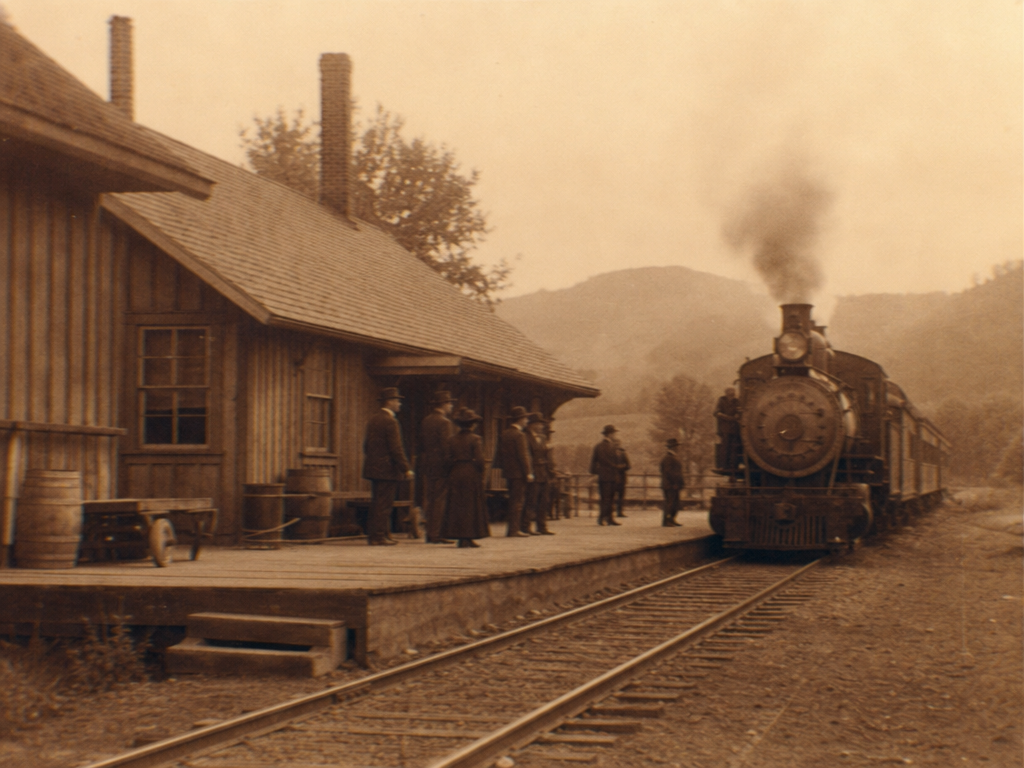
Sepia Tone Photo
Create sepia tone photo visuals with editable AI image prompts and practical customization tips.
2026.07.02
Make “Sepia Tone Photo” exactly the way you wantCreate your own “Sepia Tone Photo”
Just ask in plain language — Carat generates optimized images and videos for you.

Start now with 100 free credits daily
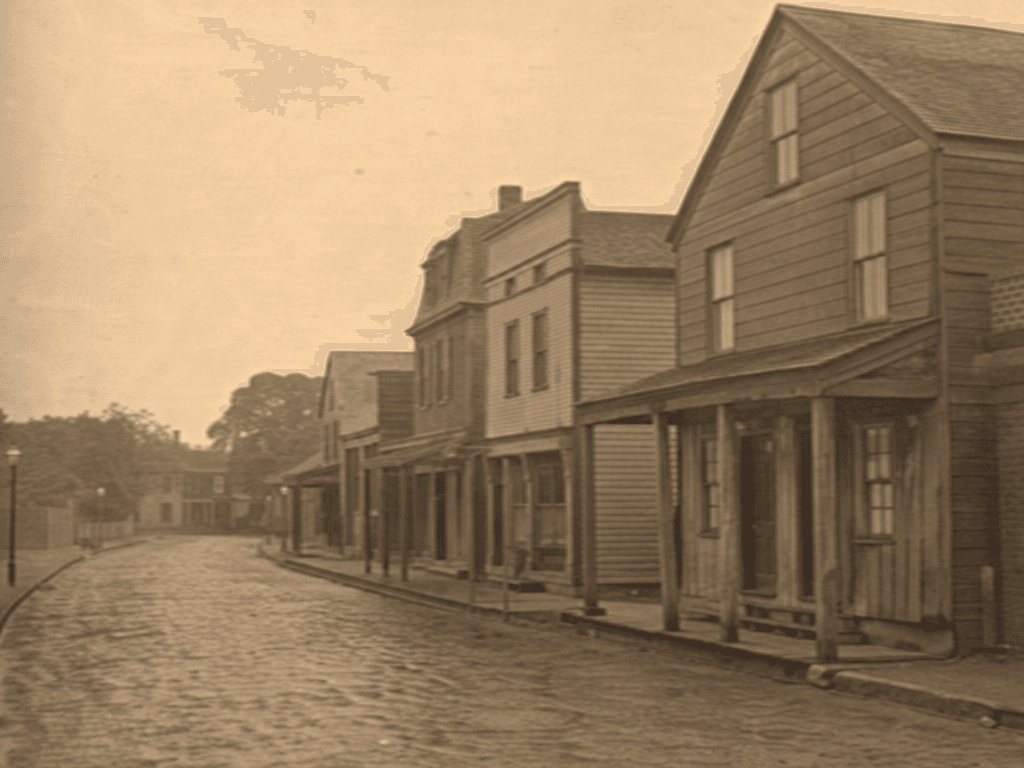
세피아톤 사진
Sepia Tone Photo Prompt Guide
Sepia Tone Photo is a versatile topic for content creation, social media, blogs, portfolios, and moodboards. In Carat, you can copy a prompt and adjust the style, color palette, composition, lighting, and background to fit your final use case. This page focuses on photo effects, compositing, and filter style references.
What You Can Create
A strong prompt should define more than the topic. It should clarify the visual style (photo, illustration, painting), aspect ratio, color palette, lighting, and negative space. For Sepia Tone Photo, adding constraints such as no readable text, no logo, and no watermark helps create reusable gallery samples.
How to Customize
Start with the destination. Social media works well with square format, blog thumbnails with 16:9, and card news with 4:5. Then adjust color, background, texture, lighting, and lens feel.
Safe and Natural Prompting
Avoid referencing real individuals, brand logos, or watermarks. Use fictional, original, generic, and no brand logos when you need safer output.
Best Use Cases
Sepia Tone Photo prompts are practical for social content, blog thumbnails, portfolio drafts, moodboards, card news, and ecommerce support visuals. Use the example as a base, then change the palette and style to build a focused set of variations.