Typography Design
Create typography design visuals with editable AI image prompts and practical customization tips.
2026.07.02
Make “Typography Design” exactly the way you wantCreate your own “Typography Design”
Just ask in plain language — Carat generates optimized images and videos for you.

Start now with 100 free credits daily
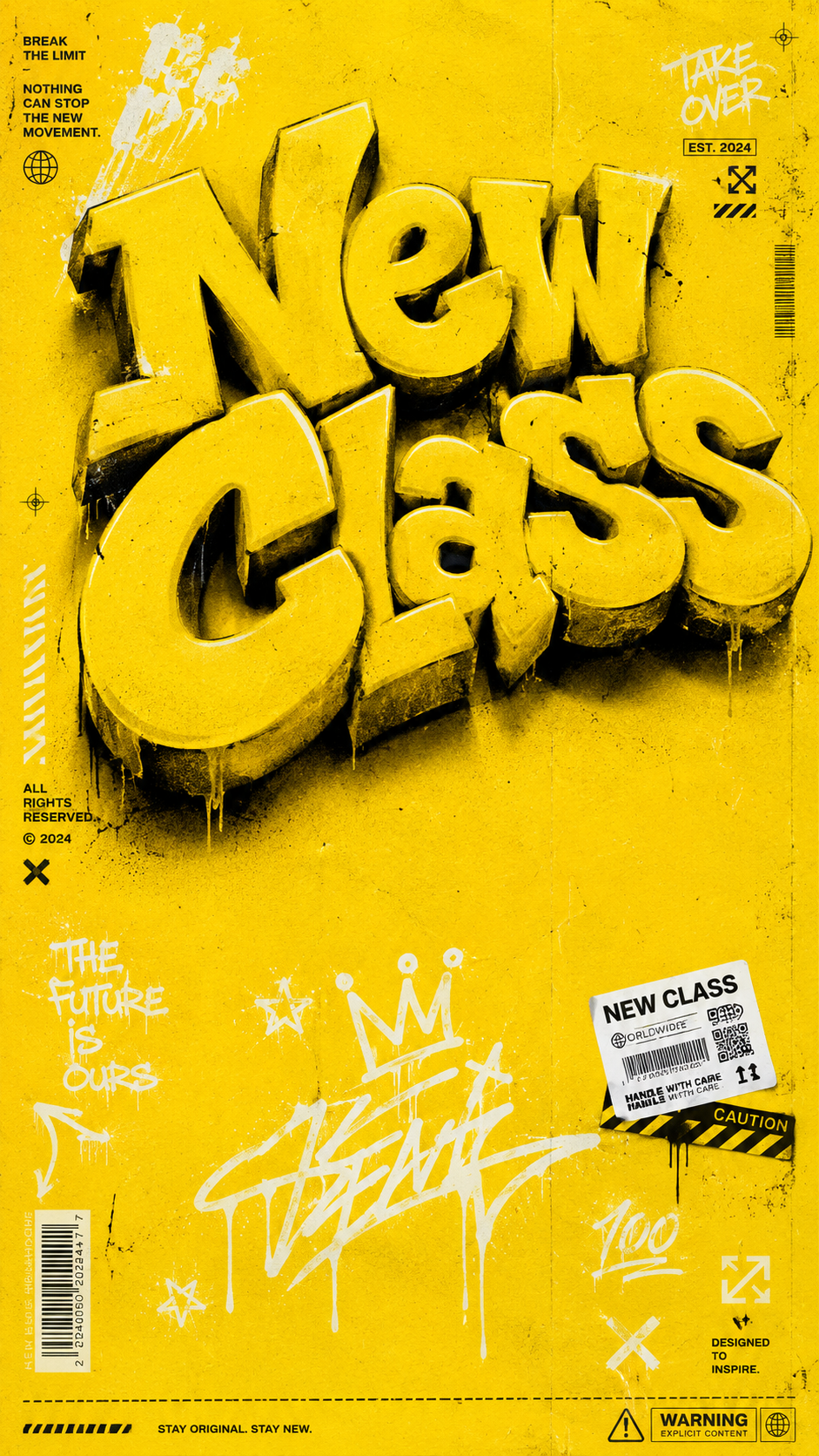
Yellow Streetwear T-Shirt Graphic
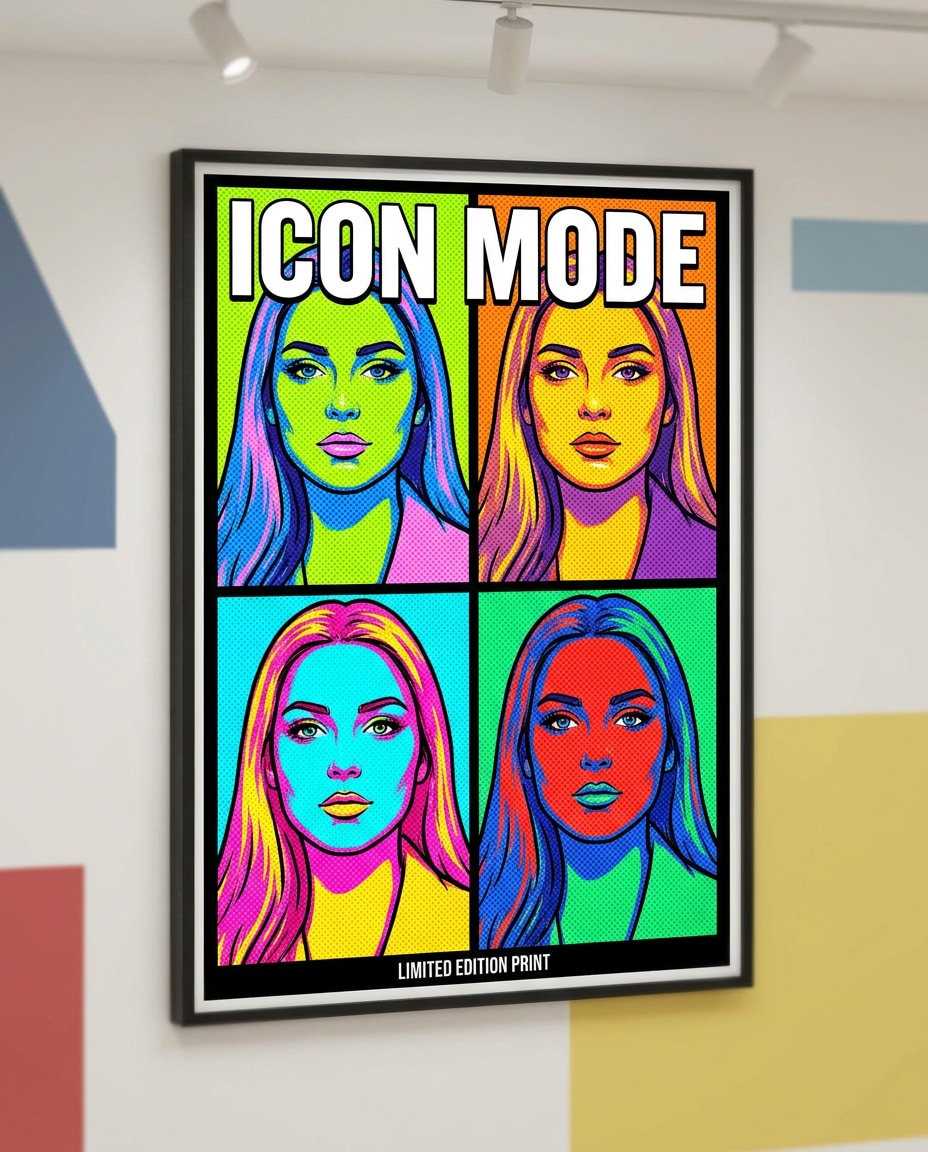
Warhol-Style Four-Panel Pop Art Portrait
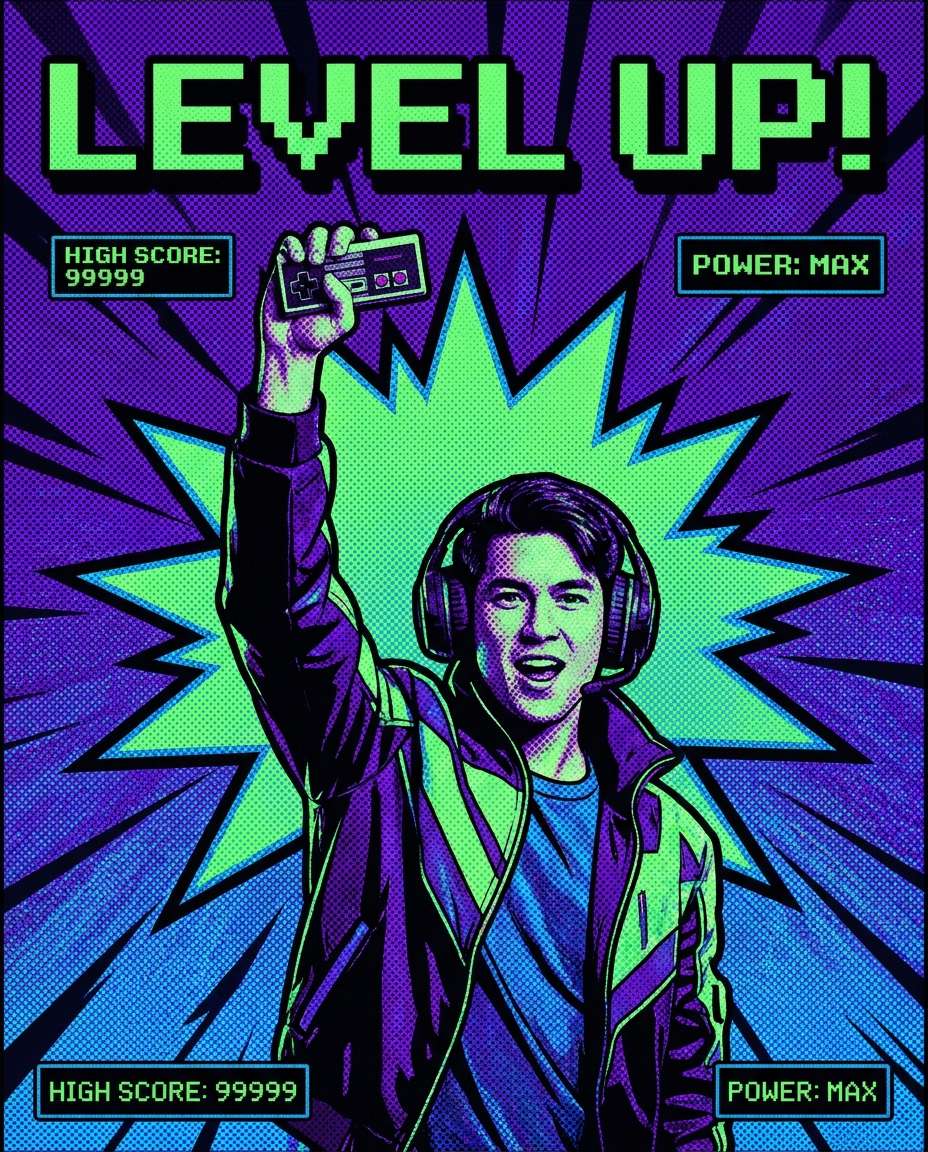
Gamer Victory Screen Poster
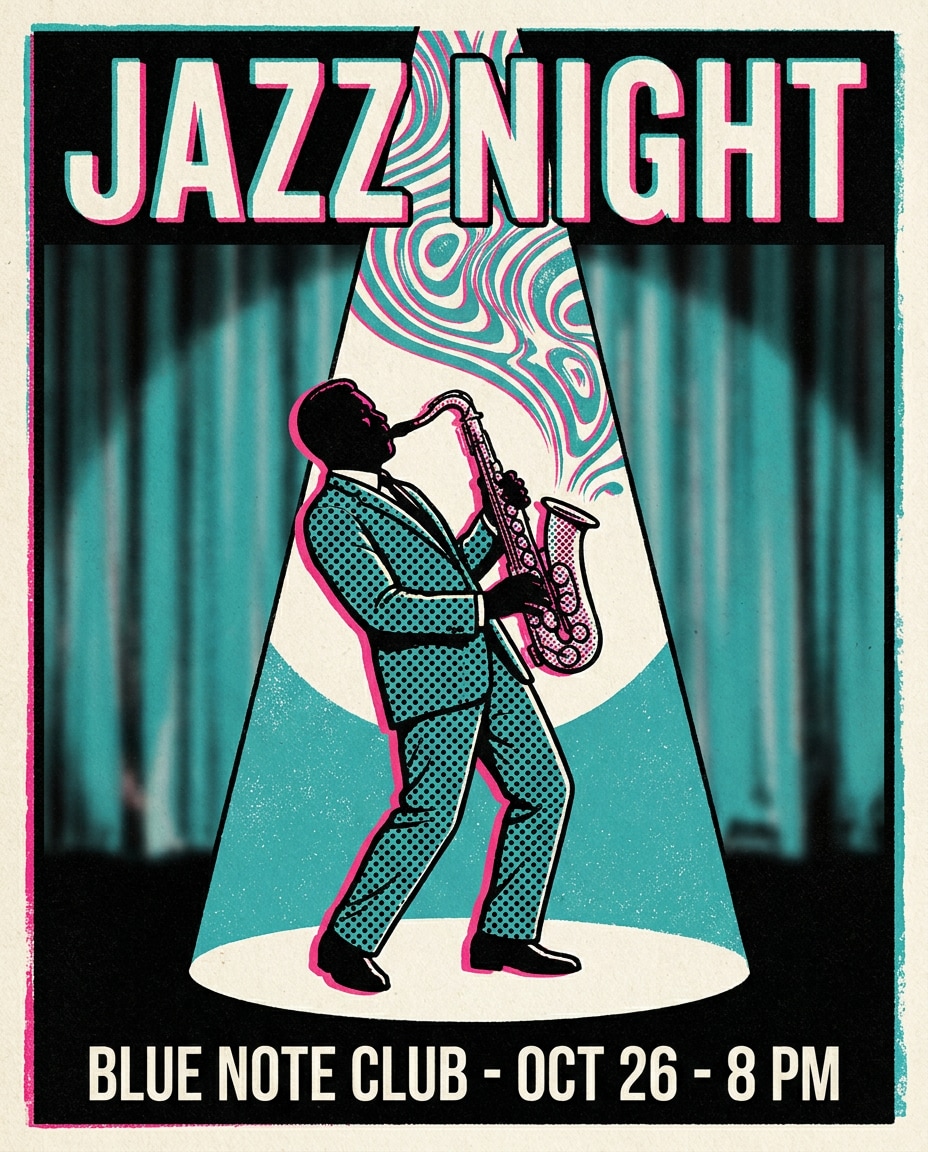
Jazz Club Saxophone Poster
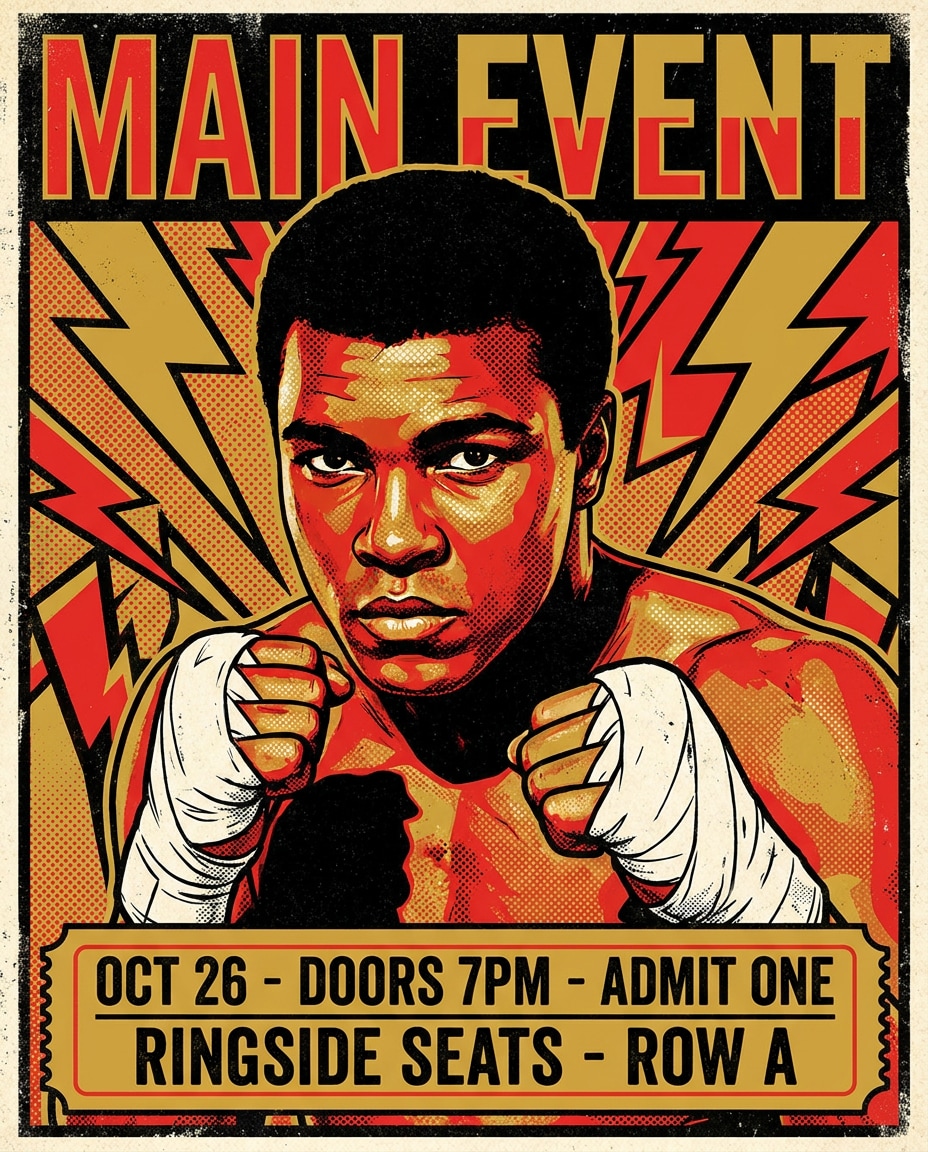
Championship Boxer Pop Art Poster
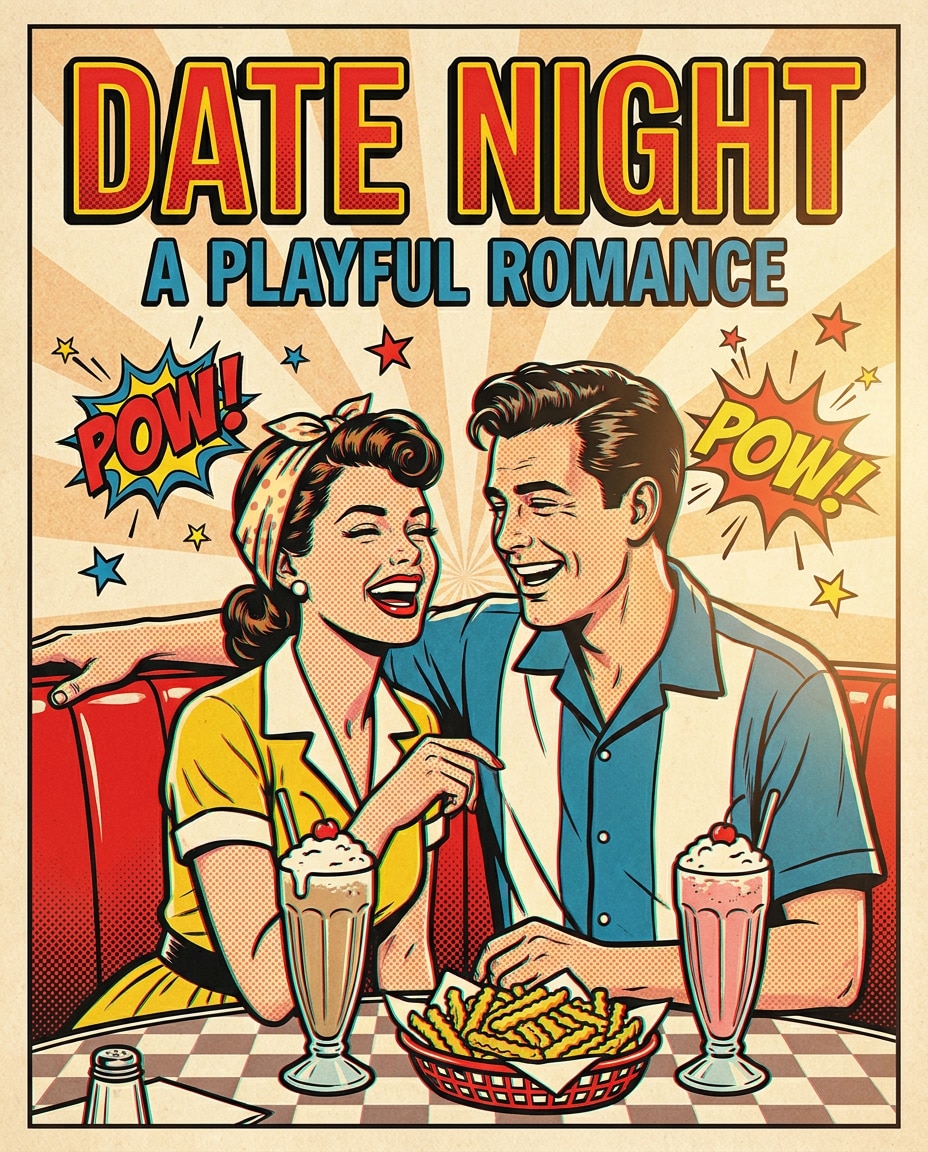
Neon Diner Couple Poster
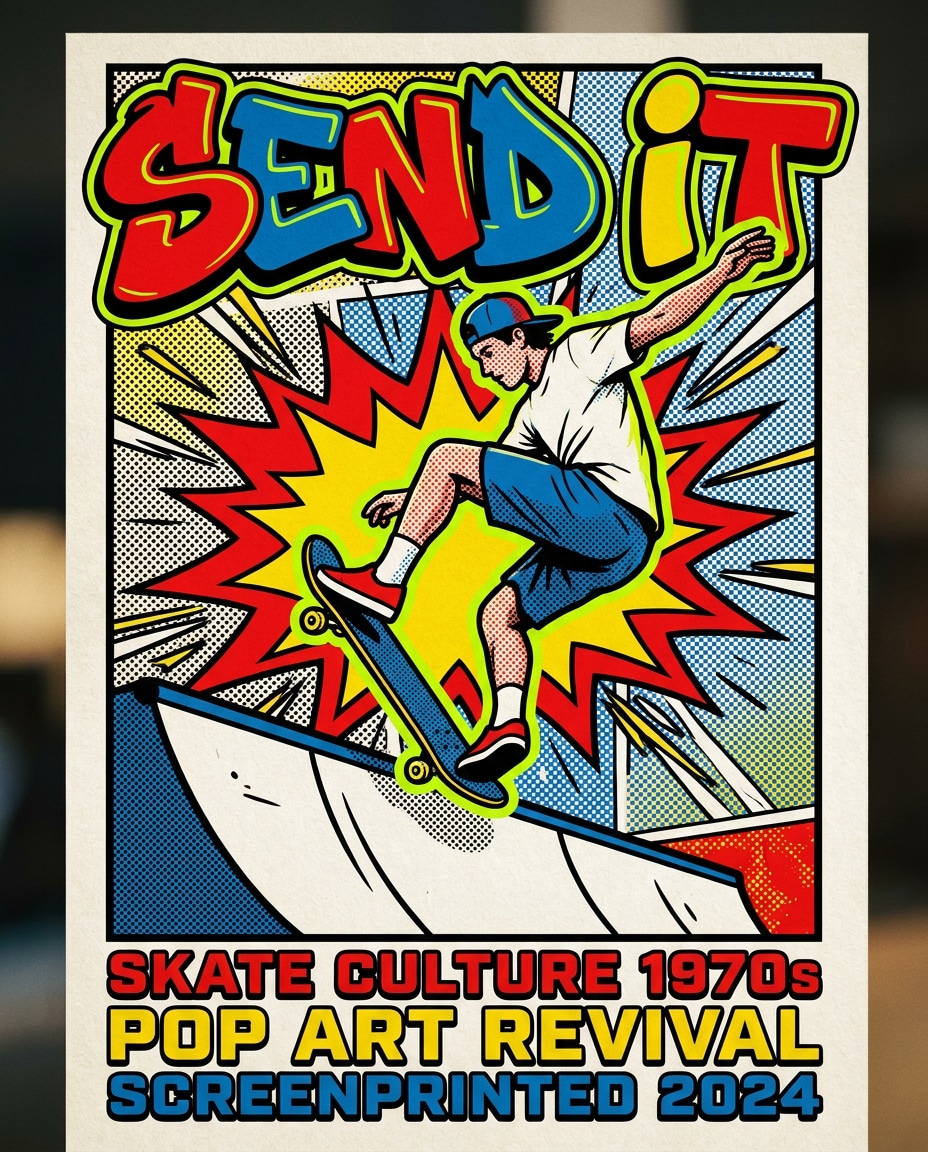
Kickflip Skateboarder Poster
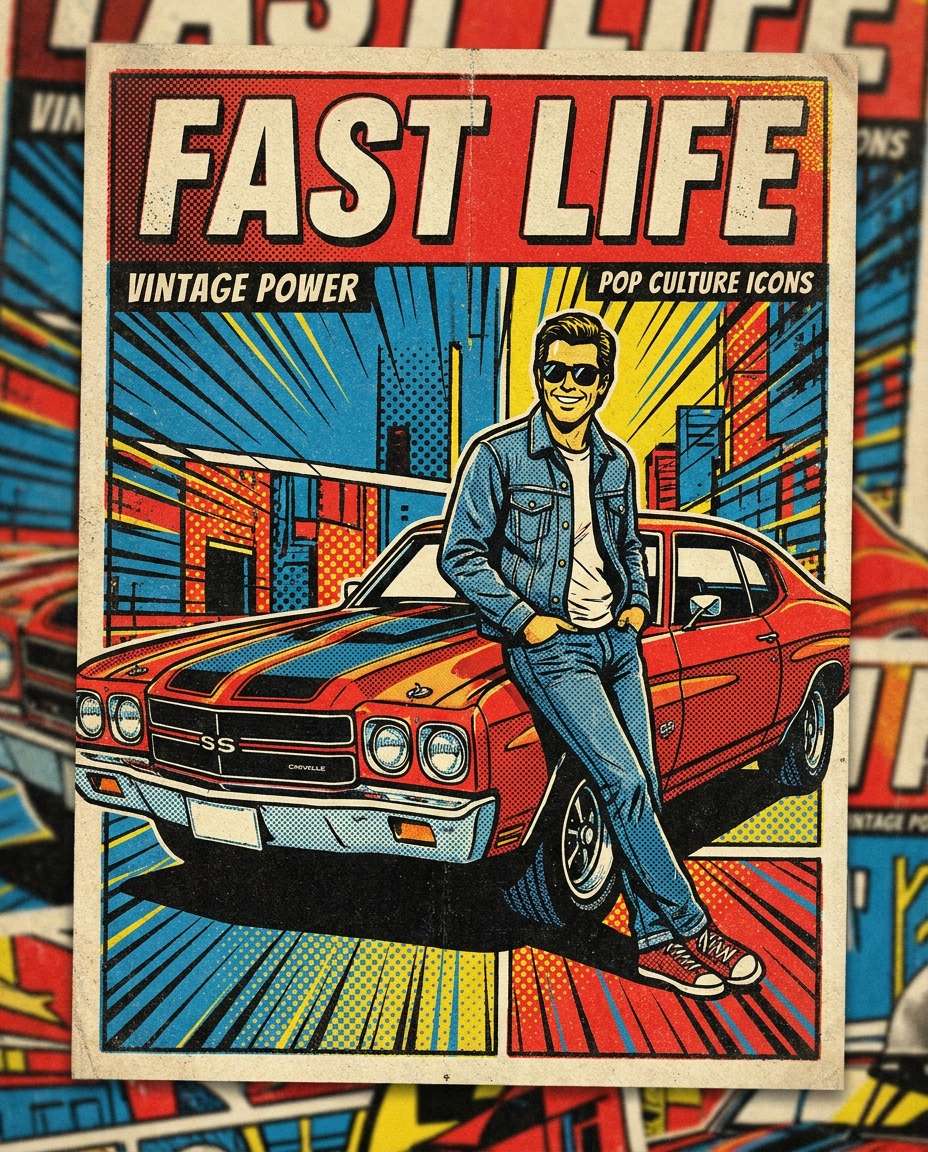
Retro Muscle Car Hero Poster
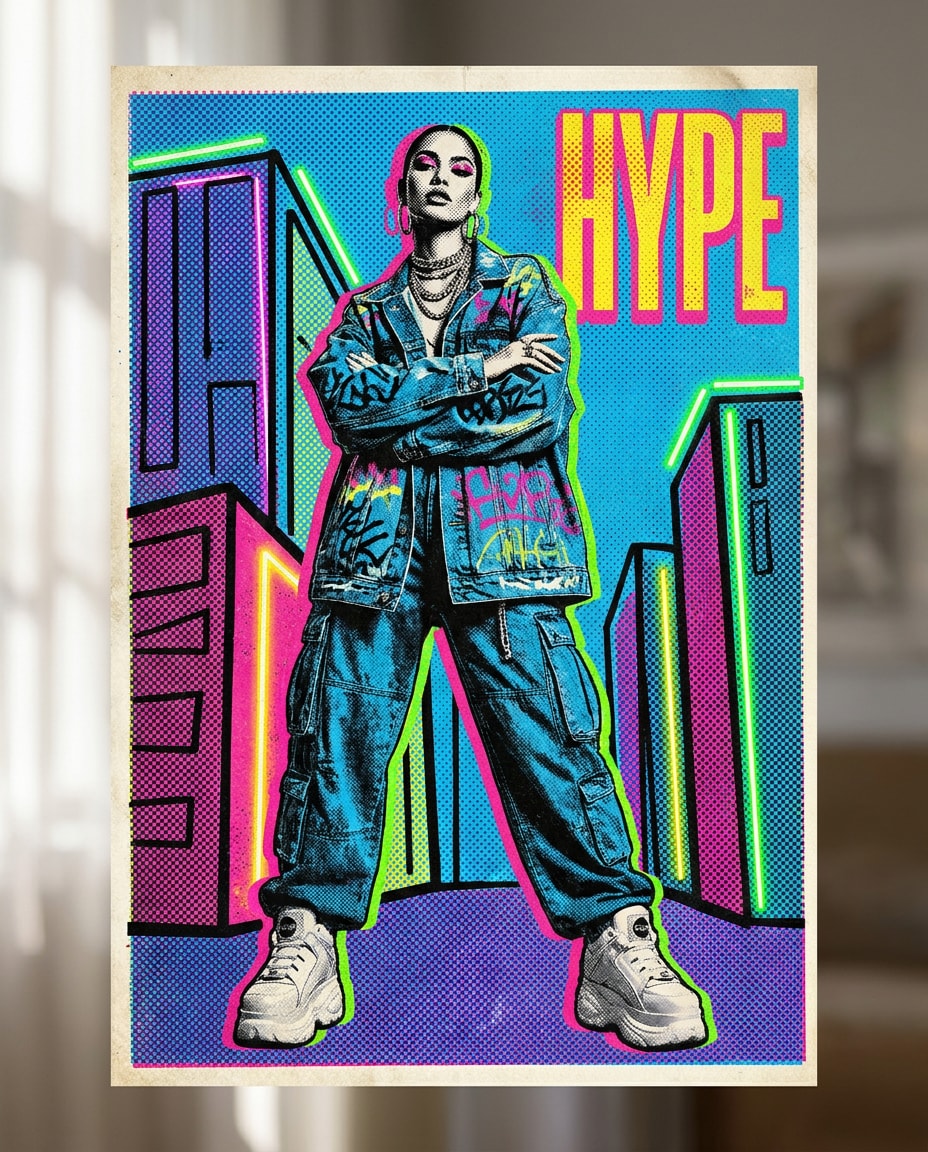
Streetwear Model Pop Art Poster
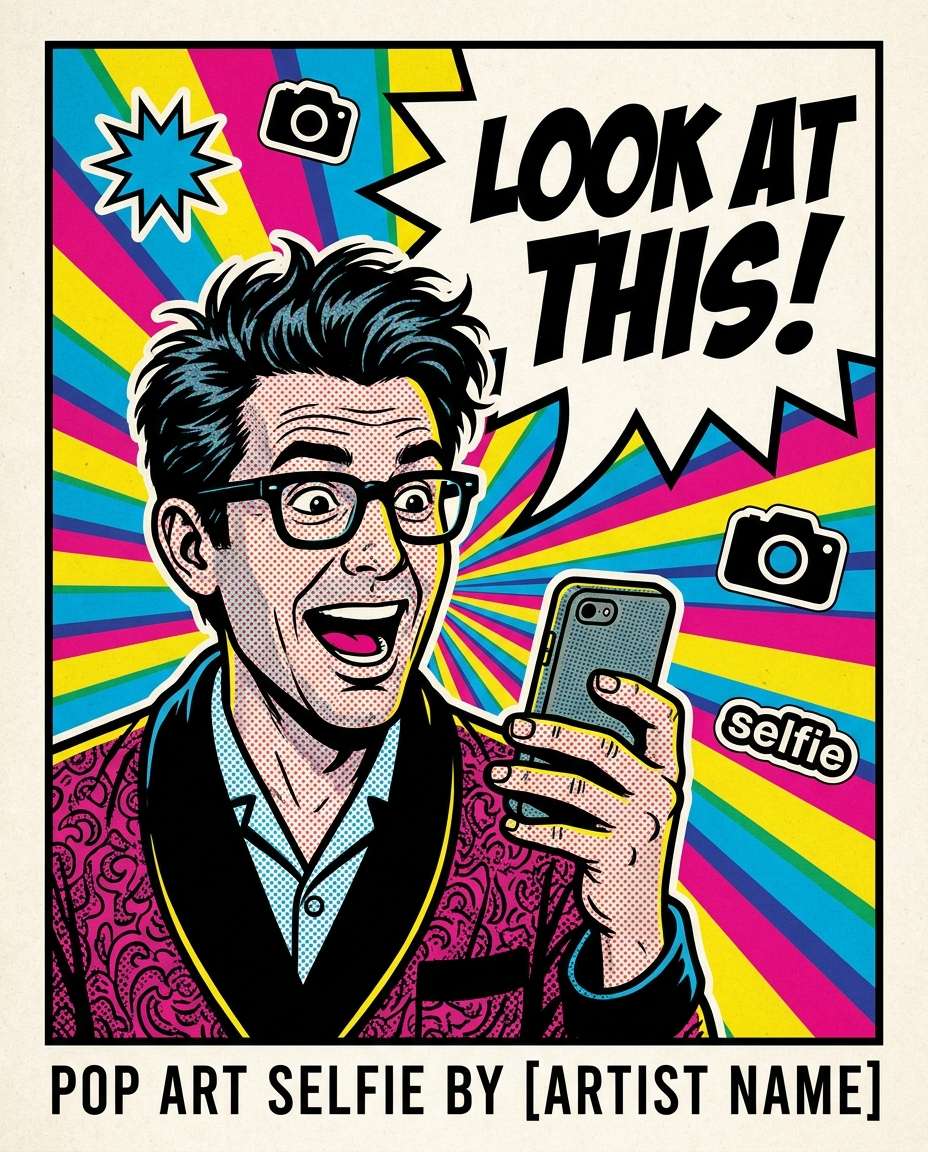
Speech Bubble Selfie Pop Art Poster
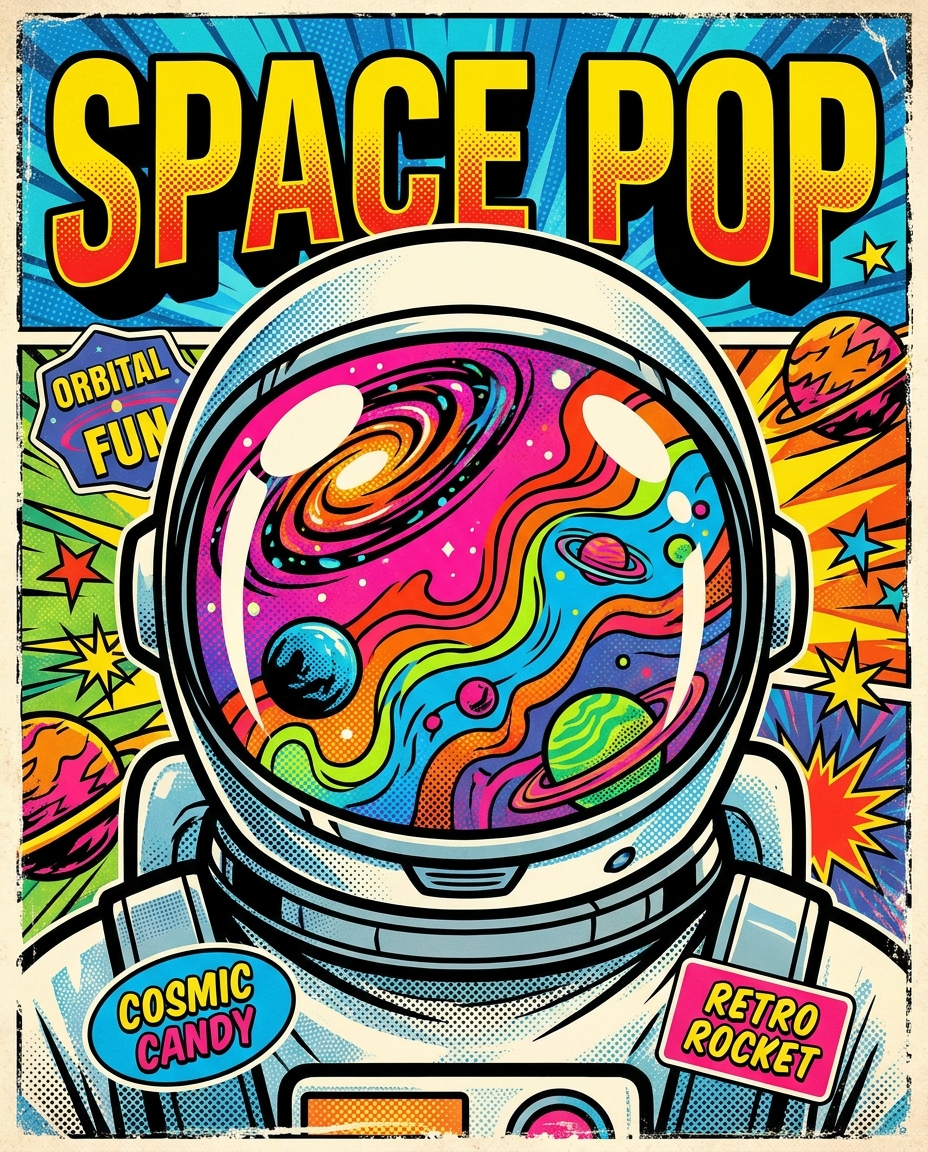
Astronaut Pop Icon Poster
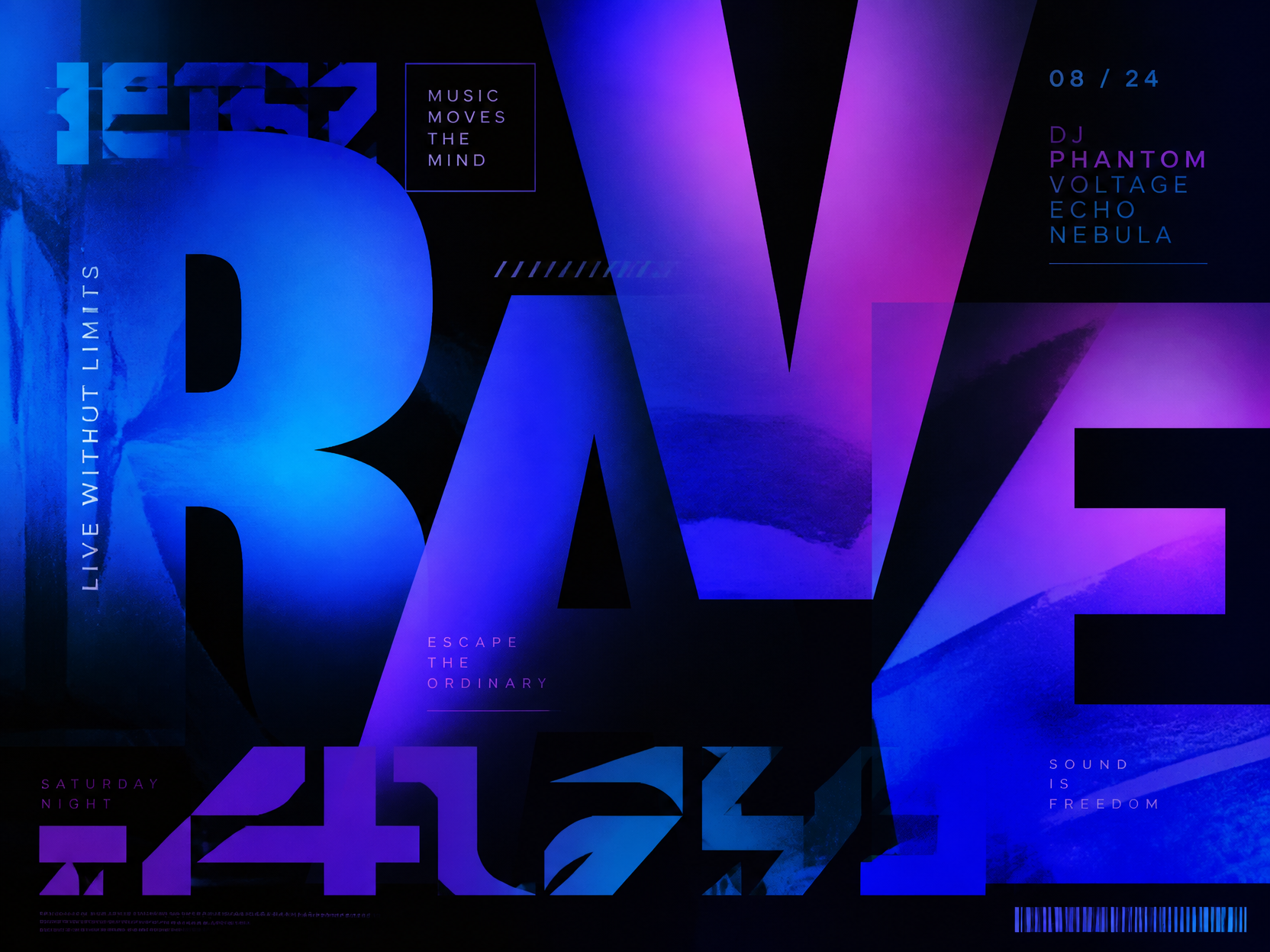
타이포그래피 예시 2
Typography Design Prompt Guide
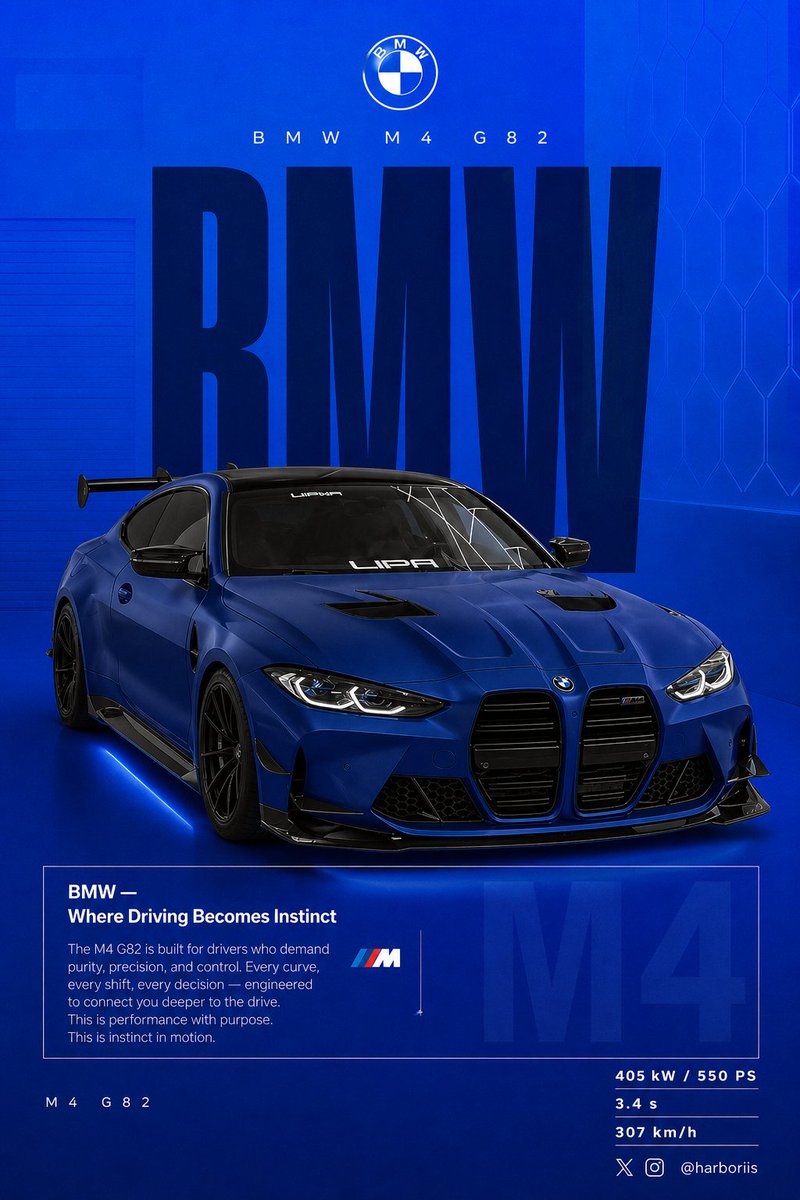
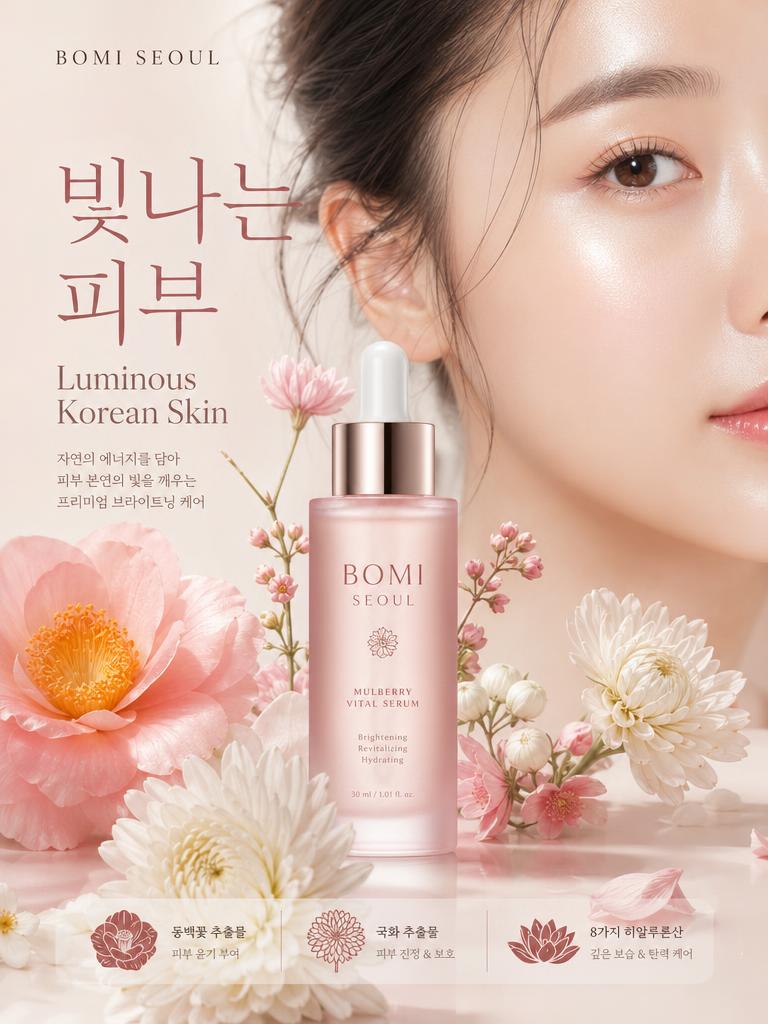
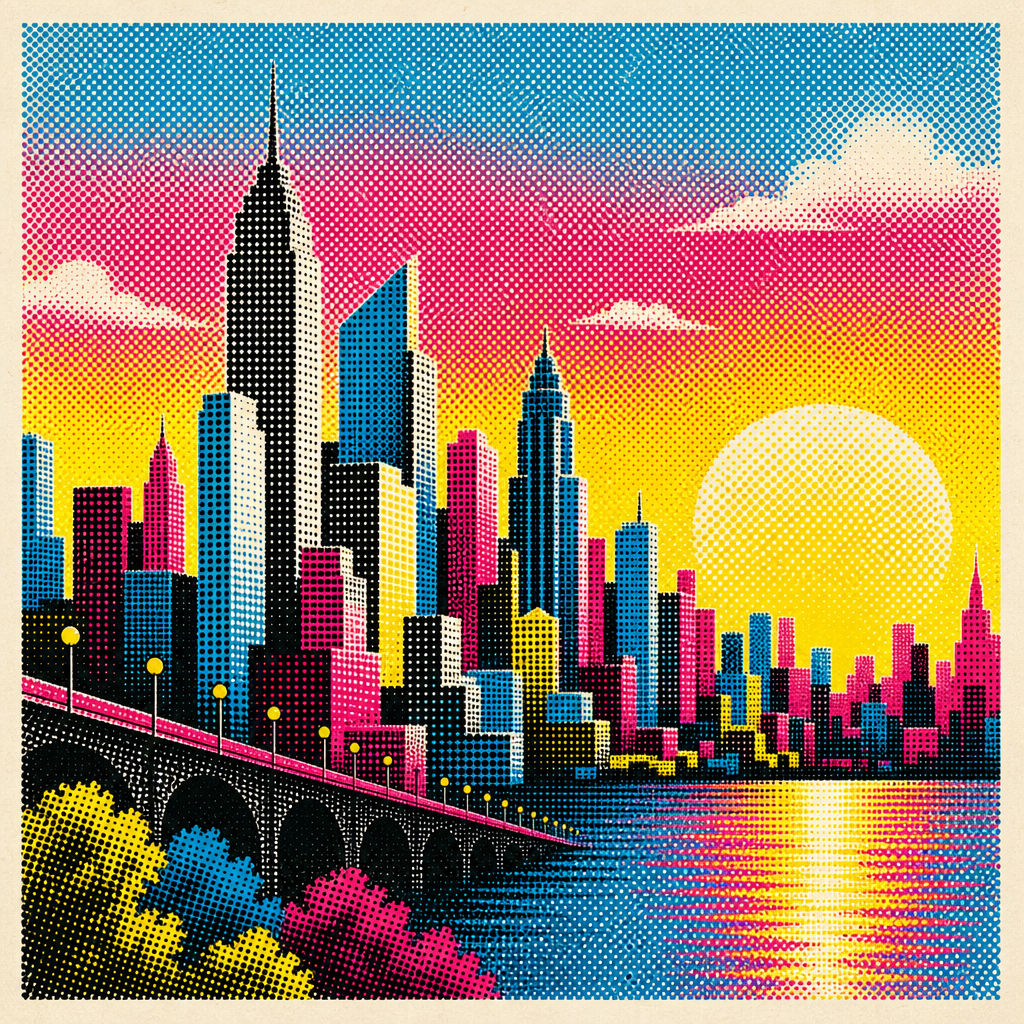
Typography Design is a practical image generation topic for creators who need usable visuals without starting from a blank page. In Carat, you can copy a prompt, adjust the mood or composition, and create images for social posts, blog thumbnails, ecommerce pages, card news, print drafts, and campaign concepts. This page focuses on 글자 형태와 레이아웃 자체가 주인공이 되는 포스터와 편집 이미지를 만드는 방향 instead of broad generic examples.
What You Can Create
A strong prompt defines the subject, setting, lighting, texture, composition, and aspect ratio together. For Typography Design, expressions such as soft pastel palette, clean vector look, watercolor texture, realistic natural light, premium editorial layout, or generous blank space can change the final result significantly.
How to Customize
Start with the channel. Square layouts fit feed posts, vertical layouts fit stories and short form covers, and horizontal layouts fit blogs or YouTube thumbnails. Then refine color, material, camera distance, object count, and background density. A busy background can reduce readability, while an empty scene can feel unfinished.
Layout and Text Tips
If the final design needs copy, leave visual space and add text later in a design tool. This is especially useful for posters, cards, banners, invitations, and templates where accurate information matters. Ask for placeholder bars or blank areas instead of readable AI-generated wording.
Quality Tips
Effective prompts are not just keyword lists. They connect the topic, main subject, scene, style, lighting, finish, and constraints in one clear direction. Avoid protected brand assets, copyrighted characters, celebrity likenesses, exact logos, and partisan marks unless you have the right to use them.
Best Use Cases
These prompts are useful for marketing drafts, seasonal campaigns, educational materials, small business content, and personal creative projects. Use the examples as a base, then change the palette, season, audience, prop set, or visual style to create a more specific Typography Design result.