Vector Art
Create clean, flat illustrations and professional-style vector graphics with these curated AI prompts.
2026.07.03
Make “Vector Art” exactly the way you wantCreate your own “Vector Art”
Just ask in plain language — Carat generates optimized images and videos for you.

Start now with 100 free credits daily

Flat Illustration Portrait
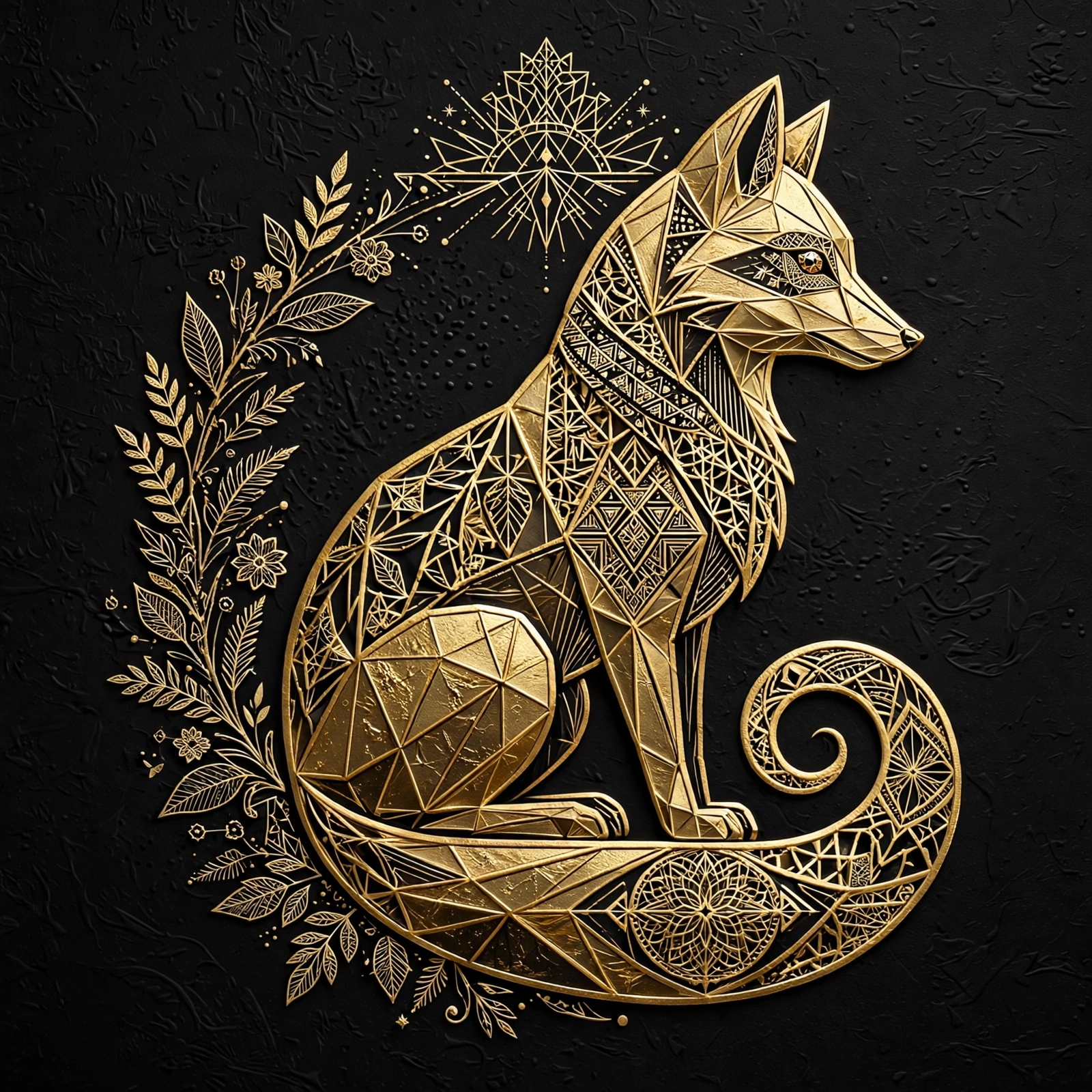
Gold Foil Fox Logo
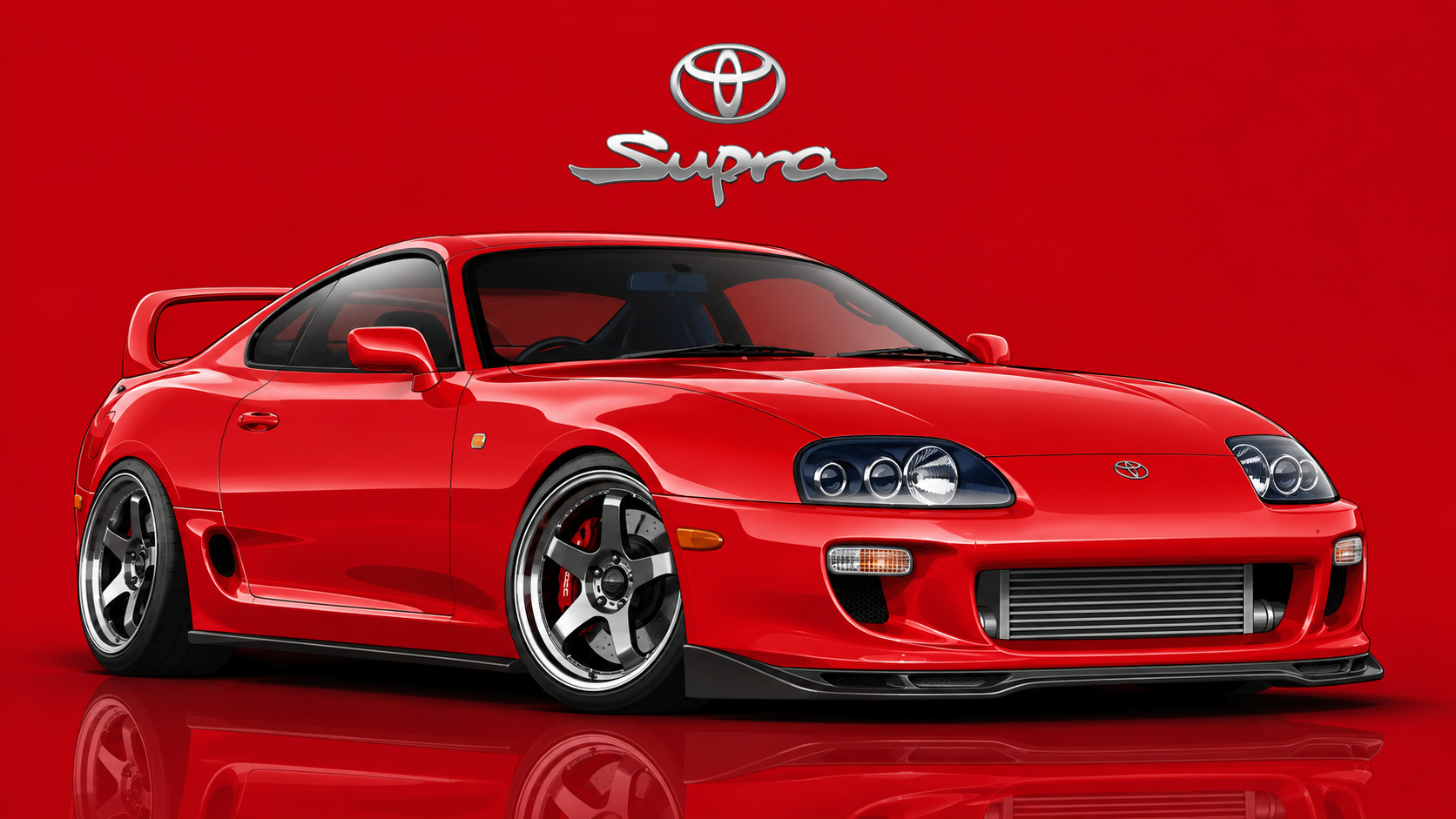
Movie Car Vector Illustration
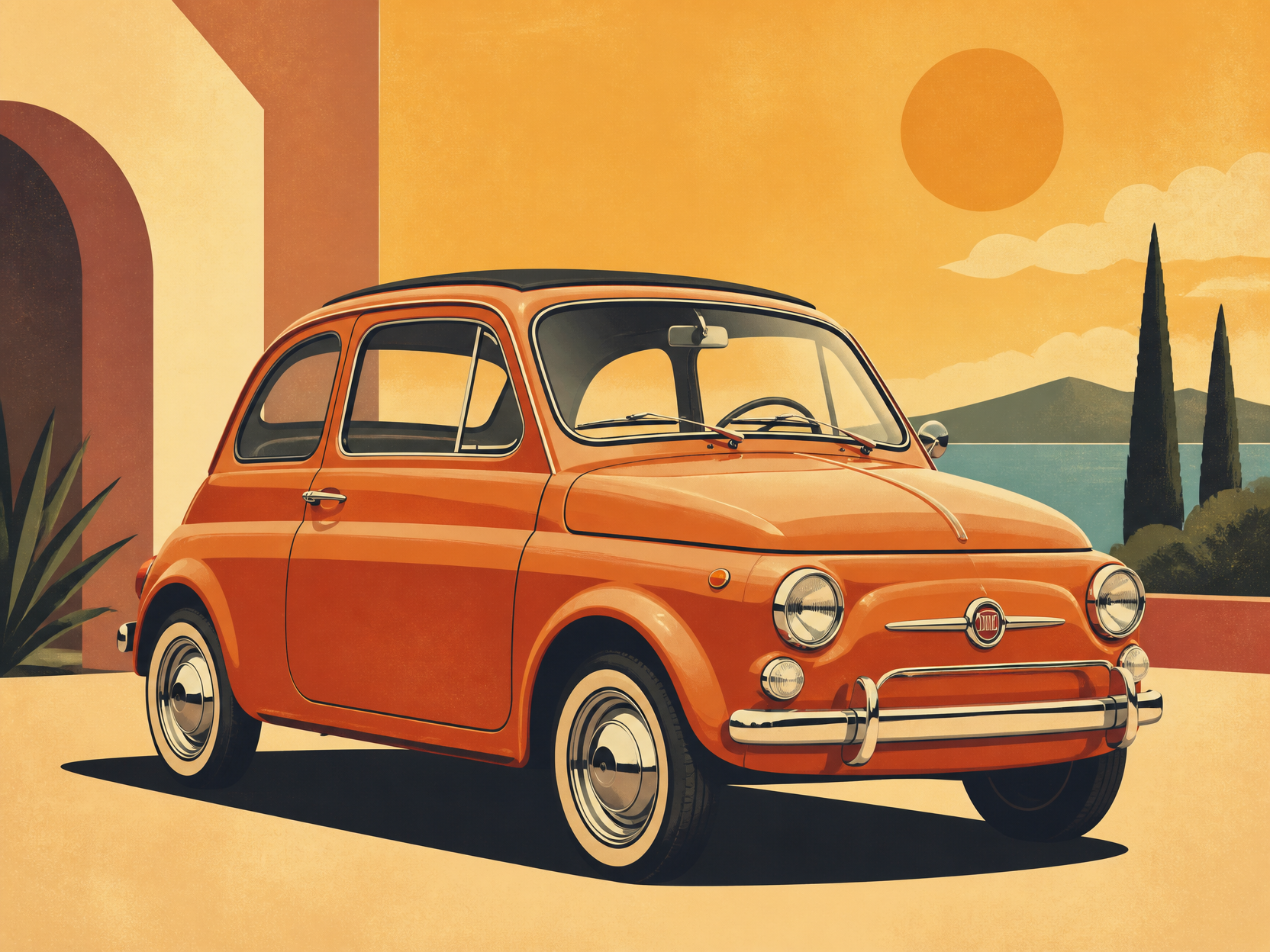
레트로 자동차 일러스트
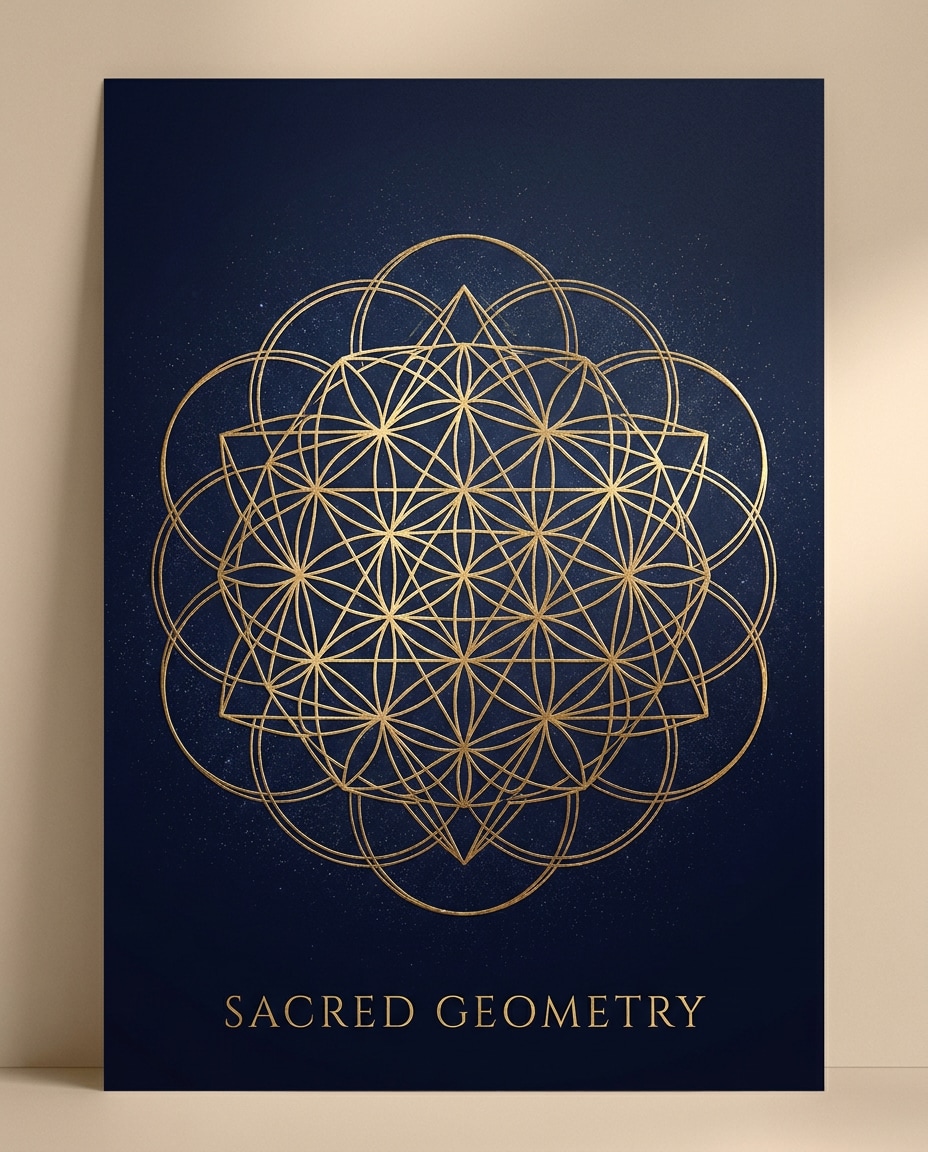
Golden Sacred Geometry Poster
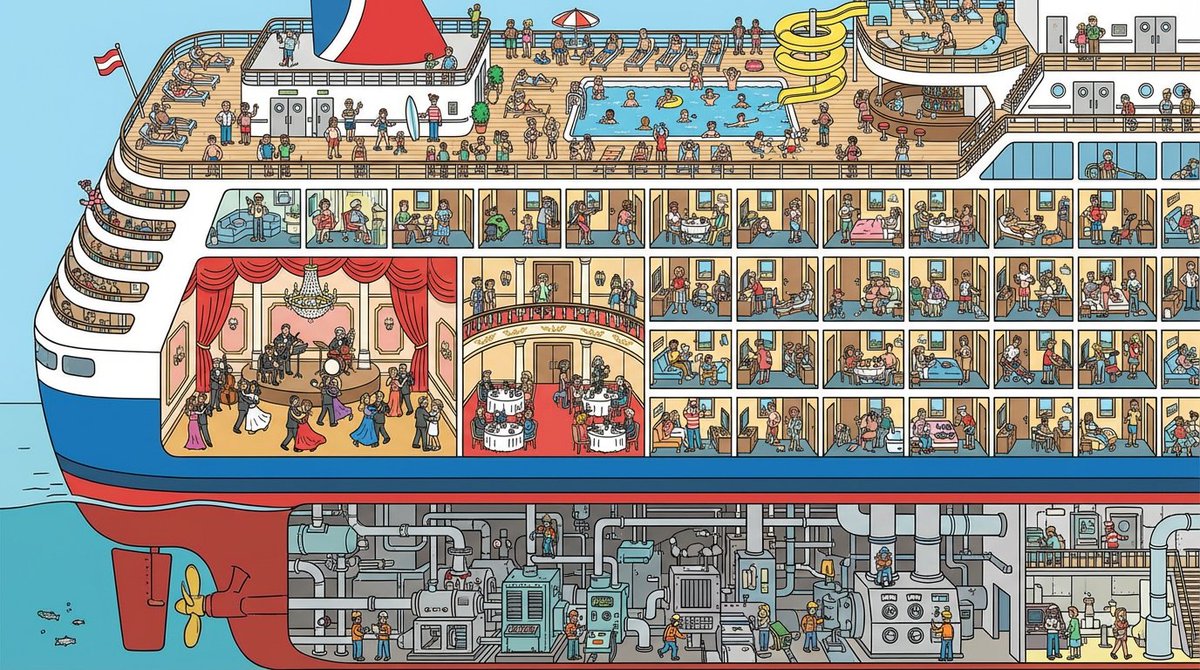
Cruise Ship Cutaway Illustration
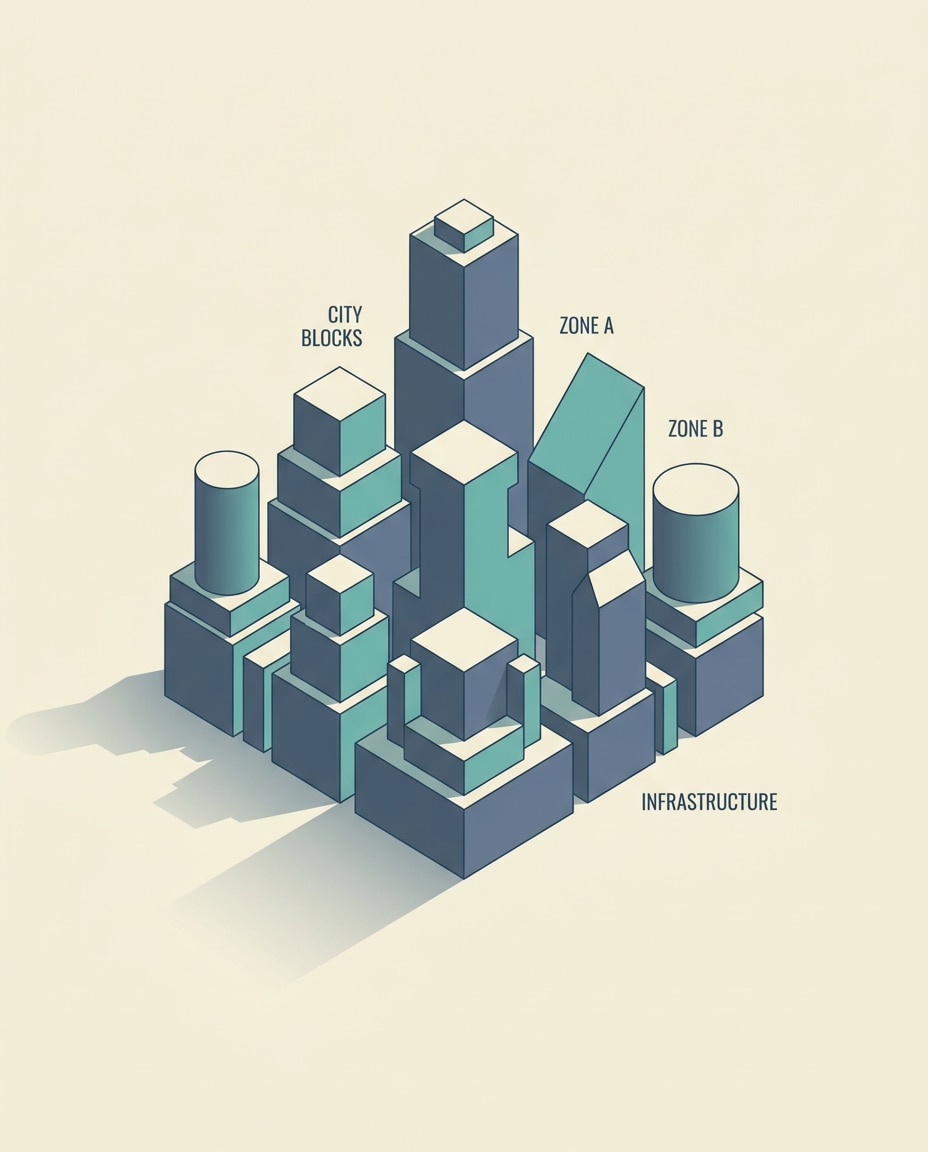
Isometric City Block Poster
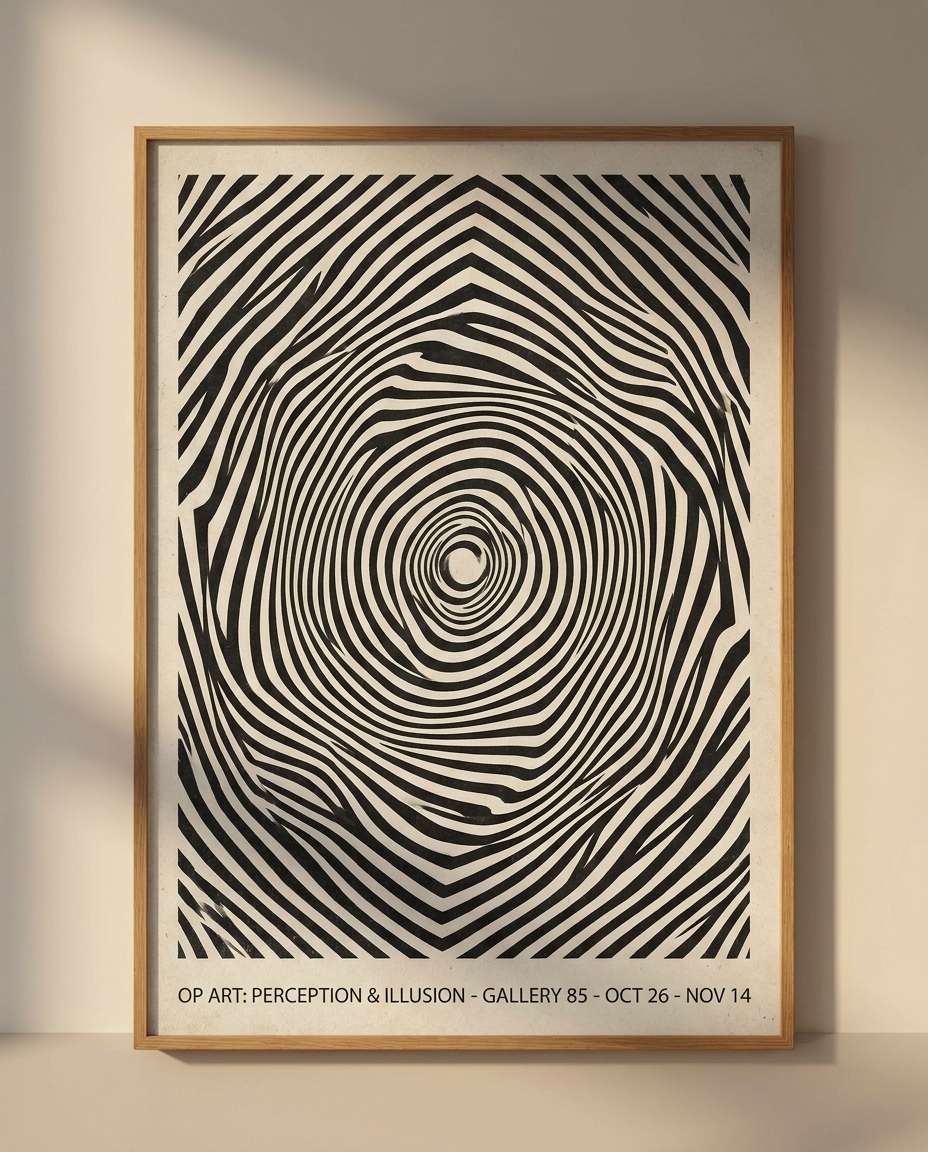
Op Art Illusion Poster
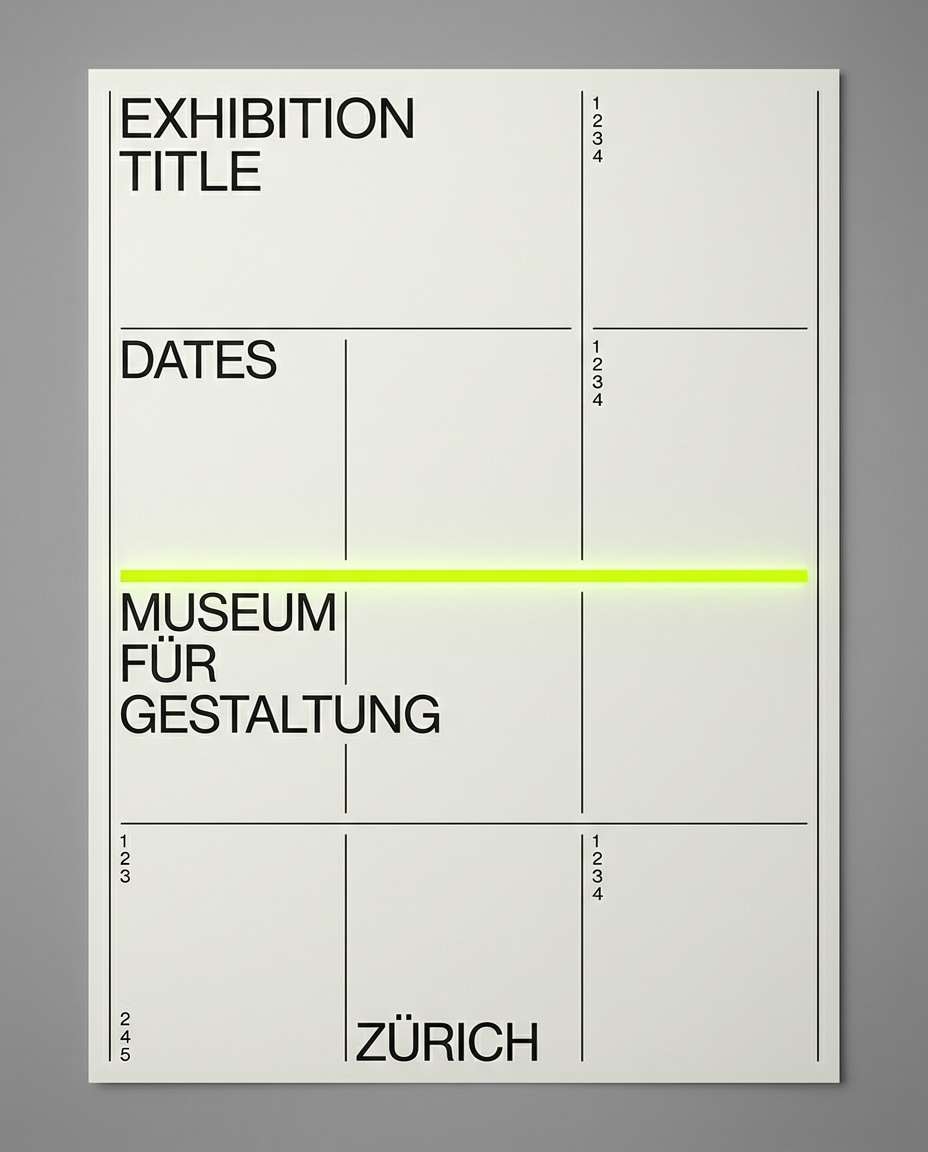
Swiss Grid Minimal Poster
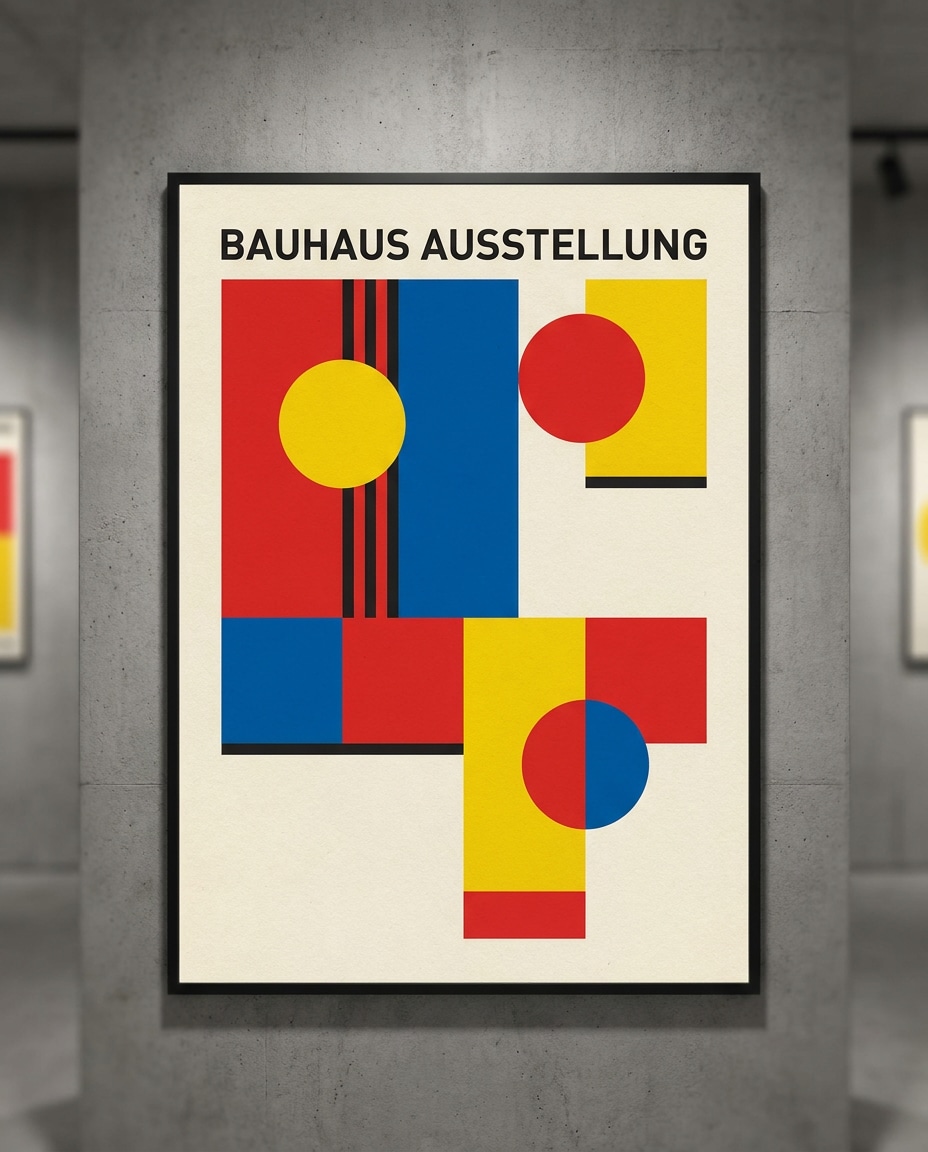
Bauhaus Color Block Poster
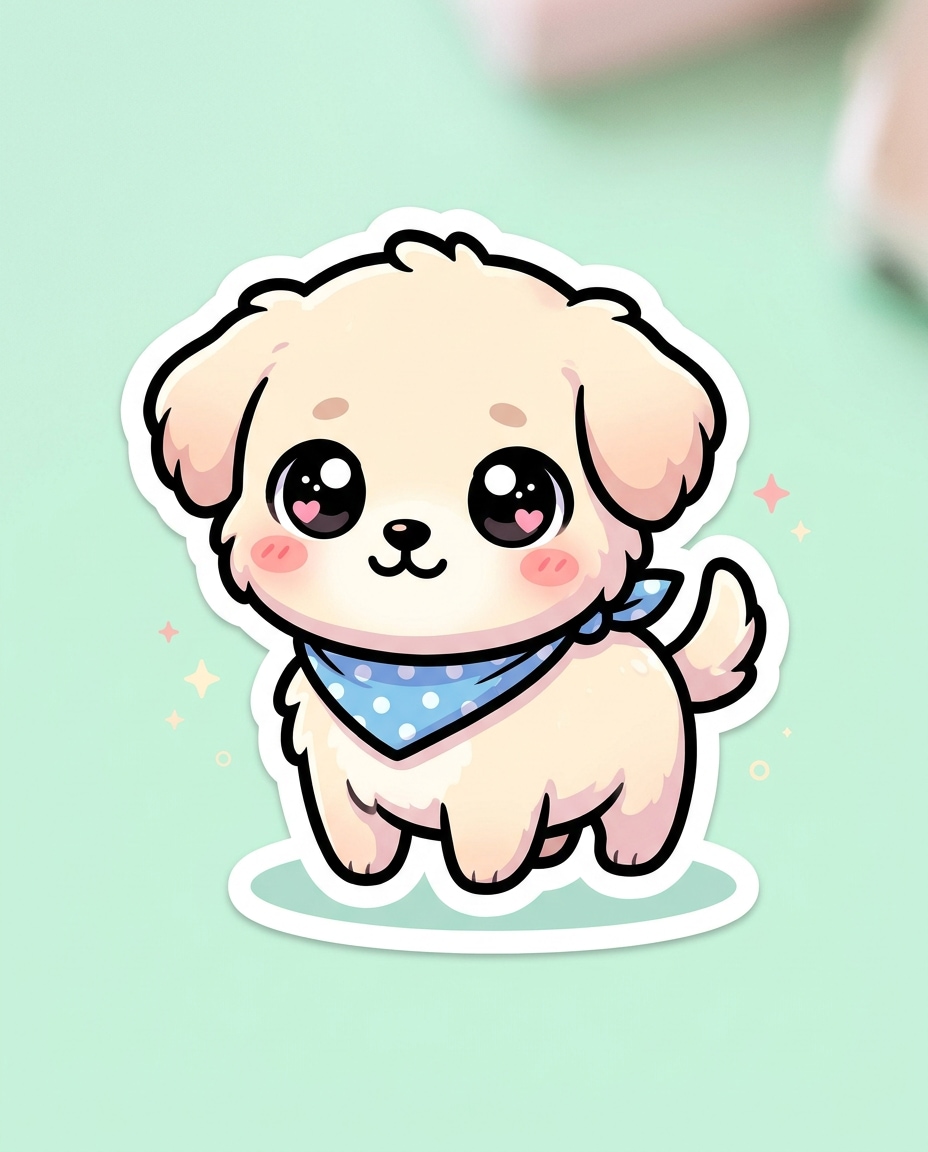
Pastel Sticker Puppy

Business Caricature
What Are Vector Art AI Prompts?
Vector Art AI Prompts are specialized linguistic tools designed to instruct artificial intelligence to generate images that mimic the aesthetic of vector-based graphics. While AI typically produces raster images (pixels), these prompts use specific descriptors like 'Clean lines', 'Flat colors', 'Defined borders', and 'Geometric shapes' to recreate the crisp, scalable look associated with software like Adobe Illustrator. Carat's vector art collection covers a wide spectrum of styles, from the modern corporate 'flat design' aesthetic to vintage-inspired retro car illustrations and detailed technical cutaways. These prompts are essential for anyone looking to create icons, logos, or web illustrations that need to feel professional, organized, and easily adaptable. By focusing on simplified forms and high-contrast color palettes, these prompts allow users to bypass the messy, painterly textures of standard AI generation in favor of a clean, graphic design look that is perfect for professional branding and digital media.
Best Use Cases
The clean and legible nature of vector art makes it a staple in modern digital communication. These prompts are exceptionally useful for UI/UX designers who need consistent sets of icons or 'hero' illustrations for websites and mobile applications. Business owners can use them to generate professional caricatures or mascots for their services, providing a friendly yet expert tone. In the world of marketing, vector-style graphics are ideal for infographics, presentation slides, and educational materials where clarity of information is the top priority. They are also popular in the apparel industry for creating bold, screen-printable designs for t-shirts and accessories. Furthermore, for those interested in technical illustration, these prompts can produce sophisticated 'cutaway' views of vehicles, buildings, or machinery, making complex subjects easy to visualize. Because the outputs have such clean edges, they are the perfect starting point for 'Auto-tracing' into actual SVG files for further manipulation in design software.
Why This Tag Works
The vector-art tag works effectively because it acts as a stylistic 'filter' that discourages the AI from adding unnecessary shadows, textures, or atmospheric effects that can clutter a design. By prioritizing keywords like 'Minimalist', 'Solid colors', and 'Flat 2D', the tag ensures that the resulting artwork maintains a high degree of clarity and simplicity. This is particularly important for logo design and branding, where a recognizable silhouette is more important than photographic detail. The tag also helps in achieving a consistent 'hand-drawn' or 'digitally rendered' feel across multiple images, which is crucial for building a cohesive visual identity. For users who aren't trained in vector software, these prompts provide a way to generate high-quality graphic assets that look like they were created by a professional design firm. The bold contrasts and organized structures inherent in these results also translate exceptionally well to small sizes, making them perfect for mobile app icons and social media thumbnails.
Explore Related Prompts
Broaden your graphic design repertoire by exploring these related tags. For more general artistic styles, check out Illustration, or dive into a specific era with Retro Style. If you prefer more whimsical or simplified designs, our Cartoon Style and Flat Illustration galleries are perfect matches. For those focused on identity and branding, don't miss the Logo Design collection, which features prompts specifically tailored for creating impactful brand marks. Combining these different styles can help you find a unique visual voice for your personal or professional projects.
Prompt Building Tips
To achieve a true vector aesthetic, you must prioritize 'clarity' and 'color control' in your prompts. Use strong foundational terms like 'Flat design', 'Vector art style', 'Simple shapes', and 'Bold outlines'. Avoid using words like 'Realistic', 'Shading', or 'Texture' unless you want a very specific hybrid look. For the background, 'Isolated on white' is almost always the best choice as it makes the final graphic easier to extract and use in other designs. Be specific about your color palette; using 'Limited color scheme' or 'High contrast dual-tone' will prevent the AI from using too many gradients, which can make the image look muddy. For character designs, specify the perspective - 'Side profile' or 'Frontal view' - to maintain the geometric feel. Lastly, if you're aiming for a technical look, add 'Isometric' or 'Exploded view' to give the AI a clear structural framework. Remember, in vector art, less is often more, so keep your descriptions concise and focused on the core shapes and colors.