YouTube Channel Art
AI prompts for creating YouTube channel art banners that reflect your channel genre, brand colors, and content style in the recommended 2560x1440 format.
2026.07.09
Make “YouTube Channel Art” exactly the way you wantCreate your own “YouTube Channel Art”
Just ask in plain language — Carat generates optimized images and videos for you.

Start now with 100 free credits daily
크리에이터 채널 로고 아이콘
영상 채널 플레이 버튼 로고
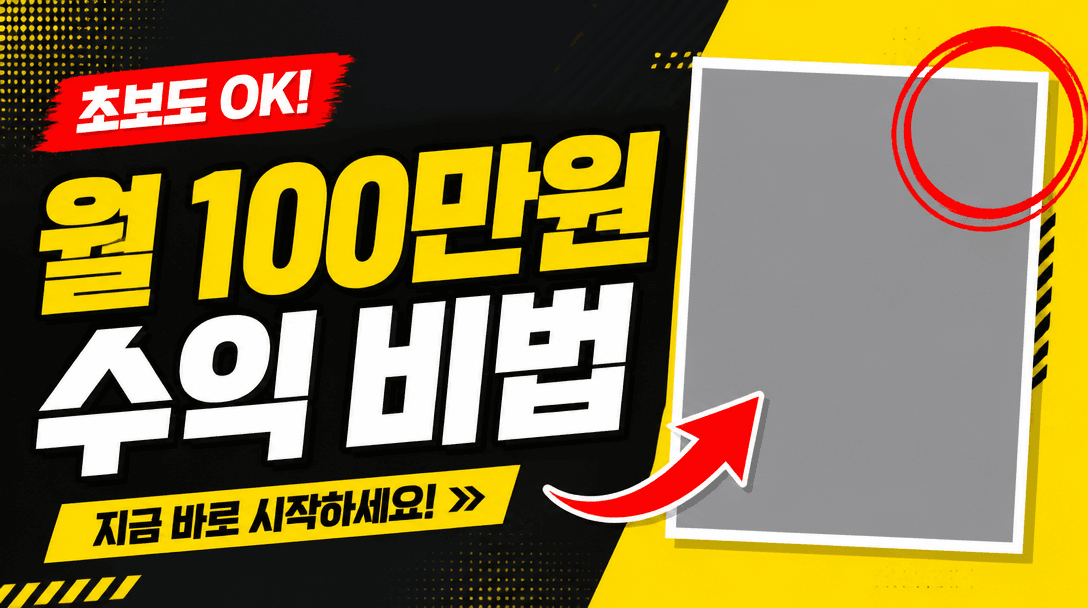
유튜브 썸네일 템플릿
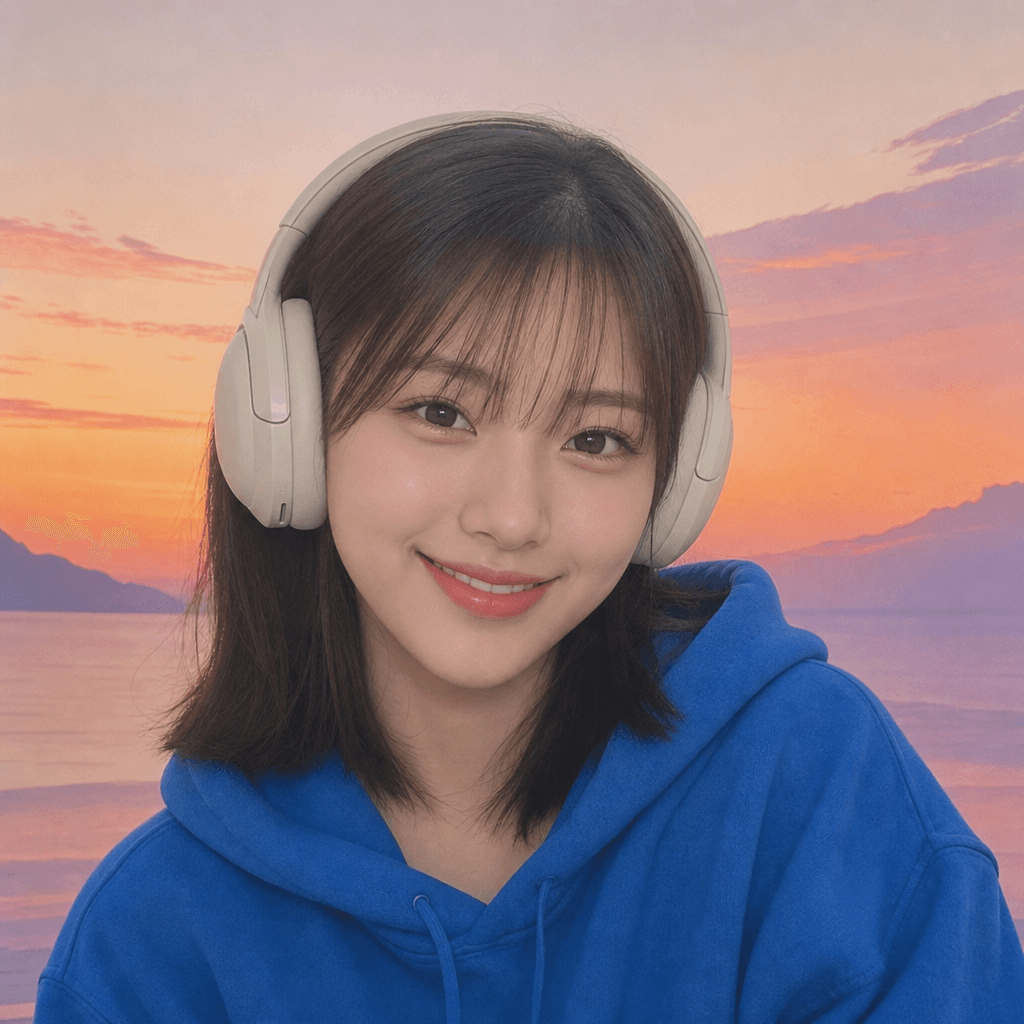
유튜버 프로필 이미지
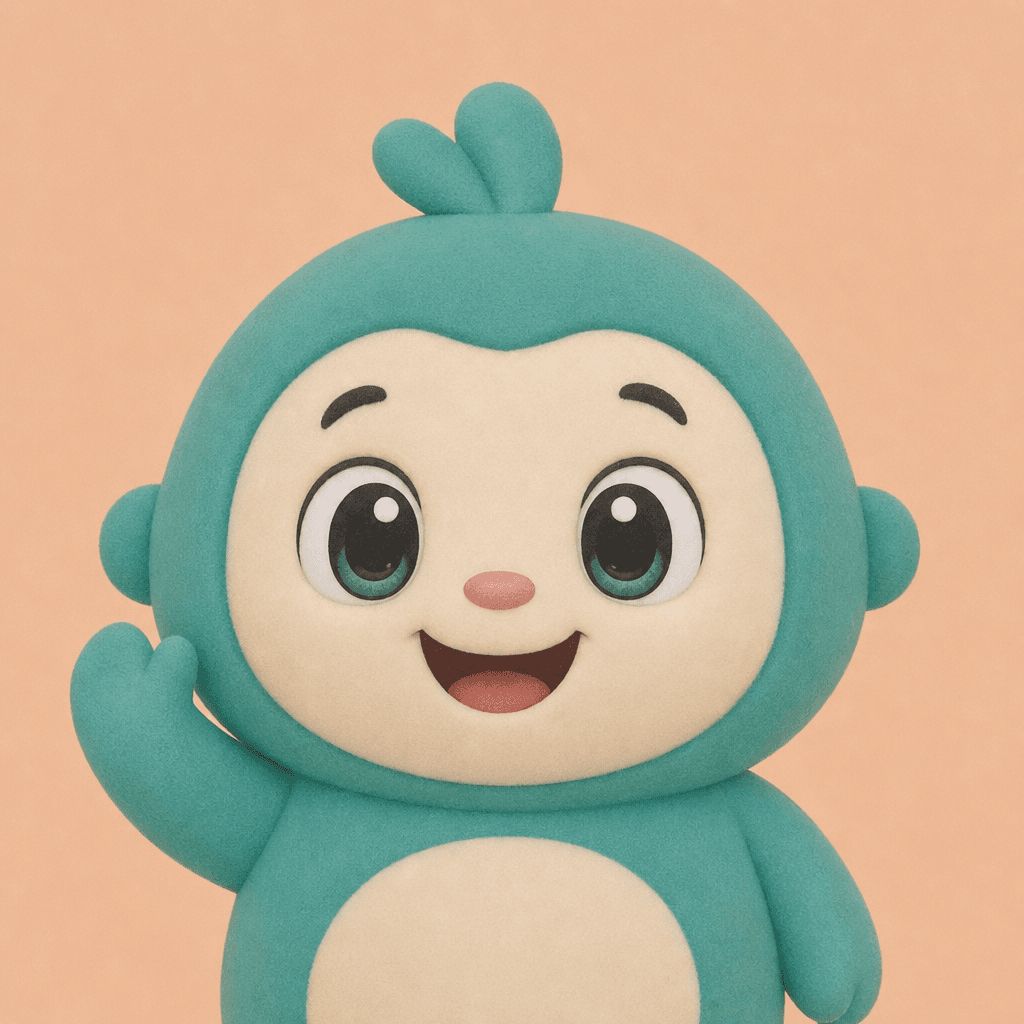
유튜브 프로필 이미지
What Are YouTube Channel Art Prompts?
YouTube channel art prompts help you generate the wide banner image displayed at the top of your YouTube channel page using AI image generation. By entering your channel name, content genre, brand colors, and mood keywords, you can create channel art that matches the YouTube recommended dimensions (2560x1440px) and looks professional across all devices. Whether you run a gaming channel, beauty channel, cooking channel, education channel, or vlog, these prompts automatically adjust background patterns, color schemes, and text placement to suit your specific content genre. They are especially valuable for individual creators and small channel operators who want a polished visual identity without hiring a graphic designer or purchasing expensive templates from stock marketplaces.
Where Can You Use These Prompts?
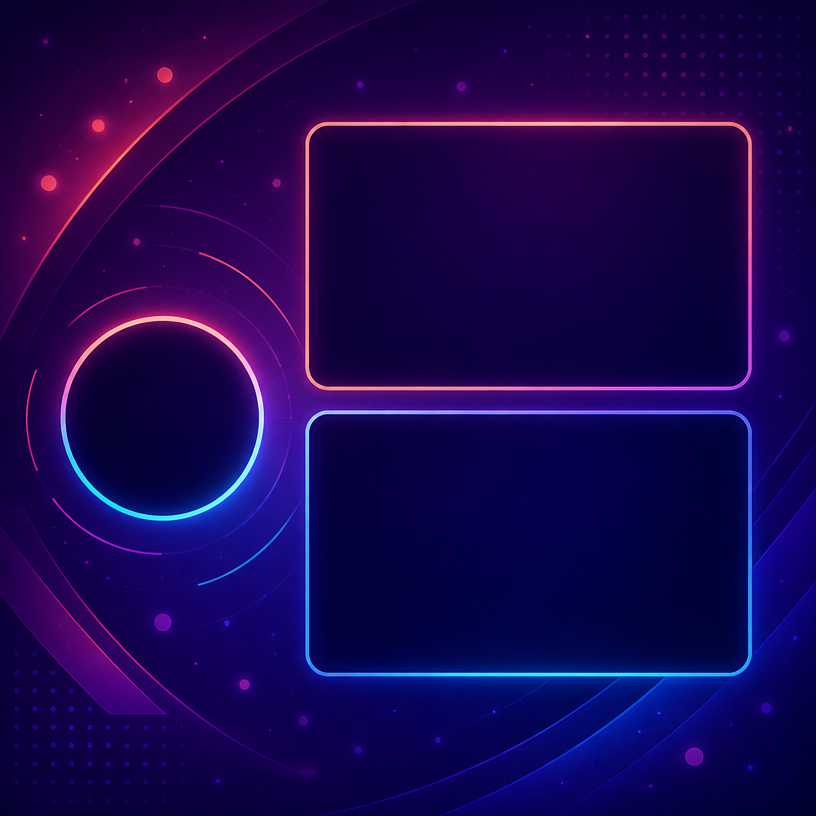
The primary use is creating the main channel banner for new YouTube channels that need a strong first impression on visitors. Existing channels can use these prompts when rebranding or updating their channel art for seasonal campaigns, new content directions, or milestone celebrations like reaching subscriber goals. Gaming channels benefit from dark backgrounds with neon accent colors and dynamic geometric patterns, while beauty channels work well with pastel tones, cosmetic icon elements, and elegant floral patterns. Education channels look best with clean minimalist designs that convey trustworthiness and clarity. You can also extend the same prompt structure to create matching profile pictures and thumbnail templates for a cohesive channel brand system that looks consistent across every touchpoint viewers encounter on your channel page and in search results.
Why Are These Prompts Useful?
YouTube channel art is the first thing visitors see when they land on your channel, yet many creators settle for default templates or mismatched images that do not represent their content. Commissioning a professional designer costs money and takes time, but these prompts let you generate polished channel art for free simply by describing your channel genre and brand colors. The AI automatically applies appropriate background patterns, icon sets, and color palettes based on your content genre, so even without design skills you can achieve a look that matches professional channels in your niche. You can generate multiple versions for A/B testing different visual approaches, or even involve your community by letting subscribers vote on their favorite channel art design during a special engagement event or milestone celebration stream.
Related Prompts
- YouTube Channel Logo
- YouTube Thumbnail Template
- YouTube Profile Picture
- YouTube Thumbnail
- YouTuber Profile Image
- Blog Banner
- Banner Design
- Thumbnail Design
Tips for Crafting Your Prompt
When creating YouTube channel art, include these elements in your prompt. First, clearly state your channel genre. Gaming, beauty, cooking, education, vlogging, and tech review channels each require different color schemes and pattern styles to feel authentic to their audience. Second, specify that the central area should be left clean for text placement. YouTube displays channel art differently across devices, and the central safe zone (1546x423px) is the only area guaranteed to be visible on all screen sizes from desktop monitors to mobile phones. Third, define your brand colors explicitly to maintain consistency with your channel logo and thumbnail style for a unified brand identity. Finally, keep text to a minimum and rely on visual elements like patterns, gradients, and icons to communicate your channel atmosphere, as this ensures the banner looks clean and professional even on smaller mobile screens where detailed text becomes unreadable.