Blueprint Illustration
Generate professional architectural plans, technical drawings, and blueprint-style illustrations with expert AI prompts.
2026.07.04
Make “Blueprint Illustration” exactly the way you wantCreate your own “Blueprint Illustration”
Just ask in plain language — Carat generates optimized images and videos for you.

Start now with 100 free credits daily
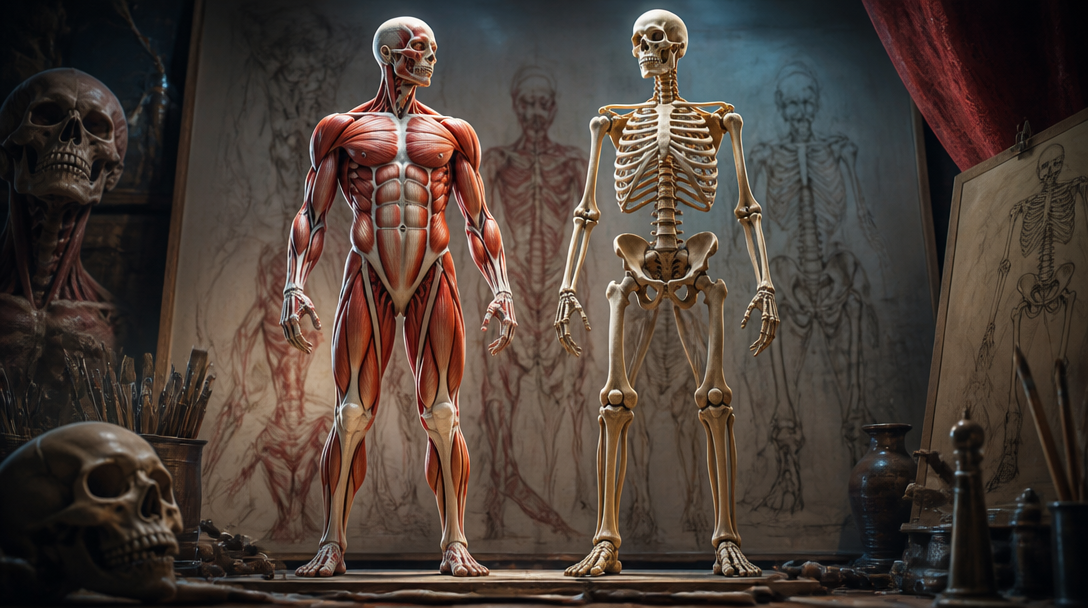
인체 드로잉
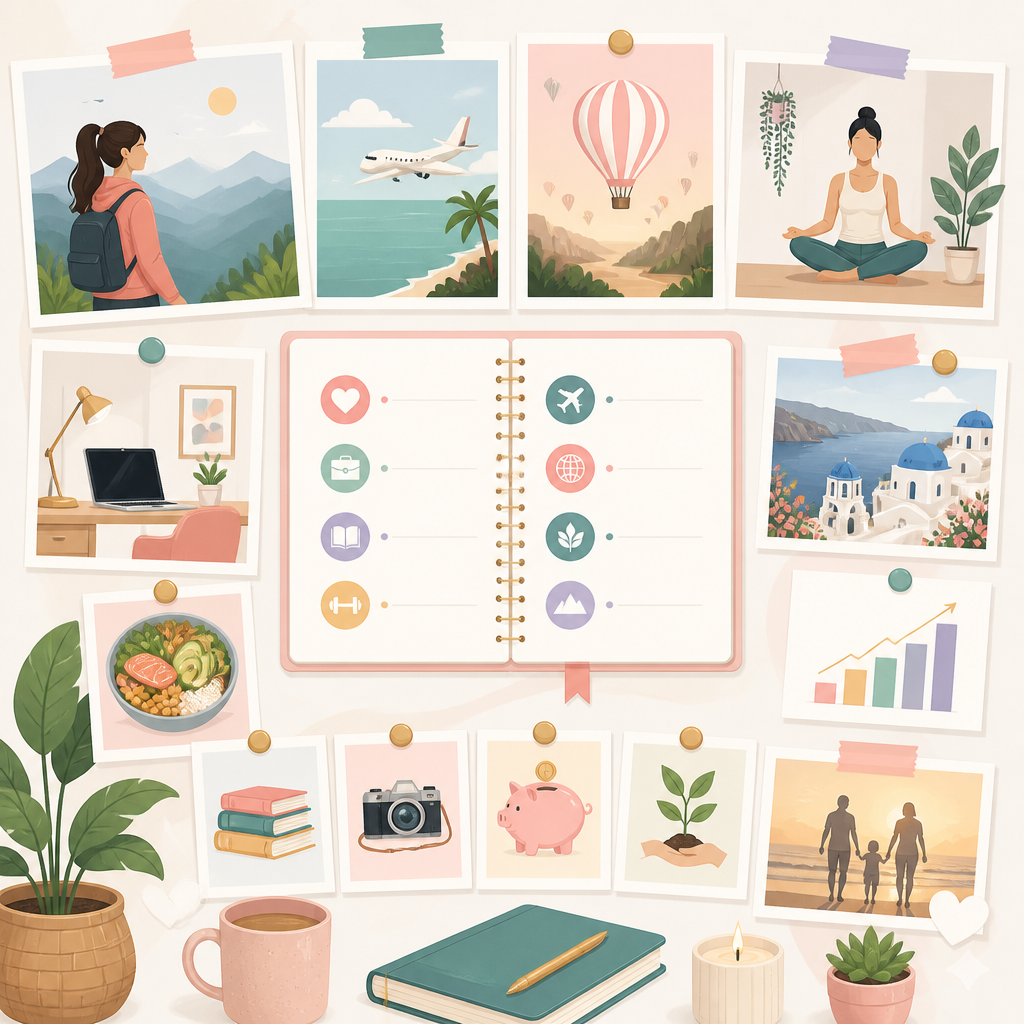
인생 설계 비전 보드
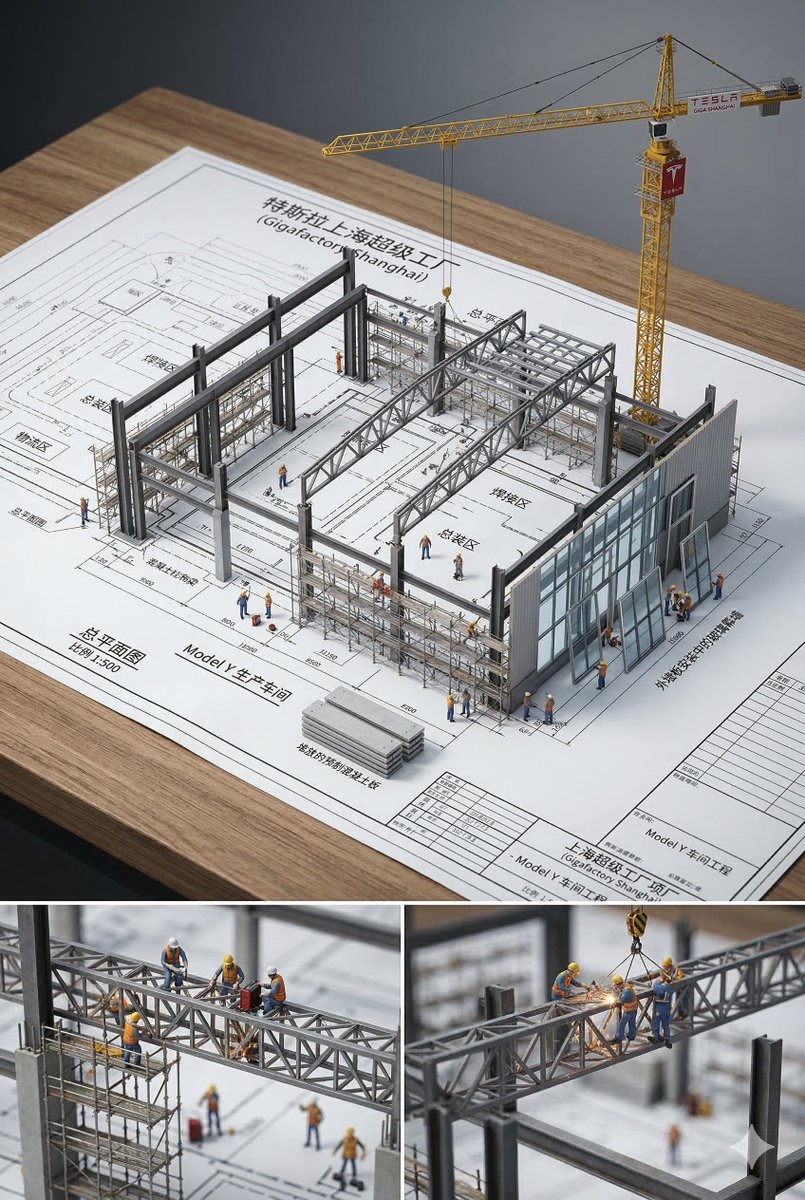
Architectural Blueprint Miniature
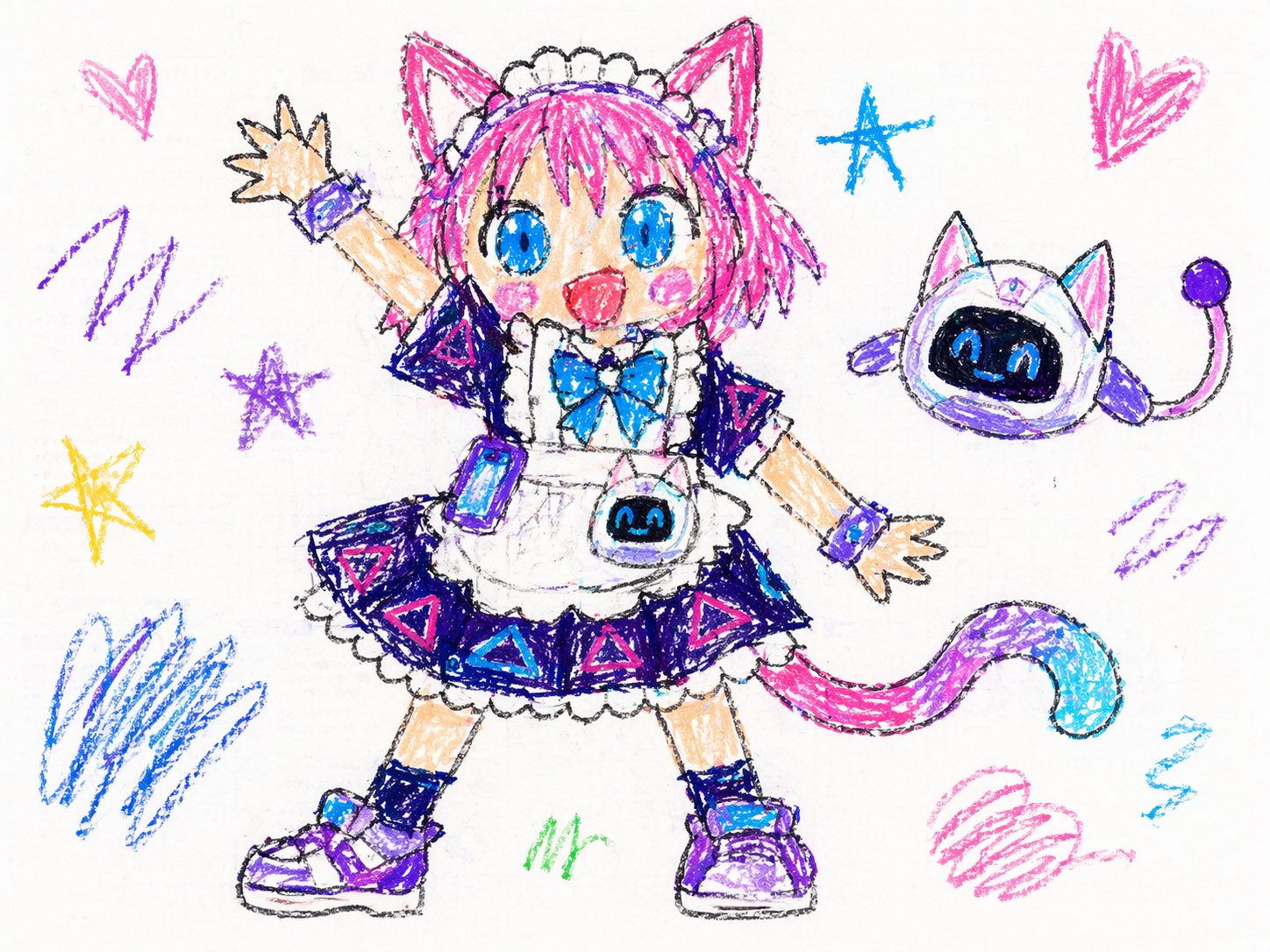
(Subject) in the Style of Super Bad Child Drawing
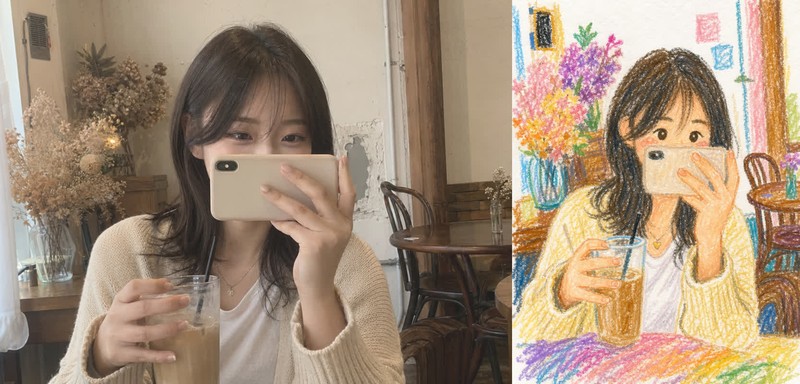
Childlike Crayon Drawing
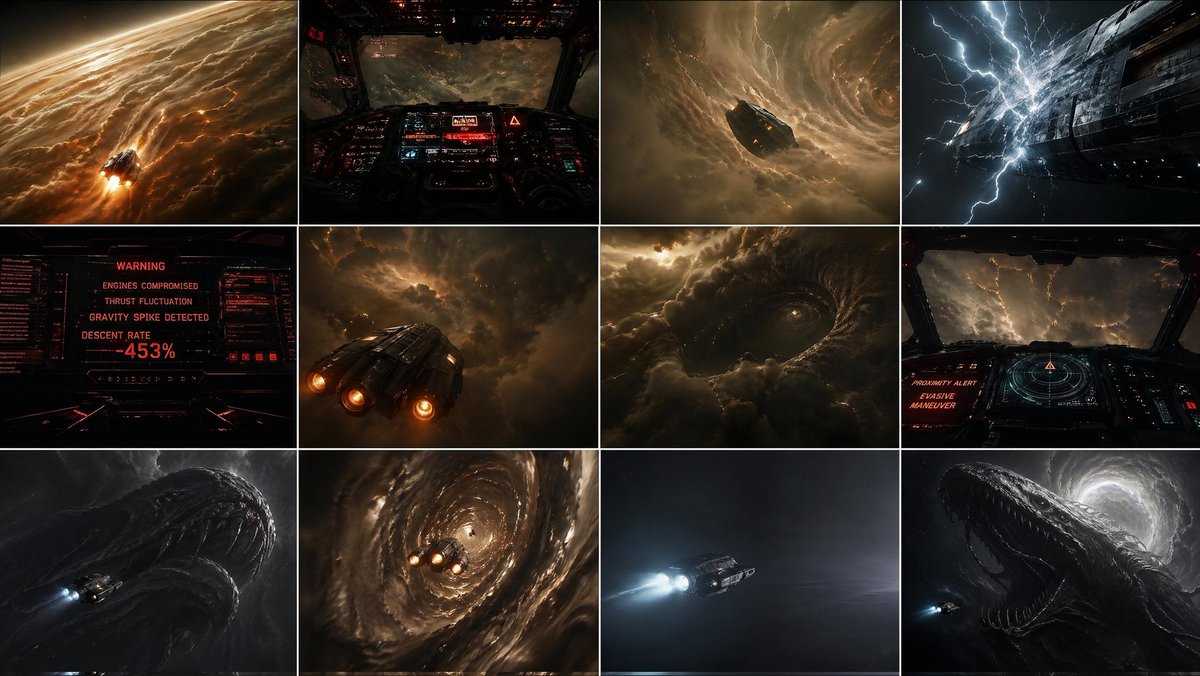
{"type":"cinematic Sci-fi Storyboard Contact Sheet"
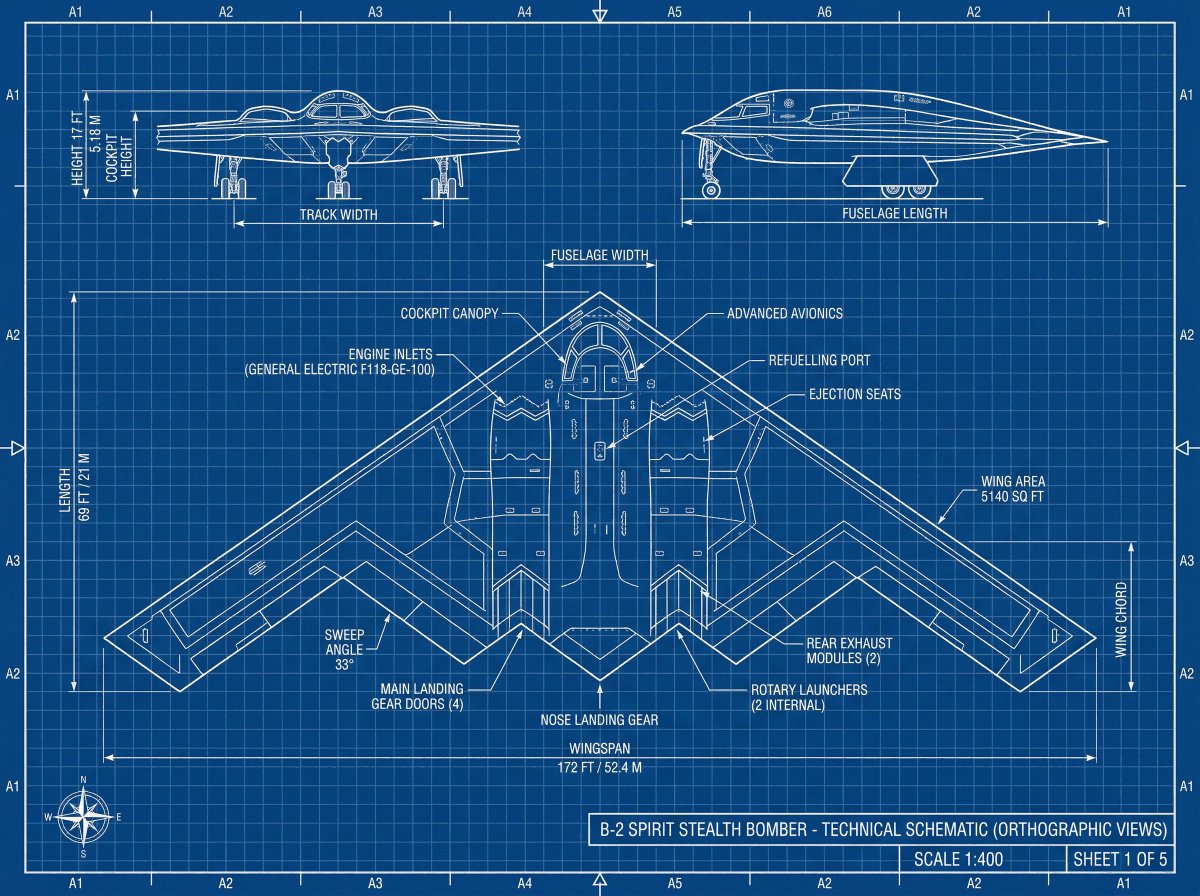
Product Technical Blueprint
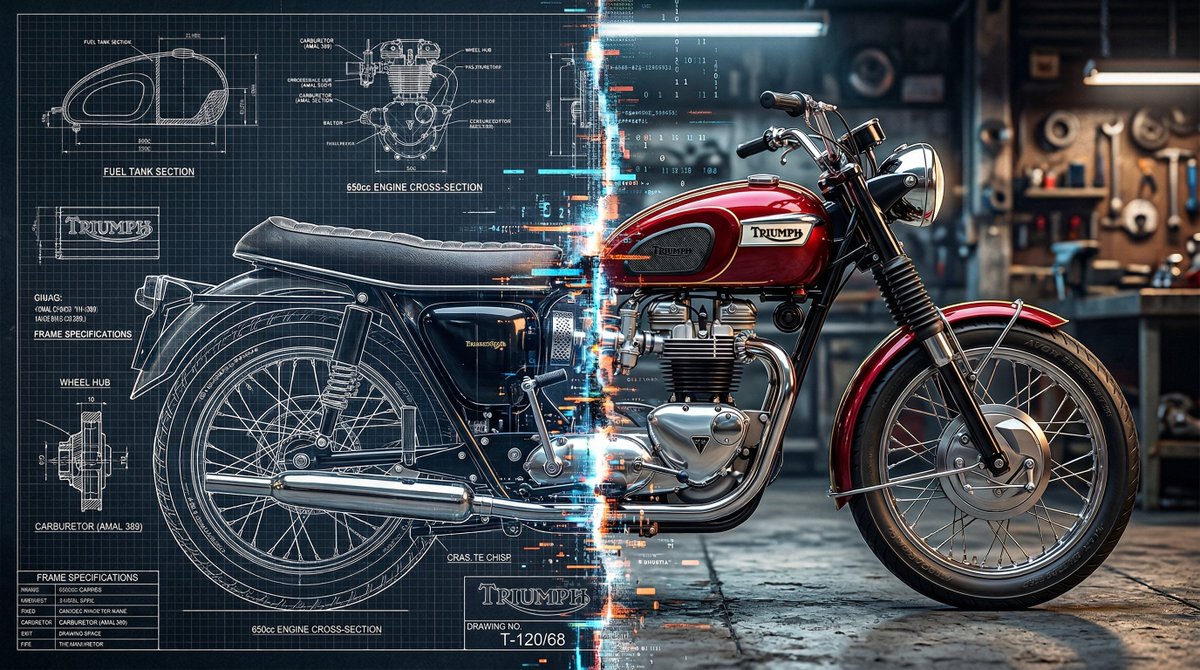
Blueprint and 3D Render Split Comparison
식물 일러스트

지구 환경 일러스트
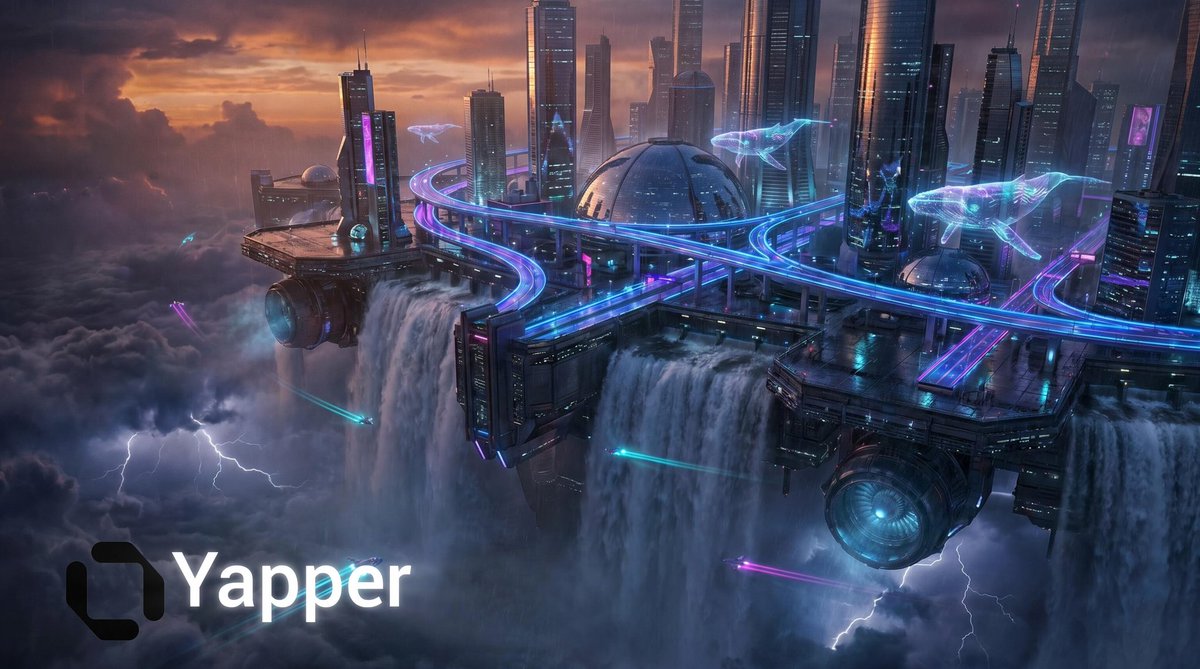
Cyberpunk Floating Megacity
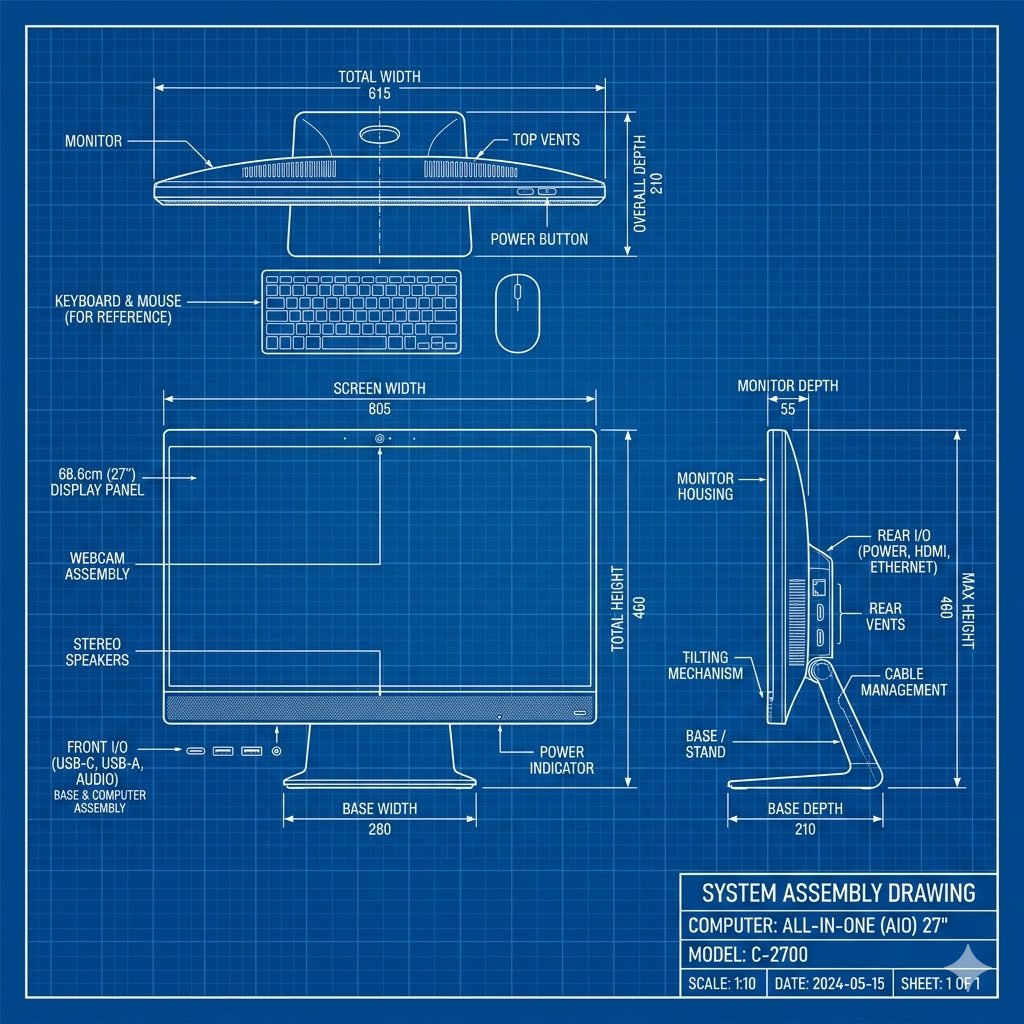
Product Technical Blueprint Drawing
What Are Blueprint Illustration AI Prompts?
Blueprint Illustration AI Prompts are specialized instructional sequences designed to command artificial intelligence to create visuals that mimic professional engineering, architectural, or technical drawings. These prompts focus on the distinct aesthetic of drafts, characterized by precise lines, grid patterns, dimension callouts, and often the iconic deep blue background associated with traditional cyanotype printing. Unlike general artistic prompts, these are engineered to emphasize structure, logic, and technical accuracy. They allow creators to visualize complex machinery, floor plans, or abstract technological concepts with a level of sophistication that suggests expert craftsmanship. By using these prompts on the Carat platform, you can produce high-quality imagery that serves as an intellectual and visual foundation for various projects, blending the boundaries between art and science. The ability to specify 'plan views', 'elevations', and 'sections' through these prompts makes them a powerful tool for conceptualizing physical spaces and products before they are built.
Best Use Cases
The versatility of blueprint-style illustrations makes them indispensable across numerous industries. In the startup and tech world, they are frequently used in pitch decks and whitepapers to symbolize a 'plan for the future' or to explain the underlying architecture of a new software or hardware product. Architects and interior designers use them to create mood boards or stylized representations of their concepts for client presentations and marketing materials. From an educational perspective, these illustrations can simplify complex topics in textbooks or online courses by providing clear, schematic visuals. Additionally, they have high aesthetic value in graphic design; vintage blueprint posters are popular interior decor items, and technical drawing elements are often integrated into clothing or product packaging to convey a sense of reliability and innovation. Using a blueprint aesthetic immediately signals 'planning', 'engineering excellence', and 'attention to detail' to your audience.
Why This Tag Works
The Blueprint Illustration tag works because it targets the specific linguistic markers that AI models need to switch from 'painterly' mode to 'technical' mode. Generating clean, straight lines and organized layouts is a specific challenge for AI, and these prompts provide the necessary constraints to ensure the output remains legible and professional. This tag organizes various sub-styles-ranging from 18th-century hand-drawn patents to modern computer-aided design (CAD) renders-under one umbrella, making it easy for users to find the exact aesthetic they need. It empowers users who may not have professional drafting skills to generate high-level technical art, significantly lowering the barrier to entry for high-quality conceptual visualization. The focus on 'schematic' layouts ensures that the AI doesn't add unnecessary artistic flourishes that might distract from the technical theme.
Explore Related Prompts
Prompt Building Tips
To achieve a convincing blueprint effect, always specify the 'medium' and 'color palette' early in your prompt. Use terms like 'Cyanotype print' for the classic blue look or 'Drafting paper with graphite lines' for a more traditional hand-drawn feel. Keywords like 'orthographic view', 'isometric projection', and 'exploded view' are essential for controlling the perspective and showing different angles of an object. To increase the perceived complexity, add details such as 'intricate labels', 'numerical measurements', or 'patent drawing style'. Lighting should usually be flat or even, so using 'uniform lighting' or 'no shadows' can help keep the lines crisp. Finally, mention the subject clearly-whether it is a 'futuristic spacecraft', 'modernist villa', or 'vintage clockwork'-to give the AI a solid base to apply the technical style to. Combining these layers of information will lead to a professional result that looks like it came straight from a designer's drafting table. You can even experiment with 'weathered paper' or 'coffee stains' to give the blueprint a historical, 'found-in-the-archives' feel.