carat

Prompt Gallery

/

Grok Imagine Image 2.0

Login
Sign Up

Grok Imagine Image 2.0

Grok Imagine Image 2.0 prompts for infographics and product shots. Build text-heavy diagrams, 2048px product cuts and targeted photo edits without starting the image over.

2026.08.12

·
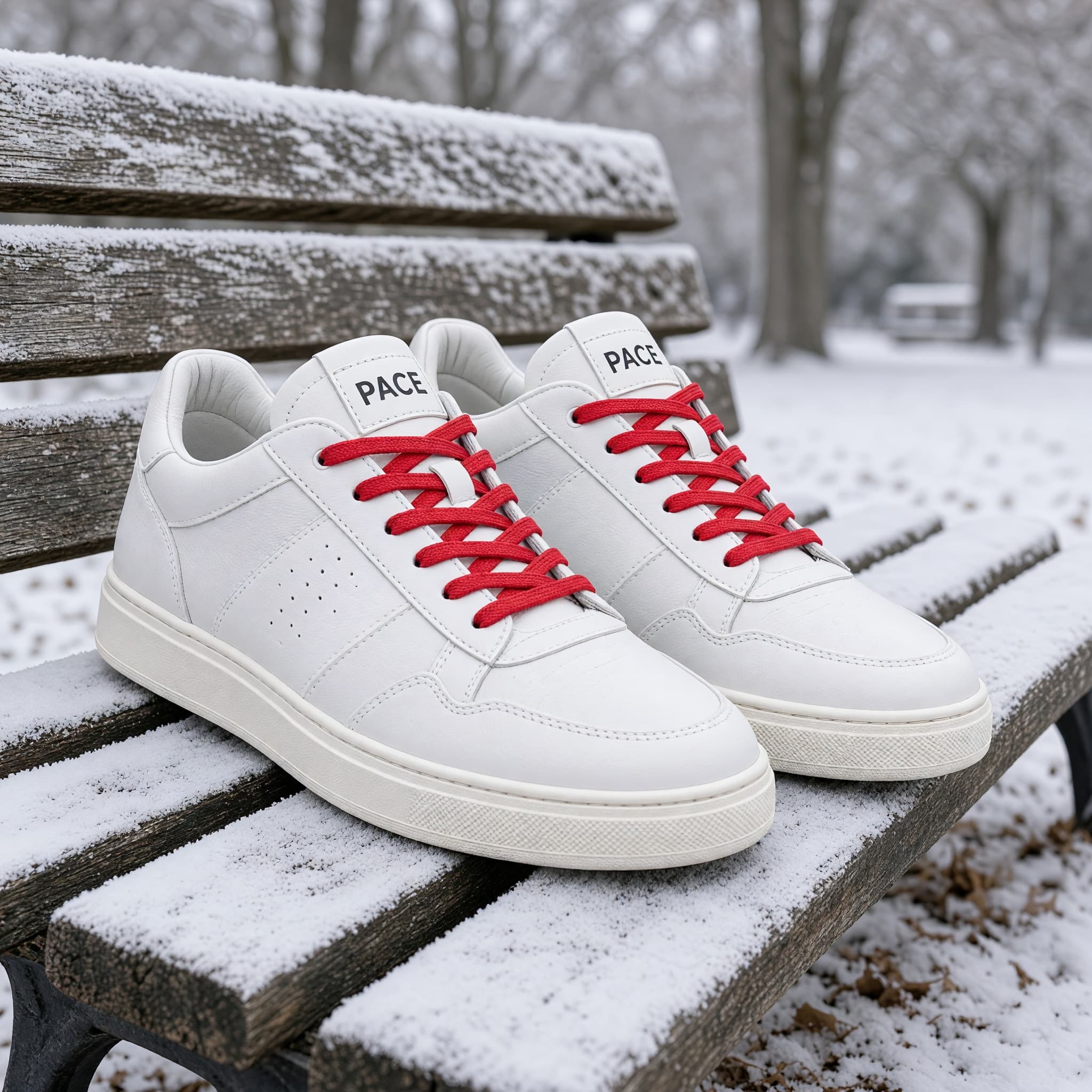
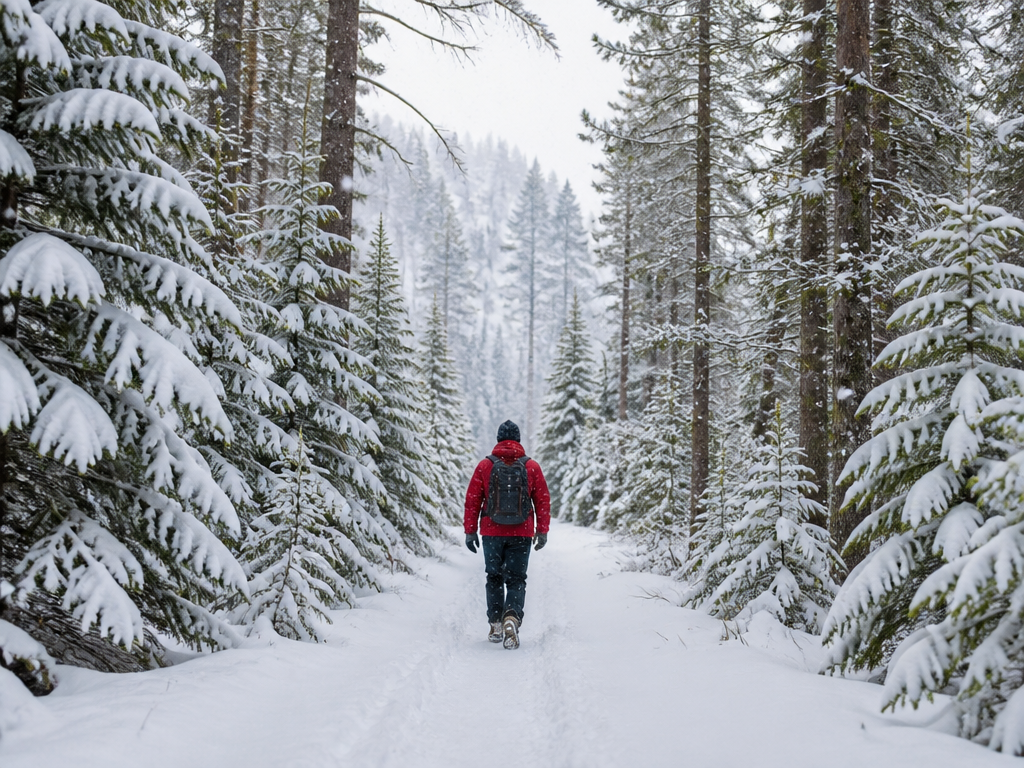
AI-generated Recolor Sneakers and Swap the Season made with Grok Imagine Image 2.0

Recolor Sneakers and Swap the Season

Grok Imagine Image 2.0· Image
Make the sneakers solid white with red laces, and replace the autumn leaves with light fresh snow dusting the bench
@fal.ai
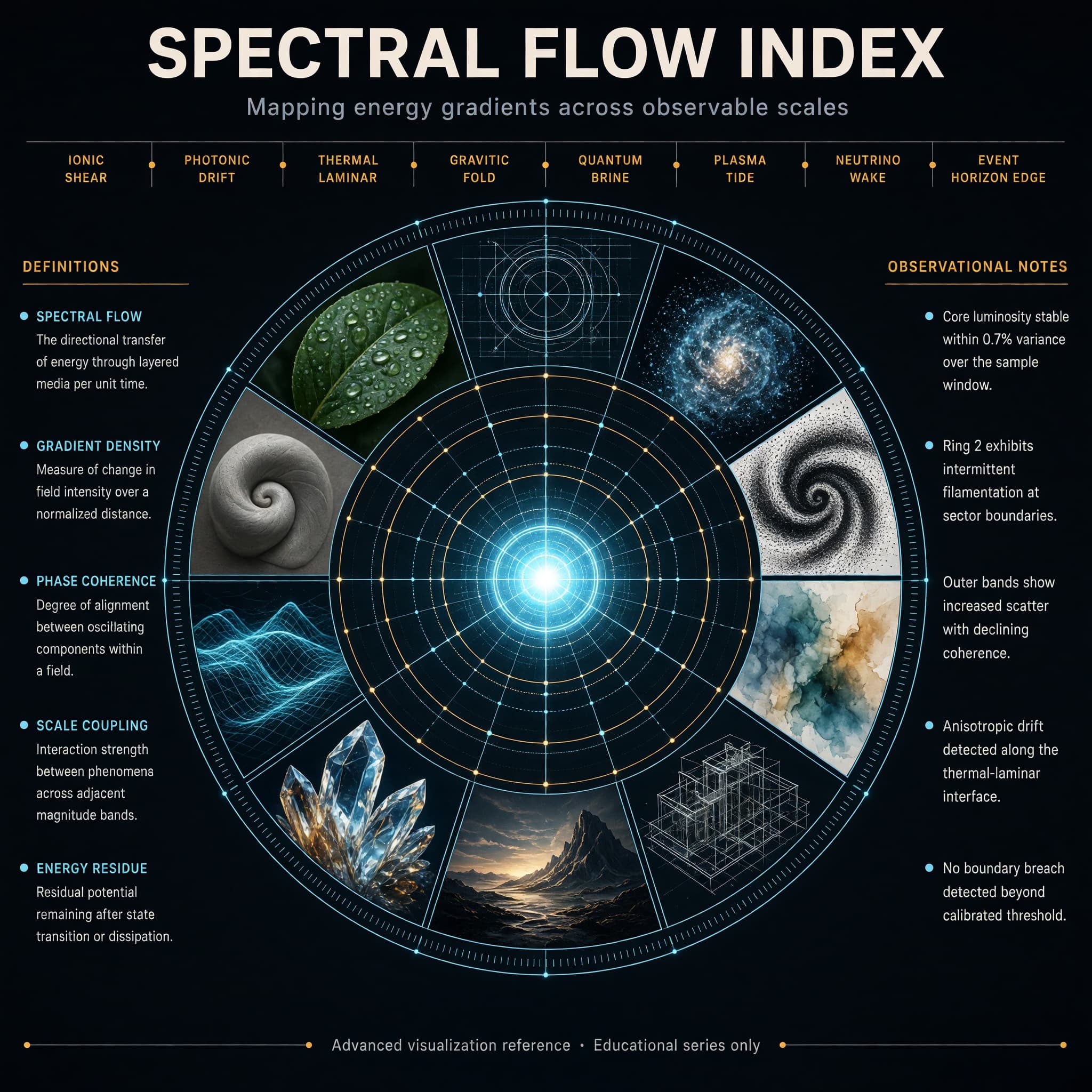
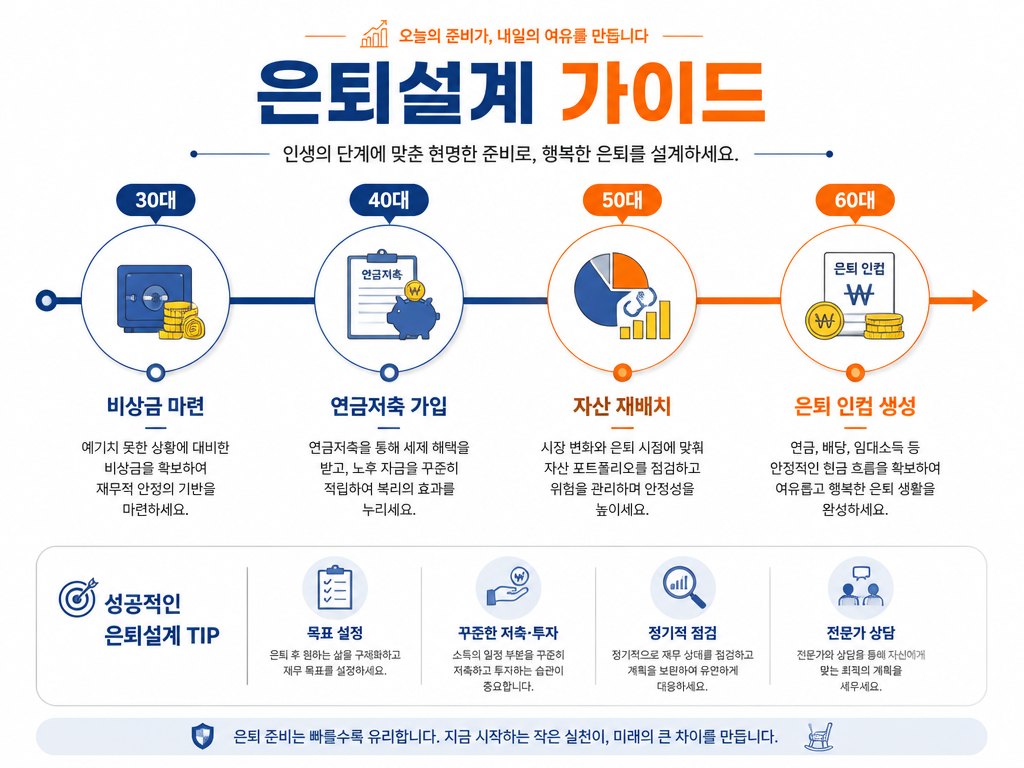
AI-generated Concentric Ring Data Infographic made with Grok Imagine Image 2.0

Concentric Ring Data Infographic

Grok Imagine Image 2.0· Image
Create a high-end hero infographic titled “SPECTRAL FLOW INDEX”. Design it as a large circular radial diagram with a bright central glowing core, surrounded by five clean concentric rings expanding outward like a precision instrument dial. Each ring is divided into evenly spaced segments containing miniature visual studies rendered in distinctly different styles: photorealism, blueprint linework, volumetric particle render, ink stipple, soft watercolor, isometric technical drawing, cinematic still, macroscopic crystal close-up, luminous wireframe, and matte clay sculpture. The overall atmosphere is electric, refined, and extremely polished — deep charcoal background, subtle luminous cyan and soft amber accents, thin glowing guide lines, and perfect geometric alignment. Typography is dense, hierarchical, and perfectly legible with sharp edges and straight baselines: Large precise bold sans-serif title centered at the very top Medium-weight subtitle directly beneath it: “Mapping energy gradients across observable scales” A clean horizontal band of eight short, evenly spaced labels in sharp small caps across the upper third, naming invented measurement zones Two tall vertical columns of text, one on the far left and one on the far right, each containing five tightly spaced entries in clear body text (definitions on the left, observational notes on the right) A single thin full-width footer line at the very bottom in micro but still razor-sharp text: “Advanced visualization reference · Educational series only” All text sits on straight horizontal or vertical axes. No curved or circular text. Consistent spacing, strong visual hierarchy, and absolute clarity at every scale.
@fal.ai
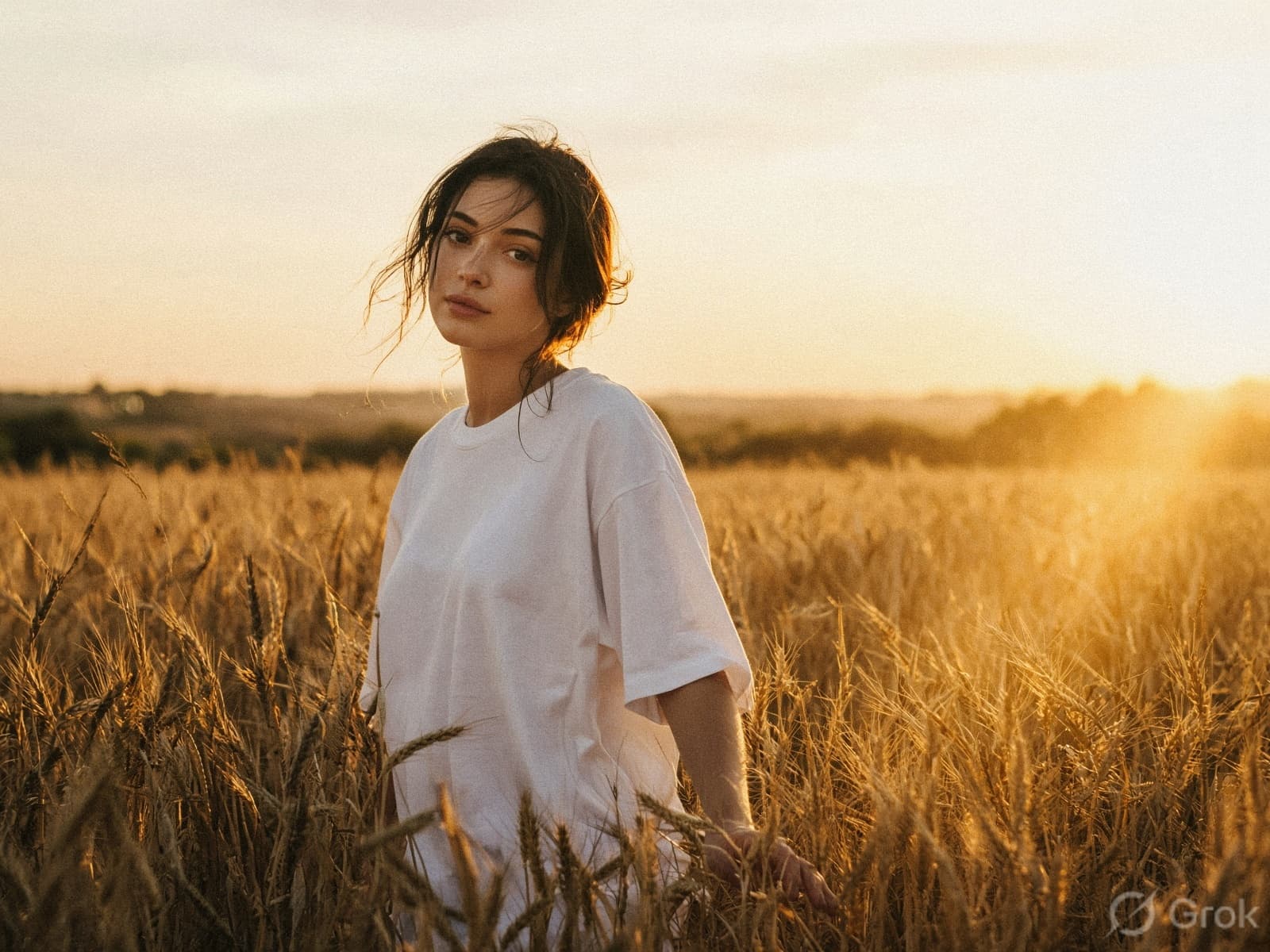
AI-generated Golden Hour Film Portrait in a Wheat Field made with Grok Imagine Image 2.0

Golden Hour Film Portrait in a Wheat Field

Grok Imagine Image 2.0· Image
Warm golden hour film portrait, young woman walking slowly through a tall golden wheat field, glancing calmly toward the camera with open eyes, oversized white tee, her hand brushing the wheat tops, low evening sun glowing through the stalks, warm haze and soft halation, luminous skin, heavy 35mm grain, serene and cinematic, lots of air
@Goodmanprotocol
AI-generated Jungle Huntress Close-Up made with Grok Imagine Image 2.0

Jungle Huntress Close-Up

Grok Imagine Image 2.0· Image
Captivating and fierce jungle huntress with tribal markings and vibrant green eyes, wearing a leaf and vine bikini, crouching on a tree branch in a dense, misty rainforest. Warm, dappled sunlight, primal, cinematic, sharp focus, hyper-realistic, wild beauty. Shot with Canon EOS R5 at f/2, realistic, high angle shot, DSLR, close up
@CharaspowerAI

What Are Grok Imagine Image 2.0 AI Prompts?

Grok Imagine Image 2.0 is the image generation and editing model xAI released on August 7, 2026. Carat serves it through fal, and the same model handles both making a new image from text and reworking a photo you already have. It is built around layouts where the text placement decides the result, such as an infographic that stacks a title, labels and body copy in one frame.

Where You'll Use It

  • Infographics and typography that carry a title, subtitle and labels together
  • Posters and travel posters where the copy is the subject
  • Product photos meant to be viewed up close
  • Photo edits that change only a color, a material or a season
  • Composites that remove a background or move a subject into another scene

Why This Tag Is Useful

Resolution is either 1k or 2k, where 2k puts the long edge at 2048px, and quality has two steps, low and medium. Text to image supports 13 aspect ratios, while edit defaults to auto and keeps the ratio of the input image. You can render 1 to 4 images per request, and an edit accepts up to 3 input images on fal, so elements spread across several photos can be pulled into one scene. The editing side includes a tool for marking the region to change and a background remover, and smart resize rebuilds the same scene for a different aspect ratio.

Tips for Crafting Prompts

  1. Quote the exact text that should appear in the frame, and split it by level: title, subtitle, labels, footer.
  2. For charts and diagrams, pin down the shape (radial, grid, vertical columns) and the number of entries so the layout holds.
  3. When editing, write what changes and what stays as two separate sentences to limit unintended drift.
  4. Use 2k for anything you will print or enlarge, and drop to 1k with a higher image count while you are still comparing directions.

The same prompt lands differently depending on the aspect ratio, because the text has a different amount of room. Stack entries vertically for portrait frames and split them into left and right columns for landscape frames, and the output stays closer to what you described.

Frequently Asked Questions

Related Prompts

Cinematic Portrait

Cinematic Portrait

34 prompts

Outdoor Portrait

Outdoor Portrait

125 prompts

Portrait Photo

Portrait Photo

629 prompts

Character Portrait

Character Portrait

2 prompts

Carat Prompt Gallery

Create trending AI prompts instantly

Prompts

  • Logo
  • PPT Design
  • Thumbnail
  • Poster
  • Web Novel Cover
  • ID Photo
  • Caricature
  • Product Detail Page
  • Banner

Models

  • GPT Image 2
  • Seedance 2.0
  • NanoBanana Pro
  • NanoBanana 2

Carat

  • Get started
  • About
  • Blog
  • Careers
  • Contact
  • Partnership
  • Terms
  • Privacy

© 2026 Paradot.Inc All rights reserved.