포토스튜디오
포토스튜디오 프롬프트. 캐럿에서 제공하는 포토스튜디오 이미지 생성 프롬프트를 복사해 바로 사용해보세요.
2026.08.15
「포토스튜디오」 원하는 대로 직접 만들어보세요「포토스튜디오」 직접 만들어보세요
대화로 요청만 하면 최적화된 이미지·영상을 만들어줘요

매일 무료 100크레딧으로 바로 시작
·
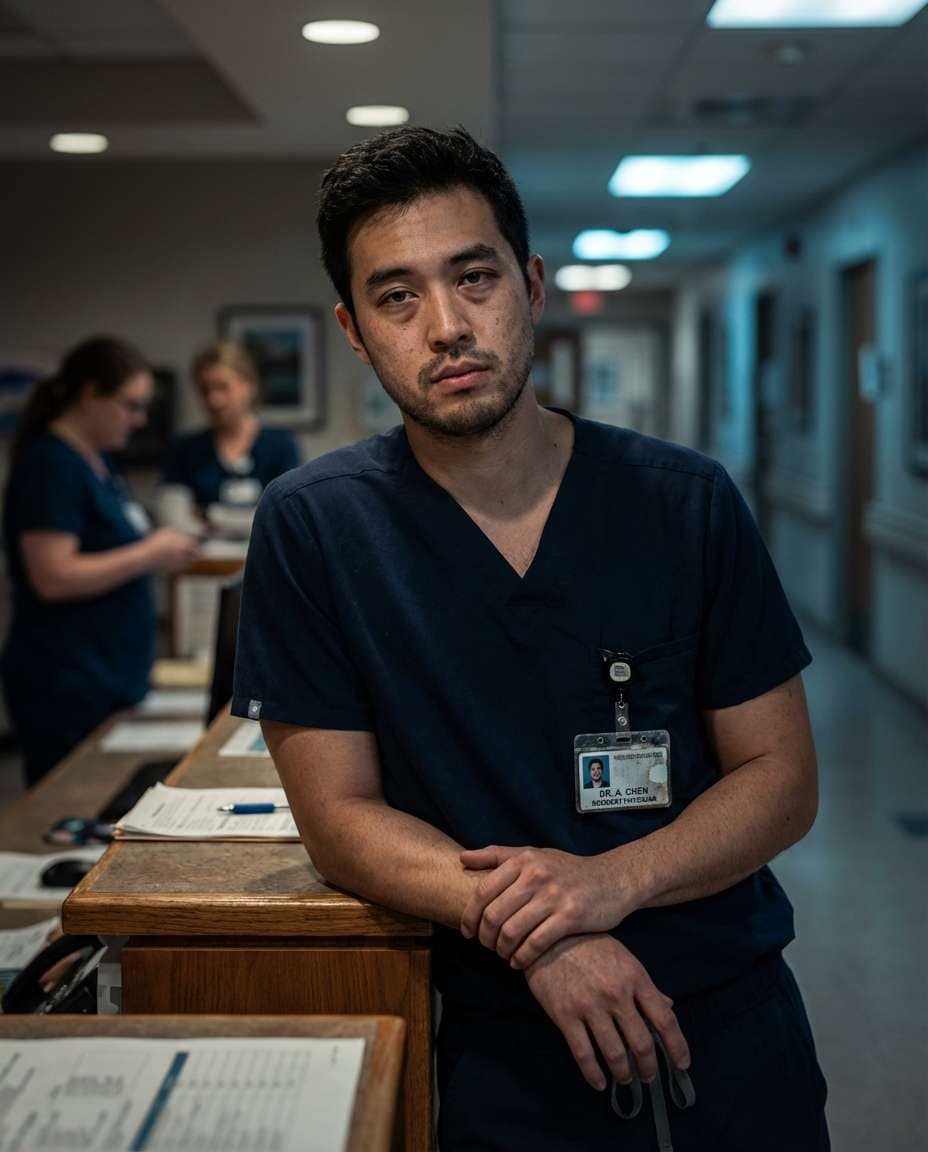
야간 근무 의사 프로필
나노바나나 프로· 이미지
A tired but resilient male resident doctor in his late 20s leaning lightly against a nurses station counter, wearing wrinkled navy scrubs and an ID badge, subtle under-eye shadows, hospital night shift background with dim corridor lights, moody low light with practical lamps and soft fill, Sony A7S III with 50mm f/1.4, half-body framing, documentary realism mood, ultra-realistic skin texture, natural pores, sharp focus on eyes, high resolution, muted cinematic grading --ar 4:5
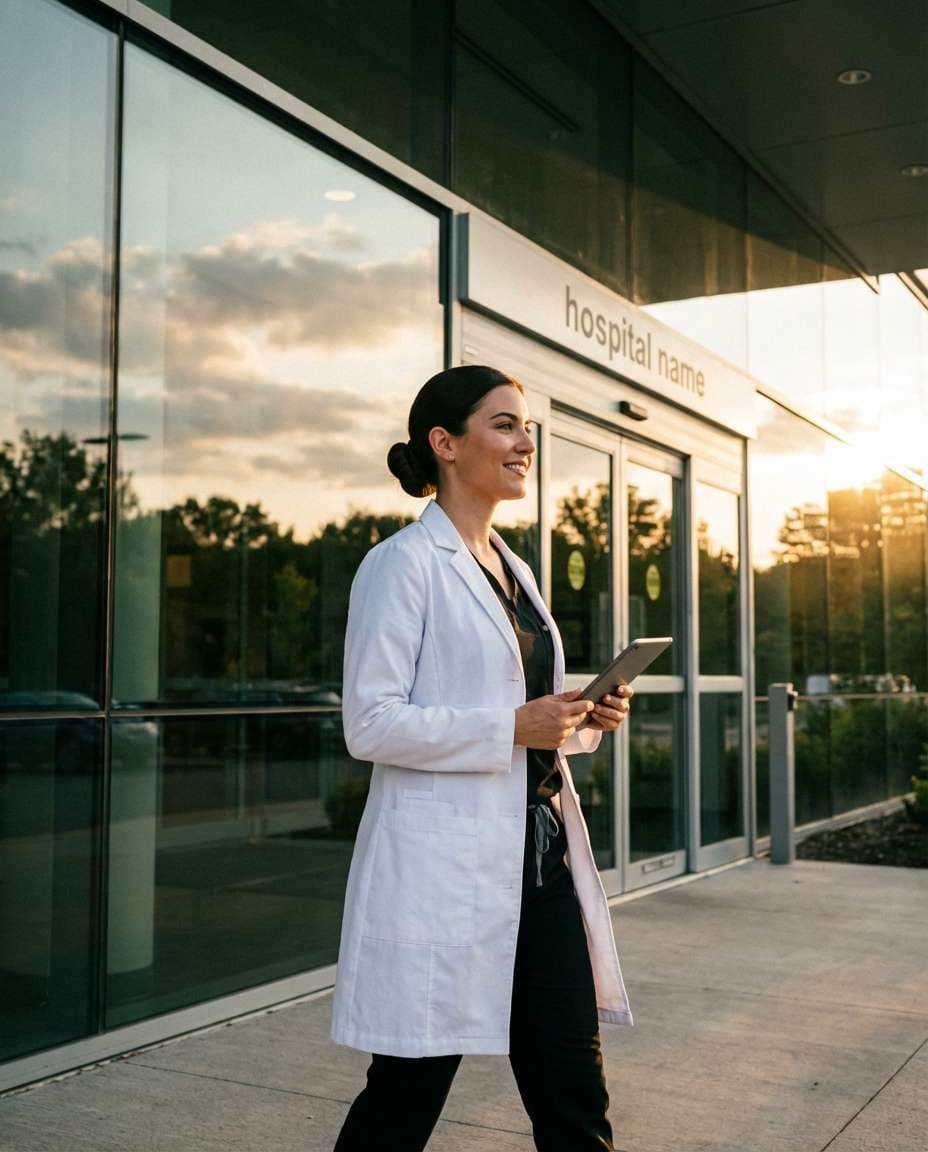
야외 흰 가운 의사 프로필
나노바나나 프로· 이미지
A young female doctor in her early 30s walking outside a modern hospital entrance, confident posture, wearing a white coat over black scrubs, hair in a neat bun, holding a tablet, glass building reflections and greenery in background, golden hour backlight with warm rim light, Canon R5 with 35mm f/1.8, three-quarter body framing, aspirational and modern mood, photorealistic skin texture, natural shadows, cinematic color grading, sharp focus, high resolution --ar 4:5
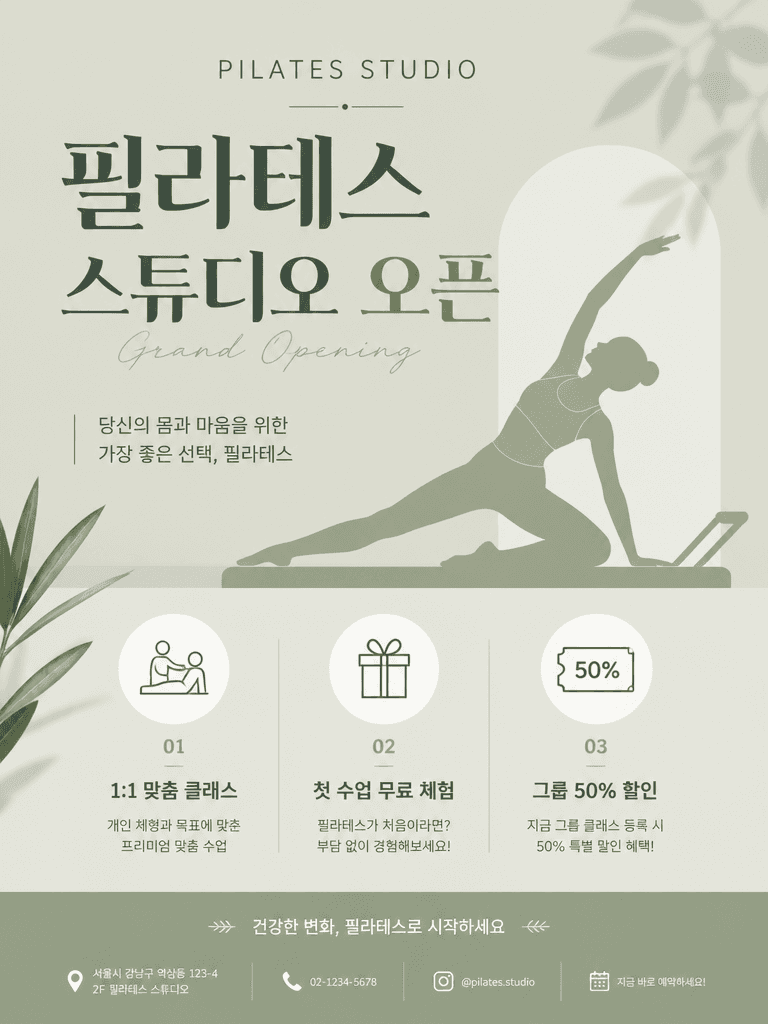
필라테스 스튜디오 오픈 포스터
GPT 이미지 2· 이미지
A pilates studio grand opening poster. Soft sage green background with minimal pilates pose silhouette illustration. Title text '필라테스 스튜디오 오픈' in Korean. Benefits: 1:1 맞춤 클래스, 첫 수업 무료 체험, 그룹 50% 할인. Clean and modern wellness startup poster, vertical format.
fal:204682
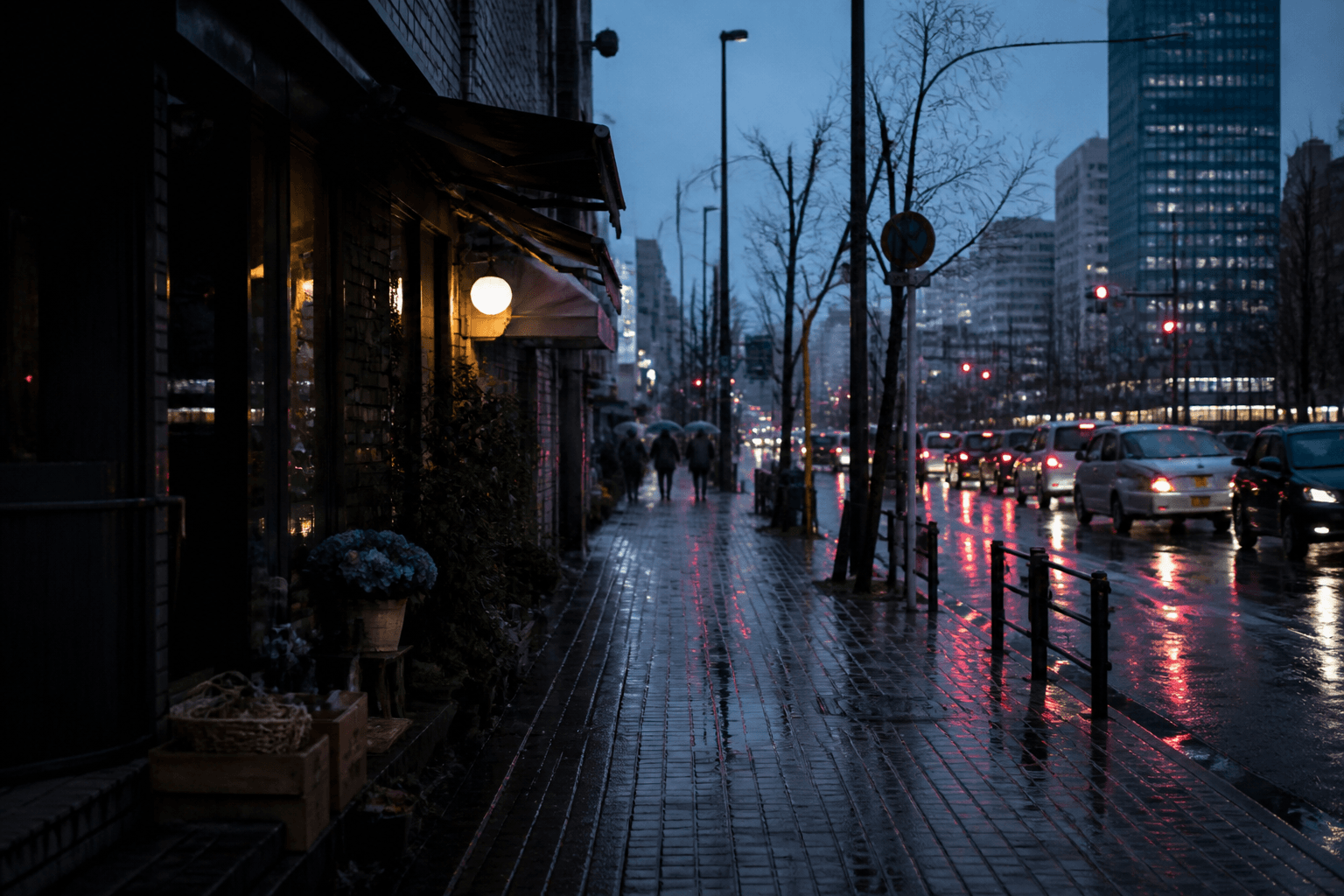
비 오는 서울 거리 사진
GPT 이미지 2· 이미지
Create a realistic rainy Seoul street landscape photo at blue hour. Wet asphalt reflections, small shops, blurred traffic lights, umbrellas in the distance, moody but natural city photography, 35mm lens feel, muted gray and neon accents, no readable signs, no text, no watermark, not CGI.
fal:74496
포토스튜디오 프롬프트란?
포토스튜디오 이미지를 생성하기 위한 AI 프롬프트 모음입니다. 캐럿에서 제공하는 포토스튜디오 프롬프트를 복사하여 AI 이미지 생성 도구에 붙여넣으면 전문가 수준의 결과물을 얻을 수 있습니다.
포토스튜디오 프롬프트 활용 방법
- 원하는 프롬프트를 선택하여 복사합니다.
- 캐럿 에이전트에 붙여넣습니다.
- 필요에 따라 색상, 스타일, 구도를 수정합니다.
- 생성된 이미지를 다운로드하여 활용합니다.
포토스튜디오 프롬프트 작성 팁
조명(Lighting), 질감(Texture), 구도(Composition), 렌즈(Lens) 정보를 구체적으로 명시하면 더 정밀한 결과를 얻을 수 있습니다. "No text, no watermark"를 추가하면 불필요한 텍스트를 방지할 수 있습니다.
포토스튜디오 프롬프트 적용 사례
포토스튜디오 프롬프트는 콘텐츠 제작, 마케팅, 디자인, 교육 자료 등 다양한 분야에서 활용됩니다. AI 이미지를 활용하면 제작 시간을 단축하면서도 전문적인 퀄리티를 유지할 수 있습니다.
포토스튜디오 프롬프트 최적화 가이드
이미지 비율은 용도에 맞게 선택하세요. SNS용은 세로형(9:16), 웹 배너는 가로형(16:9), 제품 이미지는 정사각형(1:1)이 적합합니다.