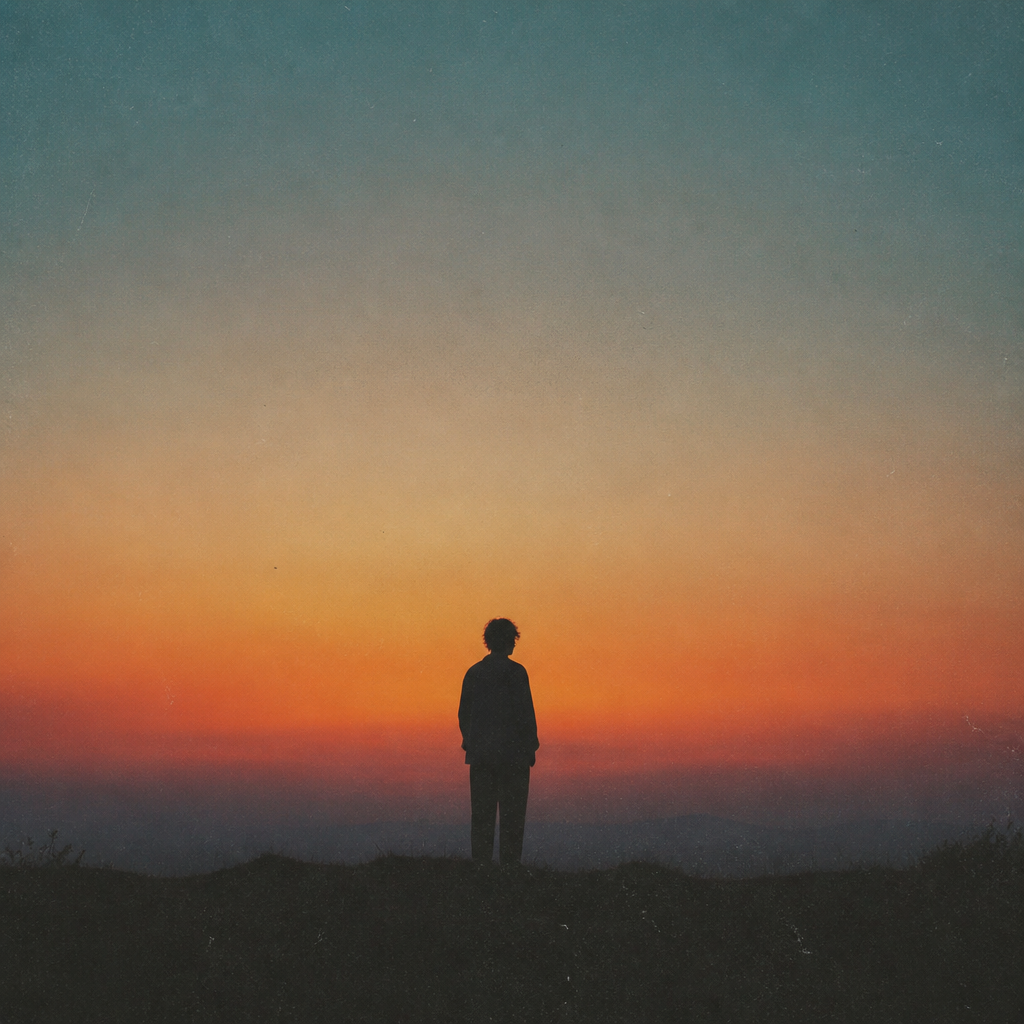
Album Cover
Album cover AI prompts ready for single and full-album releases. Quickly create K-pop concept covers, indie and lo-fi jackets, and typography-driven cover art.
2026.06.30
Make “Album Cover” exactly the way you wantCreate your own “Album Cover”
Just ask in plain language — Carat generates optimized images and videos for you.

Start now with 100 free credits daily
Game Battle Poster of Mai Shiranui Vs
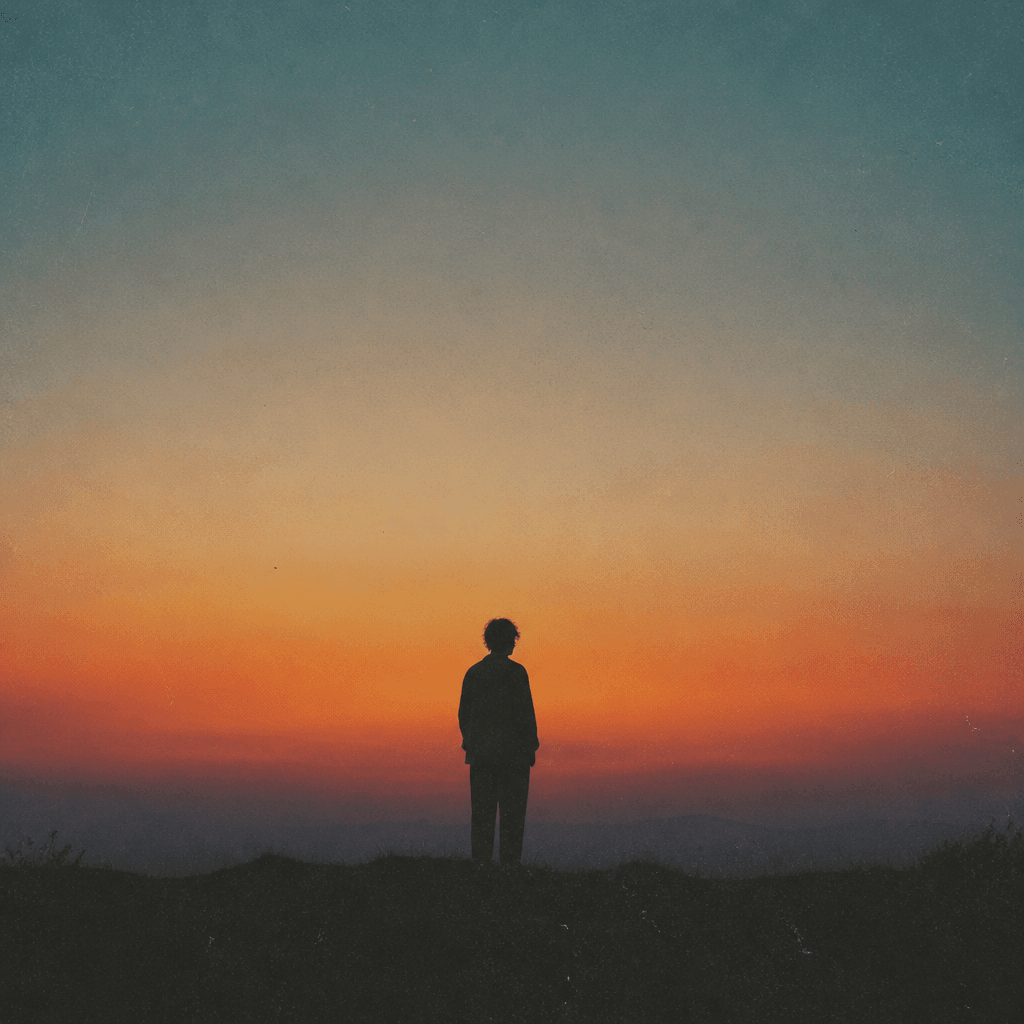
감성 인디 앨범 커버
What Are Album Cover AI Prompts?
Album cover AI prompts condense a song's genre and mood into a single image to design a record jacket. By specifying the track's vibe (emotional ballad, hip-hop, city pop, indie, and so on) along with color palette, typography placement, and artist concept, models like GPT Image 2 or Nano Banana Pro generate 1:1 square cover art in one pass. You can extend the same concept from streaming thumbnails to vinyl and CD jackets and social release teasers, making it easy to lock in consistent album visuals quickly without a designer.
Where You'll Use It
- Streaming-service cover art for single, EP, and full-album releases
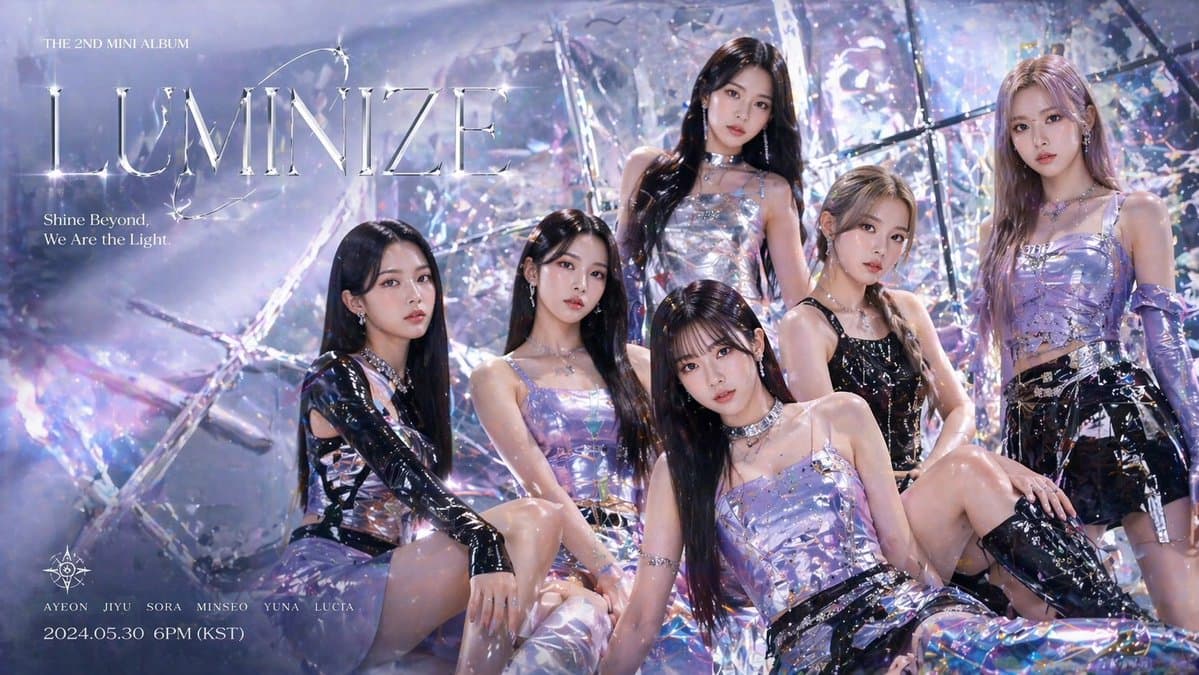
- K-pop idol concept-photo style group or solo album jackets
- Mood-driven covers for indie, lo-fi, and city pop
- Square jacket designs for vinyl LPs and CD cases
- Visuals for release teasers and Spotify or Apple Music canvases
Why This Tag Is Useful
An album cover is the first visual a listener meets before pressing play, so it shapes the first impression. Designing one by hand takes time for concepting, gathering references, and placing typography, but with AI prompts you can set the genre mood, color palette, and title or artist-name placement all at once, generate several drafts, and pick the direction that best fits the music. Setting the square ratio and typography margins in advance also makes it easy to extend the same tone across streaming services, social media, and physical jackets.
More Related Prompts
Prompt Building Tips
- State the song's genre and mood first. Defining a vibe like "emotional ballad," "vintage city pop," or "dark hip-hop" lets color and texture follow naturally.
- Specify the 1:1 square ratio and typography margins. Asking the model to leave space where the album title and artist name will go makes it easy to add text later.
- Describe the reference color palette and lighting in detail. Phrases like "neon pink and deep blue" or "film grain with hard flash" sharpen the genre's identity.
- For portrait covers, specify expression, angle, and outfit concept. Solo versus group and close-up versus full body dramatically change the jacket's impression.
Combining these elements lets you quickly secure cover drafts that match the music, pick the best direction, and extend it consistently across streaming services, social media, and physical jackets.