carat

Prompt Gallery

/

App Icon Prompt

Login
Sign Up

App Icon Prompt

App Icon Prompt prompts. Copy and use App Icon Prompt image generation prompts from Carat right away.

2026.08.24

·
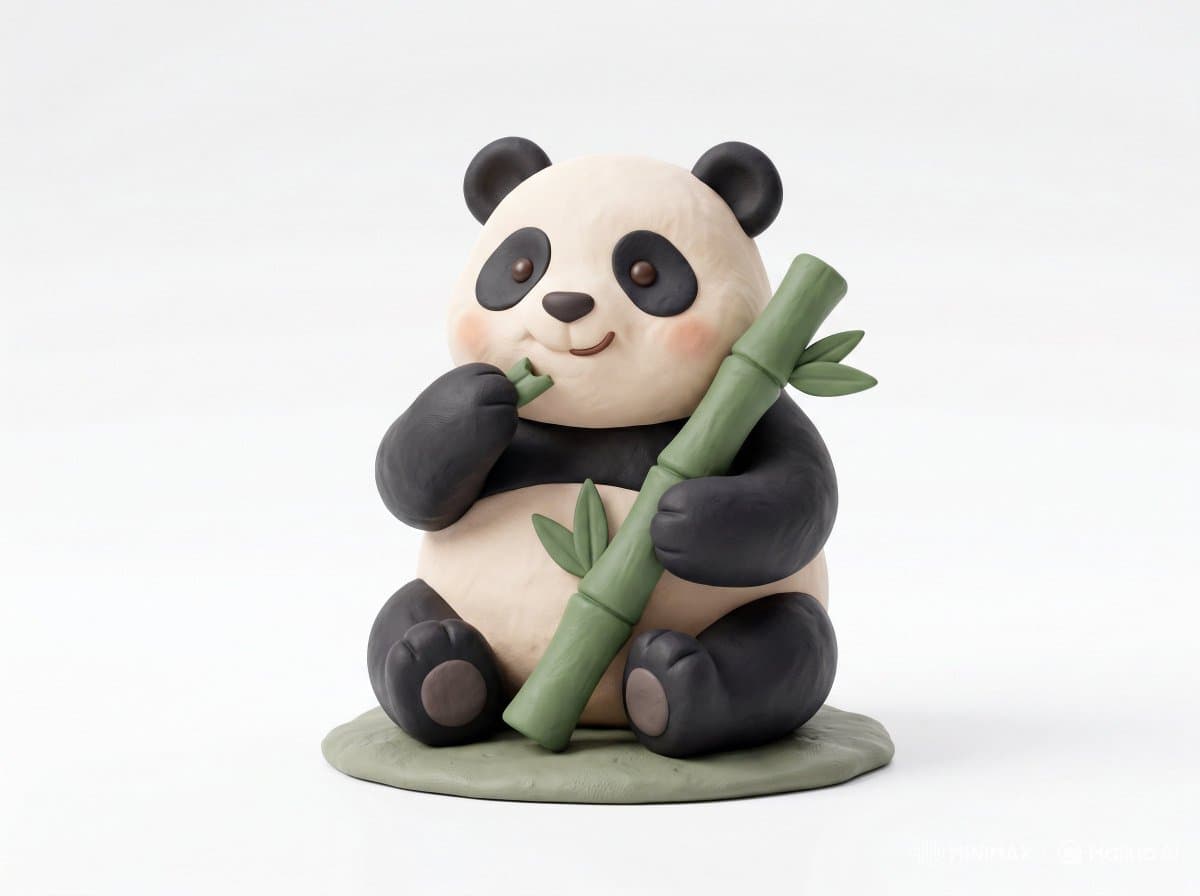
AI-generated Clay Toy Icon Character made with Nano Banana Pro

Clay Toy Icon Character

Nano Banana Pro· Image
Cute 3D render of a [subject], matte surface, kneaded clay icon style, simple stylized design, [doing action], [emotion or mood], rounded proportions, soft sculpted details, playful body language, vibrant [color1], [color2], and [color3] accents, clean white background, minimal composition, soft ambient lighting, subtle shadow, charming character design, high-resolution, polished toy-like aesthetic
@Strength04_X
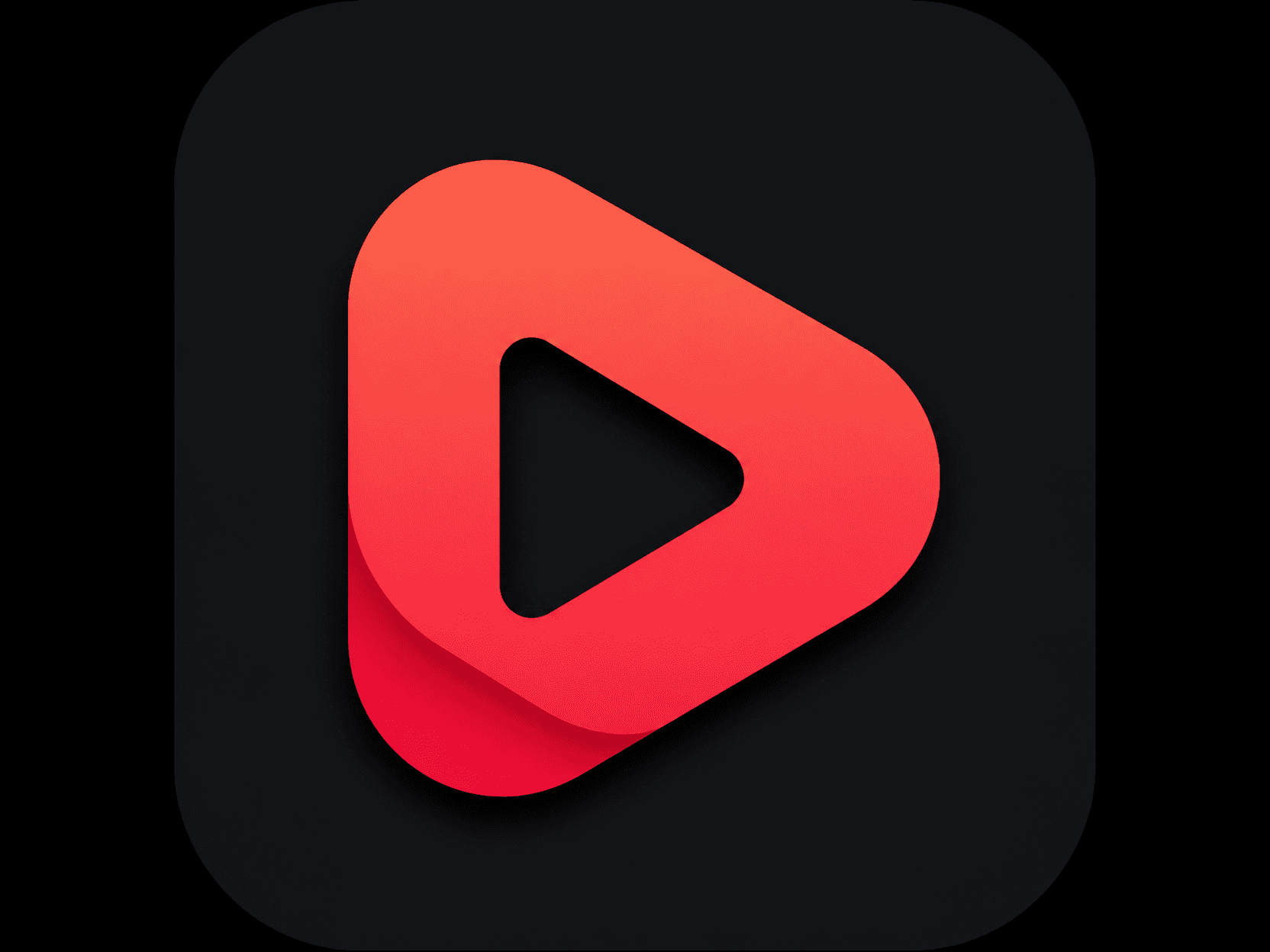
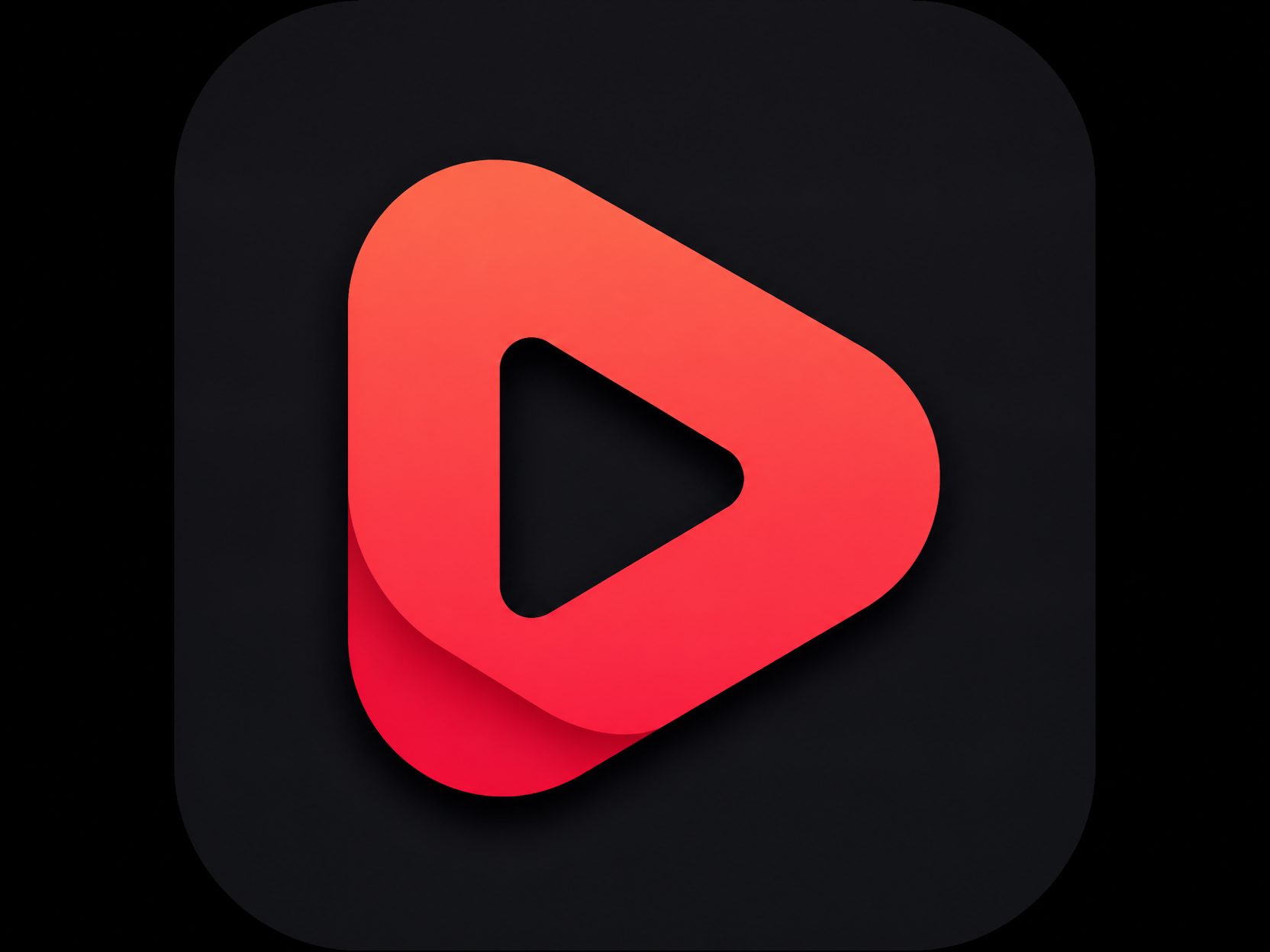
GPT 이미지 2로 생성한 크리에이터 채널 로고 아이콘

크리에이터 채널 로고 아이콘

GPT Image 2· Image
A modern creator channel logo icon: bold play-button symbol, red-to-coral gradient, subtle shadow, minimal vector design, no official trademark text, no readable words, square app icon composition.
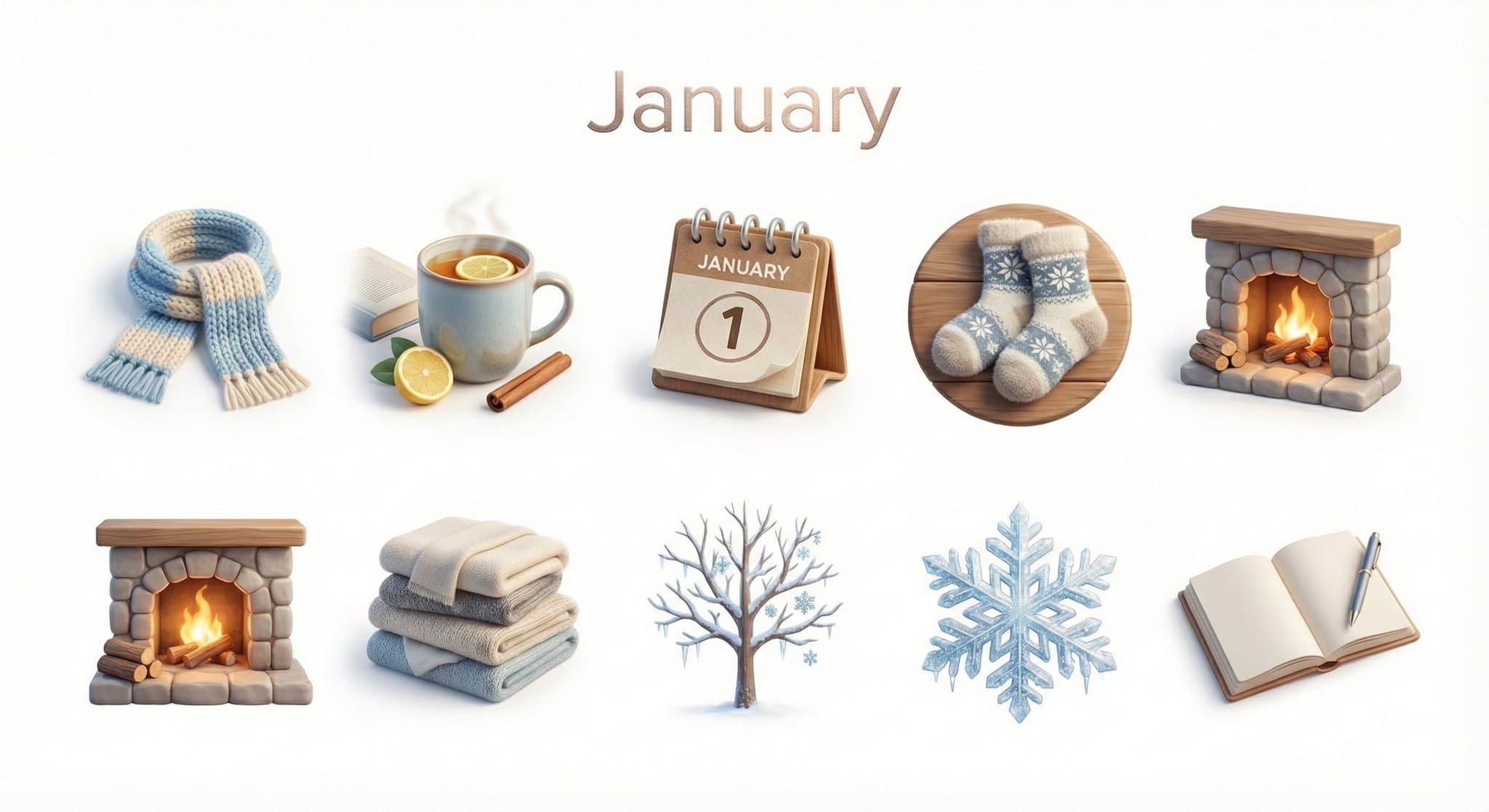
AI-generated Monthly Icon Set made with Nano Banana Pro

Monthly Icon Set

Nano Banana Pro· Image
Create a collection of icons representing [Month] through objects, symbols, and moods. They belong together as a single cohesive theme. The background is pure white. Place the month name “[MONTH]” at the top center of the image as a minimal, balanced title, aligned symmetrically above the grid and visually integrated with the overall design. Icons are rendered in a colorful yet calm 3D style, with season-appropriate textures and atmospheric lighting that reflect the essence of [MONTH]. Maintain consistent proportions, materials, and visual language across all icons and the title.
@aleenaamiir
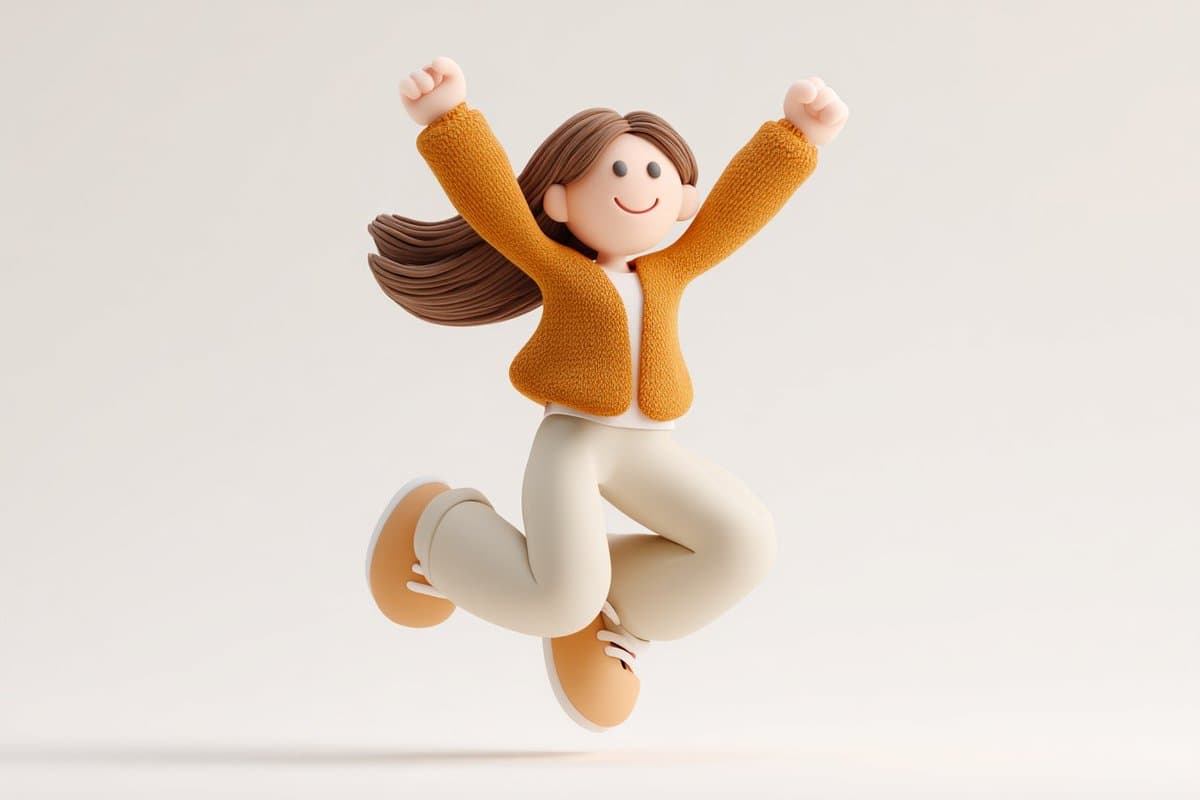
AI-generated Clay Icon Character made with GPT Image 2

Clay Icon Character

GPT Image 2· Image
Cute 3D render of a [subject], matte surface, kneaded clay icon style, simple stylized design, [doing action], [emotion or mood], rounded proportions, soft sculpted details, playful body language, vibrant [color1], [color2], and [color3] accents, clean white background, minimal composition, soft ambient lighting, subtle shadow, charming character design, high-resolution, polished toy-like aesthetic
@azed_ai

What are App Icon Prompt Prompts?

A collection of AI prompts for generating app icon prompt images. Copy the App Icon Prompt prompts provided by Carat and paste them into an AI image generation tool to get professional-grade results.

How to Use App Icon Prompt Prompts

  1. Select and copy your desired prompt.
  2. Paste it into the Carat agent.
  3. Modify colors, styles, and composition as needed.
  4. Download the generated image and use it in your project.

Tips for Writing App Icon Prompt Prompts

Specify lighting, texture, composition, and lens information in detail for more precise results. Add "No text, no watermark" to prevent unwanted text overlays.

App Icon Prompt Prompt Applications

App Icon Prompt prompts are used across content creation, marketing, design, and educational resources. AI-generated images dramatically reduce production time while maintaining professional quality.

App Icon Prompt Prompt Optimization Guide

Choose the aspect ratio based on your use case: vertical (9:16) for social media, horizontal (16:9) for web banners, and square (1:1) for product images.
Frequently Asked Questions

Related Prompts

App Icon

App Icon

4 prompts

Pixel Icon

Pixel Icon

28 prompts

3D Cartoon

382 prompts

Illustration

Illustration

774 prompts

Carat Prompt Gallery

Create trending AI prompts instantly

Prompts

  • Logo
  • PPT Design
  • Thumbnail
  • Poster
  • Web Novel Cover
  • ID Photo
  • Caricature
  • Product Detail Page
  • Banner

Models

  • GPT Image 2
  • Seedance 2.0
  • NanoBanana Pro
  • NanoBanana 2

Carat

  • Get started
  • About
  • Blog
  • Careers
  • Contact
  • Partnership
  • Terms
  • Privacy

© 2026 Paradot.Inc All rights reserved.