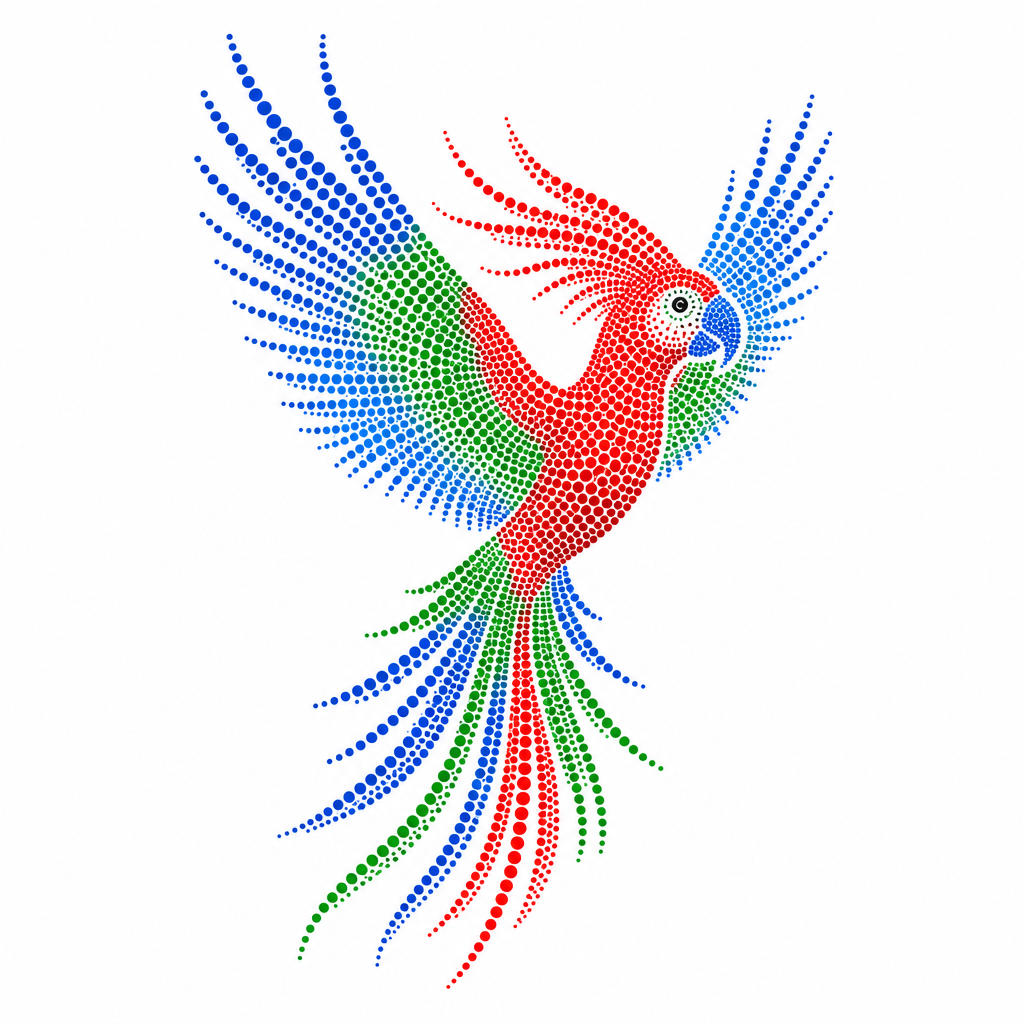
App Icon
Create AI app icon prompts for polished creative concepts, social assets, campaign drafts, and reusable visual references.
2026.07.02
Make “App Icon” exactly the way you wantCreate your own “App Icon”
Just ask in plain language — Carat generates optimized images and videos for you.

Start now with 100 free credits daily
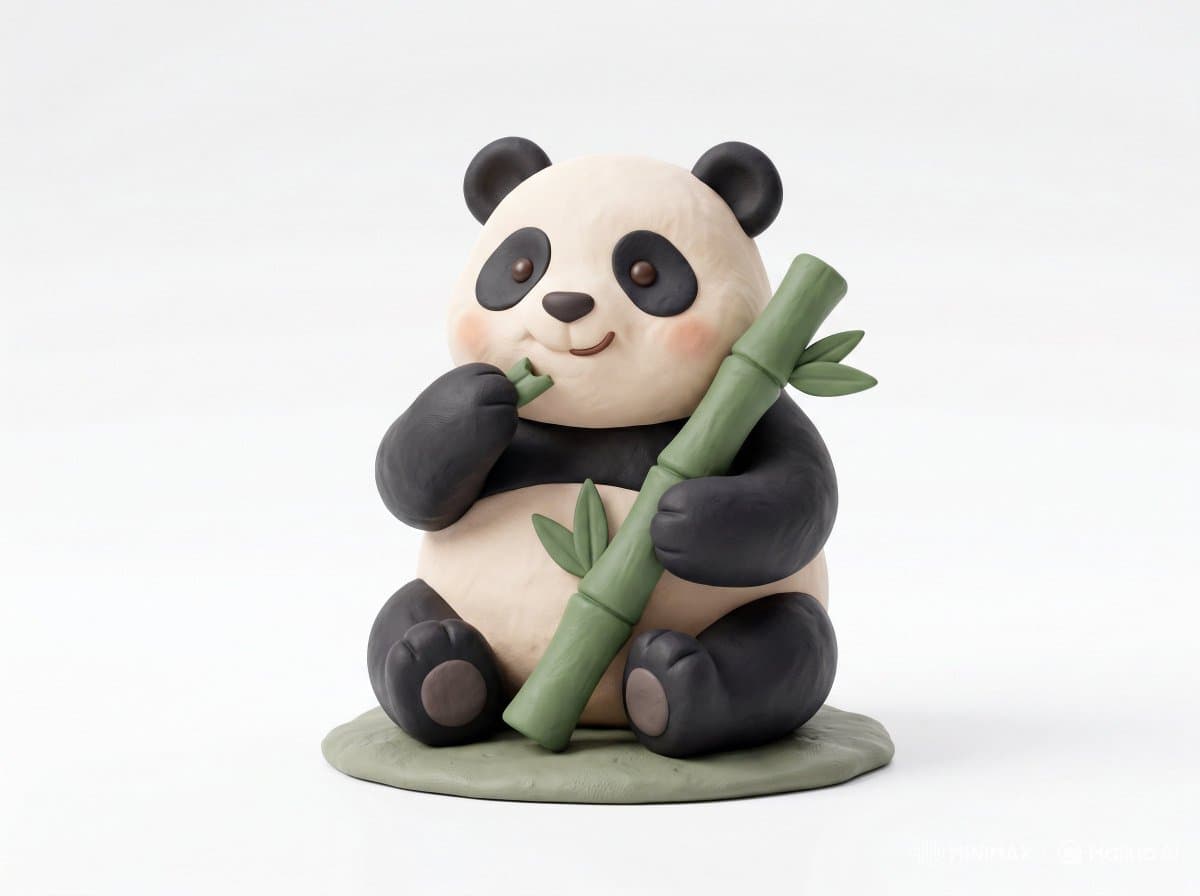
Clay Toy Icon Character

크리에이터 채널 로고 아이콘

Monthly Icon Set

Clay Icon Character
What Are App Icon AI Prompts?
App Icon prompts are structured instructions that guide an AI model toward a specific visual or video result. A short topic alone often produces inconsistent outputs, so a stronger prompt defines the subject, environment, composition, lighting, color palette, material quality, motion, and finishing style. The examples in Carat prompt gallery are designed to be copied, adapted, and reused in real creative workflows. They can support campaign drafts, social media content, portfolio experiments, client proposals, and reusable reference libraries. By adjusting aspect ratio, brand tone, camera distance, and platform context, one prompt pattern can become several distinct creative directions.
Key Use Cases
- 모바일 앱 아이콘: quickly shape a usable concept for this channel
- SaaS 기능 아이콘: quickly shape a usable concept for this channel
- 크리에이터 채널 아이콘: quickly shape a usable concept for this channel
- 클레이 스타일 아이콘: quickly shape a usable concept for this channel
- 브랜드 UI 시안: quickly shape a usable concept for this channel
Why This Tag Is Useful
App Icon work depends on small prompt choices that strongly affect quality and usability. A useful prompt explains what should be visually dominant, how the viewer’s eye should move through the frame, what level of polish is expected, and which details should be avoided. This structure makes repeated generations easier to compare and helps teams give more precise feedback. Instead of searching through broad prompt categories, this tag gathers focused examples that can be adapted quickly for a real project. Beginners can start by replacing the subject, colors, and background, while advanced users can keep the composition and lighting consistent across a larger series.
Explore Related Prompts
Tips for Building Your Prompt
- 아이콘의 기능과 감정을 짧게 정의한다
- 단순한 실루엣과 강한 형태 대비를 우선한다
- 작은 크기에서도 보이도록 디테일을 줄인다
- 라운드 사각형 배경이나 투명 배경을 명시한다
For the best results, separate scene description, style direction, and technical constraints instead of writing one vague sentence. Once you find a strong base result, keep the composition and lighting stable while changing props, materials, facial expression, product details, or color palette. This creates controlled variations without losing the visual logic of the original concept.