Blueprint Design
AI prompts for creating blueprint-style technical drawings with classic cyanotype aesthetics.
2026.07.03
Make “Blueprint Design” exactly the way you wantCreate your own “Blueprint Design”
Just ask in plain language — Carat generates optimized images and videos for you.

Start now with 100 free credits daily
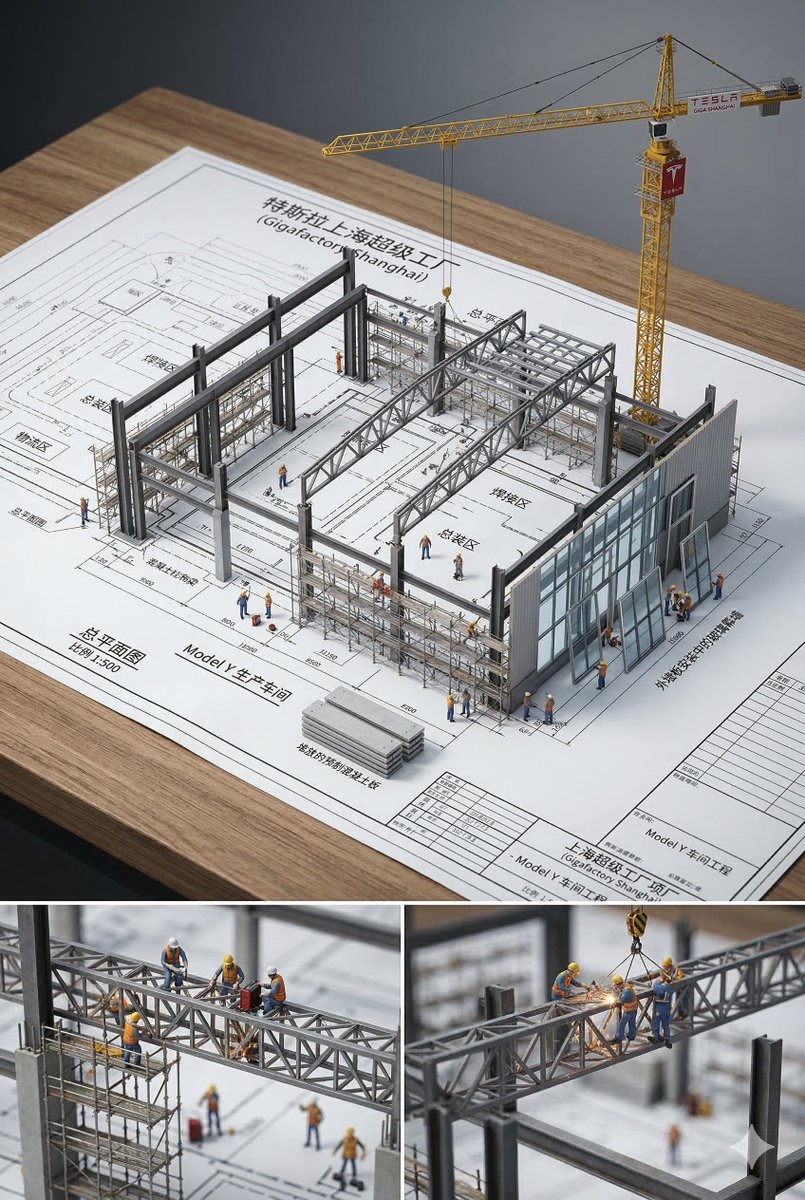
Architectural Blueprint Miniature
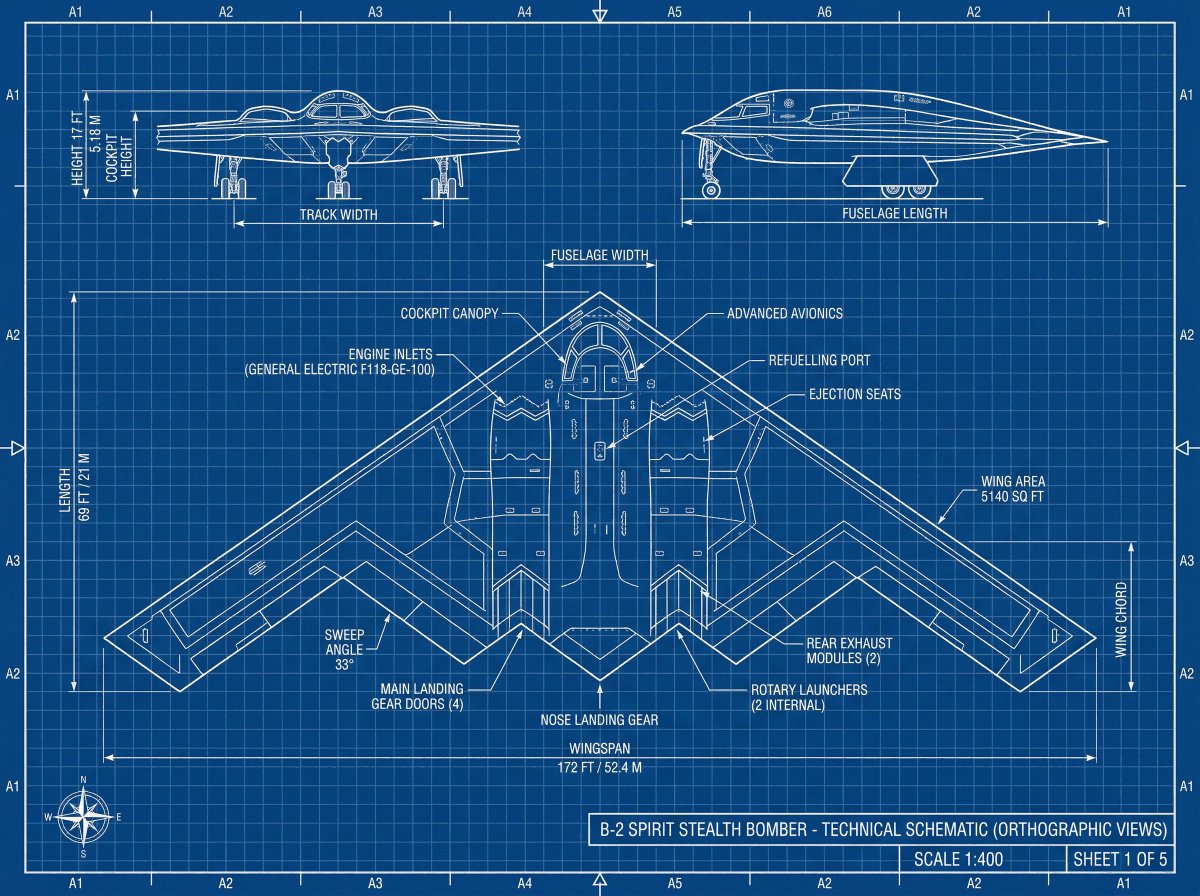
Product Technical Blueprint
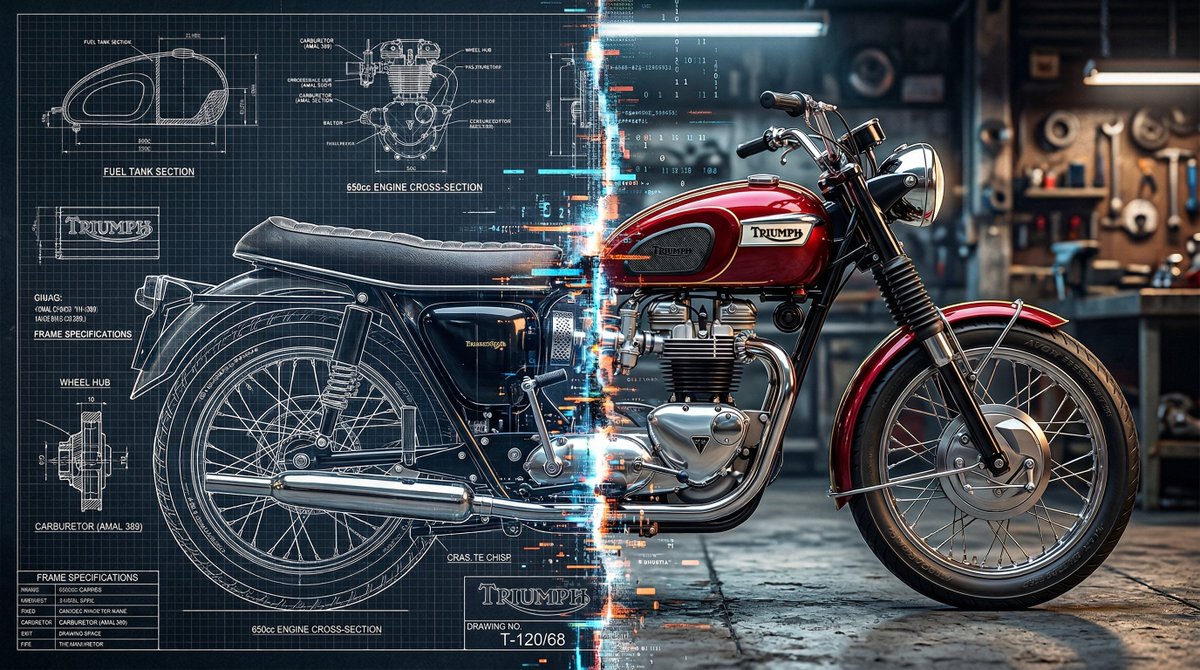
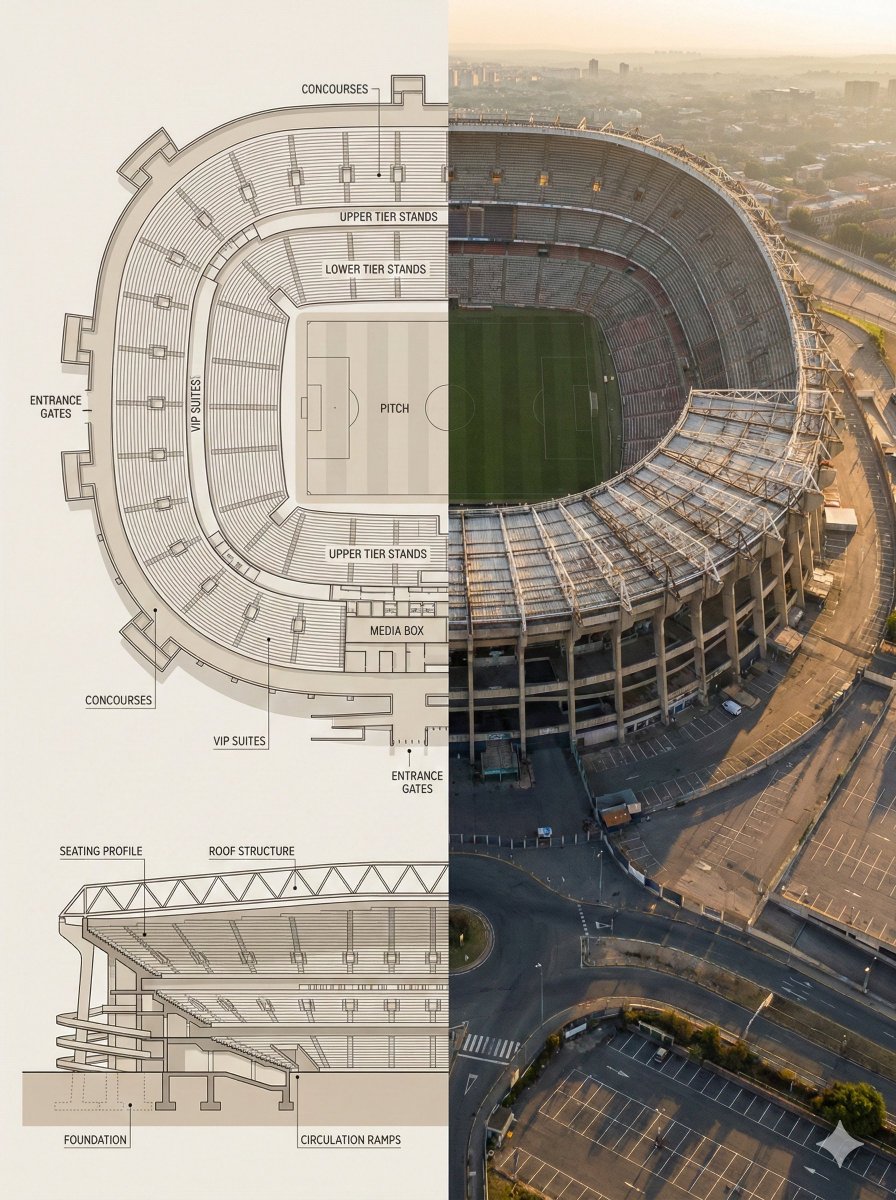
Blueprint and 3D Render Split Comparison
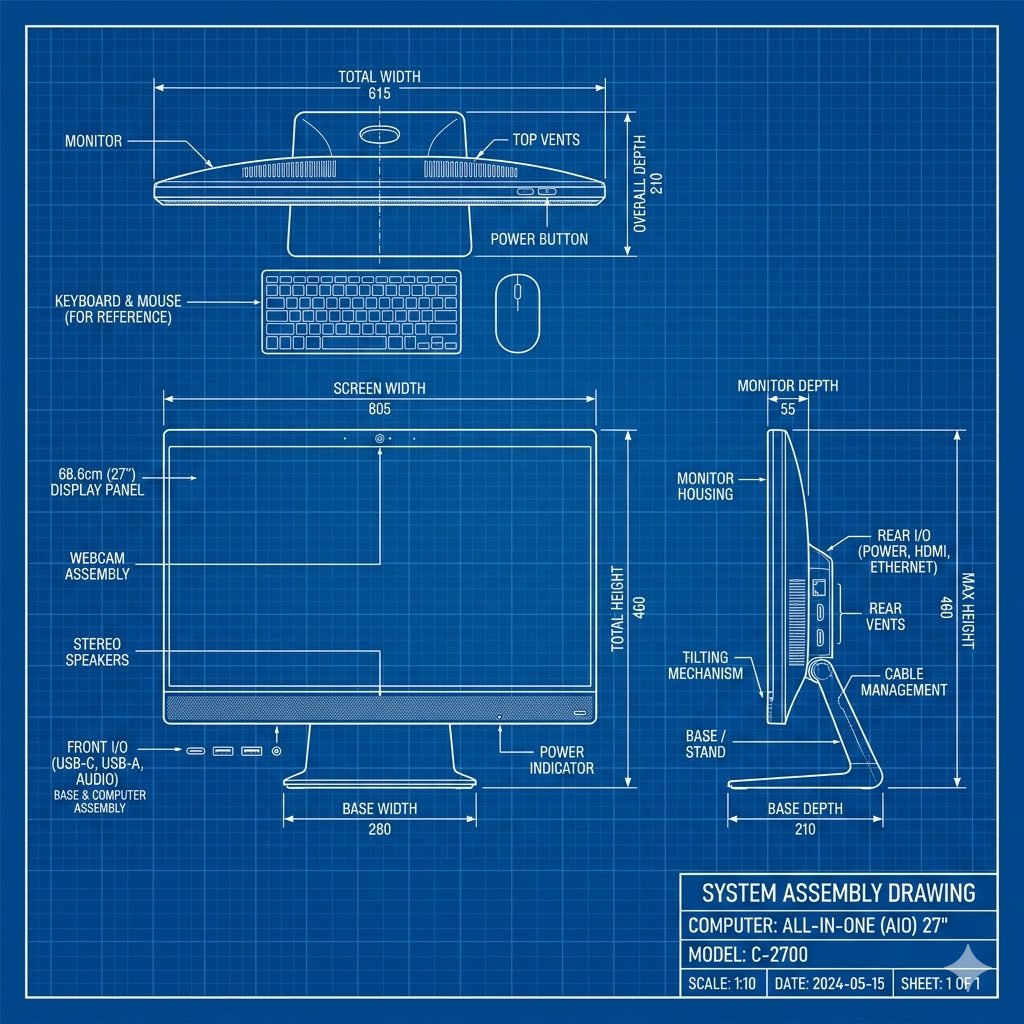
Product Technical Blueprint Drawing
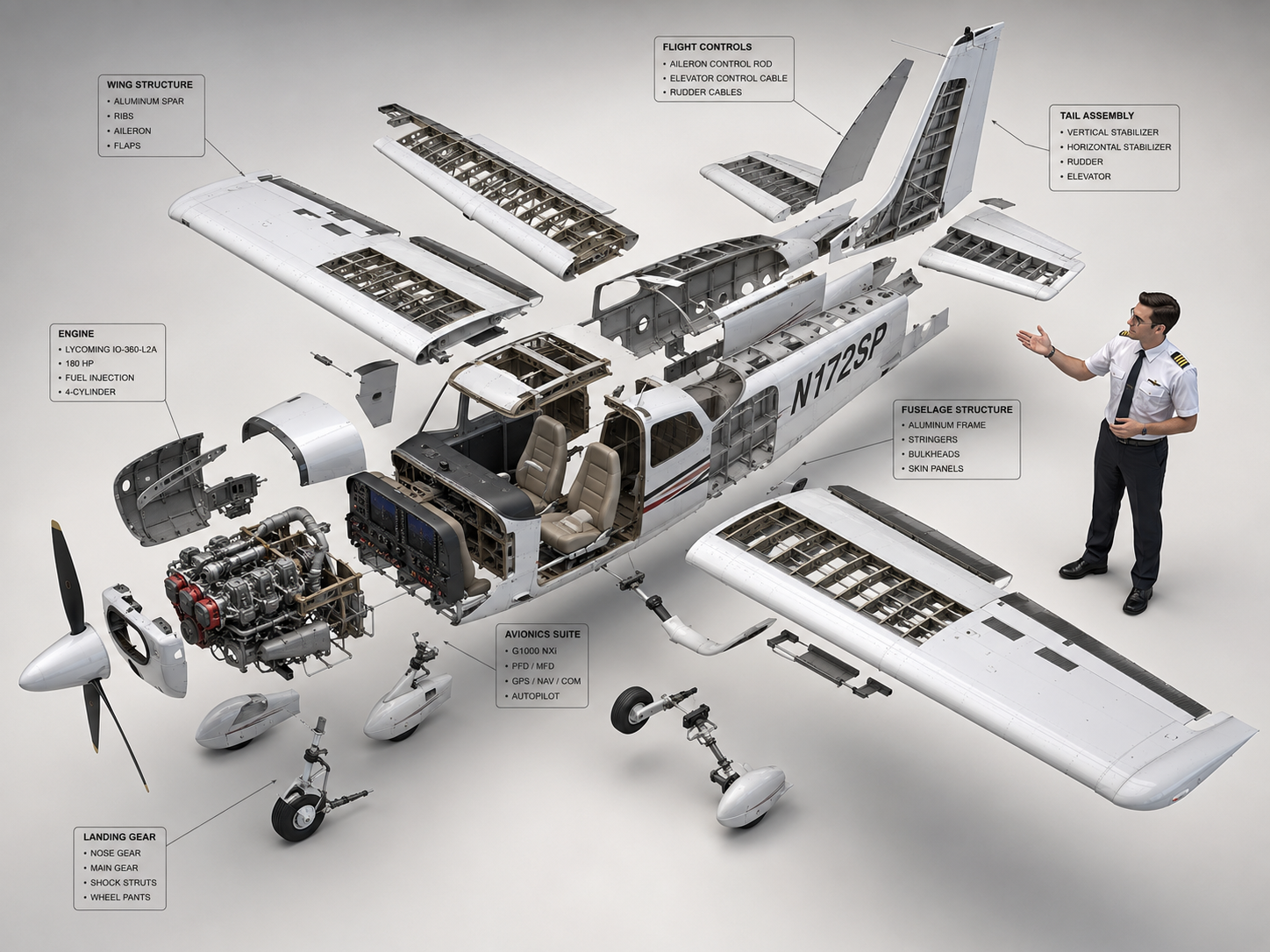
Cessna 172 Exploded Diagram
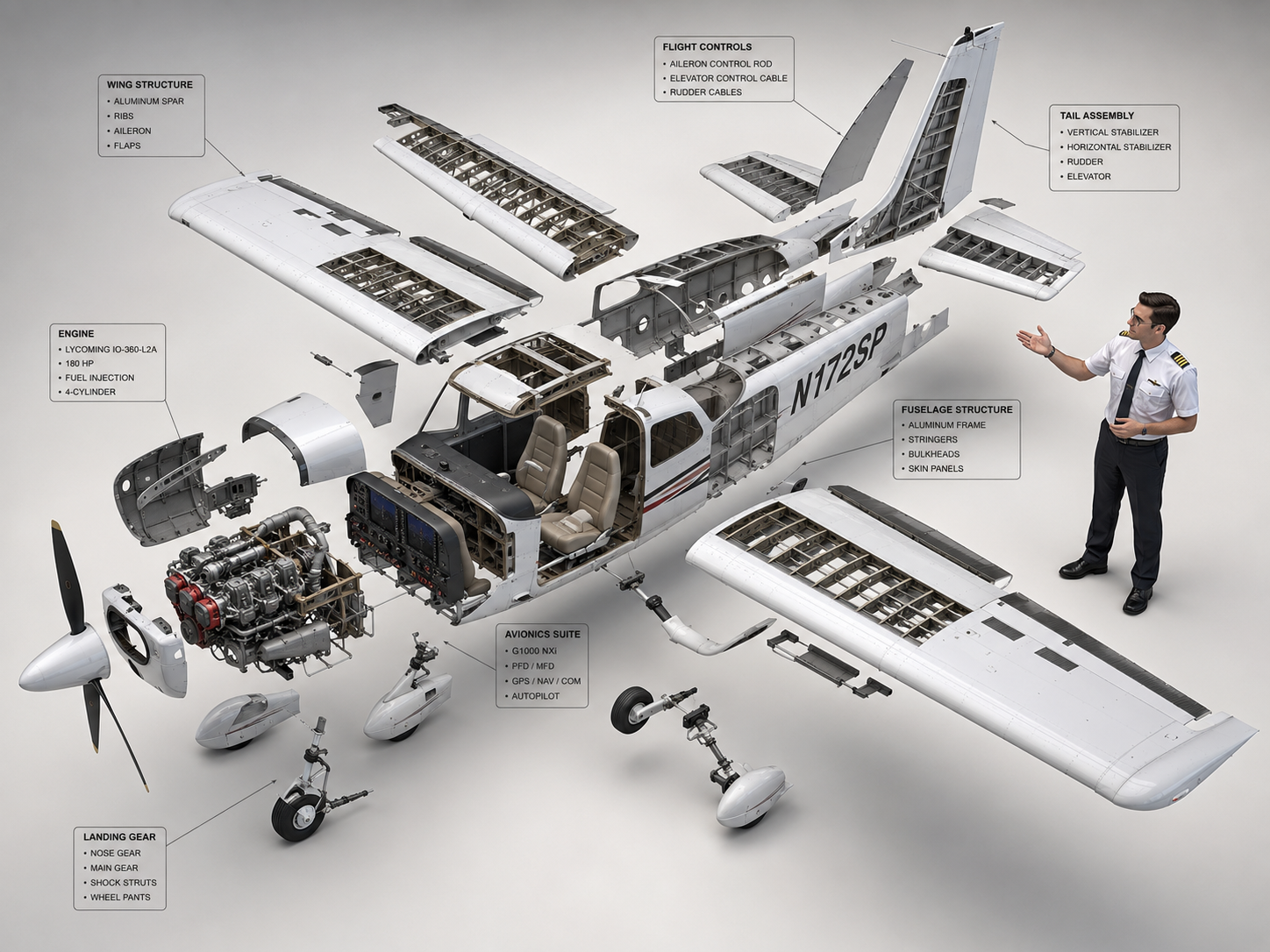
Cessna 172 Exploded View Diagram

Dystopian Luxury Advertising Poster
What Are Blueprint Design AI Prompts?
Blueprint Design AI prompts are generative instructions that produce technical drawings in the distinctive blueprint style, characterized by a blue background with white or cyan line work. These prompts can generate architectural floor plans, mechanical engineering drawings, electrical schematics, product design layouts, and conceptual technical illustrations. The classic cyanotype blueprint aesthetic has transcended its practical origins to become a visual style valued in graphic design, fashion, and interior decoration. Carat's AI understands both the technical conventions of engineering drawings (dimension lines, callouts, scale indicators, cross-section symbols) and the aesthetic appeal of the blueprint look, producing images that are simultaneously informative and visually striking.
Main Use Cases
- Creating architectural and interior design portfolio pieces that showcase spatial concepts in a professional drafting aesthetic.
- Producing conceptual product design drawings for industrial design presentations, patent applications, or investor pitch decks.
- Generating educational illustrations for engineering, architecture, or design courses that explain structural concepts through blueprint visualization.
- Creating marketing materials for construction, real estate, or engineering firms that use the blueprint motif as a brand visual element.
- Producing decorative art pieces, poster designs, or textile patterns that leverage the blueprint aesthetic for its graphic appeal.
Why This Tag Is Useful
Blueprint drawings occupy a unique intersection of technical precision and visual aesthetics. Creating them traditionally requires CAD software expertise and hours of meticulous drafting. This tag is useful because it democratizes the blueprint creation process, allowing anyone to produce convincing technical drawings through natural language description. For architects and designers, it offers a rapid prototyping tool for exploring spatial concepts before committing to detailed CAD work. For marketers and educators, it provides a way to create visually authoritative technical imagery without needing a drafting department. The blueprint style also has strong cultural resonance as a symbol of engineering, innovation, and thoughtful design, making it an effective visual metaphor in branding and communication materials.
Related Prompts
Prompt Composition Tips
- Specify the type of technical drawing: Different disciplines have different drawing conventions. 'Architectural floor plan with room labels and door swings', 'mechanical assembly drawing with exploded view components', 'electrical circuit schematic with standard symbols', or 'plumbing layout with pipe routing and fixture symbols' each produce fundamentally different types of technical imagery. Be specific about the engineering discipline and drawing type.
- Define the blueprint visual style: While the classic blueprint is blue with white lines, there are many variations. 'Traditional cyanotype with deep blue background and crisp white linework', 'modern dark mode blueprint with navy background and cyan lines', 'gridded blueprint with measurement overlay', or 'sepia toned vintage patent drawing style' each create a different aesthetic while maintaining the technical drawing feel.
- Describe the subject in technical detail: The level of detail in your subject description directly affects the complexity of the generated drawing. 'Two-story residential building with attached garage, four bedrooms, open concept kitchen-living area, and rear deck' produces a much richer floor plan than simply 'a house'. For product design, 'smartphone with visible internal battery, circuit board, camera module, and screen assembly' creates a more detailed exploded view.
- Include technical drawing conventions: To make the blueprint look authentic, add references to standard drafting elements. 'Dimension lines with arrows, scale bar in bottom right, north arrow indicator, title block with drawing number', 'labeled callouts with leader lines pointing to components', 'section markers and detail callouts', or 'tolerance specifications and material notes in corner block'. These conventions make the drawing look professionally executed rather than merely decorative.
By combining technical specificity with aesthetic direction, you can create blueprint designs that are both visually compelling and structurally convincing.